

KTC 34 Inch Ultrawide Monitor H34S18S — 180Hz WQHD Curved Gaming Display
Reviews
Price
Product description
What it is and who it’s for
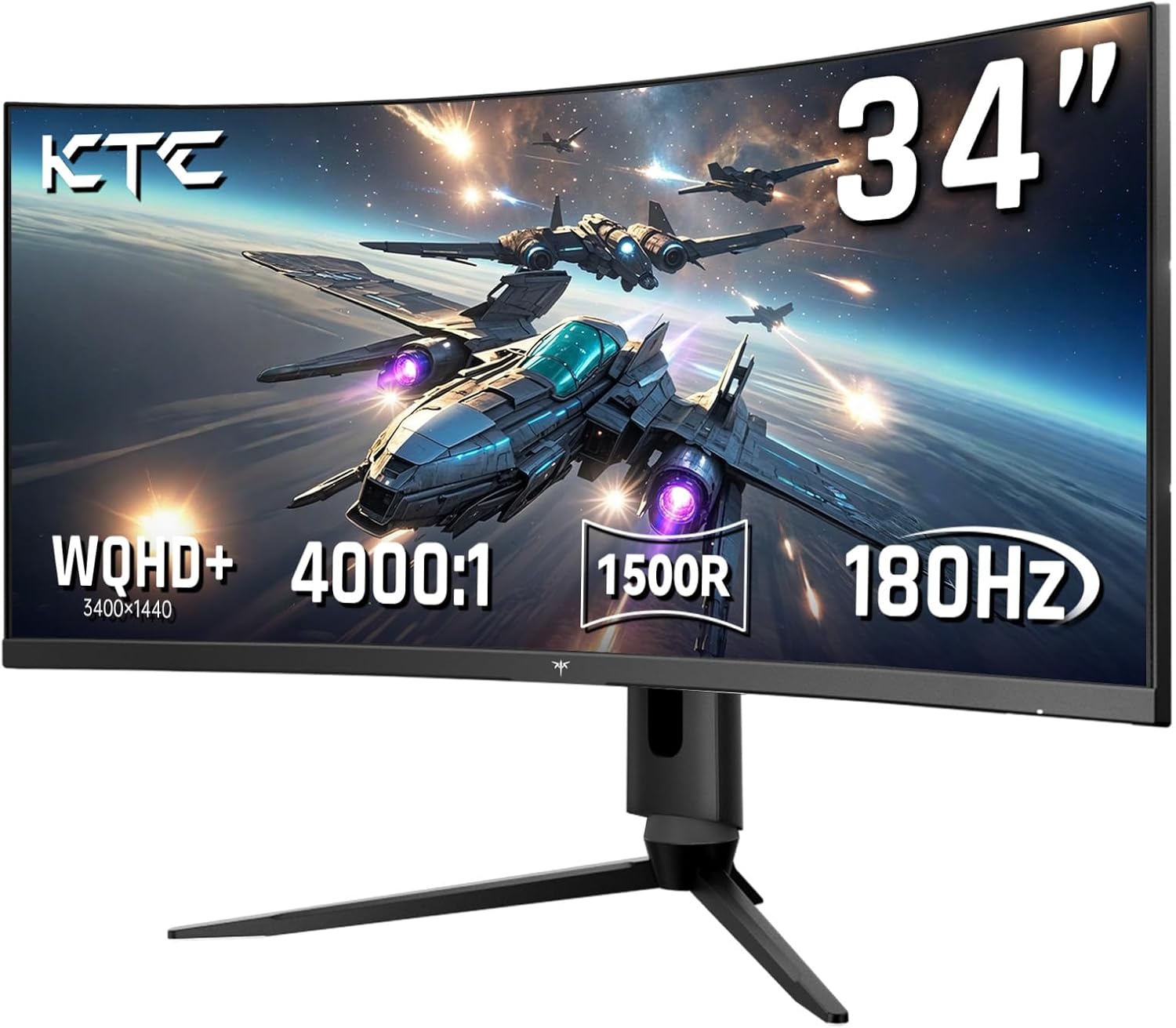
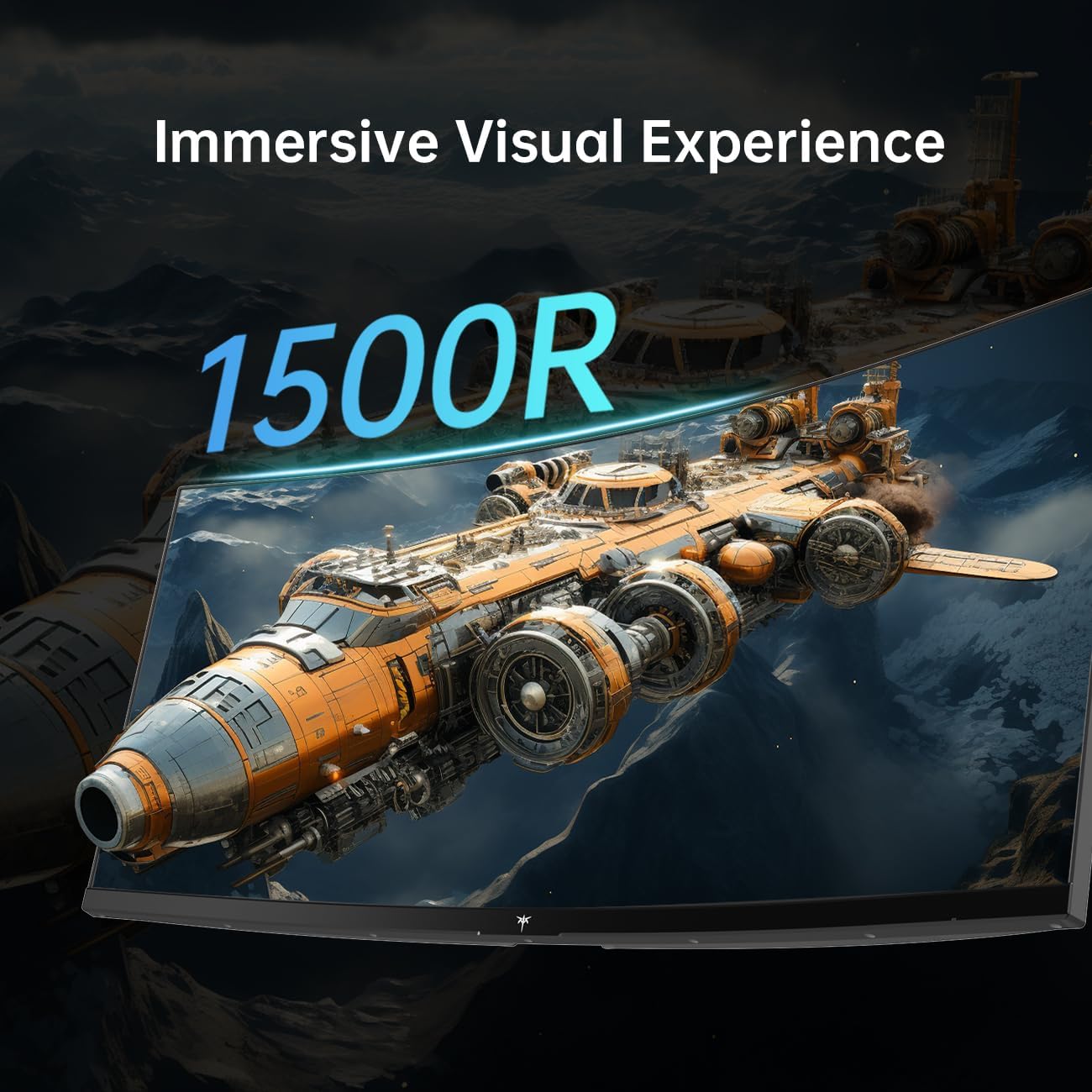
The KTC 34 Inch Ultrawide Monitor is a curved gaming display designed to deliver an immersive wide-screen experience. With a 34-inch panel and a 1500R curvature, it aims to fill your peripheral view for gaming, creative work, and multi-tasking. If you’re chasing a broad, cinematic field of view that still keeps text and UI readable, this model targets that middle ground between ultrawide immersion and practical desktop use.
The essentials
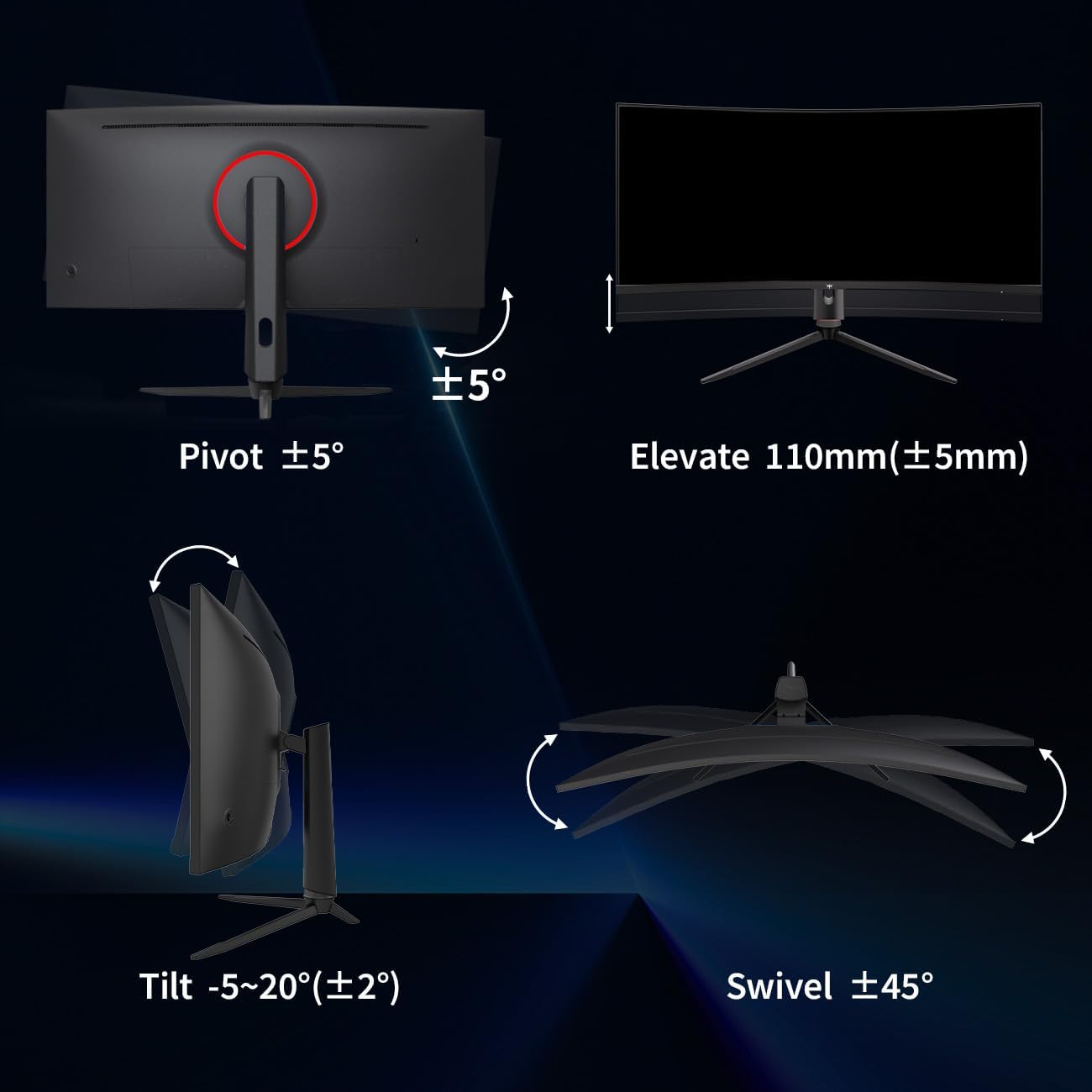
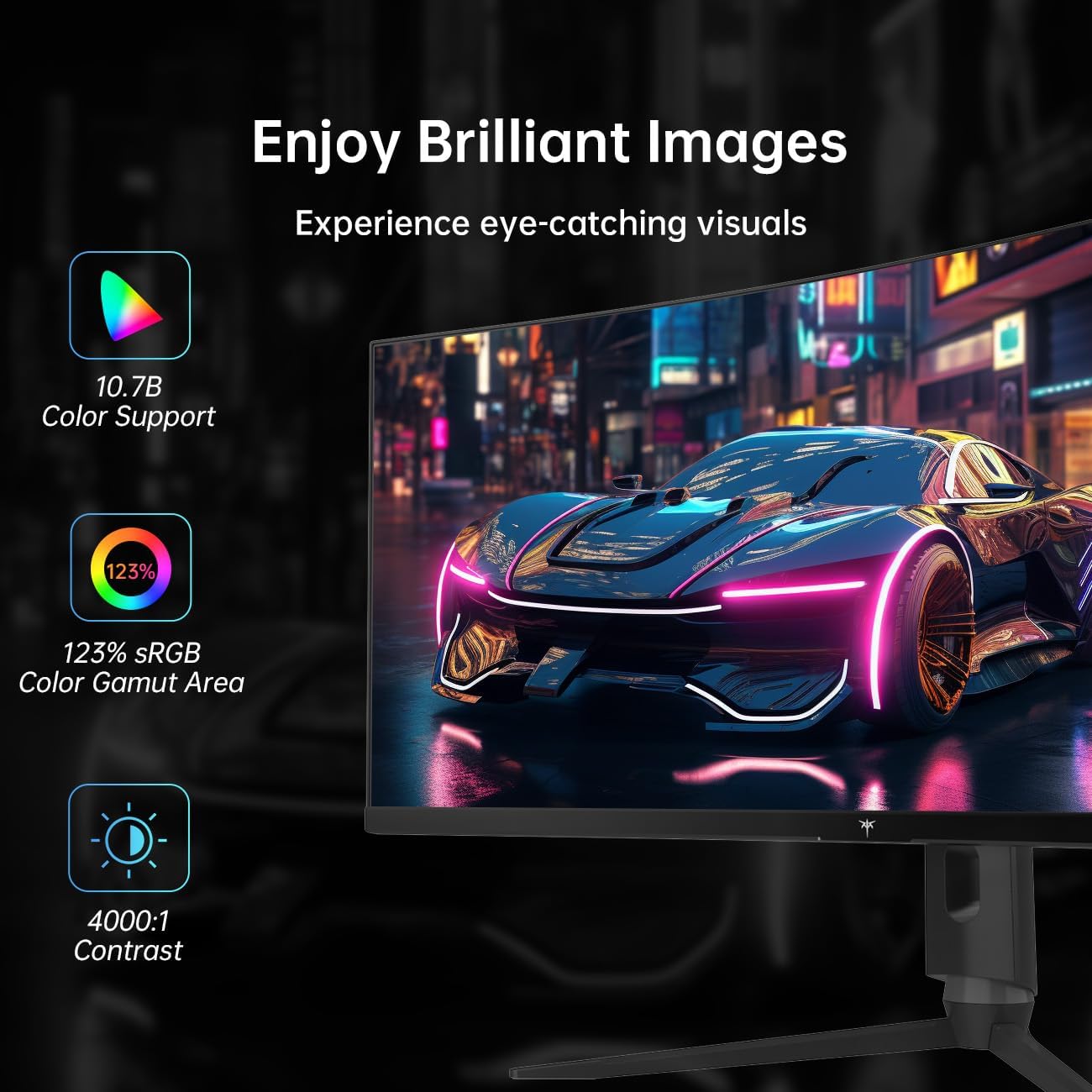
Core specifications matter when you’re shopping for a gaming monitor. This model offers a 34-inch ultrawide canvas with WQHD resolution (3440x1440) and a high refresh rate of 180Hz, which can smooth out motion in fast-paced titles. It also includes HDR support and syncing tech (FreeSync and G-Sync) to minimize screen tearing. Connectivity includes HDMI and DisplayPort, with VESA mounting for flexible setup. The tilt, swivel, height, and pivot adjustments give you room to dial in your viewing angle.
What stands out
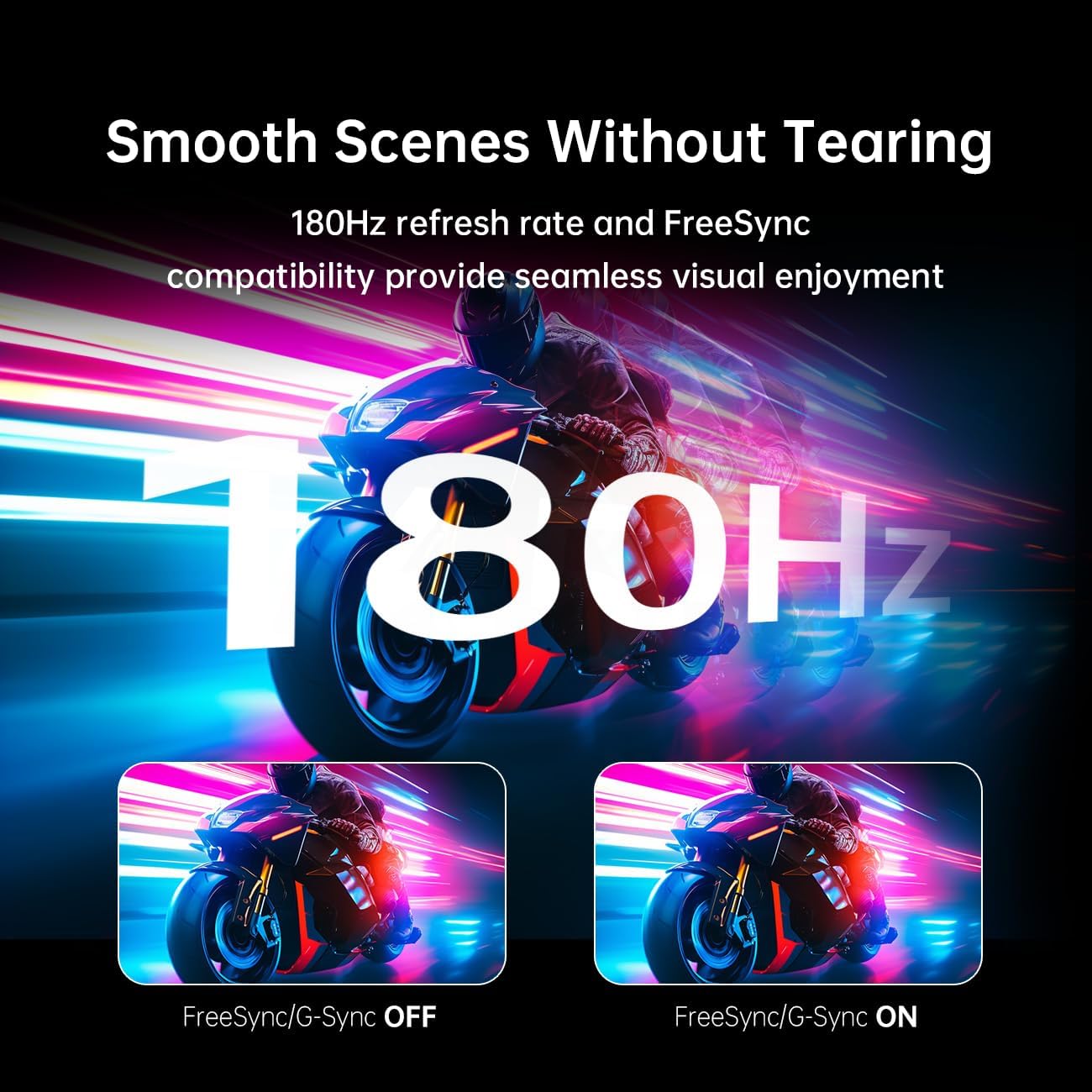
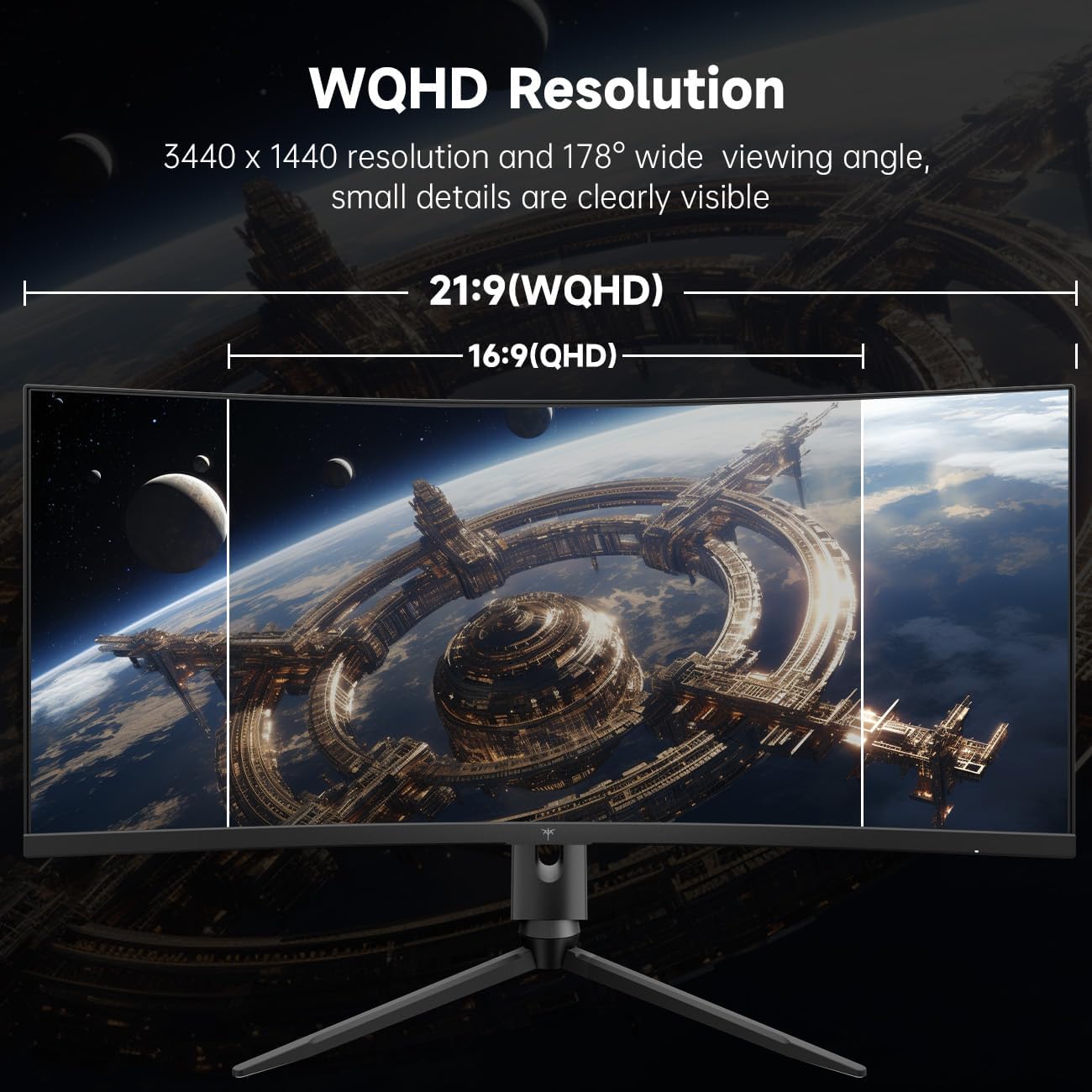
On the page, the 180Hz refresh and the 3440x1440 resolution set expectations for responsive, sharp gameplay with a wide aspect ratio that can boost both gaming and productivity workflows. The curved design (1500R) is a particular talking point for those who want an enveloping feel rather than a flat panel. Support for both FreeSync and G-Sync broadens compatibility with a wider range of GPUs and gaming setups, which is helpful if you’re not sure which sync tech your system supports.
Practical usage and limitations
If you prioritize smooth motion and wide-screen real estate, this monitor is likely to feel responsive in fast-moving games and provide ample space for multitasking. However, it’s worth noting that to take full advantage of 180Hz, you’ll want a compatible GPU and appropriate settings in your preferred titles. The HDR capability is another point to consider, HDR performance can vary by panel, content, and calibration, so expectations should be measured. Also, as with many ultrawide displays, some games and certain applications may not support the 21:9 aspect ratio perfectly, which can lead to letterboxing or stretched interfaces in non-native modes.
When it makes sense to buy
Buy this model if you want a single monitor that doubles for gaming and productivity, with a strong emphasis on motion clarity and an expansive field of view. It’s a sensible pick for sim racing, flight sims, or first-person shooters where a wide canvas and fast refresh rate matter. It’s also a reasonable option if you’re upgrading from a standard 16:9 setup and want to reduce monitor clutter while increasing screen real estate.
What to check before you buy
- Verify your GPU can push high frame rates at 3440x1440 to truly leverage the 180Hz refresh.
- Consider your space, ultrawide 34-inch panels require a bit more desk depth and a suitable stand or mount for comfortable viewing distance.
- If HDR is important, keep expectations realistic about brightness and color performance, since it can vary by panel and panel calibration.
- Check compatibility with your preferred setup: ensure you have at least one HDMI and one DisplayPort connection available.
What you might compare it to (approach to alternatives)
If you’re deciding between ultrawide and a traditional 16:9 large monitor, think about whether the extra horizontal real estate will improve your workflow or gaming comfort. For some users, a higher refresh rate on a smaller, more saturated panel, or a 4K option with more pixel density, might feel sharper in certain titles. This model sits at a compromise point: ultrawide immersion with a high refresh rate, suitable for both gaming and productivity that benefits from extra screen width.
FAQ (quick answers)
- Q: Does it support both FreeSync and G-Sync? A: Yes, it includes both FreeSync and G-Sync compatibility.
- Q: What is the curvature rating? A: The monitor uses a 1500R curvature.
- Q: What resolutions and refresh rate are specified? A: WQHD at 3440x1440 with up to 180Hz refresh.
- Q: Can I mount it via VESA? A: Yes, VESA compatibility is listed.
- Q: Are there any caveats with ultrawide gaming? A: Some titles may not natively support ultrawide aspect ratios, which can affect UI scale or letterboxing in certain games.
Final verdict
It’s a solid pick if you want a single ultrawide display that blends high refresh gaming with broad multitasking space. You’ll likely notice smoother motion and wider views, but the value depends on your GPU, the games you play, and how much you value HDR and native ultrawide support. If you prioritize 4K density over ultrawide width, or if a limited desk setup constrains space, this might not be the best fit. Overall, it suits gamers and creators who want immersion without swapping to multiple monitors.