

ARZOPA Z3FC 16.1" portable monitor
Product description
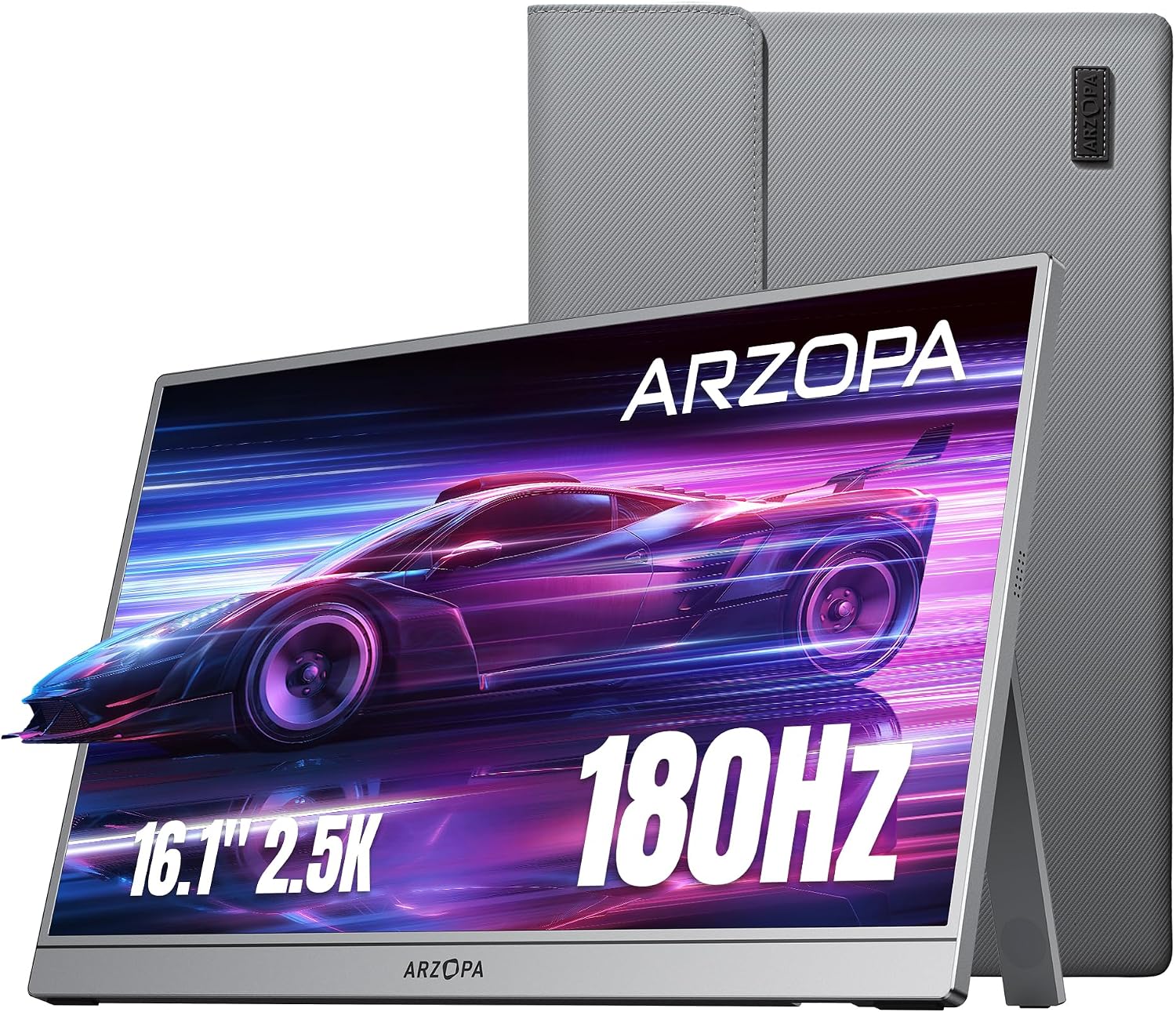
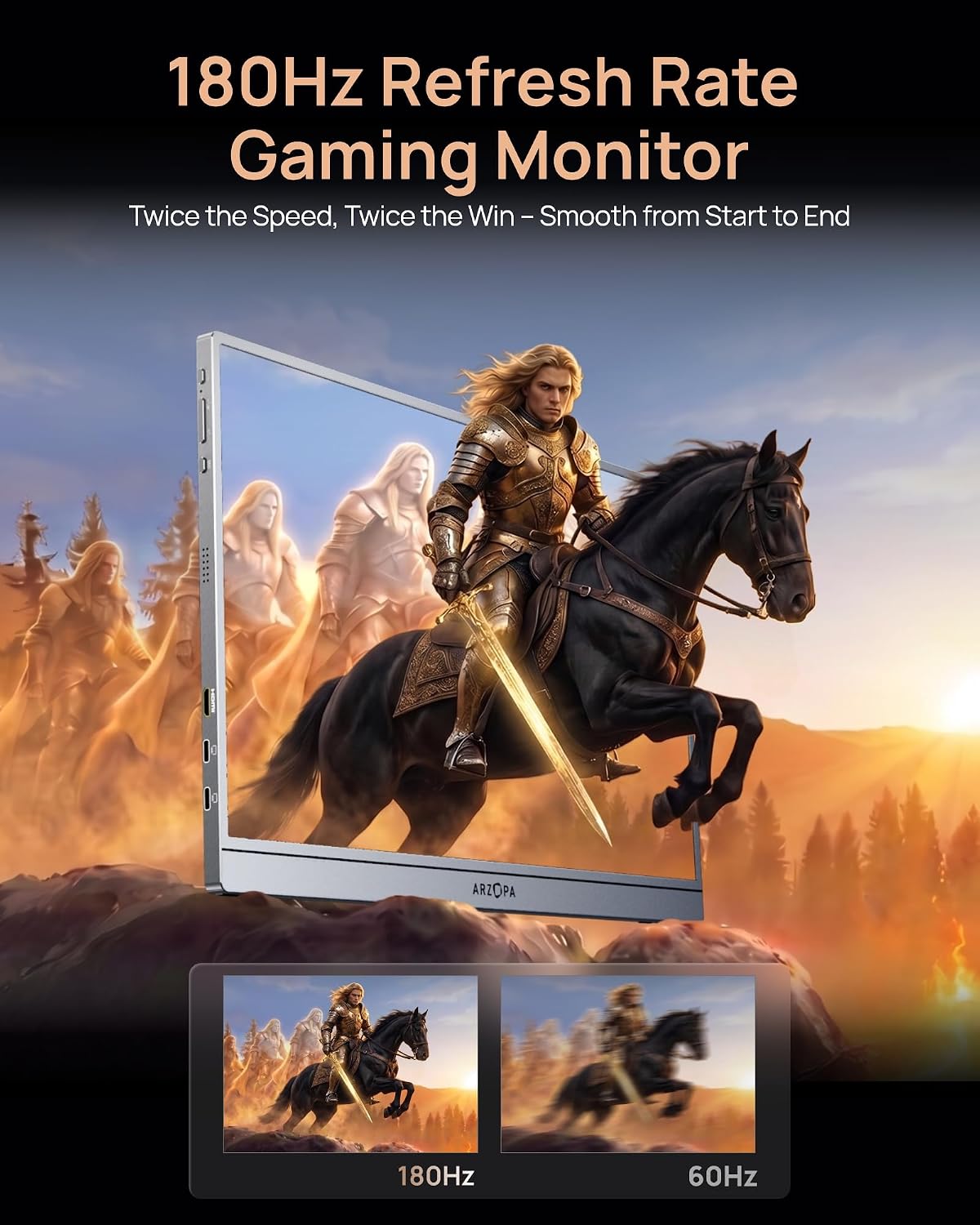
This portable monitor brings a high-refresh 16.1 inch display for gaming and on-the-go productivity. It balances sharp detail and smoother motion, making it easy to add a second screen when traveling or working remotely.
Plug-and-play convenience is central, with simple USB Type-C connections and a Mini HDMI port for quick setup. Keep in mind that performance claims are according to the manufacturer, and actual battery use or console compatibility may vary. 🎮
Quick overview
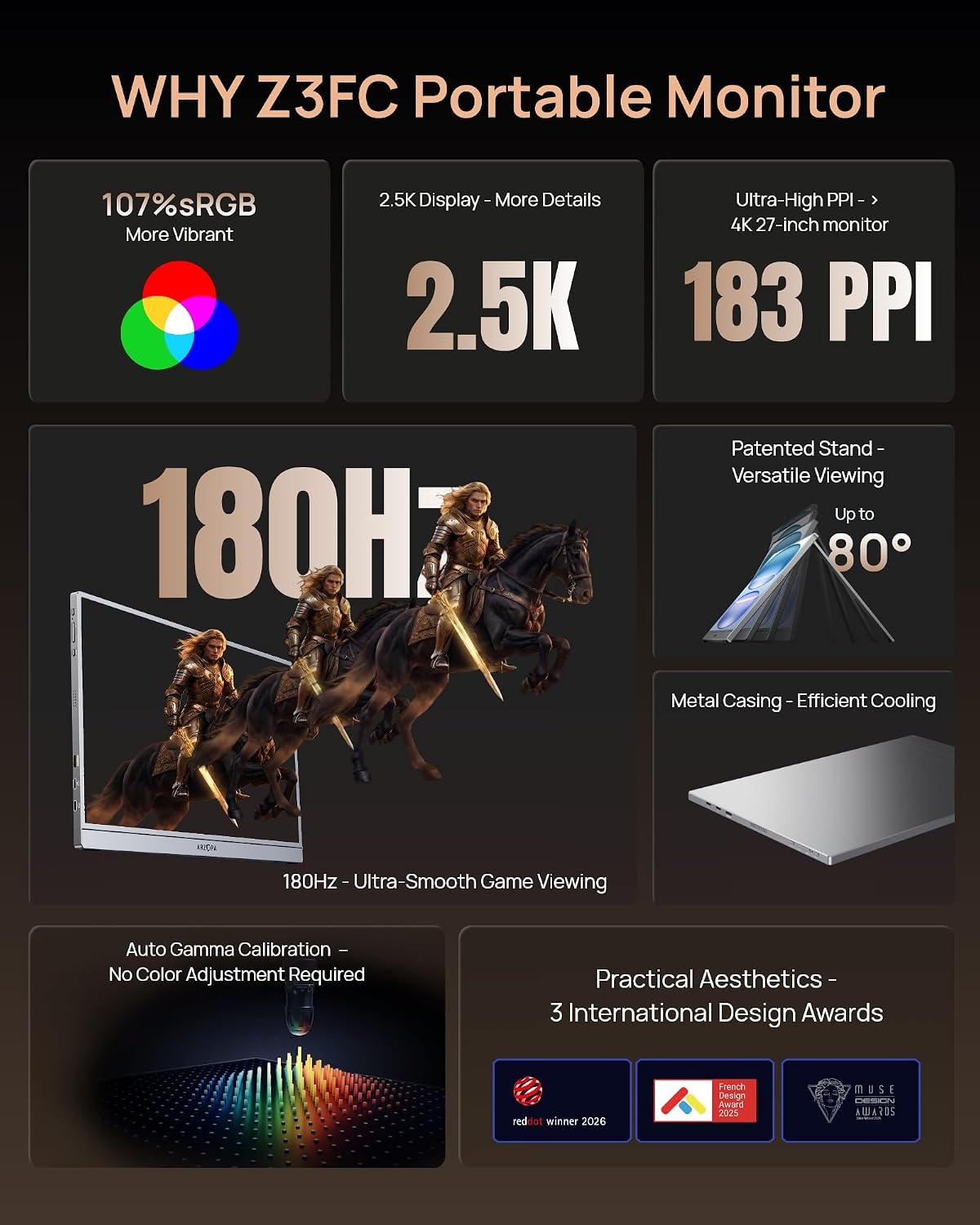
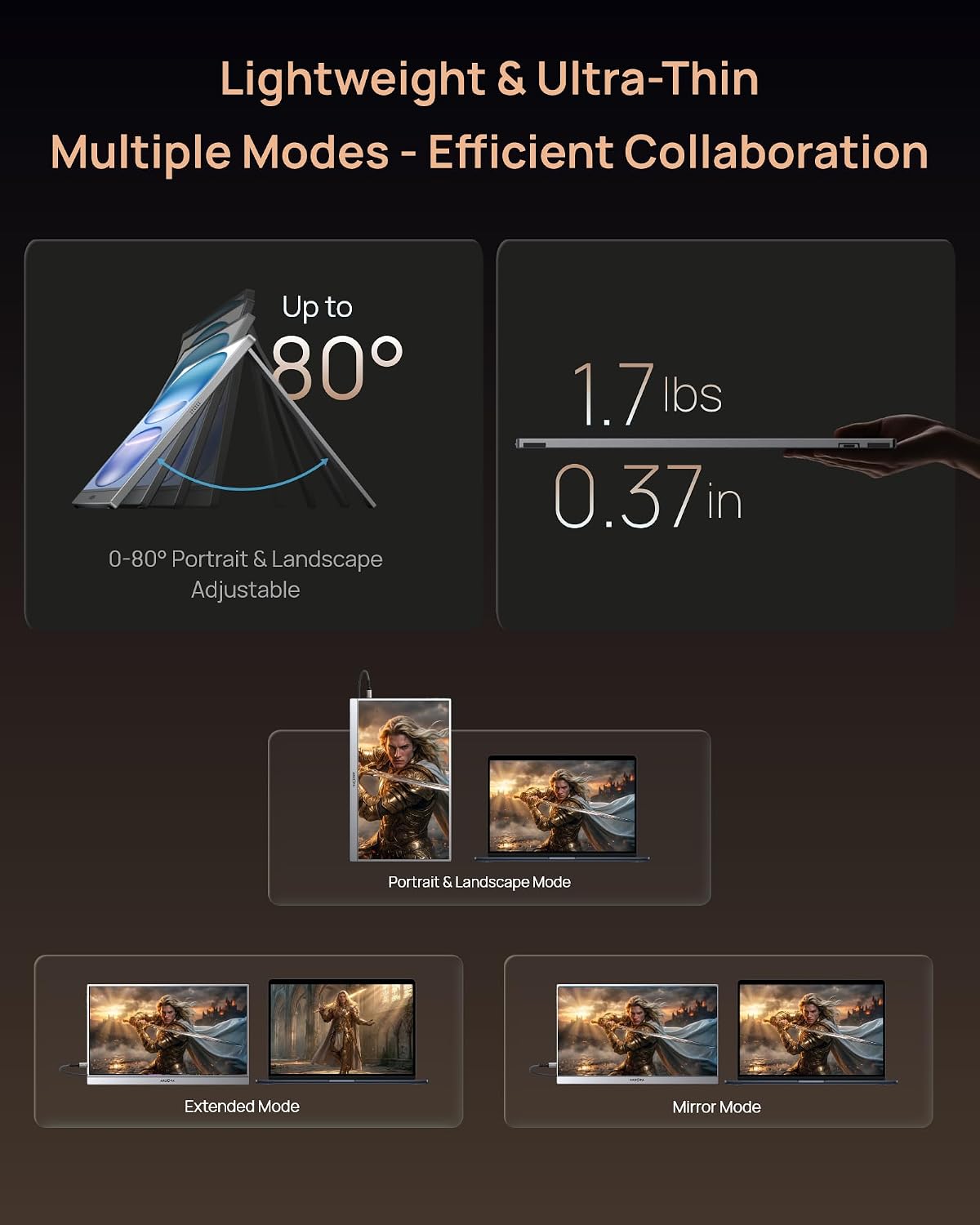
The ARZOPA Z3FC aims to upgrade both play and workflow with a QHD panel that favors clarity and color. You get higher frame responsiveness for fast-moving scenes and a brighter panel for better visibility in mixed lighting. The built-in kickstand lets you switch tilts and orientation without extra accessories, which is handy for presentations or vertical document review. 💼
Who it’s for
It’s a great fit if you want a secondary display that enhances productivity and gaming on the move, if you need a lightweight screen for streaming from a console, or if you want a compact QHD display for content review. You may want to skip it if you need an external display with many ports or an integrated battery, because this model relies on host power and offers a focused connectivity set.
Tech specs
- Name: ARZOPA Z3FC
- Size: 16.1 inches
- Resolution: 2560 x 1440
- Refresh rate: 180Hz
- Connectivity: USB Type-C x2, Mini HDMI
- Brightness: 400 nits
- Type: Portable monitor with built-in kickstand
What stands out
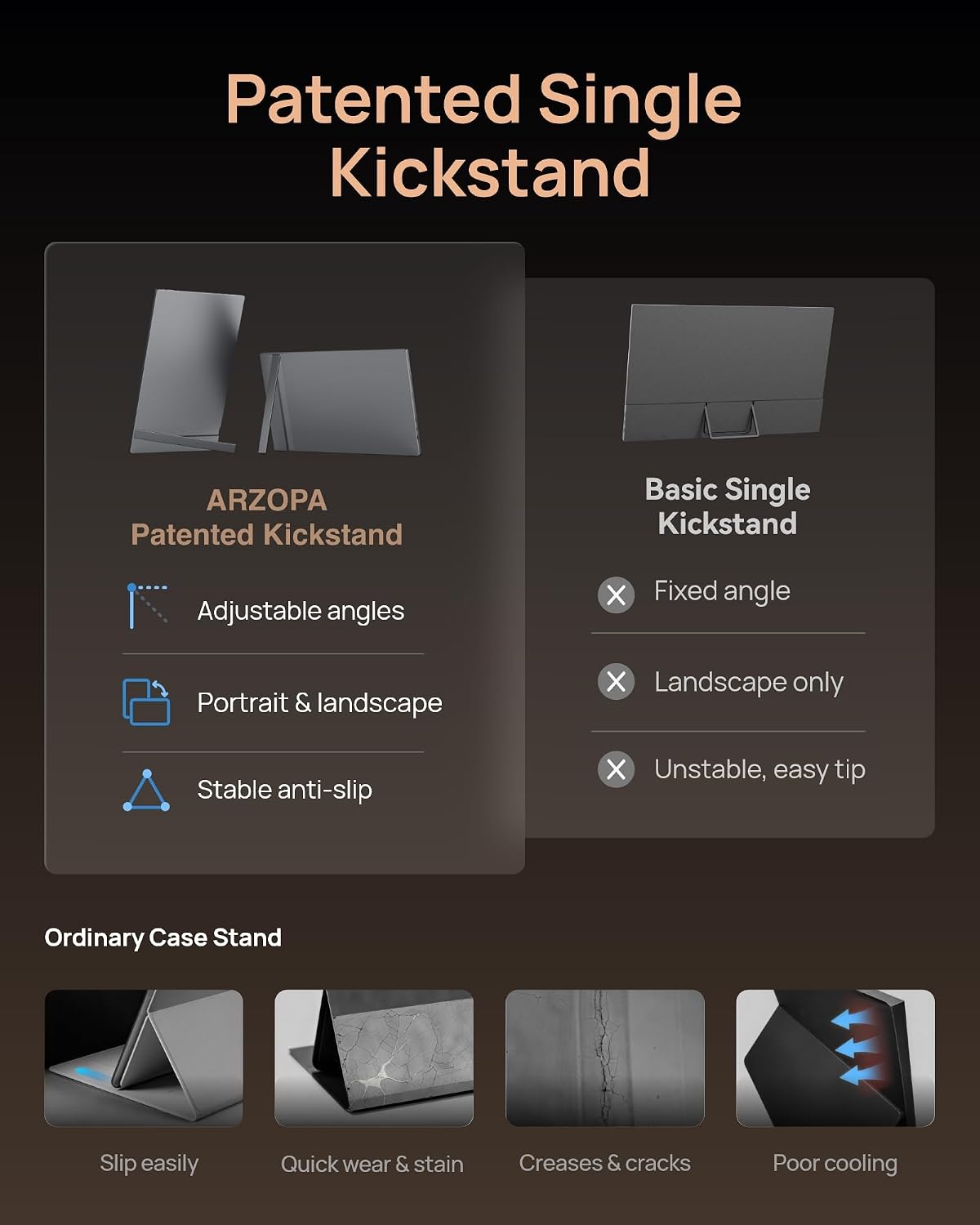
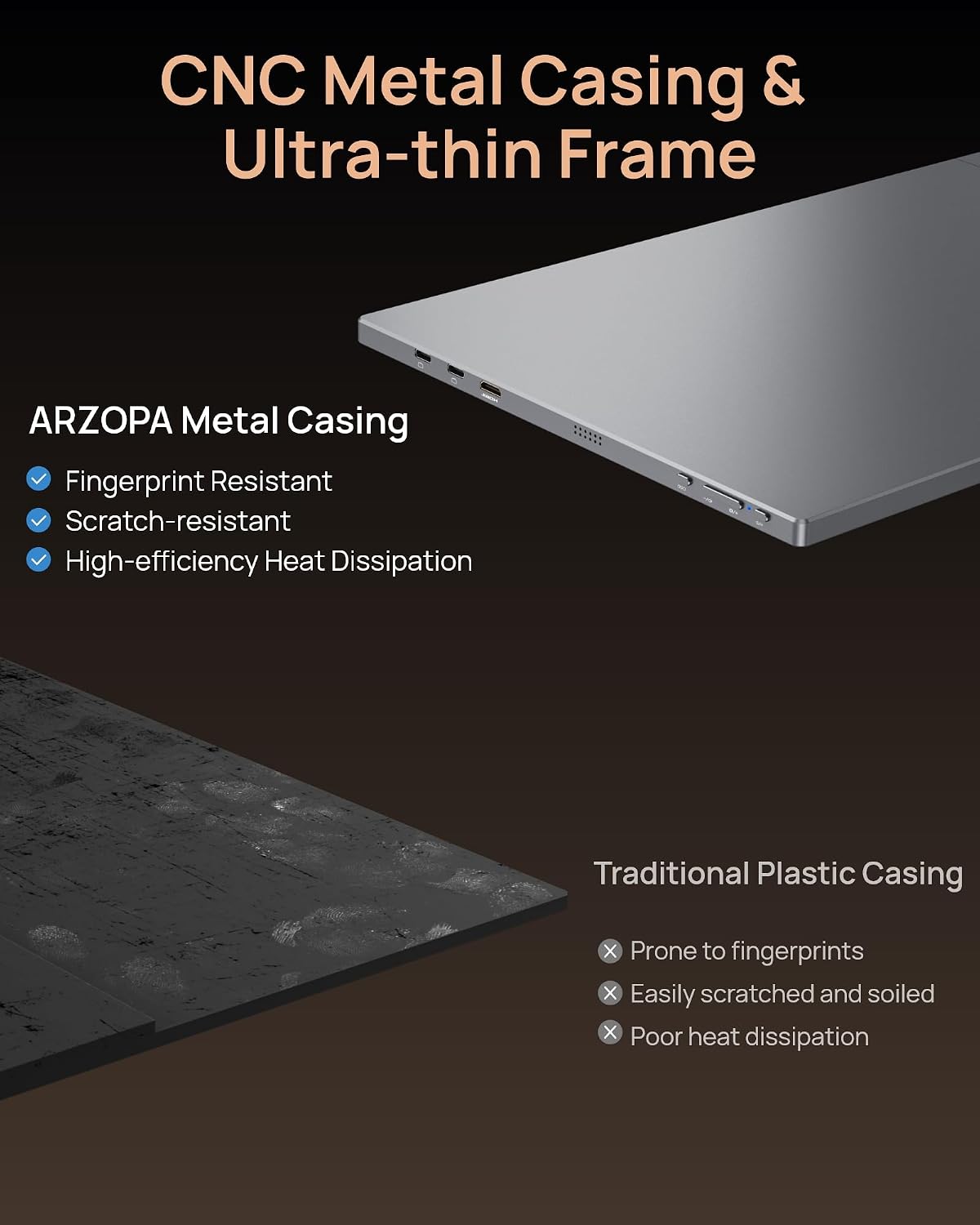
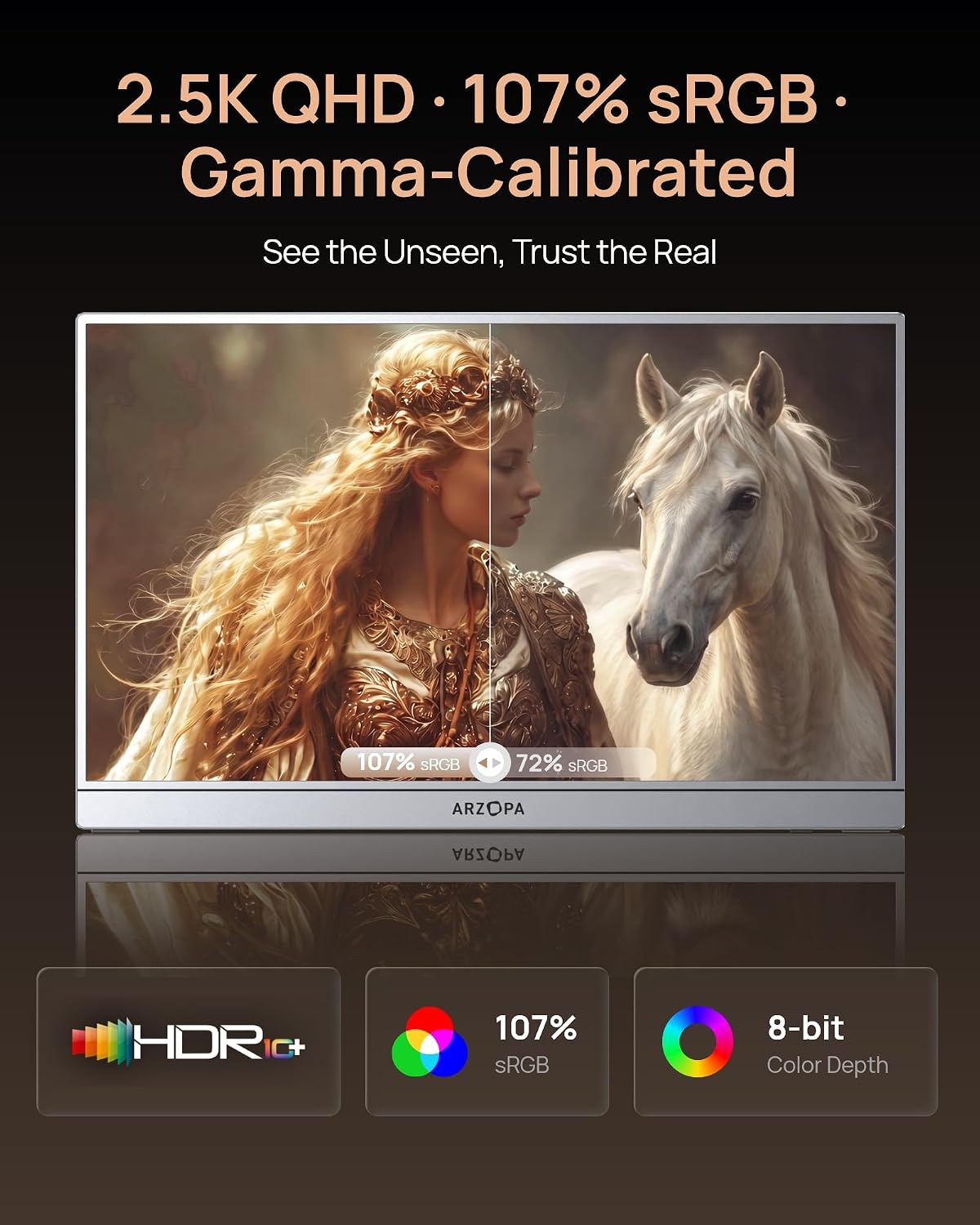
The display emphasizes fluid motion with its 180Hz panel and clearer images thanks to the 2560 x 1440 resolution. Color coverage near 107% sRGB supports more vivid tones, useful when reviewing photos or creative work. The monitor is ultrathin and light enough to carry in a bag, and it rotates between landscape and portrait with minimal fuss. 🧳
Practical tips
Use the dual USB-C ports to connect modern laptops and consoles that support DisplayPort over USB-C, and switch to Mini HDMI for older sources. For stable performance, plug into a powered USB-C port on your host device and avoid overloading a single hub. Keep in mind that HDR behavior and contrast depend on source content and host hardware, according to the manufacturer.