

32" 4K UHD IPS Monitor with 60Hz, Ergo VESA: Work-from-Home Essential for MacBook and PS5 Gaming
Product description
What it is
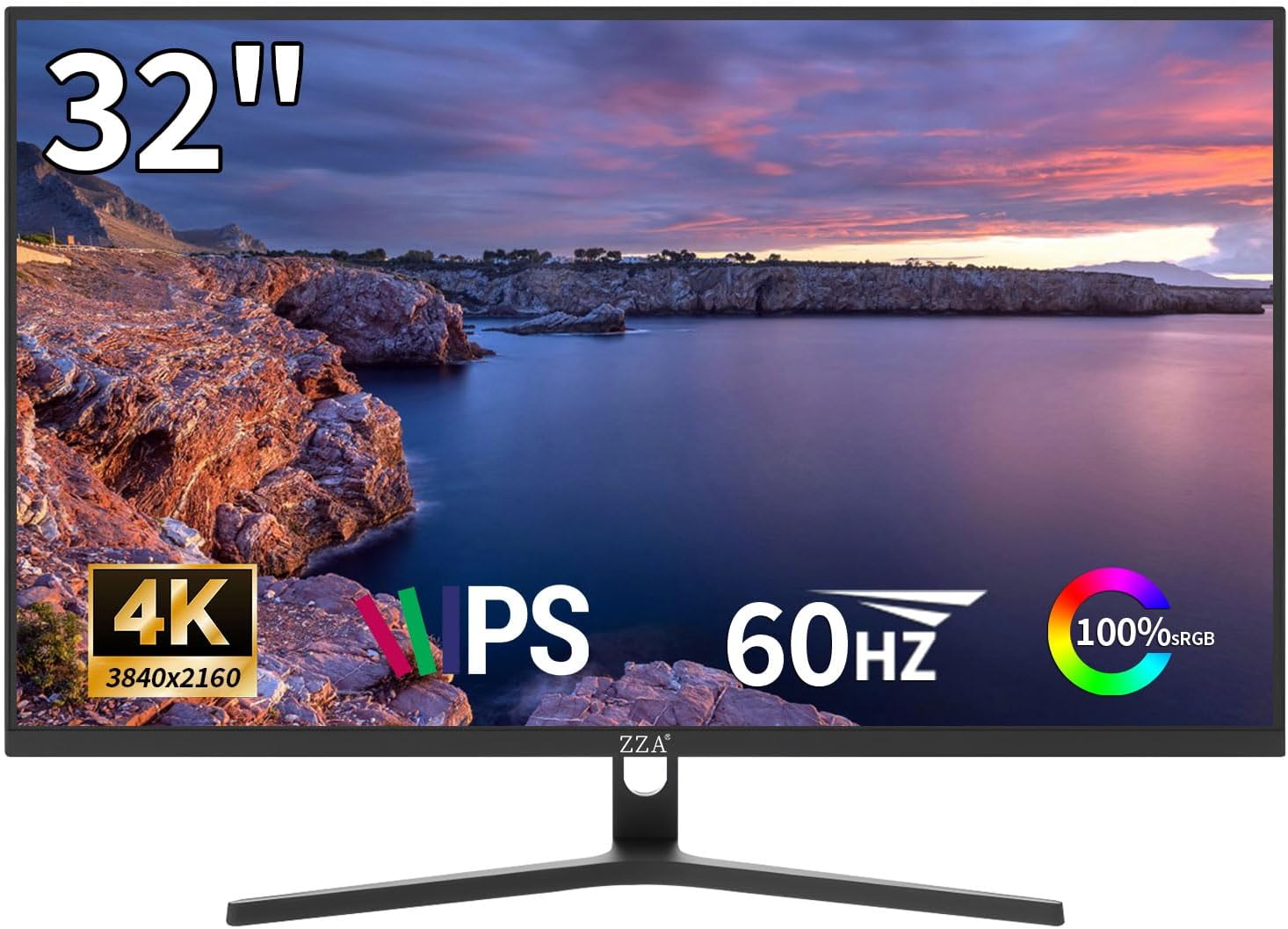
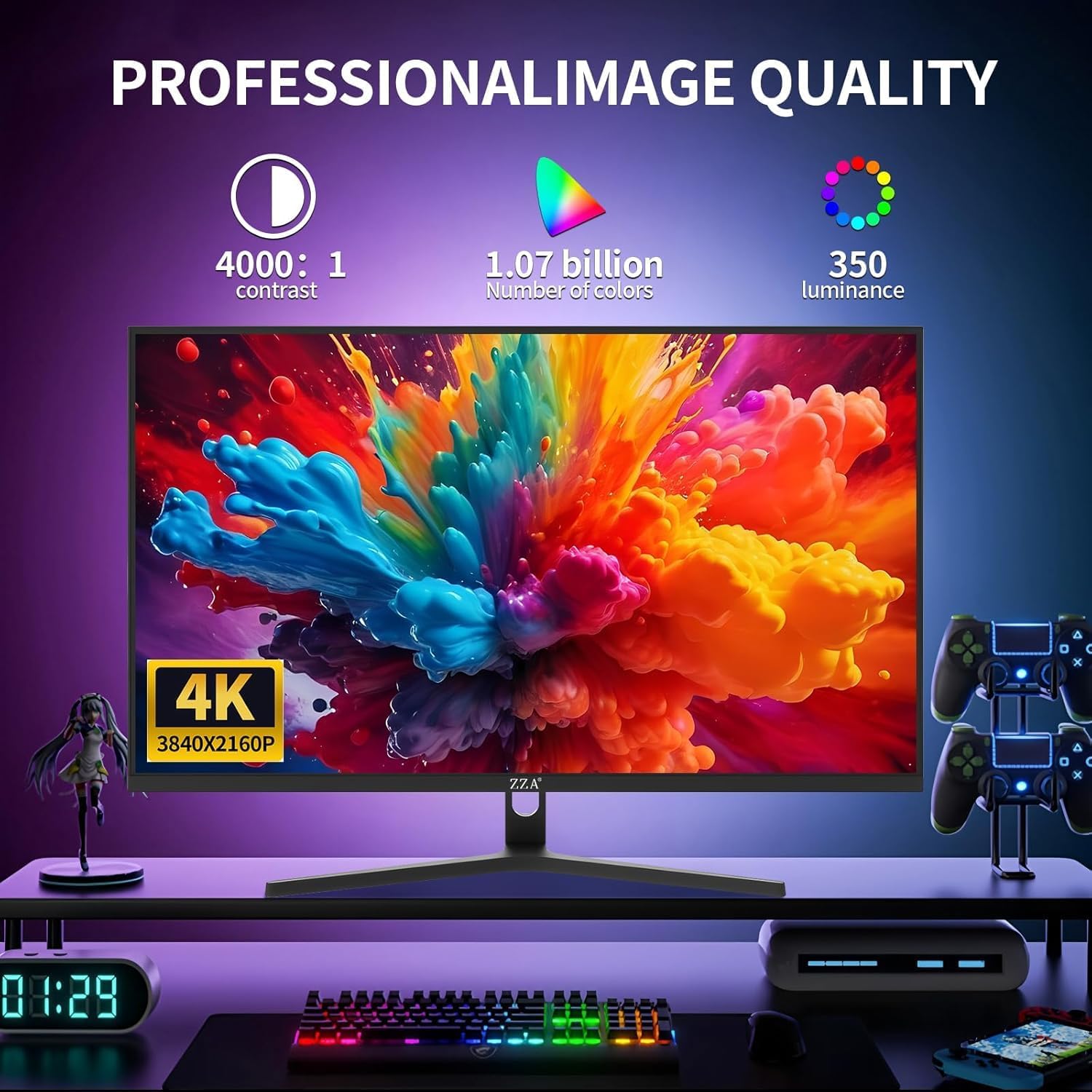
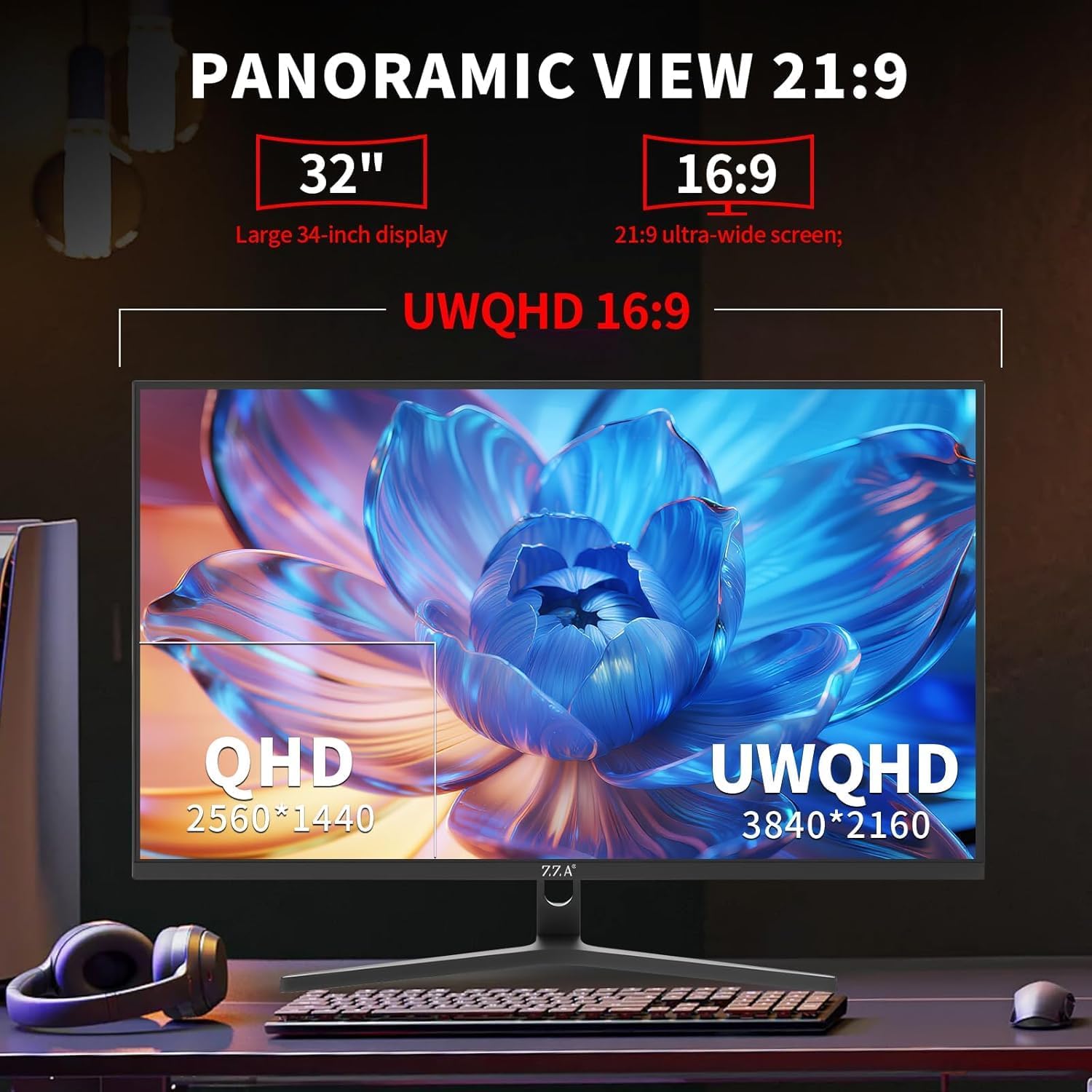
This is a 32-inch 4K UHD IPS monitor designed to balance productivity and casual gaming. With a 3840x2160 resolution, 100% sRGB, and an IPS panel, text stays sharp from wider viewing angles while colors stay accurate even when you’re not staring straight at the screen. The monitor focuses on a practical home-office setup and lighter gaming duties rather than elite esports performance.
Who it helps best
If you’re often juggling spreadsheets, video calls, and a few side projects, this display aims to reduce tab-switching and improve legibility. It’s also positioned as a comfortable companion for PS5 but without aiming for ultra-high frame-rate titles. Think “work by day, game by night” for single-player experiences where visuals matter more than speed.
Why it’s worth considering
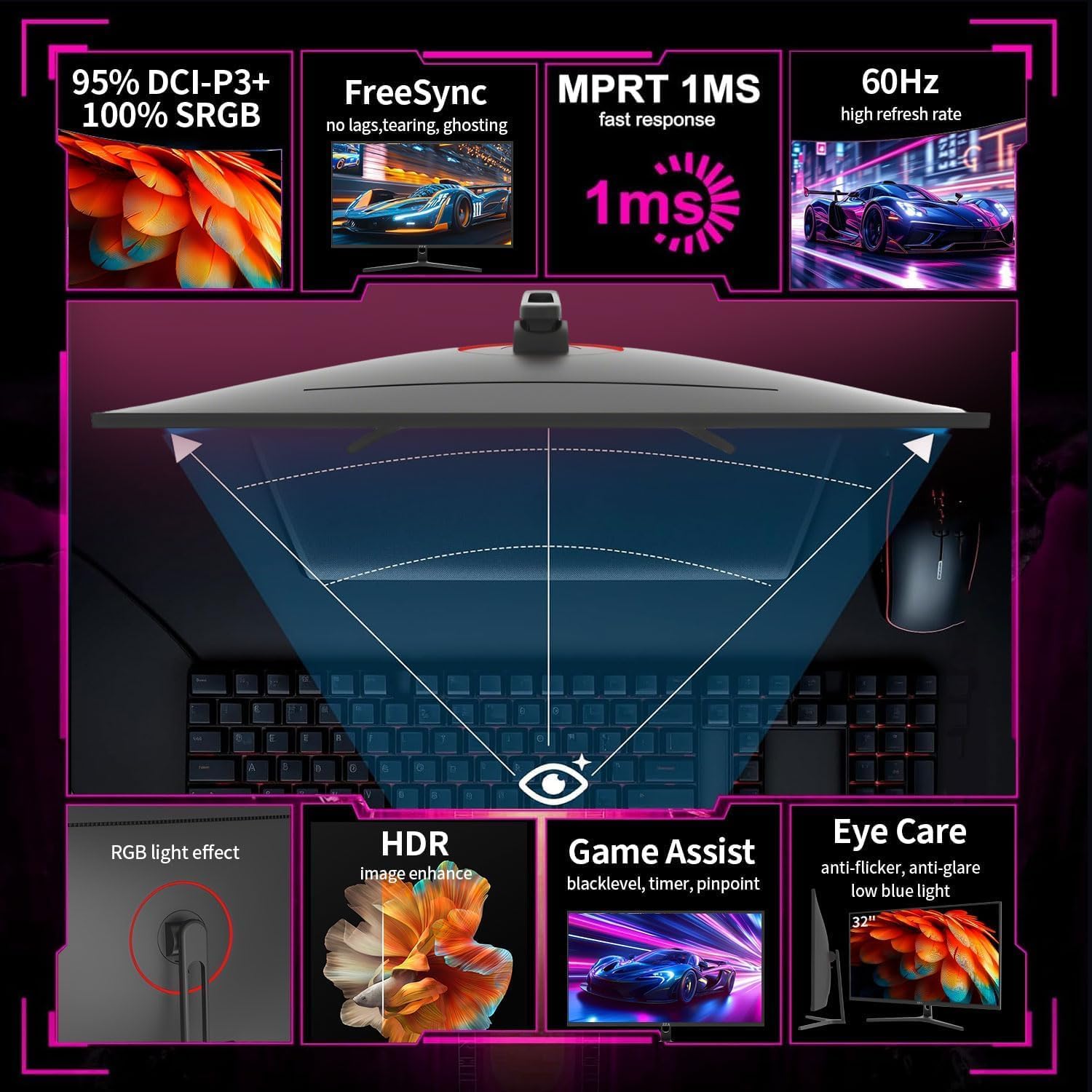
On paper, the benefit comes from size and resolution: you can place two full-size windows side-by-side and still have readable text, which can cut down the time spent moving between apps. The 60Hz refresh rate with FreeSync helps avoid tearing in console titles, though this isn’t pitched as a dedicated gaming monitor. The inclusion of 100% sRGB and HDR10 compatibility supports a richer color palette for multimedia work.
What stands out in real use
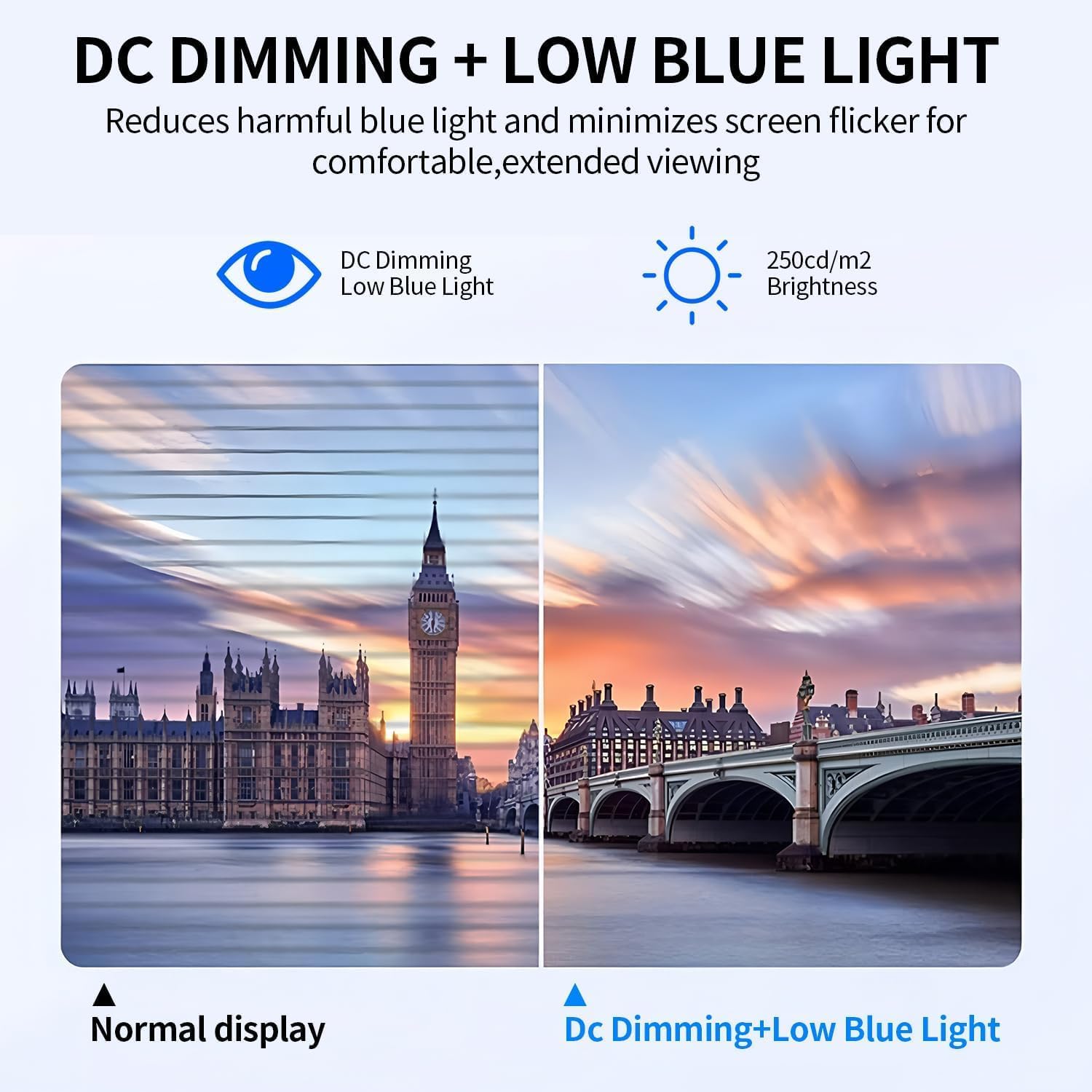
The screen’s large, slim-bezel silhouette fits well in a home office and helps multi-monitor alignments. The Eye Care features (Low Blue Light and Flicker-Free) are notable if you’re staring at a screen for long stretches. The anti-glare coating also reduces reflections from office lighting, which matters for daytime setups near windows. Connectivity comes through HDMI 2.0 and DisplayPort 1.4, enabling a simple plug-and-play with a laptop or console when you want to switch between devices without crawling behind the desk.
Limitations to keep in mind
If your priority is fast-paced gaming with a high refresh rate, this model may fall short compared with esports-focused options. The 60Hz spec means you’ll notice smoother motion in standard tasks but not the ultra-responsive feel some players expect. Also, while the monitor is designed for versatility, the claim of “console-ready 60Hz gameplay” suggests a best-fit for casual, story-driven titles rather than competitive swing.
What you’ll want to check before buying
- Confirm your device’s connectivity: HDMI 2.0 and DP 1.4, and whether you’ll be using DP for your laptop or HDMI for a console.
- Consider your seating and desk setup: 32 inches is substantial, ensure your chair height and desk space allow ergonomic viewing distance (roughly 2–3 feet away is suggested).
- Evaluate color-work needs: 100% sRGB is solid for most general creative tasks, but if you require DCI-P3 or more precise grayscale, you may want to compare workflows.
- Think about future-proofing: if you anticipate upgrading to a GPU or console with higher frame-rate demands, know this monitor’s strengths align more with productivity and steady 4K visuals than high-speed gaming.
How it compares to the alternatives you’re weighing
This monitor provides a larger canvas than many standard 24–27 inch 1080p or 1440p displays, which is appealing for multi-tasking. It isn’t pitched as a top-tier gaming monitor with high refresh rates or adaptive sync beyond FreeSync. If your priority is a dual-use device that doubles as a work monitor and a casual gaming screen, it sits in a practical middle ground between budget 4K panels and premium gaming setups.
Practical usage example


Imagine editing a spreadsheet while keeping a reference document open on the other side. The 32" 4K panel lets you see more cells and text without constant zooming. Later in the day, you can switch to a single-player RPG on PS5 and enjoy the cinematic scenes with decent color fidelity and minimal blur, all while keeping your desk clean thanks to a slim-bezel design and a VESA mount for ergonomic height adjustment.
Where it fits your day-to-day life
- For home offices where space is ample and clarity matters more than ultra-high refreshes.
- For users who want a single display that can serve as both work hub and casual gaming screen.
- For setups that benefit from a clean, slim-profile monitor with straightforward connectivity.
Final decision
Is it worth it? A solid pick if you value a large, sharp workspace and comfortable eye-care features, and you don’t require high-end gaming performance. It’s a sensible choice for mixed-use environments where productivity gains from screen real estate start to show and casual gaming remains enjoyable.
FAQ
- Do I need a powerful GPU to get 4K at 60Hz? Not necessarily, 60Hz at 4K is commonly supported by mid-range GPUs for typical productivity and casual gaming tasks.
- Can I use this monitor with a MacBook and a console at the same time? Yes, with HDMI 2.0 and DP 1.4 you can switch between devices without unplugging cables.
- Is the display good for long work sessions? The Low Blue Light and Flicker-Free tech, plus a comfortable viewing distance, are designed to help with long days, though personal comfort will vary.