

VAYDEER USB Mouse Jiggler with LED Timer (2025 Aluminium Edition) – Dual Motion Modes, Plug & Play for Windows/Mac/Linux
Reviews
Price
Product description
What it is and what it’s for
A USB mouse jiggler is one of those tools that only really clicks once you’ve had the problem it solves: your computer goes idle, your session times out, or screens start acting like you’ve stepped away. The VAYDEER USB Mouse Jiggler with LED Timer is built for that exact situation, using movement that’s meant to look like normal cursor activity while staying recognisable to your system as a standard USB optical mouse.
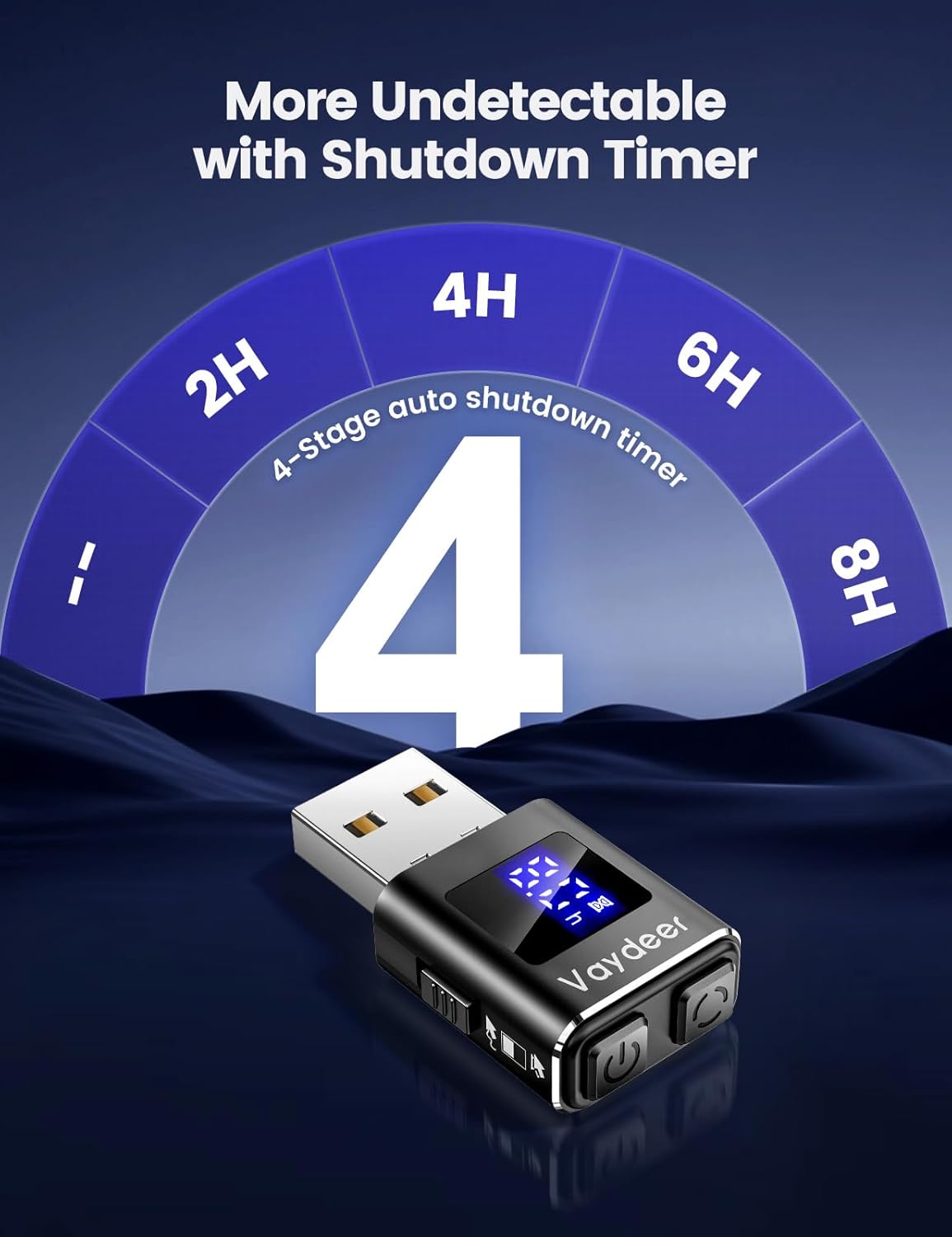
What makes this model stand out on paper is the LED timer. Instead of relying on you to remember when to start/stop, you can set a runtime for 2, 4, 6, or 8 hours, or choose a non-stop option. The idea here is control without constant babysitting.
What you’ll notice in day-to-day use
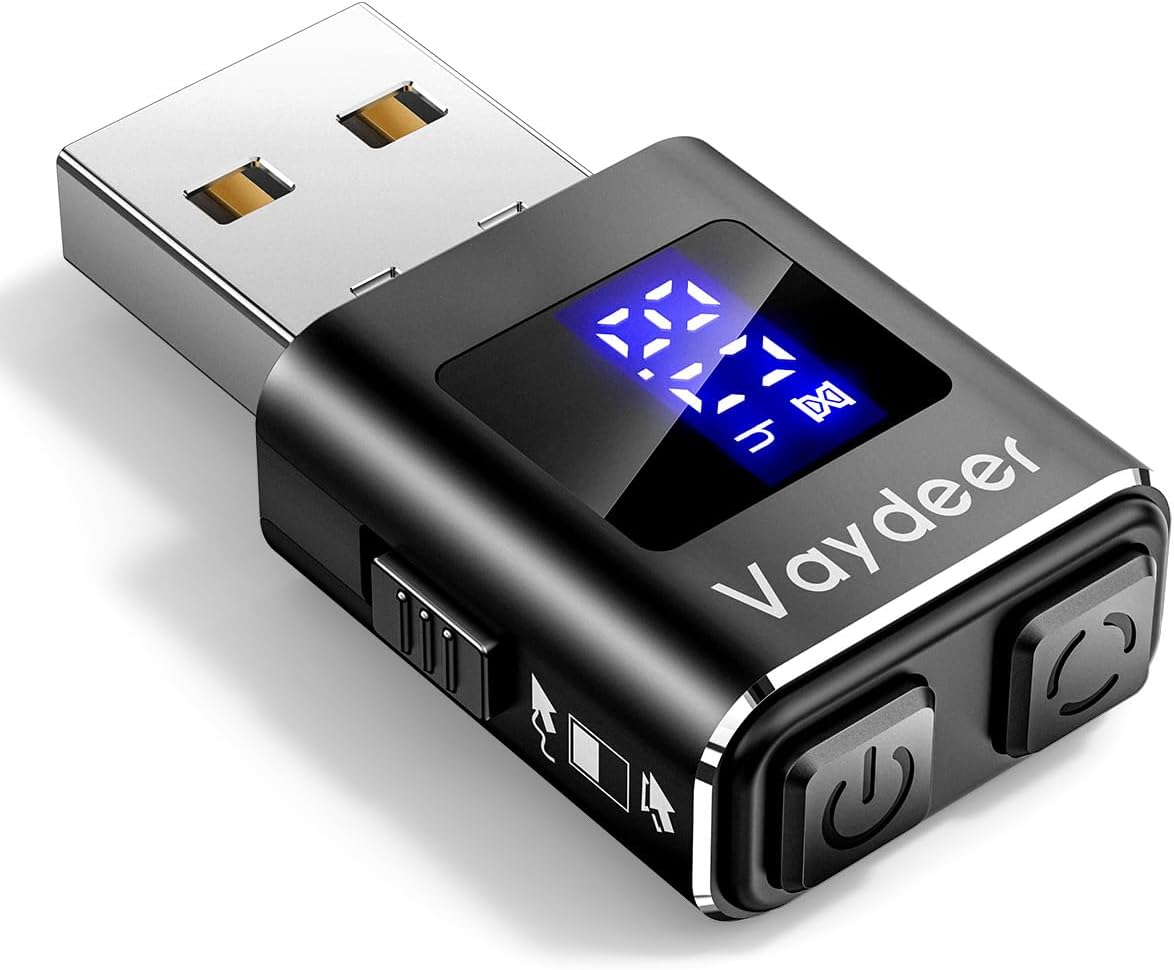
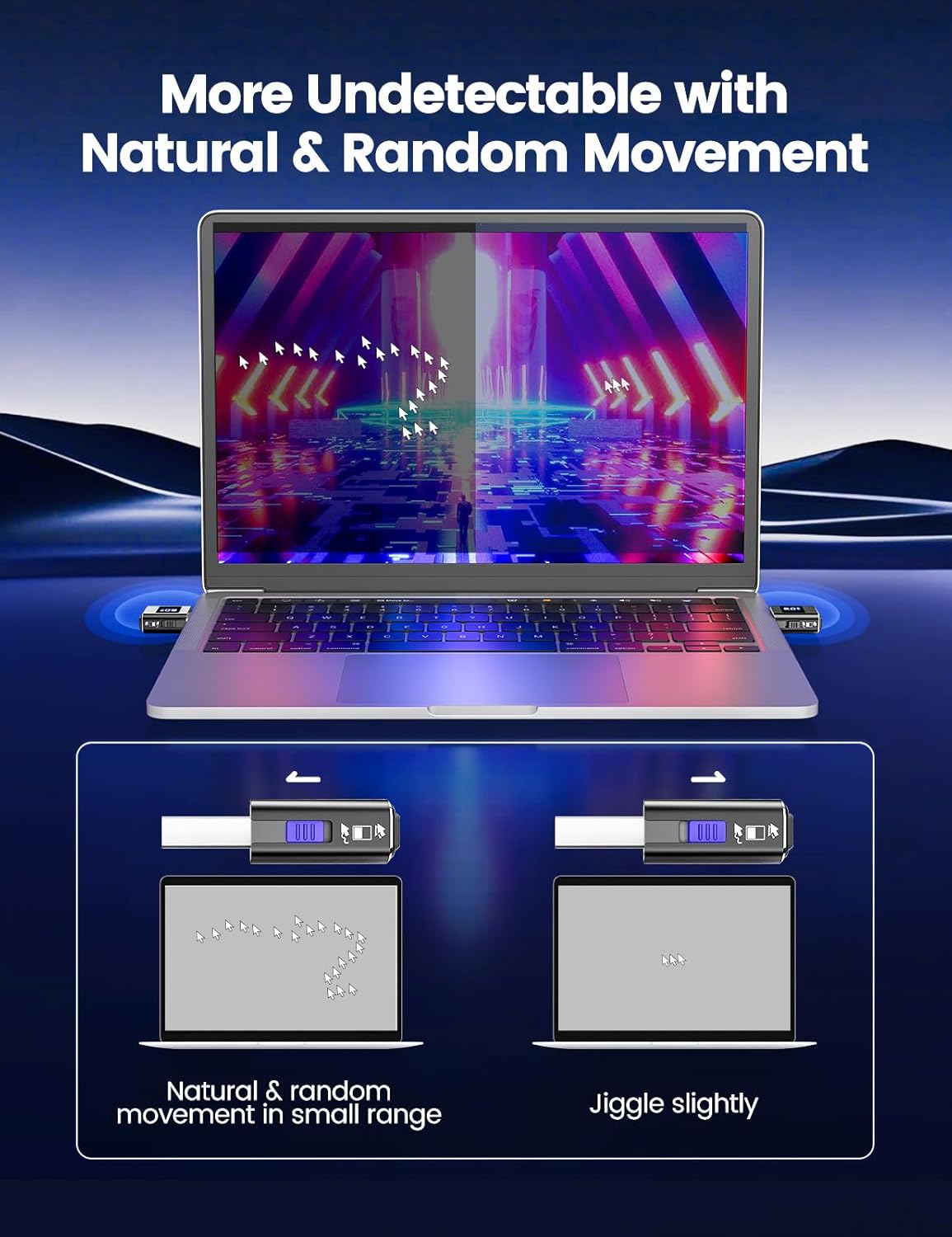
Two motion styles are on offer via dual motion modes. Micro-shake Mode is designed to simulate natural idle activity using ultra-fine vibrations, while Wide-Move Mode keeps the pointer visibly active. The integrated LED screen displays what you’ve set, so you’re not guessing.
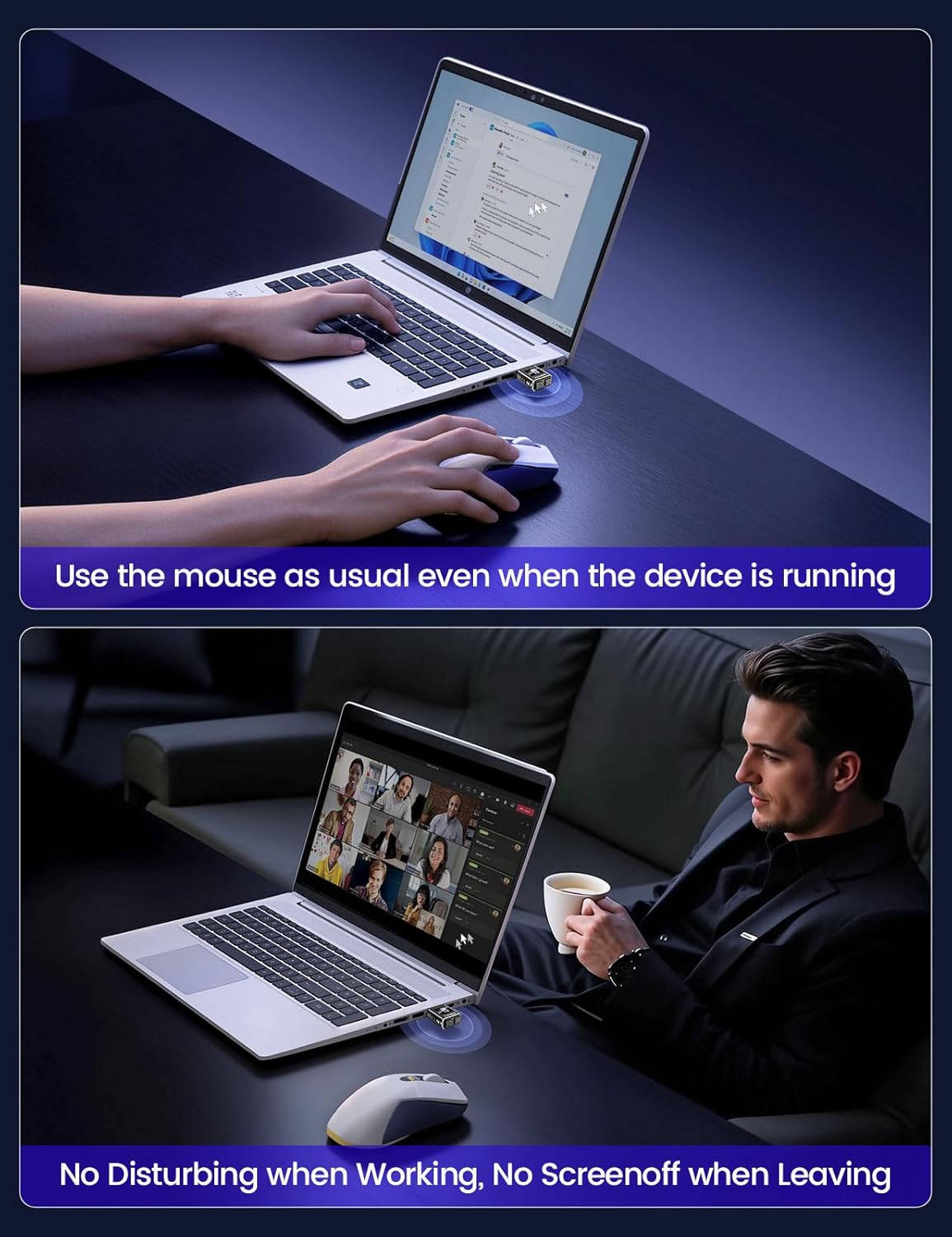
It’s also positioned as stealthy in terms of operation: the computer should recognise it as a standard USB optical mouse. That matters because some “jiggler” approaches can be obvious or fiddly. Here, the control is intentionally straightforward too: three buttons handle power on/off, movement mode selection, and timer setting.
One small limitation to consider: the product description doesn’t spell out how different environments react to the motion, so your results can depend quite a bit on the specific website, app, or policy you’re trying to avoid triggering.
Timer control: the main differentiator
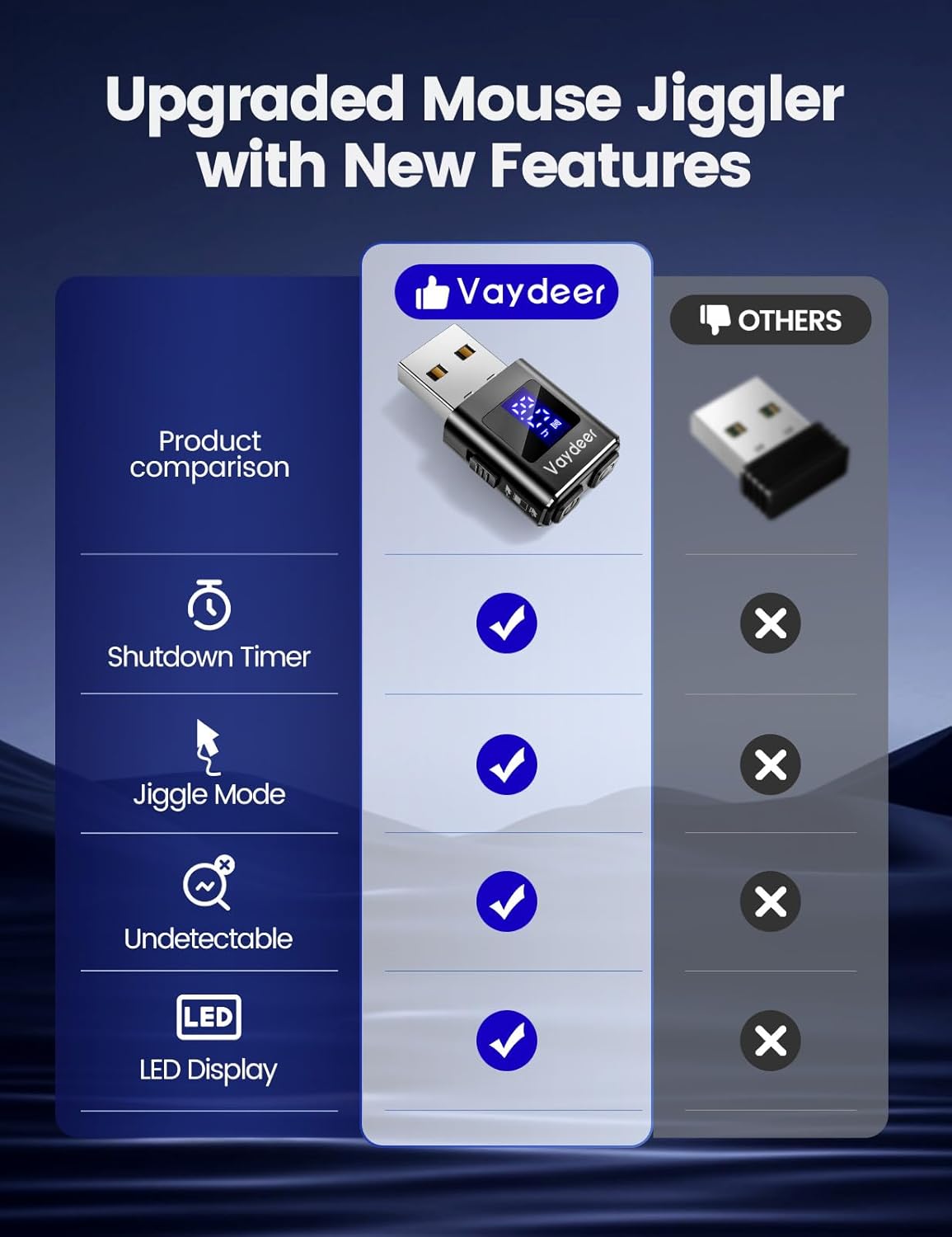
The built-in LED timer is the feature you’d likely use most. If you’re working a normal shift and just want things to stay “active enough” during a block of time, set the duration once and leave it running. If you need longer coverage, there’s also a non-stop mode.
Worth noting, though: a timer doesn’t replace good session management if your setup needs periodic human interaction. Think of it as a convenience layer rather than a guaranteed bypass.
Plug & Play across Windows, Mac and Linux
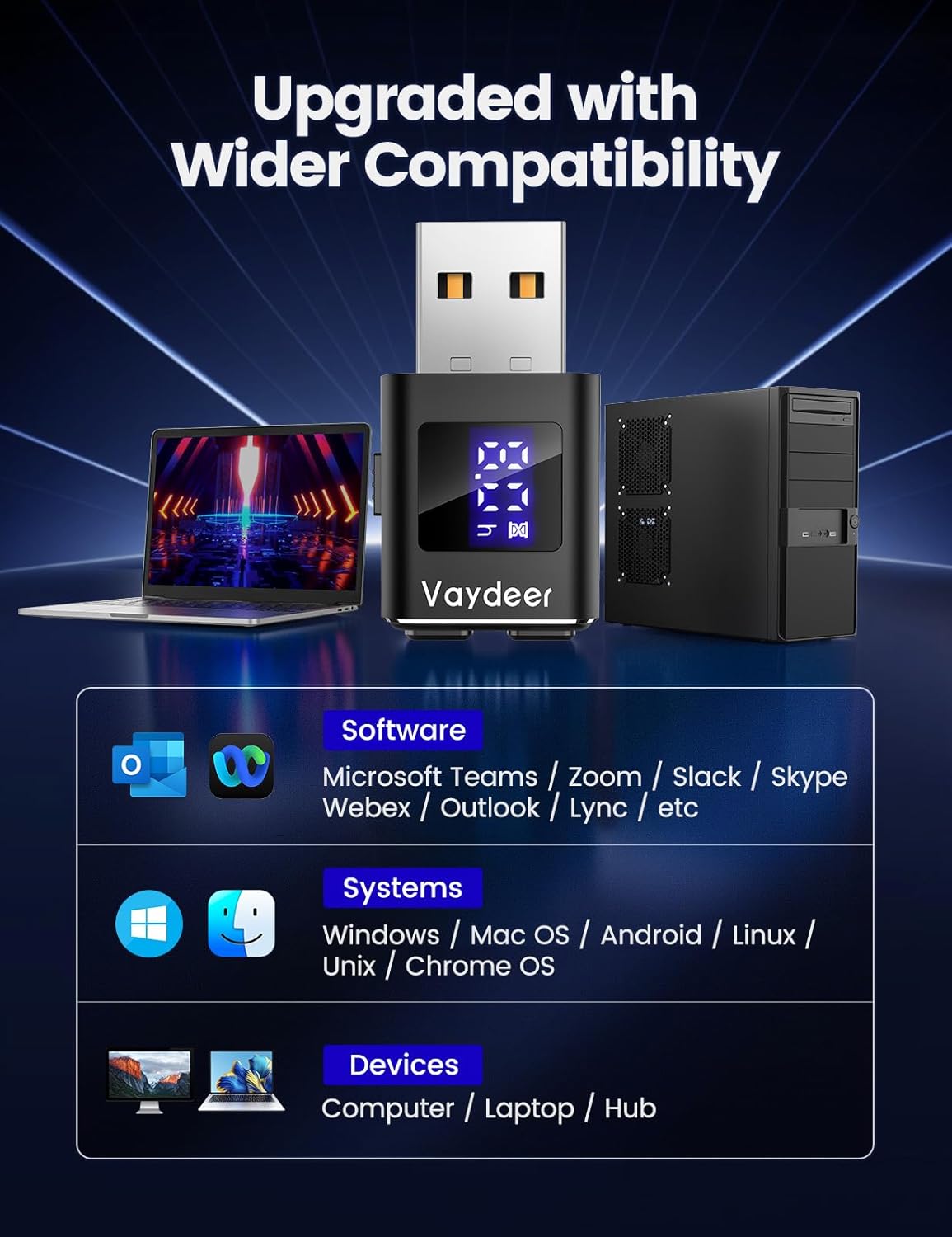
This VAYDEER jiggler is described as ready to use out of the box, with no drivers or downloads mentioned. The spec also claims compatibility with Mac, Windows and Linux, and even Android support is mentioned.
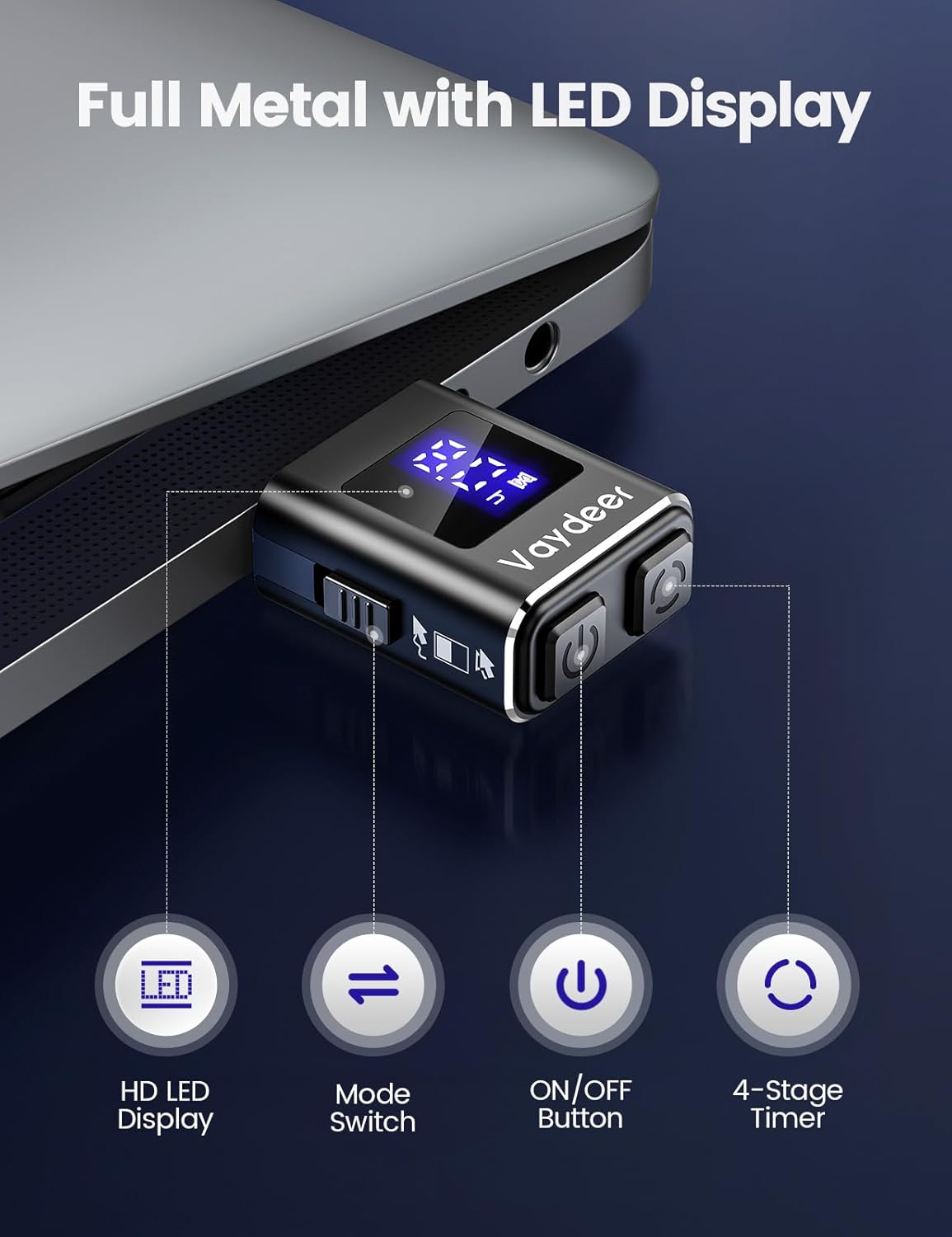
In practical terms, the “plug it in and go” approach is what makes these devices convenient: you can keep it beside your laptop, dock, or desk setup and avoid fiddling with configuration. It also includes built-in memory, so it auto-recalls your last settings after unplugging—handy if you move between devices.
Materials and build feel (the 2025 Aluminium Edition angle)
The 2025 Aluminium Edition is described as being made from an aluminium alloy shell. That’s a sensible choice if you want something that feels less flimsy than the cheapest plastic equivalents, particularly if it’ll live plugged in on a work desk.
It may not be “premium” in the luxury sense, but it’s at least the kind of build you’d expect from something you plug in regularly and keep around.
Pros and the bits to be careful about
What stands out: - LED timer with 2/4/6/8 hour options, plus non-stop. - Dual motion modes (micro-shake vs wide-move) so you can choose subtle or more visible activity. - Simple 3-button control with real-time LED indication. - Plug & Play approach, plus built-in memory to recall last settings. - Aluminium alloy build for a more solid desk accessory feel.
Things to bear in mind: - “Undetectable” is claimed, but the description doesn’t provide independent proof or detail how different services interpret motion. - If you’re expecting a universal solution for every platform’s idle detection, you may be disappointed—some setups can be more strict than others. - If your workflow requires frequent genuine interaction anyway, a jiggler can feel like overkill.
Who it suits best (and who should skip it)
It makes sense if you’re the kind of person who needs your cursor/activity to stay “not idle” during longer stretches—say, office work, admin tasks, or monitoring work where you’re not constantly touching the mouse.
It may not be the right match if you’re trying to solve an issue where your environment expects specific, human-like actions rather than generic cursor movement. Likewise, if you only need an occasional nudge, the timer and dual modes may be more sophistication than you need.
Buying verdict
If you want a USB mouse jiggler with real control rather than constantly flipping settings, the VAYDEER’s LED timer and two motion styles are the core reasons to consider it. The memory recall and plug-and-play angle also make it easy to live with.
That said, don’t treat the “undetectable” promise as a blanket guarantee. Depending on your exact software and idle rules, it could work smoothly or fall short. If you’re buying with the right expectation—more convenience for typical idle timers than a magic fix—then it’s a thoughtful pick.
Quick FAQ
How long can you run it using the LED timer?
The LED timer is set for 2, 4, 6 or 8 hours, or you can run it non-stop.
What are the two motion modes?
Micro-shake Mode aims for ultra-fine idle vibrations, while Wide-Move Mode keeps the cursor visibly active.
Does it need drivers or setup?
The product description says it’s plug and play with no driver downloads mentioned.
Will it remember my settings after unplugging?
Yes—built-in memory is claimed to auto-recall your last settings after you unplug it.