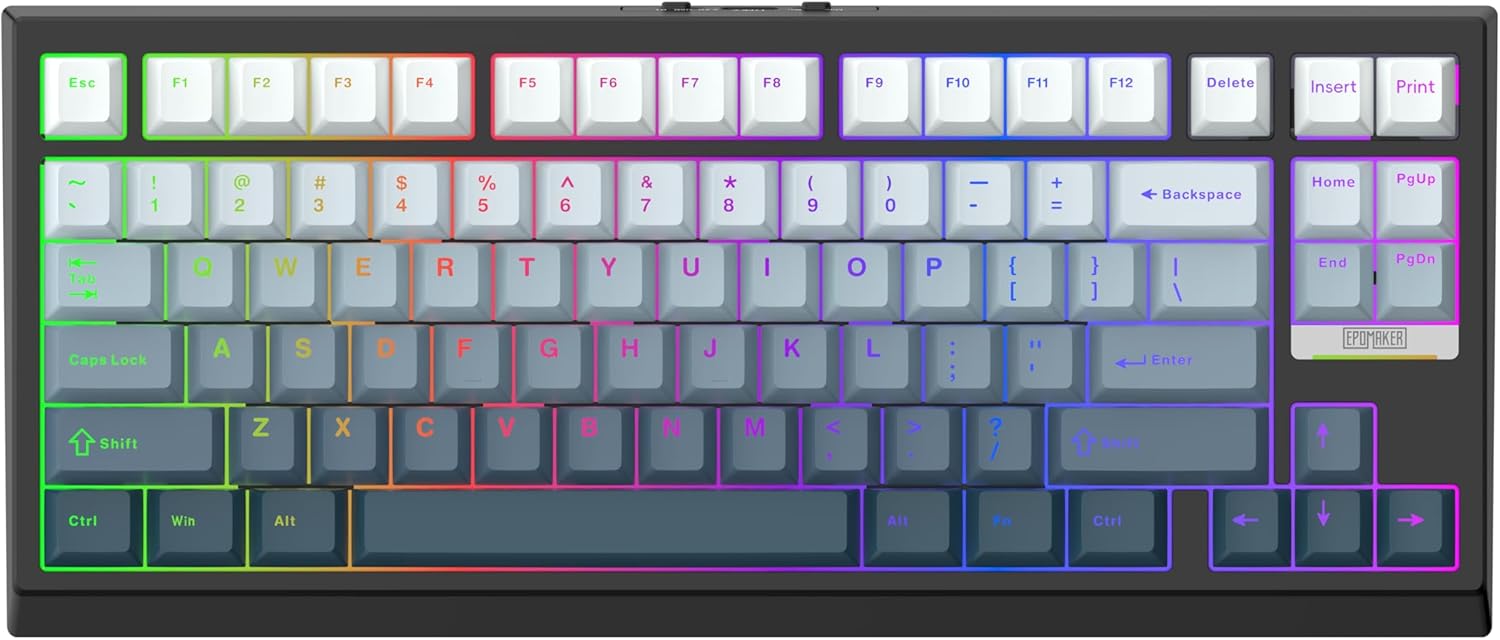
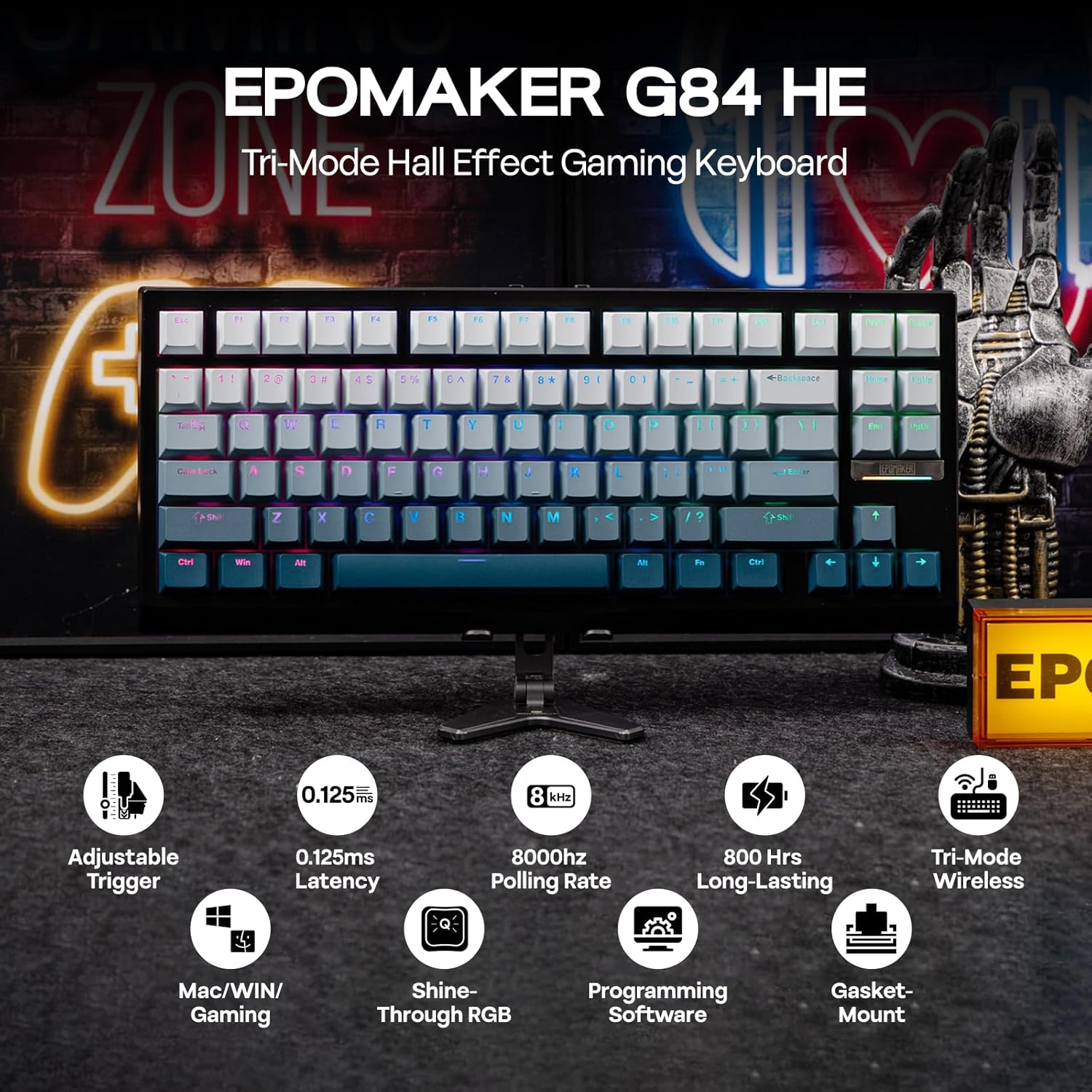
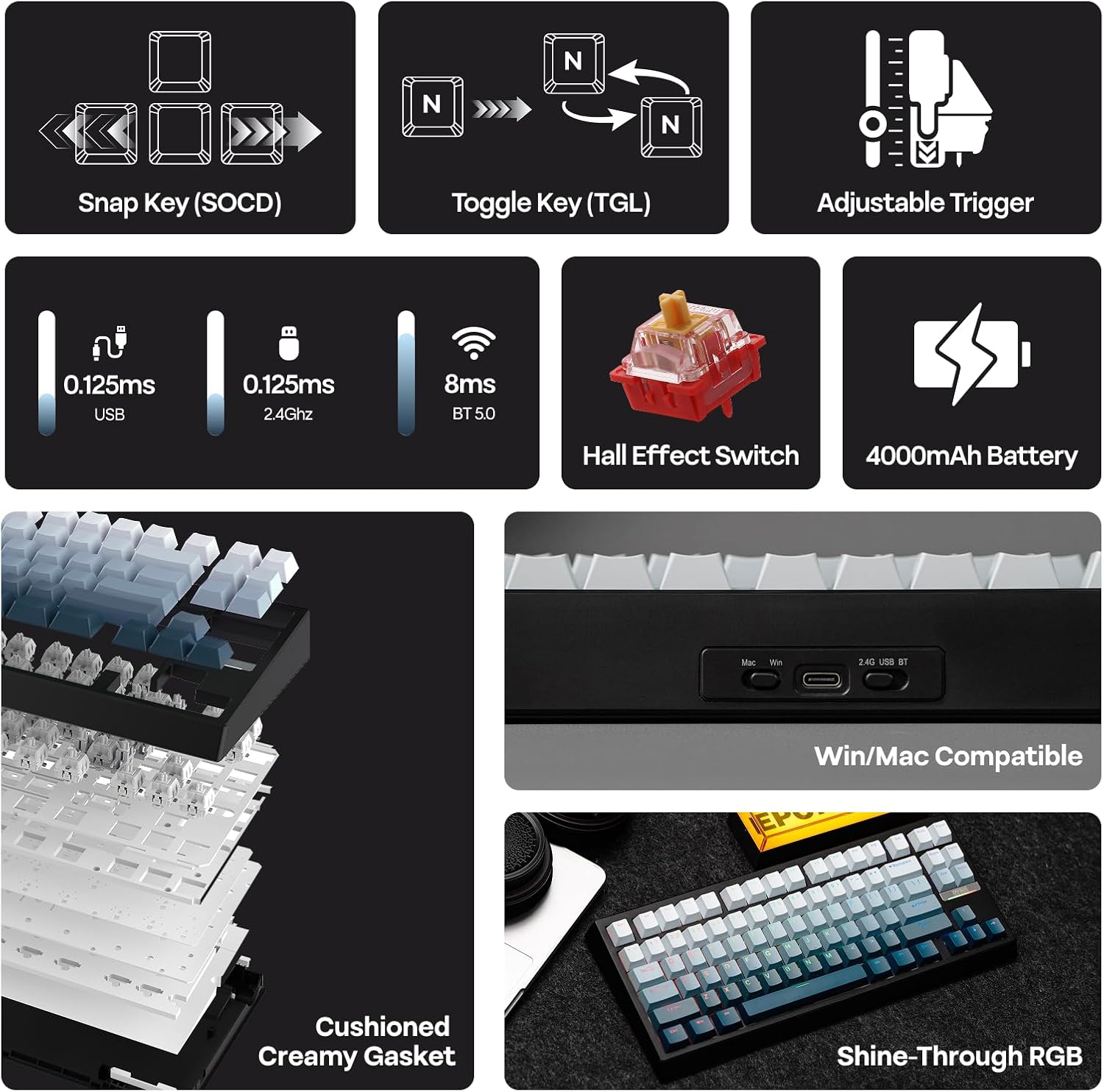
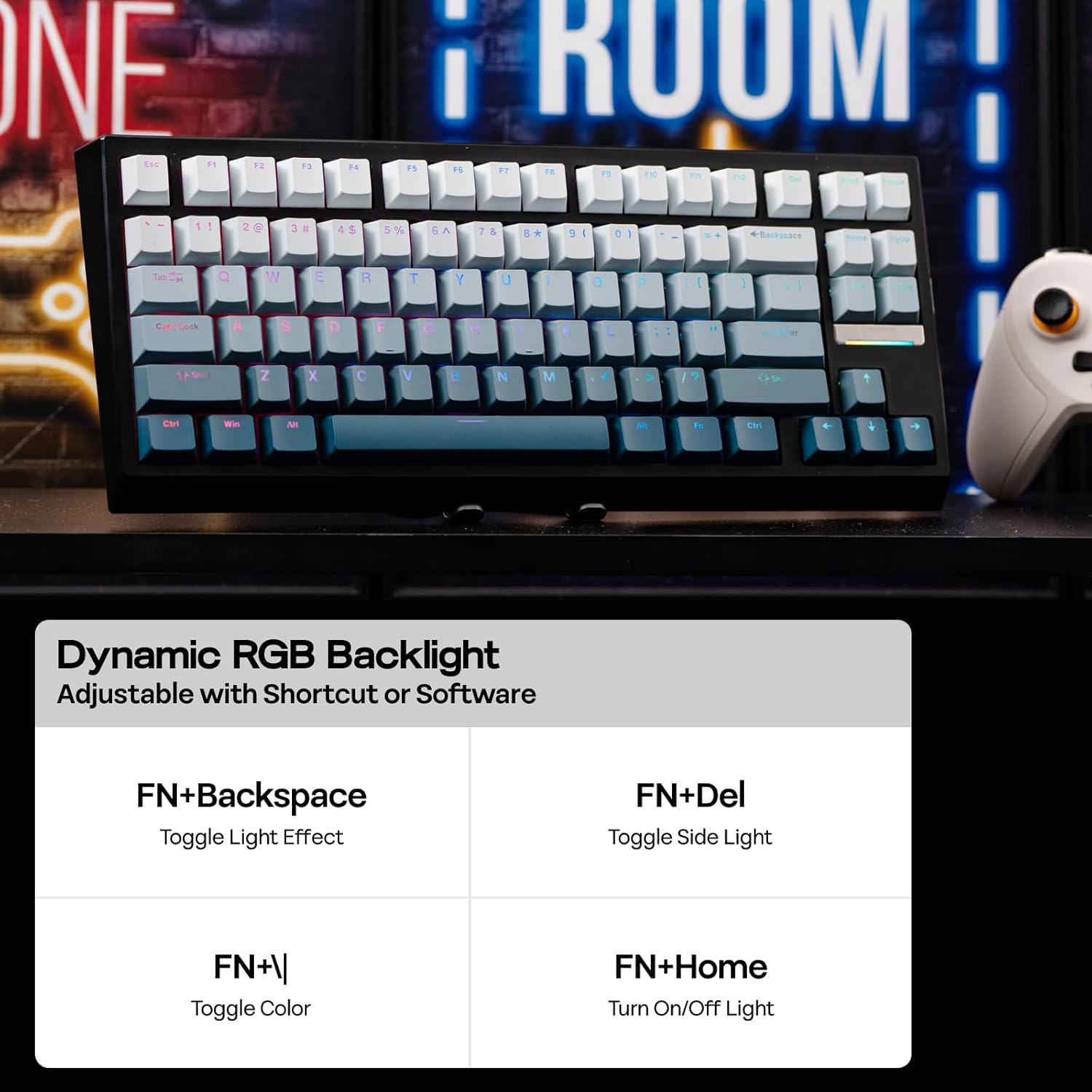
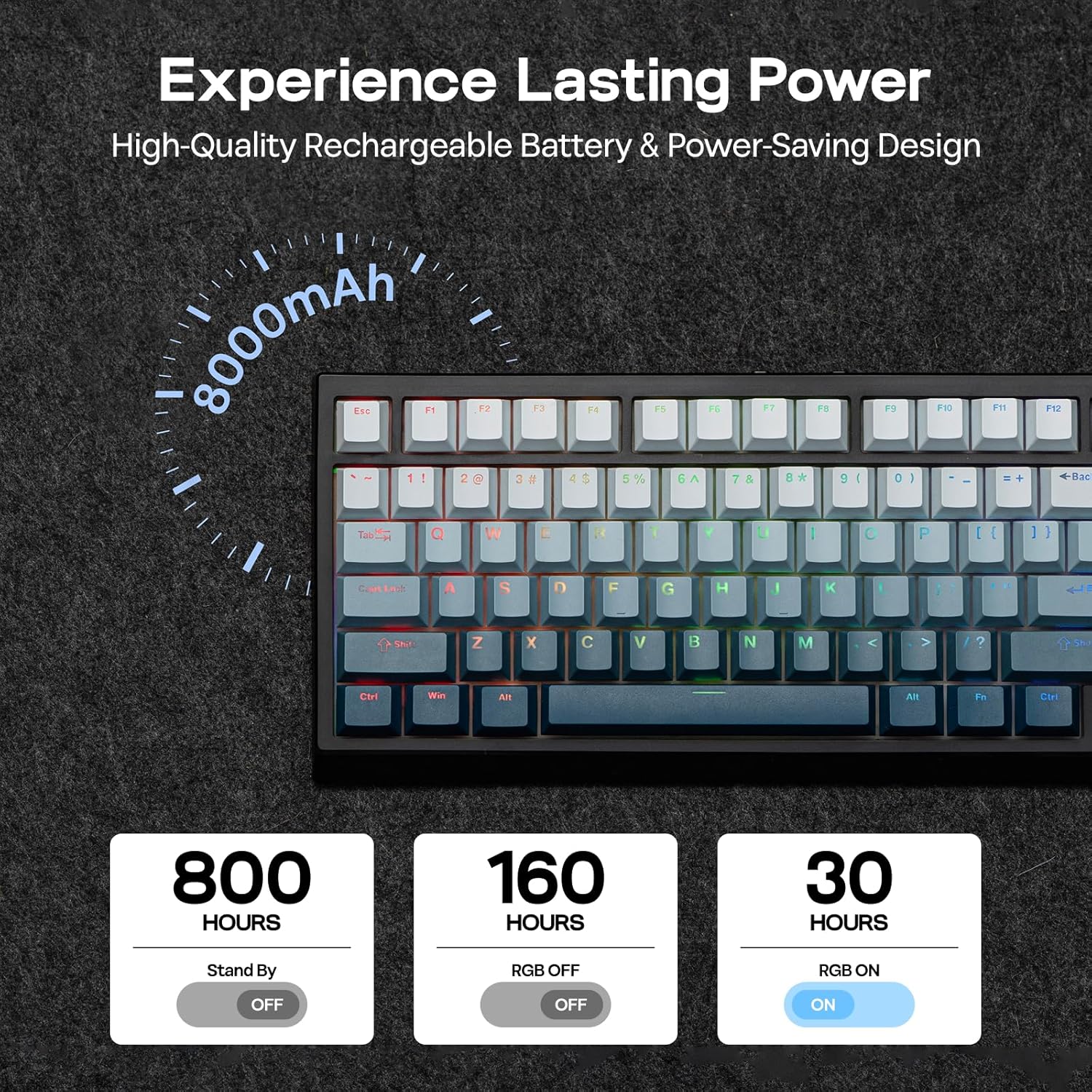
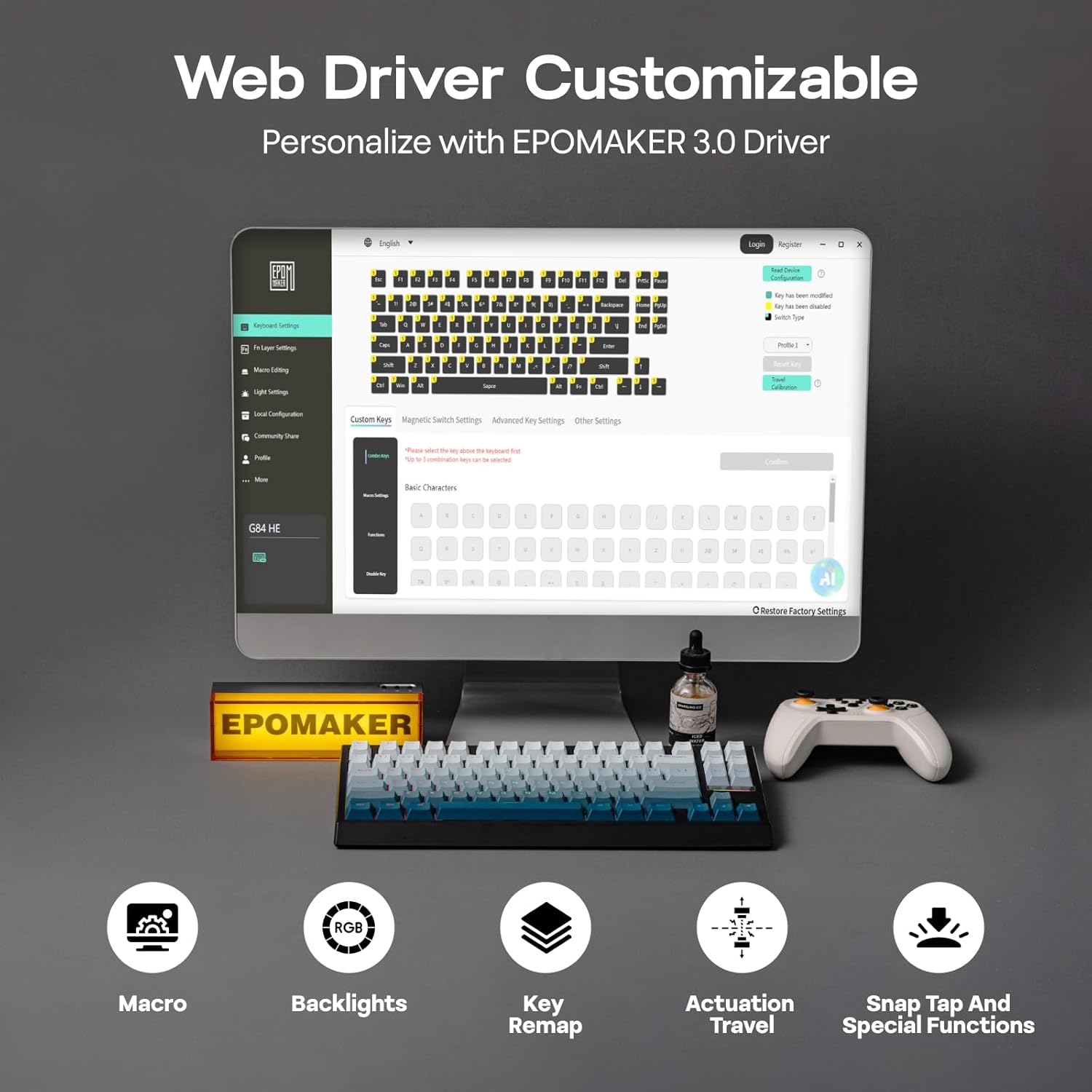
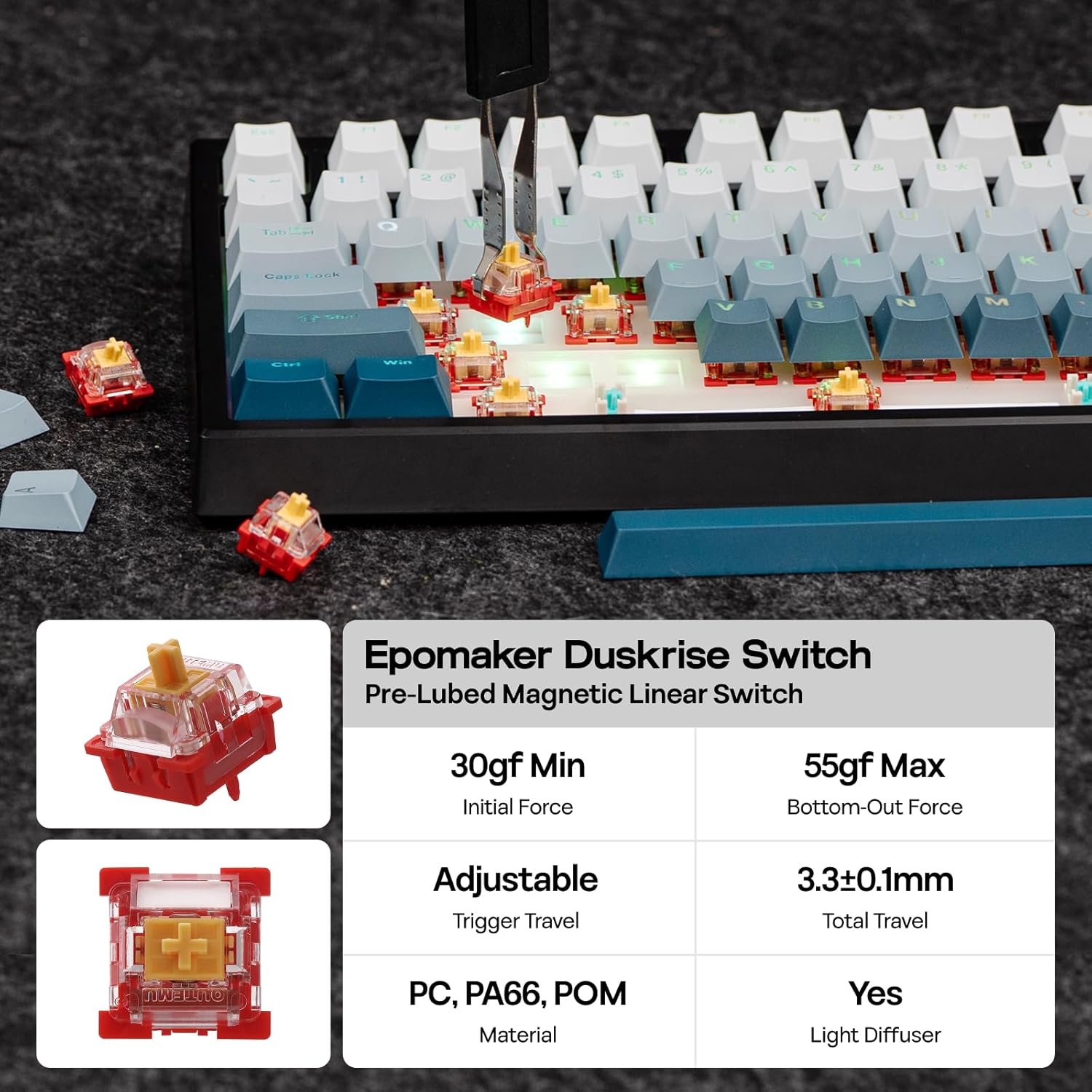
What this is and the need it serves\nThe EPOMAKER G84 HE is a compact 80% wireless gaming keyboard that pair a Hall Effect switch system with 8K Hz polling and an internal 8000mAh battery. It’s designed for gamers who value fast response, precise actuation and reliable wireless connectivity across Windows and macOS. If you’ve ever felt input delays or misreads during fast-paced FPS or MOBA moments, this board aims to address those pains with low-latency scanning and programmable actuation travel.\n\n## How it works in practice\nThe Hall Effect switches redistribute contactless actuation, which the manufacturer claims reduces latency and dead zones. You can adjust trigger and end travel from 0.1 to 3.3mm, giving you fine control over when a keystroke registers. The SOCD (Simultaneous Output Conflict Detection) logic prioritises the latest input, which helps in rapid directional commands, while the Dynamic Key Rollover (DKS) allows one key to generate multiple commands depending on how far you press. In short, it should translate rapid keystrokes more consistently than typical membrane or standard opto-mechanical setups.\n\n## Build, layout and aesthetics\nIt uses a Tri-Mode wireless setup (likely 2.4GHz, BT and USB-C wired) with an 80% layout. The case is black and the keyboard ships with PBT keycaps that feature shine-through legends. The RGB backlighting is designed to be responsive to actions, which can help you locate keys quickly in dim environments. For macro and backlighting customisation, EPOMAKER’s software is available on both Windows and Mac.\n\n## What stands out day to day\nOn the mechanical side, the magnetic switches and the ability to tailor actuation travel can suit both fast gaming and typing. The inclusion of SOCD and DKS means more predictable inputs in complex sequences and multi-key scenarios. The 8K polling rate suggests very frequent host reporting, which, in theory, reduces input lag during frantic moments. The large internal battery allows longer play sessions away from the desk, which is useful if you travel or game on the sofa.\n\n## What may not convince everyone\nIf you don’t prioritise ultra-short actuation or you don’t game at the pace where micro-adjusted travel matters, the gains on paper may feel marginal. The complexity of the software and the specific “Hall Effect” mechanism could mean a steeper learning curve for fine-tuning keymaps. Also, as with many premium wireless options, you’ll want to verify battery life in real use and ensure drivers behave consistently across OS updates.\n\n## Who this is for\n- Gamers who want very fast, precise inputs and customisable actuation.\n- Players who value reliable wireless flexibility across Windows and Mac.\n- Users who enjoy bespoke backlighting and macro capabilities without sacrificing a compact footprint.\n\n## When to buy or consider alternatives\n- Buy if you need a compact, feature-rich keyboard that prioritises latency reduction, customisable actuation and cross‑OS compatibility.\n- You might skip it if you primarily game at moderate speeds or if you prefer a fully wired setup with the simplest software.\n\n## What to review before buying\n- Confirm which wireless modes you’ll use and how the 8000mAh battery behaves in mixed gaming and typing tasks.\n- Check software compatibility and whether macro recording aligns with your typical workflows.\n- Consider the layout and keycap finish if you’re used to particular key spacings or legends.\n\n## Practical usage example\nImagine a quick aerial dash in an FPS, with SOCD prioritising the latest input, you get cleaner directional control even when double-tlicking the joystick-like WASD inputs. In a MOBA, the DK S feature may translate a single keypress into multiple spells or actions depending on travel, giving you a potential edge in fast skirmishes.\n\n## FAQ (based on available data)\n- Is it compatible with both Windows and Mac? Yes, with a dedicated driver that supports macro and backlight customisation.\n- What is the actuation adjustment range? 0.1 to 3.3mm.\n- What is the polling rate? 8K Hz polling with a 256K scan rate.\n\n## Final verdict\nIs it worth it? Worth considering if you prioritise speed, precision and cross‑platform flexibility in a compact wireless form factor. It suits power users who want deep customisation and unique input handling like SOCD and DK S, but it may be overkill for casual gamers or those who don’t need adjustable actuation.