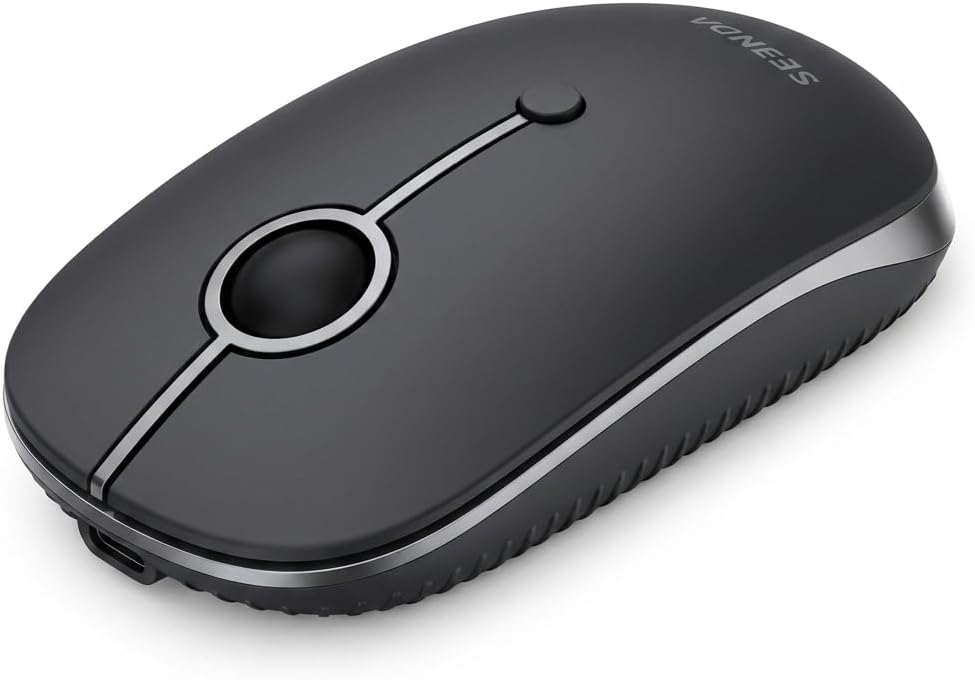
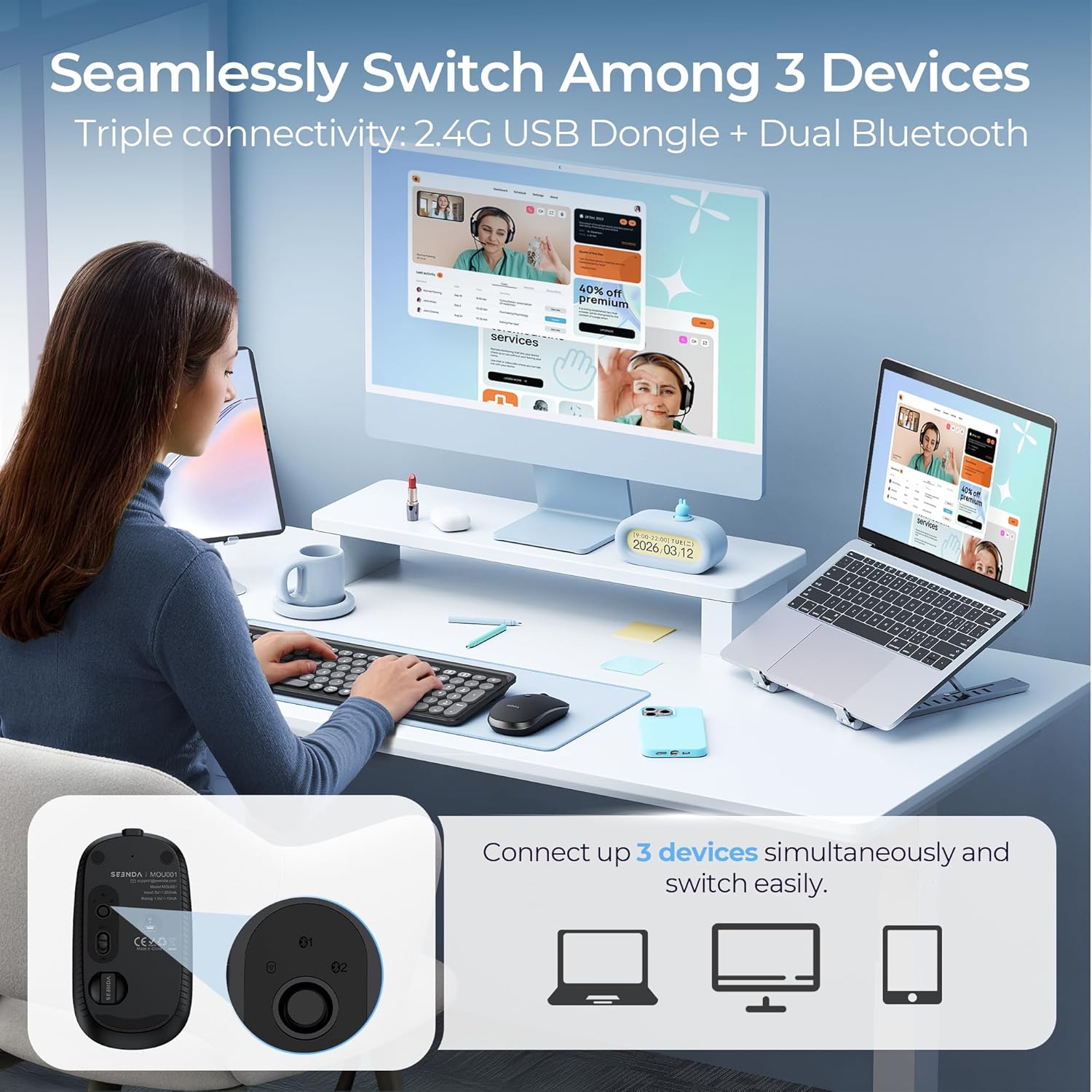
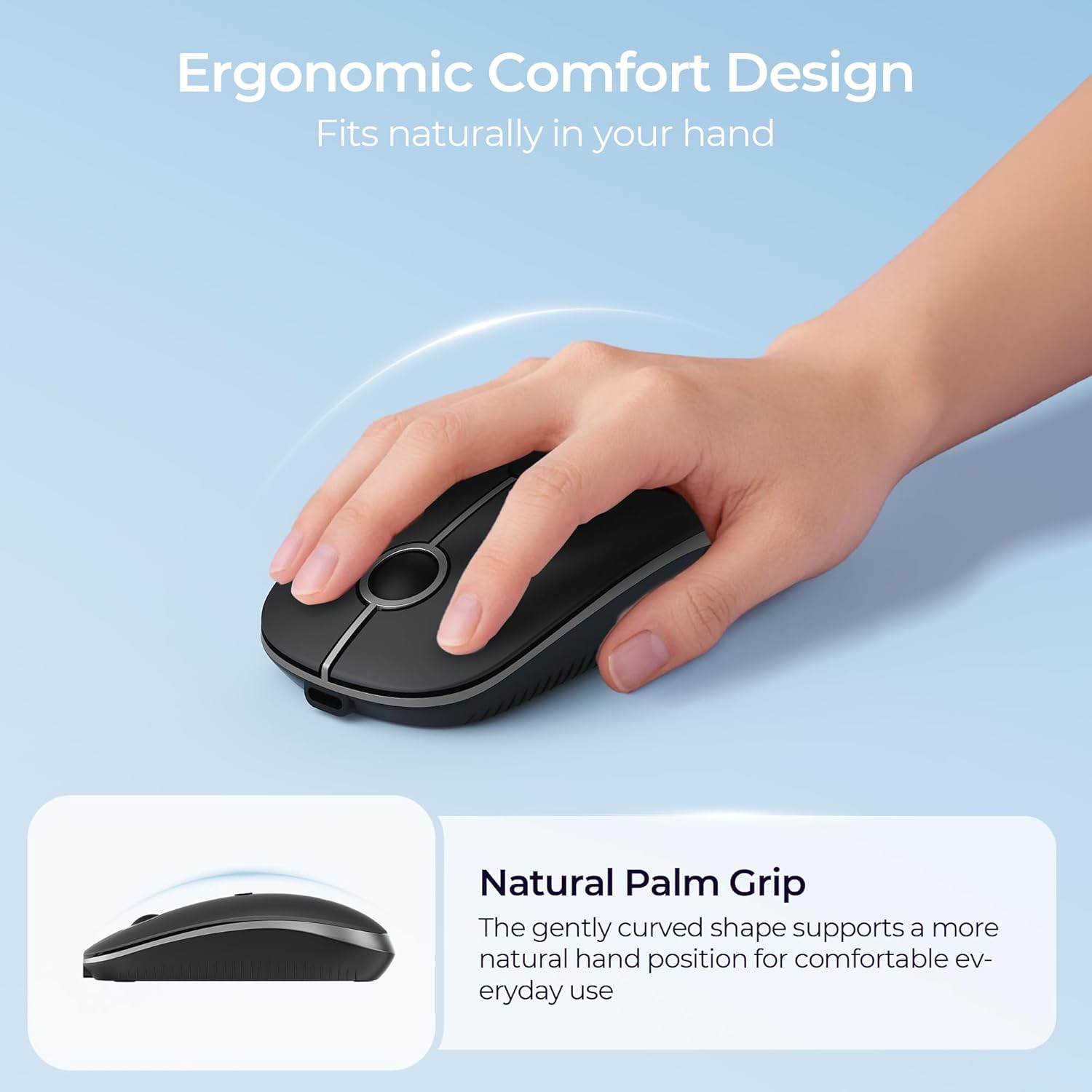
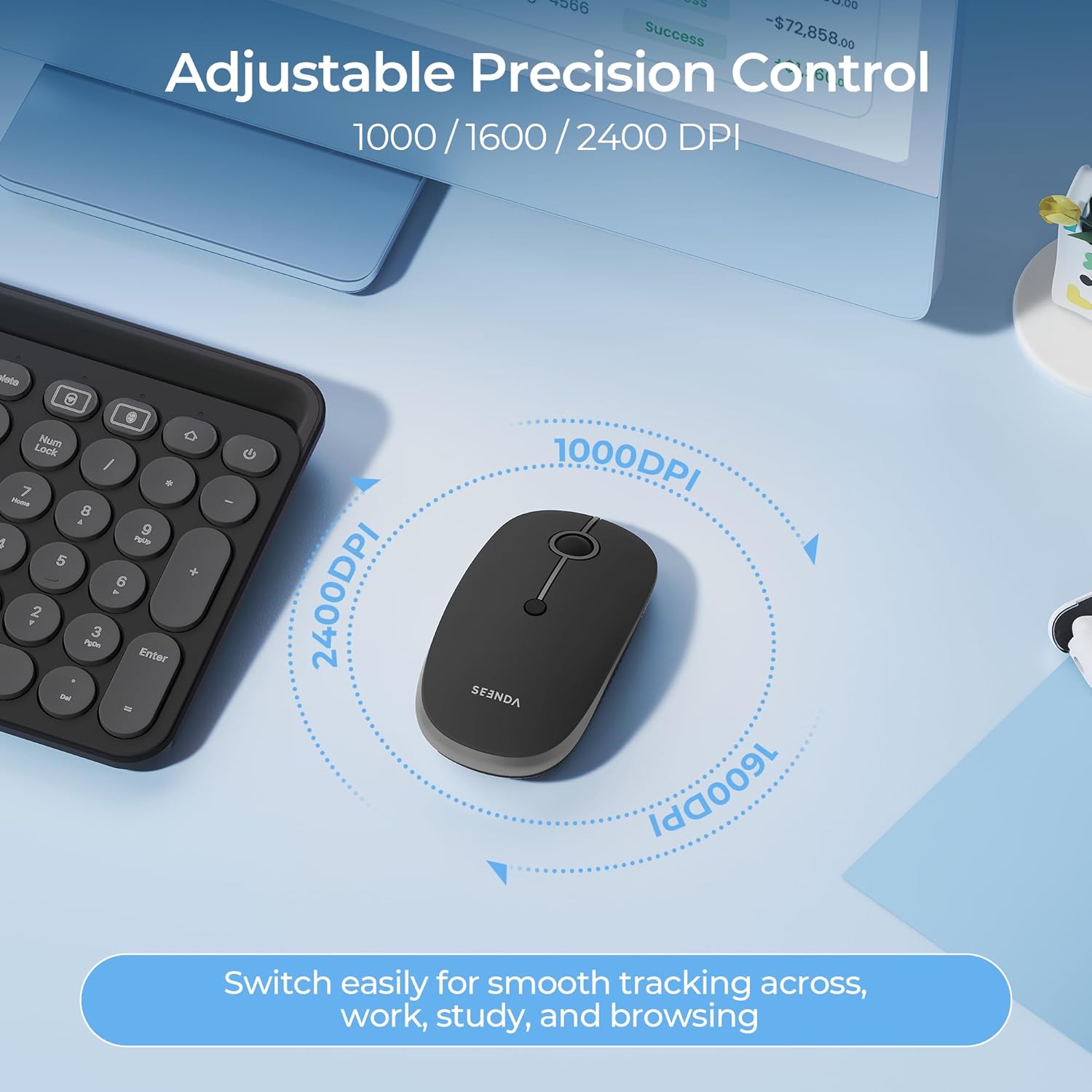
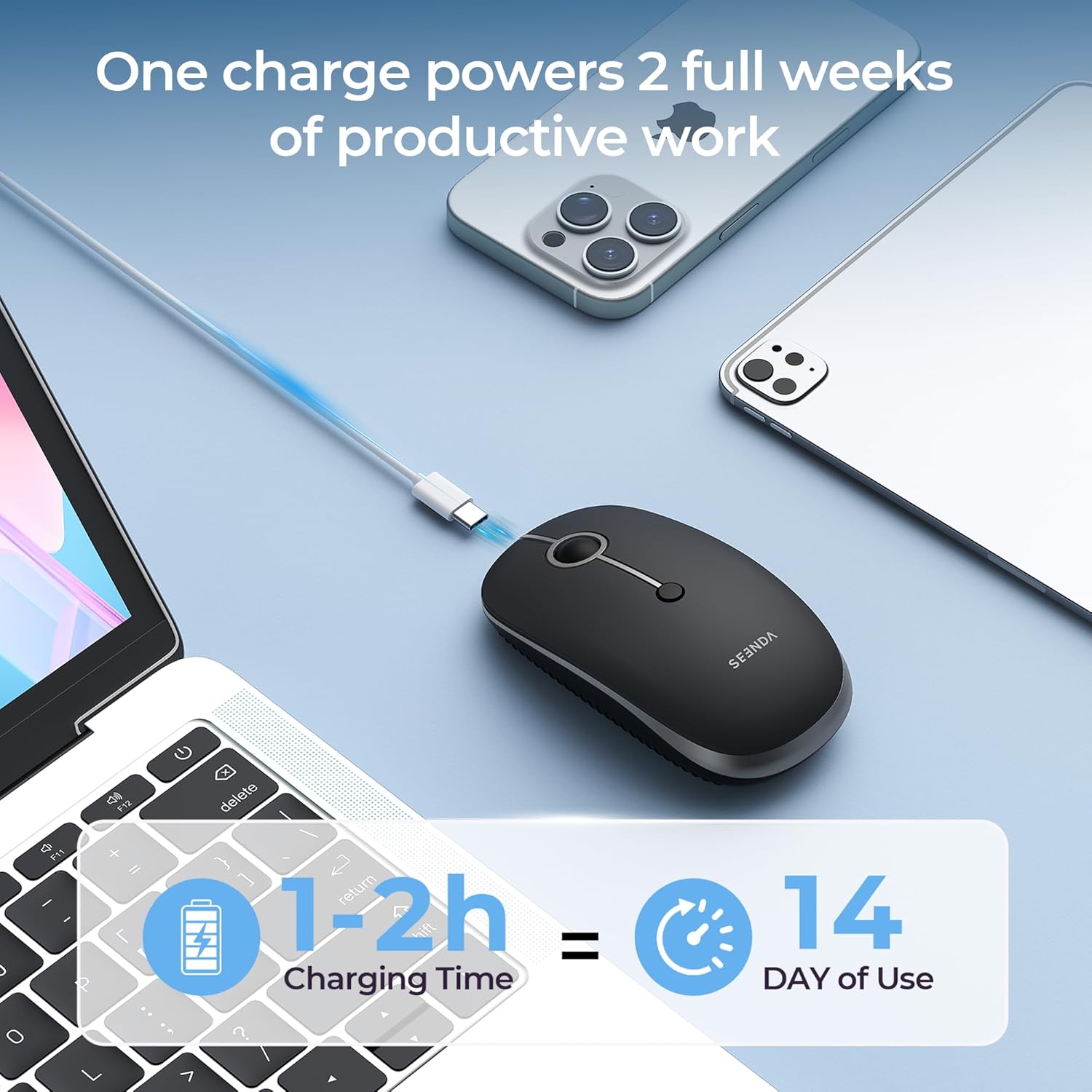
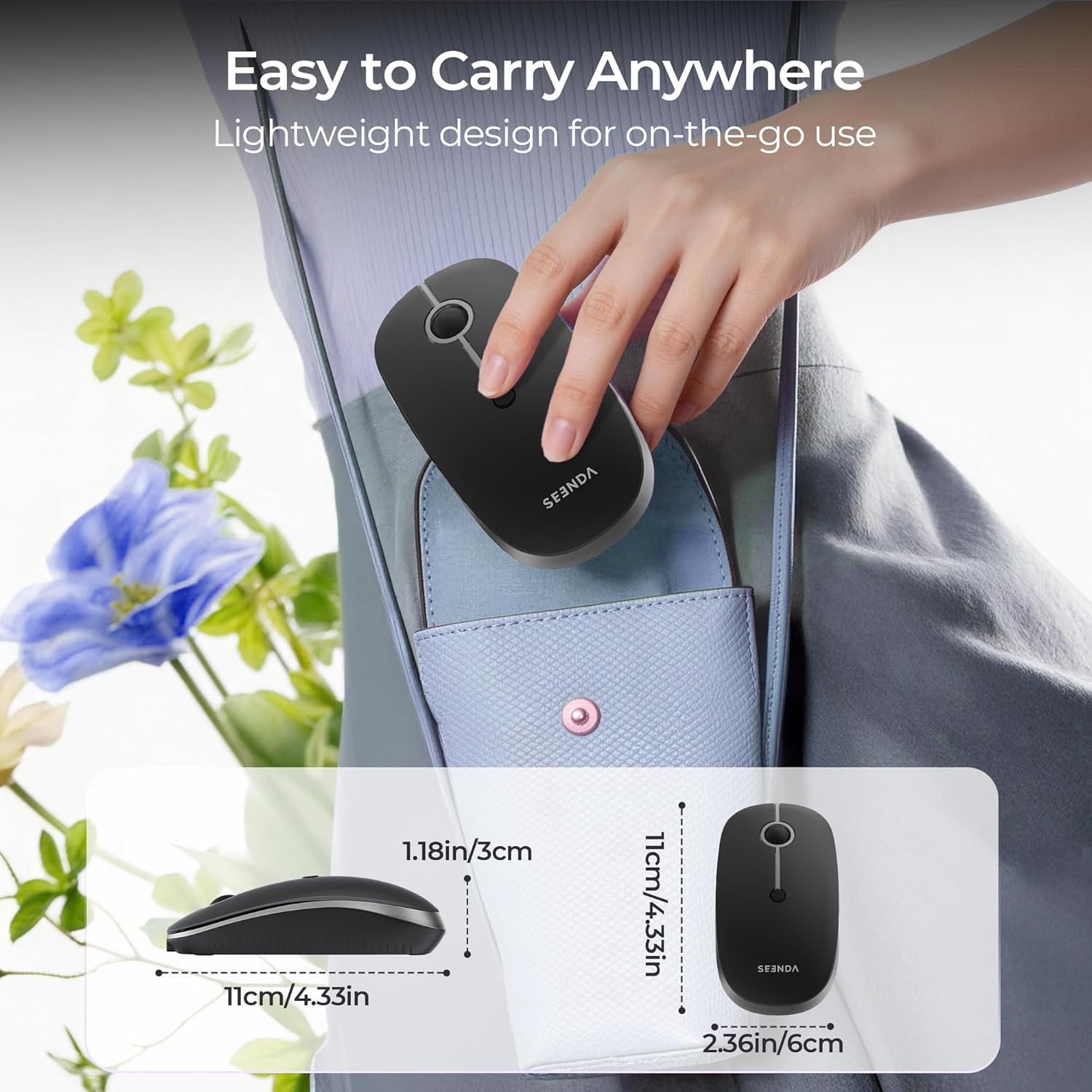
What it is and what it solves\nThe Seenda MOU001 is a compact, rechargeable wireless mouse designed to connect to up to three devices via 2.4G USB and dual Bluetooth. It aims to simplify switching between a laptop, desktop, MacBook, iPad or tablet, without needing to swap mice. If you value quiet clicking and a lightweight shape for travel, this model could be worth considering.\n\n## How it performs in everyday use\nOn the move or at a desk, the mouse keeps a low-profile footprint with an ergonomic, curved silhouette and a frosted finish that feels pleasant to touch. It offers three DPI settings (1000/1600/2400) for cursor precision, which can help with tasks ranging from precise editing to general navigation. The optical tracking is designed for smooth control across typical office surfaces. A notable portion of its design is the whisper-quiet click, claimed to reduce noise by up to 90%, which is beneficial in shared spaces like libraries or open-plan offices.\n\n## Power and longevity\nThe built-in rechargeable battery eliminates disposable batteries and supports charging while in use. A full charge takes about 1–2 hours and, with typical use, can last up to half a month. An auto sleep mode and a low battery indicator are included to extend life and avoid surprises. If you prioritise daily reliability for meetings or study sessions, this can be a practical feature, though real-world longevity depends on usage patterns.\n\n## Design, size and compatibility\nMeasuring roughly 11 × 6 × 3 cm, the mouse is compact and portable, making it easy to slip into a bag for travel or commuting. It’s described as suitable for Windows 8/10/11 and newer, Mac OS 10.12 and newer, iOS 10 and higher, and Android 5 and higher, provided your device has Bluetooth 4.0+ or, for the 2.4G option, a USB dongle (dongle included in some configurations). Note that the Bluetooth option requires built-in Bluetooth 4.0+. The two-colour Black & Grey finish aims to blend into most workspaces without attracting attention.\n\n## What stands out for day-to-day use\nIf you need a silent, multi-device mouse that you can flip between gadgets with a single click, the Seenda MOU001 offers a straightforward workflow. The 3‑device switching is convenient for multi‑device setups and the rechargeability reduces ongoing costs. It’s not the lightest model on the market, but its balance between portability and ergonomics suits many daily tasks.\n\n## Pros and cons at a glance\n- Pros: Rechargeable battery, silent clicking, 3-device compatibility, compact and portable, 1000/1600/2400 DPI options, auto sleep and low battery indicators, suitable for mixed OS environments.\n- Cons: Bluetooth requires compatible built-in BT 4.0+, performance can vary by surface, real-world battery life depends on usage, dongle for 2.4G may be included or not depending on the package.\n\n## Who it’s for\nThis mouse is well suited for students, remote workers, and professionals who juggle multiple devices and value quiet operation in shared spaces. It could also appeal to travellers who want a compact, reliable pointer without carrying disposable batteries.\n\n## Who it isn’t ideal for\nIf you rely on ultra-long battery life without recharging, or if you work primarily on surfaces that require high-precision tracking beyond 2400 DPI, you might prefer alternatives with different ergonomics or higher DPI ceilings. Also, if your devices lack Bluetooth 4.0+ or the optional USB dongle isn’t included, there may be compatibility considerations.\n\n## Before you buy: quick checklist\n- Do you need to connect to up to 3 devices?\n- Do you have a USB-A port for the 2.4G dongle or is Bluetooth available on your device?\n- Is a quiet click important in your environment?\n- Will you benefit from a rechargeable battery and an auto sleep feature?\n\n## Practical use example\nImagine you’re working across a laptop and a tablet during a train journey. You can switch from drafting in a document on the laptop to browsing notes on the tablet with a single click, all while keeping the same comfortable, quiet tapping. The 3 DPI settings let you tailor cursor speed when moving between documents and spreadsheets or when making precise edits in a graphics project.\n\n## FAQ (brief)\n- Is Bluetooth required to use the Bluetooth mode? Yes, built-in Bluetooth 4.0+ is required.\n- How long does a full recharge take? About 1–2 hours.\n- How many devices can it connect to at once? Up to 3 devices (2.4G USB dongle plus dual Bluetooth connections).\n\n## Final verdict\nA practical choice for multi‑device users who want quiet operation and a rechargeable, compact form. If you prioritise portability and the ability to switch between several gadgets quickly, this mouse makes sense. It’s less compelling if you need the highest possible DPI or if your setup relies on a dongle that isn’t included with your package.