

Keychron V6 Max Full-Size Wireless Mechanical Keyboard (UK Layout) with QMK and Hot-Swap Gateron Banana Tactile
Product description
The essentials
The Keychron V6 Max is a full-size wireless mechanical keyboard aimed at people who want customisation without giving up day-to-day practicality. On paper, it brings together QMK programmability, dual wireless options (2.4 GHz plus Bluetooth) and hot-swappable switches, so you can adapt the feel over time instead of committing to one setup forever.
It’s also built with writing comfort in mind: a full-size layout, a gasket-style design, and sound-dampening foam are meant to make long sessions less harsh. The default fit is “serious typing workstation”, whether that’s office work, study, or a home setup shared between macOS, Windows and Linux.
What it’s like to use (and where it shines)
A full-size board is a different experience to smaller layouts. You get dedicated function rows and the convenience of a proper numpad, which matters if you spend time in spreadsheets, finance tools, or any software where numbers and shortcuts are constant. Pair that with a wireless setup that supports both 2.4 GHz and Bluetooth, and you can switch between tasks more easily than with a purely wired keyboard.
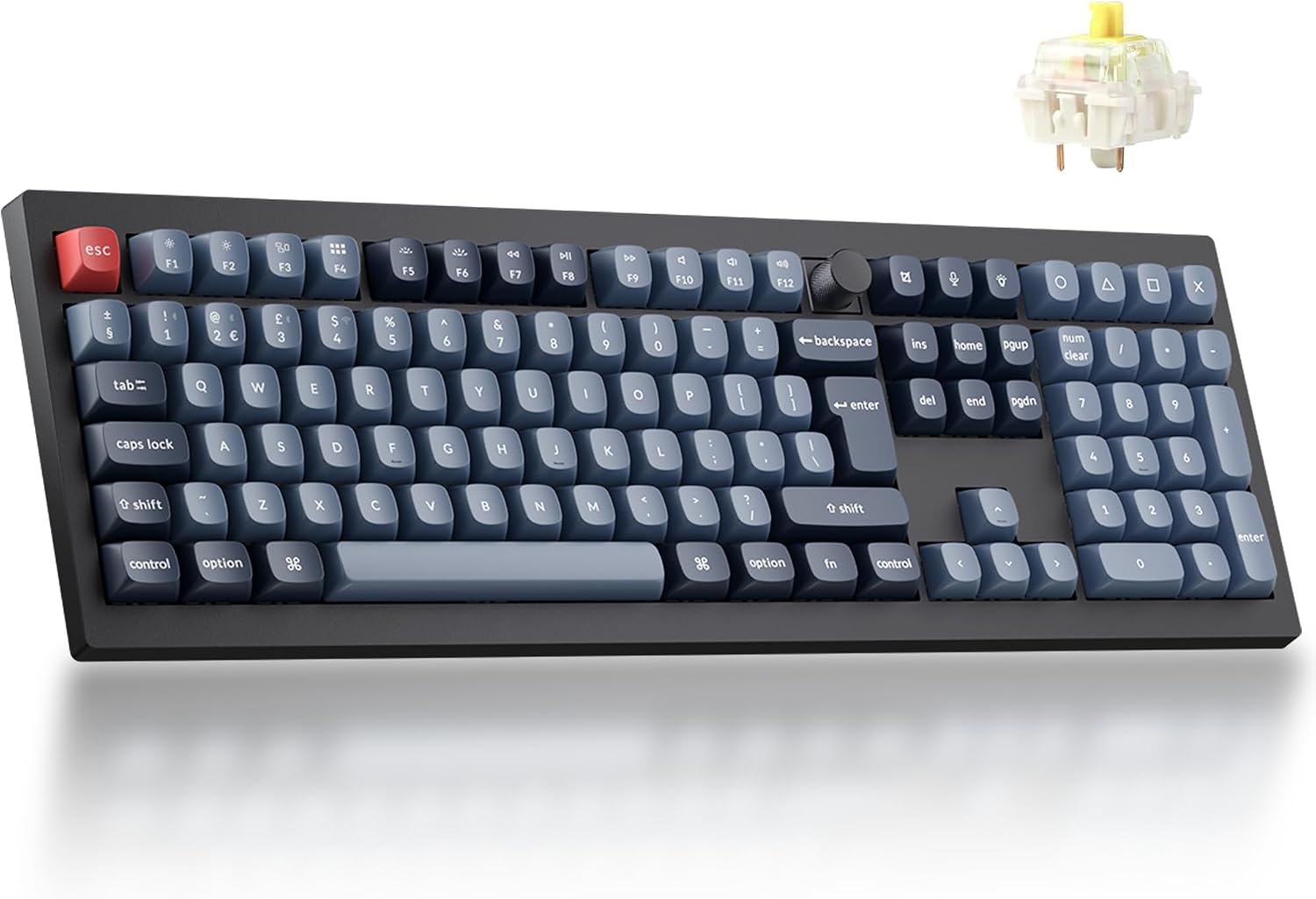
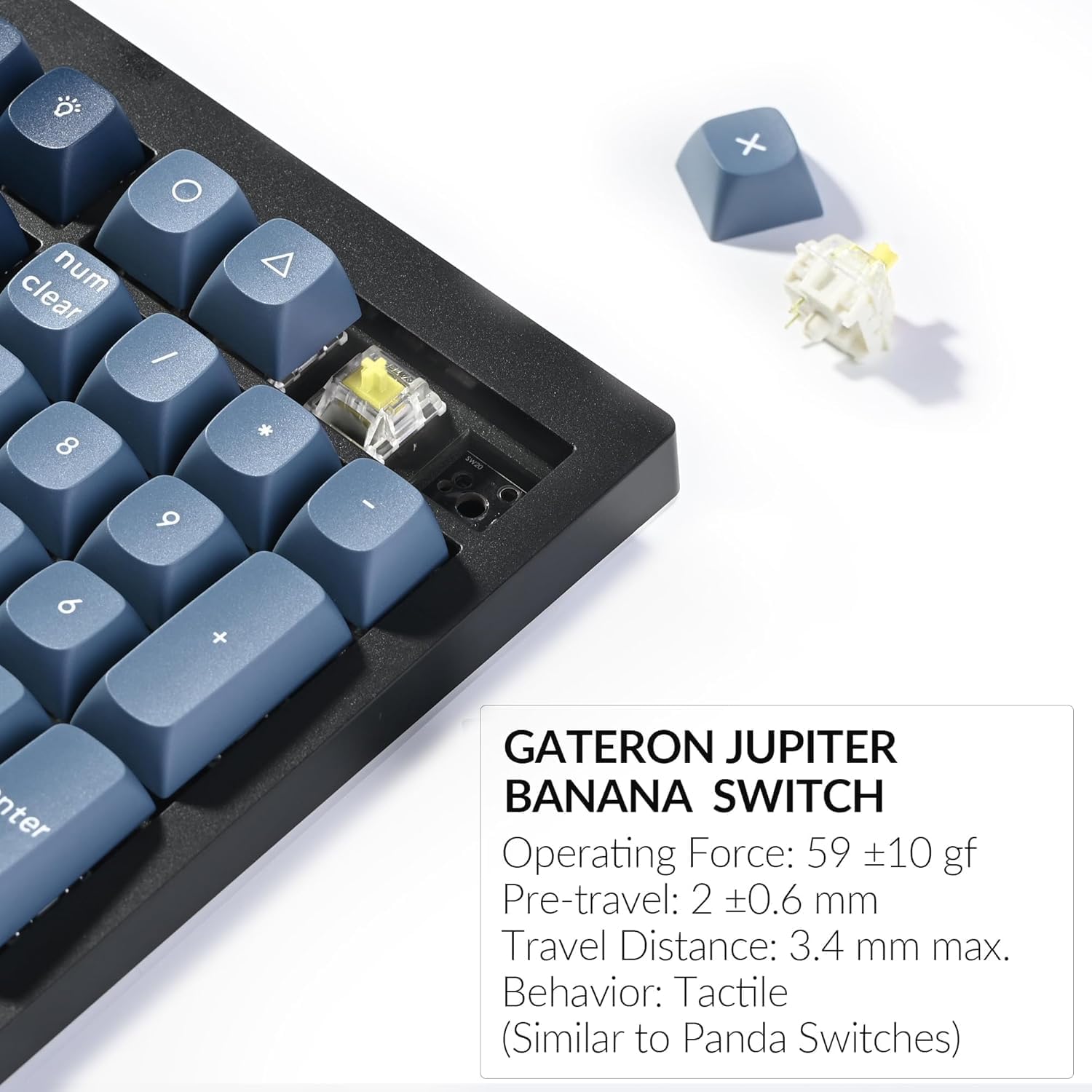
For the feel: the product is listed with Gateron Banana tactile switches. Tactile switches tend to suit people who like feedback when pressing keys, rather than a completely smooth “linear-only” experience. It won’t suit everyone—if you prefer very light, minimal resistance or you don’t enjoy tactility, you may find this one less to your taste.
There’s also an “adjustable” angle to the keyboard’s sound and comfort. The gasket-style approach and added foam are intended to reduce the more pingy, hollow feel you can get from simpler builds. It’s not a miracle cure (keyboard sound is still affected by your desk, keycaps and switch choice), but it’s clearly trying.
Key points for buyers (QMK + remapping)
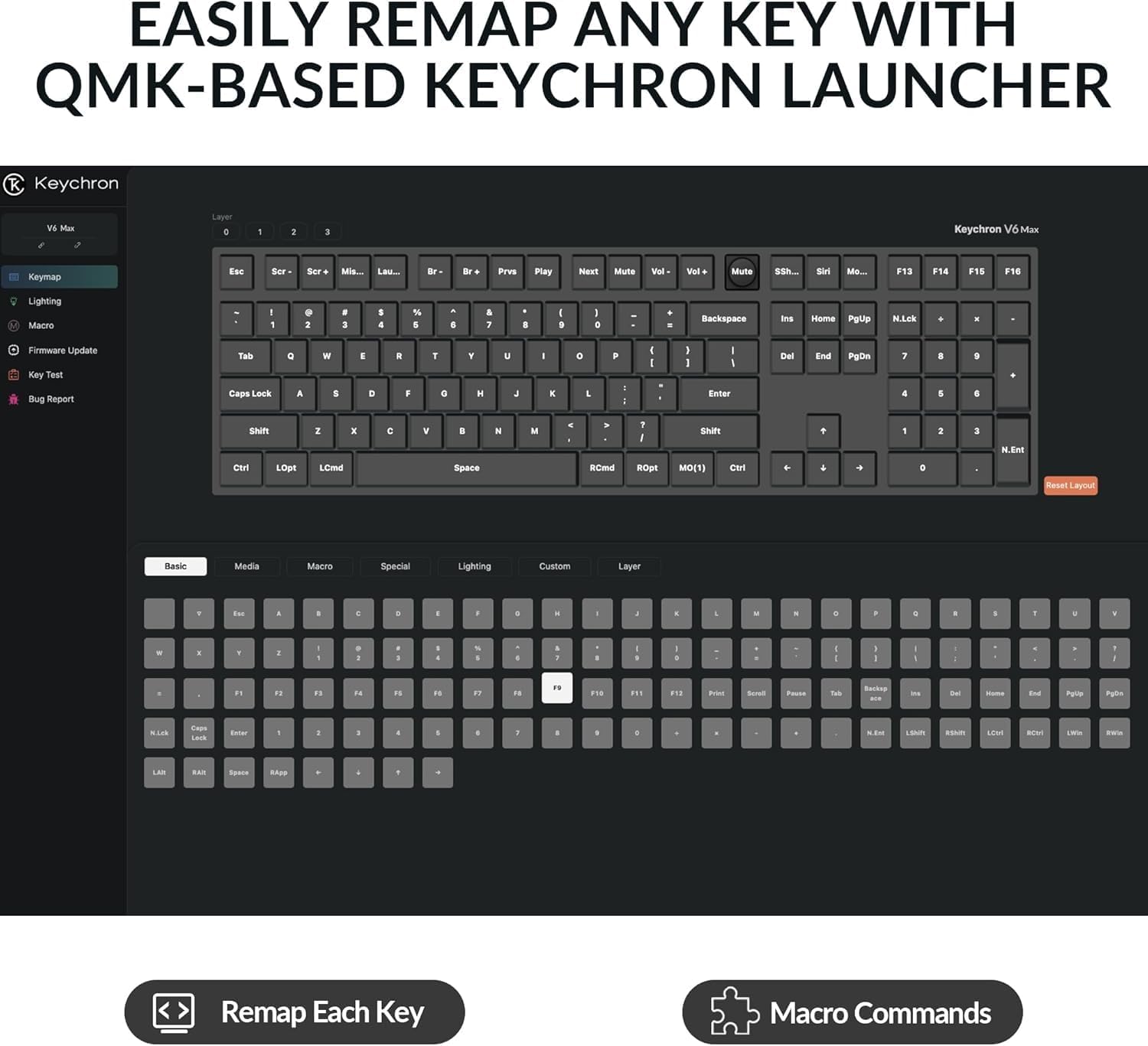
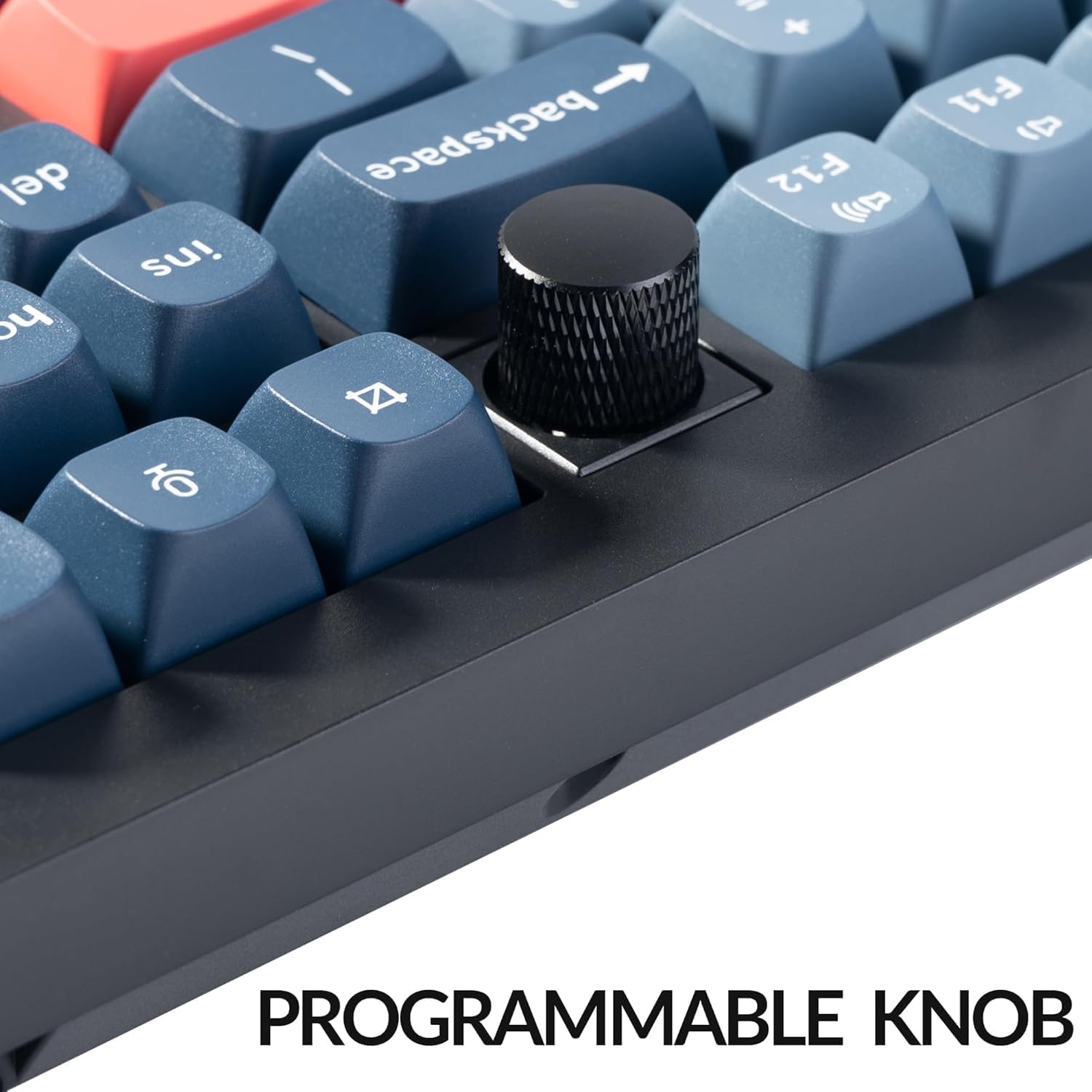
Where the V6 Max earns attention is how much control it offers. It’s QMK programmable, and remapping is supported via the Keychron Web Launcher. That combination is handy if you want to tweak key behaviour for your workflow—media controls, shortcuts, or moving commands to places that actually feel natural.
This is also one of those areas where “it depends”. If you only want plug-and-play and never touch settings, you may not fully use what makes QMK boards appealing. But if you tinker—mapping layers, adjusting shortcuts, refining productivity—this is the kind of keyboard that can grow with you.
One more practical note: the board is described as connectable to up to three devices via Bluetooth, which is useful for multi-device setups. Still, always consider that switching between systems can be influenced by how you prefer to manage it (shortcuts vs manual selection).
Connectivity you can actually rely on
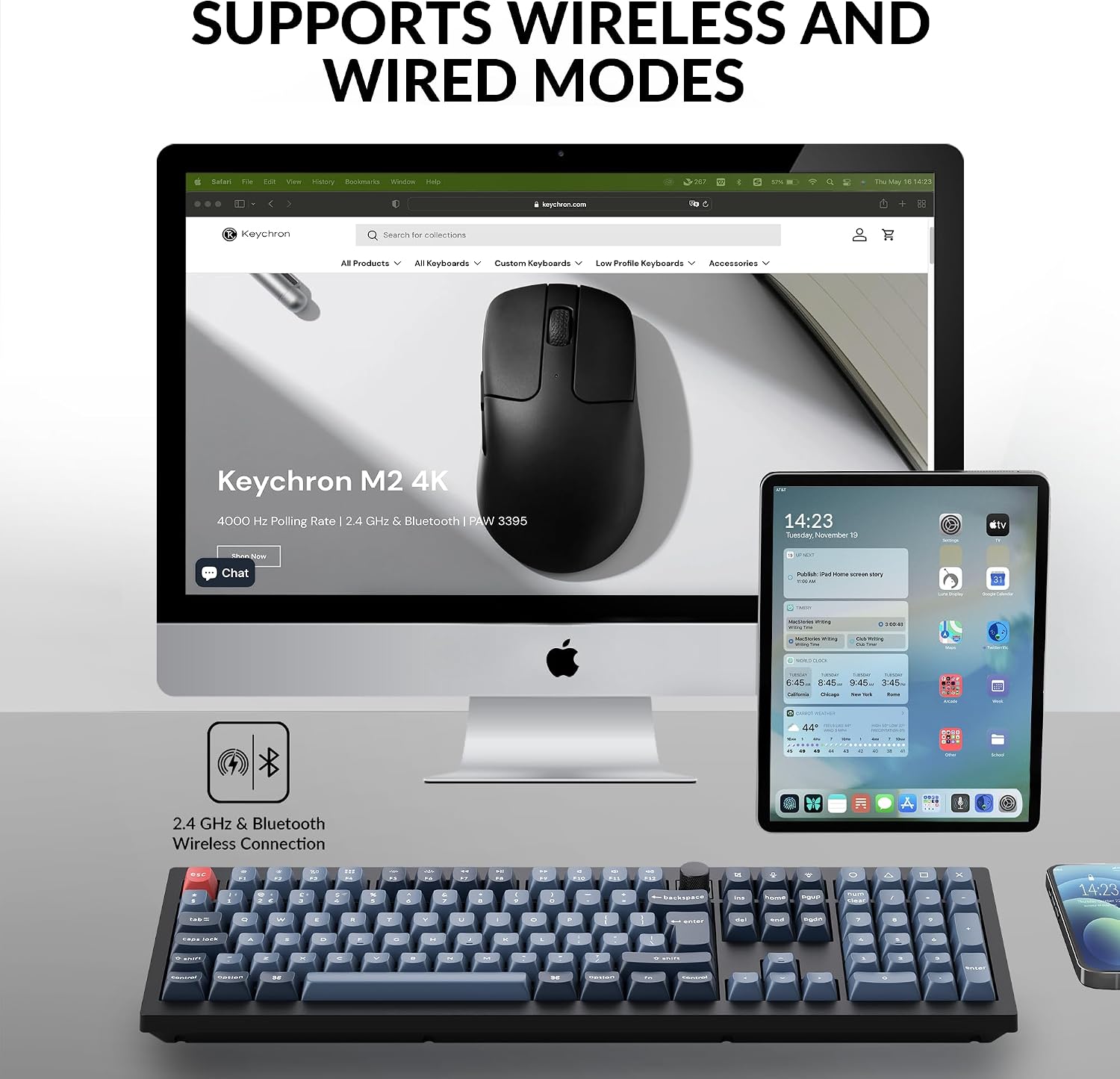
You get 2.4 GHz wireless alongside Bluetooth. The listing mentions fast polling behaviour for the 2.4 GHz connection and Bluetooth 5.1 for stable performance. In a typical home or work environment, this matters because you’re less likely to feel lag when you’re moving between typing, calls, or general computing.
It also supports connectivity across macOS, Windows and Linux, which is a strong point if your household (or office) isn’t “one OS only”. If you’re buying for a mixed environment, this avoids the frustration of needing different keyboards.
Hot-swap switches and stability for bigger keys
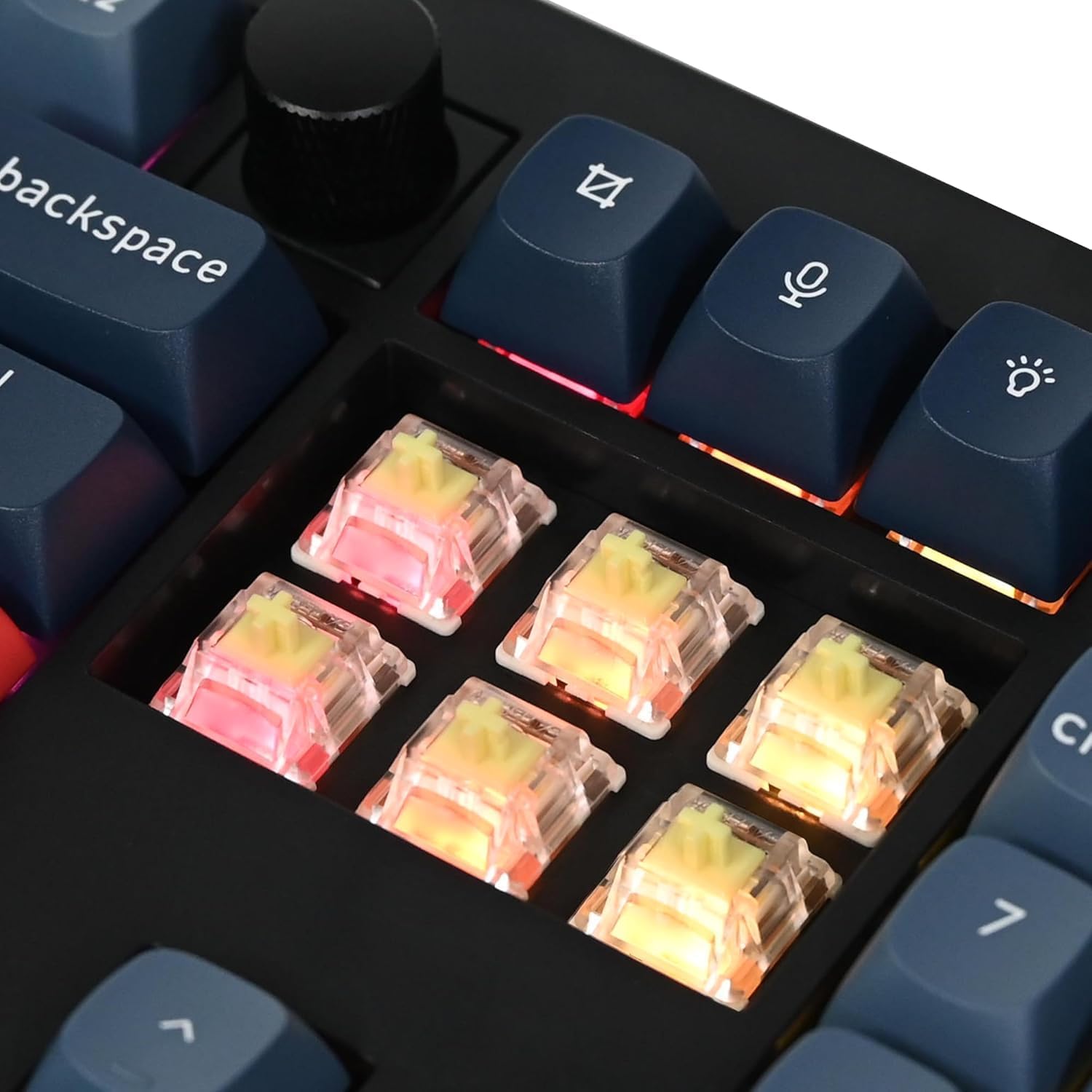
Hot-swappable switches are one of the best “long-term ownership” features in this category. The V6 Max is listed as allowing hot swapping of 3- and 5-pin MX-style mechanical switches without soldering, and it specifically mentions prelubed switches being exchangeable.
That flexibility is great if you want to compare switch feels later—tactile vs linear, softer vs sharper, or just to chase the sound you prefer. Just keep in mind a limitation: the listing says hot swap works with MX-style switches, so if your plan is to use completely non-standard switch formats, you’d need to check compatibility first.
For stability, the product mentions PCB-mounted screw-in stabilisers for “large keys” to improve steadiness and performance. For most people this translates into fewer wobbles on keys like the space bar, but again, your final experience will be shaped by keycap fit and how you assemble/maintain the board.
Build details: PBT keycaps and adjustable south-facing RGB
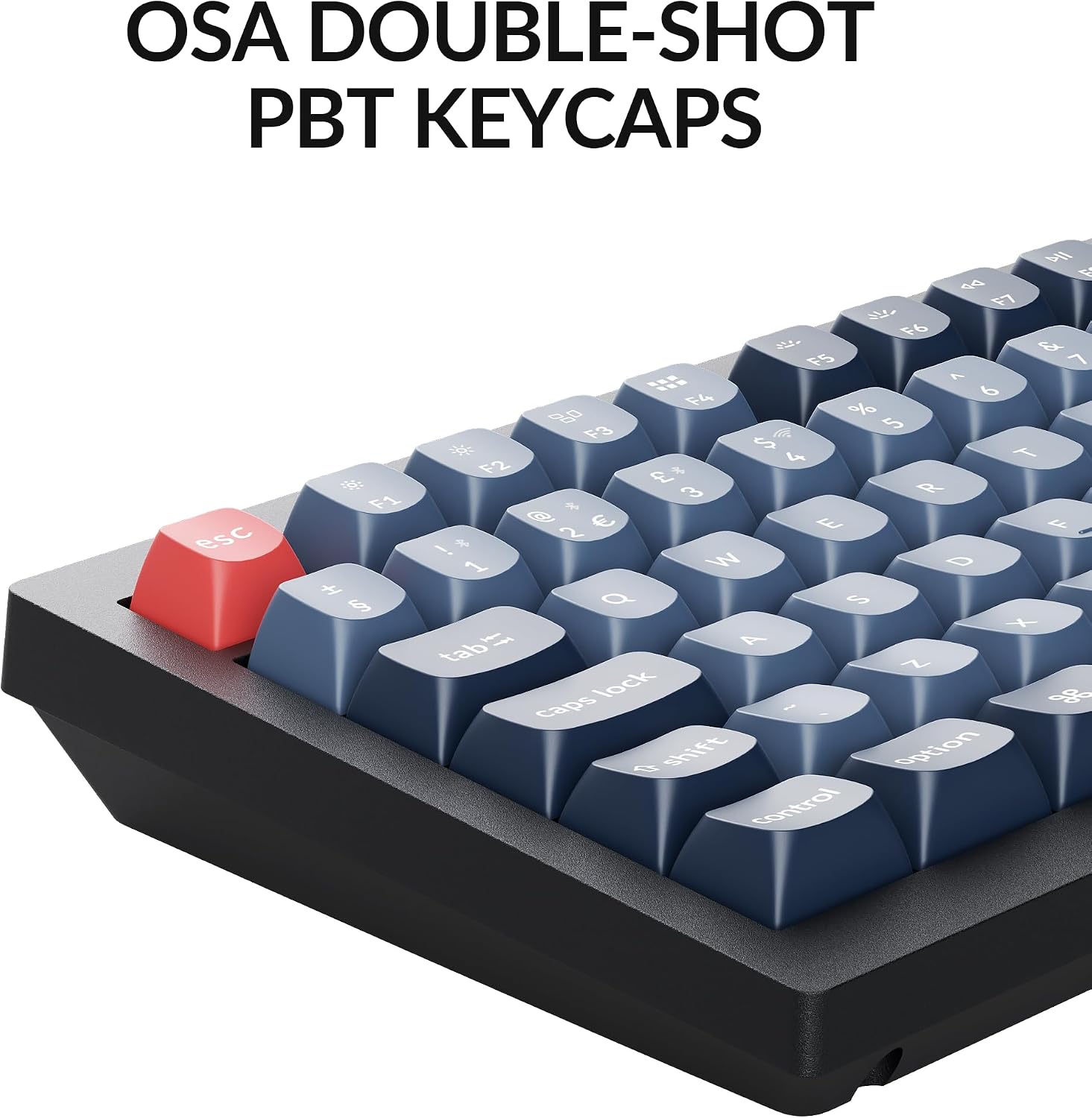
The keyboard includes durable PBT keycaps with double-shot OSA profile. PBT is typically chosen for its resistance to wear and oils, and double-shot generally helps keep legends looking consistent over time.
RGB lighting is described as south-facing and configurable. The listing mentions adjusting tone, saturation, effect speed and modes using key combinations. This is one of those extras that most people either love or ignore—so it’s worth checking whether south-facing lighting works the way you expect with your preferred keycap style. If you’re planning to keep it stock, it should be fine, if you’re picky about lighting diffusion, it’s worth reading carefully before buying.
Should you buy it?
Buy it if you want a full-size wireless mechanical keyboard with QMK for deeper customisation, plus the option to change switches later thanks to hot-swap support. It suits people who actively remap keys, enjoy tactile switches, and want a workstation setup that can cover macOS, Windows and Linux.
Skip it (or at least think twice) if you’re looking for a simple, no-setup keyboard and you’re unlikely to use QMK features. It may also not be the best match if you strongly prefer a linear switch feel, because the included tactile Gateron Banana switches will lean that way by default.
Mini FAQ
Does it support both 2.4 GHz and Bluetooth?
Yes—it's described as offering 2.4 GHz wireless connectivity and Bluetooth 5.1.
Can I remap keys without installing complicated software?
The listing says you can use the Keychron Launcher on the web to reassign keys.
Is it really hot-swappable?
It’s described as hot-swappable and compatible with almost all MX mechanical switches of 3 and 5 pins without soldering.
How many devices can Bluetooth connect to?
The listing states Bluetooth can connect to up to three devices.
What operating systems is it compatible with?
The product description says it works with macOS, Windows and Linux.