

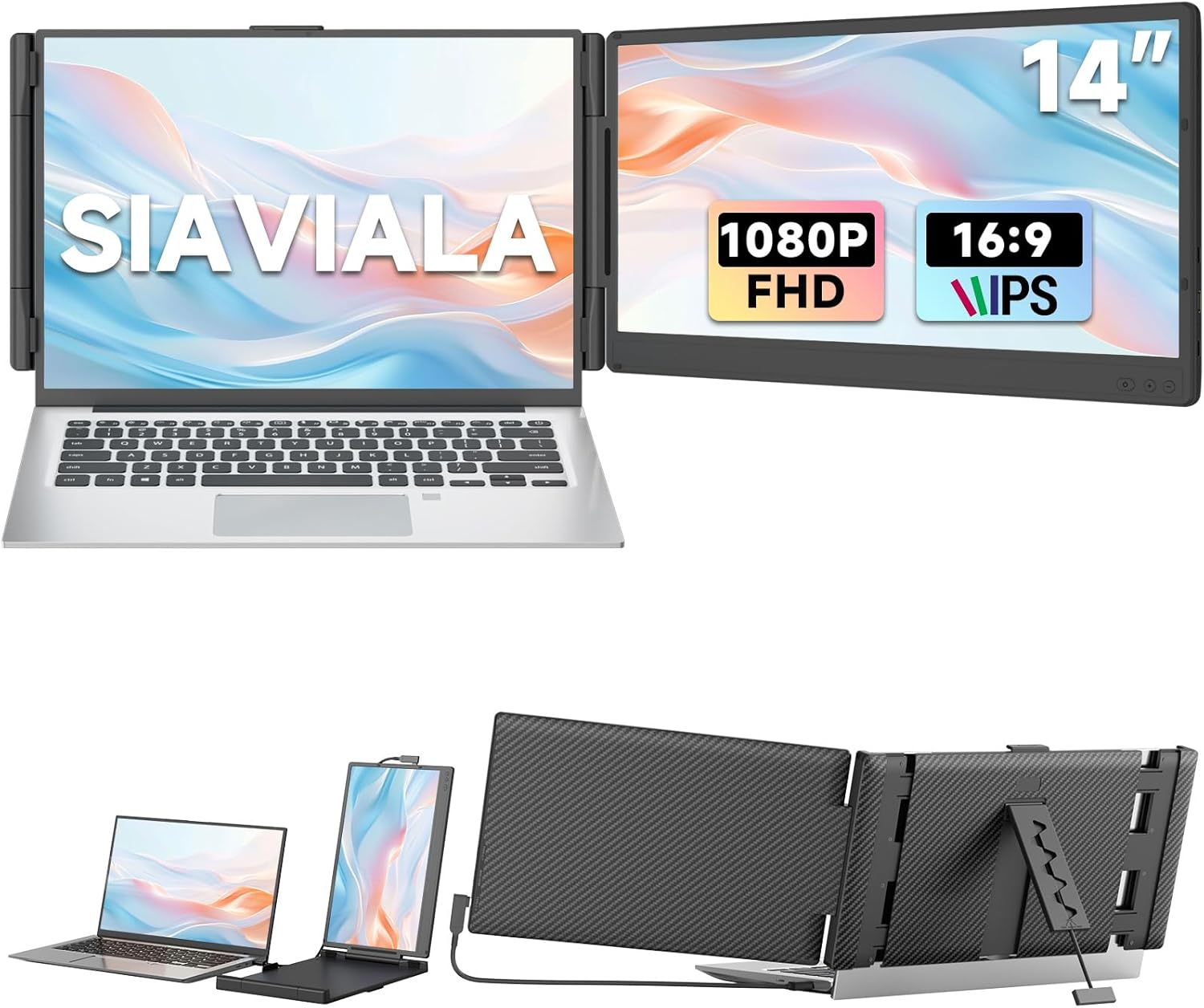
Siaviala 14-inch FHD 1080P IPS Dual Screen Laptop Extender (Portable monitor for 13–17.3-inch laptops)
Product description
At a glance
If you regularly juggle tabs, documents and video calls on one laptop screen, a portable “screen extender” can feel like an instant quality-of-life upgrade. This Siaviala 14-inch FHD 1080P IPS dual-screen extender is designed to add extra screen space using extended or mirrored modes, so you can view two pages at the same time rather than constantly switching between windows.
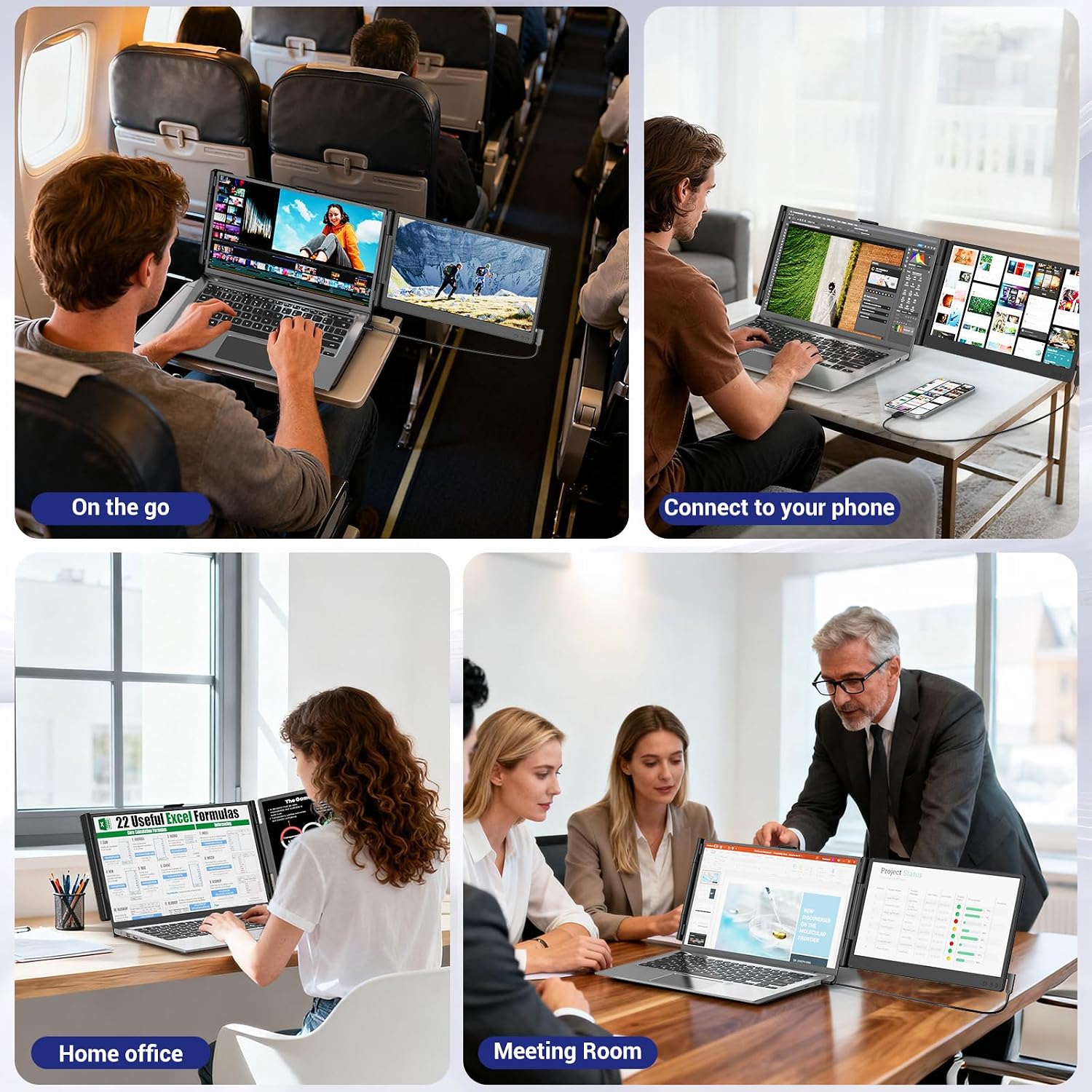
On paper, it’s built for work and travel: meetings, presentations, home office sessions and even gaming consoles where a second screen can be useful. The fact it’s plug-and-play and relatively lightweight makes it easier to pack than many bulkier external monitors.
Key features that affect day-to-day use
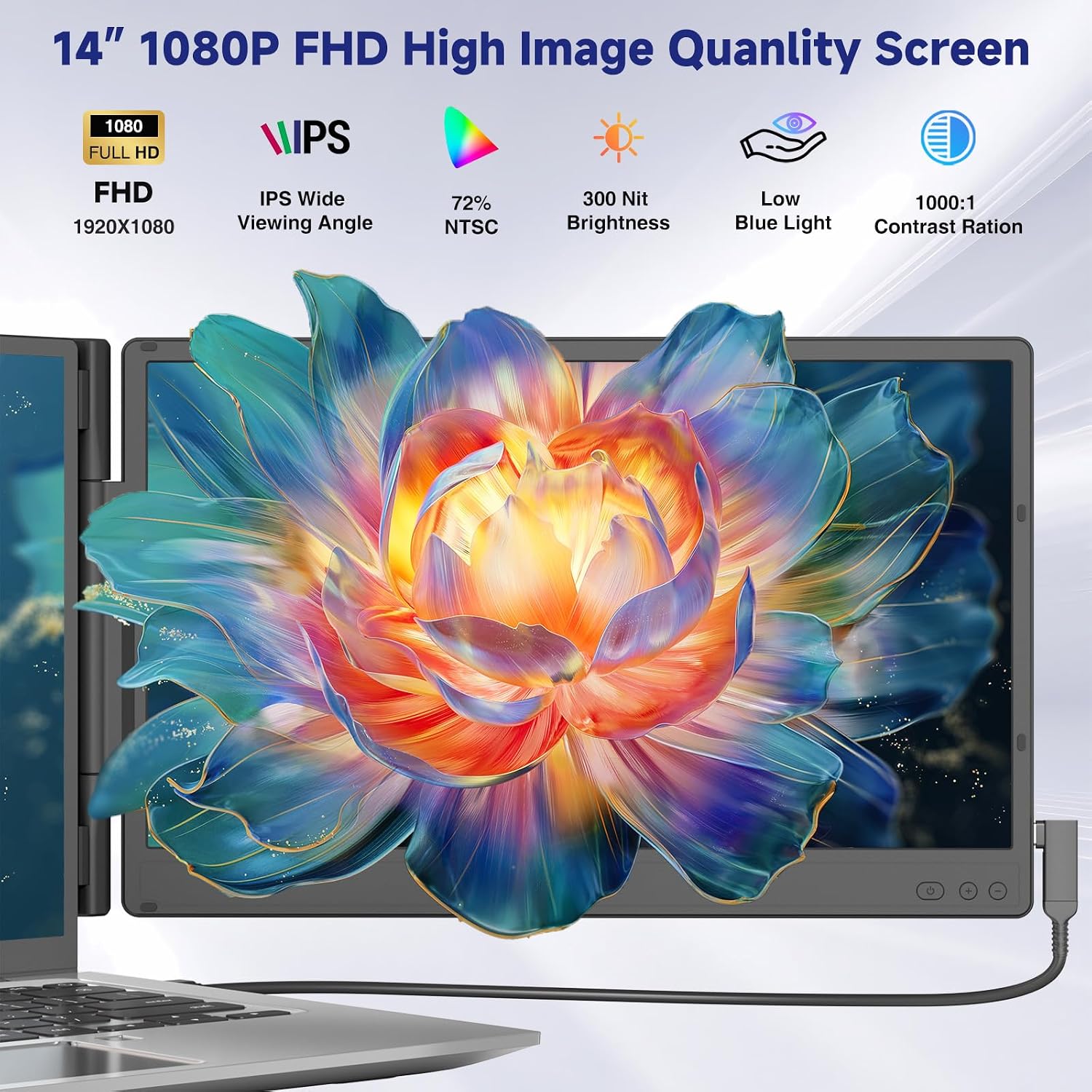
The headline is the 14-inch portable panel with 1920×1080 resolution (FHD) and an IPS display. The listing also mentions 300cd/㎡ highlights and 72% NTSC, which suggests the image should be fairly decent for everyday tasks like spreadsheets, writing, and typical office graphics.
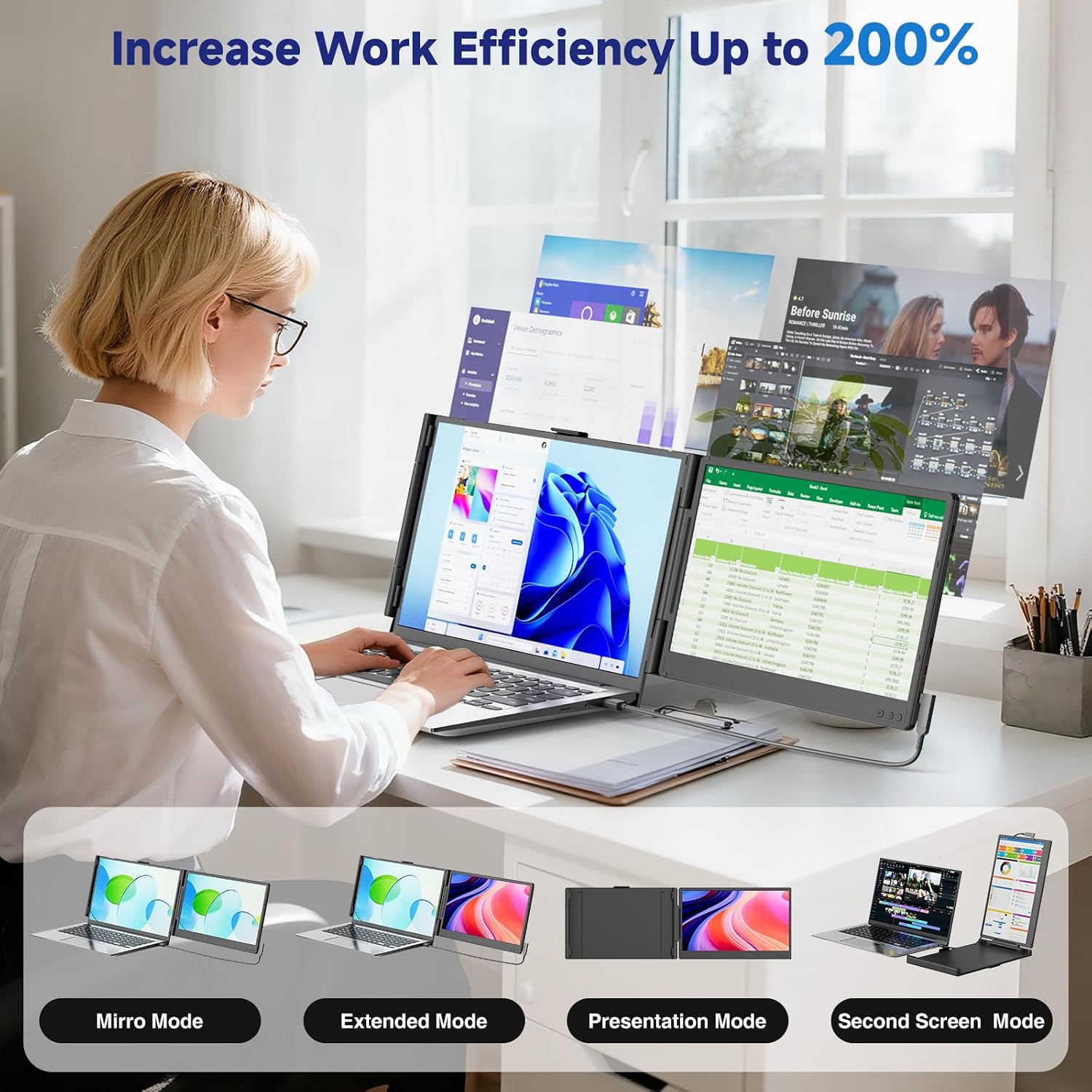
There are two viewing approaches here: - Extended mode for multitasking across two screens. - Mirrored mode if you want the same image duplicated (for example, when presenting).
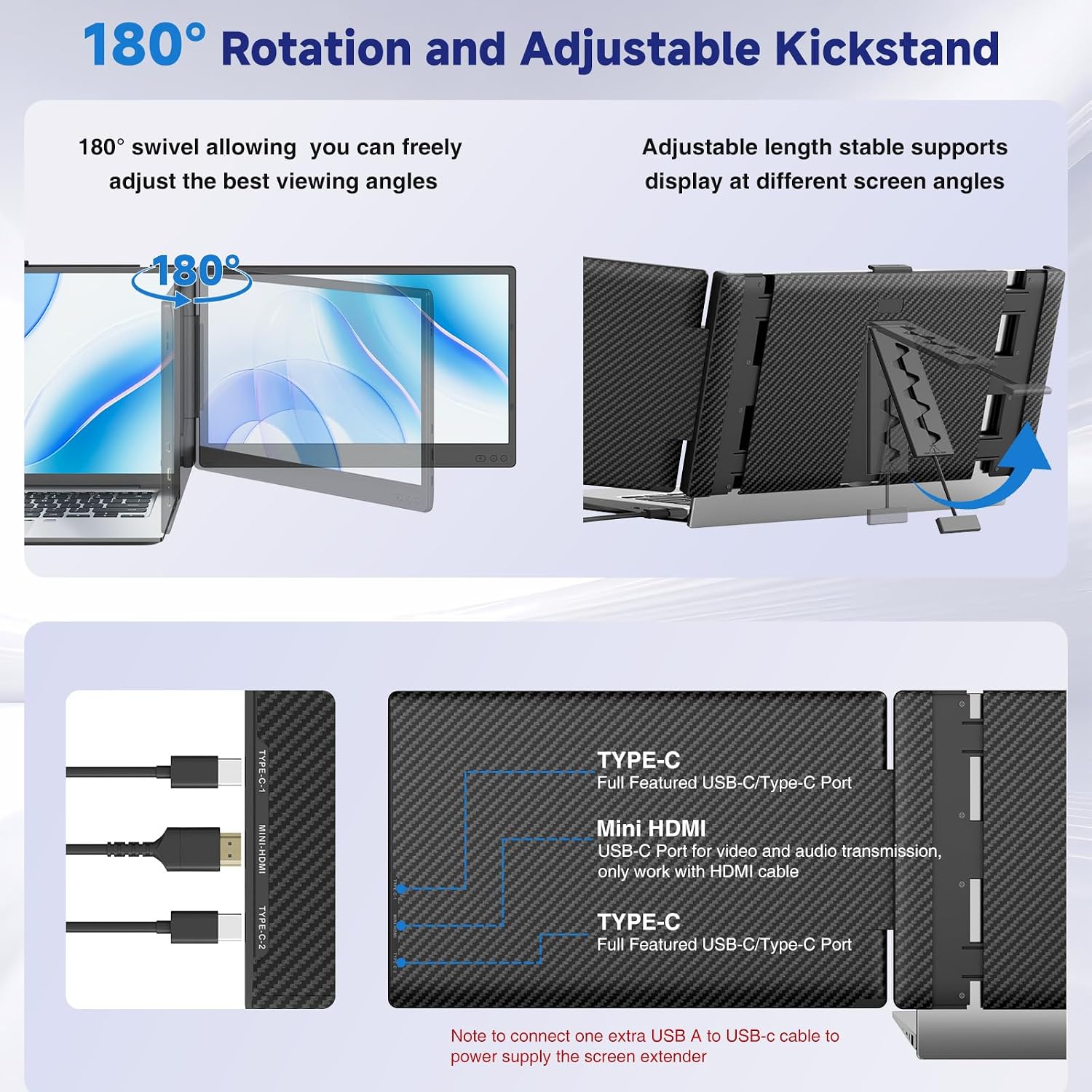
A detail that matters more than people expect: the dual-screen setup can be rotated up to 180°, so you can adjust how it sits for your preferred viewing angle.
You also get multi-function keys that let you independently adjust things like brightness, sound and contrast for each screen. That’s handy if one side needs a bit more attention during a long session.
Ports, cables and plug-and-play reality
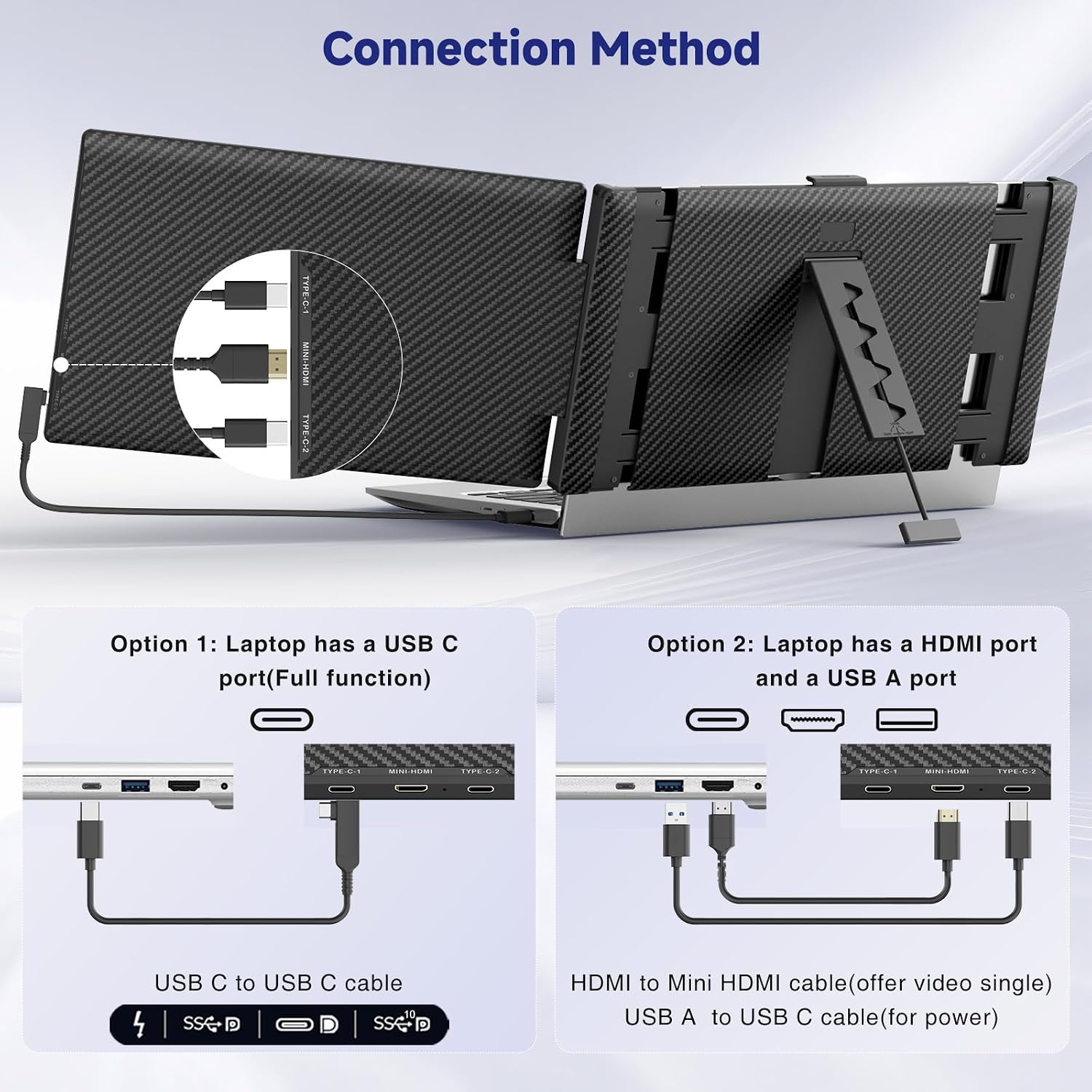
The device is described as plug & play without driver. In practice, you’ll connect it using the included cable set via USB-C and/or HDMI (depending on what your device supports).
From the packaging list, the bundle includes: - 1× USB-C to USB-C cable - 1× HDMI to USB-C cable - 1× USB-C to USB-A cable
One important nuance from the listing: the USB-A to USB-C cable is just for power supply. So you’ll still need the correct video connection path (USB-C or HDMI to USB-C) for the picture.
If you’re upgrading from a basic setup, that’s a relief—less fiddling with software. Still, do expect that some laptops are more cooperative than others.
Compatibility: what to expect, and what can trip you up
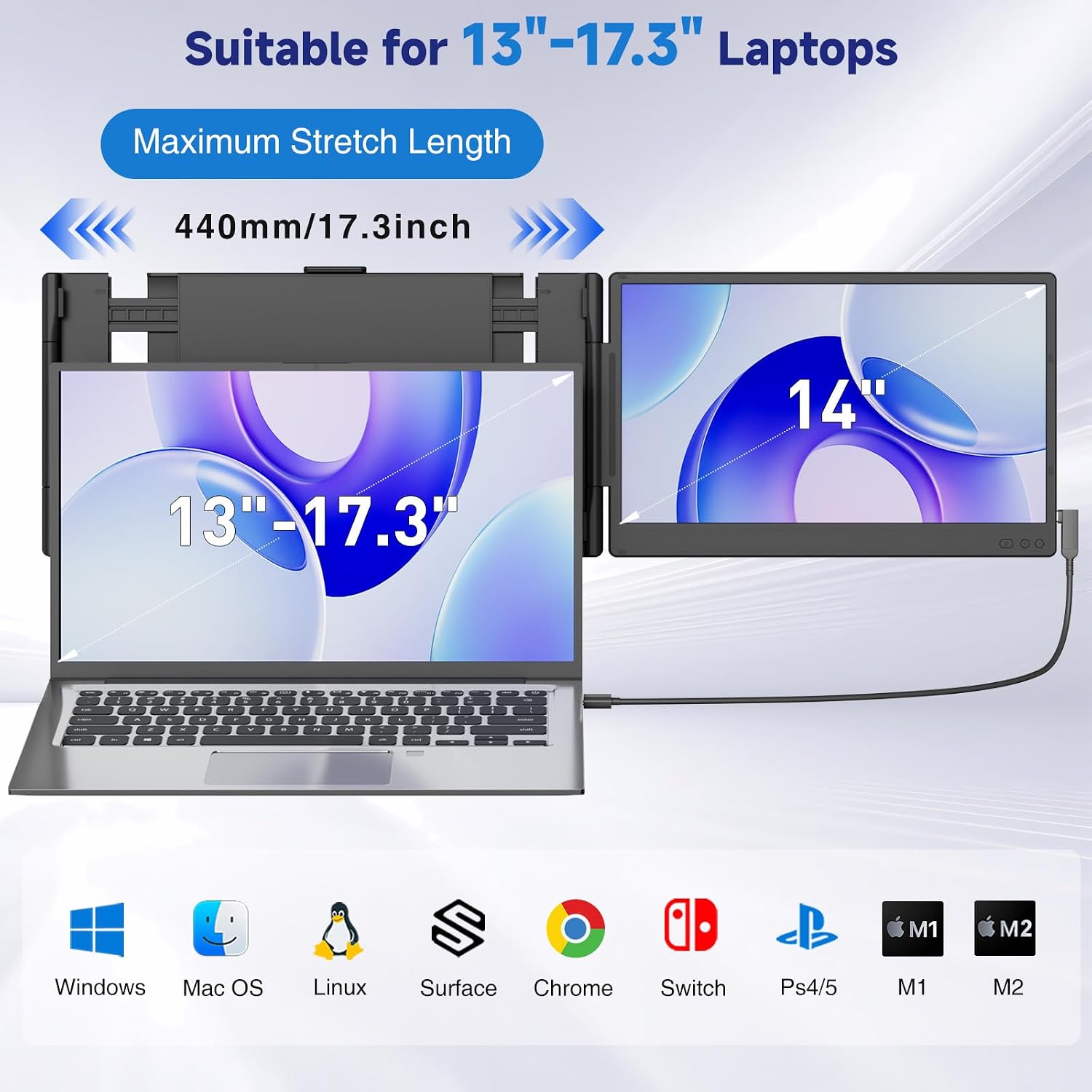
Siaviala states wide compatibility across devices and operating systems, including Windows, Mac (including M1/M2/M3 mentioned), Android, and gaming consoles/devices like PS5, Xbox and Switch. It also specifies suitability for laptops in the 13–17.3-inch range.
That said, the listing includes a real-world caution: due to limitations of the laptop itself, you may run into issues like “no signal”, black screen, or power saving mode behaviour. In other words, it’s not guaranteed to work seamlessly with every host device.
It’s not a dealbreaker—just something to keep in mind when you’re buying for a specific laptop model or you rely on it for work every day.
When it makes sense to buy this extender
This is a strong fit if you want a portable second screen for tasks where multitasking helps: drafting, reviewing two documents side-by-side, following notes during a video call, or doing quick debugging while keeping reference material visible.
A simple example: imagine you’re writing an email while keeping a spreadsheet open for numbers. With extended mode, you can keep the email on one side and the table on the other, reducing the constant tab swapping.
It also looks like a reasonable pick if you attend meetings or travel and don’t want to rely on a single small screen when you need more space.
Limitations to consider before you commit
Not everything about this is “pure win”. It’s described as an extender for laptops sized 13–17.3 inches, so if your main goal is a larger, desktop-style multi-monitor setup, you may find it a bit more constrained than a full-size monitor.
Also, because the listing acknowledges possible “no signal” or black-screen situations, it may not be the most reassuring choice if you need guaranteed plug-and-play performance across unknown devices. If you often use different laptops on the move, you’ll likely want to test compatibility before making it your only display.
Is it worth it?
A solid buying verdict if you prioritise portability and want a second screen experience—extended or mirrored—for day-to-day productivity, presentations and travel. The FHD 14-inch IPS panel and independent control keys add practical value, and the included USB-C/HDMI cabling helps you get started quickly.
You may want to skip it if you’re buying for a specific laptop where you already suspect display compatibility problems, or if you expect a full-size external monitor replacement. In those cases, it can end up feeling less reliable than the more straightforward “one device, one monitor” approach.
Mini FAQ
What modes does the Siaviala extender support?
The listing states it supports both extended and mirrored modes, so you can either spread content across two screens or duplicate the same view.
Does it need a driver to work?
It’s described as plug & play without driver. The host connection is made via the included USB-C/HDMI cabling.
What cables come in the box?
You get a USB-C to USB-C cable, an HDMI to USB-C cable, and a USB-C to USB-A cable (the USB-A to USB-C is for power supply).
Is it compatible with consoles as well as laptops?
The listing says it’s compatible with Android, PS5, Xbox and Switch alongside Windows and Mac, assuming the connection works on your setup.
What if I get a no-signal or black screen?
The brand notes that laptop limitations can cause issues like no signal or black screen. They ask buyers to contact them for a solution, and mention a one-year warranty and 24/7 support.