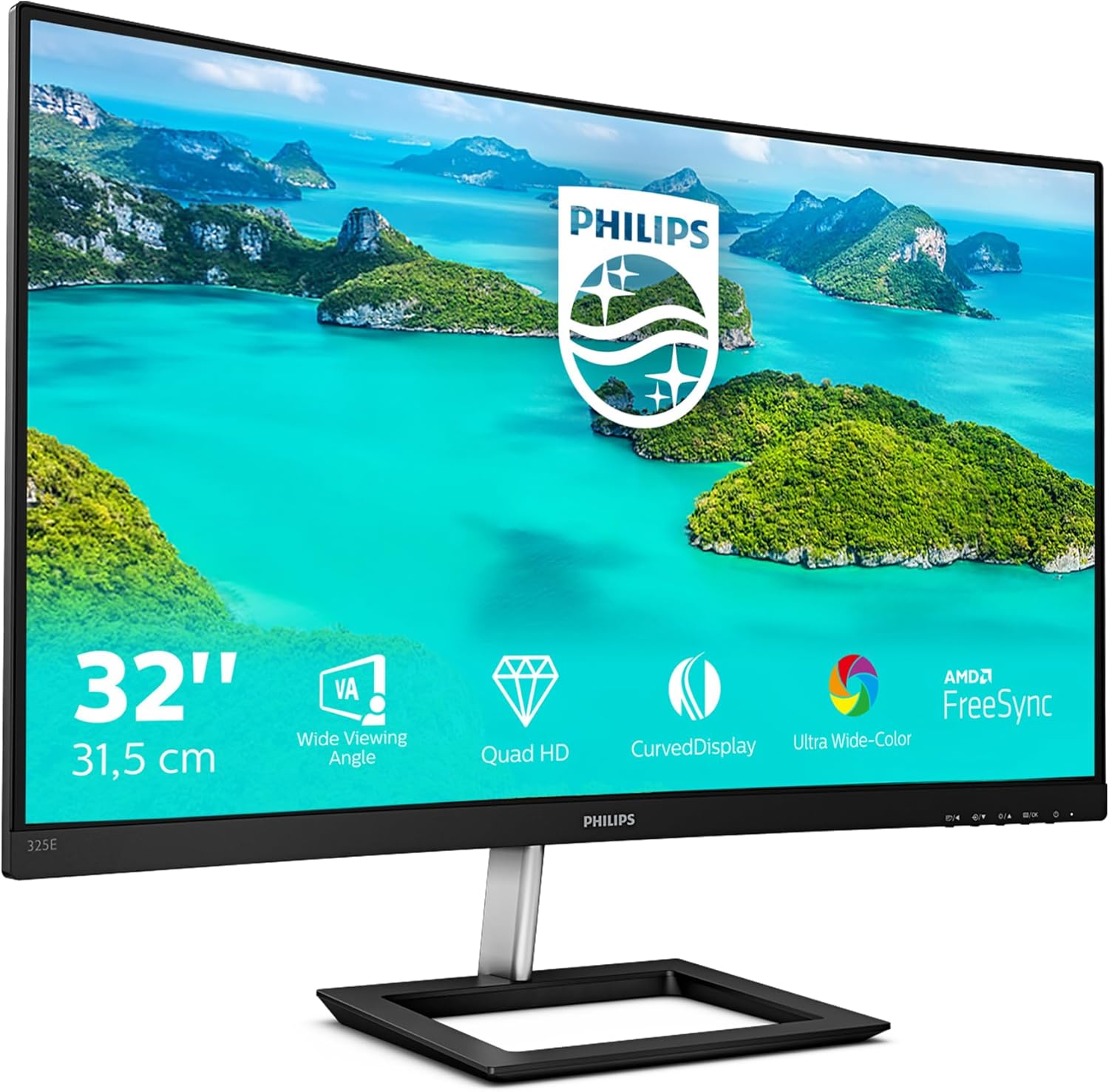
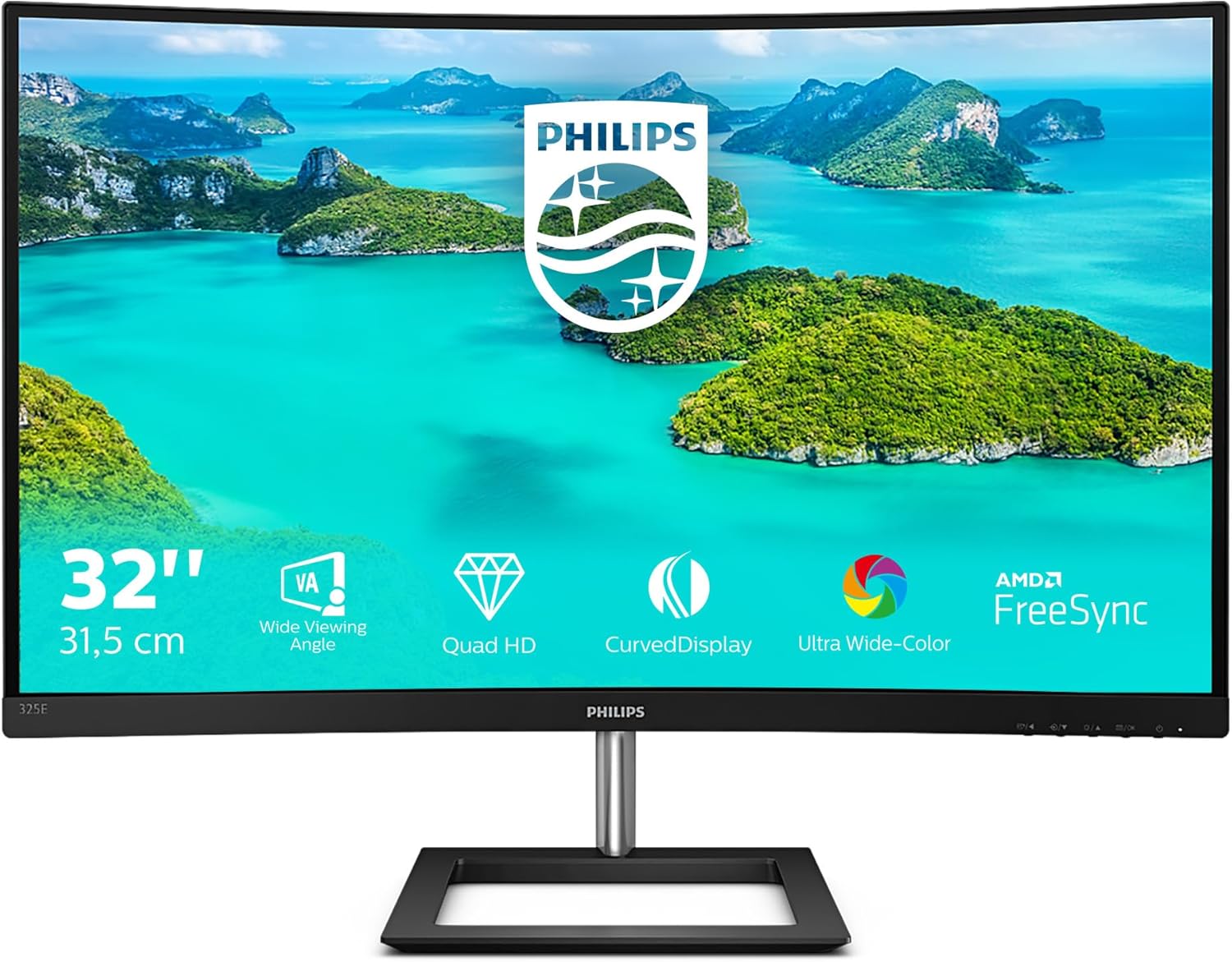
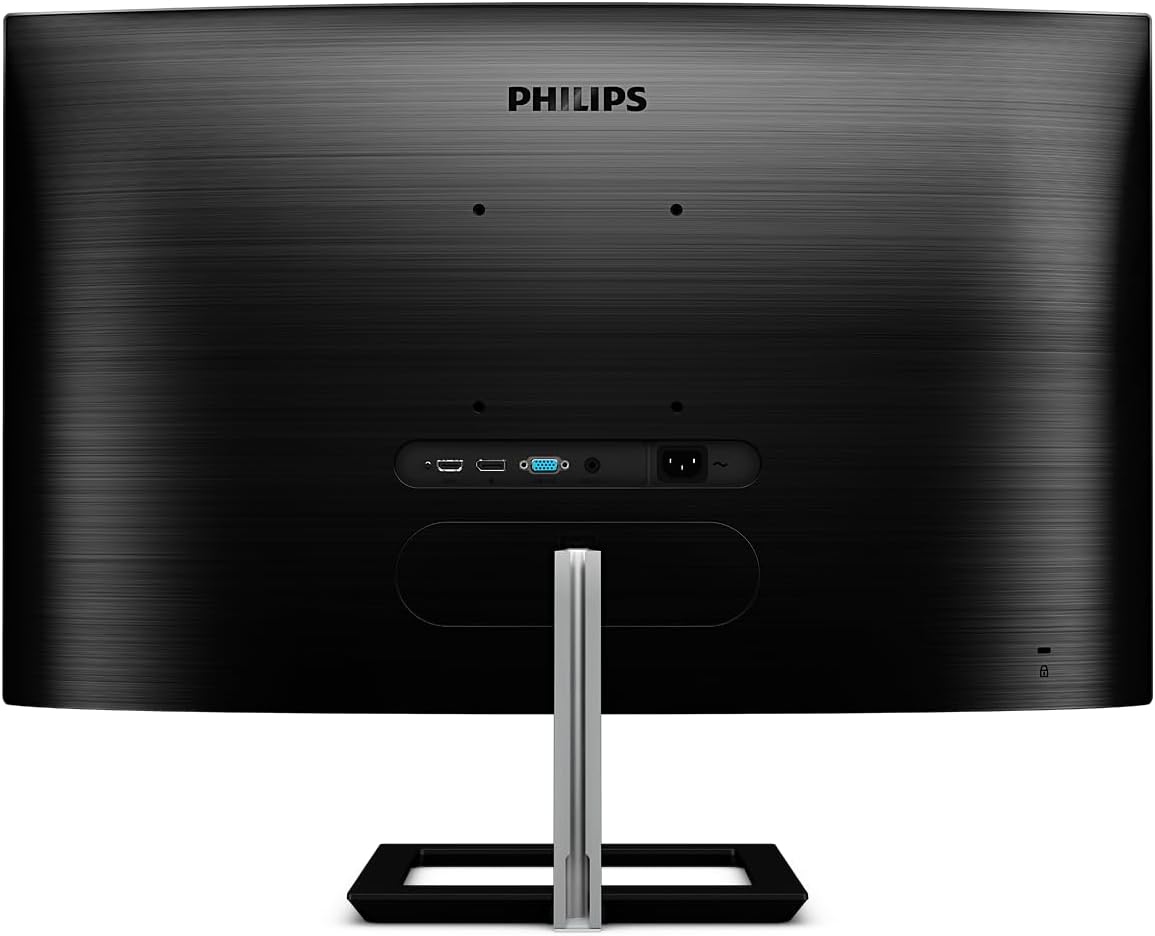
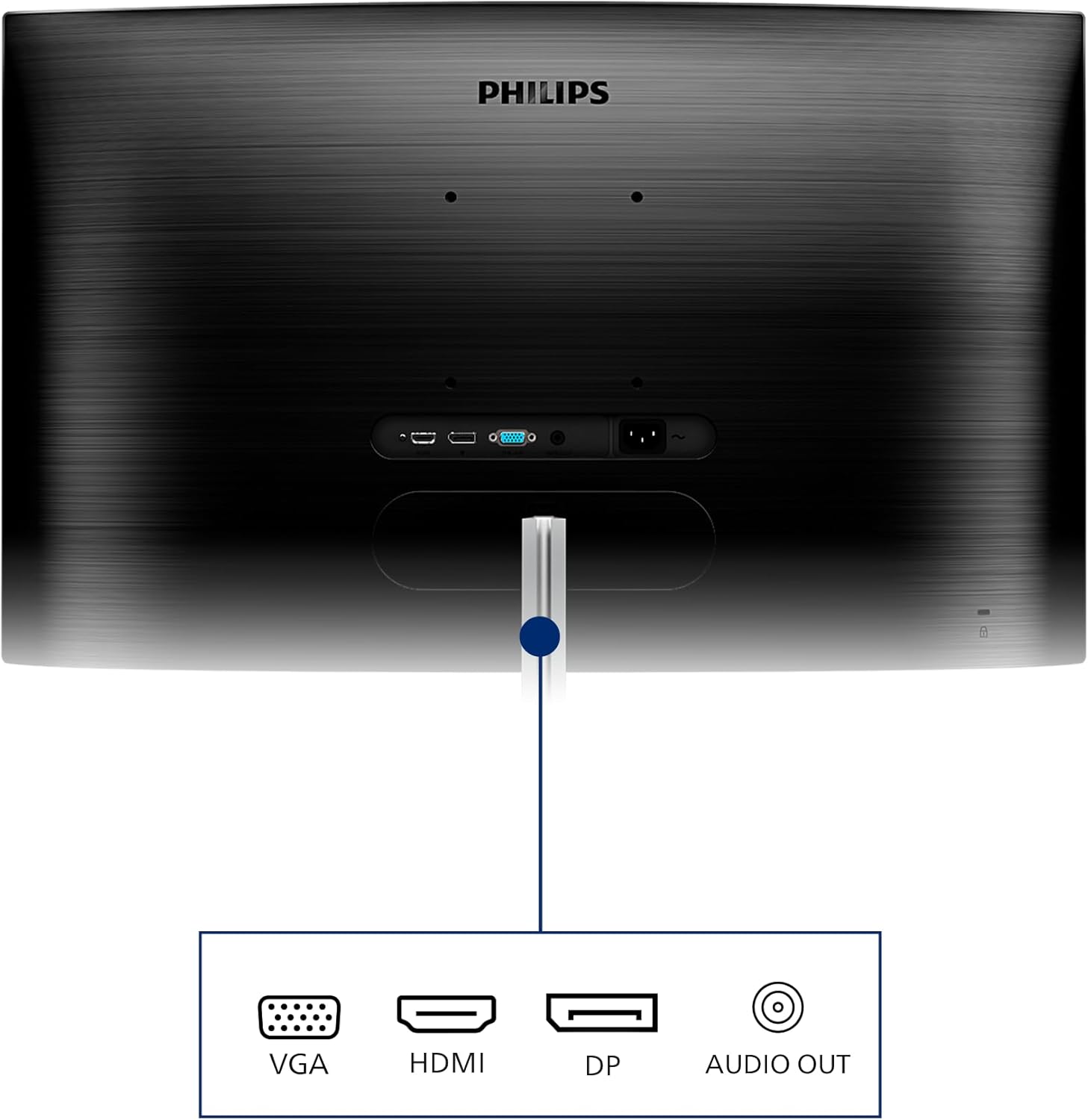
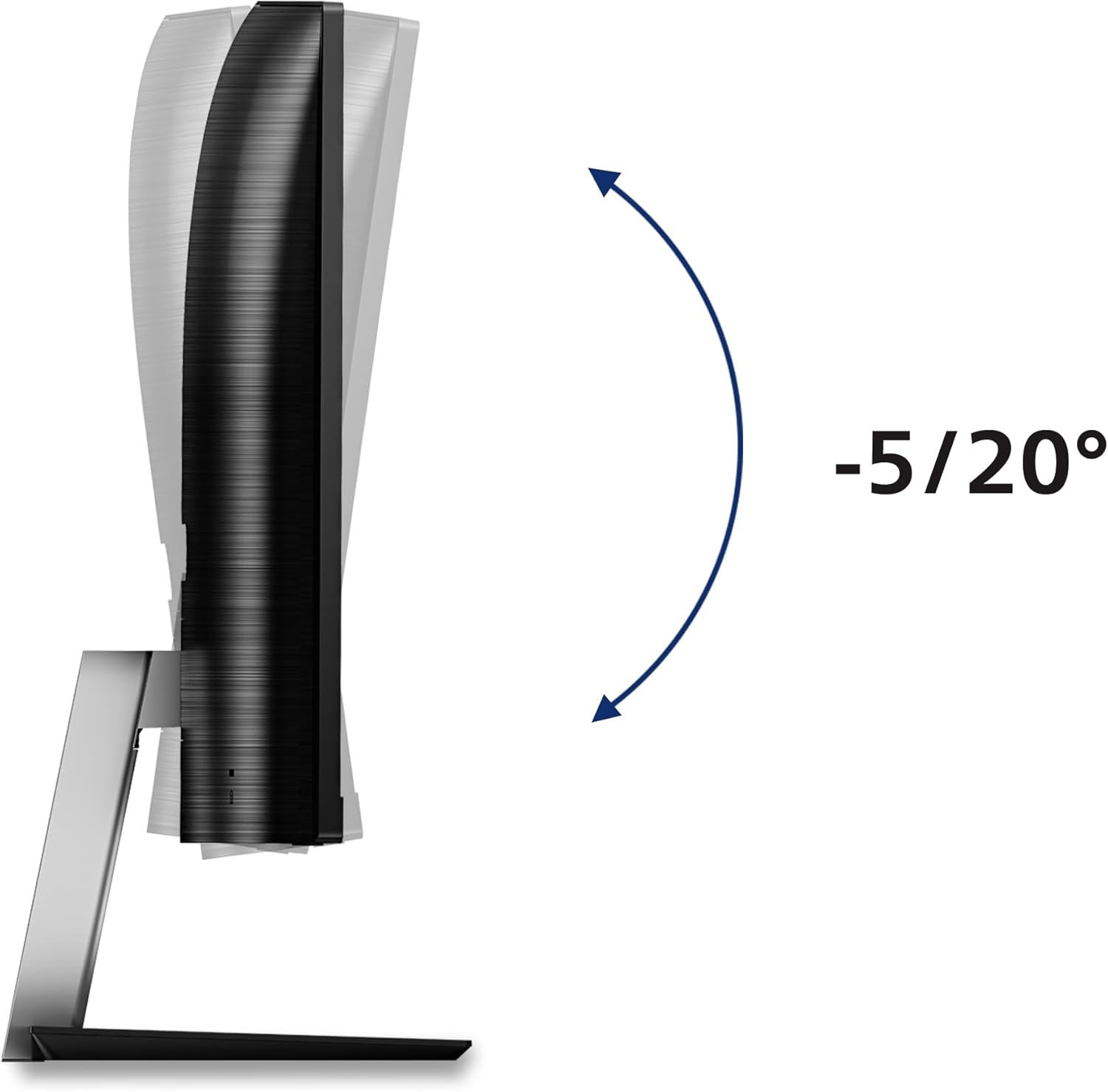
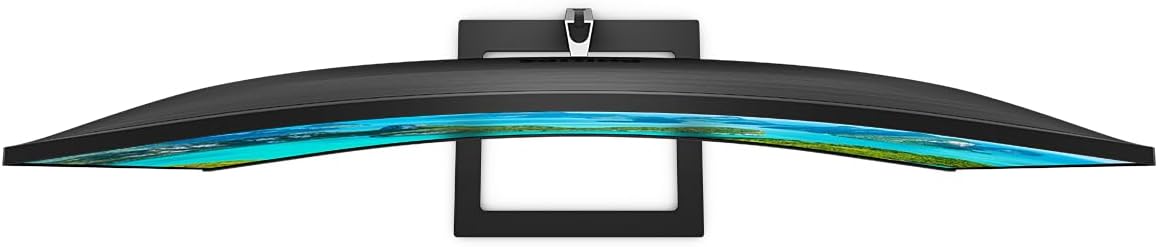
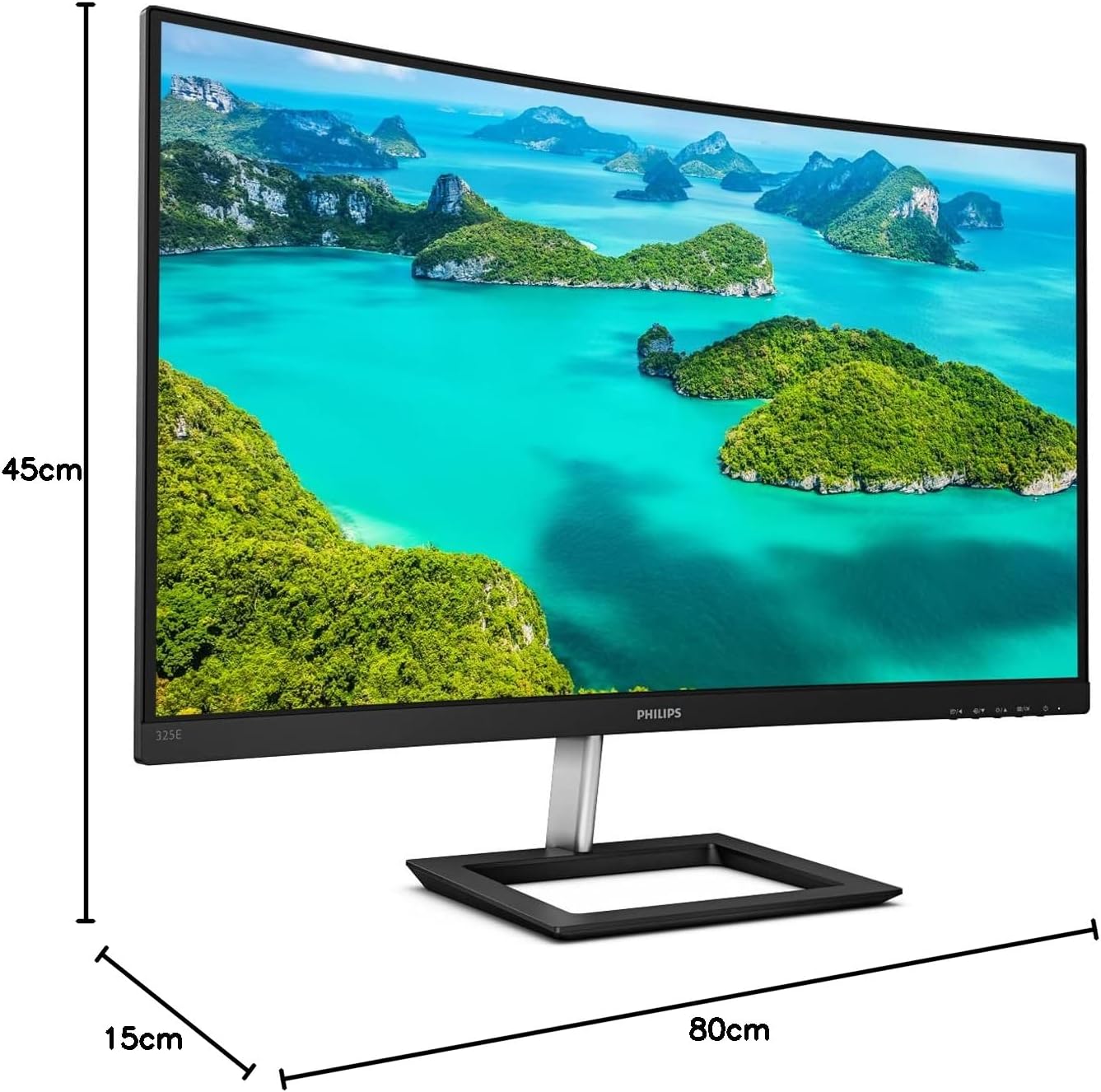
What it is and what it aims to solve\nThe Philips 325E1C is a 32-inch curved monitor with a QHD resolution (2560 x 1440) designed to bring a more immersive view to desk-based tasks, media consumption and light to moderate creative workloads. With a VA LCD panel, it promises strong static contrast and a reasonably wide viewing angle for daily use. The curved screen is aimed at drawing you into the action at the centre of your desk, which can help reduce peripheral eye movement when you’re working with multiple windows or reviewing photos and videos. The monitor is specified for 75 Hz refresh rate and 4 ms response time, which is acceptable for general productivity and casual gaming or multimedia without demanding fast-paced esports credentials.\n\n## Who this is for\nIf you prioritise a bigger screen with a bit of immersion for general computing, web browsing, document work, video streaming and light editing, the 32-inch footprint can feel productive without stepping into professional-grade sizes. It’s also a sensible option if you want a single screen to replace a multi-monitor setup for a smoother desk presence and fewer bezels to manage. However, for users chasing top-tier gaming smoothness or colour-critical professional work, this model sits more in the mid-range bracket.\n\n## What stands out in use\nOn paper, the Ultra Wide-Colour Technology expands the available colour gamut, which can help greens, reds and blues appear more vivid. In everyday use this translates to menus, film posters and photos looking more saturated than a standard sRGB display, while still being practical for everyday tasks. The VA panel is known for higher static contrast than many IPS panels, which tends to deliver deeper blacks in dark scenes and a more defined separation between light and shadow in photos and videos. The 178/178-degree viewing angle claim is helpful if you share the screen with colleagues or guests.\n\n## What may leave you wanting a bit more\nThe stated peak brightness of 250 cd/m² is adequate for typical indoor lighting, but it isn’t particularly bright and may feel a touch comfortable only in dimmer rooms or with a controlled light setup. The refresh rate of 75 Hz is fine for general use and casual gaming, yet it won’t satisfy enthusiasts who require high-end gaming performance or very smooth motion. Connectivity includes HDMI 1.4, DisplayPort 1.2, and VGA, which covers a broad range of legacy and newer devices, but there’s no mention of USB-C or built-in speakers. This means extra adapters or an external audio solution may be needed for a clean desk.\n\n## How to choose it against similar options\nIf you want a larger curved screen for desk immersion at a reasonable price, this Philips model offers a balanced mix of features: curved VA panel, decent colour performance and a solid mid-range spec sheet. For professional photo or video editing where colour accuracy and calibration matter, you might want to compare colour coverage and factory calibration details not listed here. For fast-paced gaming or competitive titles, you could look for higher refresh rates and response times. The decision hinges on whether you value the curved form and colour punch at a modest price more than cutting-edge performance.\n\n## Practical usage example\nImagine editing a travel photo album: you drag a few images into a gallery window, and the curve helps keep all thumbnails within your peripheral view without excessive panning. When watching a documentary, the wider colours subtly enhance natural scenery, while the large diagonal helps keep everything legible without squinting. If you often work with multiple documents side-by-side, the sizeable display gives you room to compare text and visuals at a comfortable scale.\n\n## What to review before buying\n- Confirm that your primary device can output at 2560 x 1440 and has DisplayPort or HDMI connectivity.\n- Consider room lighting, the monitor’s 250 cd/m² is adequate for typical offices, but a bright room can wash out contrast.\n- If you rely on headset or external speakers, plan for separate audio or a monitor with speakers.\n- If you need USB-C or built-in calibration options, this model may not satisfy those needs.\n\n## FAQ (practical, non-technical)\nQ: Is this good for everyday office work? A: Yes, especially if you prefer a large single screen with immersive visuals and a mid-range refresh rate.\nQ: Will it handle casual gaming? A: It’s workable for casual titles at modest detail, it isn’t a gaming monitor for fast competitive play.\nQ: Do I need extra cables? A: Depending on your PC or laptop, you may use HDMI or DisplayPort, VGA is legacy, so adapters might be handy.\nQ: Is it suited for photo editing? A: It’s reasonable for general editing and media consumption, but check colour accuracy and calibration needs if you rely on precise colour work.\n
Should you buy it?\nIt makes sense if you want a large curved screen for productivity and media at a sensible price, and you don’t require cutting-edge gaming features or professional-level colour accuracy. It’s a solid mid-range option for desk-focused use, with the caveat that brightness and gaming performance aren’t its strongest suits. If your setup leans towards modern connections and high-colour-demand work, compare alternative panels and consider whether you need USB-C or built-in calibration to justify the upgrade.