

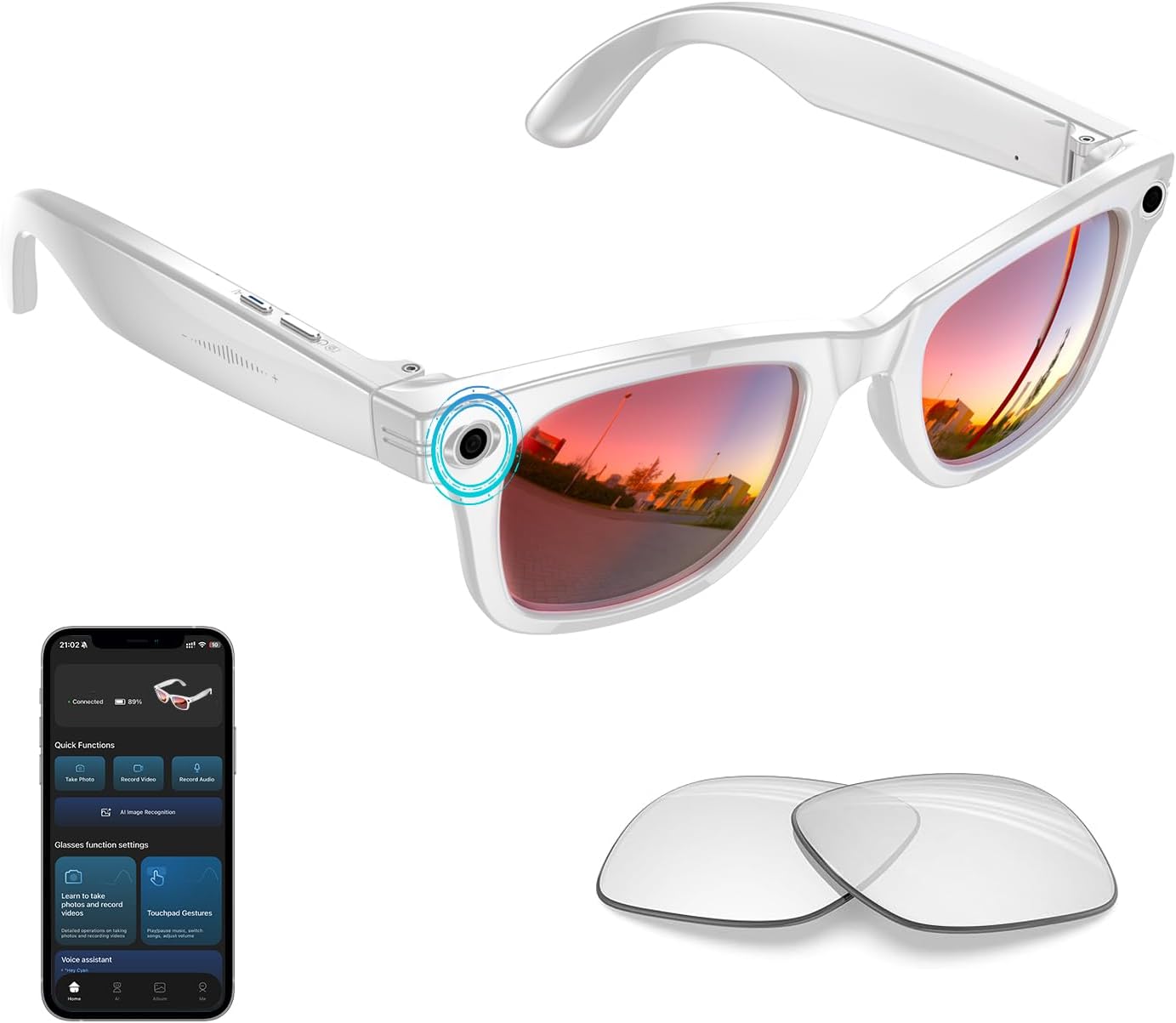
Tulbeys AI Smart Glasses with 4K HD Camera, 8MP Photo, Real-time Translation & Photochromic Lenses (White)
Product description
The essentials
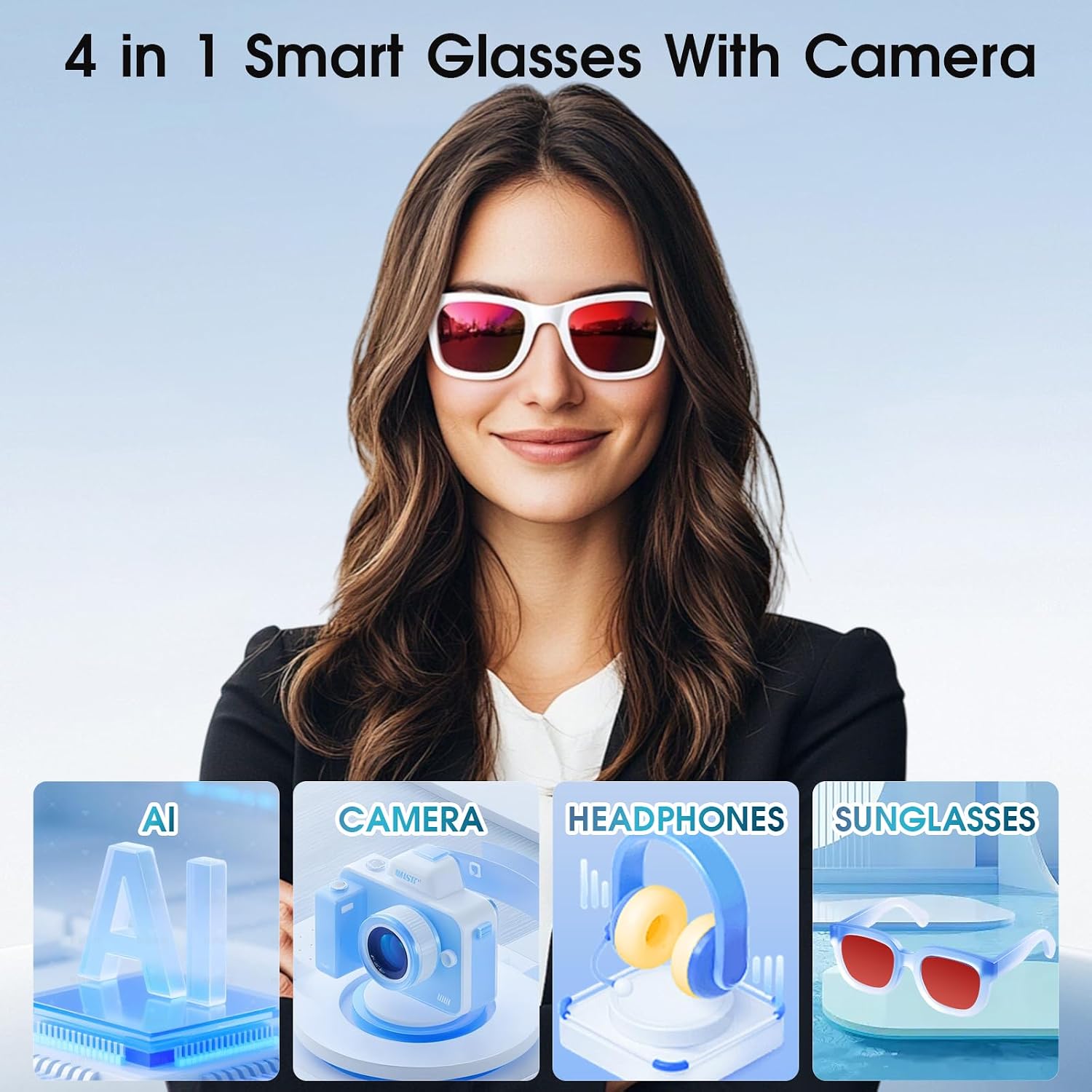
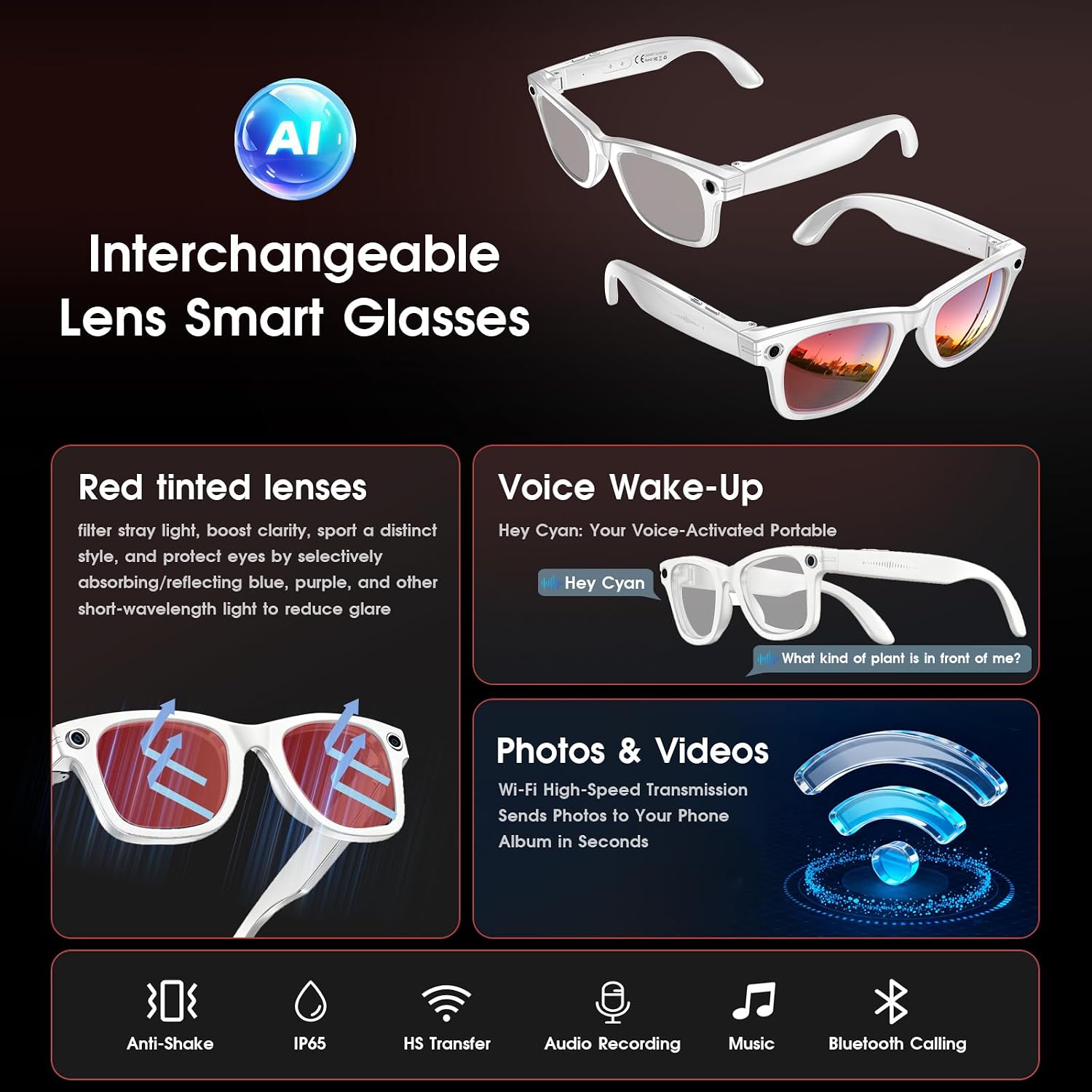
Tulbeys’ AI Smart Glasses are aimed at people who want a camera and translation help without taking out a phone every few minutes. Over the built-in 4K HD camera and an “AI assistant” function, the glasses are positioned for hands-free recording (photos, video and audio) plus real-time AI translation across 26 languages. On top of that, they include self-tinting photochromic lenses, plus blue light filtering and UV400 protection, which matters if you’re spending time both outdoors and around screens.
So, on paper, they’re not just “camera glasses”. They’re closer to a wearable toolkit for travel, study and work situations where quick context helps—think translating street signs, capturing a lecture, or turning handwritten notes into something you can revisit later (based on what the AI can detect/handle in real time).
That said, it’s worth being a bit careful with expectations: they’re wearable tech, and the day-to-day experience can depend quite a lot on environment (lighting, noise levels) and how comfortable you are with voice commands and side controls.
Key features that you’ll actually use
The big headline is a combination of recording + translation + visual comfort.
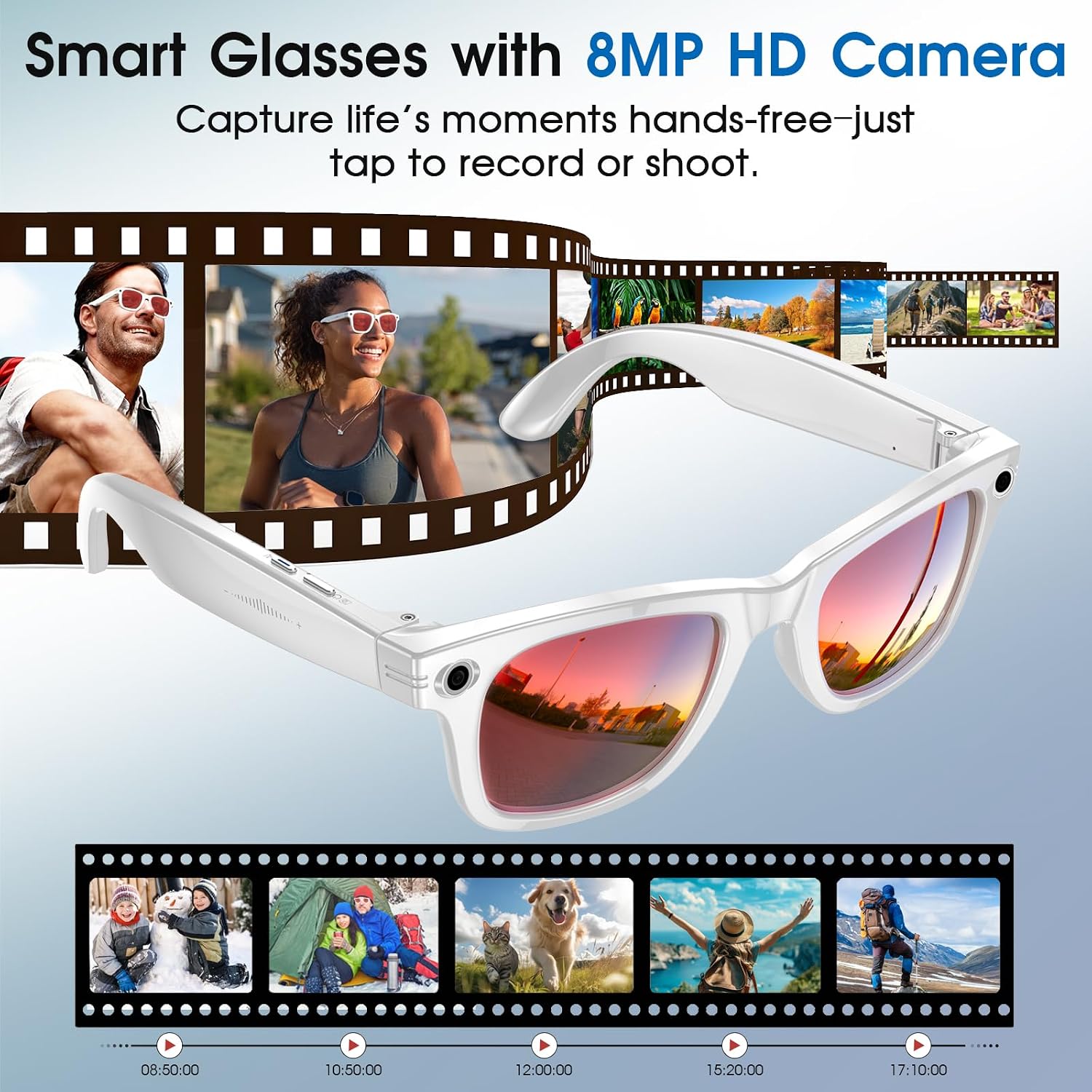
Hands-free recording through the glasses You can film adventures, record lectures, or capture photos and audio using voice commands and simple side button controls. The integrated microphone is designed to pick up conversations for smoother translation or standalone recording.
A concrete example: if you’re in a new city and someone is speaking, you can set your source and target languages and use the glasses for real-time audio translation while also saving audio/video—useful when you don’t want to juggle separate apps.
Real-time translation across 26 languages The glasses support real-time audio translation and playback, with preset source and target languages. If you regularly bump into language barriers during travel or meetings, this is one of the clearer “why this exists” features.
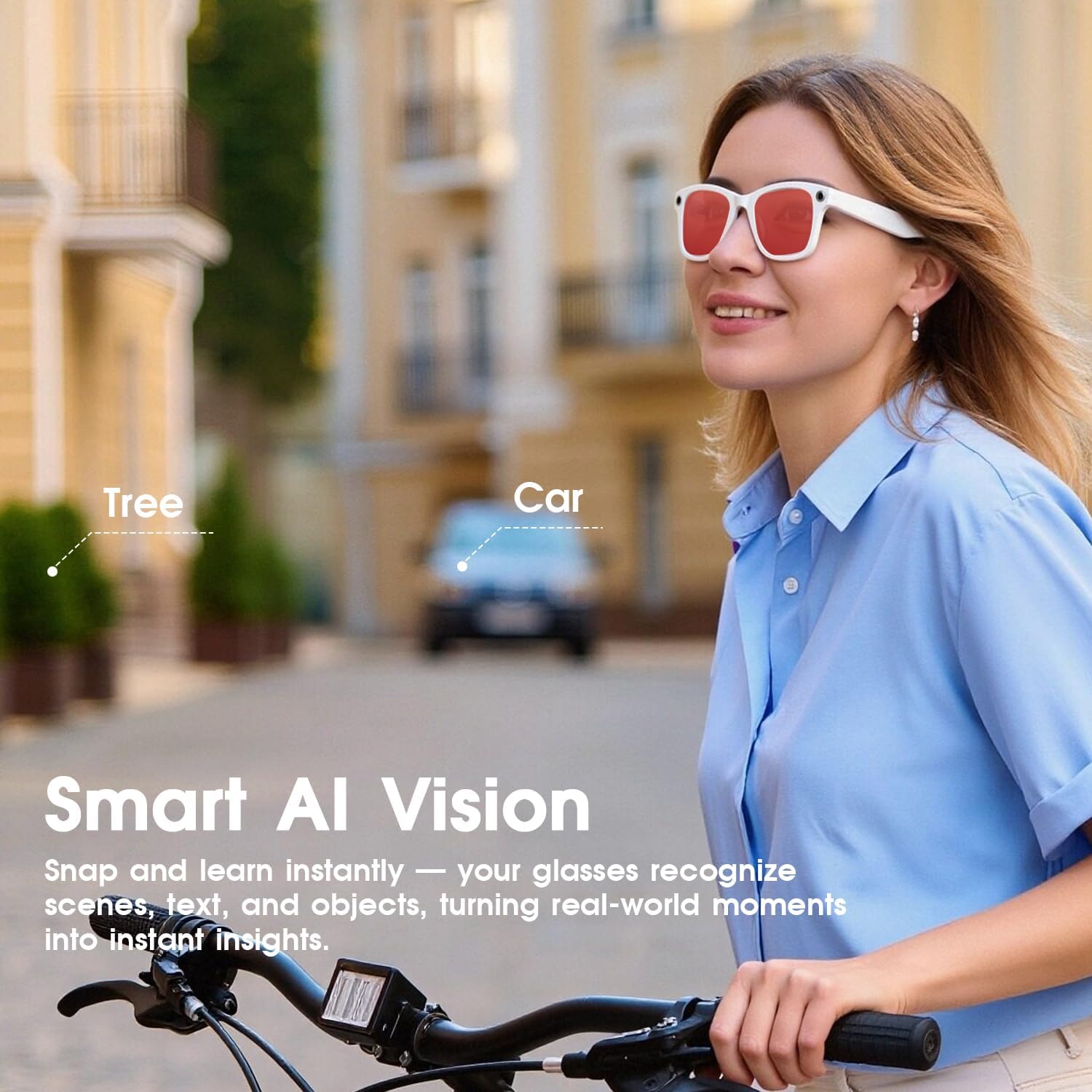
Object, text and landmark identification The AI assistant is described as identifying objects, text and landmarks in real time. If you spend time interpreting your surroundings—signs, directions, reference points—this can be the difference between taking a photo for later and getting immediate help.
Photochromic lenses for shifting light Self-tinting photochromic lenses adapt to light conditions, and there’s also built-in blue light filtering and UV400 protection. For people who alternate between outdoors and screen time, that’s a practical comfort angle rather than a gimmick.
Storage and offline transfer approach They include 16Gb internal storage for photos, videos and audio. Transfer files without cellular data or Wi‑Fi by using the HeyCyan App with WiFi 4 for direct cloud import, and the glasses are said to delete transferred files automatically to help free up storage.
The essentials on performance & controls
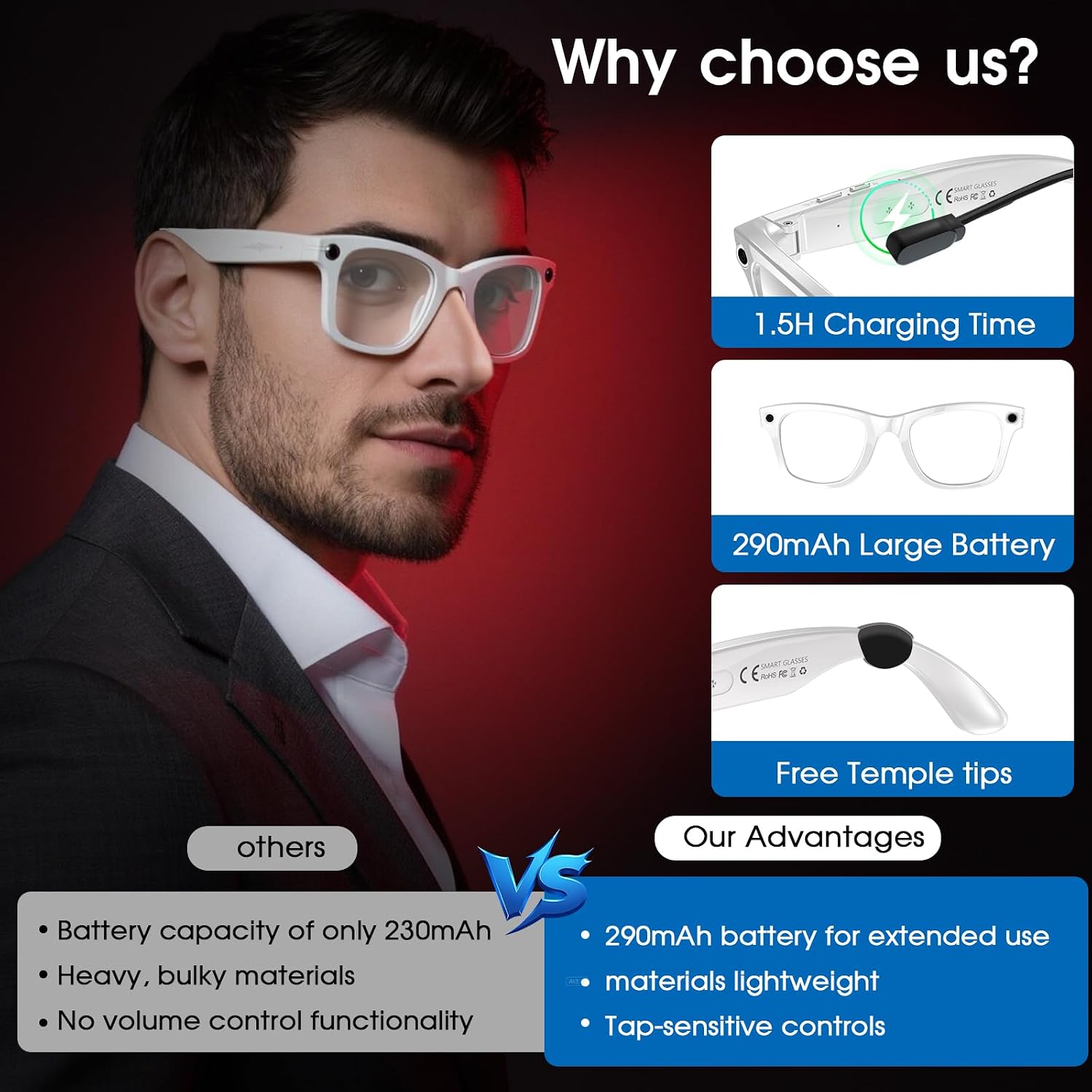
The battery is rated at 290mAh, with claimed run-time figures for music playback (up to 4 hours) and call time (up to 2 hours). It also supports 60-minute fast charging.
In use, control is fairly simple: capture photos, record videos and audio via side button controls. Volume adjustment is also mentioned via swipe gestures along the temple arms.
One limitation to keep in mind: the stated run-times give you a rough sense of daily use, but your actual battery life can vary depending on camera use, translation activity and how often you’re recording. If you’re planning long sessions, it’s the kind of device where having a charging plan is sensible.
Who it’s for (and who should think twice)
It makes sense if you want a single wearable device for: - Travel where you’d otherwise rely heavily on translation apps and frequent phone recording - Education use where recording lectures hands-free is part of the routine - Work or meetings where capturing audio and getting translation help quickly is useful - Everyday comfort around screens and outdoors, thanks to photochromic + blue light filtering + UV400
It might not suit you if: - You mainly want a straightforward camera first—this is a multi-function wearable, and the “AI translation + identification” focus may mean you’re buying a jack-of-all-trades rather than a dedicated camera workflow - You dislike relying on voice commands for day-to-day control - You need consistent, flawless results in noisy or low-light situations—wearables like this can be sensitive to environment, even with strong on-paper specs
Tech specs
- Type: Smart glasses with built-in AI assistant, real-time translation and HD camera
- Camera: 4K HD camera
- Photography: 8MP photography
- Battery capacity: 290mAh
- Storage: 16Gb internal storage
- Lenses: Photochromic self-tinting lenses
- Eye protection: Blue light filtering and UV400 protection
Is it worth it?
Tulbeys’ AI Smart Glasses are worth considering if your priority is wearable recording plus real-time translation, especially for travel and education, and you’ll genuinely benefit from hands-free capture and quick AI assistance. The photochromic lenses and screen comfort features are a nice extra if you bounce between outdoors and digital use.
You may want to skip them if you’re after a pure camera experience or you expect everything to work flawlessly in every environment—this is more “wearable support” than a dedicated stand-alone gadget. Before buying, it’s smart to think through your typical use: how often you’ll record, whether you’re comfortable with voice control and swipe gestures, and how important offline file transfer and the stated storage capacity are to you.

Quick FAQ
Do these smart glasses work for both photos and video?
Yes. They’re described as capturing photos and recording videos, alongside audio.
How many languages does the translation support?
The built-in translation is described as supporting across 26 languages.
Can you transfer files without cellular data or Wi‑Fi?
They’re described as supporting offline transfer without cellular data or Wi‑Fi, using the HeyCyan App with WiFi 4 for direct cloud import.
What happens to storage after transferring files?
They’re said to automatically delete transferred files to help free up storage space.
Will the lenses suit changing light outdoors?
They use self-tinting photochromic lenses, designed to adapt to light conditions, plus they include blue light filtering and UV400 protection.