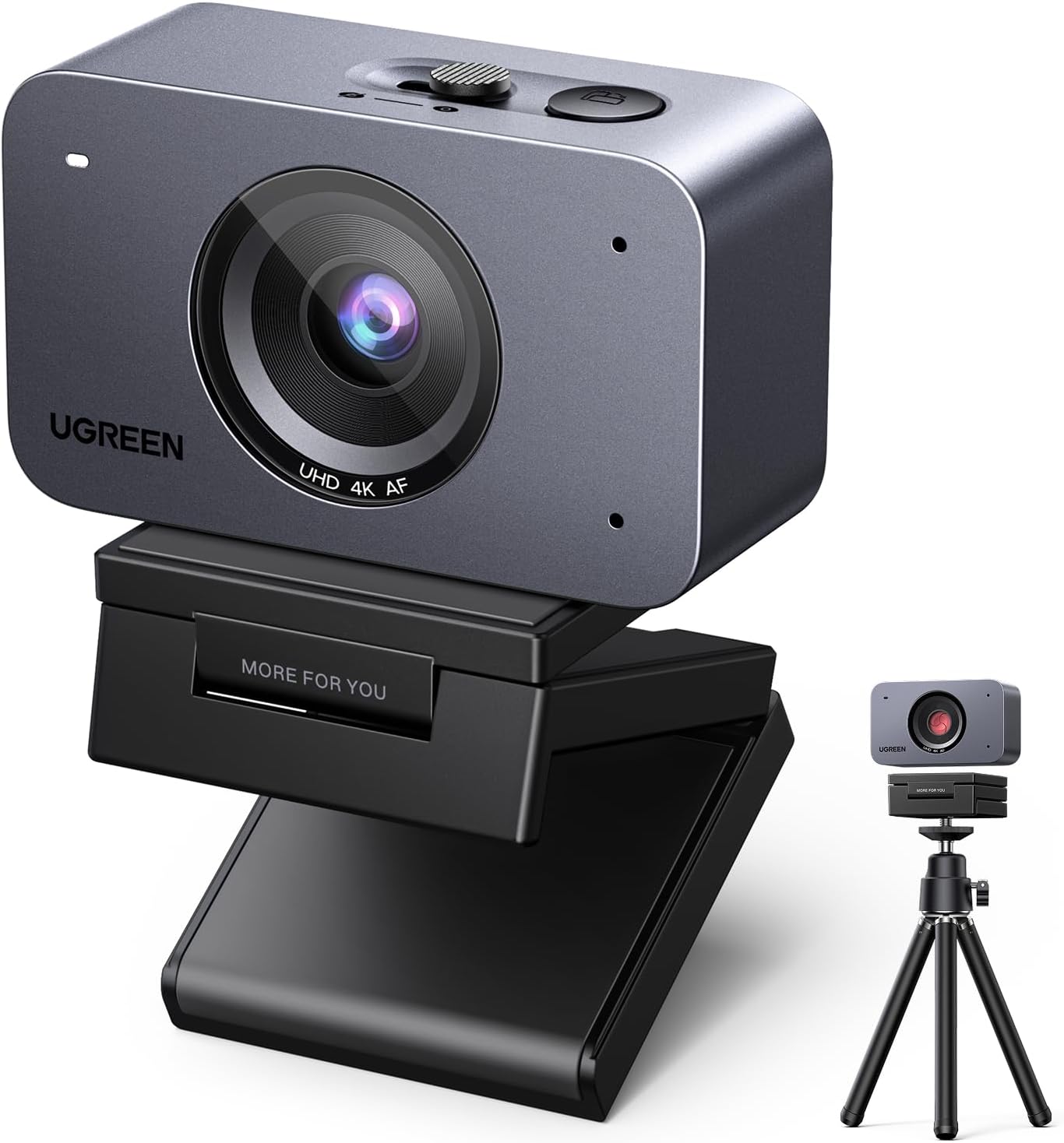
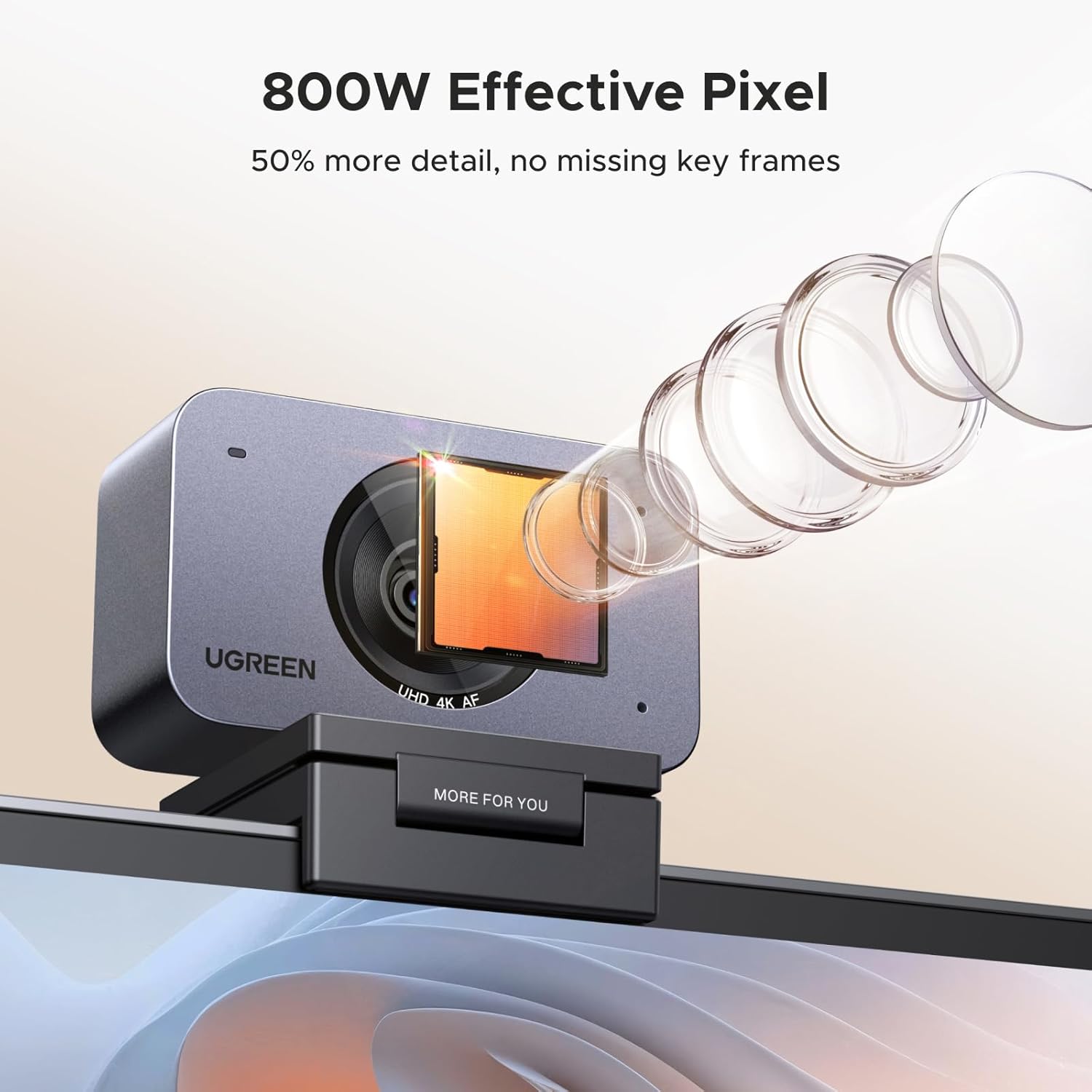
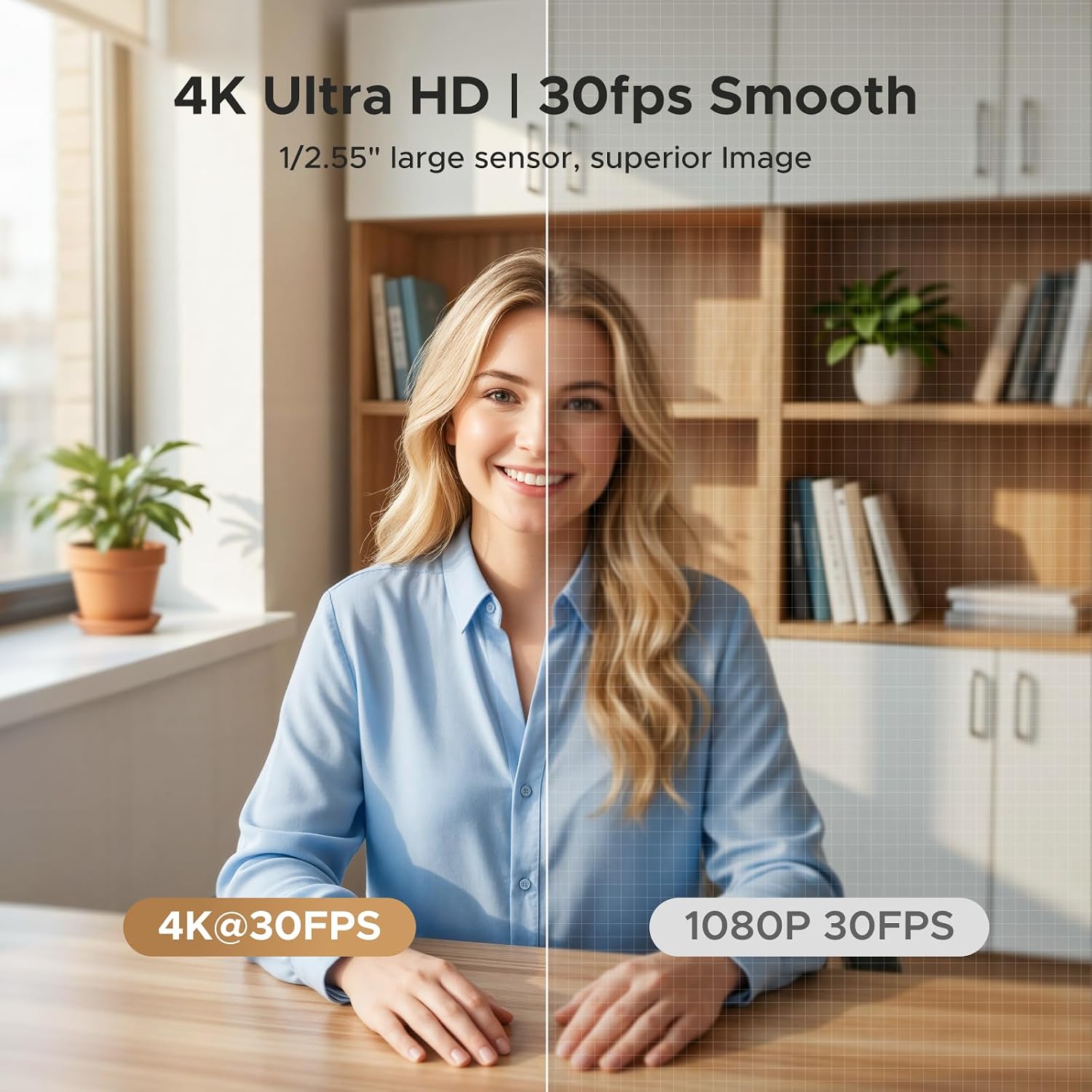
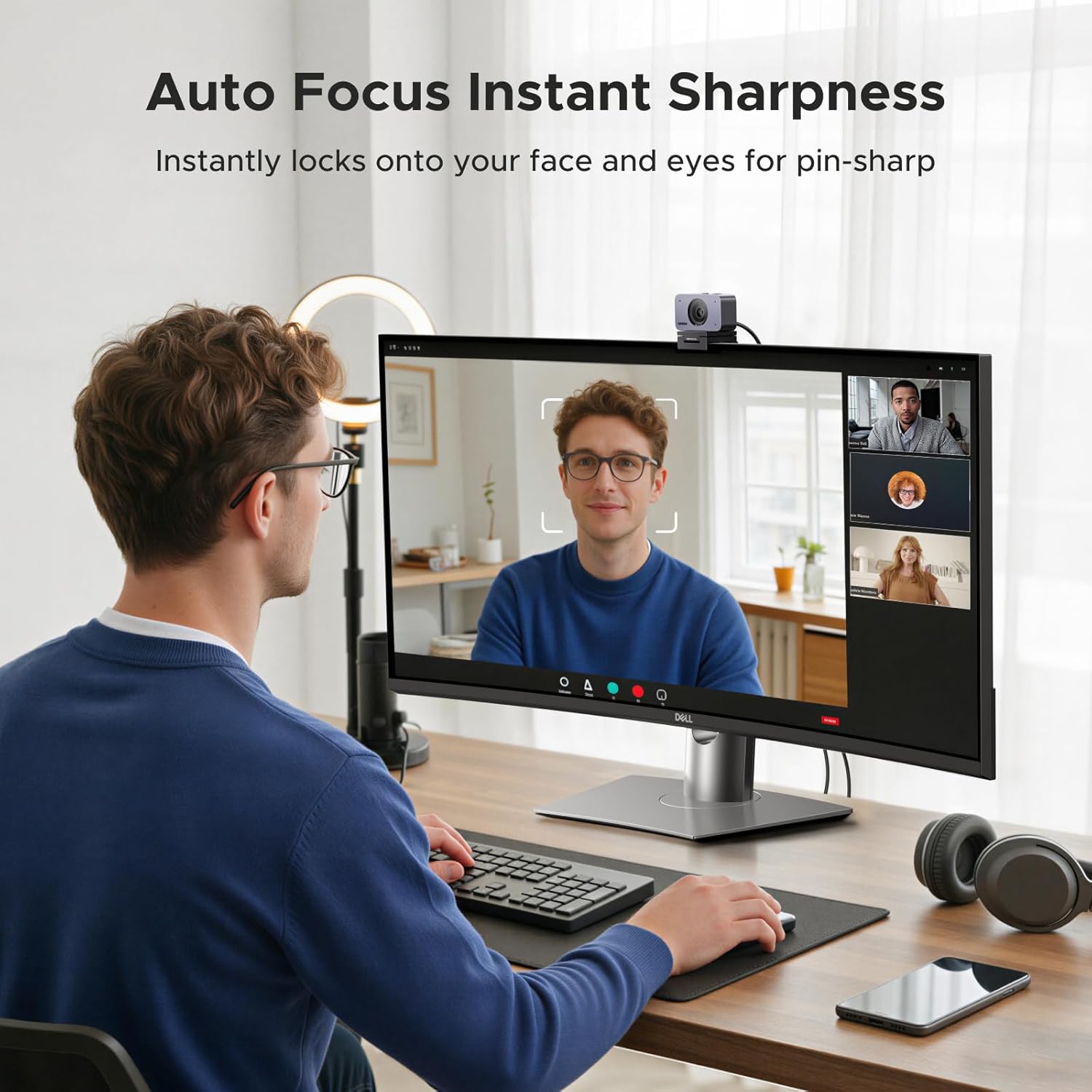
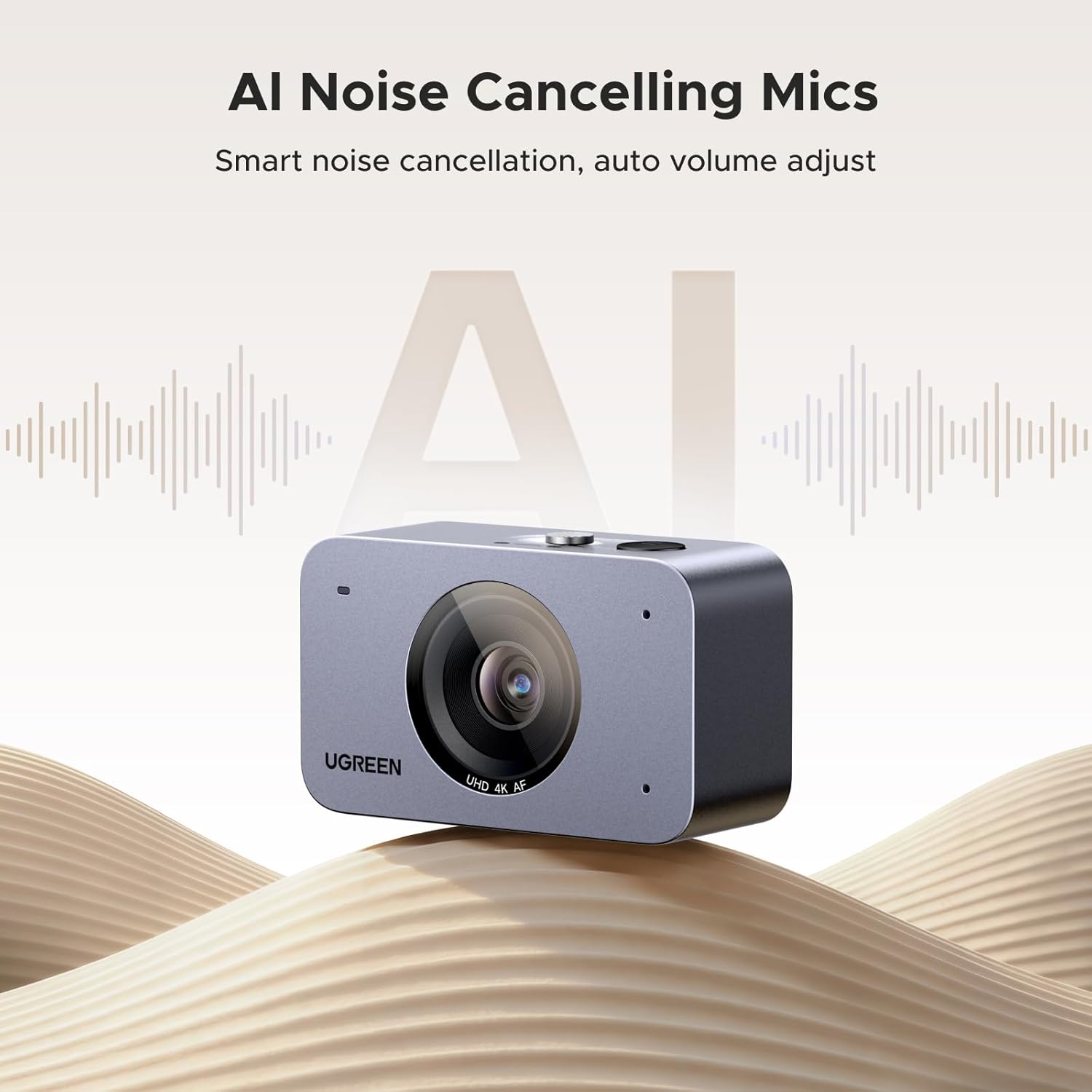
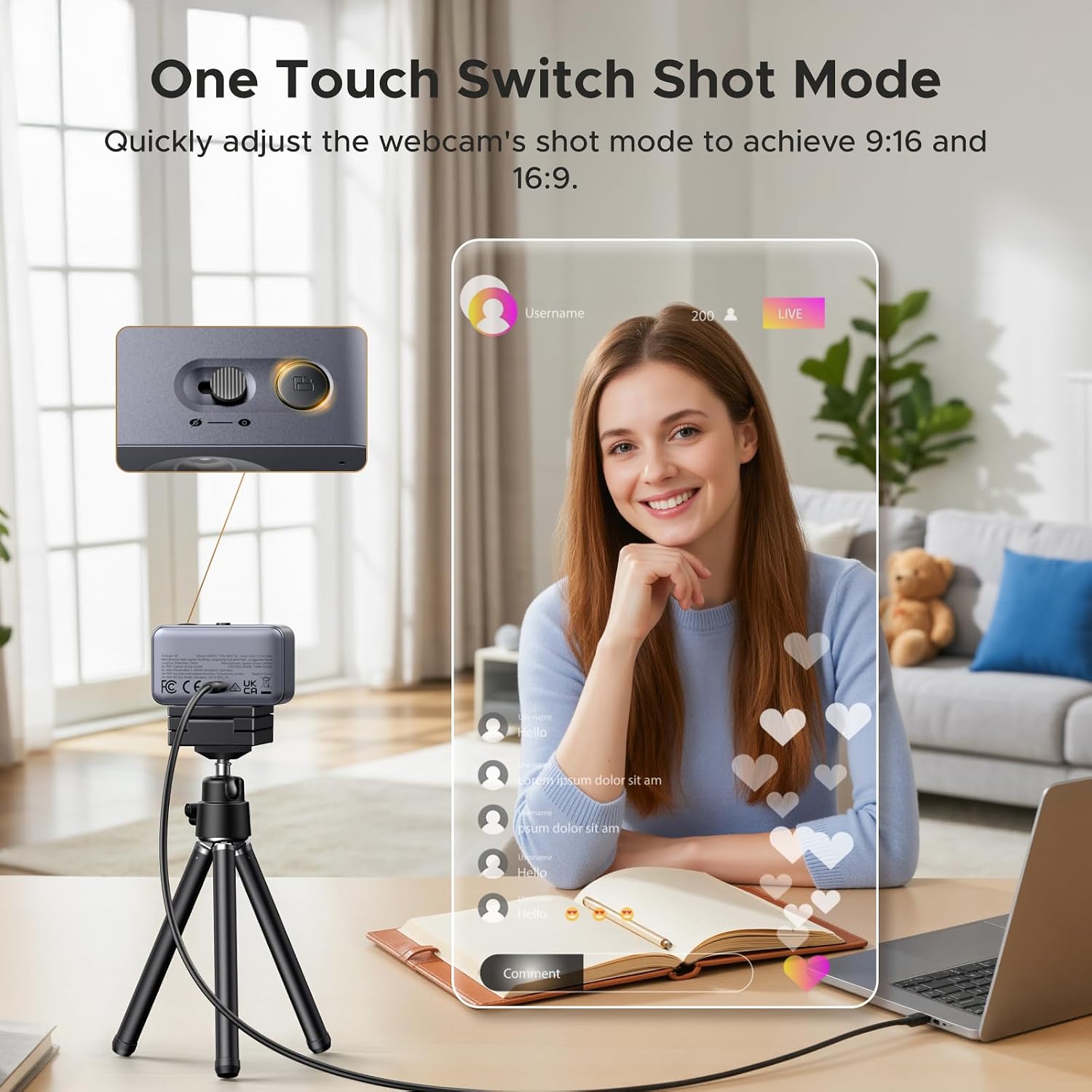
What matters most\nIf you’re after a compact, feature-rich webcam for work, calls or streaming, the UGREEN FineCam 4K aims to balance sharp image quality with practical extras. On the surface it’s a 4K webcam designed to plug into a PC or laptop, but its real value lies in a mix of autofocus accuracy, face-enhancing exposure and built-in mic technology that takes the edge off background noise. On paper, you’re getting a device that can deliver 4K/30fps with a sizeable sensor and an 8MP lens, plus a privacy cover for quick reassurance when you’re away from the desk.\n\n## Tech specs\n- True 4K Ultra HD with 8MP lens and 1/2.5" sensor for sharper detail in well-lit scenes\n- Auto Focus & Face AE to keep you in focus and well-lit even with backlighting or changing light\n- AI Noise-Cancelling Mics filter out keyboard clatter, fan noise and ambient chatter for clearer calls\n- Built-in privacy cover with a simple one-button slide for peace of mind when not in use\n- Portrait mode with two shooting ratios (9:16 and 16:9) for different streaming and video call formats\n- Wide compatibility across Windows, Mac OS, Linux and Android, suitable for Zoom, Skype, YouTube, Facetime, Twitch, and more\n- USB connection for easy setup and use with laptops and desktops\n\n## Getting the most from it\nFor best results, position the camera at eye level and ensure soft, even lighting in front of you. Backlighting can be mitigated by the Face AE feature, but ambient light from the side still helps your skin tone stay natural rather than washed out. If you’re recording or streaming, test auto focus on moving objects or screens to verify it locks quickly without creeping blur. The built-in mics are a practical boon in quiet rooms, yet you’ll still notice a difference if you’re in a loud, echo-prone space.\n\n## Who it’s for\nThis webcam suits people who want a straightforward upgrade from standard HD or 1080p camers without diving into high-end gear. It works well for video calls, remote meetings, live streaming, and casual content creation where sharp visuals and clear audio matter more than advanced manual controls. It’s a sensible option if you prioritise a compact form factor with privacy features and decent autofocus.\n\n## Who it isn’t for\nIf you regularly shoot in very dim environments or need top-tier low-light performance, you may notice more noise than when using higher-end sensors. Likewise, if you rely on ultra-fast esports captures or studio-grade colour grading, this model sits in the mid-range of consumer webcams and may feel limited compared with premium alternatives.\n\n## Before you buy\nCheck your system compatibility before purchasing, especially if you’re on older Windows versions or non-standard Linux builds. Consider how you’ll use portrait vs landscape modes and whether your lighting setup supports Face AE for the brightness you expect. It’s also worth verifying whether your main use case is calls, streaming or occasional recording, as that will determine how well the 4K at 30fps translates to your workflow.\n\n## Practical example of use\nImagine a morning stand-up where you switch between a presentation on-screen and yourself on camera. The FineCam’s autofocus handles the transition smoothly, while the privacy cover stays handy when you step away to fetch a document. In a small home studio, the mics manage background chatter without pulling in every keyboard click, making your narration clearer for viewers.\n\n## Final thought\nIf you’re after a versatile, mid-range 4K webcam with sensible extras and broad compatibility, the FineCam offers a balanced mix of image quality, practical features and ease of use. It may not be the cheapest option, but it covers the basics well and adds conveniences like a privacy cover and portrait mode that can matter in daily life.\n