

OBSBOT Meet 2 webcam 4K, 60 FPS for streaming
Reviews
Price
Product description
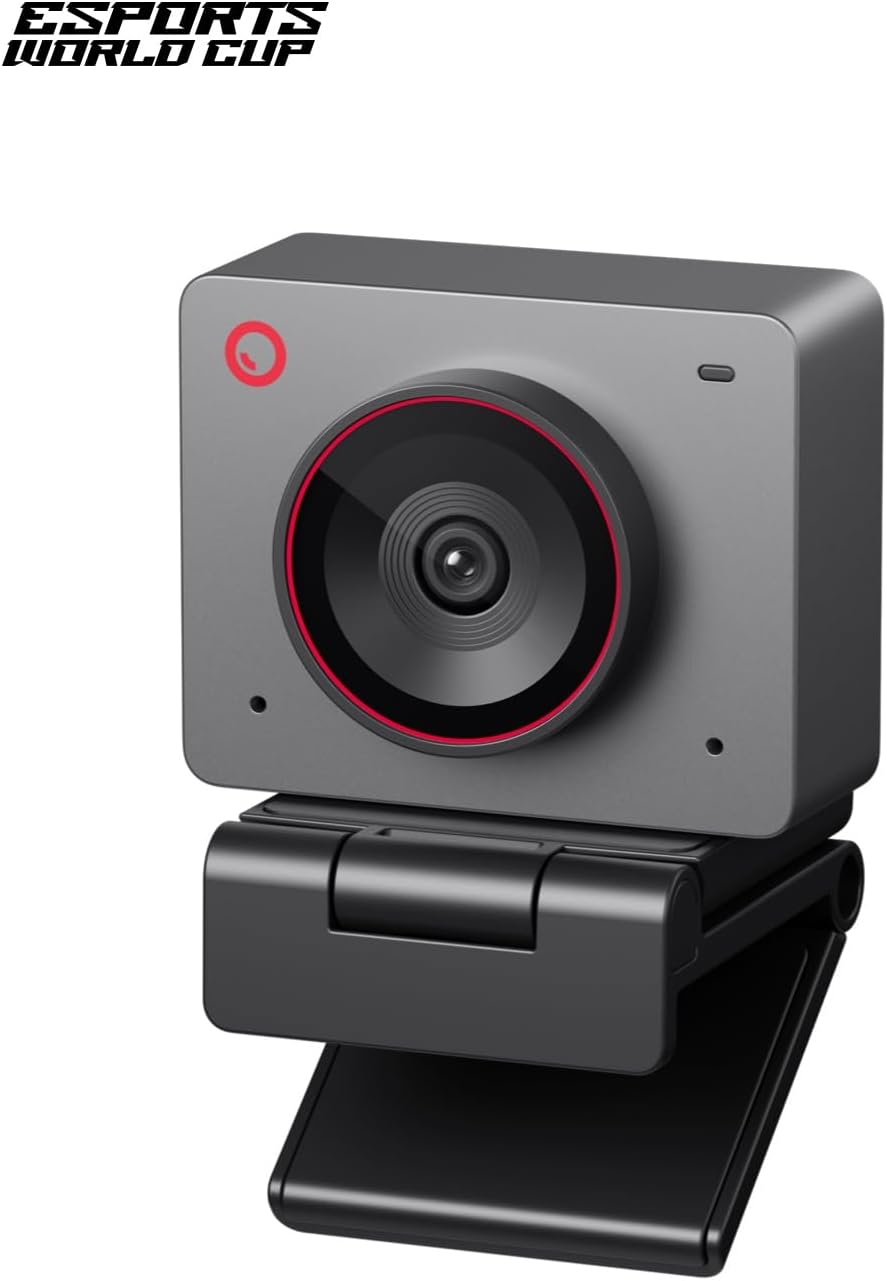
This compact OBSBOT webcam brings 4K clarity and AI-driven framing to meetings, streaming and gaming, combining a 1/2" sensor with autofocus and low-weight portability for creators on the move. It is aimed at users who need sharp video, intelligent subject tracking and easy setup for remote work or live content.
Key Points
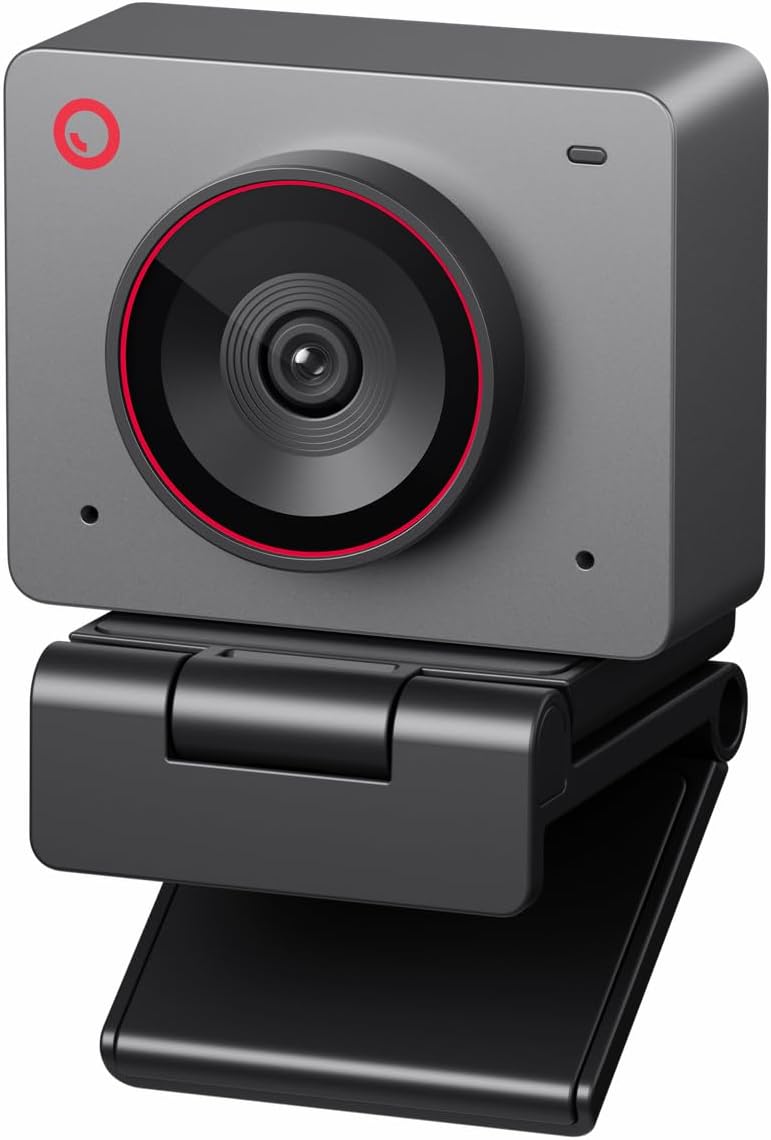
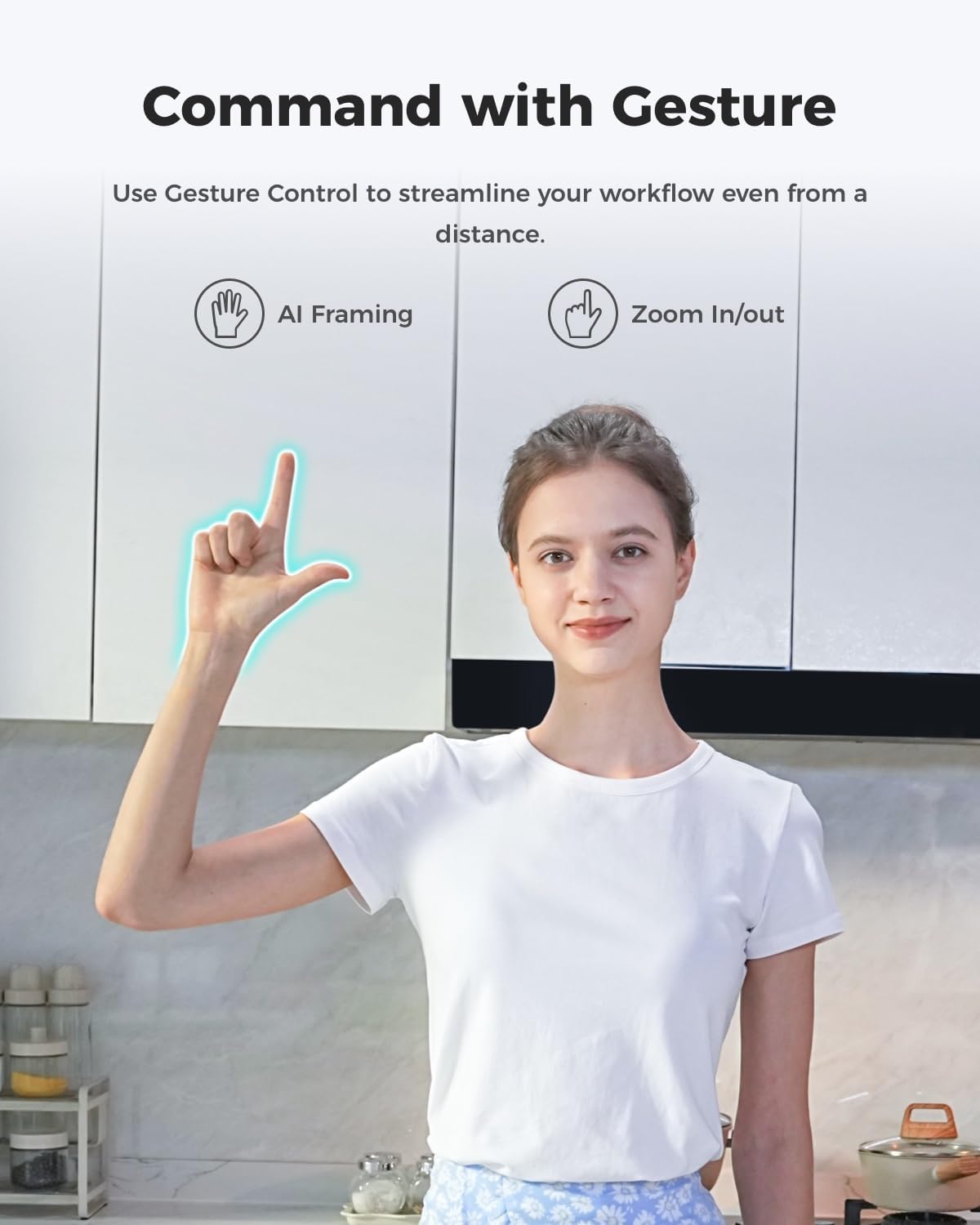
The Meet 2 offers UHD 4K resolution with a larger 1/2" CMOS sensor that increases light sensitivity and helps deliver clearer, brighter images in typical indoor lighting. AI framing automatically recentres and composes shots whether you are alone or in a small group, and autofocus keeps faces crisp during movement. Gesture control lets you start and stop tracking without touching software, which can be useful during streams or hands-free presentations. The unit is lightweight at around 40.5 grams so it slips into a bag or pocket for on-the-go recording. Two omnidirectional microphones include noise reduction that adapts to the scene to reduce background sounds such as keyboard clicks and wind.
Technical Specifications
- Name: OBSBOT Meet 2
- Sensor: 1/2" CMOS
- Resolution: 4K UHD, up to 60 fps
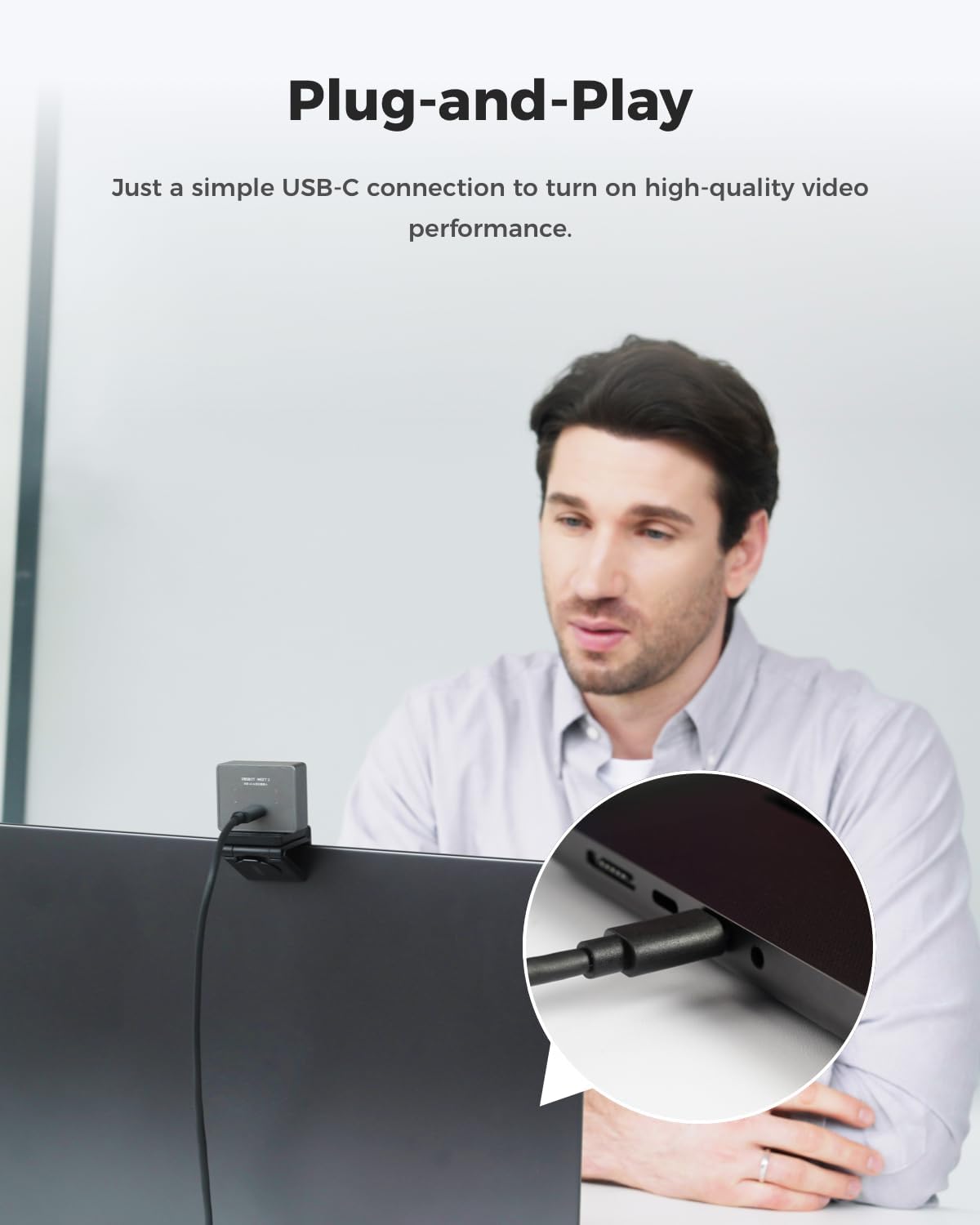
- Connectivity: USB-C plug and play
- Weight: 40.5 g
Positive Aspects
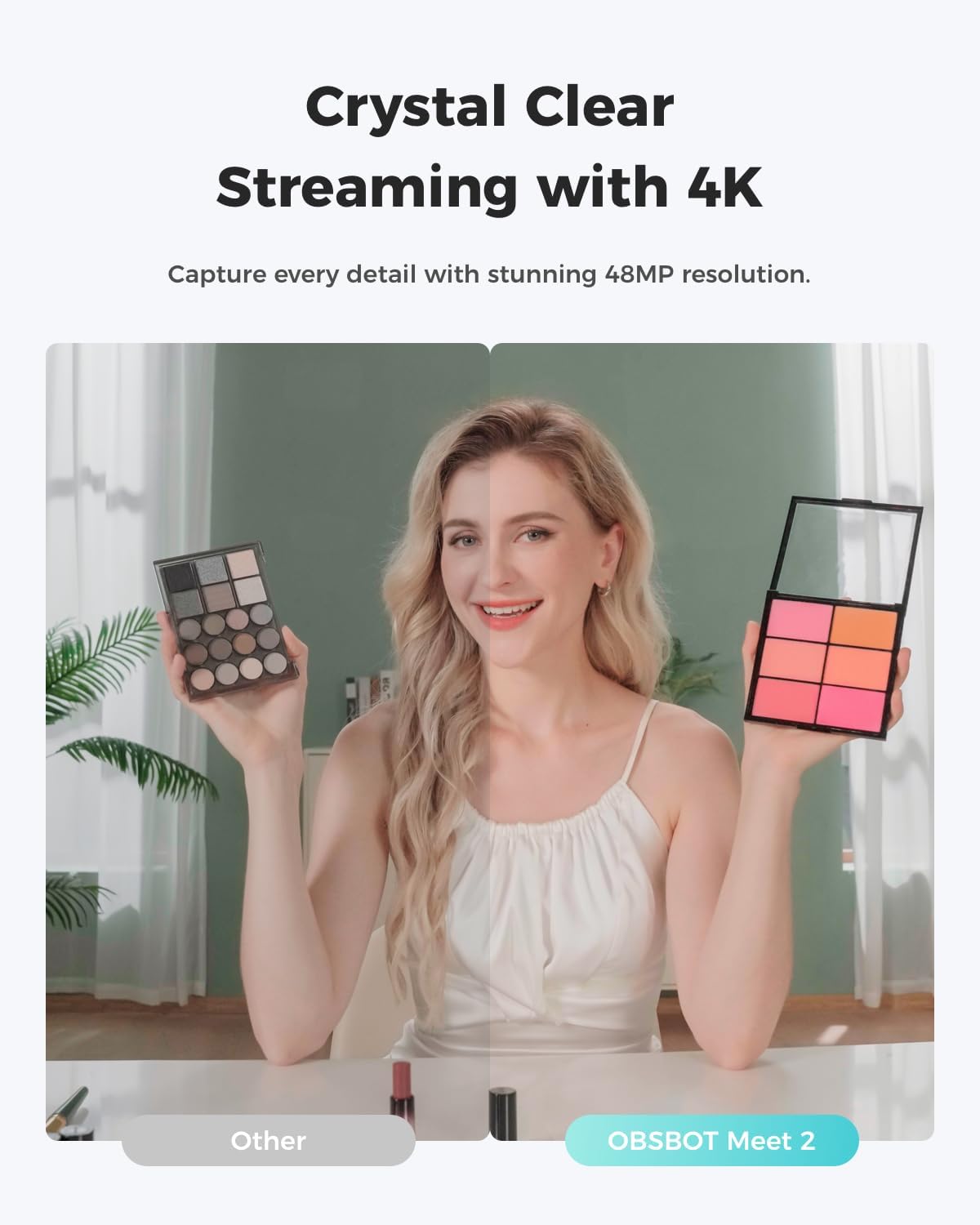

Autofocus and AI-based composition reduce the need to manually adjust framing during live sessions, which helps maintain a professional look with minimal effort. HDR support improves contrast and colour rendition in scenes with mixed lighting, and the dual microphones simplify audio capture without a separate mic setup. The compact form makes it straightforward to move between home, office and cafés for remote meetings or impromptu streams. According to the manufacturer, the noise suppression adapts to the environment, though very noisy locations may still require additional audio treatment.
Usage Recommendations
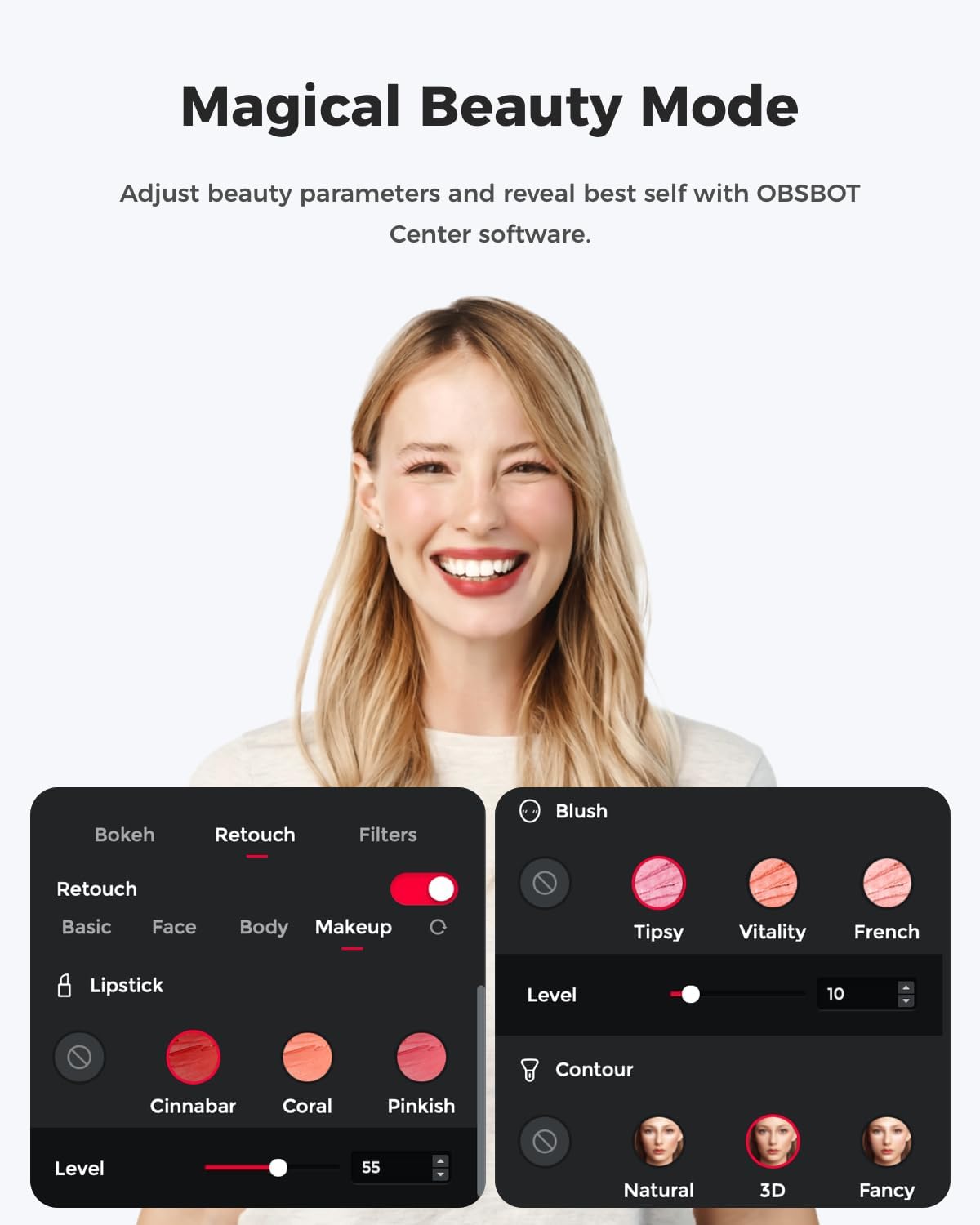
For best results place the webcam at eye level and allow a short warm-up for the sensor in low light to settle. Use the included OBSBOT Center software if you want to fine-tune AI behaviour, adjust beauty mode settings or change gesture controls. When streaming fast-paced gameplay or motion-heavy content set the frame rate to 60 fps and enable autofocus to keep subjects sharp. If you often record in dim rooms consider adding a small key light to complement the sensor’s improved light capture.