

OBSBOT Tiny 3 Lite AI-Powered Spatial Audio 4K Webcam with AI Tracking PTZ
Product description
Quick overview
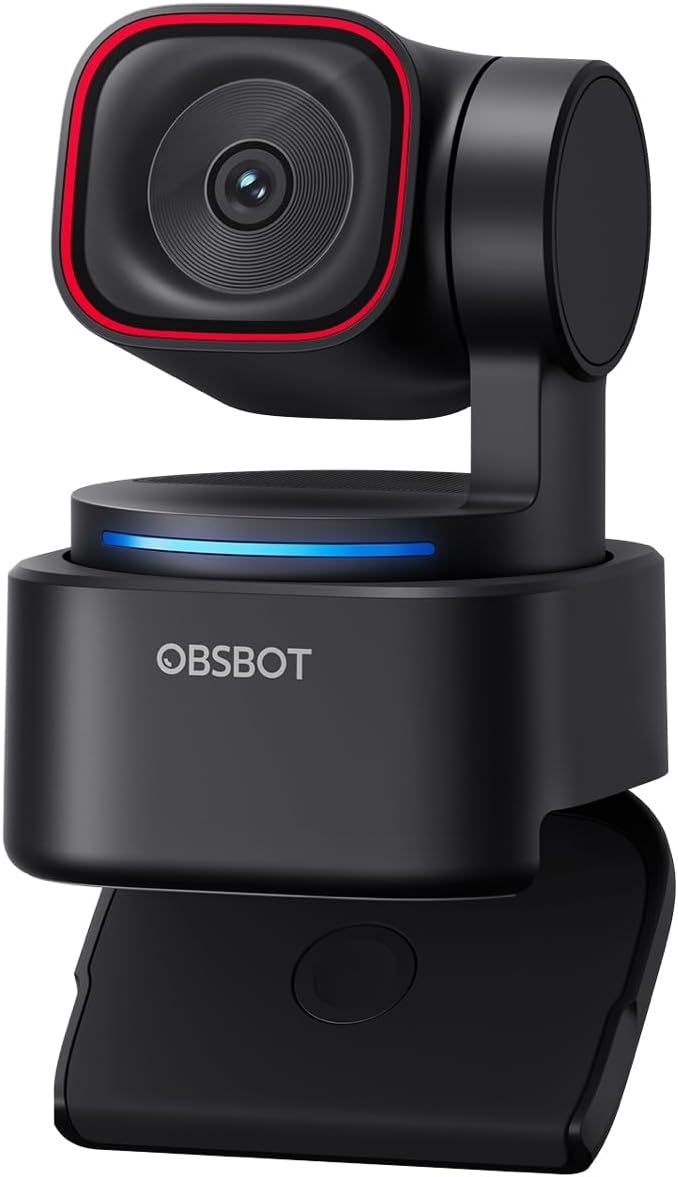
The OBSBOT Tiny 3 Lite is a compact 4K webcam that tries to do more than just “send video to your laptop”. On paper, it combines a dual-axis PTZ-style design with AI tracking and a tri-mic array with spatial audio features, so your framing and voice come across more consistently during calls, streaming, and presentations.
It’s aimed at people who want a polished, stable presence without constantly fiddling with camera angles—think hotel desk setups, cafe work, co-working spaces, and any environment where you can’t guarantee perfect lighting or a fixed background.
Where it shines (and what you’ll notice)
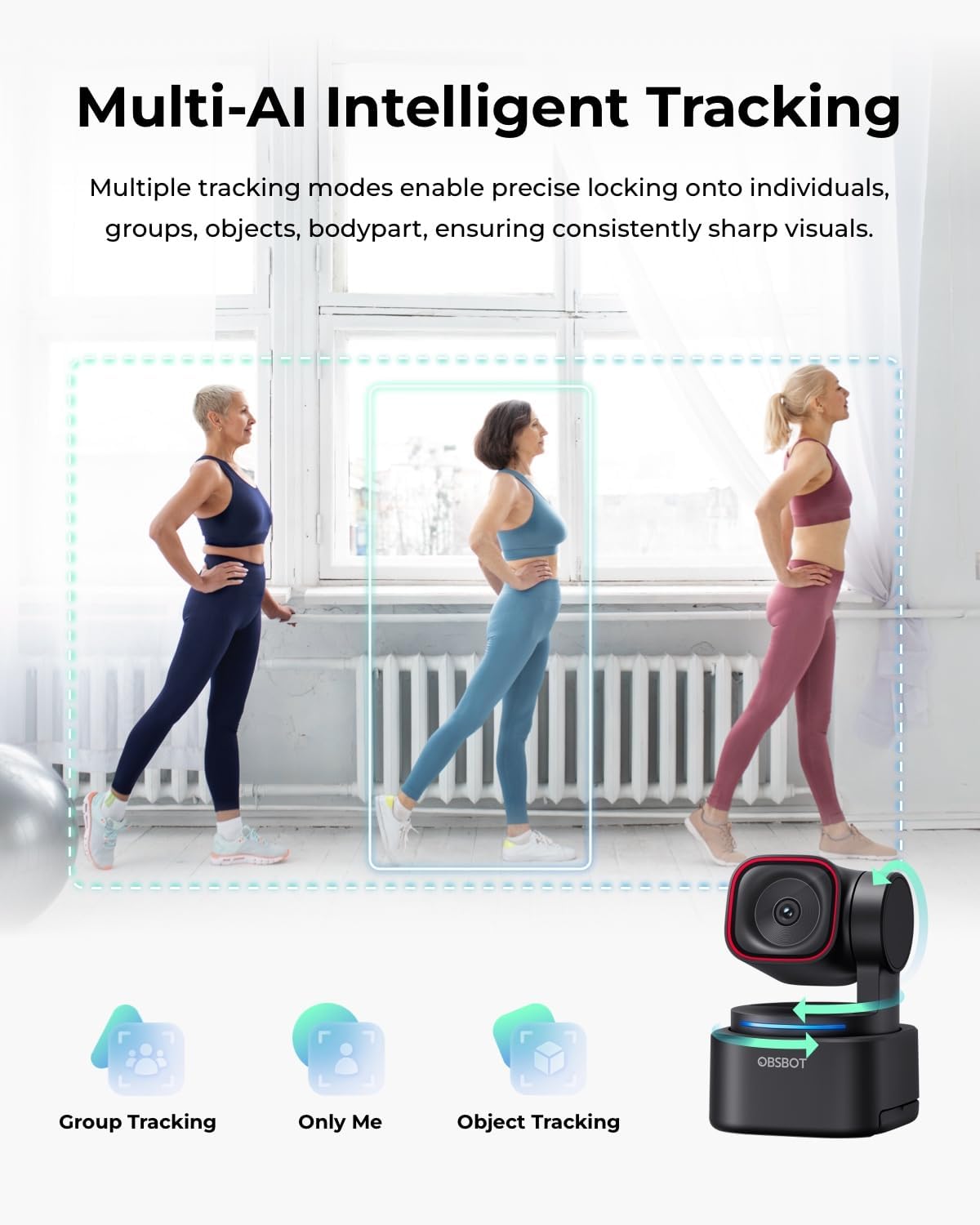
The biggest draw is the AI-Powered Precision Tracking 2.0. Instead of relying purely on a static webcam or manual panning, the camera is designed to keep you framed smoothly. The feature set described includes options like tracking “one person or multiple participants”, “Only Me”, zone tracking, and object tracking via drawing a frame. If your sessions are active—moving around a room, presenting to a screen, or hosting live—this is the sort of “set it and forget it” idea that can genuinely reduce friction.
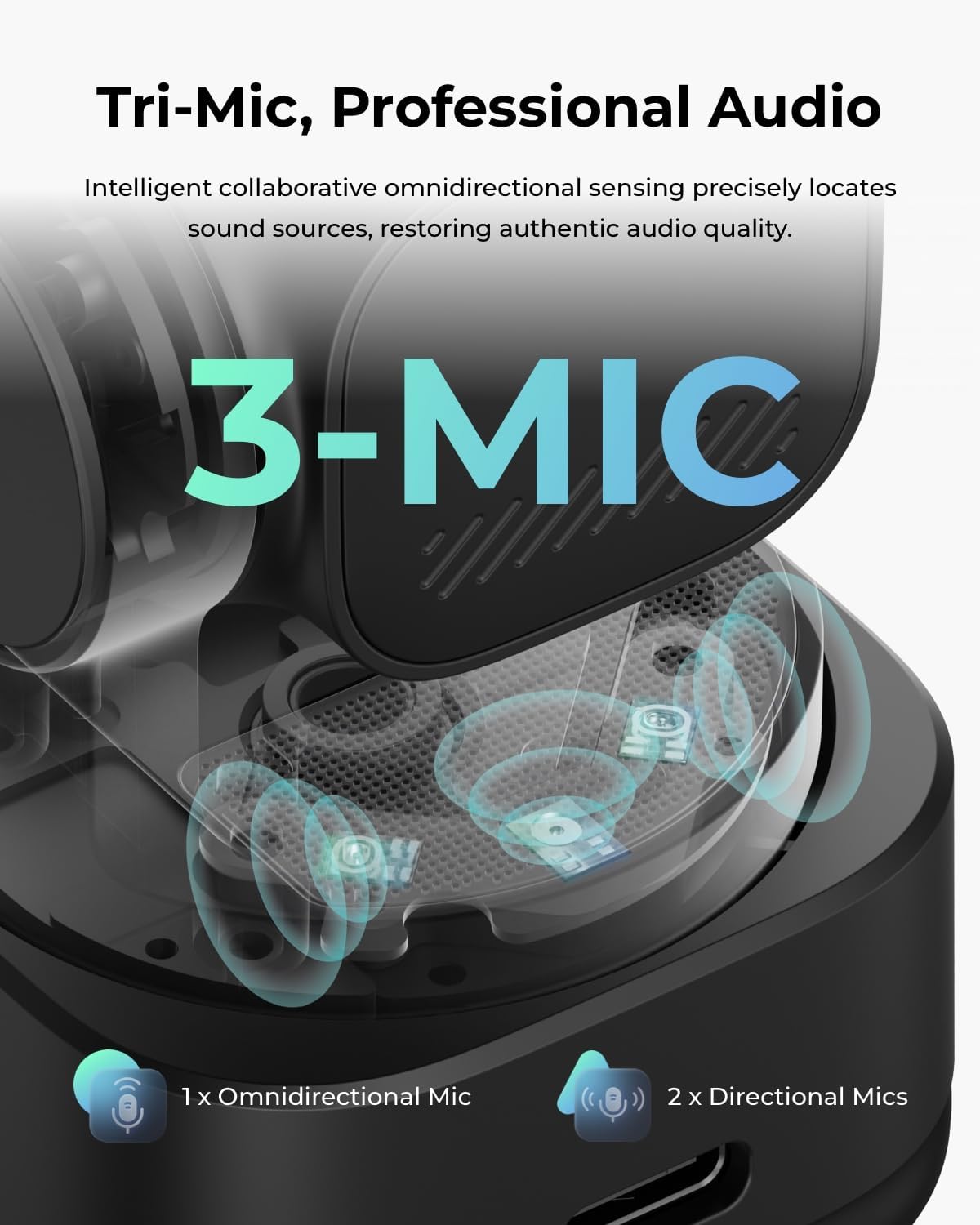
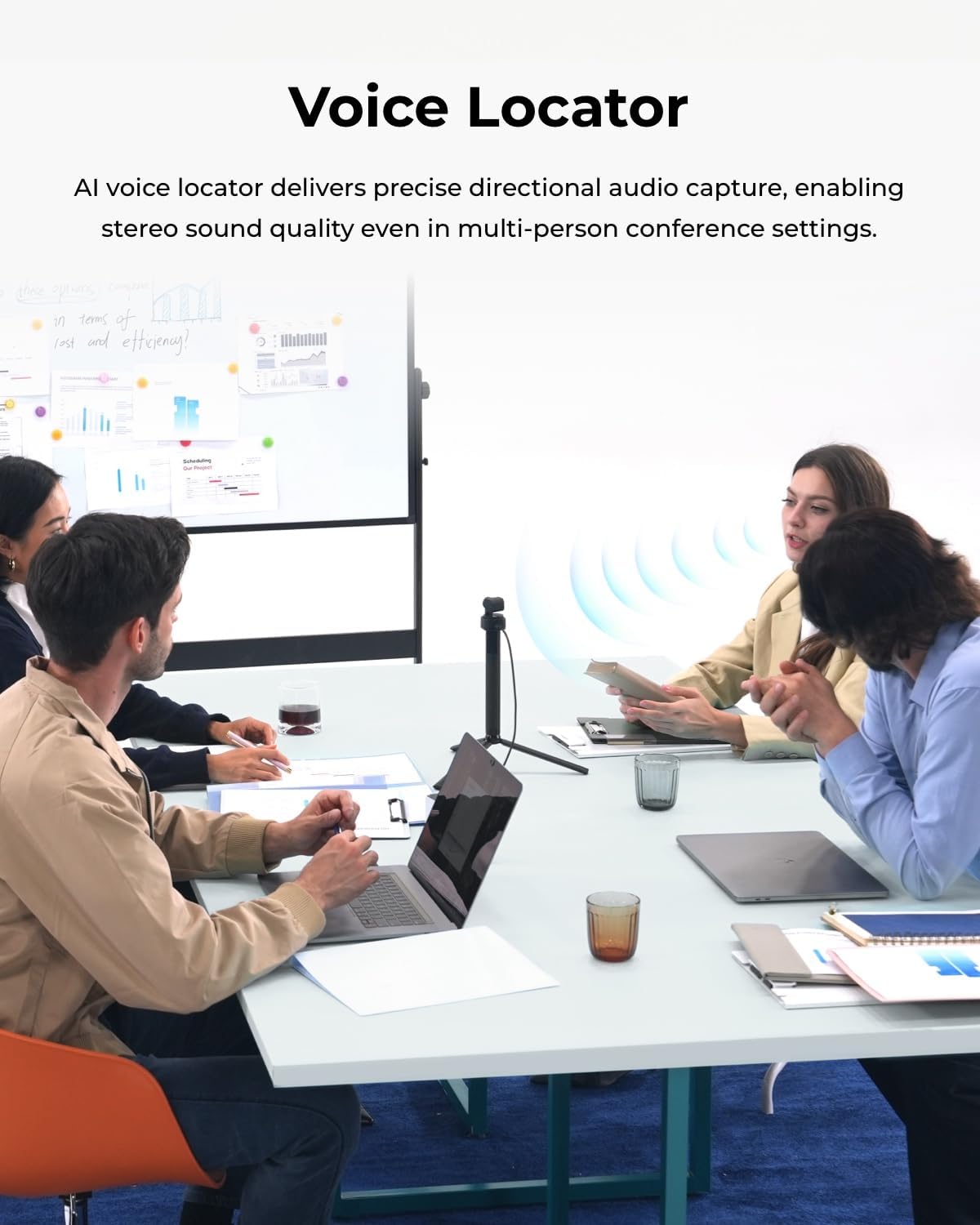
The second thing you’ll likely care about day to day is audio. The tri-mic array with directional MEMS mics and AI voice locator is meant to capture your voice with more spatial precision and reduce background noise. It also includes five professional audio modes, including audio-focused scenarios such as ASMR or more critical professional calls. For most buyers, clearer speech is the difference between a “fine” call and one people can actually follow comfortably.
A practical example: imagine you’re giving a short live demo from your laptop. With a normal fixed webcam, you either lean into frame or keep stopping to adjust. With this style of tracking, you can shift positions slightly and still expect the camera to keep your face in view—while the voice locator and background noise reduction are there to keep your audio intelligible even if the room isn’t silent.
Tech specs that matter for buying
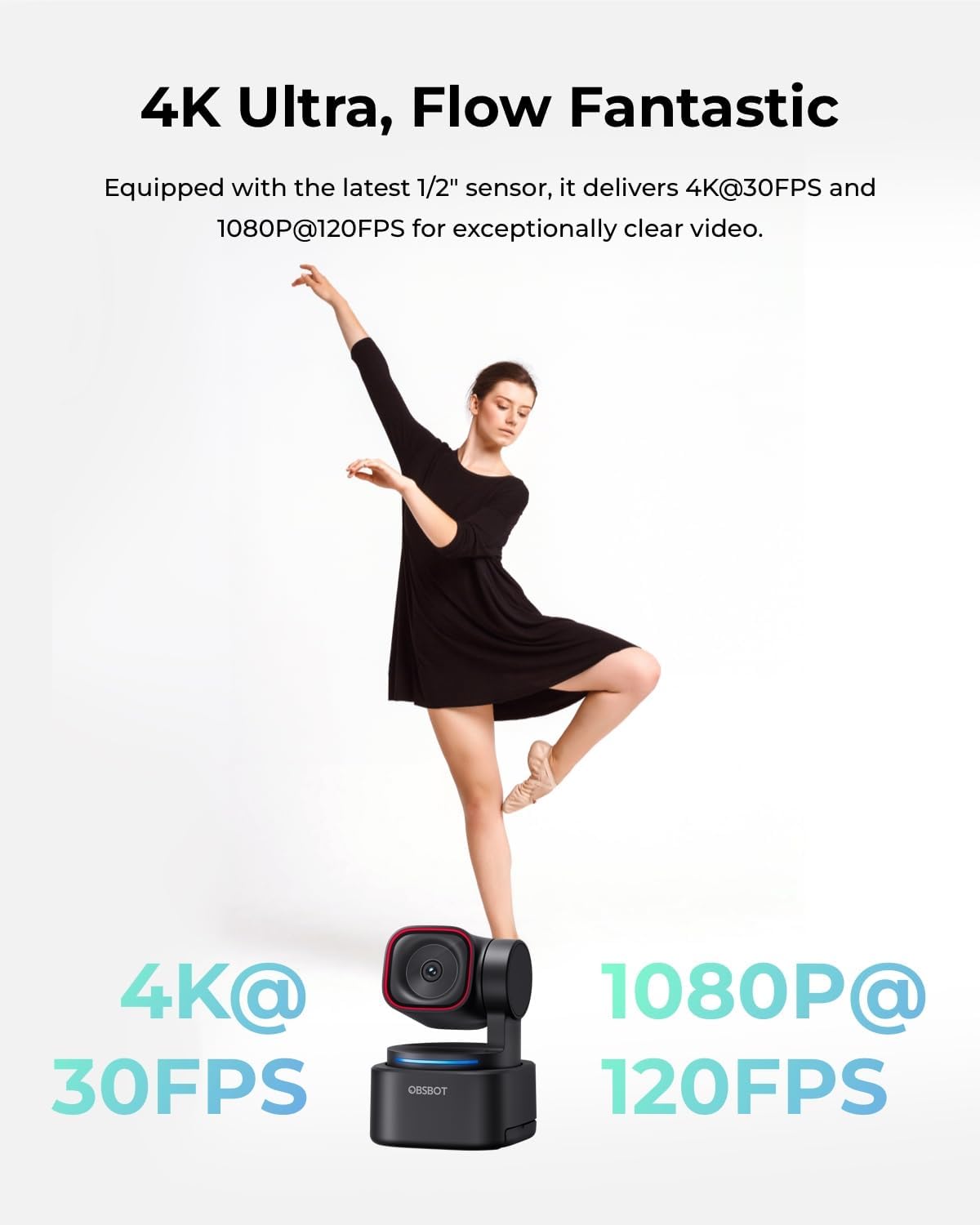
This is a 1/2” CMOS sensor webcam with HDR and phase detection autofocus. Depending on your needs, it supports 4K at 30FPS or 1080p at 120FPS. The description also mentions wide dynamic range and high SNR for cleaner visuals, and an ISO range of 100–6400, which is relevant if you stream or take meetings in less-than-bright rooms.
On the control side, it’s designed to be managed through OBSBOT Center for streamers, with tools described for exposure curves, white balance, beauty modes, background blur or green screen, picture-in-picture, teleprompter tools, and an OBSBOT Avatar virtual feature.
It’s also positioned as a plug-and-play webcam with full accessory support, and it mentions compatibility with Switch 2 mode and Stream Deck. If you’re more technical, it also references SDK or OSC for custom workflows and interactive control.
Audio + AI tracking: good fit, but mind the limits
In terms of overall concept, this one is built around getting smoother framing and more intelligible mic capture—so the performance is strongest when you actually make use of tracking and voice features.
That said, it may not be the most straightforward purchase if you simply want a basic webcam for occasional video calls. The extra AI controls and modes can be a lot to set up, and you’ll only really feel the benefit if you’re actively moving, presenting, or streaming with enough consistency to matter.
Also, if your environment is very chaotic (lots of people, unpredictable motion, or complex backgrounds), you may still need to adjust your expectations and make sure the tracking approach matches your setup. The description is positive about tracking, but real-world results can depend on room layout and how you position yourself.
Control and workflow options
One of the more flexible aspects is how you can operate the camera and manage content.
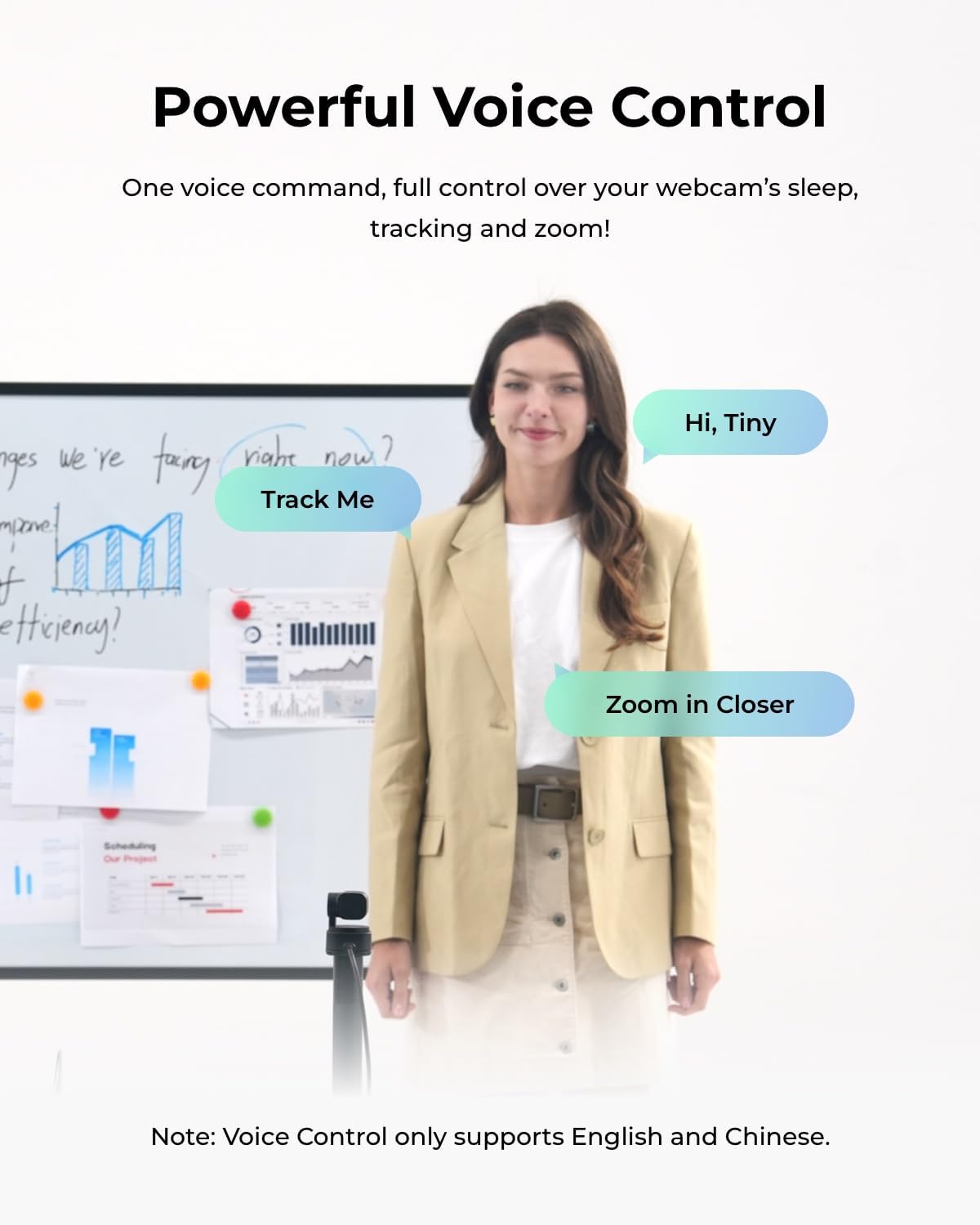
The webcam supports PTZ operation via voice commands, remote control, the OBSBOT Center app, and hand gestures. There’s also mention of RTC Remote Interaction as a paid feature for real-time remote enabling interaction in scenarios that require distance control.
If you’re already running streaming software, you’ll probably appreciate that OBSBOT Center includes stream-oriented tooling (like picture-in-picture and teleprompter tools) and visual features like background blur/green screen. For someone who prefers quick iteration—tweaking framing and look without diving deep into complex camera menus—that can be a strong point.
What to check before you buy
A quick pre-purchase checklist can save disappointment:
- Your real use case: if you do mostly static video calls, the tracking and gesture/voice control may be more than you need.
- Lighting and room conditions: the inclusion of HDR, phase detection autofocus and an ISO range suggests it’s meant to handle variable light, but it still helps to ensure your environment is reasonably consistent.
- Your audio expectations: tri-mic + AI voice locator is designed to improve clarity, yet how much you notice depends on how noisy your space is and where your desk setup places you.
- Your workflow: if you’ll use OBSBOT Center features and any expansion modes (like Stream Deck compatibility or Switch 2 mode), it’s more likely to feel worth it.
- Remote interaction needs: if you think you’ll rely on real-time remote control, remember it’s described as a paid capability.
Mini FAQ
Is this webcam only for streaming?
Not necessarily. It’s described as a webcam built for streaming, meetings, and presentations, with tracking and audio tools that can help in many “talking on camera” scenarios.
What does “AI spatial audio” mean here?
The description points to a tri-mic array with directional MEMS mics plus AI voice locator to capture your voice more clearly and reduce background noise, with spatial precision aimed at a more immersive sound.
Can it track more than one person?
The tracking description says it’s designed to track one person or multiple participants, with options such as “Only Me” and zone/object tracking.
Does it come across as plug-and-play?
It’s described as plug-and-play with accessory support, plus software controls via OBSBOT Center. If you want the advanced features, you’ll likely still spend some time setting it up.
Final verdict
It’s worth considering if you want a compact 4K webcam with AI tracking and directional, voice-focused audio—especially if you move around during calls, run live sessions, or give presentations and you’d like framing to stay steady without manual adjustments.
You may want to skip it if your needs are very basic (occasional, static video calls) or if you don’t plan to use the software features and control modes described. In that case, it can feel more like a “system” than a simple webcam.
Overall, this sits more in the “serious webcam experience” bracket than entry-level, because the value is tied to tracking, audio modes, and the OBSBOT Center workflow.