

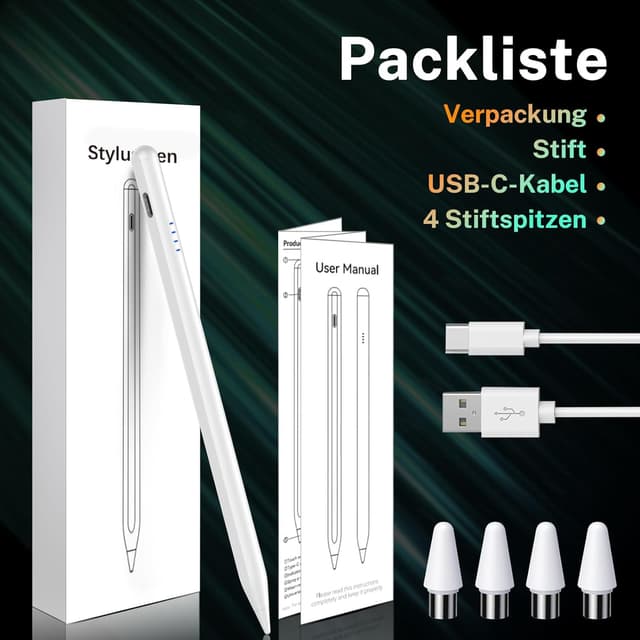
Tablet Pen Digital Stylus for Touch Screens (Magnetic Rechargeable) for iPhone & Android
Product description
If you want something that feels like a pencil for everyday note-taking and sketching, this Tablet Pen digital stylus is clearly aimed at that middle ground: easy to use, no Bluetooth pairing, and designed to work across many touch-screen devices.
It’s not trying to be a studio-grade drawing tool with deep app integration. On paper, it’s more about smoother writing, solid responsiveness, and practical charging/battery reminders for the days you actually pick it up.
Where it fits in your day-to-day
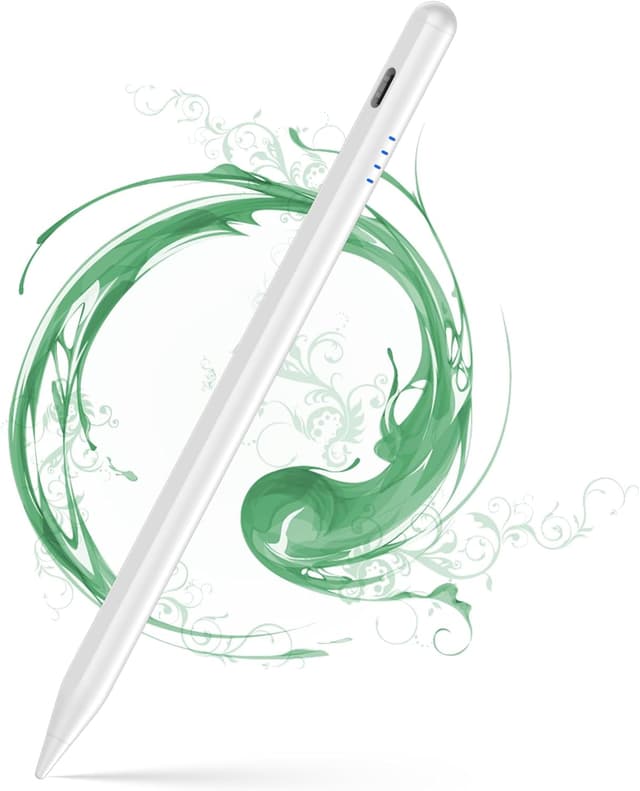
This stylus is positioned as a universal, rechargeable pen for touch screens. The promise is straightforward: smoother, more precise lines for writing and drawing on compatible iPhone, Samsung/Android smart phones, and tablet devices. If your main goal is to jot notes, mark up ideas, or do quick sketches rather than chase the most advanced stylus features, this kind of pen can be a sensible purchase.
A small but meaningful detail is the “pencil-like” approach: the nib design is described as helping you create lines similarly to a pencil. That’s the sort of feel people tend to look for when switching from finger input to a real stylus.
Key takeaways on performance
The brand highlights “smooth, precise, responsive” drawing and writing, which matters most when you’re moving fast. The pen is also designed to be easy to live with, including power controls that don’t rely on fiddly connections.
Worth noting that it doesn’t mention Bluetooth functionality, and you shouldn’t expect Bluetooth-style pairing or app features here. If you were hoping for low-latency, highly configurable stylus controls, this may feel more basic than premium digital pens.
Charging, battery life and reminders (the practical bit)

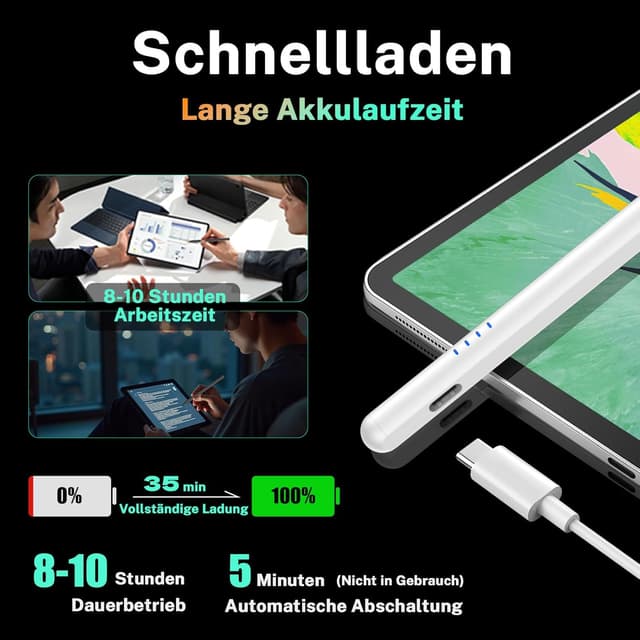
On paper, charging is relatively quick: a full charge takes 30 minutes. After that, the stylus is claimed to run for up to 10 hours.
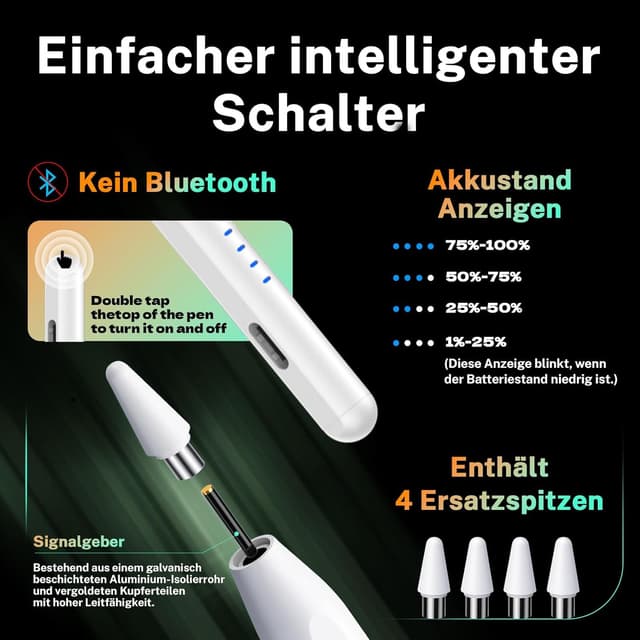
The power system also sounds designed to reduce the usual “did I charge it?” stress. There are LED indications that change colour depending on power level, plus an auto power-save mode that shuts off after 5 minutes of inactivity.
There’s also a power reminder/alert concept mentioned through highlights to help you know the percentage of power. That’s not something you always get, so if you often forget charging schedules, it can be useful.
How it connects and how you start using it
One of the most user-friendly aspects is the lack of Bluetooth pairing. Instead of pairing with your device, the pen is switched on and off using a simple double-tap on the top.
That means fewer steps before you can write. Imagine grabbing your phone on the sofa, double-tapping to wake the stylus, and quickly jotting a shopping list without going into settings or reconnecting anything. Small moments like that are where “no Bluetooth” really saves time.
Magnetic attachment for less hassle
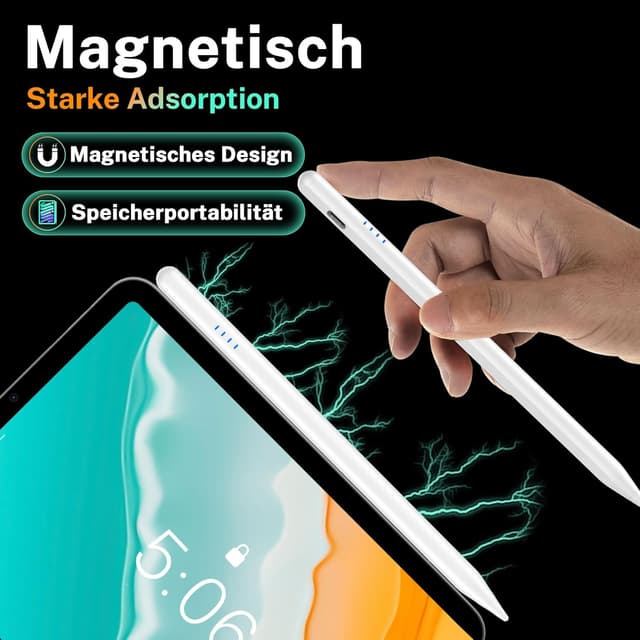
Another convenience angle is the strong magnetic attraction. The pen is intended to attach to the side of your devices, helping keep it within reach and reducing the chance of losing it.
It’s a handy idea for anyone who keeps switching between phone and tablet through the day. That said, magnetic attachment depends a bit on how your specific device is set up and where the magnet placement is practical—so it’s worth being mindful if you tend to use thicker cases or accessories.
Compatibility expectations (and where you might want to double-check)
The information provided says the stylus is compatible with most models of iPhone, Samsung, Huawei, Xiaomi and other Android smart phones, plus tablet devices. That’s a broad claim, which is useful when you’re buying for a mixed household or when you’re not sure which device it will end up on most.
Still, since the details are “universal” and “most models”, it’s not the kind of product where you can assume perfect fit for every niche screen or device variation. If compatibility is your top priority, it’s worth confirming it matches the specific devices you intend to use.
What to consider before buying
This pen is best seen as a practical universal stylus: rechargeable, easy to turn on, with LED battery cues and auto shut-off. That makes it a good candidate for everyday writing and drawing.
However, it may not suit you if you’re specifically after:
- Bluetooth connectivity and the extra control/features that usually come with it
- A guaranteed top-tier, artist-level response across every app and device
Mini FAQ
Does it need Bluetooth to work?

No Bluetooth function is mentioned, and the pen is described as not requiring pairing. Switching it on/off is done via double-tapping the top.
How long does it last on a full charge?
The provided details claim up to 10 hours of use after a full charge.
How do I know when it needs charging?
LED indications show different colours depending on the power level. There’s also a power reminder/highlight to help you know the percentage of power.
Is it easy to carry around?
Yes—magnetic attachment is designed to keep the pen on the side of compatible devices, which can help prevent losing it.
Is it only for tablets?
No. It’s described as compatible with iPhone and various Android smart phones as well as tablet devices.
Final verdict
This Tablet Pen is a solid practical pick if you want a universal rechargeable stylus for everyday writing and quick drawing, especially when you prefer no Bluetooth setup and appreciate magnetic storage on your device.
You may want to skip it if you’re looking for a premium stylus experience with Bluetooth-style pairing features or if you need guaranteed performance for a very specific device model and setup. In most typical use cases, it looks like the kind of pen that earns its place by being easy to grab, easy to switch on, and simple to keep charged.