

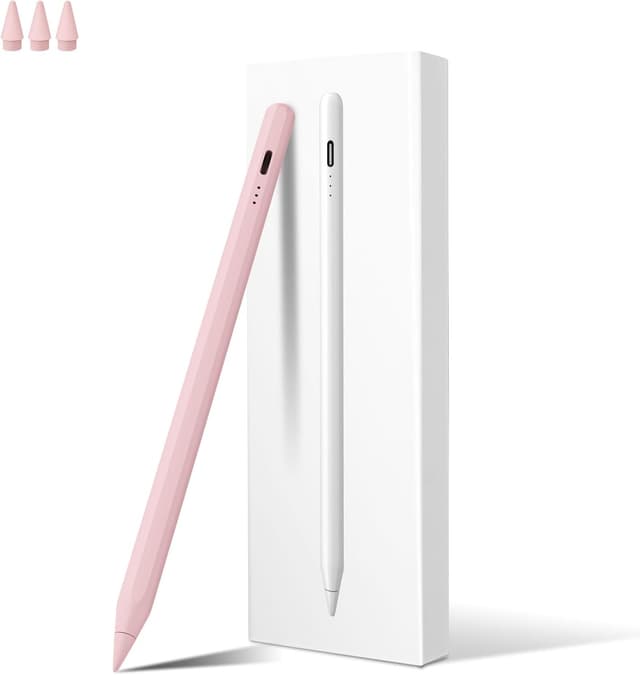
MEKO iPad stylus with magnetic charging
Product description
A magnetic charging stylus can make day to day use feel noticeably smoother, especially when you want to pick up your iPad and start sketching, writing or marking up documents. The MEKO stylus pen for iPad adds wireless magnetic charging when it docks to compatible iPad models, so you do not have to hunt for a cable every time you want to use it. It also includes palm rejection and tilt sensitivity to support natural hand placement and more expressive line work, according to the product description.
The essentials
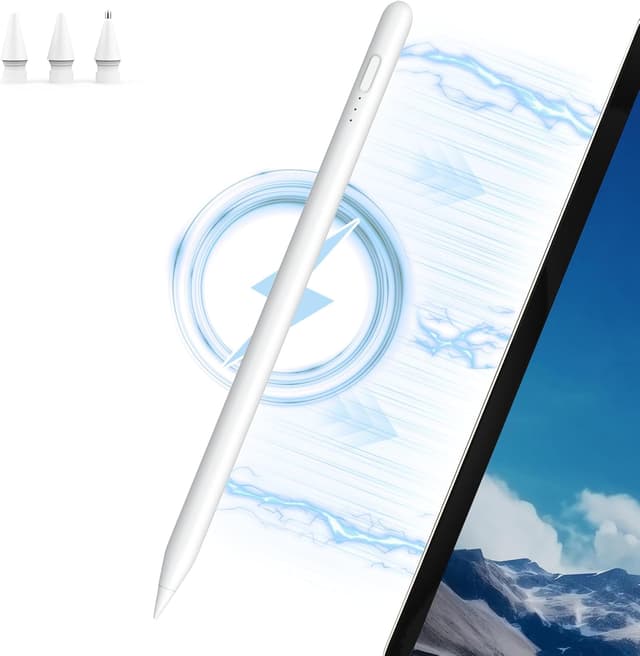
If you like working directly on your iPad, this MEKO stylus is built for writing, drawing, colouring and document markup. Once attached magnetically to the side of a compatible iPad, it can begin wireless charging automatically. For added convenience, there is also a wired charging option using a Type C charging cable, which helps if you need a quick top up. 🙂

There are a couple of important compatibility points to keep in mind before you buy. The magnetic wireless charging function is not supported for certain newer iPad Pro and iPad Air models listed in the product notes. Also, when the iPad Pencil 10th generation battery level is at 0%, magnetic wireless charging is not available and charging can only be done using the charging cable, according to the provided information.
Key features
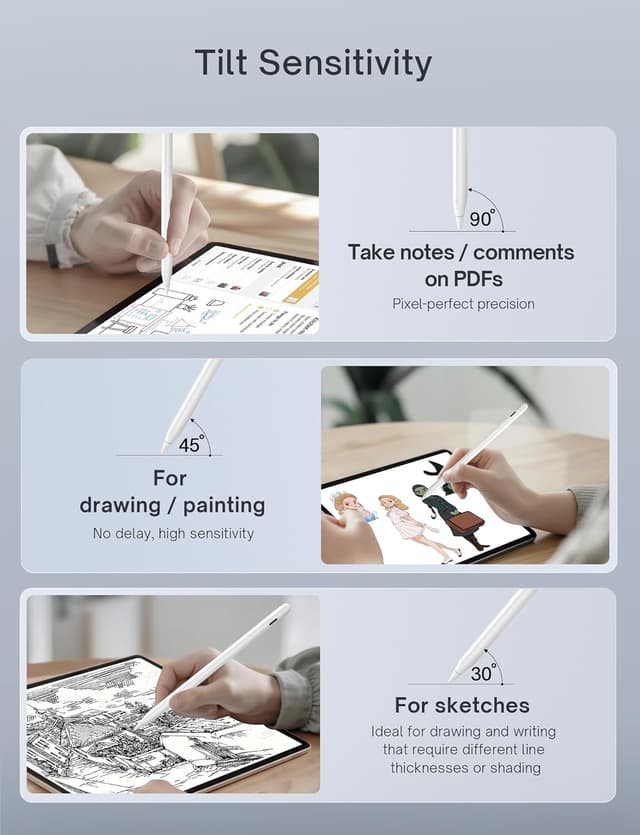
This stylus combines control features for creative and note taking work. Palm rejection helps you rest your hand naturally on the screen while writing or drawing, without causing accidental inputs. Tilt sensitivity is designed to detect subtle changes in angle, which can affect line thickness and shading effects, helping you create more detailed strokes. 😊


The charging approach is a key part of the experience. With wireless magnetic charging on supported iPads, the pen begins charging when it attaches to the side of the iPad magnetically. The product description notes a fully charged time of 1.5 hours with wireless magnetic charging, or 15 minutes with a Type C charging cable for up to 11 hours of working time. That gives you flexibility for longer sessions or shorter bursts between meetings or classes. 🔋
It is also described as compatible with iPad Pro 11 inch and iPad Pro 12.9 inch models in multiple generations, along with iPad Air 4 and 5, and iPad mini 6th generation. For best results, check and confirm your iPad model before purchasing, as the notes specifically call out exceptions for certain 2024 models.
Tech specs

- Type: Stylus pen for iPad with wireless magnetic charging
- Charging method: Magnetic wireless charging and Type C cable charging
- Wireless charge time: Fully charged in 1.5 hours
- Fast charge detail: 15 minutes charging for up to 11 hours of working time
- Palm rejection: Helps reduce accidental inputs during writing or drawing
- Tilt sensitivity: Supports line thickness and shading effects based on angle
- Compatibility note: Magnetic wireless charging not supported for listed 2024 iPad Pro 13 inch and 11 inch M4 models and iPad Air 13 inch and 11 inch M2 models
What’s compatible
It makes sense if you want a single stylus setup for sketching, taking notes, and marking up documents directly on an iPad. The magnetic wireless charging function is currently limited to specific iPad Pro, iPad Air and iPad mini models named in the description, so compatibility is the first thing to verify. If your iPad is on the supported list, the magnetically attached charging workflow can reduce friction when you want to start drawing quickly.
It might not suit you if you own one of the 2024 iPad Pro 13 inch or 11 inch models with M4, or one of the 2024 iPad Air 13 inch or 11 inch models with M2, because the notes state magnetic wireless charging is not supported for those devices. If you prefer to avoid compatibility checks, make sure you match your exact iPad generation before ordering, as the product description advises users to confirm the device model.
If you want consistent creative control, the combination of palm rejection and tilt sensitivity can be a practical match for both handwriting and illustration style marks. The tilting behaviour is described as detecting subtle angle changes to support more expressive line work, rather than only producing a single uniform stroke. That can be especially useful when you switch between quick notes and more detailed drawings during the same session.