

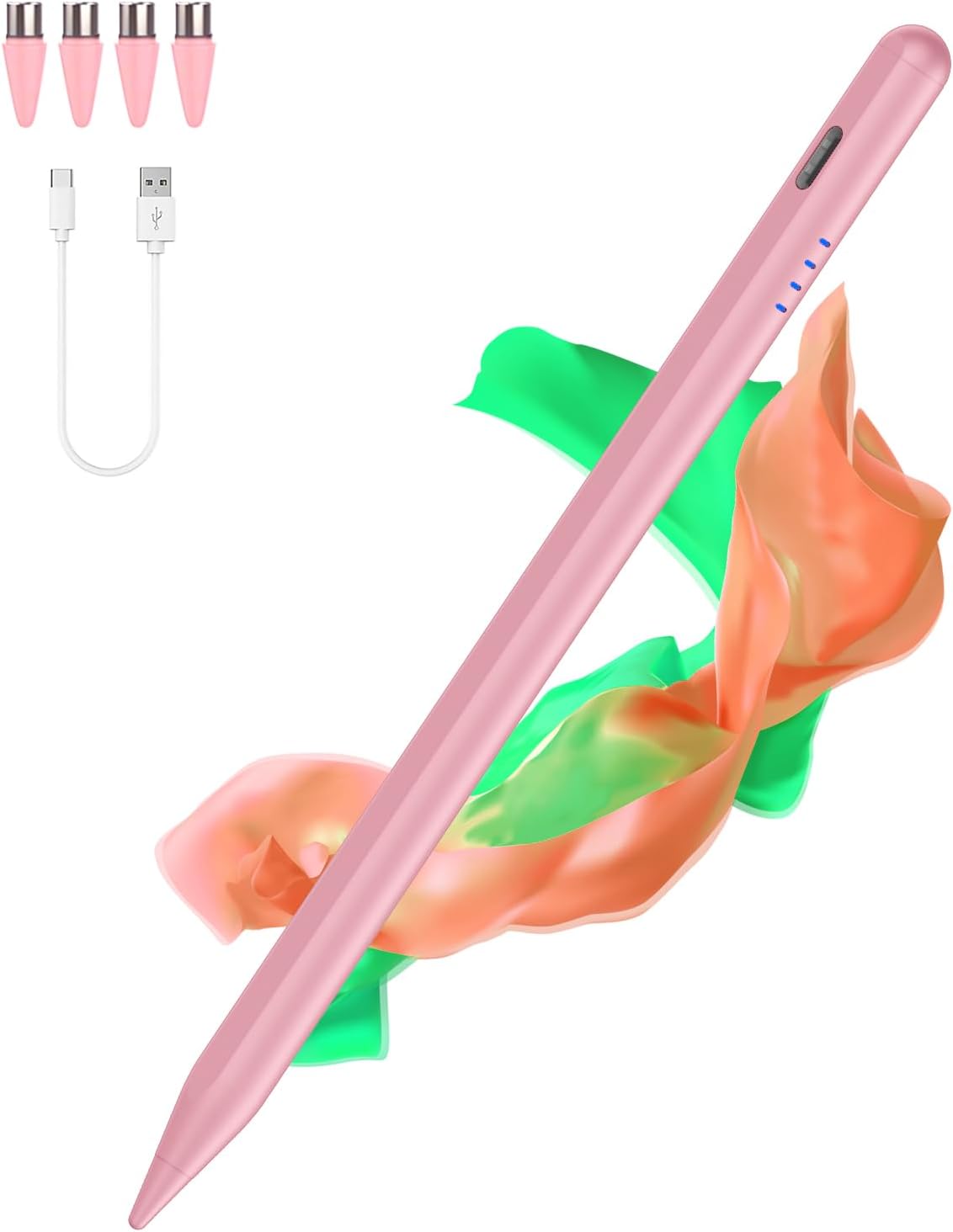
Stylus pen Type-C for tablets
Product description
A Type-C tablet stylus pen can turn light touch screen tasks into something far more precise, whether you are taking notes on the go or marking up a screen. This stylus pen for touch screens offers a simple way to write, draw and navigate on compatible Android devices, with a neat set of tips included for everyday use 😊. If you want a dependable accessory for tablet studying, sketching, or quick edits on mobile, this Type-C model is worth a closer look.
The essentials
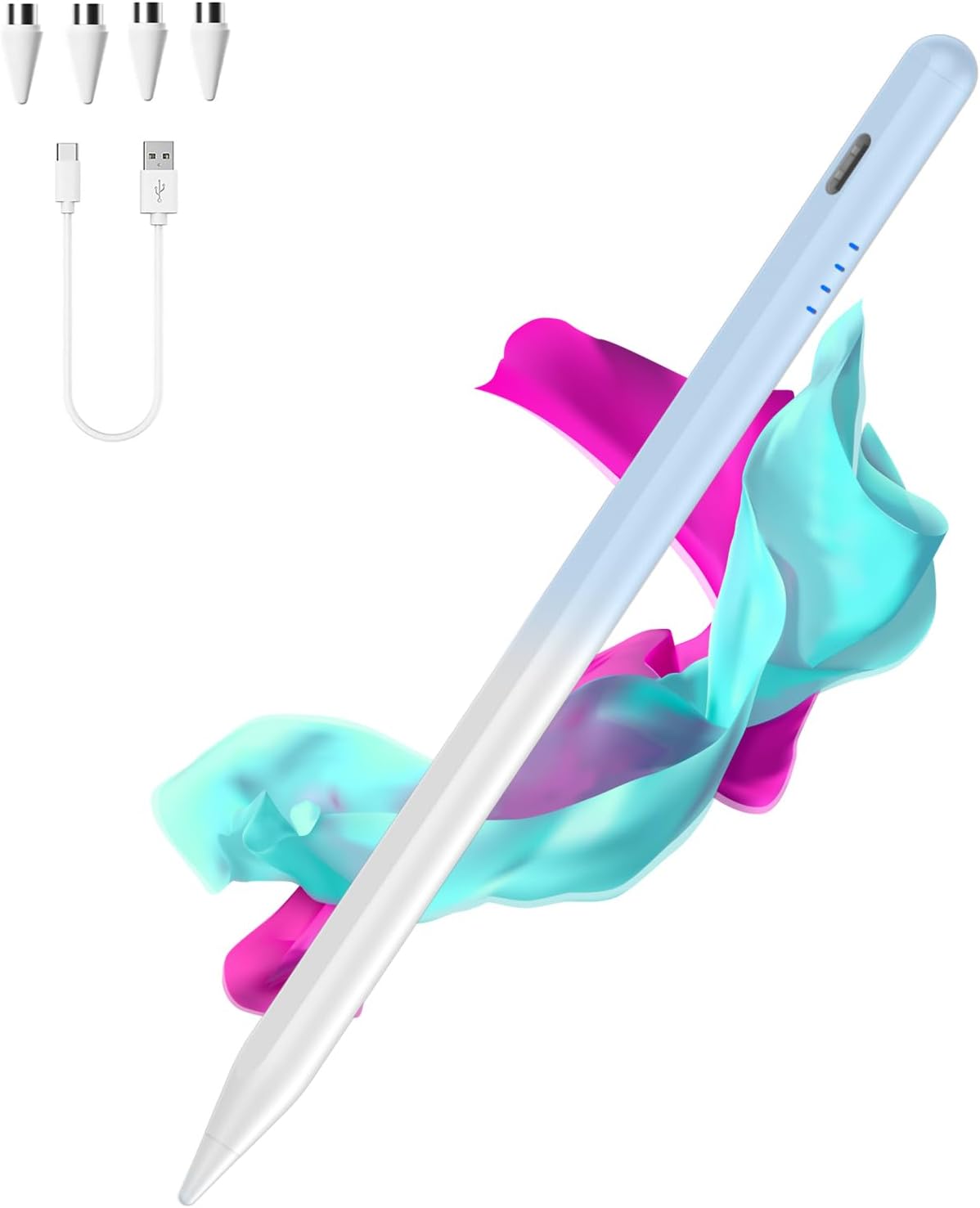
Stylus Pens for Touch Screens is designed to work across a wide range of Android phones and tablets, so you do not have to hunt for a device specific accessory. It is built around a Type-C connection and comes with multiple pom tips, which helps you keep the feel consistent as you use the pen over time. The gradient blue finish adds a touch of personality, while the core goal stays practical, smoother input for tasks like handwriting, quick annotations, and screen navigation.
If you often rely on your tablet for notes, revision, or creative doodles, a compatible stylus can make your workflow feel more natural. It can also be helpful for students, remote workers, and anyone who prefers writing and editing directly on the screen rather than tapping small icons. You should still confirm model compatibility before ordering, as this pen has clear exclusions for some device types.
There is also value in getting multiple pom tips in the pack. Tip wear is common with stylus use, and having replacements makes it easier to keep your pen ready for daily tasks without waiting for a separate purchase.
Key features
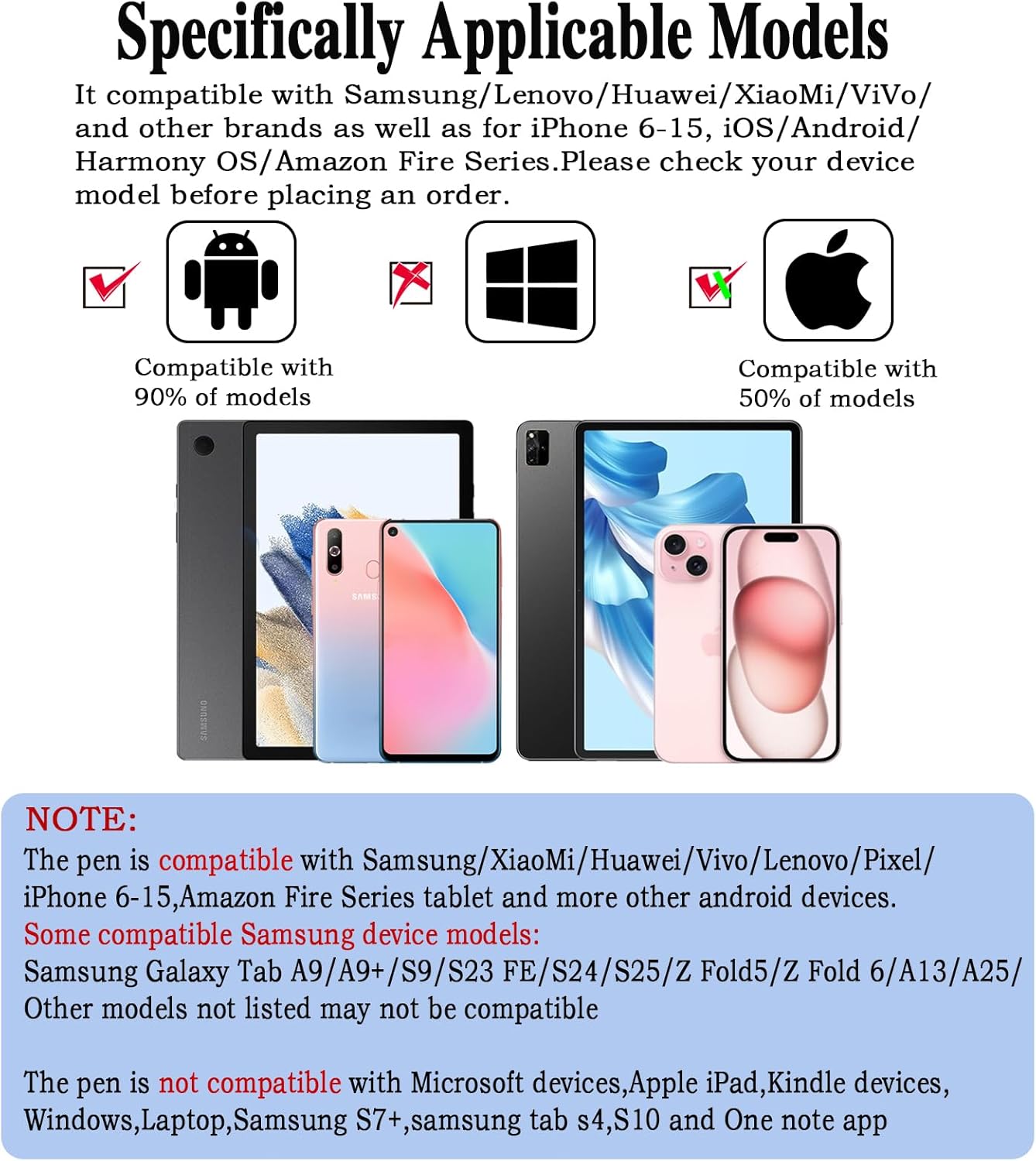
This universal Type-C tablet pen is positioned for flexibility across many popular Android brands, including Samsung, Xiaomi, Huawei, Vivo, Lenovo, Pixel, and more. The compatibility guidance provided is detailed, so you can match your exact device model before you buy. It is especially relevant if you switch between phone and tablet, or if different people in the household use different Android models.
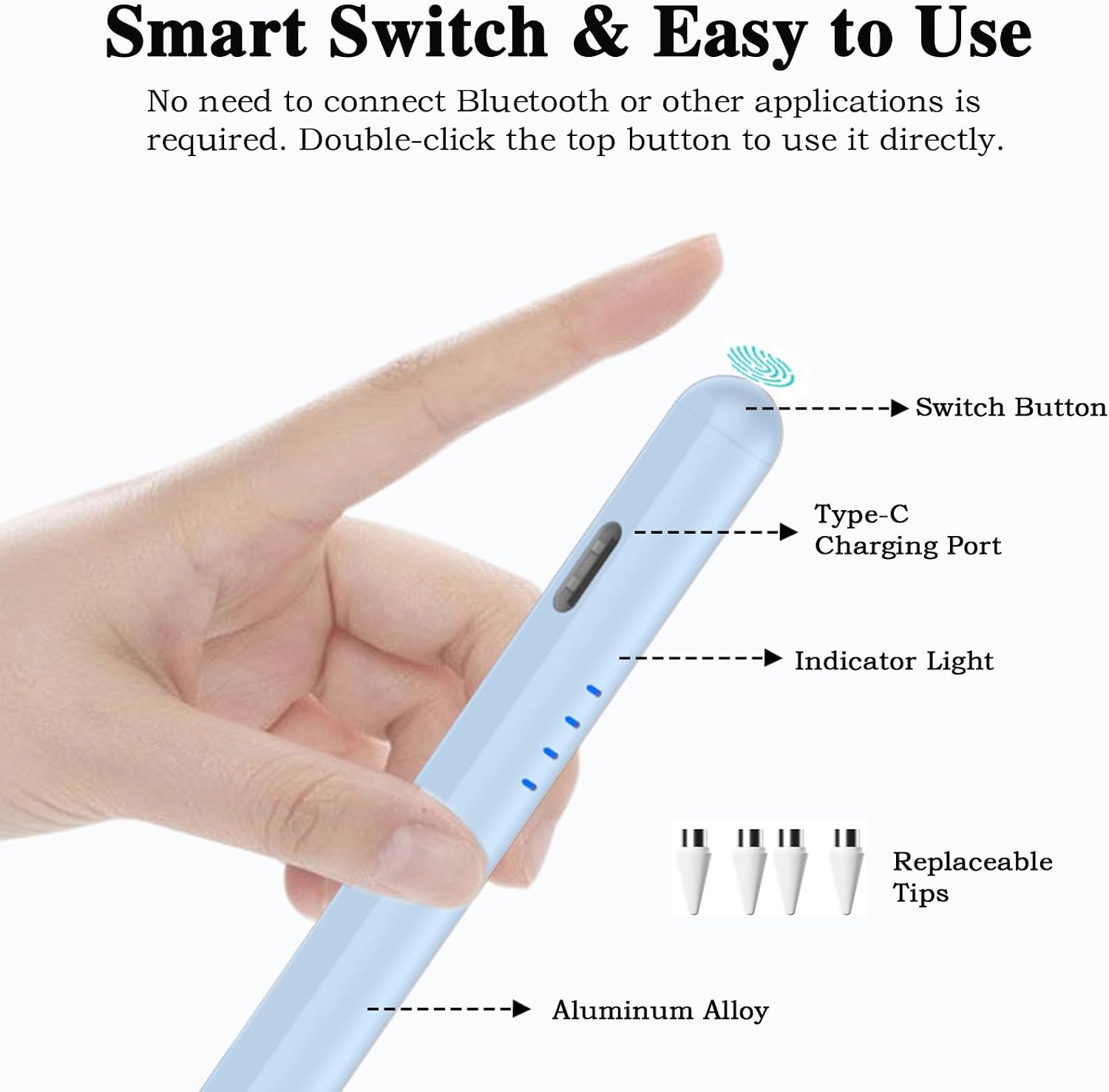
The included pom tips are a useful detail for everyday ownership. Having four tip options gives you more control over the feel of the stylus head, helping you keep writing and drawing comfortable over longer sessions. It is a straightforward accessory, but it supports real day to day tasks such as note taking, annotation, sketching, and precise tapping.
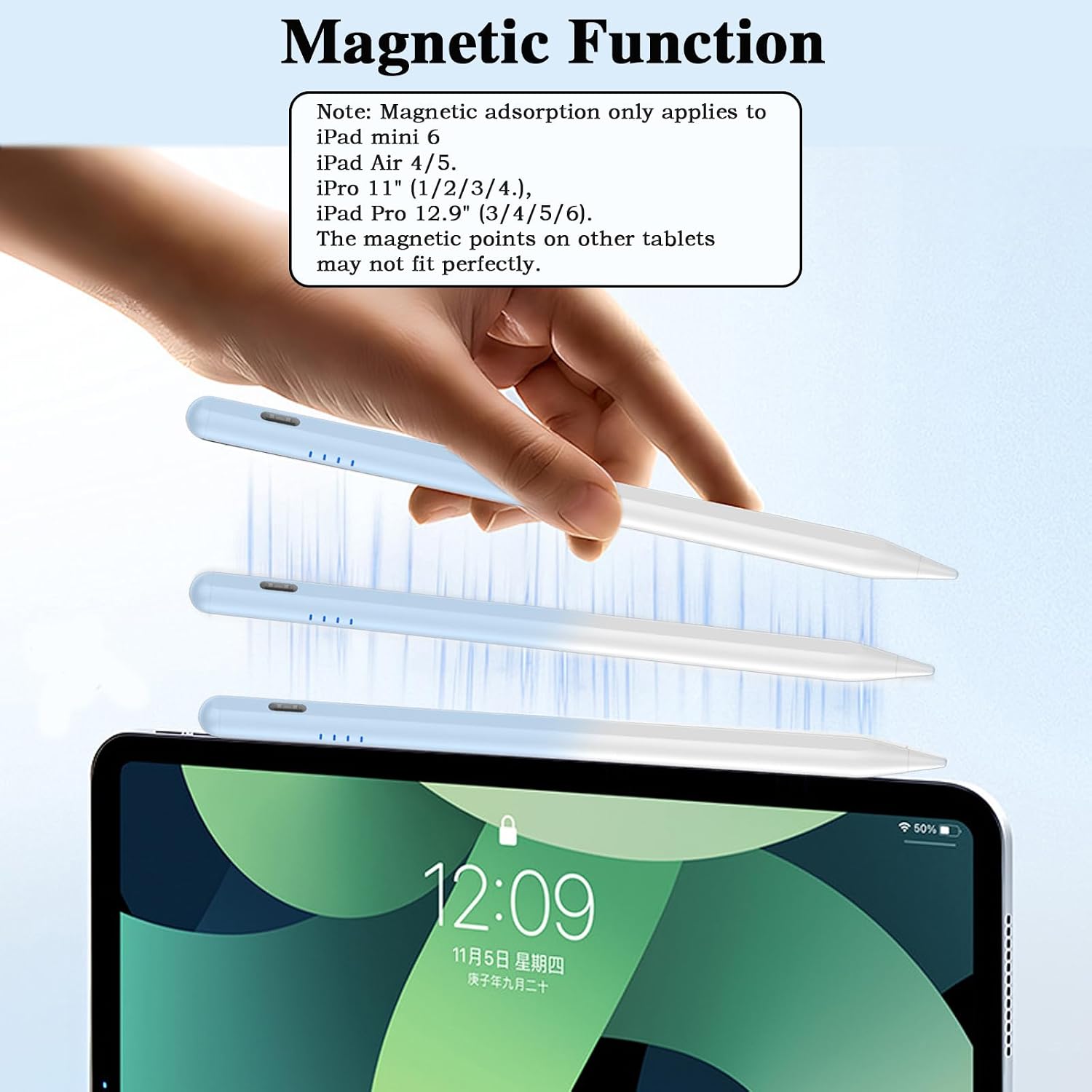
Worth noting, you should pay attention to the compatibility notes for Apple, Kindle, Windows, laptops, and certain Samsung tablet models. Those limitations are clearly stated, and checking your device model first is the easiest way to avoid disappointment 📱.
So, if you want a Type-C stylus pen that can cover multiple Android devices in your routine, this is a sensible choice. It can suit both casual use and more regular screen input needs, as long as your device is on the supported list.
Tech specs
- Type: Type-C tablet pen
- Material: Not specified by the manufacturer
- Colour: Gradient blue
- Compatibility: Universal stylus for selected Android devices, check model before ordering
- Compatible devices listed: Samsung Galaxy Tab A9, A9+, S9, S23 FE, S24, S25, Z Fold5, Z Fold 6, A13, A25, plus other supported models listed by brand
- Included tips: 4 pom tips
- Not compatible with: Microsoft devices, Apple iPad, Kindle devices, Windows, laptop, Samsung S7+, Samsung tab S4, S10, One note app
What’s included and who it’s for
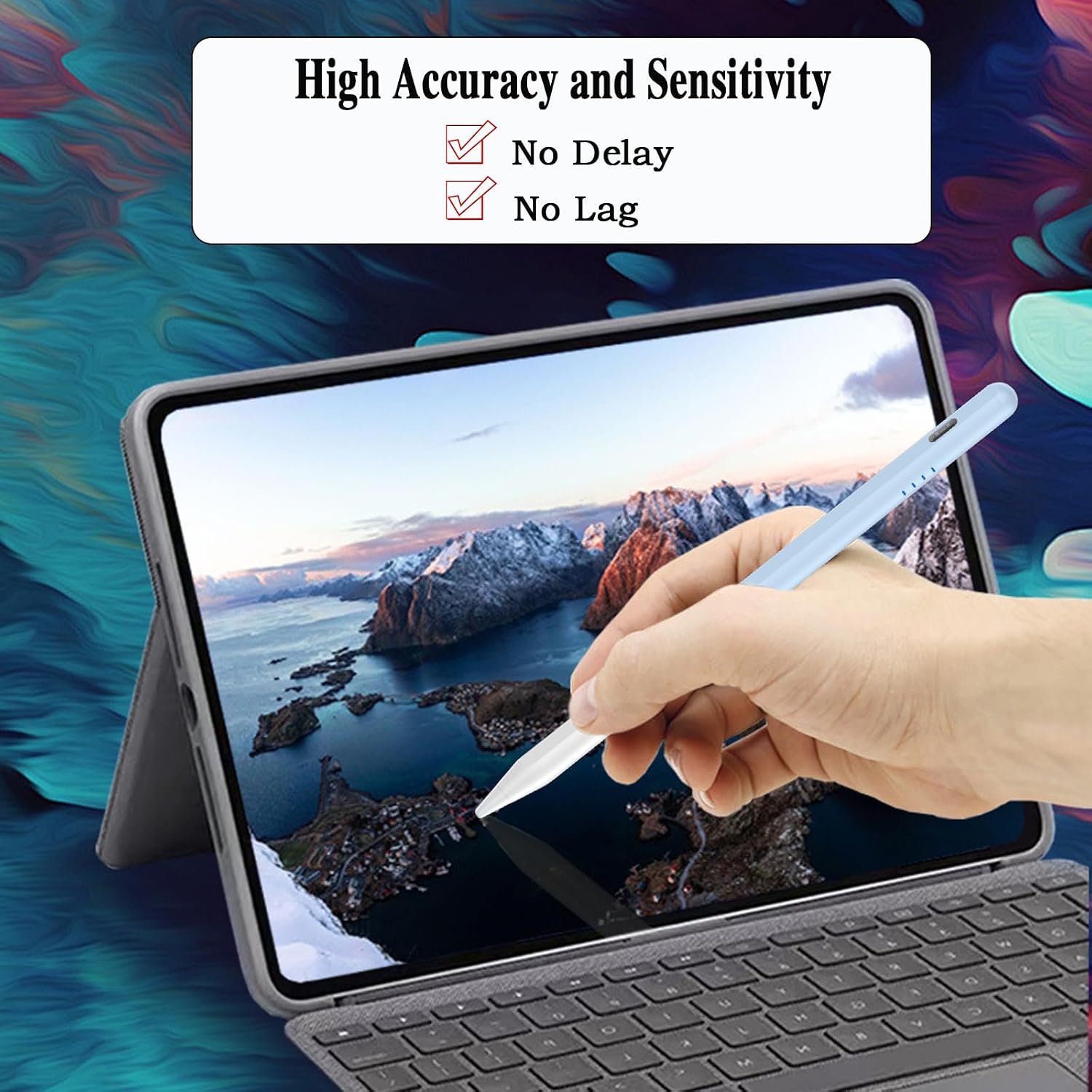
You get a Type-C stylus pen with 4 pom tips, designed to help you keep your touch screen input feeling consistent as you use it. The universal approach means it can suit people who use more than one compatible Android device, such as a Samsung tablet at home and an Android phone on the move. It can also make sense for students and office users who spend a lot of time writing, editing, and marking up content on screen.
It is not for you if you rely on Apple iPad, Kindle, Windows, or laptop setups, because compatibility limits are specifically stated. It might not suit you if you have certain excluded Samsung tablet models such as S7+ or tab S4, and it also notes that it does not work with the One note app 🚫. If you are unsure, confirm your device model first, then place your order with confidence.
If you want a straightforward stylus for touch screens that matches a broad set of Android models, this pen offers a practical balance of coverage and everyday readiness. It is a good option when you value convenience and want replacement tips included for continued use.