



Apple-compatible Stylus Pen USB-C fast charging 1h for iPad
Product description
This slim stylus offers pixel-precise control and tilt sensitivity for sketching, annotating and note-taking on recent iPad models while charging quickly via USB-C for minimal downtime. It targets creatives and students who want Apple Pencil-like responsiveness with replaceable tips and a shortcut button for faster workflows.
Key Points
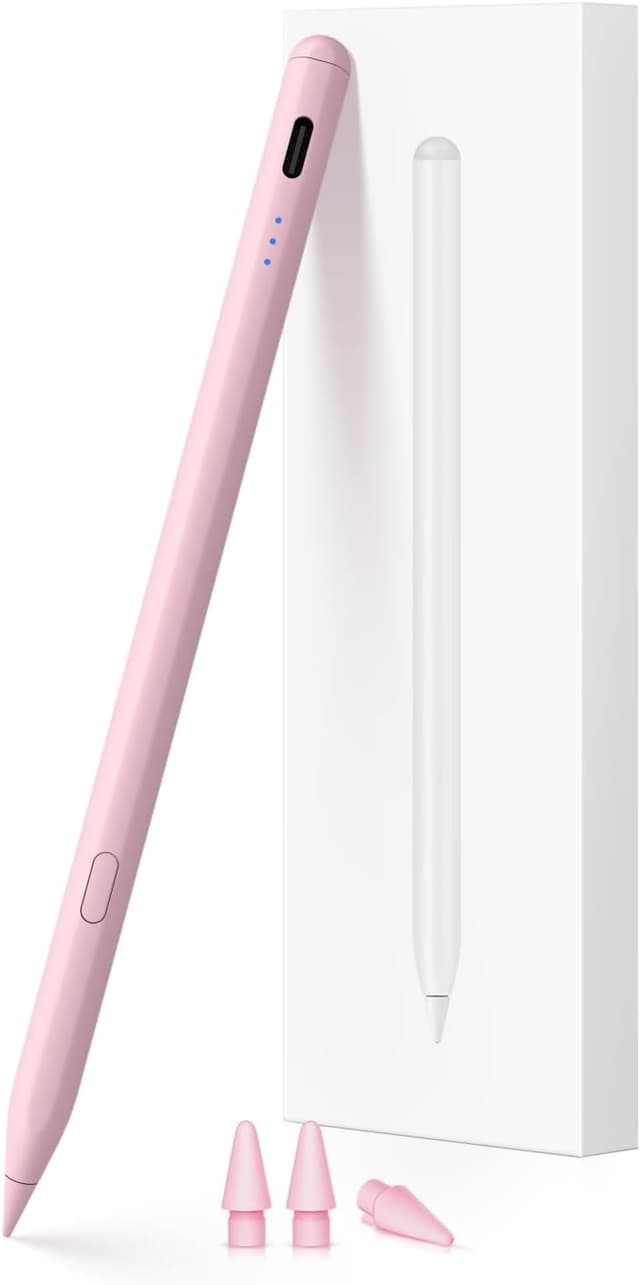
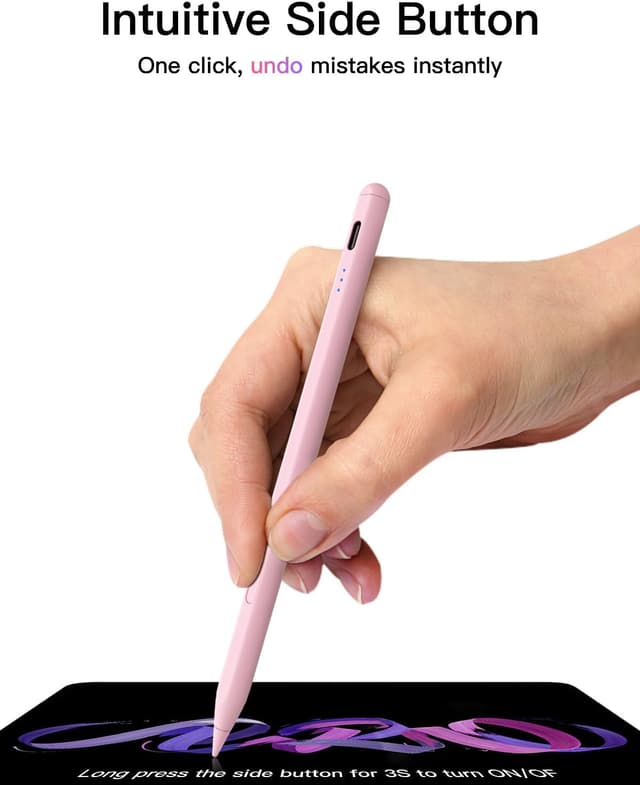
The pen pairs over Bluetooth and shows battery level on the iPad once connected, and it supports a one-tap undo shortcut plus a long press to power on or off. Its tip is compatible with Apple Pencil style replacements and three spare tips are included, which helps keep drawing performance consistent. Charge to full in around 30 minutes for up to 10 hours of continuous use, and the device powers down after five minutes of inactivity to conserve battery. For basic use the stylus will work without Bluetooth, but shortcut functions and battery display require pairing.
Technical Specifications
- Name: KEEPRO Stylus Pen for iPad (2018-2025)
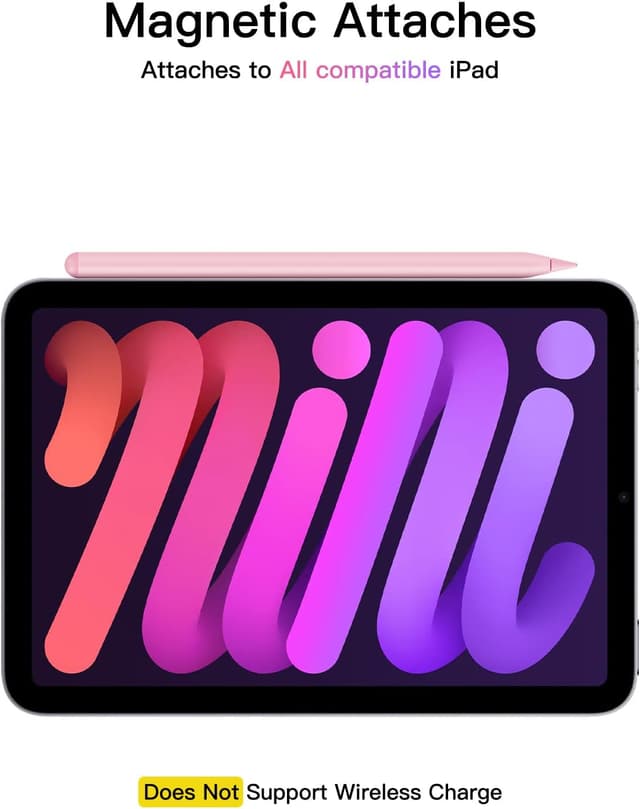
- Compatibility: iPad models released 2018 onwards, including A16 iPad generations 6–11, iPad Mini 5/6/7 and Mini A17 Pro, iPad Air M3/M2 11" and 13", and iPad Pro 11" and 12.9" generations.
- Charging: USB-C fast charge, full charge in approximately 30 minutes.
- Battery life: up to 10 hours continuous use, auto power-off after 5 minutes of inactivity.
- Tip: replaceable Apple Pencil style tip, includes 3 additional tips.
- Connectivity: Bluetooth for battery indicator and shortcut functions, can also operate without Bluetooth for basic input.
Benefits

Tilt sensitivity and low latency aim to reproduce a natural drawing feel, allowing shading and varied strokes when you angle the tip. The included spare tips reduce the need to buy consumables immediately and maintain consistent contact with the screen. Fast USB-C charging reduces interruptions between sessions so you can continue working with less waiting time. The shortcut button gives quicker access to a common function such as undo, which can speed up sketching or note correction.
Usage Recommendations
Press and hold the control button for about three seconds to turn the pen on or off, and watch the indicator flash to know it is discoverable by Bluetooth. If the stylus does not respond after powering on, forget any existing Apple Pencil entries in Settings > Bluetooth on the iPad and re-pair the device. Consider keeping the spare tips at hand because tip wear can affect stroke feel and accuracy. Note that pressure sensitivity is not supported according to the manufacturer, which may influence advanced pressure-dependent brushes in some drawing apps.