

RSHTECH USB-C Hub with Ethernet Adapter 4‑Port USB 3.2 Data Hub
Product description
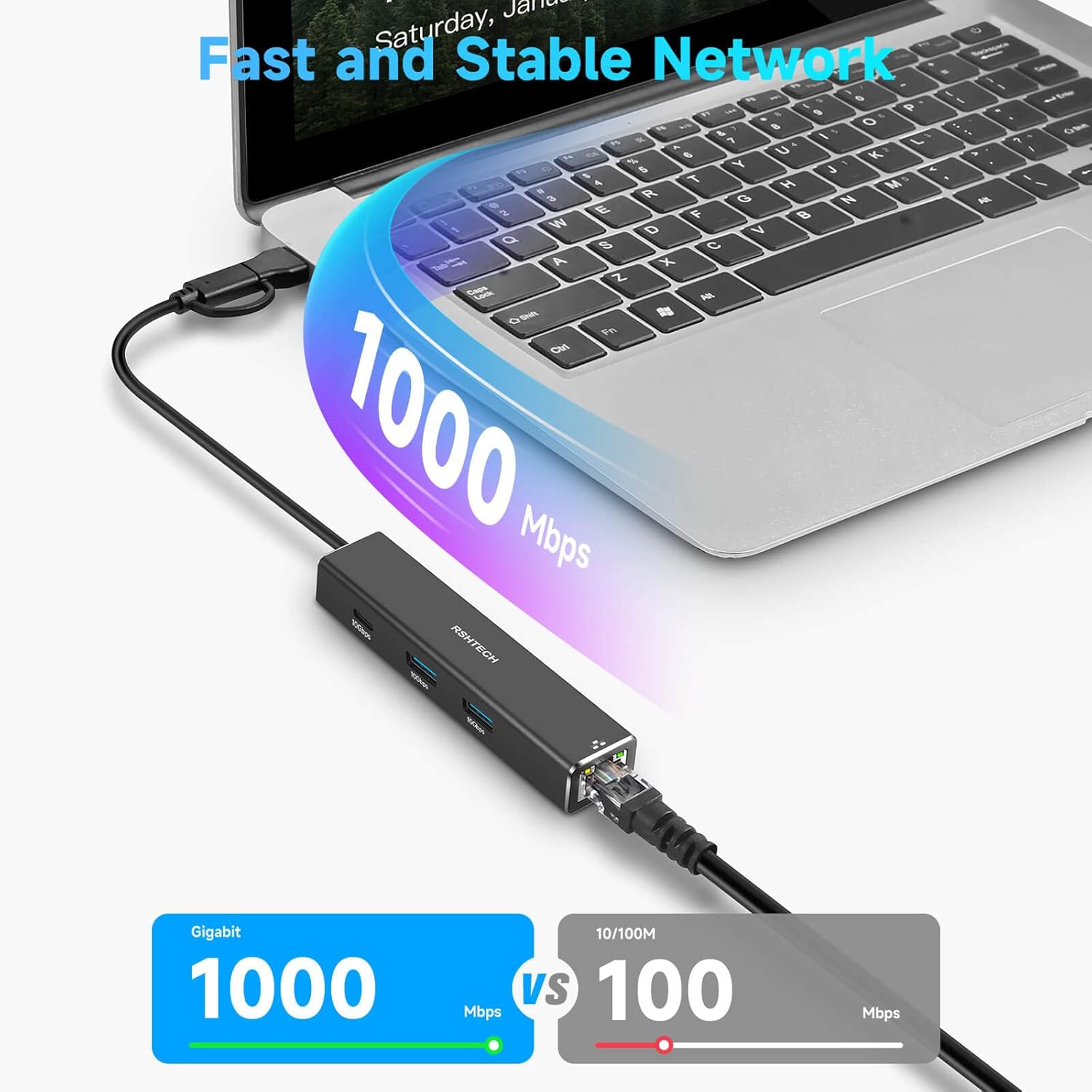
This RSHTECH USB C Hub with Ethernet Adapter combines wired network reliability with high speed data transfer in a compact 4 port solution. It delivers a stable 1Gbps ethernet connection for web browsing, gaming and media streaming while offering up to 10Gbps across USB data channels for fast file transfers.
Key Points
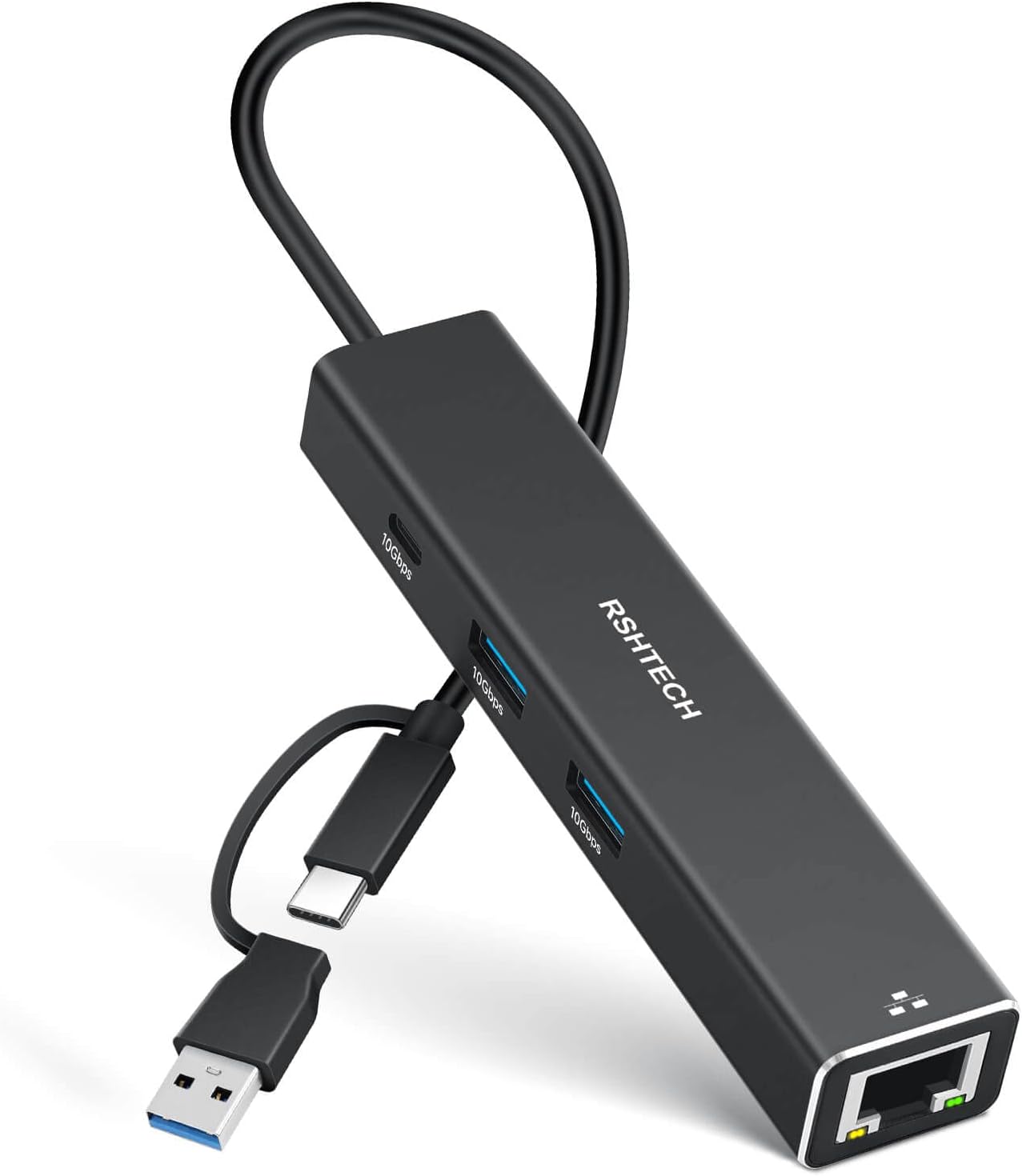
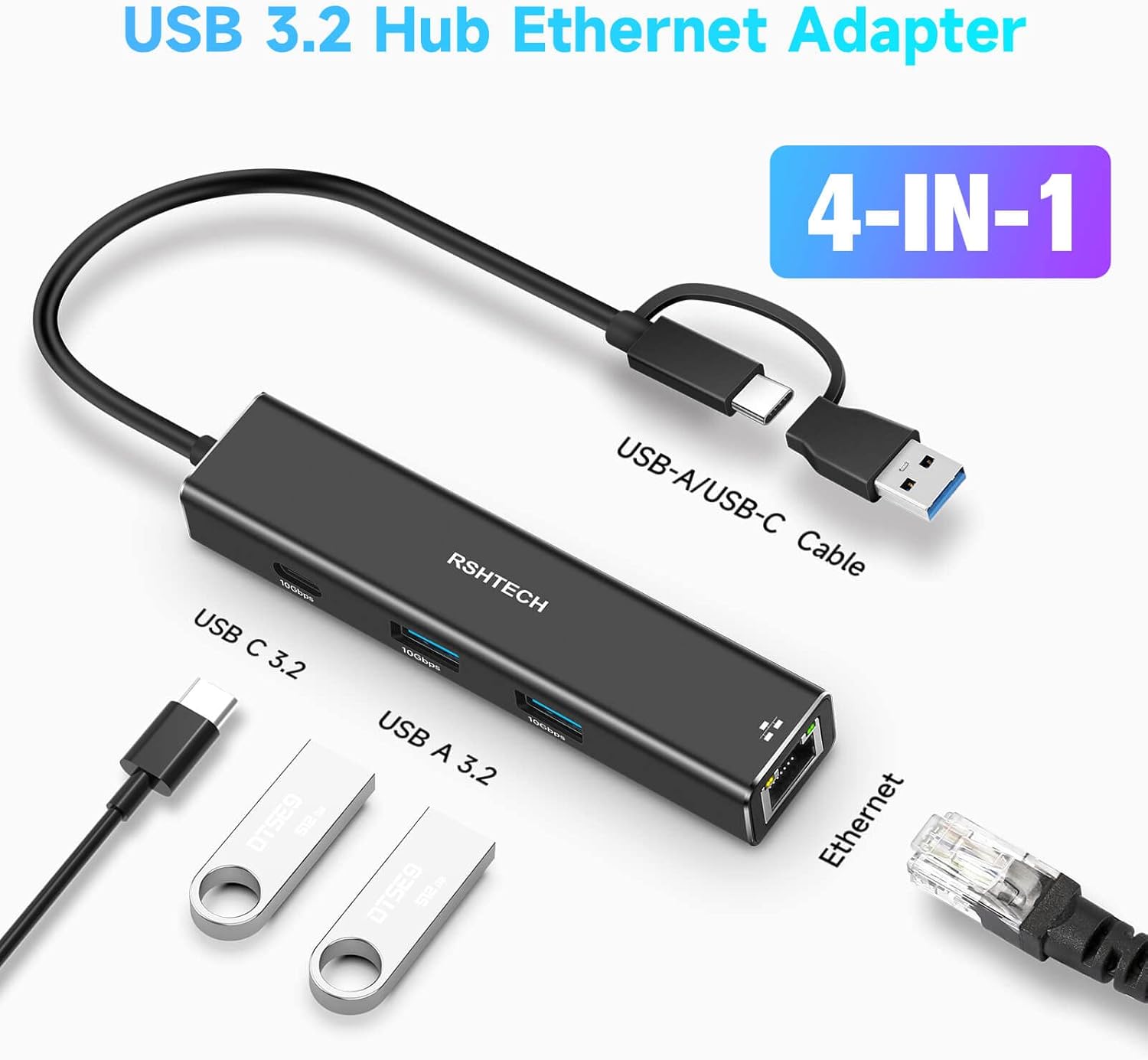
The hub provides a 1x USB-C and 2x USB-A data ports, bringing additional connectivity to laptops, tablets and other devices with USB-C or Thunderbolt ports. Built with an aluminium alloy enclosure, it stays cool under load and adds a touch of style to your setup. The design is compact enough to travel with a laptop, making it suitable for workstations, home offices and remote work.
For plug and play use the accessory does not require drivers, according to the manufacturer. This makes it a practical choice when you are pairing with devices such as MacBook Pro, MacBook Air, iPad and several Windows systems. The 2-in-1 cable approach means you can connect either USB-C or USB-A/Thunderbolt devices with ease, reducing clutter on crowded desks 🙂. The Ethernet adapter is designed to minimise interference to provide steady access for online tasks and downloads.
The overall build emphasises durability and heat management, so it can handle extended use during video calls, cloud work or large transfers without overheating. If you value both wired networking and portable expansion, this model covers a broad range of daily needs.
Technical Specifications
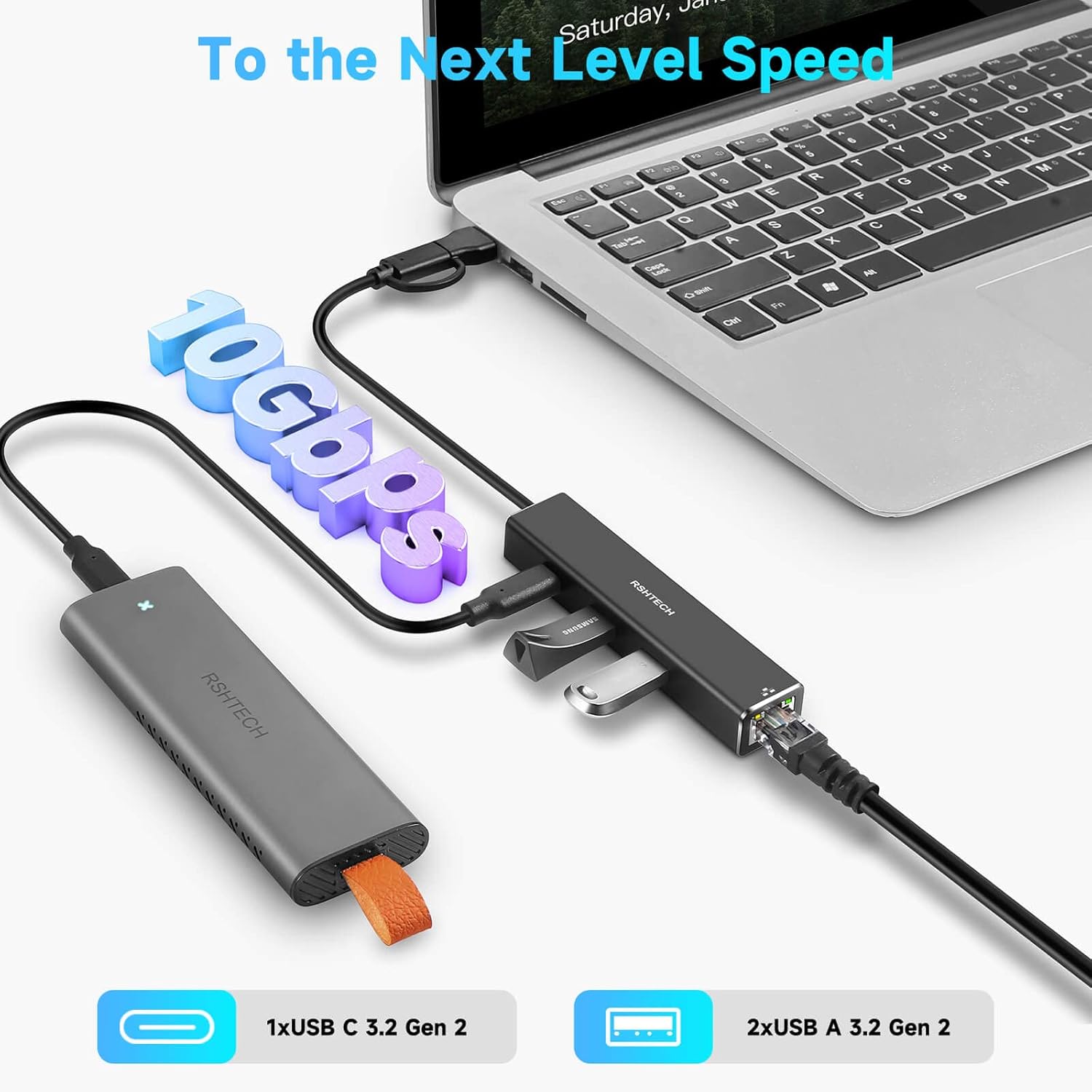
- Name: RSHTECH USB C Hub with Ethernet Adapter
- Ports: 1x USB-C 3.2, 2x USB-A 3.2, 1x Ethernet
- Ethernet speed: up to 1Gbps / 1000Mbps
- USB data speed: up to 10Gbps datas transfer
- Material: aluminium alloy housing
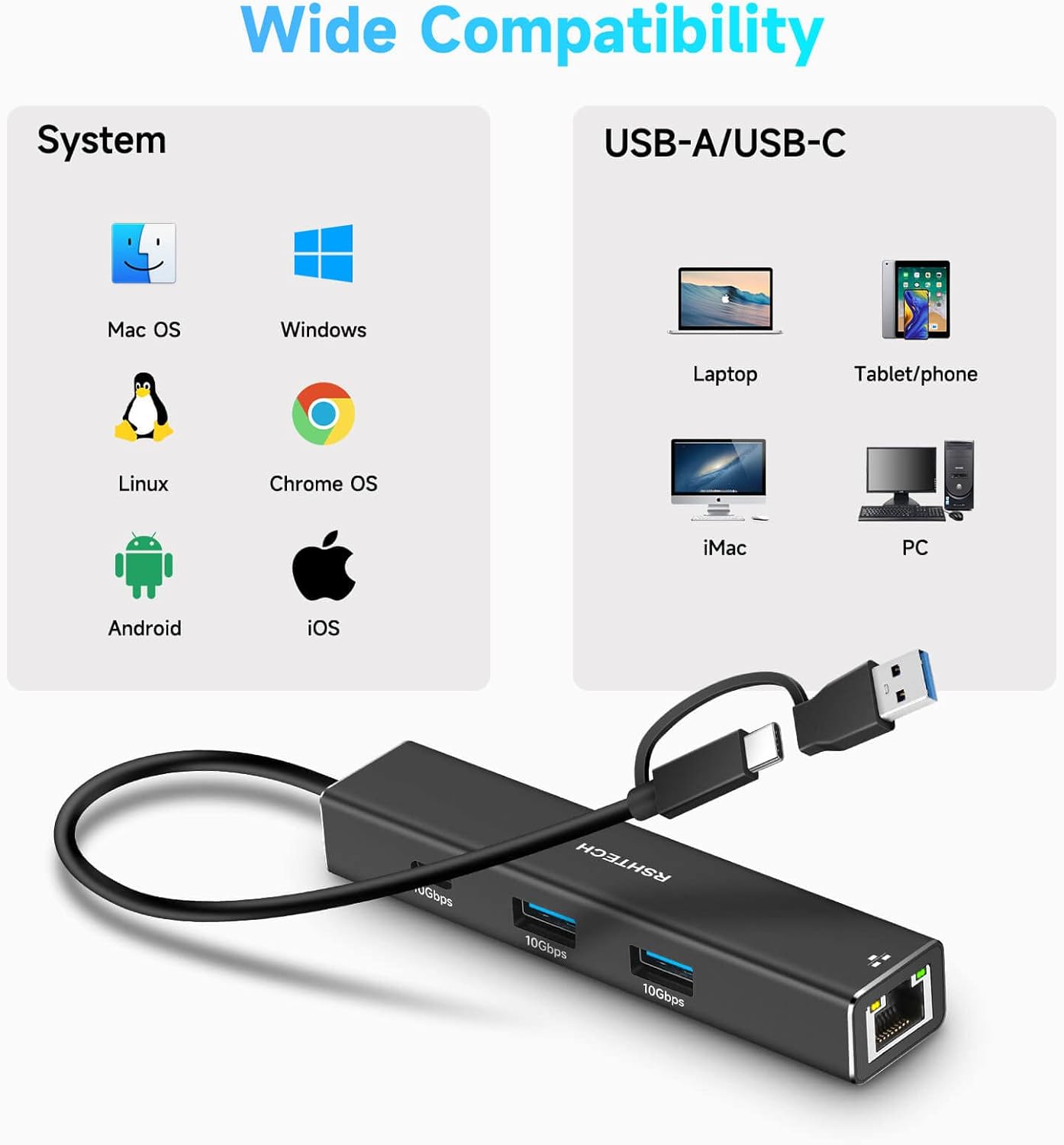
- Cable options: 2-in-1 USB-C and USB-A data connectivity
- Compatibility: laptops, tablets and other devices with USB-C/Thunderbolt ports (including some Mac and Windows models)
Benefits
The device combines networking and data expansion in a single compact unit so you can connect a wired internet connection and additional peripherals without switching cables constantly. Its driver-free nature reduces setup friction and supports quick deployment on compatible devices. The sturdy shell and effective heat dissipation help maintain performance during longer sessions.
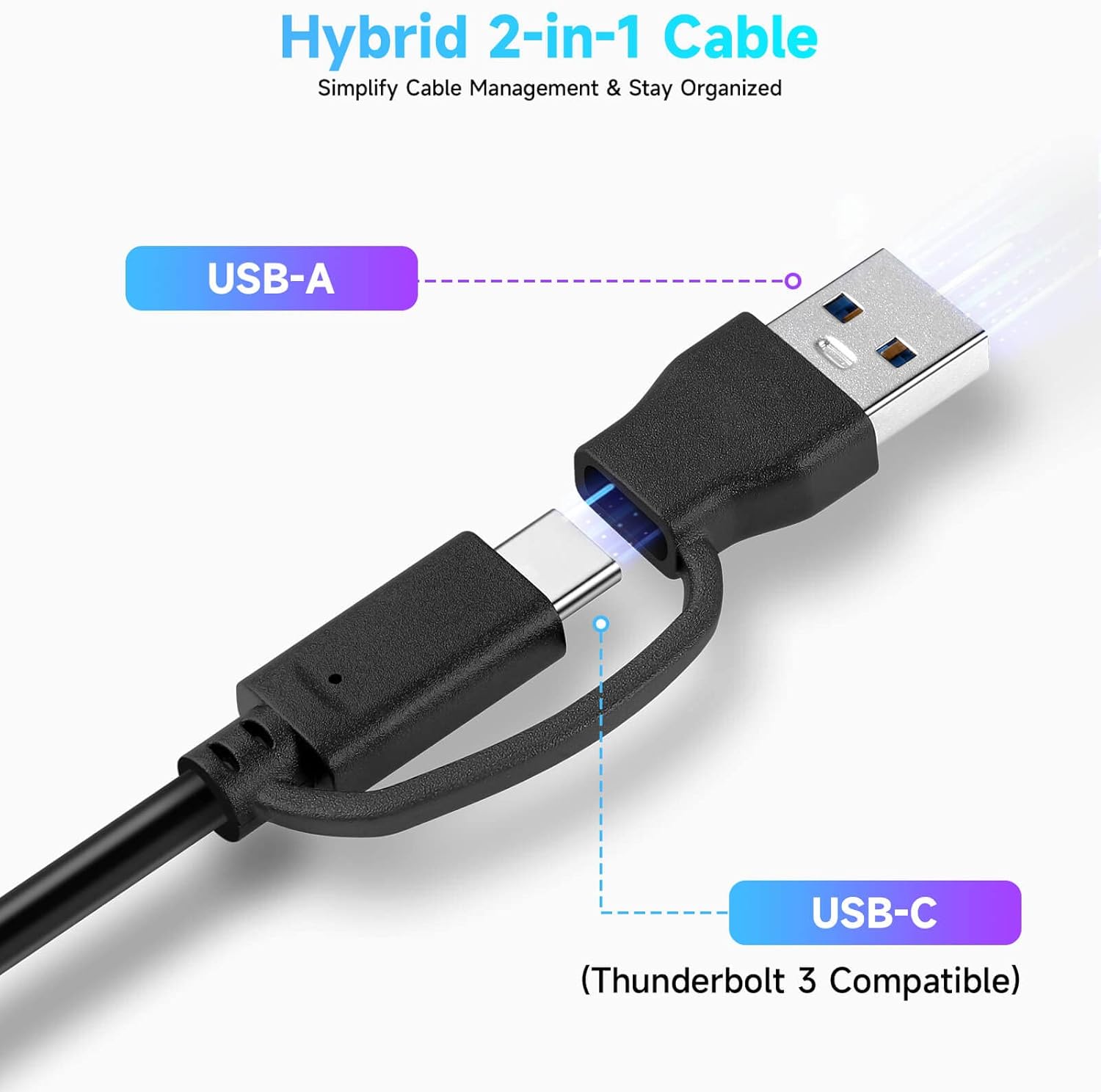
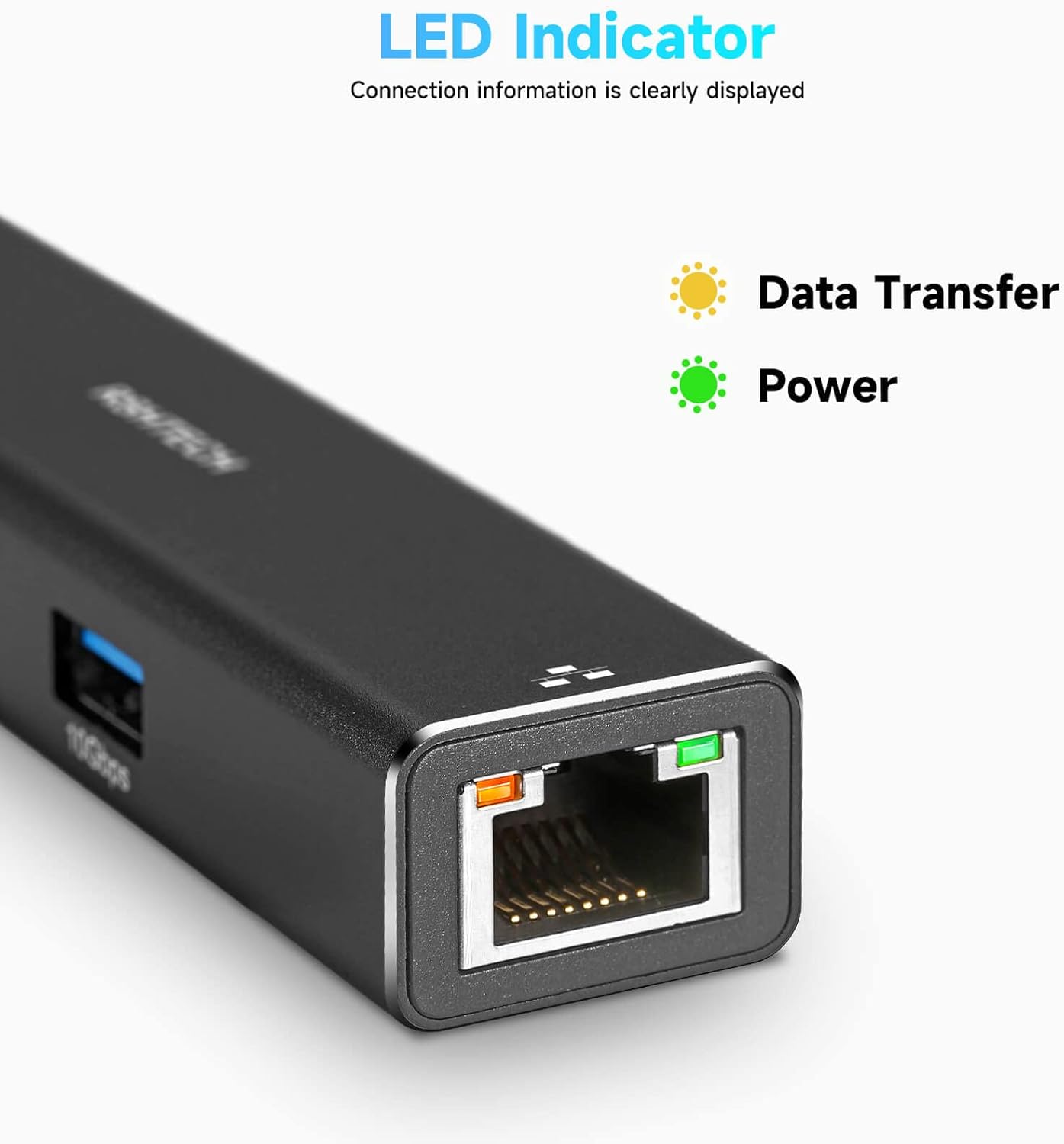
The inclusion of both USB-C and USB-A connections widens compatibility with a range of devices from laptops to game consoles and tablets. This flexibility is useful when you have multiple devices with different port standards, or when you are sharing the hub between colleagues.
Usage Recommendations
Place the hub near your main workstation for easy cable routing and better air flow. Use the Ethernet port for reliable online activity such as video conferencing or large downloads where WiFi may be unstable. When transferring large files, take advantage of the USB 3.2 connections to maximise data throughput. If you are using a compact laptop with limited USB ports, the 2-in-1 cable design helps you keep a tidy desk while expanding capabilities.
⚡ Note that performance can vary by host device and USB port type. For best results, connect the hub directly to a primary USB-C or Thunderbolt port on the host device to optimise both network reliability and data transfer rates.