

UGREEN 9-in-1 USB-C Hub (HDMI to USB-C) with 4K@60Hz, Gigabit Ethernet, 100W PD and 3x 10Gbps ports
Reviews
Price
Product description
Quick overview
If you’re trying to tidy up your desk and stop juggling dongles, this UGREEN USB-C hub is built for that exact moment. It brings a full mix of ports into one compact aluminium dock: HDMI for an external display (up to 4K@60Hz), Gigabit Ethernet for steadier connections, multiple high-speed USB-A/USB-C connections, plus an SD/TF card reader. There’s also USB-C Power Delivery rated up to 100W, and a 30cm cable that’s long enough for typical laptop setups.
On paper, it’s aiming at everyday “work + home” use: plugging in a monitor, an Ethernet cable, and a few peripherals without turning your laptop into a port roulette. That said, a hub like this is only as good as the capabilities of your laptop’s USB-C port, so it’s worth checking the details before you buy.
The essentials: ports you actually use
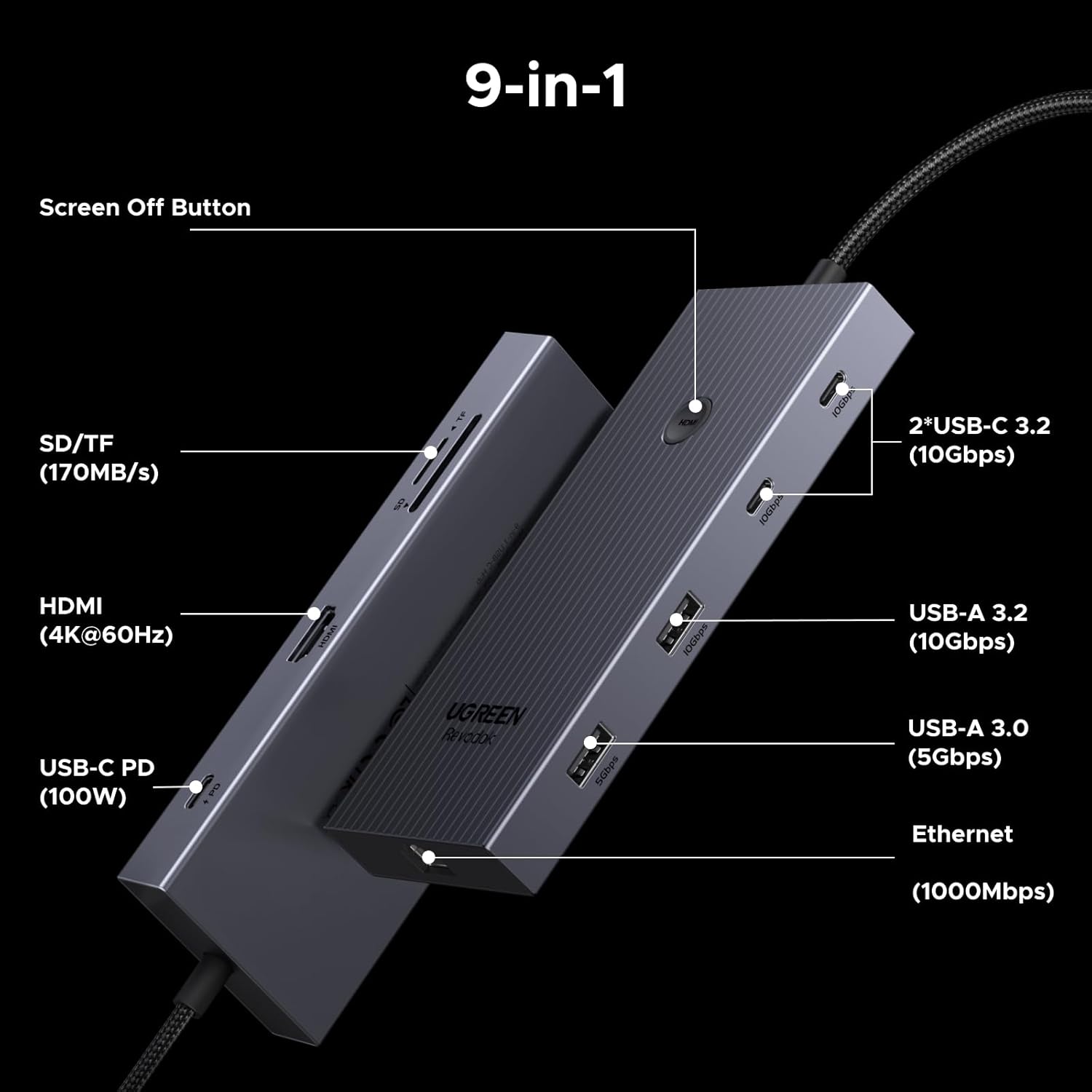
This 9-in-1 hub is fairly comprehensive for a compact docking station, covering both display and connectivity:
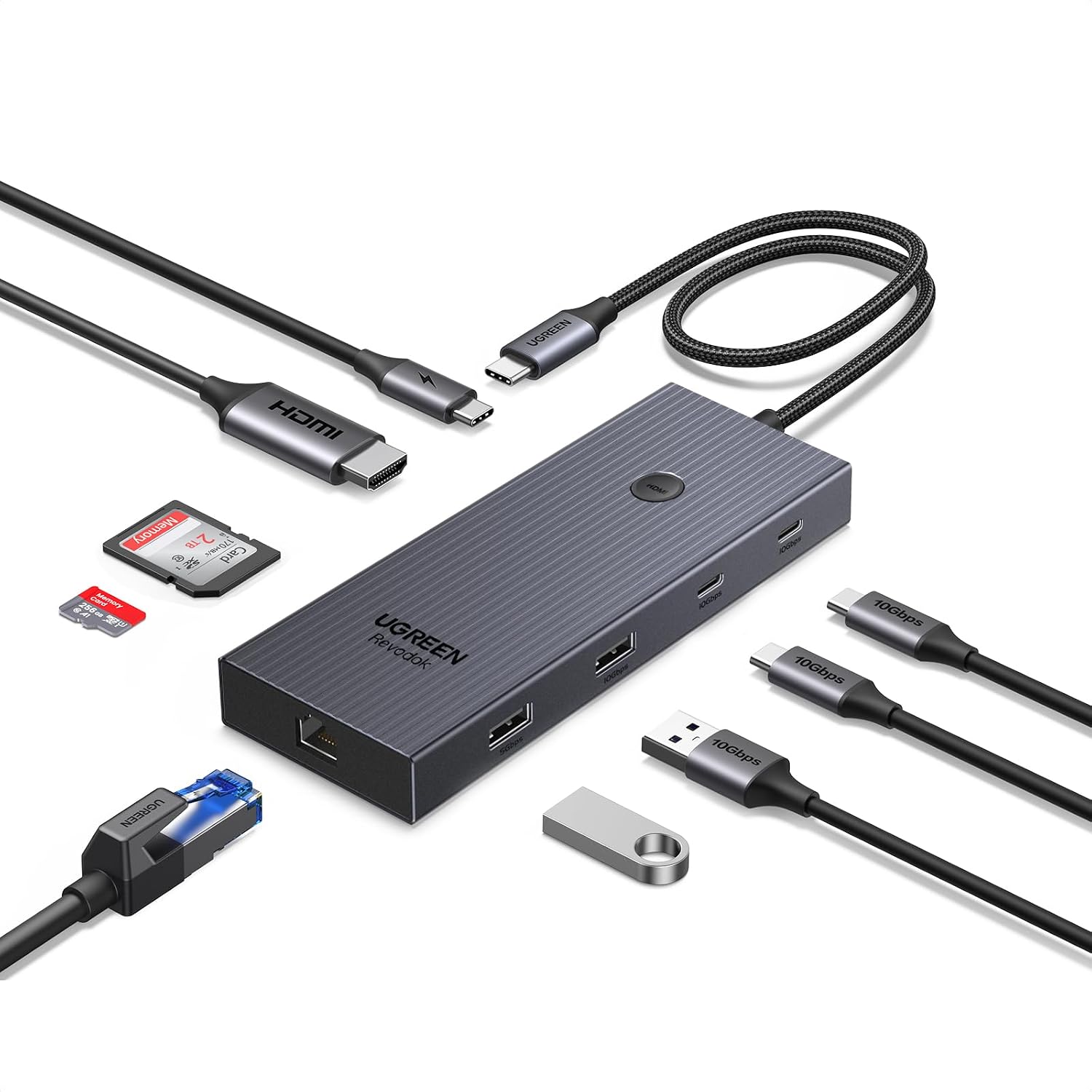
- External display via HDMI, supporting up to 4K@60Hz
- 1Gbps Gigabit Ethernet for a more stable connection than Wi‑Fi in many setups
- Multiple fast USB ports, including USB-C and USB-A options
- SD and TF card reading for quick file transfers
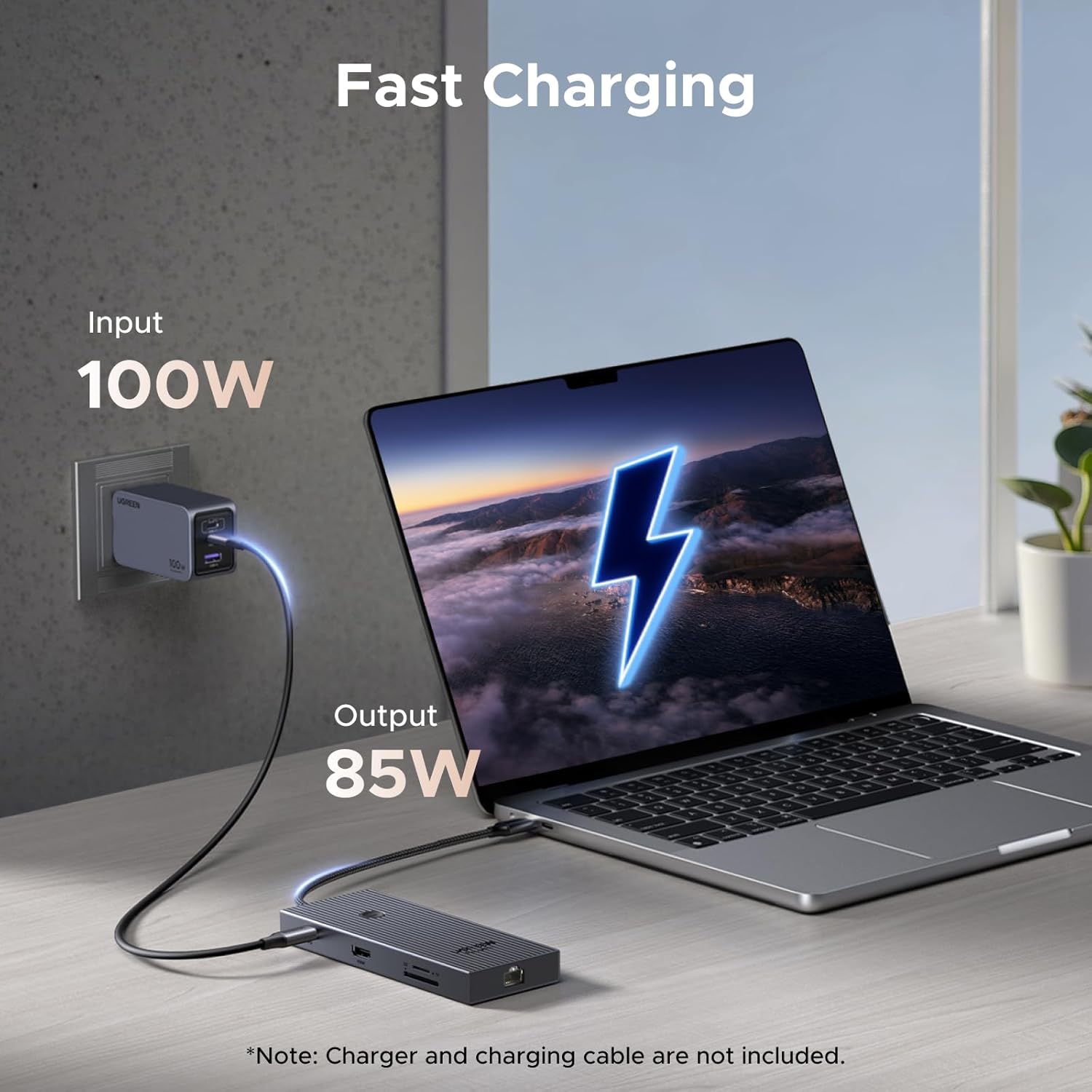
- USB-C Power Delivery up to 100W for charging (with the hub itself drawing some power)
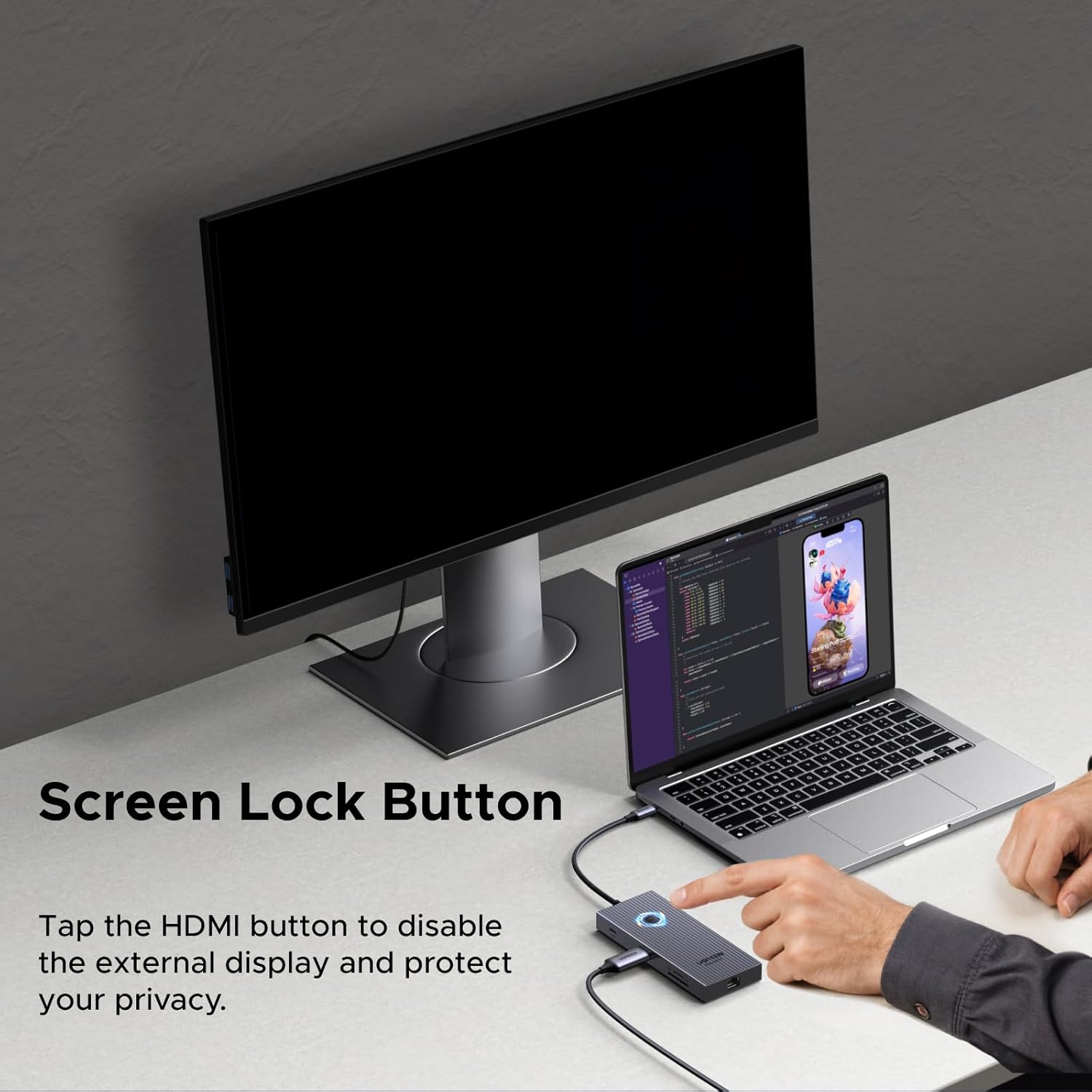
You also get a screen power-off button for the projector/second display. It’s a small feature, but it can be surprisingly handy during meetings or presentations when you want privacy without unplugging cables.
What stands out in day-to-day use
The strongest selling point is the “one cable, many connections” approach. Instead of relying on separate adapters for Ethernet, HDMI and storage, you can keep everything in one place.
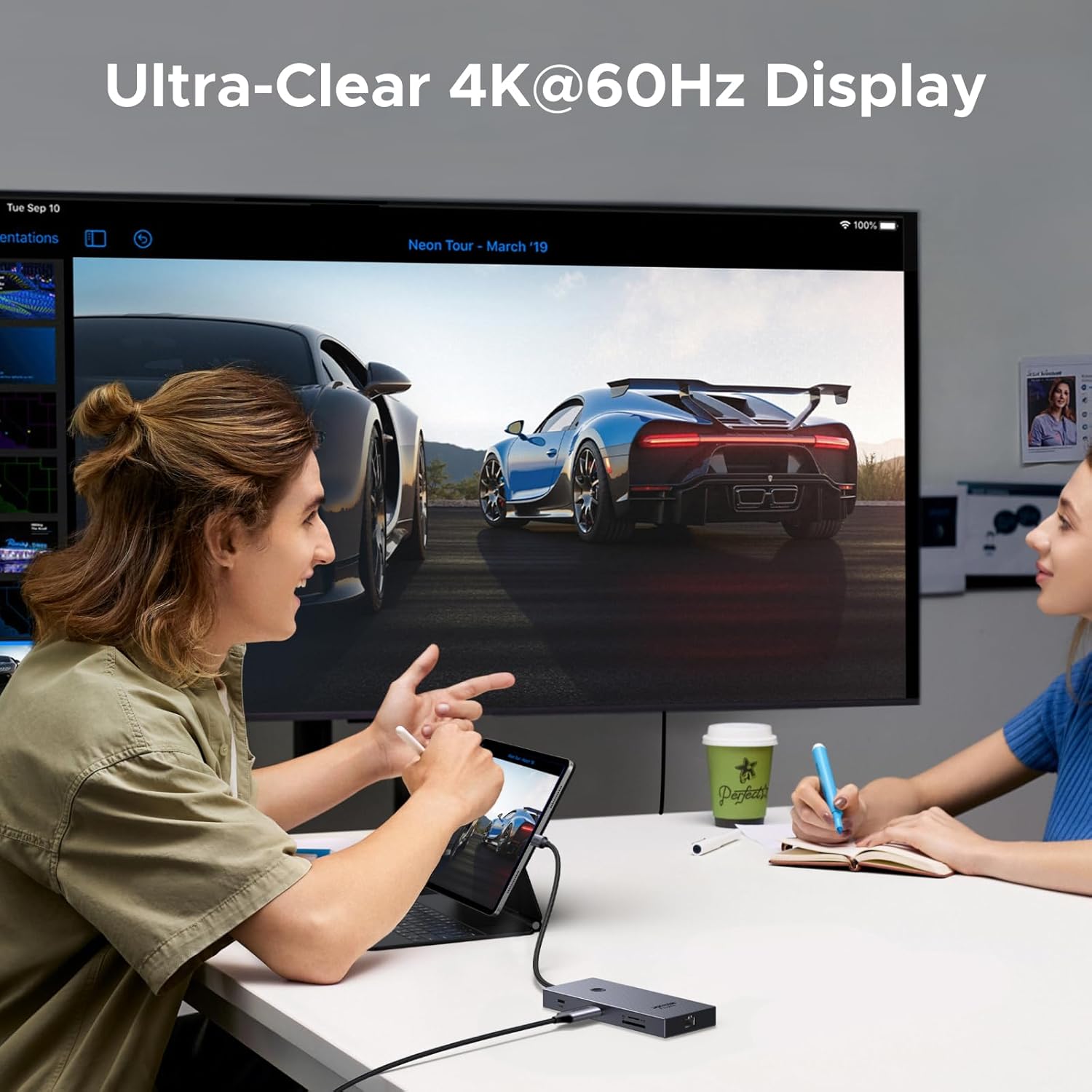
In a typical office scenario, it can look like this: you dock your MacBook/HP/Dell/iPad (where supported by USB-C), connect HDMI to a monitor or projector, plug in Ethernet for more consistent performance, and use the USB ports for keyboard, mouse, and storage. For someone moving between desk work and presentations, the screen-off button adds a bit of convenience that simpler hubs often skip.
Still, it’s not perfect in every way. The documentation notes that the USB data ports don’t support video output or charging, so if you were hoping to power or display over those particular USB ports, you’ll need to use the dedicated HDMI/PD functions instead.
Display and connectivity limits (worth checking)
For the HDMI display output, the hub claims maximum support of 4K@60Hz. It also highlights that compatibility depends on your device’s USB-C port supporting the right display mode, and it specifically points to DP 1.4 support for 4K@60Hz.
This is one of those “it depends” items that can decide whether the hub feels spot-on or mildly frustrating. Before you commit, check that your host USB-C port is fully functional for data/charging and supports DP Alt Mode as appropriate for video output.
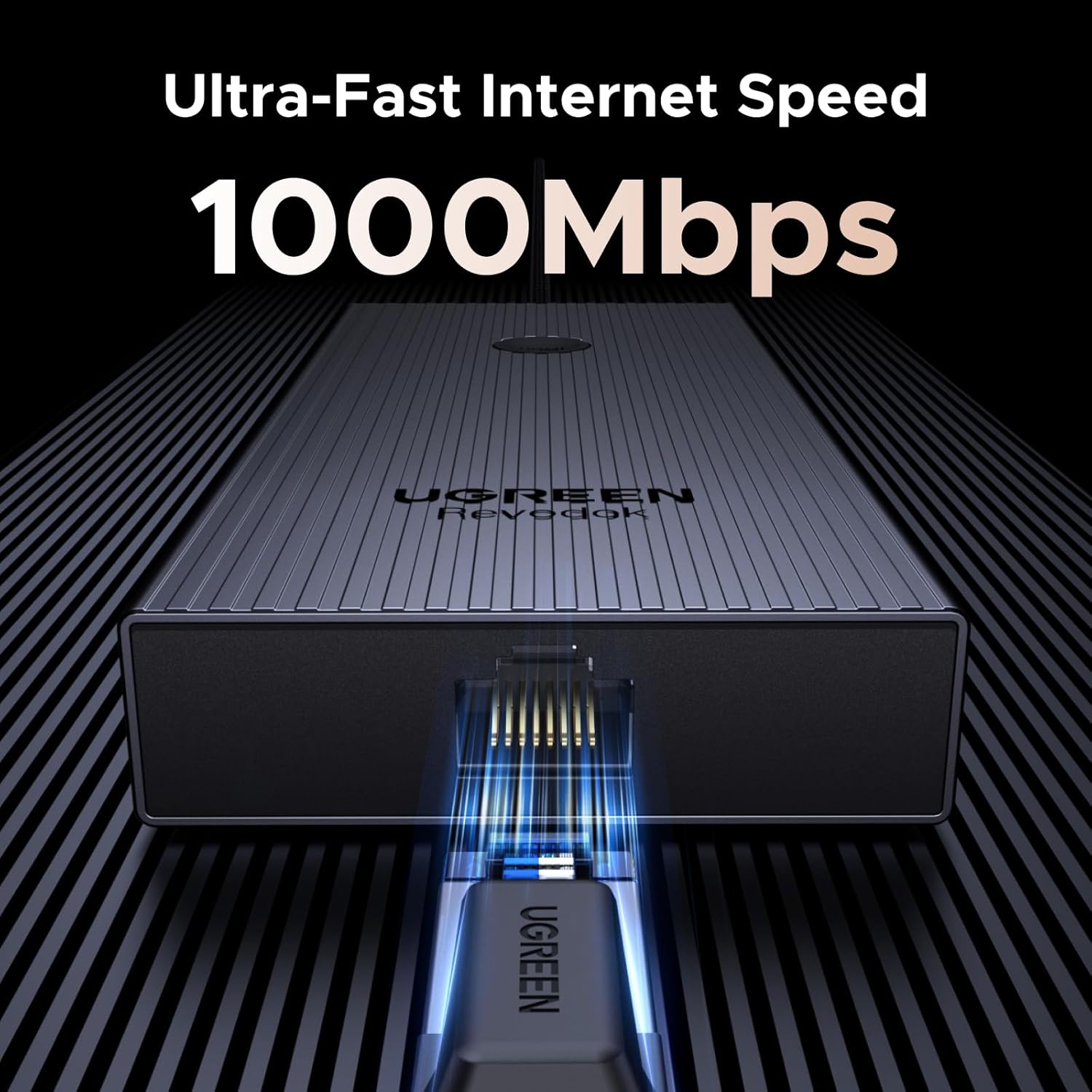
As for the network side, it’s Gigabit Ethernet (up to 1000 Mbps). That’s a sensible target for most home offices, but if you’re expecting something beyond standard wired speeds, you may find it a bit limited compared with higher-tier networking.
Performance for transfers and peripherals
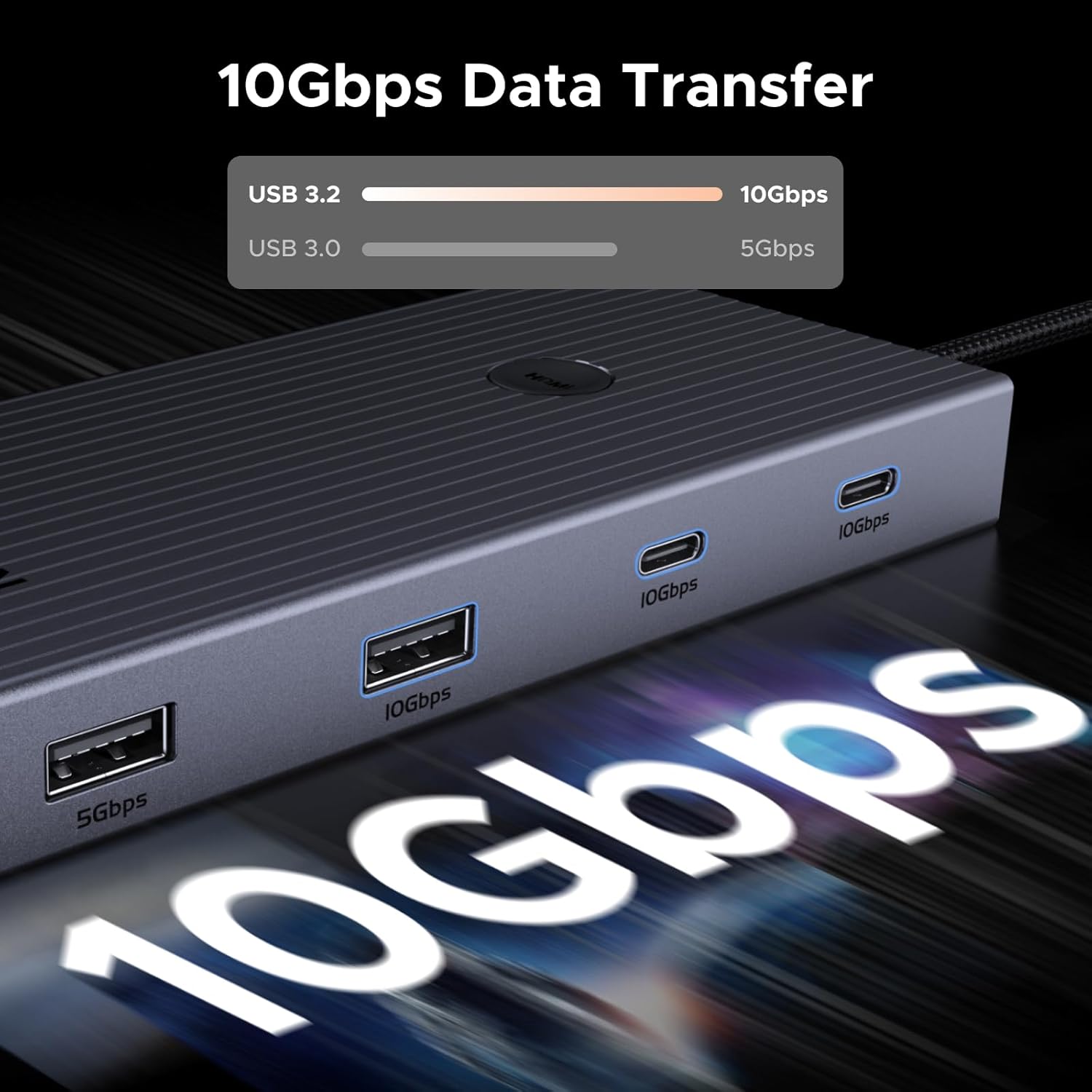
The hub is designed around fast USB connectivity. It mentions USB 3.2 Gen 2 support with up to 10Gbps through certain ports, and it also includes a mix of USB-A and USB-C connectors along with SD/TF card reading.
For day-to-day use, that translates best to common tasks like moving files off SD cards, plugging in external storage, and running peripherals without turning the setup into a bottleneck. One practical limitation to be aware of: the SD/TF reader is there for data transfer, while charging and video aren’t described as being supported via the USB data ports.
Compatibility and requirements
UGREEN is fairly direct about compatibility: you should verify that the USB-C port on your host device is fully functional (Data/Charge/DP Alt Mode) if you want the dock to work as intended.
The hub is marketed for use with devices such as MacBook, HP and Dell laptops, and iPad, but the real-world success will still come down to your specific USB-C port’s capabilities. If your device’s USB-C supports power and data but not DP Alt Mode, you may end up with Ethernet and USB working, while HDMI display output may not perform as expected.
If you’re unsure, this is the point where you’ll save yourself hassle.
Is it worth it?
This UGREEN USB-C hub is a strong buy if you want a compact aluminium docking setup that covers HDMI display (up to 4K@60Hz), Gigabit Ethernet, multiple fast USB connections, an SD/TF card reader, and USB-C Power Delivery in one go. It also makes sense if you present often or value quick screen control, because the included screen power-off button is genuinely useful.
You may want to skip it if you can’t confirm your host USB-C port supports the required features for video (DP Alt Mode / DP 1.4 guidance is mentioned for 4K@60Hz). Also, if your goal is to get video output or charging through the USB data ports, the hub explicitly notes that those ports don’t support video output or charging.
Tech specs
- HDMI output: supports up to 4K@60Hz
- Ethernet: Gigabit Ethernet (up to 1000 Mbps)
- USB speeds mentioned: USB 3.2 Gen 2 up to 10Gbps on specified USB ports
- Card reader: SD and TF
- Power Delivery: up to 100W USB-C PD (hub itself consumes 15W when charging with a 100W charger)
- Cable length: 30cm
Mini FAQ
FAQ
Does the USB data ports output video or charge devices?
No. The notes state that the USB data ports do not support video signal output or charging.
What HDMI resolution and refresh rate can it handle?
The hub claims maximum support of 4K@60Hz for HDMI output.
Do I need DP Alt Mode on my laptop?
If you want the dock to work properly for video output, the hub specifically asks you to check that your host USB-C port supports Data/Charge/DP Alt Mode.
Is Gigabit Ethernet faster than Wi‑Fi?
It can be smoother for work or gaming because it’s designed for up to 1000 Mbps wired speeds, though the real-world experience depends on your network setup.
Is the charging capacity exactly 100W?
It’s rated up to 100W USB-C Power Delivery, but the hub consumes 15W while charging (as noted), so it’s worth bearing that in mind when planning your power needs.