

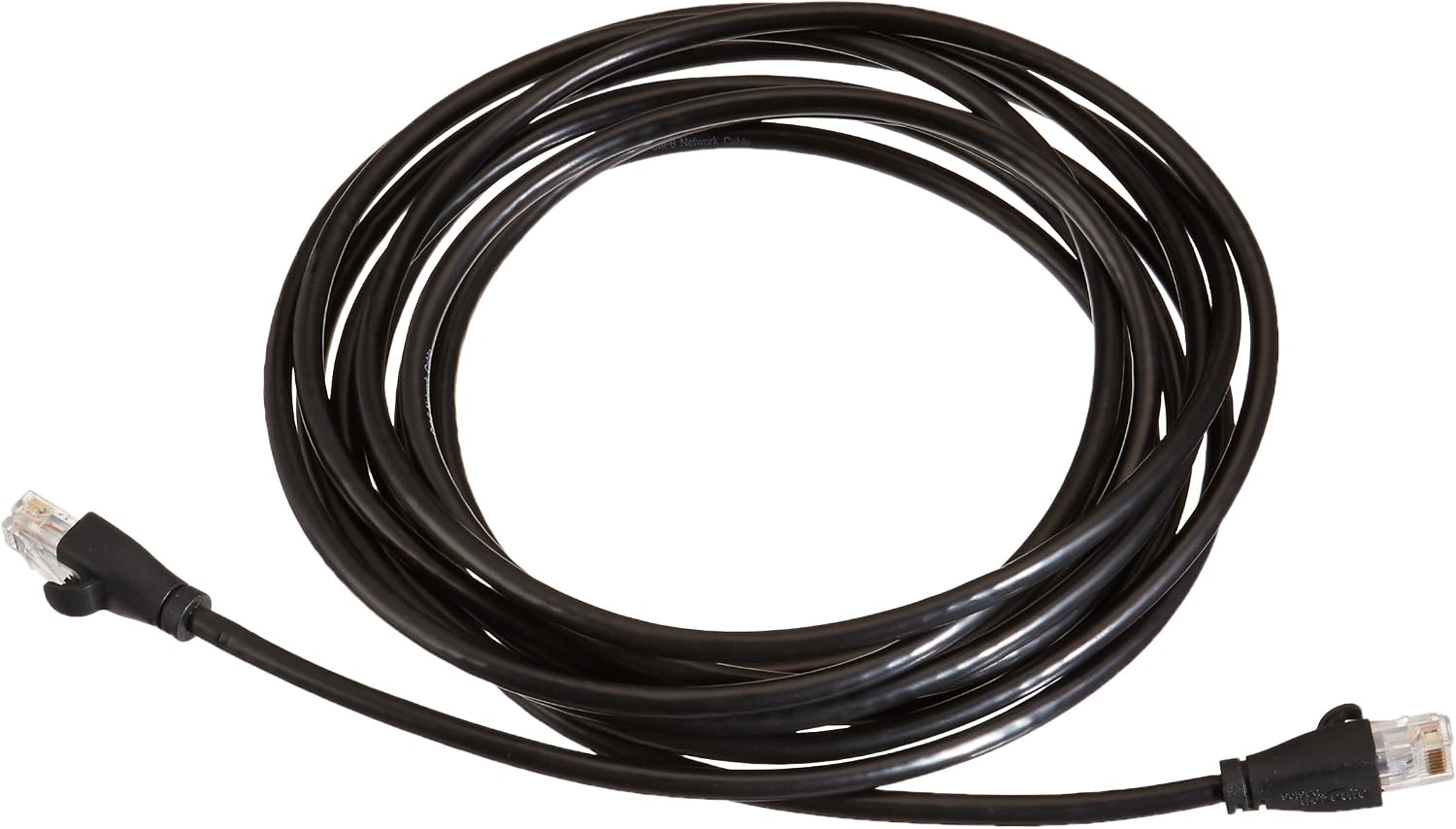
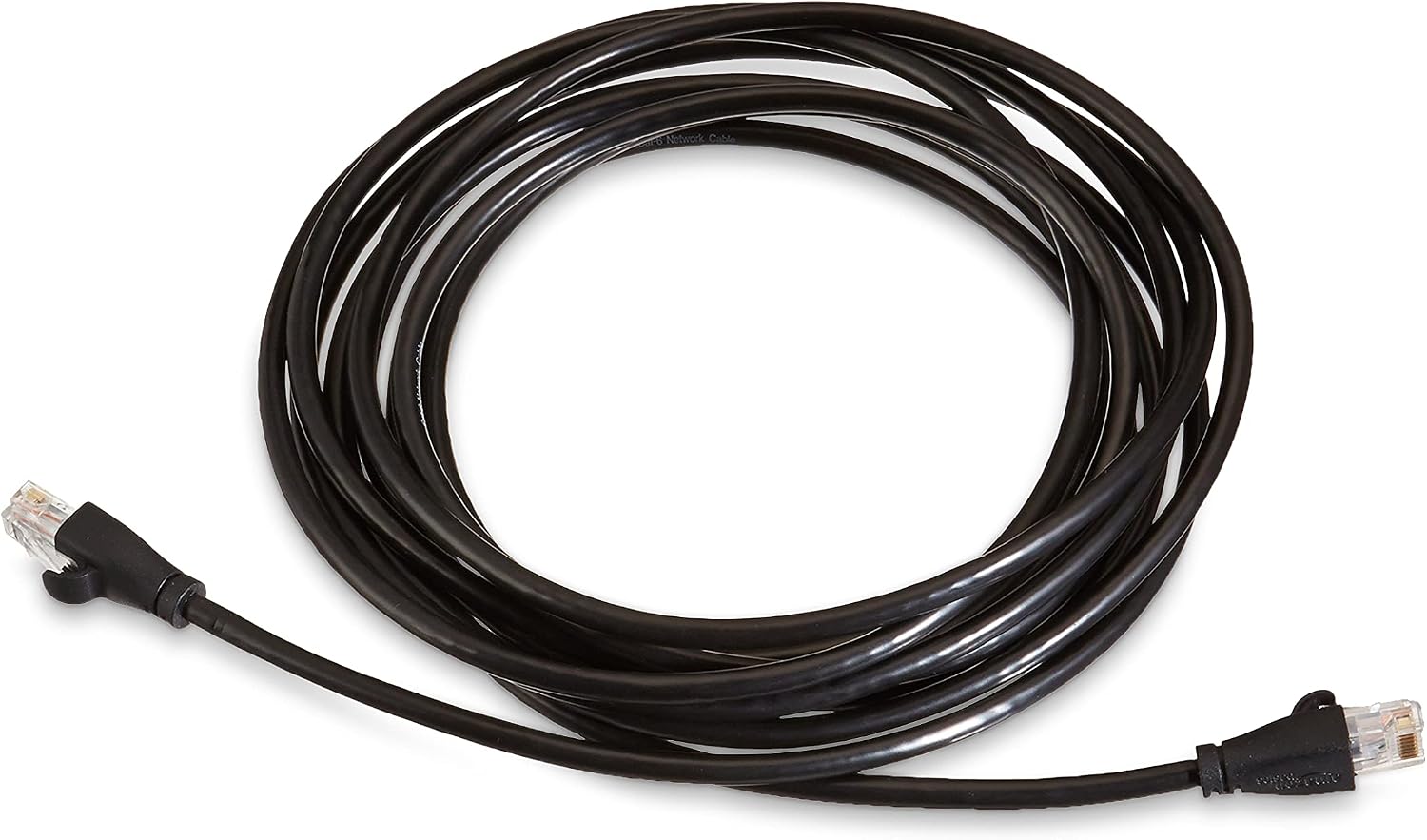
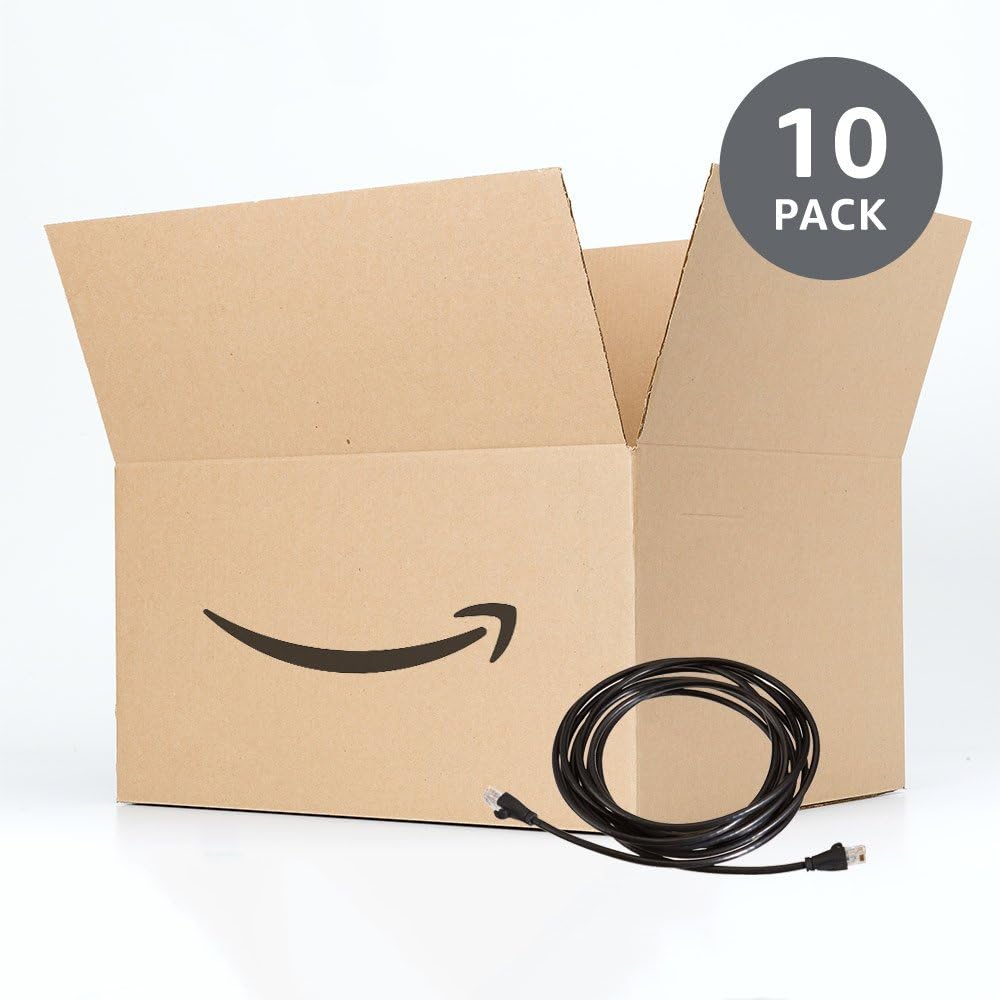
Amazon Basics RJ45 Cat-6 Ethernet Patch Cable (14 ft / 4.3 m) – Black, 10 Pack
Product description
If you’re setting up a wired home office, improving a LAN in a spare room, or simply replacing worn network leads, a Cat-6 patch cable is usually a sensible starting point. This amazon Basics RJ45 Ethernet patch cable is designed for connecting computers to network components in a wired local area network (LAN), using standard RJ45 ends.
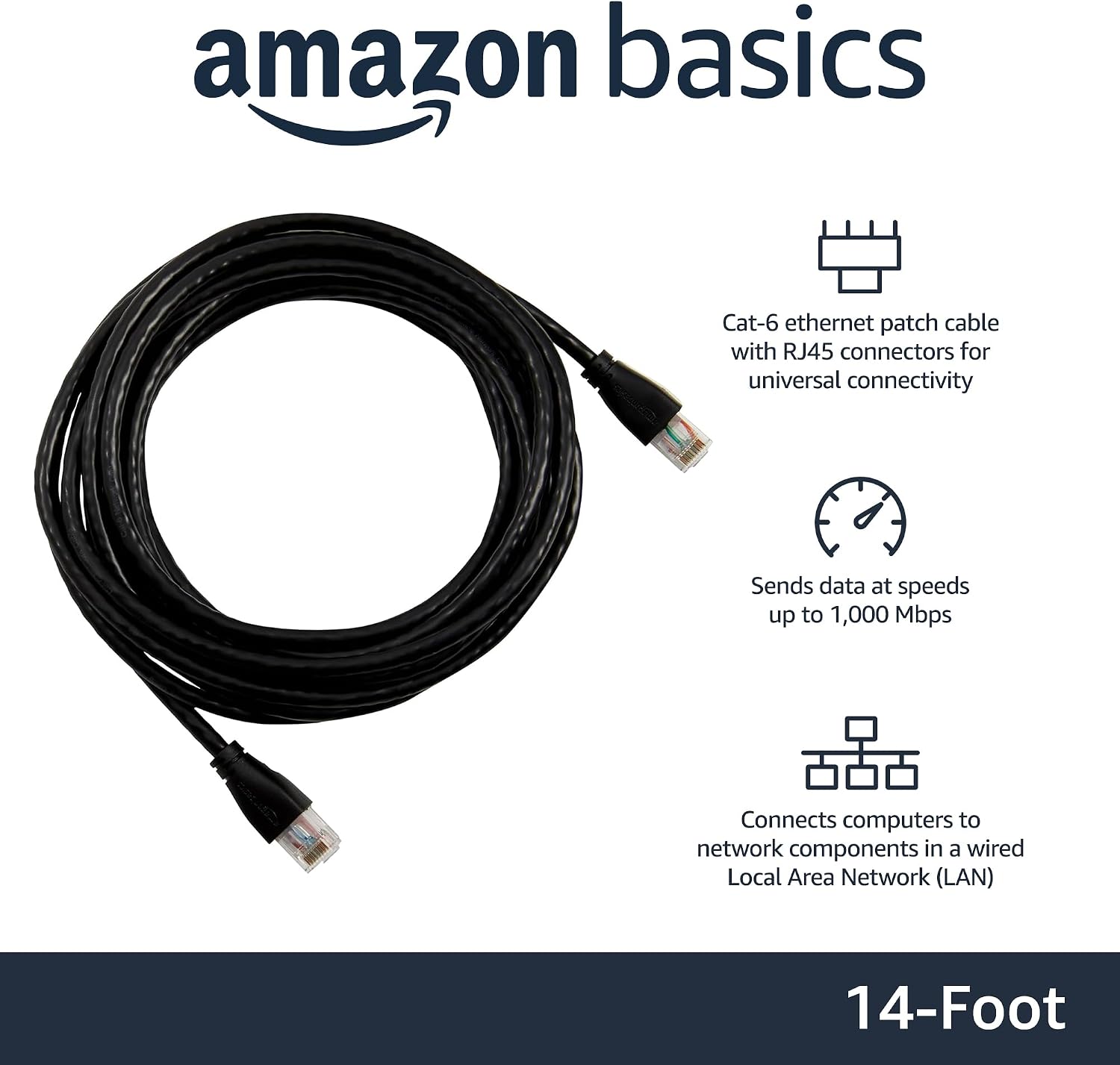
On paper it ticks the right boxes: Cat-6 for more headroom than older categories, 250 MHz bandwidth, and speeds stated up to 1,000 Mbps (1 Gigabit per second). You also get a practical bundle: 10 cables, each measuring 14 feet (4.3 metres). That makes it easier to plan a tidy run across a room or keep spares on hand for future switches, routers, or rearrangements.
What you’re buying and what it’s for
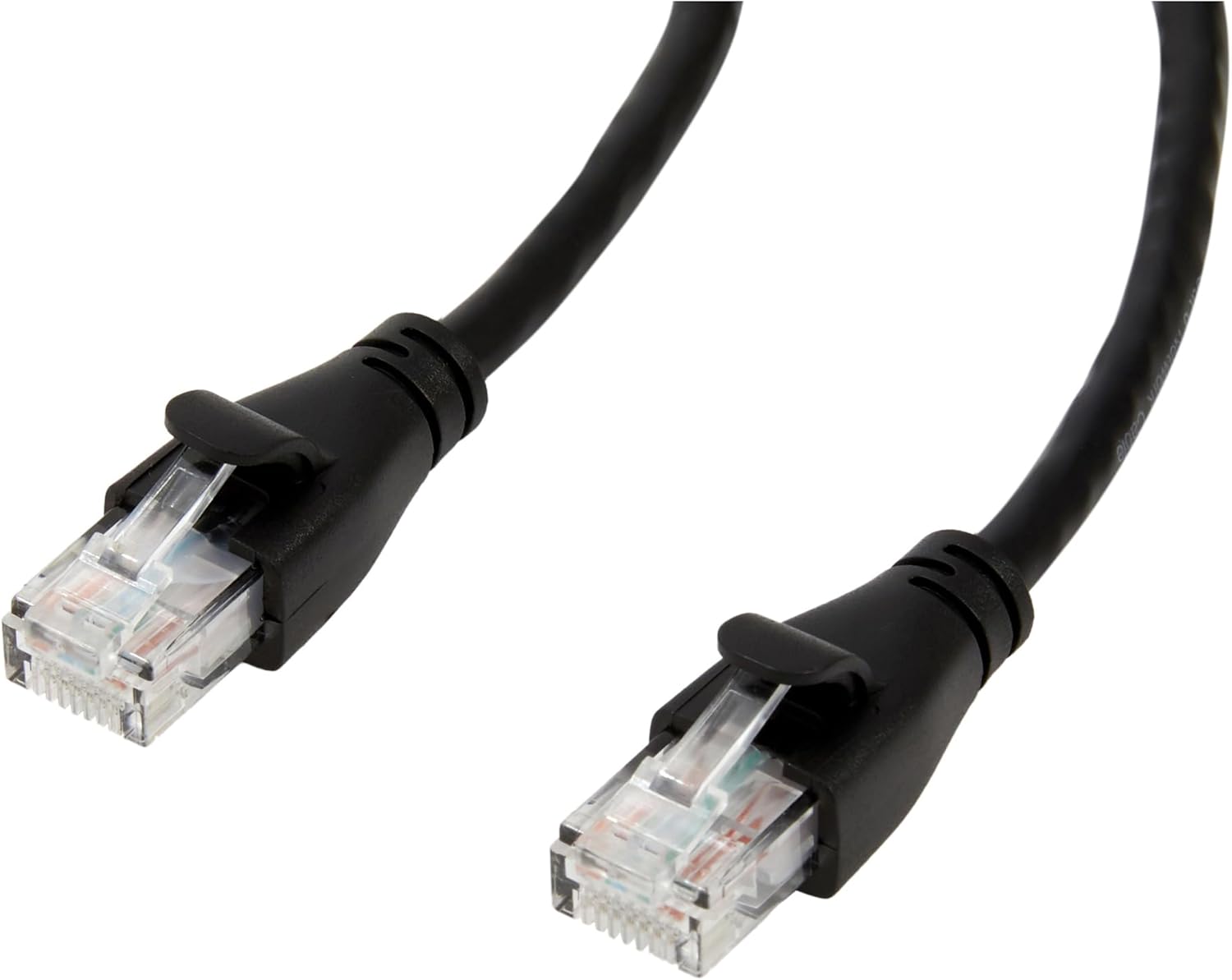
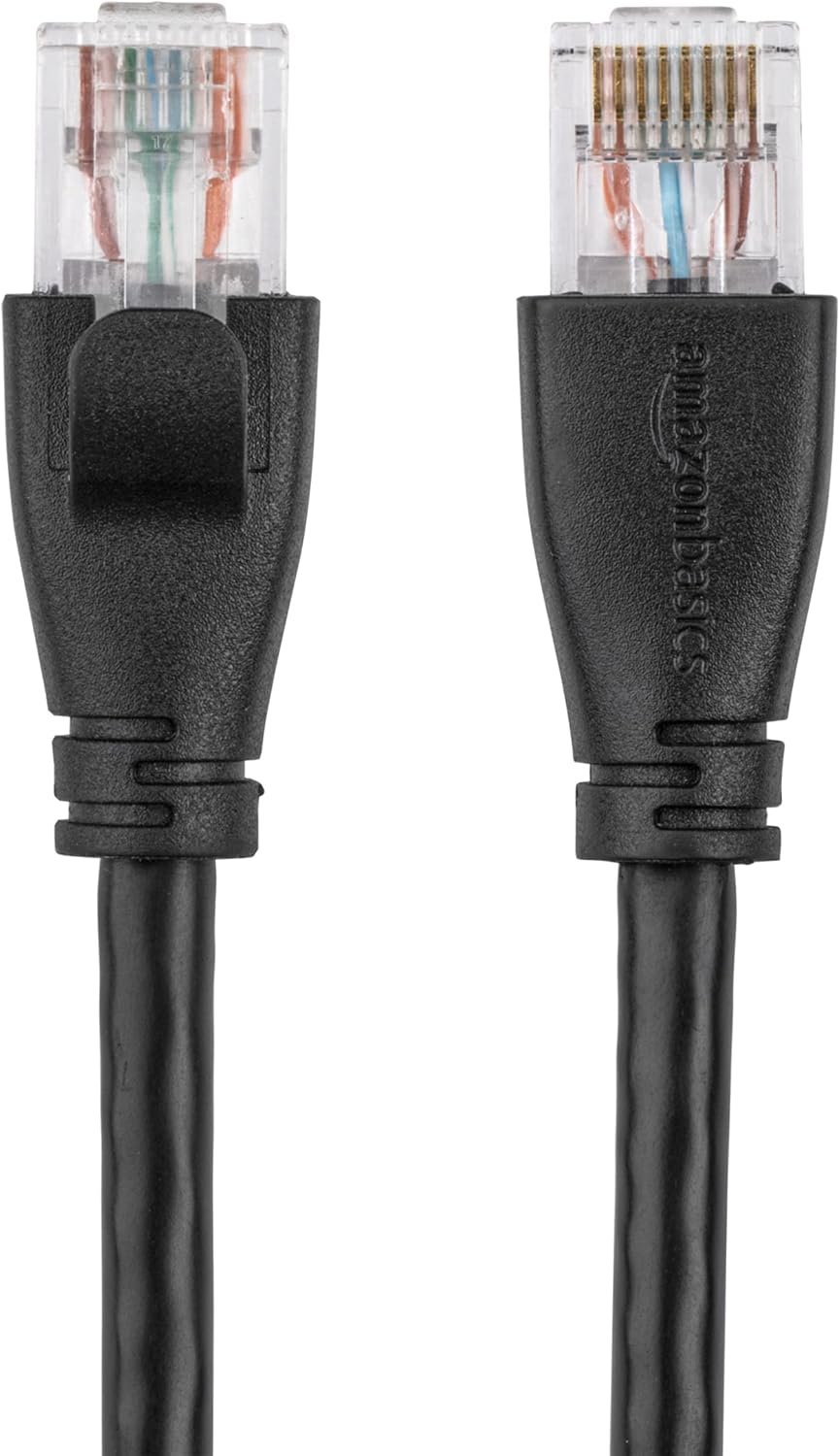
This is a straightforward Ethernet patch cable for wired networks, with RJ45 connectors on both ends. The intended use is classic: connecting a computer to a router, modem, switch, or other network component on a wired LAN.
Think of it as the cable you use when you don’t want to overcomplicate things. If your desks are close to your network gear, patch leads like this help you keep cabling flexible without needing to commit to longer, more permanent runs.
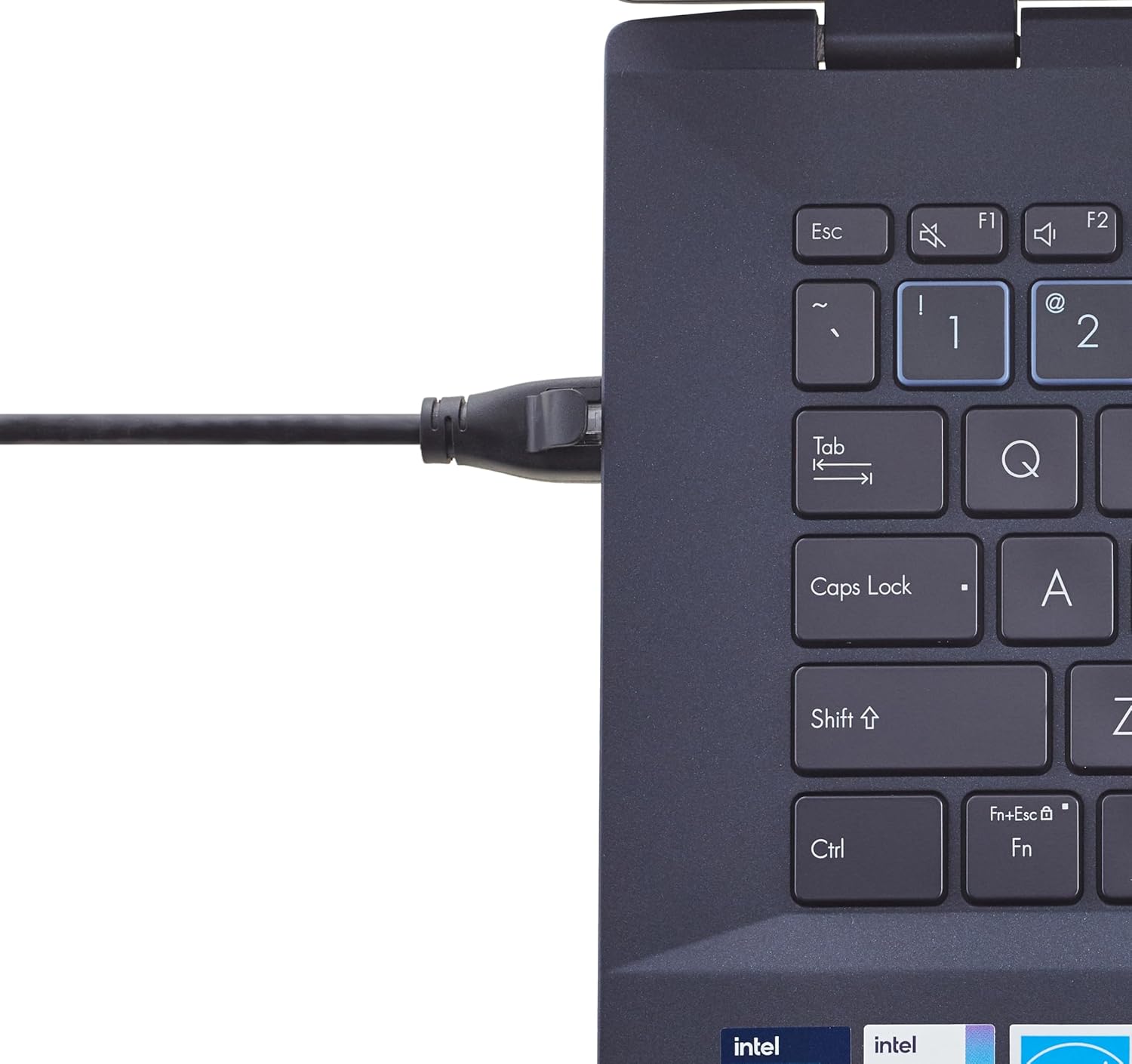
A small “real life” example: say you’ve got a home office setup where your PC sits a few metres from your network switch. A 4.3-metre lead gives you breathing room for desk placement while keeping the connection stable and firmly plugged in at both ends.
The essentials at a glance
Here’s the core idea: it’s Cat-6 Ethernet with RJ45 connectors, meant for everyday wired connectivity at up to Gigabit speeds, assuming your network equipment and setup can match that performance.
Because it’s sold as a 10 pack, it’s also aimed at people who need more than one lead. That could be anyone doing a small office refresh, adding devices around the house, or simply wanting replacement cables ready when something inevitably gets bent, tugged, or replaced.
Tech specs (only what’s stated)
- Type: RJ45 Ethernet patch cable
- Category: Cat-6
- Bandwidth: 250 MHz
- Stated data speed: up to 1,000 Mbps (up to 1 Gigabit per second)
- Length per cable: 14 feet (4.3 metre)
- Pack size: 10 cables
- Colour: Black
What stands out in everyday use
The biggest practical win here is convenience. A 10 pack reduces the hassle of buying multiple cables separately, and the consistent length (14 feet / 4.3 m) makes planning easier when you’re dealing with the same room layout.
The other noticeable benefit is simplicity: RJ45 connectors are the common “everyday” standard for Ethernet networking, so compatibility is usually not the main headache—your network ports and devices either take RJ45 or they don’t.
That said, it’s worth being realistic about limits. Even if the cable is Cat-6 and the spec mentions up to Gigabit, real-world speed depends quite a lot on the rest of your wired setup (router/switch capability, how your LAN is configured, and the overall link quality). A cable can’t fix bottlenecks elsewhere.
Where it may fall short (and who should be careful)
This is a sensible patch lead, but it’s not designed to be a “specialist” cable for unusual networking needs. If you’re trying to run Ethernet around the entire home with long distances and complex routing, you may end up needing different lengths rather than repeating a single 4.3-metre option.
Also, while the pack gives you plenty of cables, you might not need 10 unless you’re genuinely wiring multiple devices or planning for replacement spares. If you only need one or two leads, you may find it better value to buy the exact quantity you’ll use.
It might not suit you if you’re expecting a cable to compensate for a larger problem—like an underpowered network path—or if your setup requires a different connector type or a non-standard configuration. In those cases, double-check what your devices and ports actually require.
Care tips and handling (keep it simple)
Patch cables are usually at their best when they’re not over-stressed. Try to avoid sharp bends near the connectors, and don’t pull the cable by the lead itself—grab the plug when disconnecting.
If you’re routing leads along desks or through cable channels, a little patience goes a long way: route them neatly, keep strain off the RJ45 ends, and you’ll be less likely to run into intermittent connections later.
Is it worth it?
It’s a good fit if you want a bulk set of standard Cat-6 RJ45 patch cables for wired home and office LAN connections, especially when you like having several matching leads on hand for a tidy setup. The stated 250 MHz bandwidth and up-to-1 Gigabit-per-second capability make it align well with typical wired modern networking needs.
You may want to skip it if you only need one short-term replacement cable and don’t want to pay for extra quantity. It might not be a great match if your use case needs different lengths for longer runs or if your network performance is already limited by other equipment, because the cable alone can’t fix that.
Mini FAQ
Buying verdict
Should you buy it? If you’re building or maintaining a straightforward wired LAN and you value the convenience of a matching 10-pack at 14 feet each, this Amazon Basics Cat-6 patch cable is easy to justify. Just make sure your broader network setup can realistically support the performance you’re aiming for, and you’ll likely be happy with what it does day to day.
Quick questions people ask
Is Cat-6 the right choice for wired home networking?
For many modern wired home and office setups, Cat-6 is a sensible baseline. This lead is specifically described as Cat-6 and rated up to 1,000 Mbps (1 Gigabit per second) in the stated spec.
What do the RJ45 connectors mean in practice?
RJ45 connectors are the standard plug type for Ethernet cables in typical LAN setups, used to connect computers and network components on a wired network.
Do I need all 10 cables?
Only you can judge that, but if your plan involves multiple devices or you want spares, a 10 pack is handy. If you’re wiring just one connection, it could be more than you need.
Will it automatically give me Gigabit speeds?
The cable is stated to support up to 1,000 Mbps, but real performance depends on the rest of your network gear and configuration. The cable supports the link, it can’t guarantee end-to-end throughput by itself.