

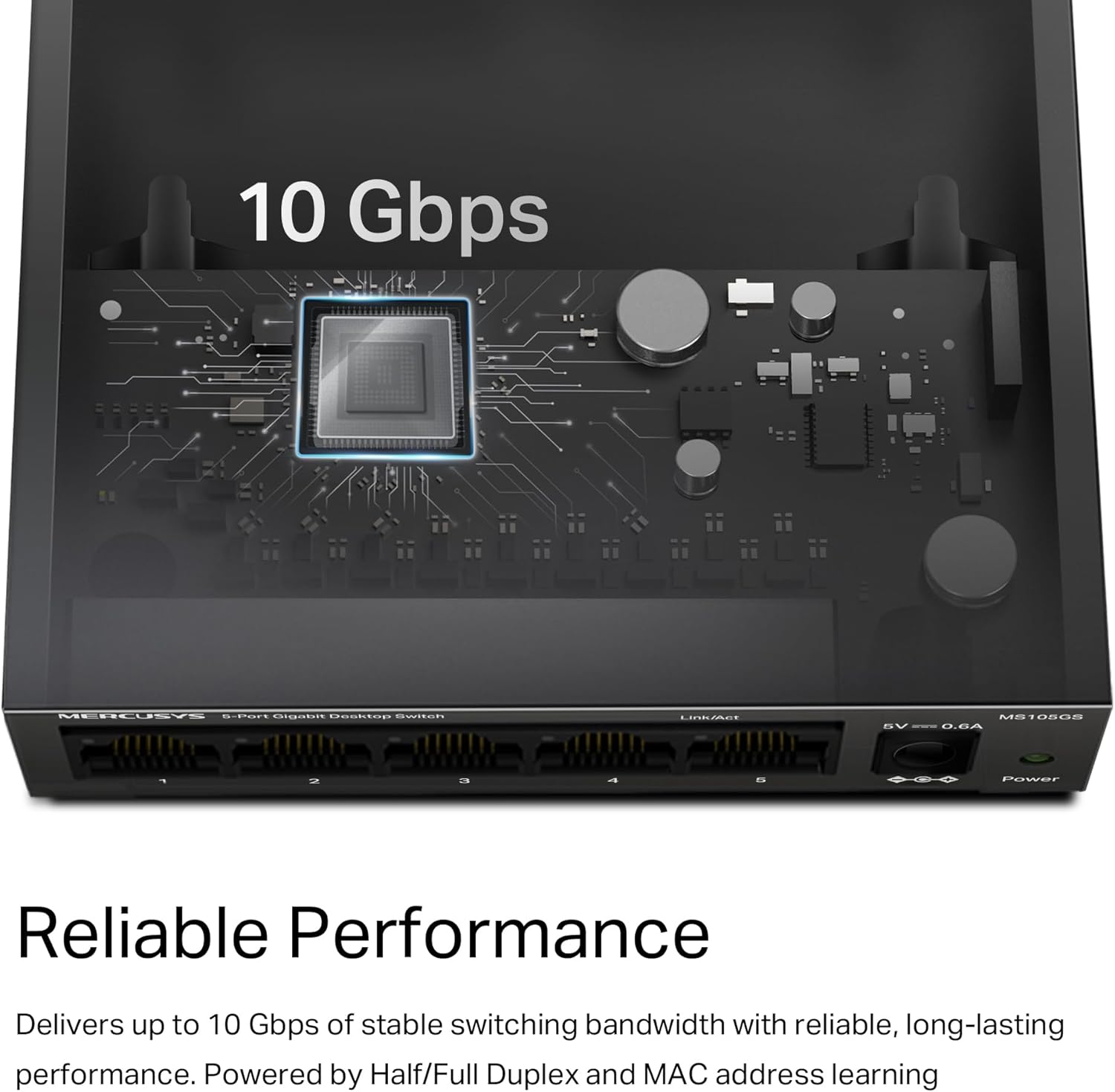
MERCUSYS MS105GS 5-Port Gigabit Ethernet Switch (metal case, desktop or wall mount)
Product description
What it is and what it’s for
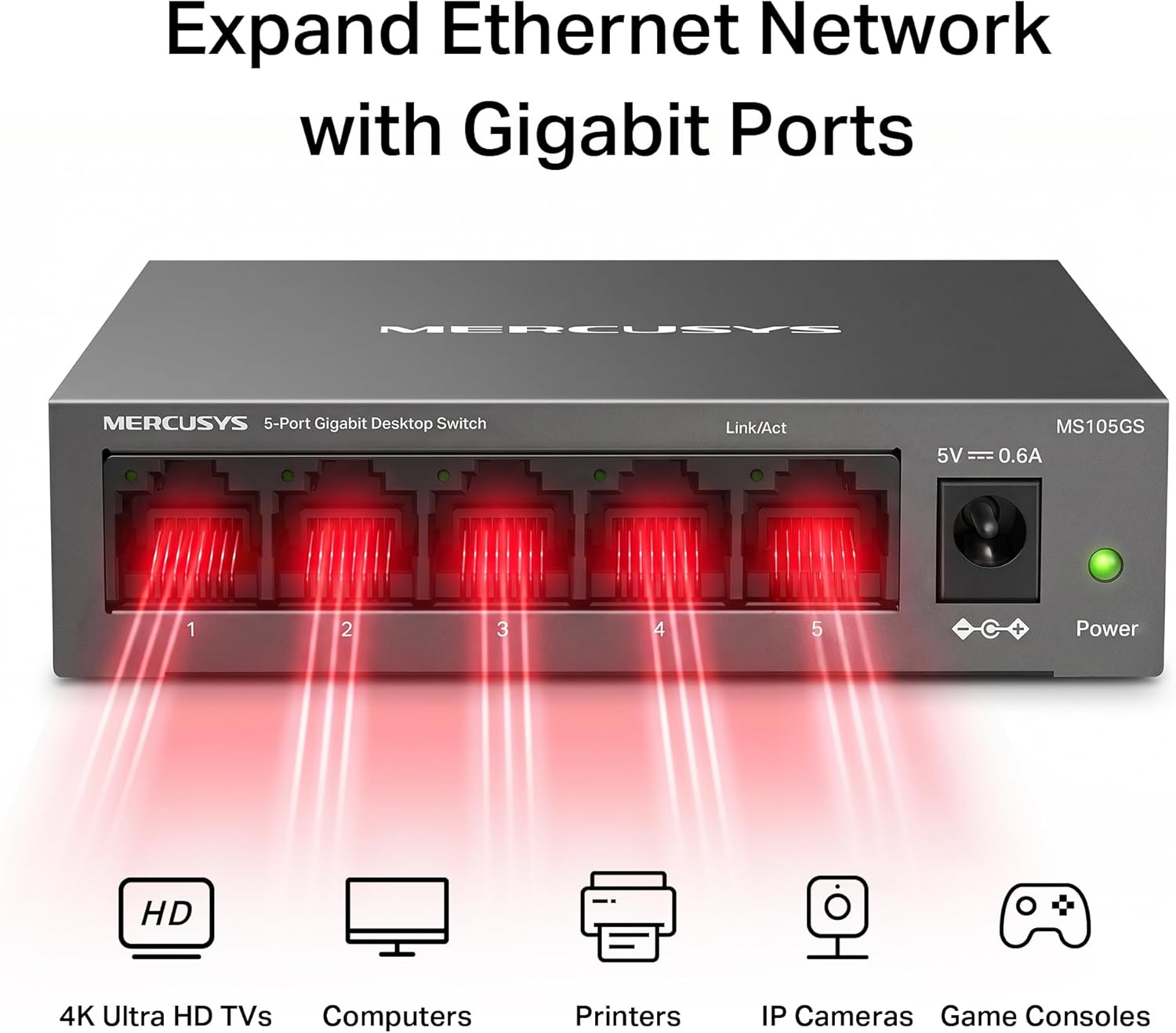
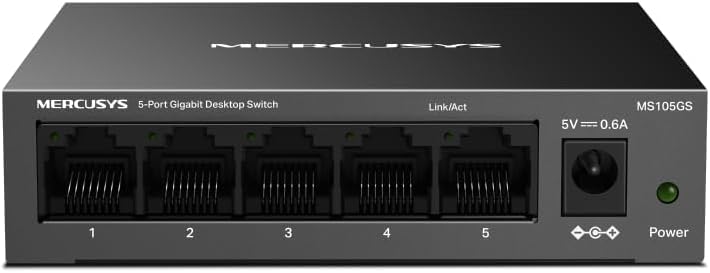
The MERCUSYS MS105GS is a 5-port Gigabit Ethernet switch designed to add more wired connections to a home or small office setup. If your broadband router only has a few Ethernet ports, this type of switch is a straightforward way to “split” that single connection into several, without needing to think too hard about setup. On paper, it’s aimed at anyone who wants reliable, everyday networking for devices such as PCs, TVs, consoles, NAS boxes, or smart devices with Ethernet.
What stands out in the description is the blend of basic gigabit performance (10/100/1000 Mbps auto-negotiation) and convenience features like Auto-MDI/MDIX and plug & play. That combination matters because it reduces the chances of a frustrating “why isn’t this link coming up?” moment when you’re wiring things up in a hurry.
Key features you’ll actually use
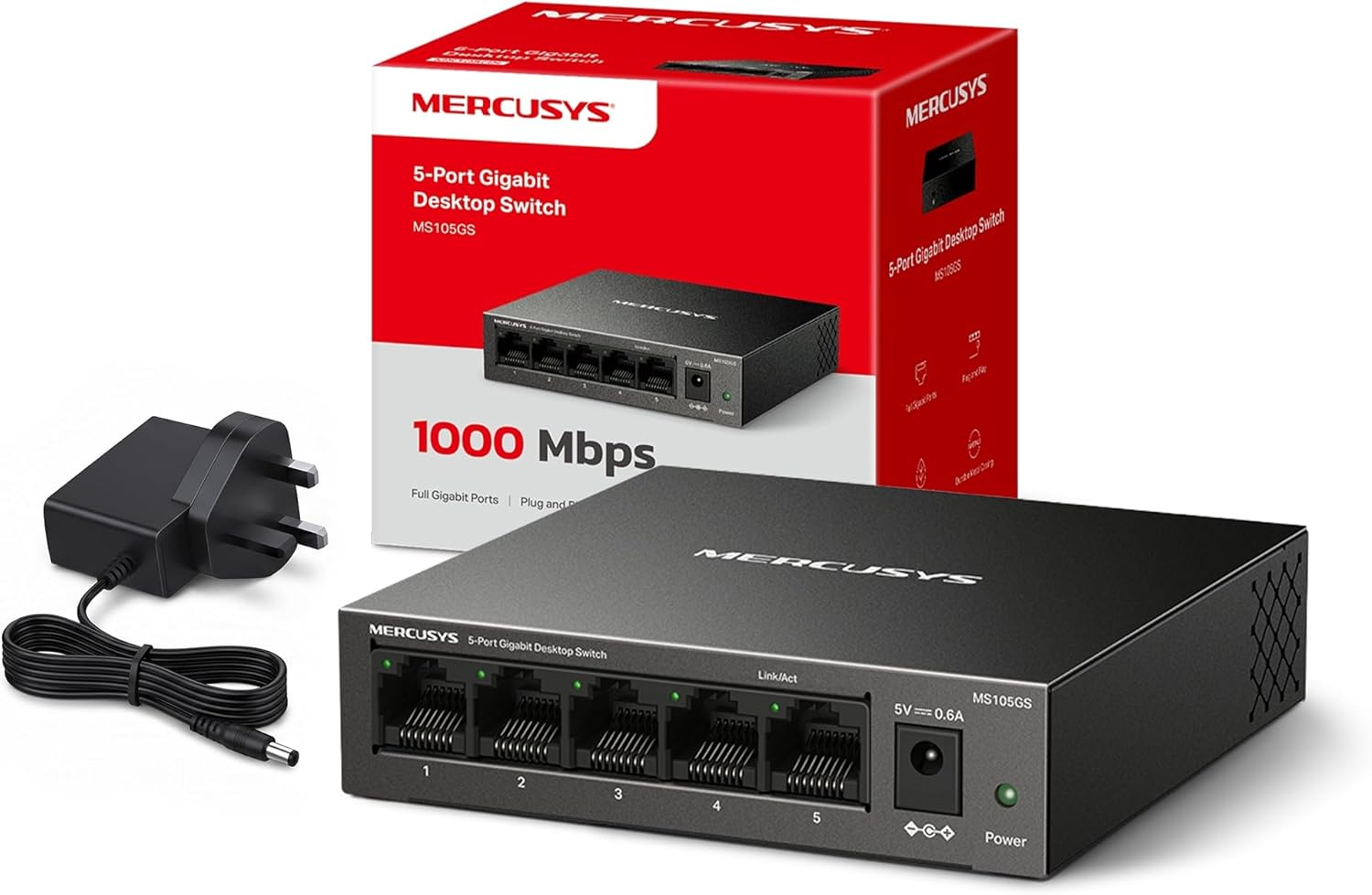
This switch keeps things simple, but not in a bare-bones way. It includes: - Full Gigabit ports (10/100/1000 Mbps) with Auto-Negotiation on the RJ45 ports. - Auto-MDI/MDIX, which can help when you’re using different Ethernet cable types. - Multiple installation operation, with a steel housing that’s suitable for either desktop use or wall-mounting. - Plug & play operation to keep setup time short. - Power saving via Green Ethernet technology.
The metal case and heat-dissipation angle is also worth noting. Small unmanaged switches are often left running 24/7 in real homes, so choosing something with a durable shell is sensible—though, of course, how “cool” it stays in your specific environment will depend on airflow.
Tech specs
- Name: MERCUSYS MS105GS 5 Port Gigabit Network Switch
- Type: Ethernet switch
- Format: Desktop or wall mount
- Size: Not provided
- Capacity: Not provided
- Dimensions: Not provided
- Weight: Not provided
- Material: Metal (steel housing)
- Colour: Not provided
- Display: Not provided
- Resolution: Not provided
- Refresh rate: Not provided
- Processor: Not provided
- Memory: Not provided
Where it shines (and where it may not)
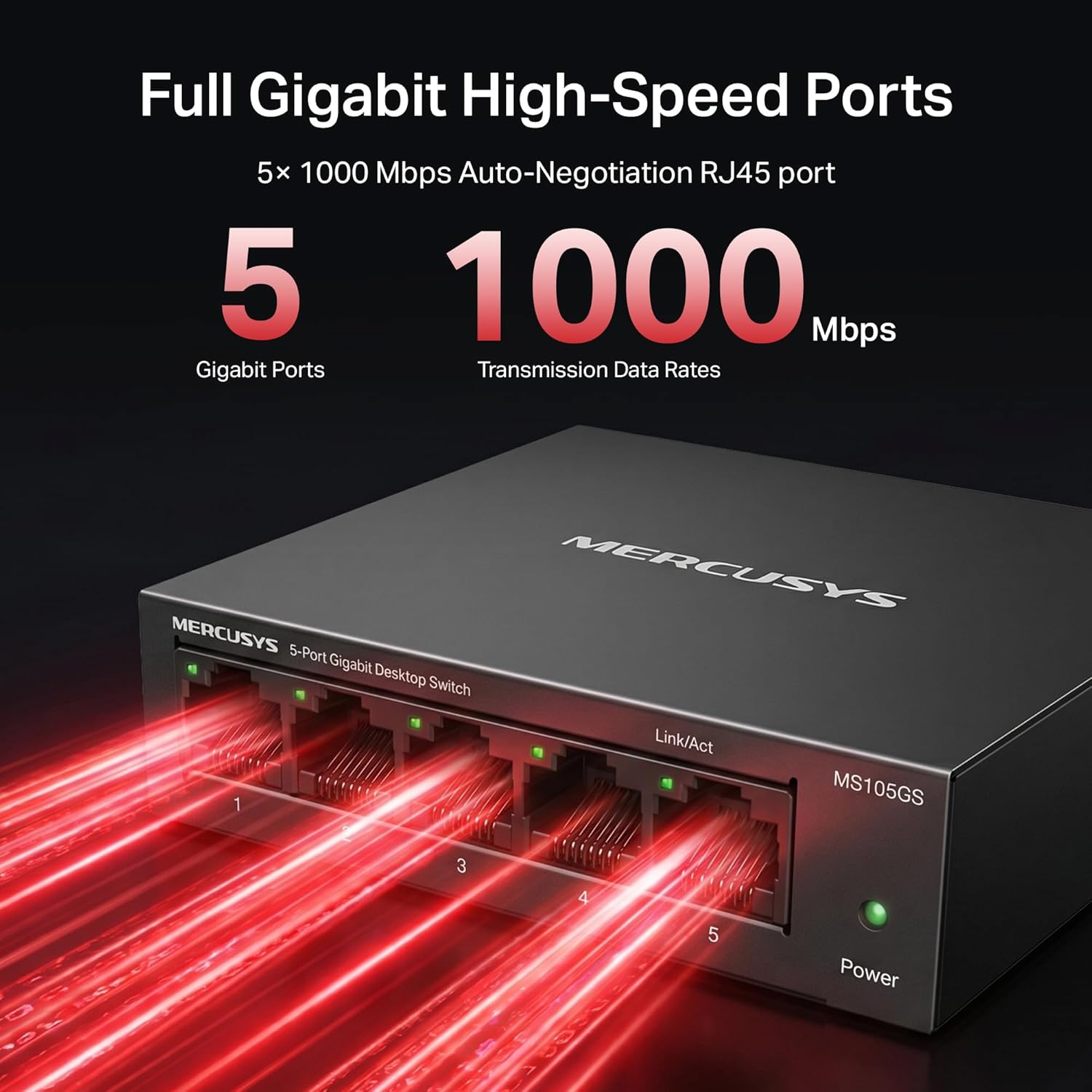
If you just need to expand your wired network with minimal fuss, the MS105GS is the sort of device that fits neatly into a “get on with it” setup. The 5-port count is especially practical if you’re adding a handful of wired devices near your router or in a single room.
It also makes sense if you care about the day-to-day aspects—metal housing for longevity, and Green Ethernet power saving for reducing consumption compared to older-style always-on switches.
That said, there are limits you should keep in mind. It’s a small, unmanaged-style switch based on what’s listed, so it won’t be aimed at advanced traffic management or complex network segmentation. If you’re expecting features beyond basic switching (for example, more control over VLANs or sophisticated monitoring), you may find it underpowered for your needs—on paper, it’s more of a practical “wired extension” than a feature-heavy hub.
Practical tips for day-to-day use
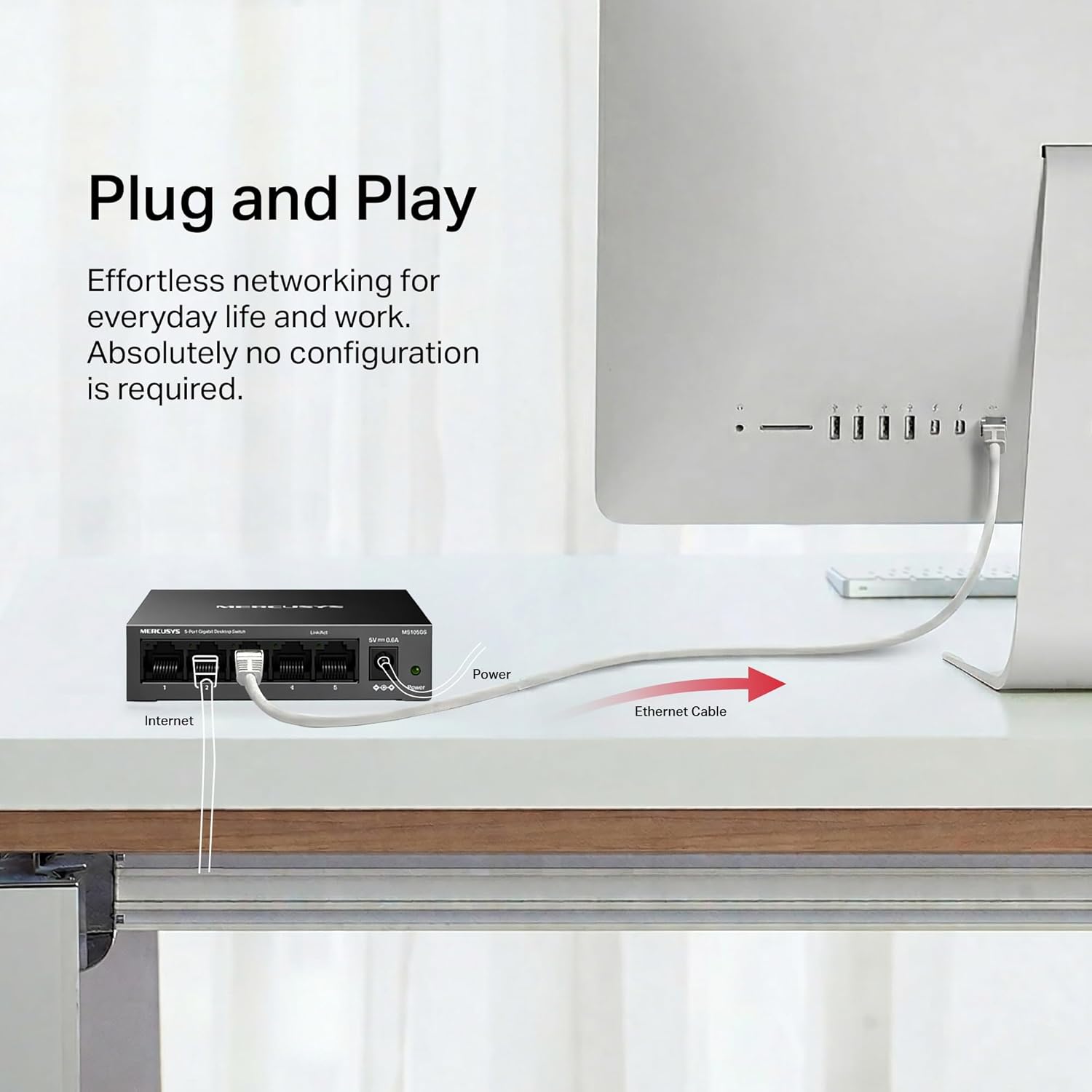
The plug & play angle is the big help, but you’ll still get a smoother experience if you plan the placement first. For a quick, realistic example: imagine your router is in the hall, and you want to connect your desktop PC, a games console, and a smart TV without relying on Wi‑Fi.
You’d place the switch on the desktop or mount it where cables can reach cleanly. Then, connect one Ethernet lead from the router into the switch, and run separate Ethernet cables to each device. Because the ports support Auto-MDI/MDIX and auto-negotiation, you’re less likely to hit cable-type confusion, and links should come up quickly.
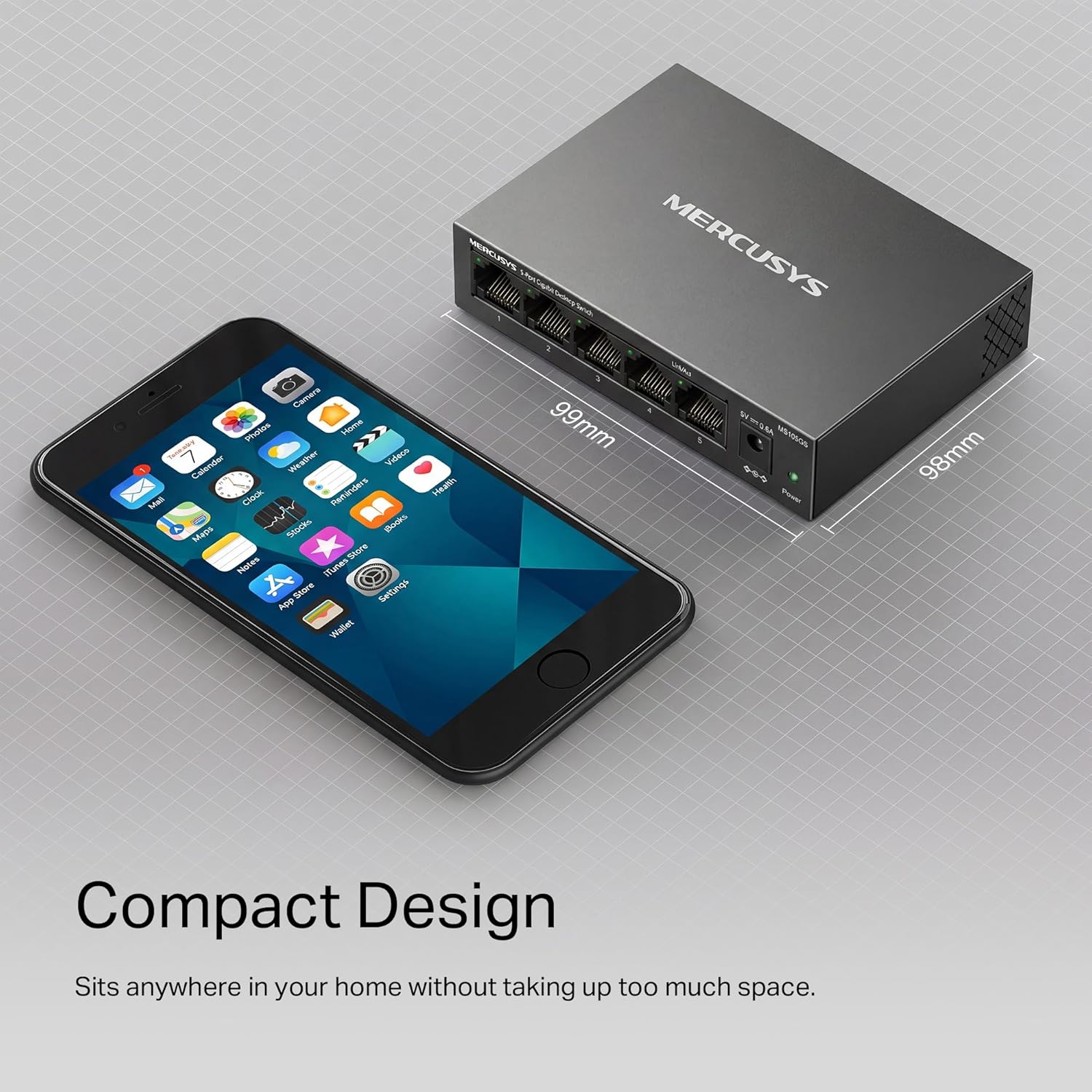
Also consider that wall-mounting can help if you’re short on space—just make sure the location has decent airflow.
Should you buy it?
It’s a good fit if you want a simple 5-port Gigabit Ethernet switch for a home or small office, with plug & play setup and the option to use it on a desk or wall. The metal case and Green Ethernet power saving make it feel more “keep it running” than “temporary gadget”.
It may not suit you if you need advanced network features or more than a handful of wired connections. In that case, a different approach—either a switch with more ports or something designed for more control—would likely match your expectations better.
Mini FAQ
Questions people ask before buying
- Does it need complicated setup? The description says plug & play, so it’s meant to be quick to get going.
- Is it Gigabit or just Fast Ethernet? It supports 10/100/1000 Mbps auto-negotiation.
- Can it be mounted on a wall? Yes, it’s described as suitable for desktop or wall-mounting.
- Is it energy efficient? It includes Green Ethernet power saving technology, which should help reduce power use in typical conditions.
- What should I check before ordering? Confirm you actually need 5 ports and that you’re happy with a straightforward, basic switching role rather than advanced network management.
Is it worth it?
Worth considering if your priority is expanding wired connections with minimal setup hassle and Gigabit speeds. Skip it if your requirements lean more towards advanced network control or significantly more than five Ethernet endpoints.