

NETGEAR GS105 5-Port Unmanaged Gigabit Switch
Product description
What it is
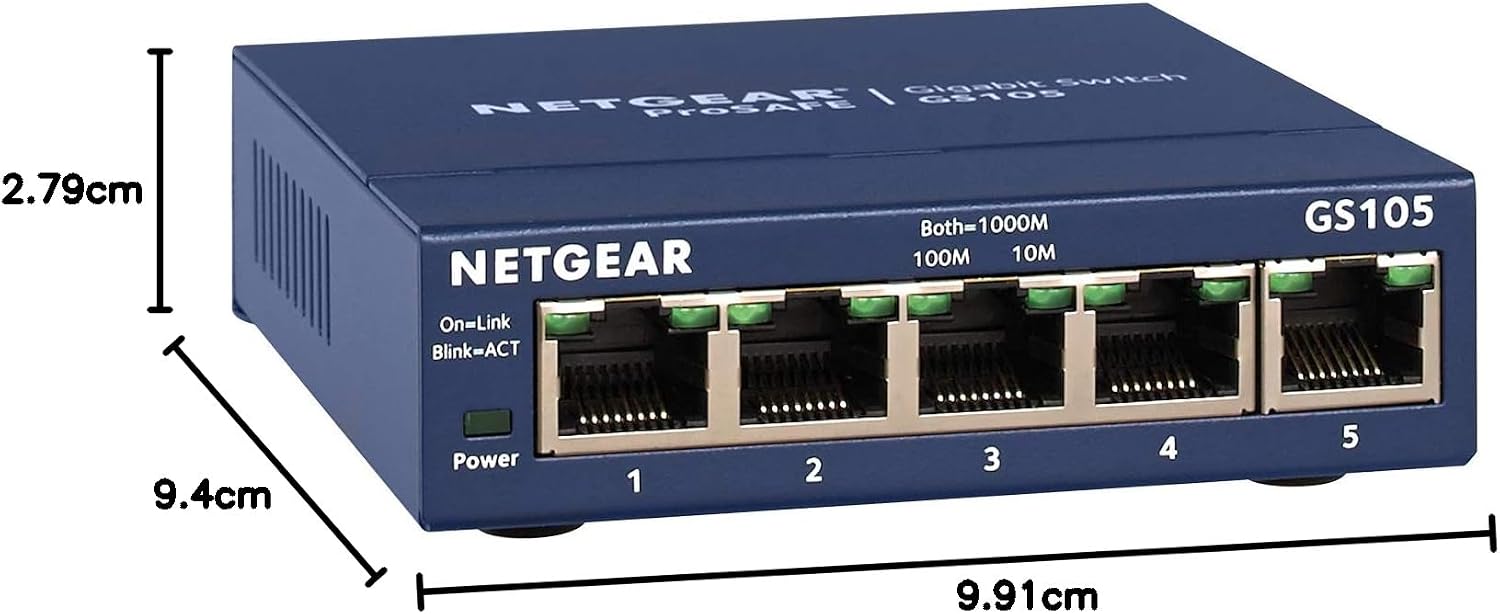
The NETGEAR GS105 is a 5-port unmanaged Gigabit Ethernet switch designed for simple, reliable wired networking. It offers auto-sensing, full-duplex connections and a compact, space-saving footprint suitable for desktop or wall-mount use.
What it does
This switch provides fast, plug-and-play Ethernet connectivity without requiring configuration. It supports PCs and Macintosh operating systems and is built to operate quietly, making it a sensible addition to a home office or small workspace where a straightforward network upgrade is desired.
How it helps your network
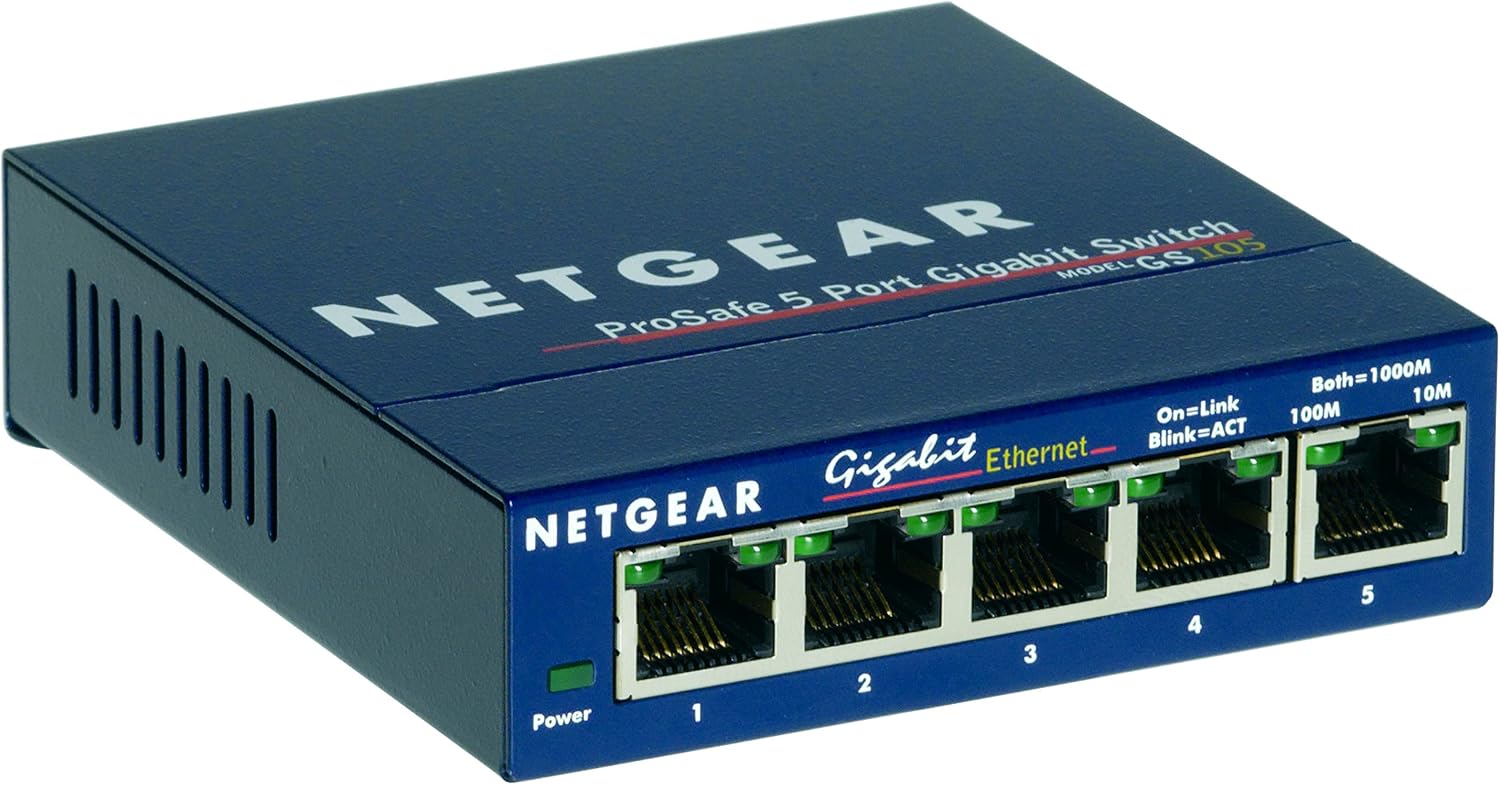
If you’re expanding a small office or a home setup, the GS105 adds extra Gigabit ports for simultaneous high-speed connections between devices such as computers, printers, NAS drives, and networked peripherals. Its unmanaged design reduces setup complexity, so you can connect devices and stay focused on work.
The best and the rest
On the plus side, it’s a reliable, low-maintenance option with a sturdy, space-saving chassis and silent operation. It’s easy to deploy and can sit on a desk or be mounted to a wall, freeing up shelf space. On the downside, as an unmanaged switch it won’t offer advanced features like VLANs, QoS or PoE, which means it’s ideally suited to straightforward expansion rather than complex network management.
Who it’s for
This model suits individuals or small teams needing an affordable, no-fuss network upgrade. If you prioritise simplicity, reliable bandwidth, and a compact form factor, it’s worth considering.
Who it’s not for
If your network requires advanced management features, prioritised traffic, or PoE, this unit may not meet those requirements. It’s not aimed at large networks or environments needing granular control.
When it makes sense to buy
Consider the GS105 when you need additional wired ports with guaranteed Gigabit speeds and a silent, unobtrusive device. It’s a practical choice for a desk setup, small office, or when you want a straightforward plug-and-play addition without ongoing configuration.
What to check before buying
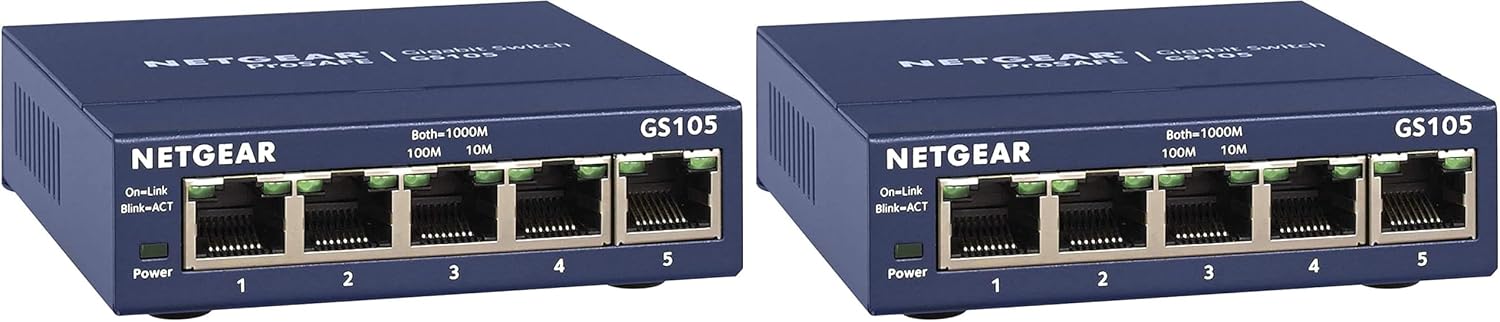
Ensure your existing devices will connect via standard Ethernet ports and that you don’t require features like VLANs or PoE. Confirm you’re comfortable with an unmanaged switch that requires no management interface.
How it compares in practice
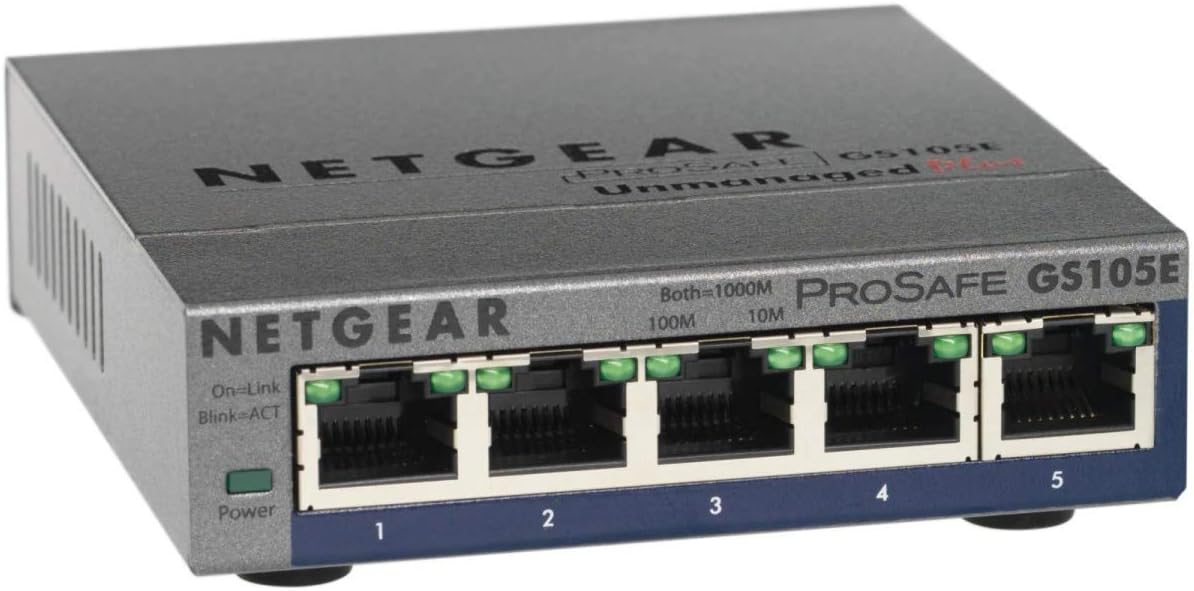
If you’re weighing options against more feature-rich switches, this model offers value through simplicity and reliability. In budgets or setups where you don’t need advanced networking features, the GS105 presents a sensible balance between cost and utility.
What you’ll notice in use (example)
You plug a laptop and a network printer into two of the ports, both devices report fast connections without any driver setup. The unit remains quiet on the desk, and its compact size keeps your workspace uncluttered.
FAQ
- Do I need to configure anything to use it? No. It’s plug-and-play.
- Can I mount it on the wall? Yes, it supports desktop or wall-mount installation.
- Does it support PoE or VLANs? No, this is an unmanaged switch without PoE or advanced management features.
Decision point
Is it worth it?
Worth considering if you want a simple, reliable way to add Gigabit Ethernet ports without the need for configuration or ongoing management. It suits users prioritising ease of use and compact design over feature-rich networking.