

Melelink USB C Hub 10 in 1, 100W
Product description
A USB C hub can quickly turn one laptop port into the connections you need for daily work and study, and the Melelink 10 in 1 multiport adapter is built for exactly that. With a compact docking style and Ethernet support, it helps you stay connected for video calls, file transfers, and presentations without constantly plugging and unplugging. If you want a practical way to expand a USB C laptop port, this multiport hub offers a straightforward mix of display output, wired networking, and everyday connectivity, according to the product listing. 🔌
The essentials
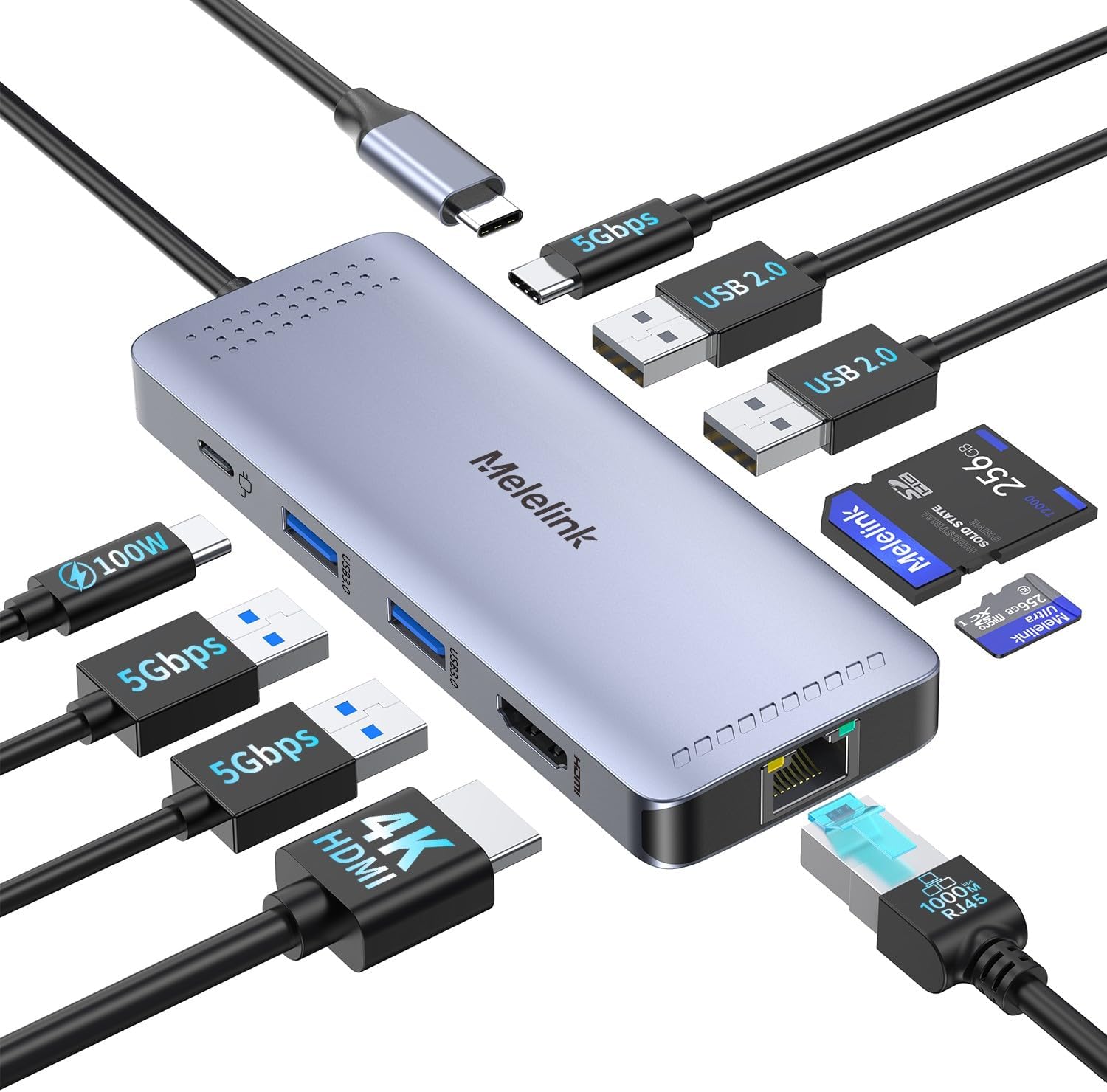
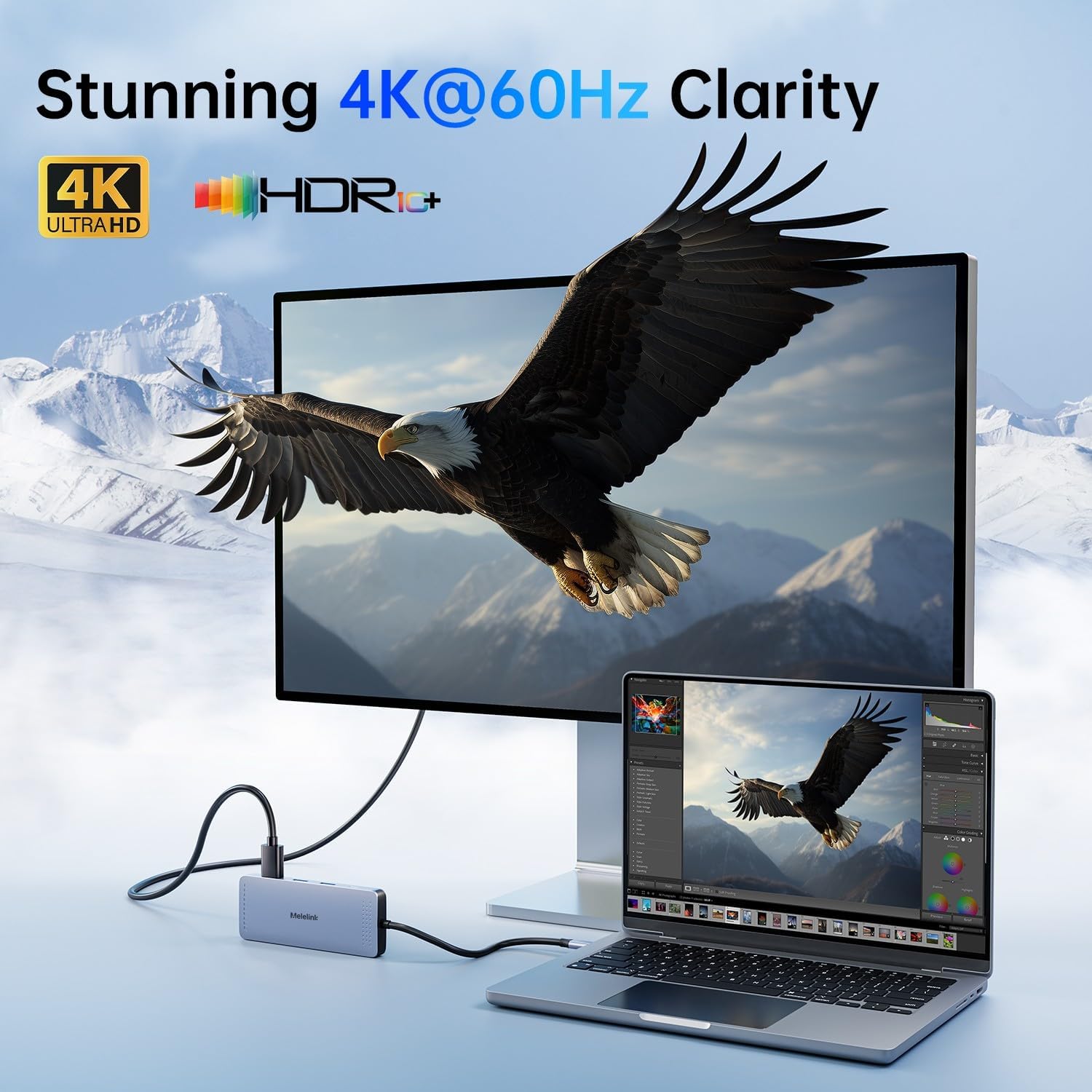
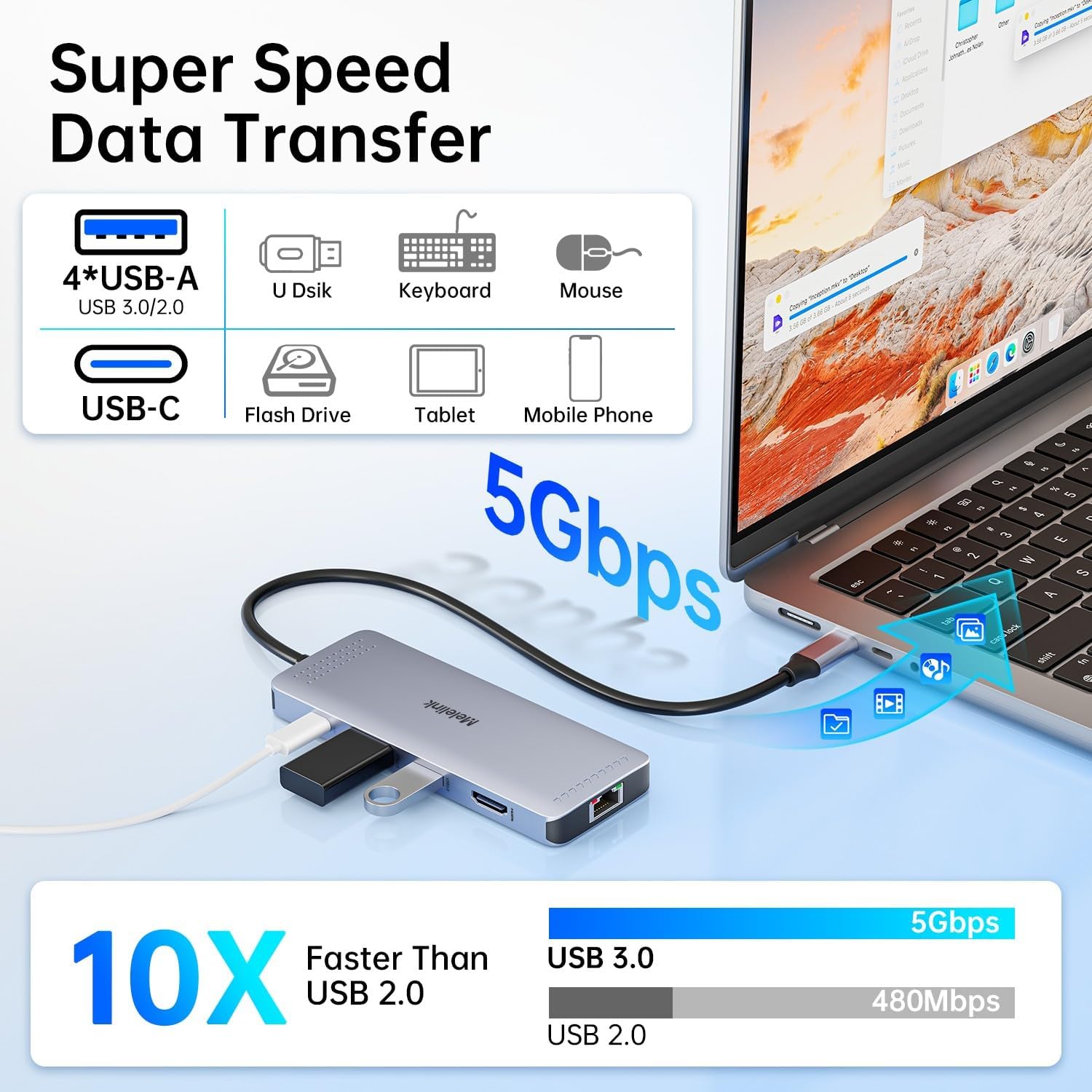
The Melelink USB C Hub Multiport Adapter is designed to add more ports to a compatible USB C laptop setup. It includes 4 USB ports, plus SD and TF card slots, which is handy when you need to move files from memory cards for photos, documents, or other media. There is also an HDMI connection for monitor or screen use, and a wired Ethernet option via an RJ45 LAN port for more stable network access than relying on Wi‑Fi.
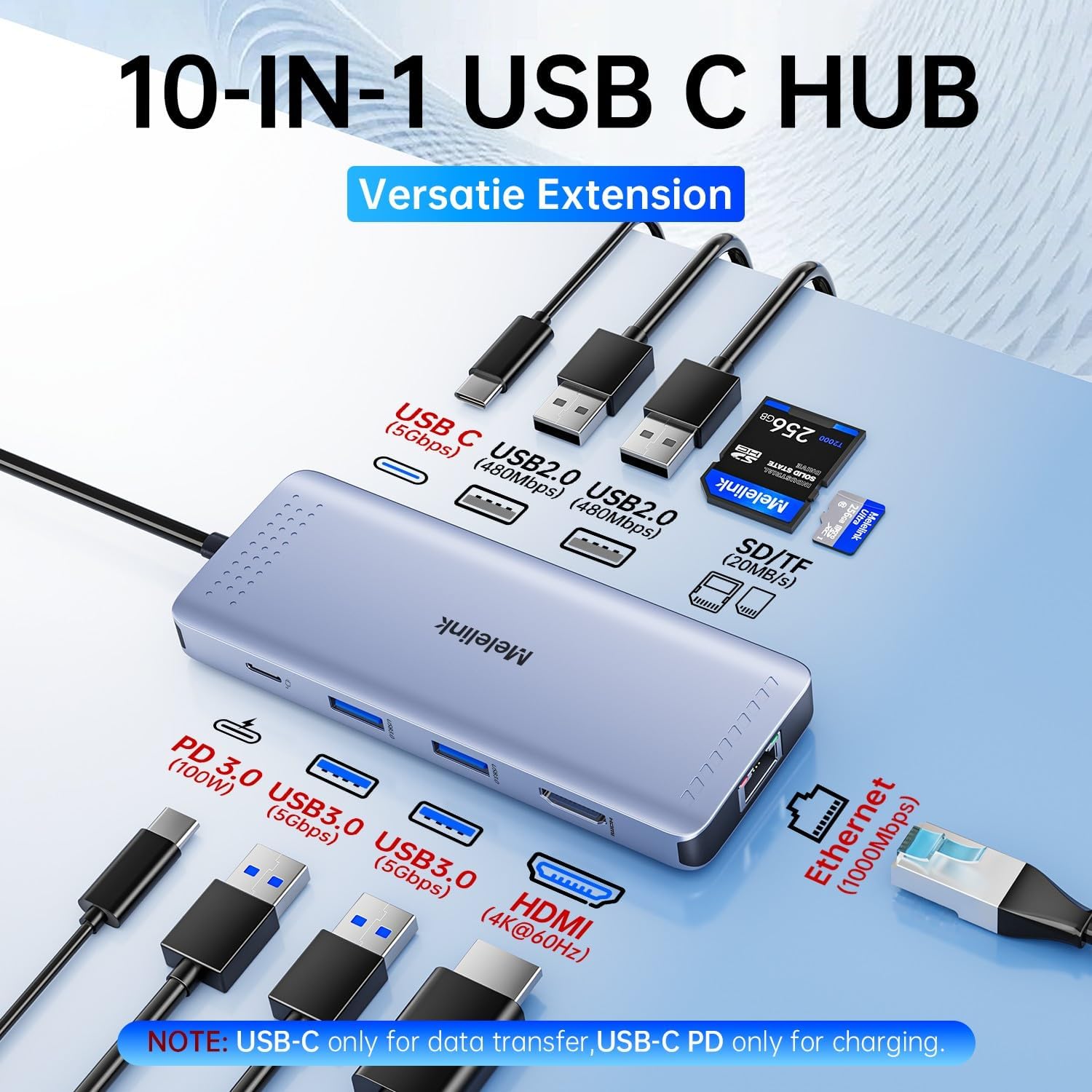
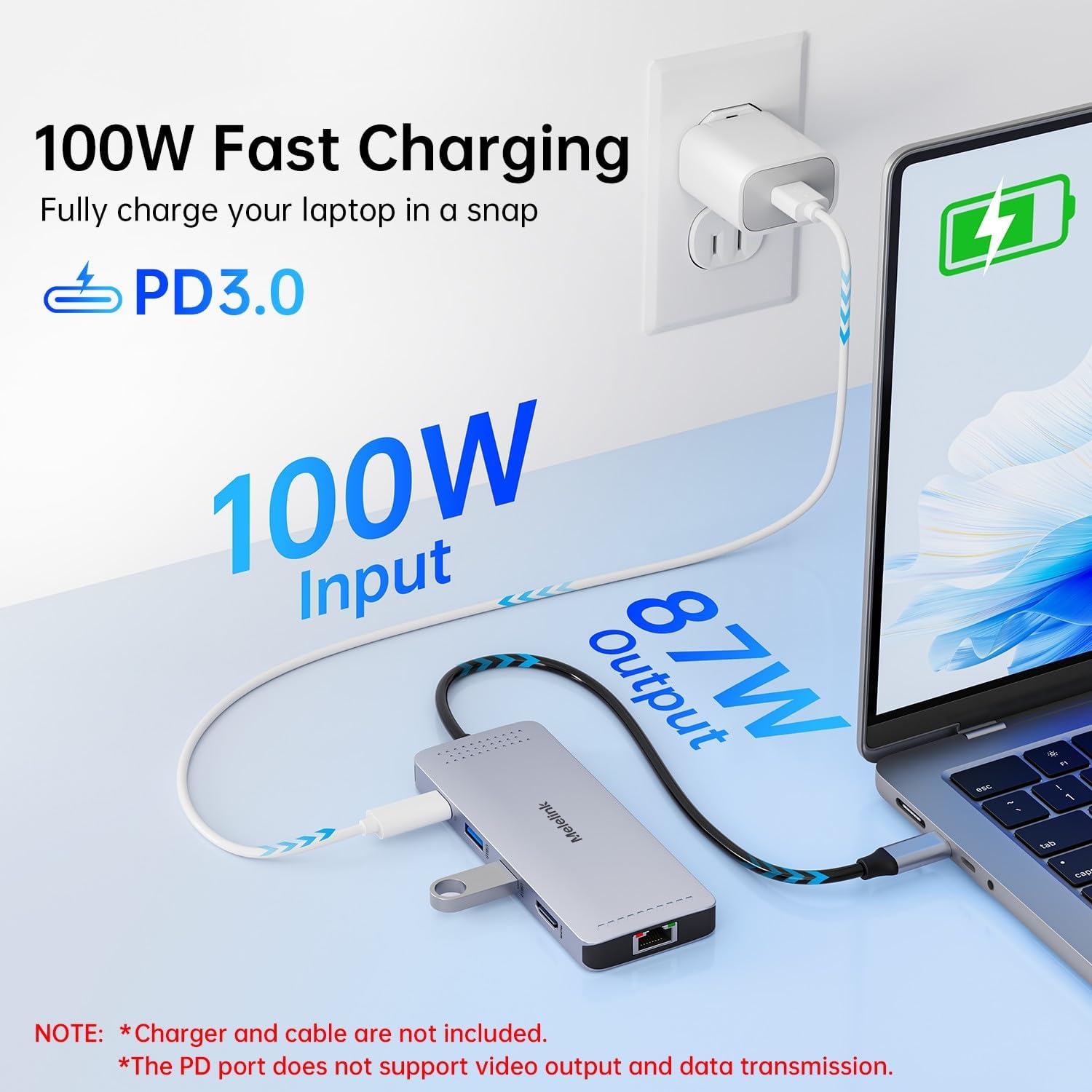
On the charging side, it supports USB C Power Delivery up to 100W, so you can keep your laptop powered while the hub is in use, according to the product description. That combination matters because it reduces the number of separate chargers and adapters you need around your desk. 👍
If you carry your laptop between home and office, a multiport hub like this can reduce friction. Instead of juggling multiple accessories, you get a single adapter that handles common connection types in one place. In practice, it suits anyone who wants quick plug in connectivity for meetings, study sessions, and day to day productivity.
Key features
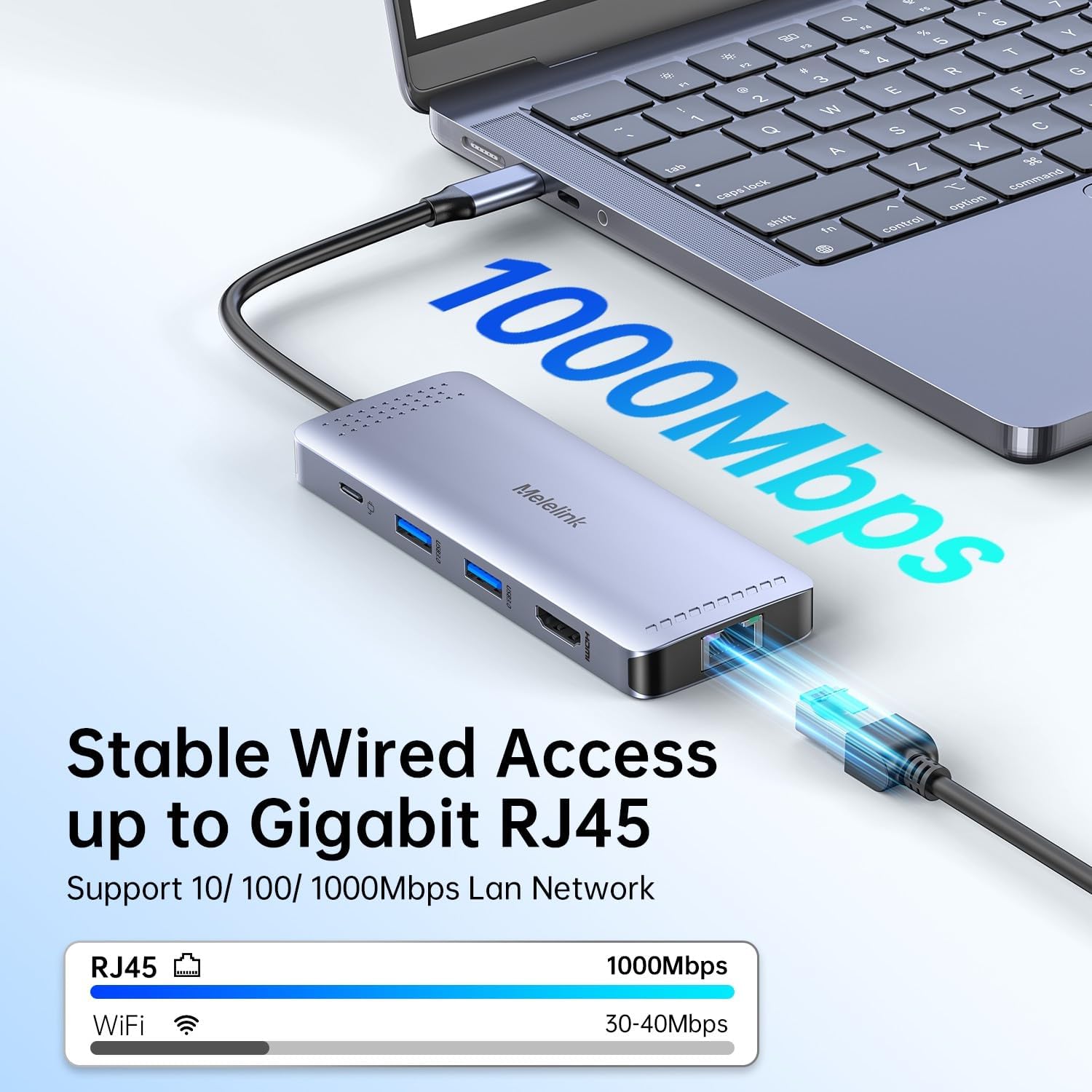
What stands out here is the hub style approach, where multiple ports are brought together under one USB C connection. You get HDMI output for screen use, Ethernet via RJ45 for a wired connection, and a set of USB ports for peripherals. The SD and TF slots also add flexibility for card based workflows.
Power Delivery at 100W is a key feature to look for if you want fewer cables, because the hub can be used while the laptop charges. Keep in mind that actual supported speeds and display performance can depend on your laptop model and the way your system negotiates signals, so it is worth checking compatibility on your device. 🧩
For day to day use, the layout helps you keep everything connected without relying on a docking station that needs to be permanently set up. You can use it on a desk at work, in a home office, or when you want one portable solution for commuting. The Melelink brand name on the listing is part of the overall value proposition here, offering a multiport adapter aimed at common laptop needs.
Tech specs
- Name: USB C Hub Multiport Adapter
- Type: Multiport adapter and docking station
- Format: USB-C hub with Ethernet docking
- Capacity: 100W PD
- Colour: Not specified in the provided details
- Display: 4K HDMI mentioned in the provided details
- Ports: 4 USB ports plus SD and TF slots, RJ45 Ethernet, and Type C dock for compatible laptops
Who it’s for
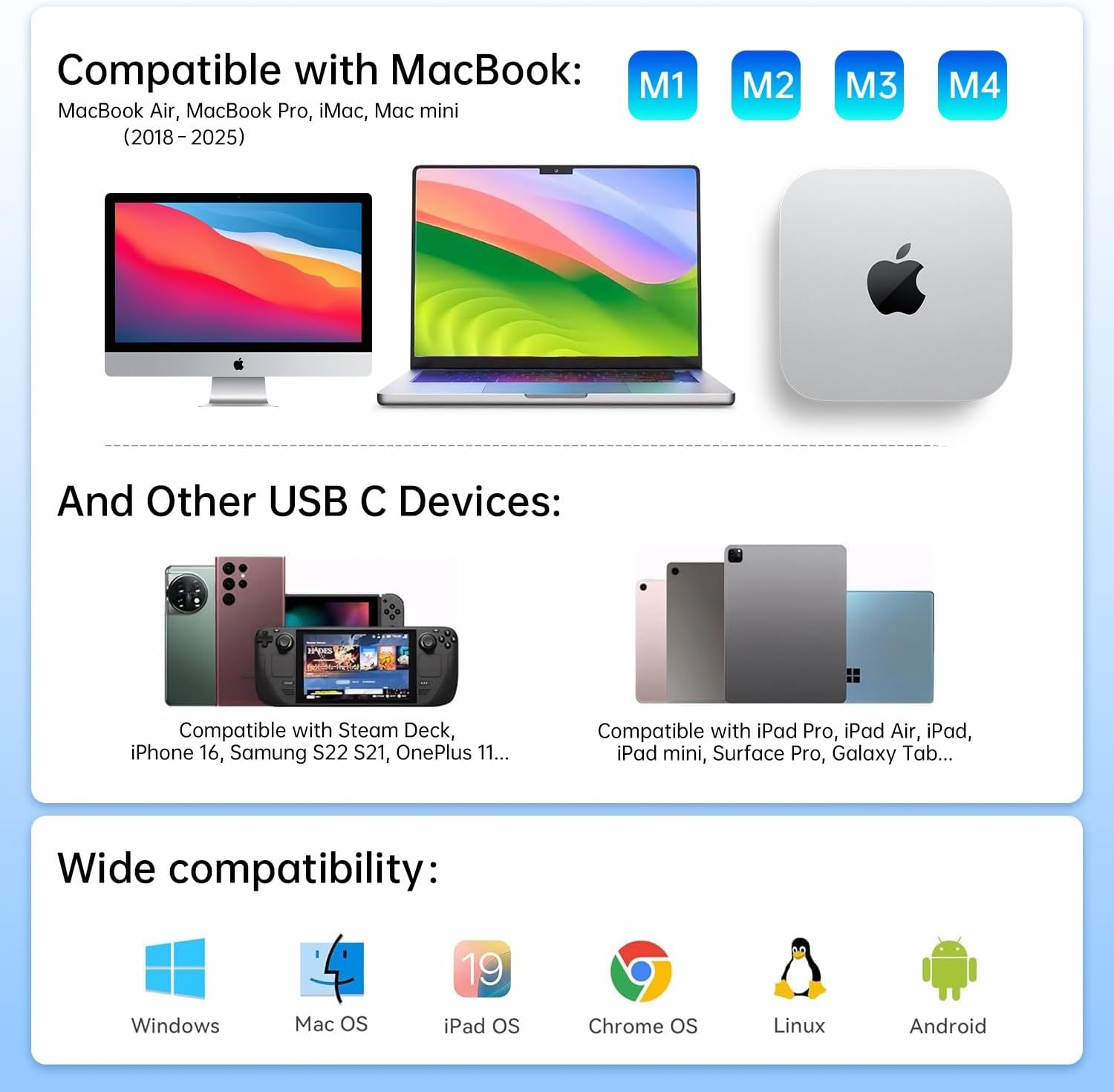
It makes sense if you use a USB C laptop and want to expand it for work or study with the ports you reach for most. It suits people who need wired Ethernet for more reliable connectivity during video calls or online tasks, and anyone who regularly connects a monitor using HDMI. You’ll also like it if you want extra USB ports for mouse, keyboard, storage, or other peripherals, alongside SD and TF card reading.
It might not be the best match if you require a very specific port configuration beyond what is described, or if your laptop does not support the necessary USB C functions for hub and display use. Worth considering if you want a compact 10 in 1 style hub that reduces cable clutter and keeps your setup flexible across different locations.