

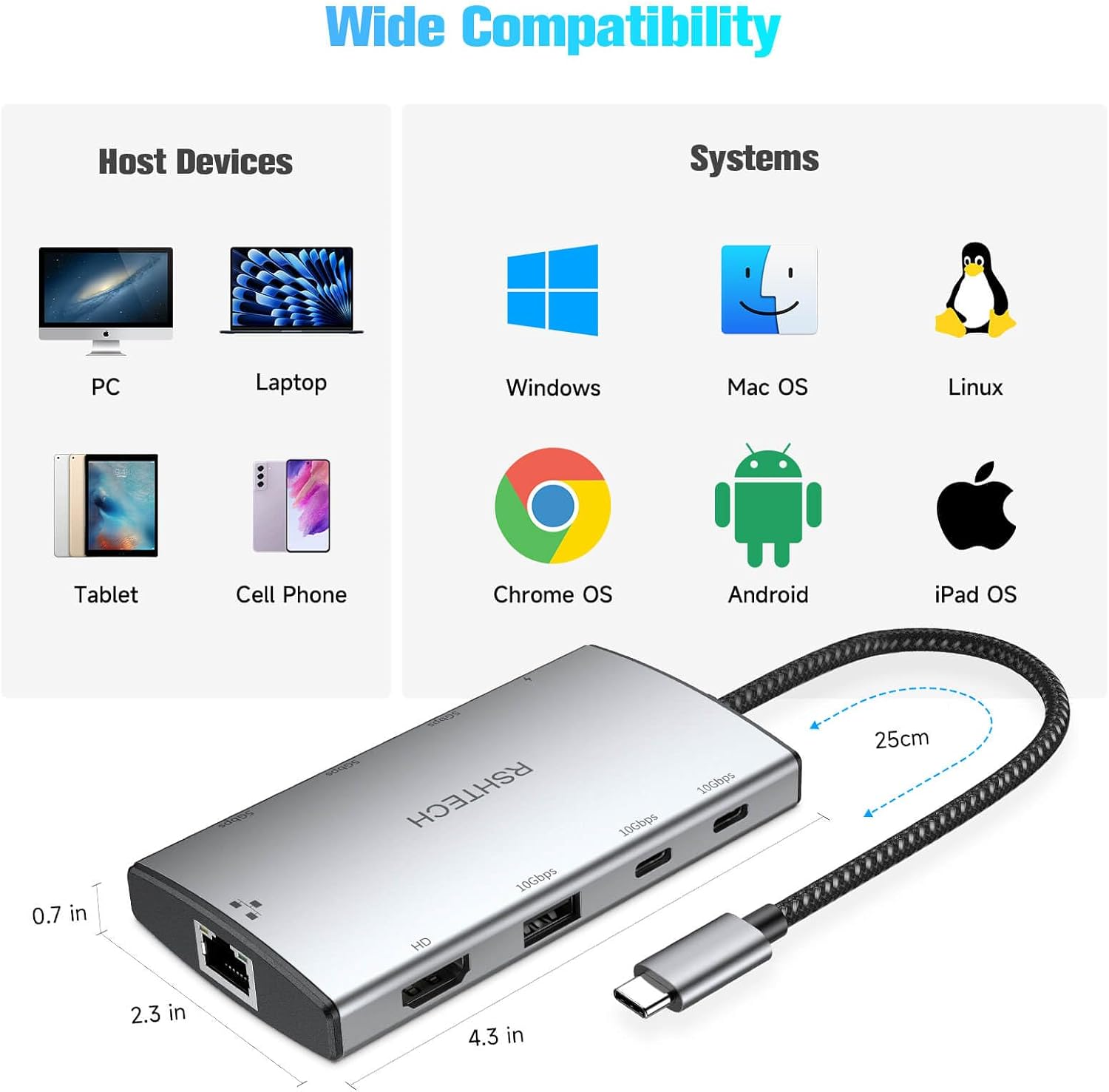
RSHTECH USB-C Hub 10Gbps 9-in-1
Product description
If you often run out of ports, the RSHTECH 10Gbps USB-C hub can quickly expand a single USB-C connection into several useful options. It brings 4K HDMI display, gigabit Ethernet, and multiple high speed USB ports into a compact dock, which is handy for laptops at home or on the move. With support for fast charging pass through, it also helps you keep your laptop powered while you connect peripherals.
Key points
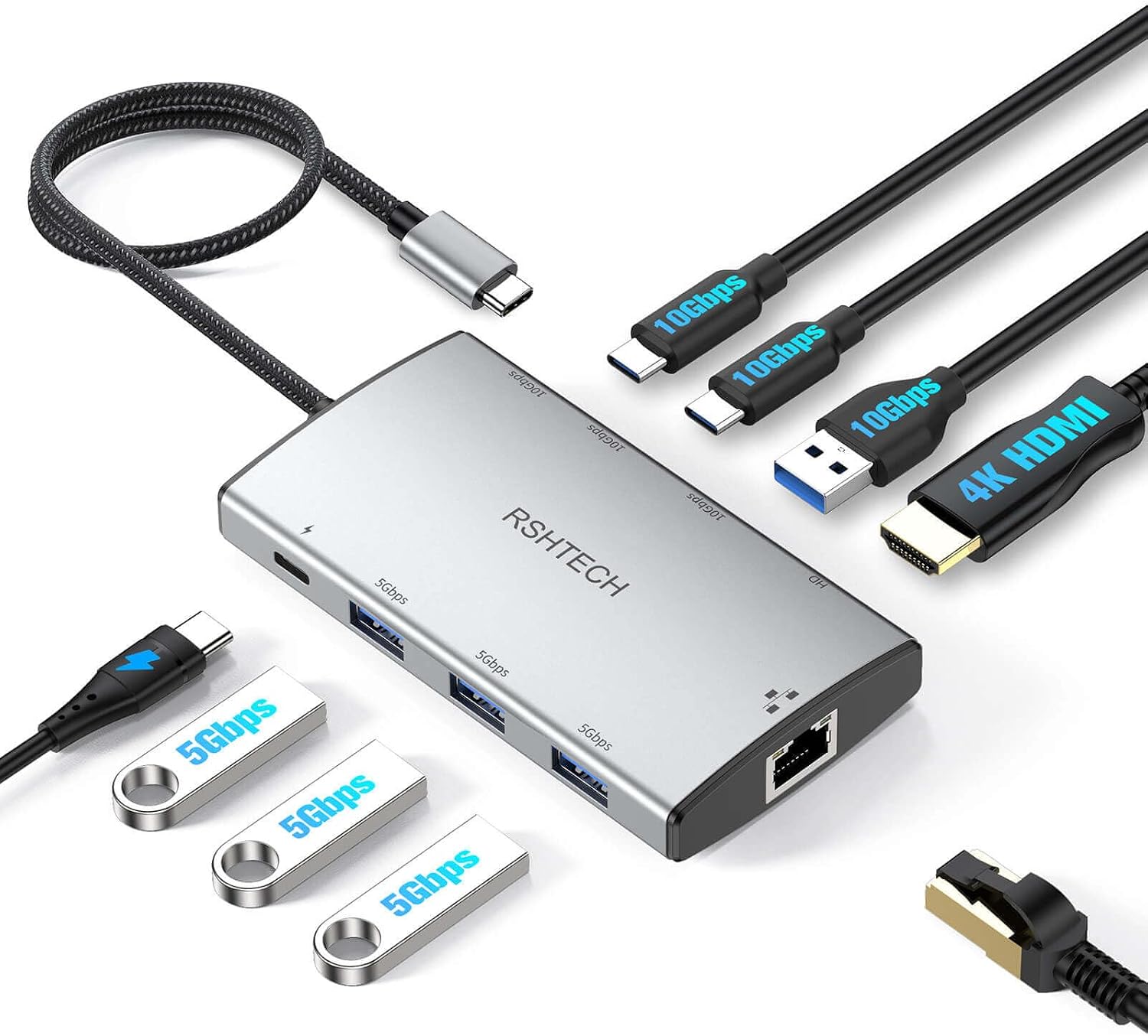
This is a 9 in 1 USB C multiport adapter designed to solve the everyday problem of insufficient connectivity. You can connect a monitor via the 4K HDMI output, plug in a wired network cable for steadier internet, and use the USB ports for accessories and external drives. The hub also supports both USB 3.0 and USB 3.2 Gen2 data connections, giving you faster transfer capability when you are moving files.
The setup is straightforward because it is built around a single USB-C input, so you do not have to constantly swap cables. For typical laptop users, that means quicker desk changes between work and study, plus fewer compromises when you want to connect a keyboard, mouse, printer, or storage drive at the same time. 🎯
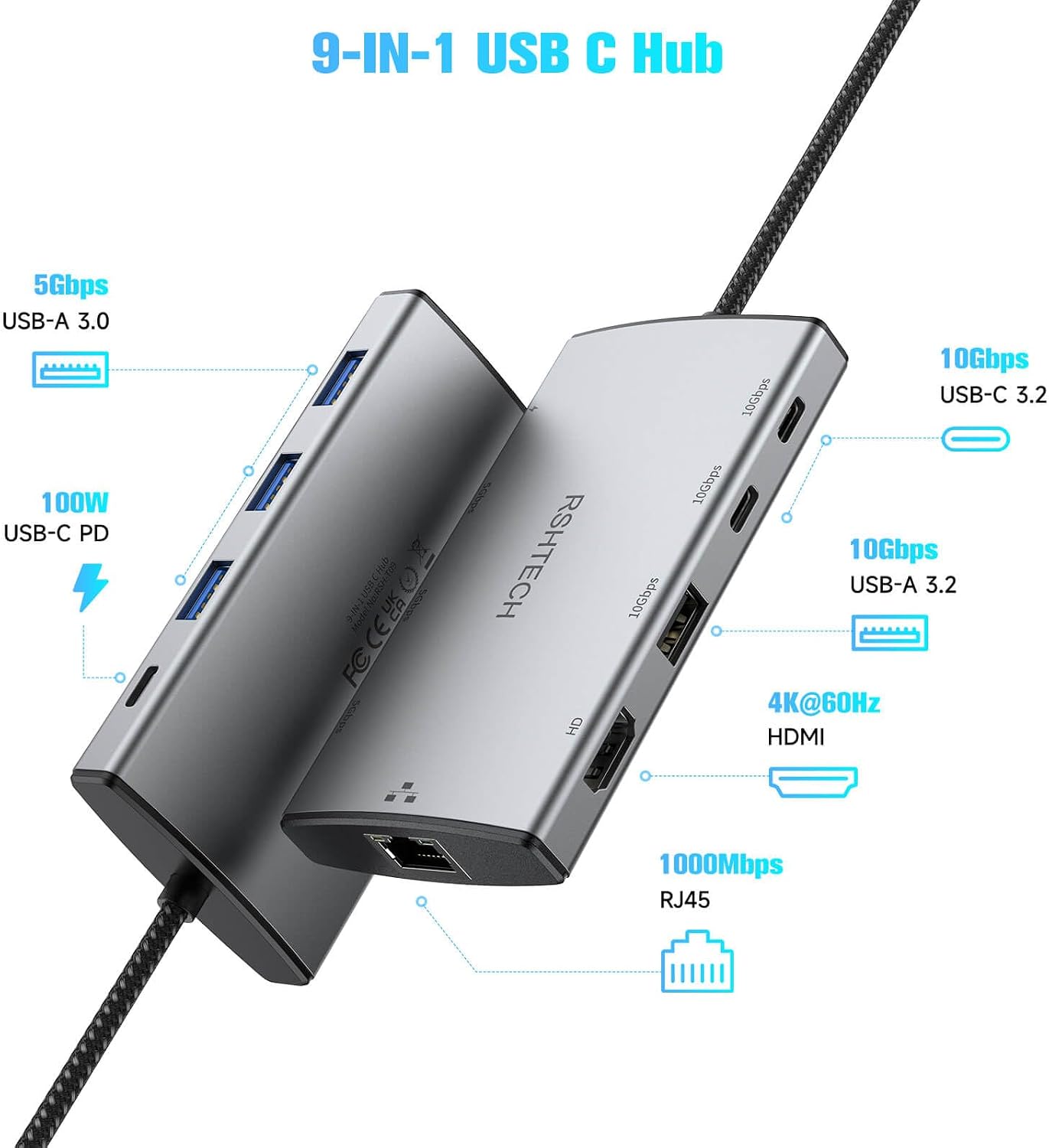
It also includes a USB C PD port for pass through charging, so your laptop can keep charging while the rest of your setup is connected. That can be particularly useful if you rely on a dock during meetings or when you are working from a fixed station. 🧩
One thing to note is that the hub does not include a USB charger or a USB charging cable, so you will need to use your existing charger setup or purchase one separately if required. It is a small detail, but it avoids last minute surprises when you plug it in.
Tech specs
- Name: RSHTECH USB-C Hub 10Gbps 9-in-1 USB C Multiport Adapter with Ethernet
- Type: USB-C multiport adapter
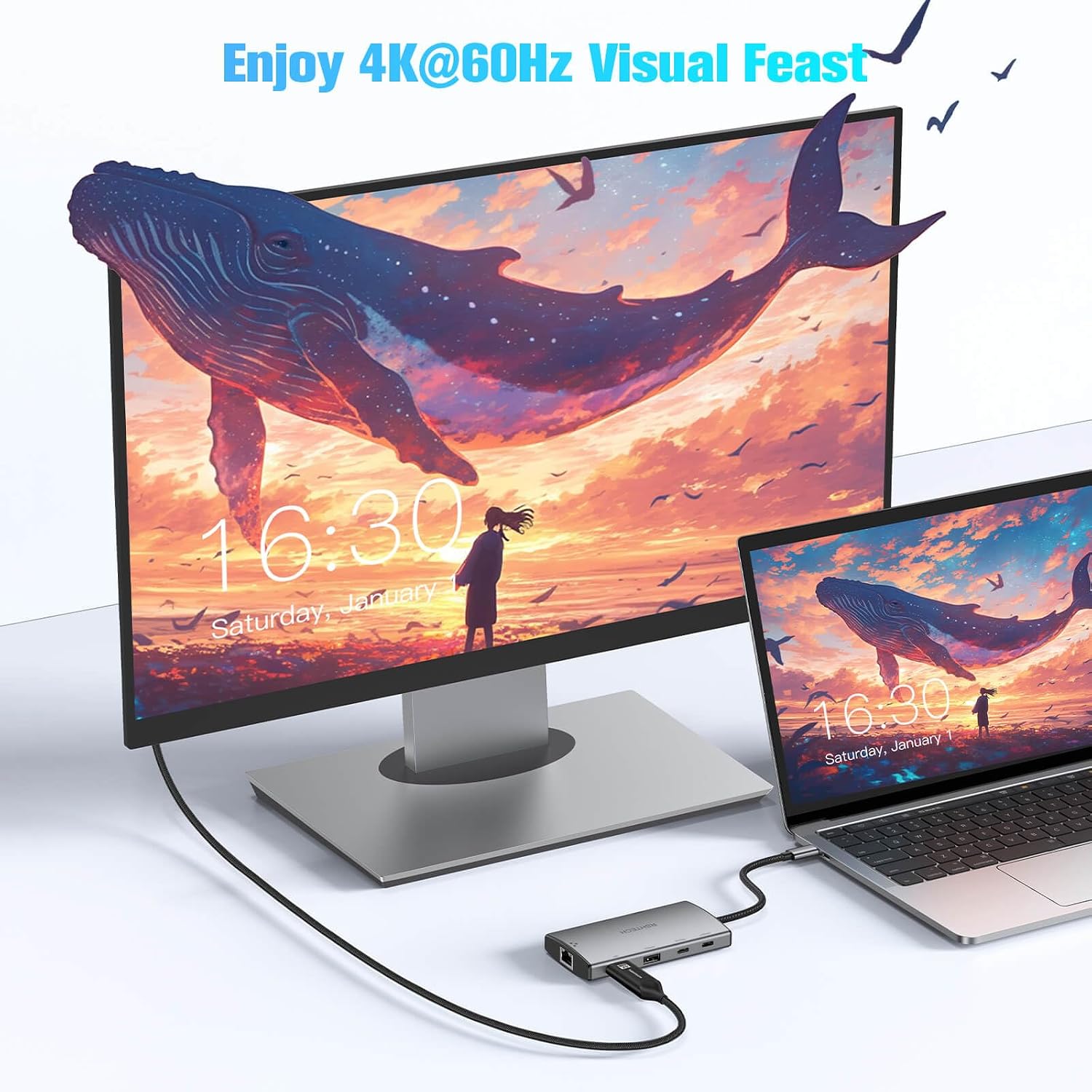
- Display: 4K HDMI up to 4K at 60Hz
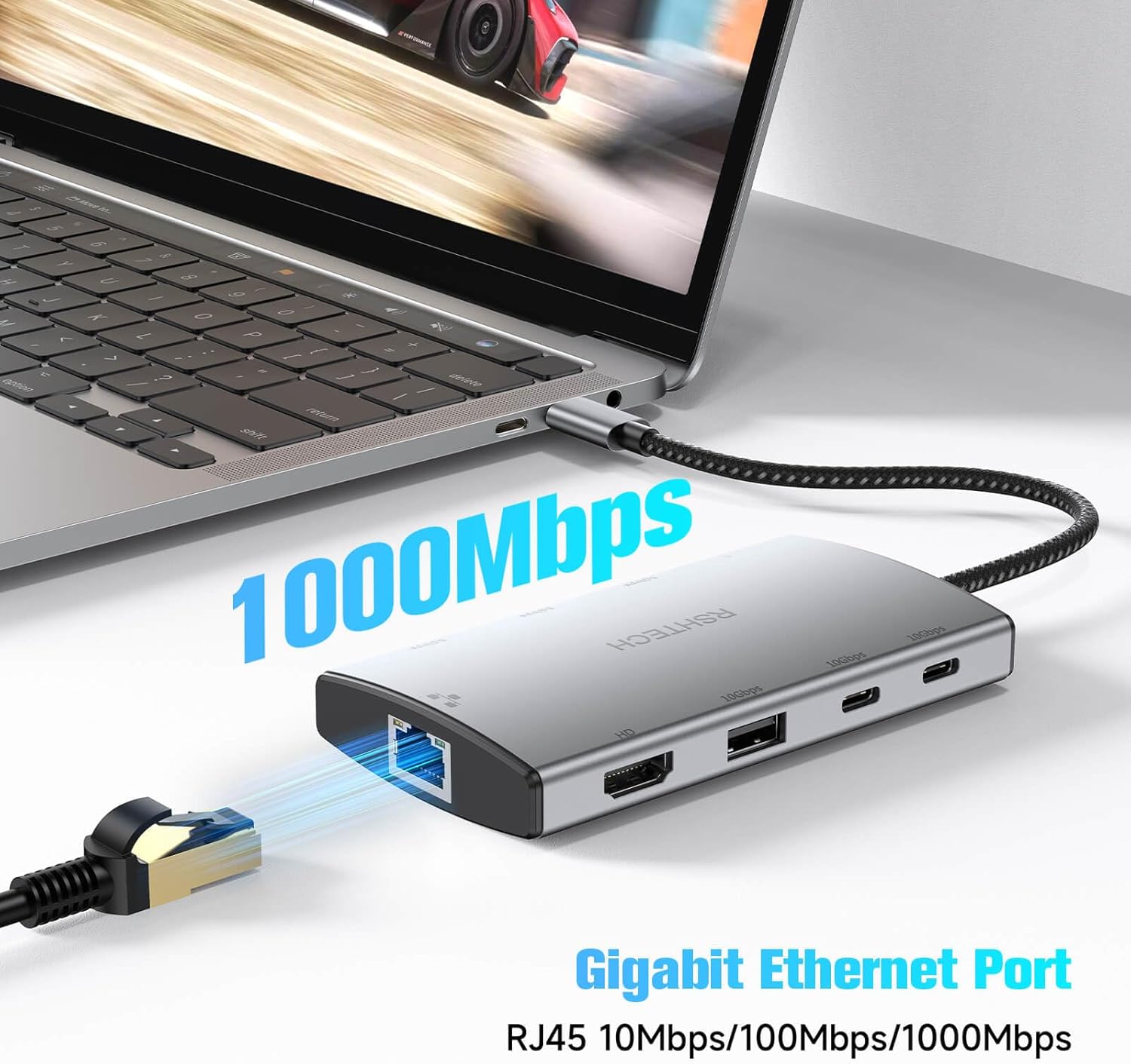
- Ethernet: Gigabit Ethernet adapter up to 1Gbps or 1000Mbps
- Data ports: USB 3.0 ports up to 5Gbps
- Data ports: USB 3.2 Gen2 ports up to 10Gbps
- Charging: USB C PD port with up to 85W pass-through charging for laptops
What stands out
The main advantage is how the hub combines display output, wired networking, and multiple USB connections in one compact solution. The 4K HDMI output supports mirror or extend modes, which is useful whether you want to share what is on your laptop screen or run a separate workspace on a monitor. 🎥
For internet stability, the gigabit Ethernet adapter supports up to 1Gbps, which can be a practical upgrade compared with relying on Wi-Fi during tasks that need a consistent connection. It is especially handy for video calls, large downloads, and online work where interruptions are more noticeable.
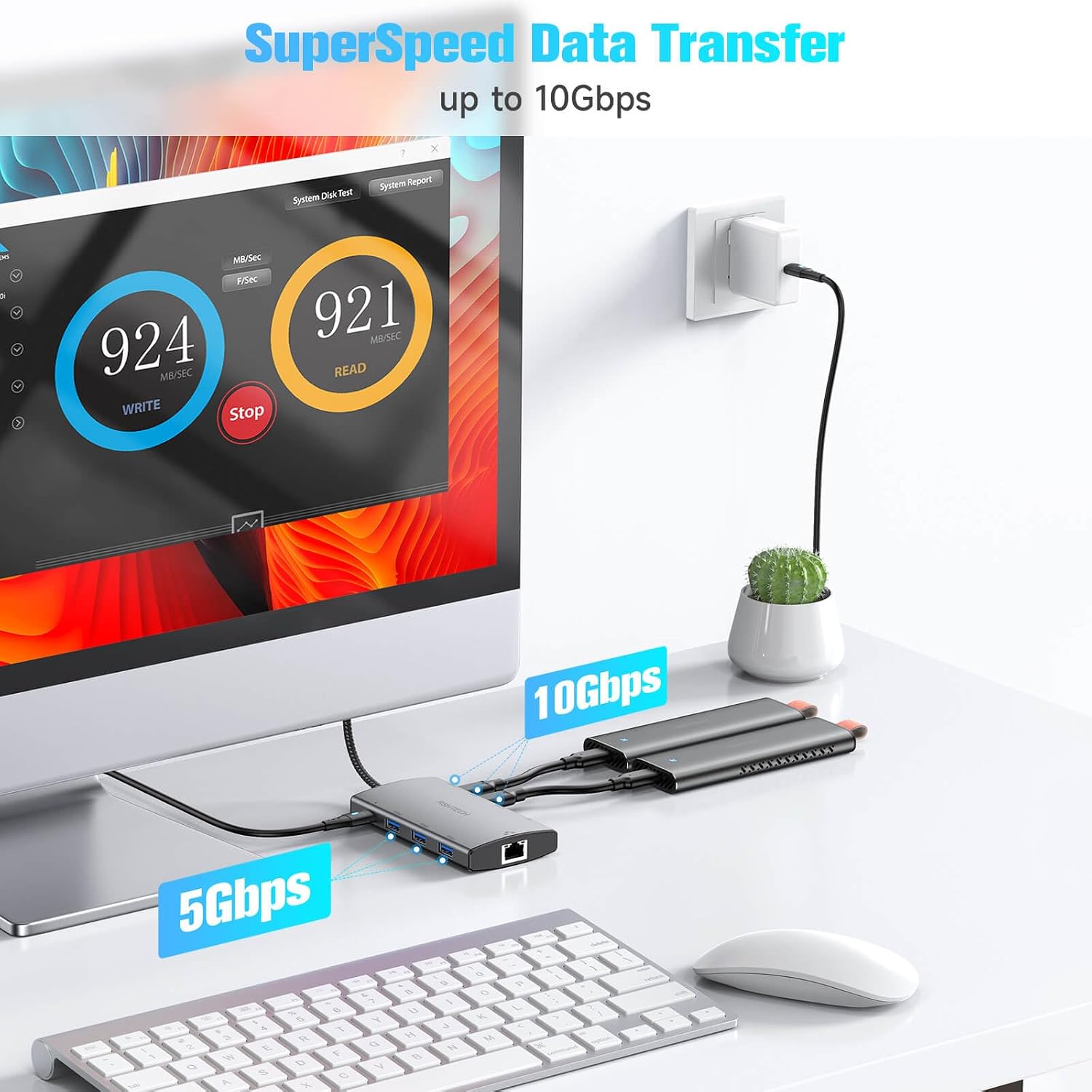
On the storage and accessory side, the mix of USB 3.0 and USB 3.2 Gen2 ports helps with faster file transfers when you connect an external hard drive or a USB drive. The design also supports a USB C and USB A hybrid port approach, which gives broader compatibility for common peripherals such as keyboards, mice, printers, and external storage. ⚡
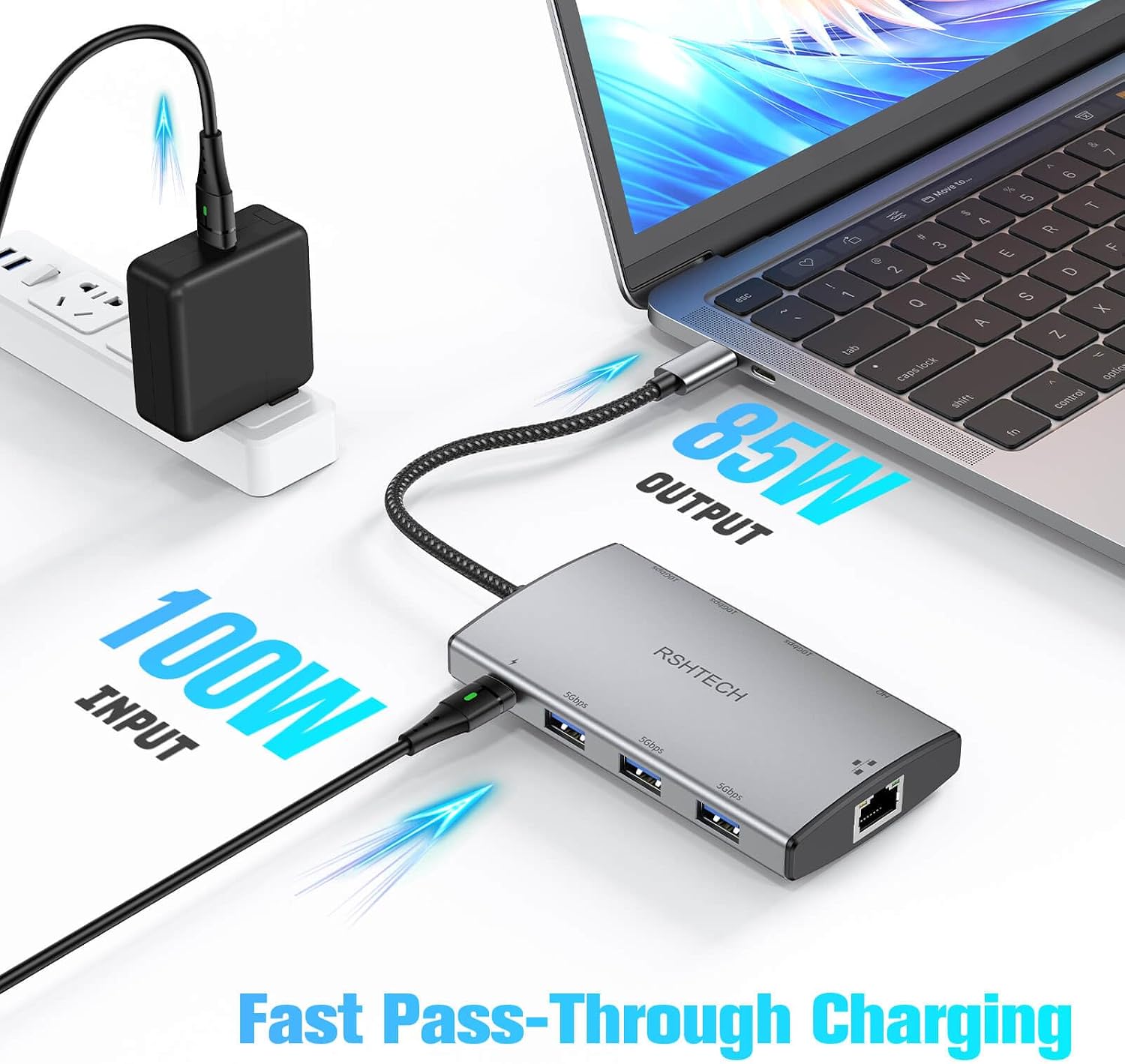
When it comes to charging, the pass through USB C PD port can provide up to 85W for laptops, so your setup can stay connected without sacrificing power. Bear in mind that you still need the appropriate charger and cable separately, as the hub itself does not include them.
It is a good match if you want a single USB-C dock that covers your core daily needs, including monitor output, wired Ethernet, and multiple USB connections for peripherals and drives. You will like it most if you frequently plug and unplug devices and want to keep your laptop desk friendly rather than constantly hunting for extra ports.
Who it’s for
It suits you if your laptop has a limited number of USB-C ports and you want a simple expansion without switching between multiple dongles. It also makes sense if you regularly work with a monitor, need reliable wired internet, and move files to and from external storage.
If you are using USB accessories such as a mouse and keyboard, or you connect a printer or USB drive as part of your routine, the hybrid USB support is a practical benefit. You may want to skip it if you only need one extra connection and do not need HDMI, Ethernet, or multiple USB ports at the same time.