


TECKNET Bluetooth Mouse (4800DPI) with USB wireless and dual Bluetooth connectivity
Product description
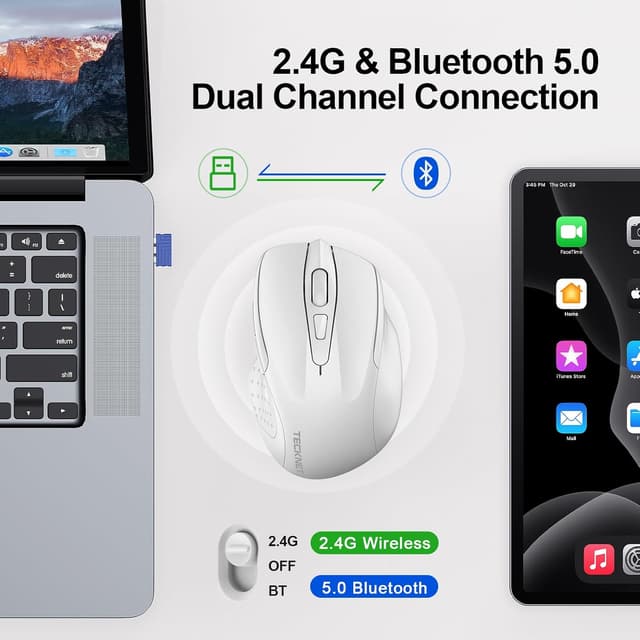
Multiple device connectivity for switching between your gadgets
If you bounce between a laptop, desktop and maybe a tablet, this TECKNET Bluetooth mouse is designed to make that switching feel simple. On paper, it supports more than one connection method: Bluetooth 5.0/3.0 as well as a 2.4GHz wireless option.
The practical idea is that you use one mouse across devices and swap over with a button, rather than re-pairing every time you change screens. That’s handy for home/office setups where you might keep one workstation on the desk, and another machine closer to the sofa.
The essentials: precise cursor control with adjustable DPI
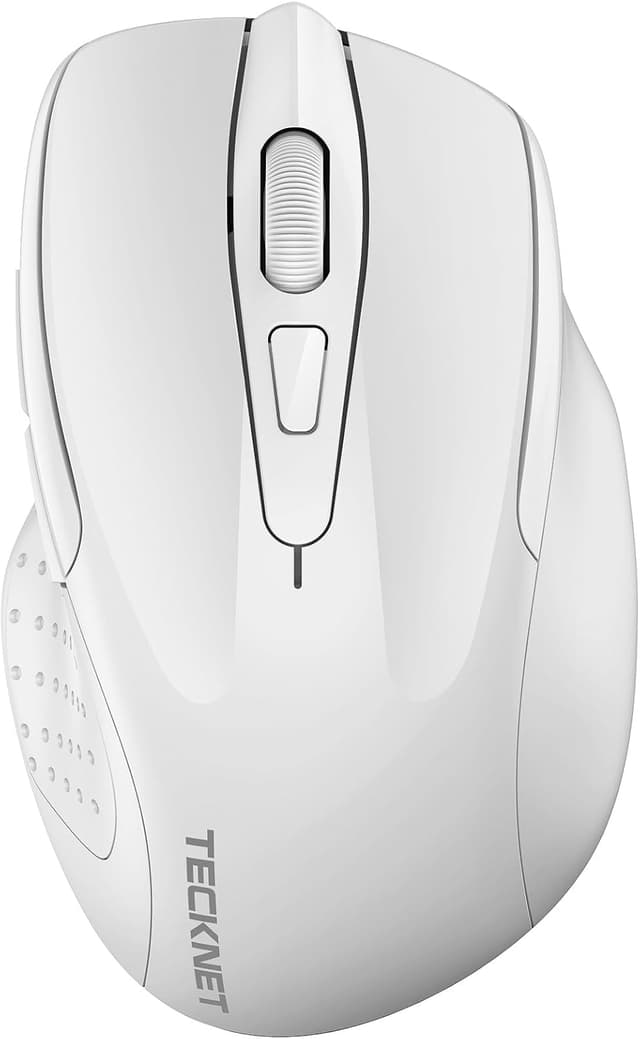
Cursor sensitivity isn’t “one-size-fits-all”, especially if you do a mix of everyday tasks and precision work. This mouse includes 6 adjustable DPI levels: 4800, 3200, 2400, 1600, 1200 and 800. The pitch here is straightforward: you can dial the sensitivity up for faster pointer movement, or down when you need calmer, more controlled tracking.
It also uses TECKNET’s TruWave optical tracking technology, aimed at smooth cursor control on most surfaces. This is the sort of feature set that tends to suit office use, browsing, spreadsheets and general computer navigation, it’s less about “competitive” claims and more about staying responsive without feeling jumpy.
Silent clicks that suit quieter environments
Click noise can be a surprisingly big deal if you share a room, work late, or simply don’t want the constant “ticking”. TECKNET states this model uses silent clicks to reduce noise by up to 90%.
It’s not perfect for everyone (some people are still sensitive to any click sound), but for an office desk or home study it’s an obvious day-to-day improvement. It’s also rated for durability: tested to withstand over 6 million clicks, which gives you a bit more confidence that the switches won’t feel dead after a short spell.
Comfort and efficiency, with one notable limitation
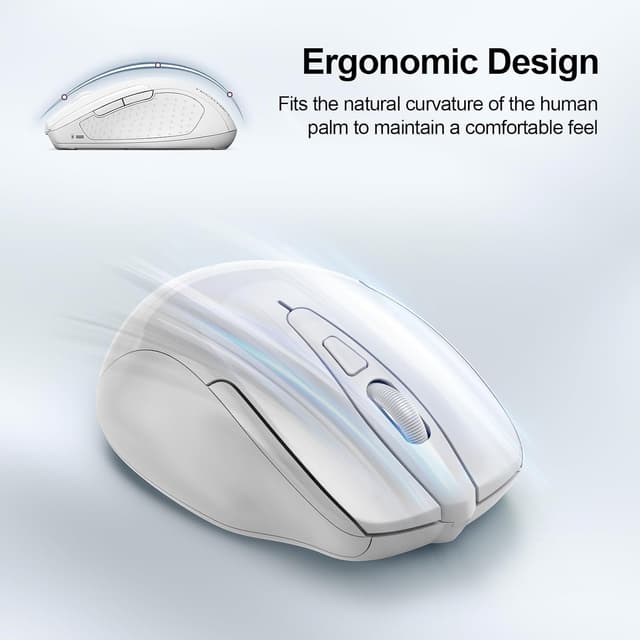
The ergonomic shape is built for palm support, and it’s positioned as a way to reduce hand fatigue during longer sessions. There are also forward and backward buttons for quicker navigation, which TECKNET claims can improve efficiency.
One thing to keep in mind before you buy: the side buttons are not compatible with macOS. If you plan to use this mouse with a Mac (or a MacBook alongside your main Windows/Linux PC), that limitation matters and could be a deal-breaker depending on how much you rely on those extra buttons.

Battery life and power saving you can actually live with
Frequent battery changes are one of those annoyances you only notice after they start happening. This mouse includes an energy-saving switch and an intelligent sleep mode to help conserve power.
TECKNET quotes up to 30 months battery life, with the reminder that real results depend on usage and environmental conditions. There’s also a battery indicator light to tell you when replacement is due. Over the long run, that’s the kind of spec that helps this stay practical rather than fiddly.
Where it makes sense (and where it may fall short)

It’s a solid pick if you want a no-drama wireless mouse for everyday work and you value quieter clicking, adjustable DPI, and multi-device support. The dual connectivity angle is particularly useful for shared home setups or dual-laptop workflows.
Worth noting, though, that the “smooth on most surfaces” tracking promise is broad rather than specific. If you’re very particular about sensor performance on a particular desk mat or hard tabletop, you may still need to check how it behaves on your own surface.
Also, if your priority is advanced gaming features or ultra-precision esports-level tuning, this is more in the everyday productivity bracket than a specialist tool.
Quick FAQ before you choose
Is it a Bluetooth mouse or a USB wireless mouse?
It supports both: Bluetooth 5.0/3.0 connectivity and a 2.4GHz wireless connection method.
Does it switch between multiple devices?
Yes, TECKNET describes seamless connection to multiple devices with an easy switching approach.

How many DPI settings does it offer?
There are 6 adjustable DPI levels: 4800/3200/2400/1600/1200/800.
Are the side buttons compatible with macOS?
No—side buttons are not compatible with macOS.
Can the battery last around two to three years?
TECKNET states up to 30 months, but it depends on how often you use it and the conditions around you.
Final verdict
Buying verdict Choose the TECKNET Bluetooth Mouse if you want one cordless mouse that can handle both Bluetooth and 2.4GHz wireless, offers silent clicks, and lets you adjust DPI for different tasks. It’s especially sensible for home and office desk setups where you swap between devices.
It may not be the best match if you use macOS and care about the side buttons, or if you’re expecting niche, surface-specific performance guarantees beyond “most surfaces”. If that limitation is acceptable and your main goal is everyday control plus quieter clicking, it’s the kind of purchase that tends to justify itself through convenience and battery life.