

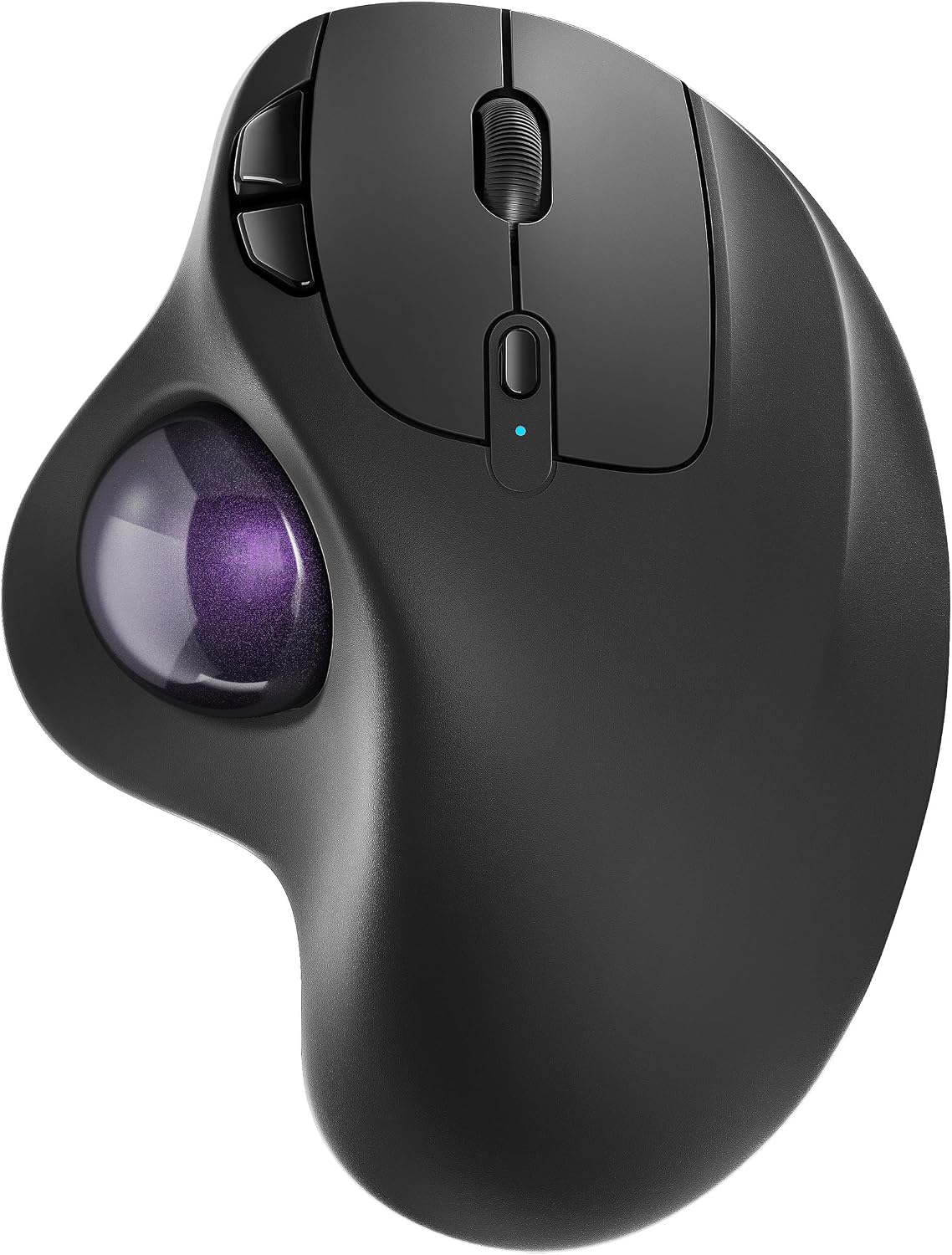
Nulea M501 Wireless Trackball Mouse (Rechargeable, 3-device Bluetooth/USB) with ergonomic thumb control
Product description
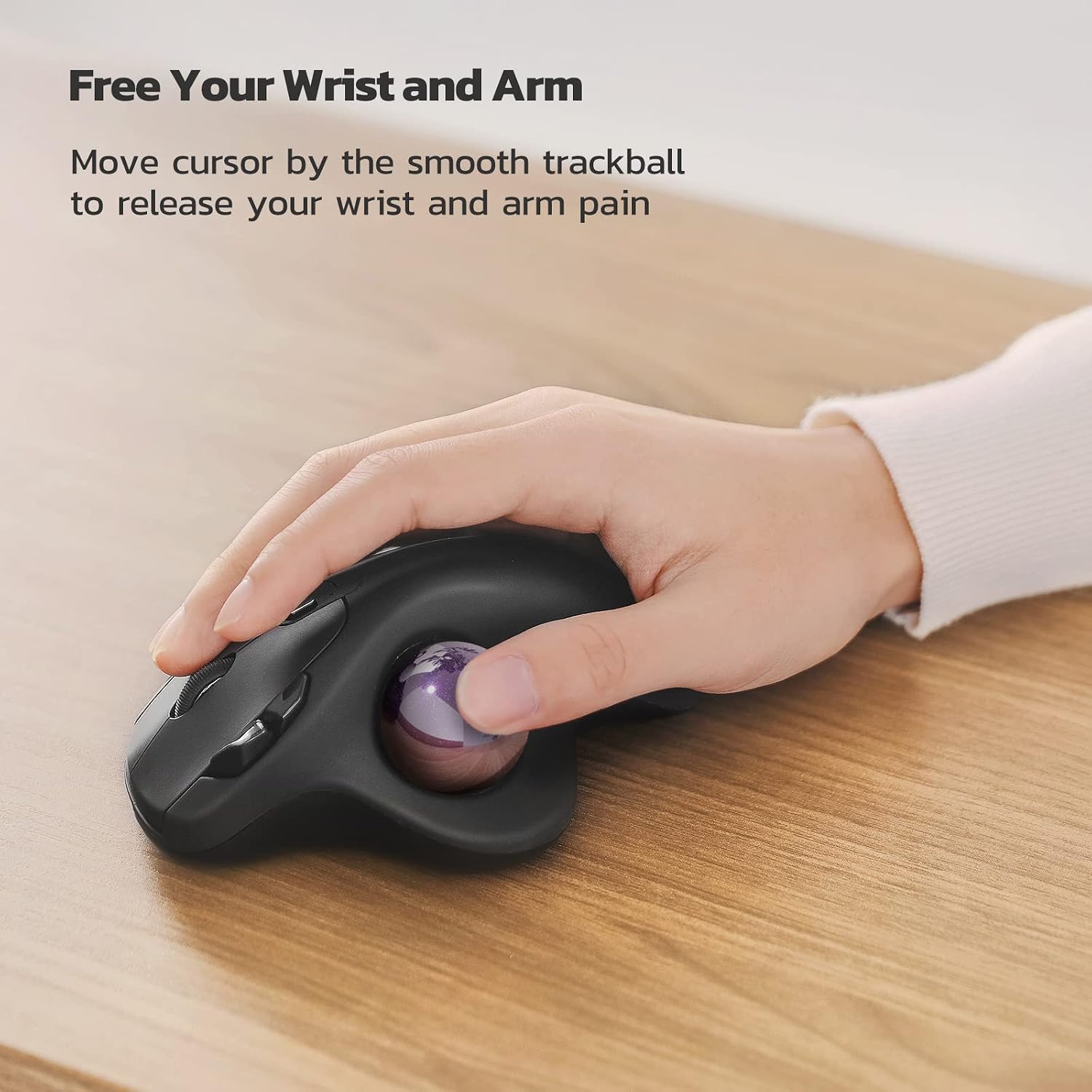
A trackball mouse is one of those things you either instantly get, or you take a while to adjust to. The Nulea M501 Wireless Trackball Mouse leans into comfort and control: instead of moving your whole hand across the desk, you move the trackball with your thumb, aiming to keep your wrist and arm in a more natural position. On paper, it’s a sensible choice if you’re working in cramped spaces or you want a more relaxed cursor style for longer sessions.
The essentials
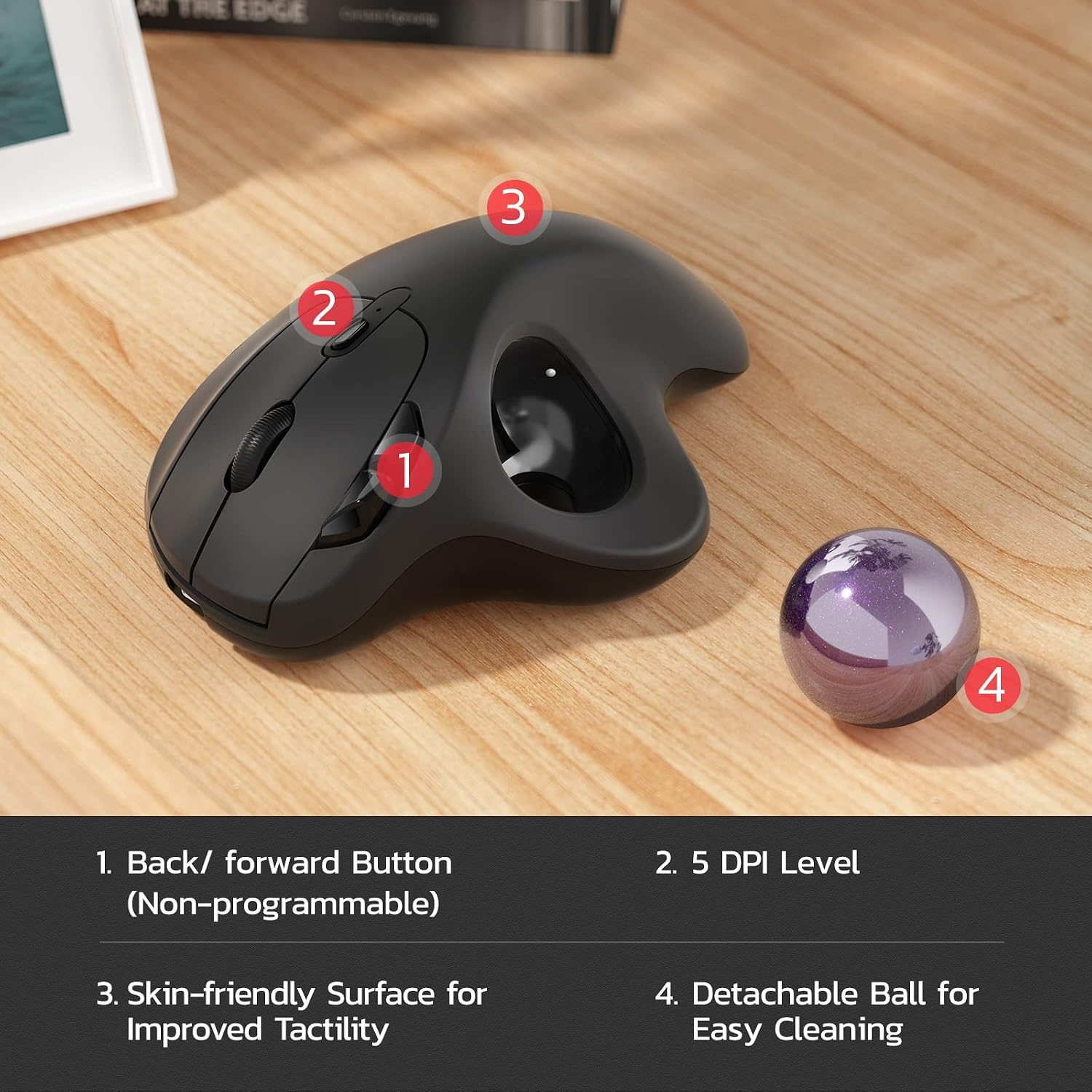
The idea behind the M501 is straightforward. You use the smooth trackball and an easy thumb control to move your cursor without constantly repositioning your arm. It’s designed with an ergonomic angle so your palm can stay in a natural place for day-to-day use. It also has forward and back buttons for basic navigation, which should feel familiar if you’ve used a standard mouse.
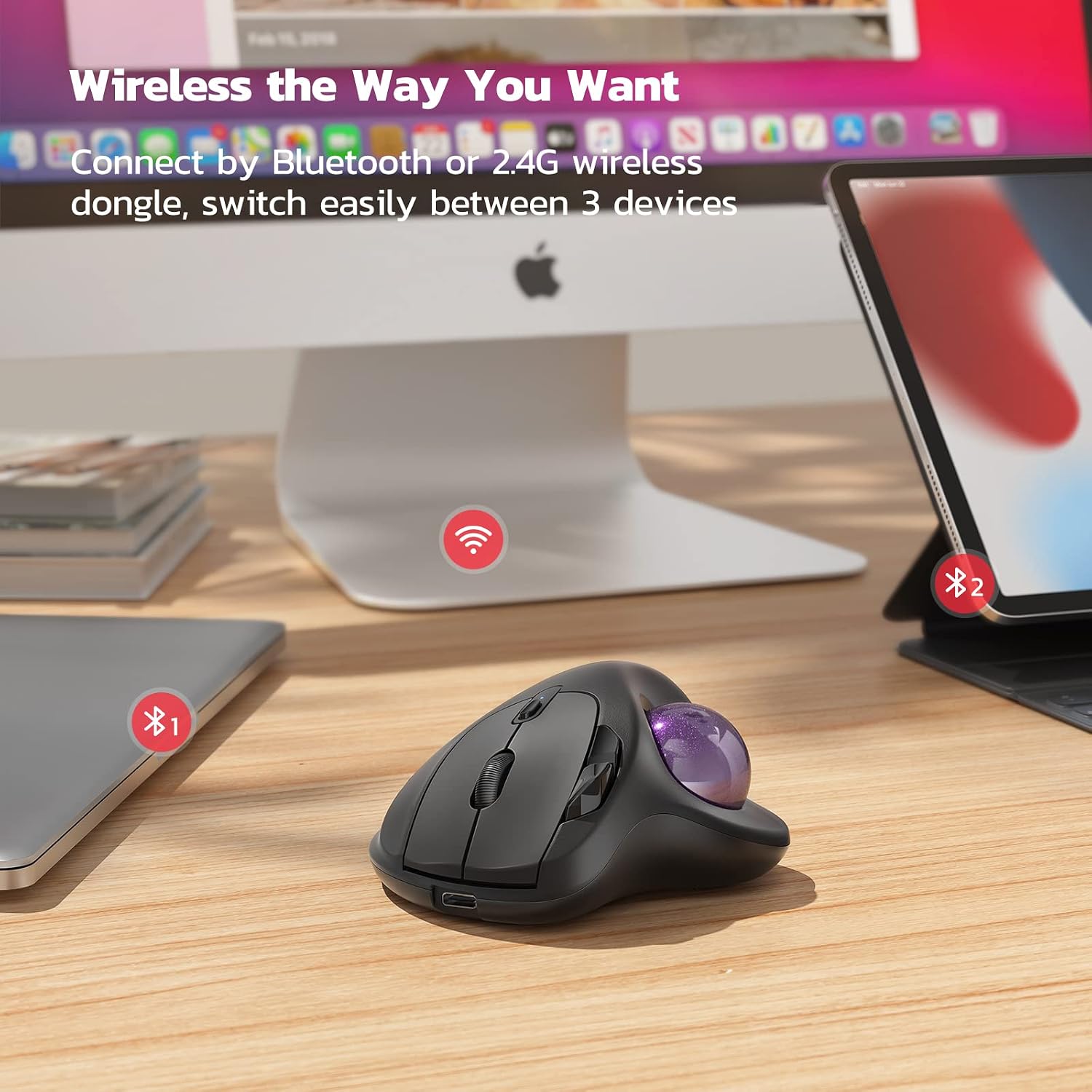
Connectivity is practical too. You can pair up to 3 devices using Bluetooth or a USB receiver, then switch between them with a button on the bottom. That’s a genuinely useful feature if you bounce between a laptop and a desktop, or if you need to swap devices throughout the day.
Where it stands out in everyday use
If you do a lot of desk-time, the trackball approach can reduce the “reach and slide” cycle that traditional mice force on your wrist and arm. This M501 is built around that comfort angle, and the thumb-led control is intended to keep movements smooth.
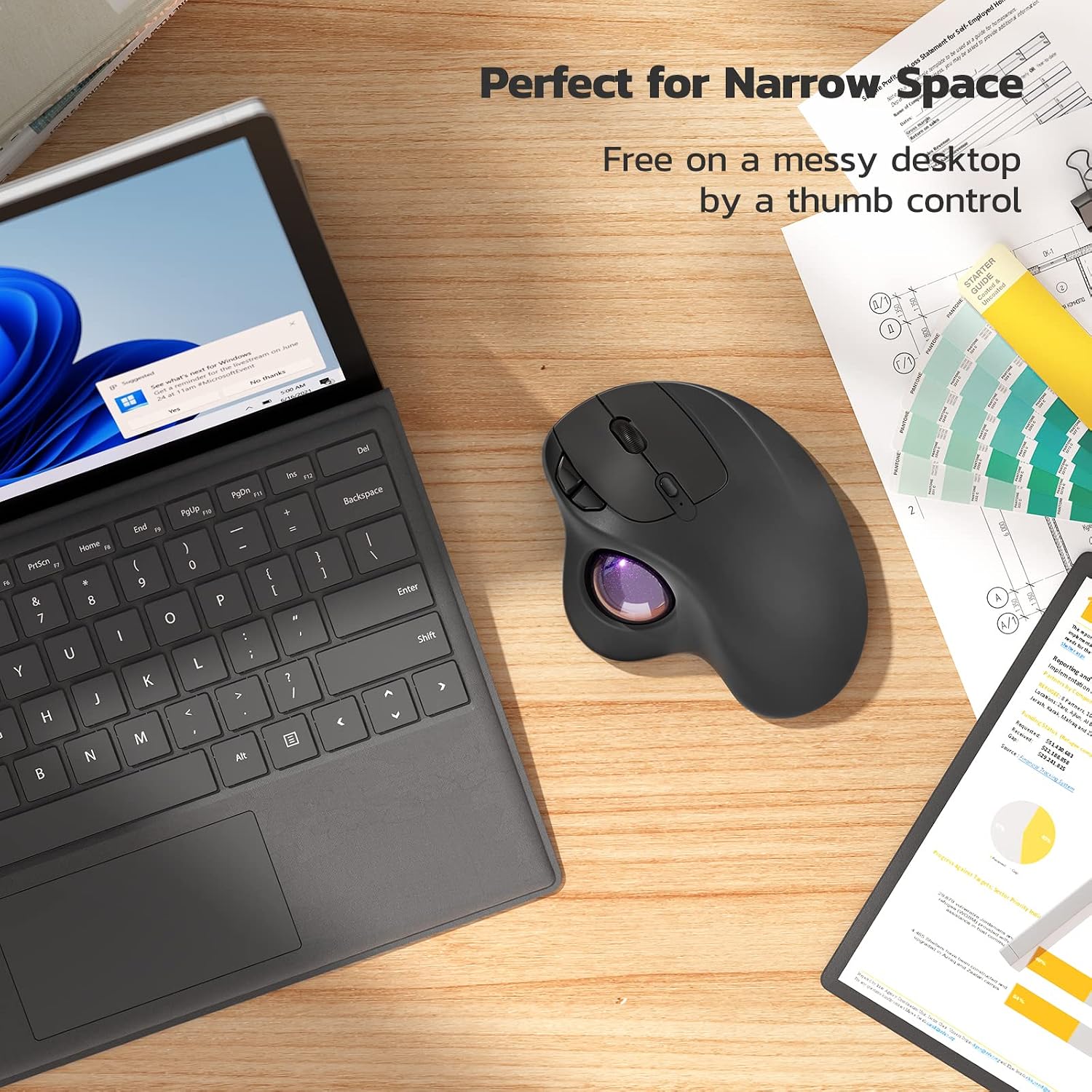
It’s also the kind of mouse that can work well when you don’t have much space. The description calls out tight environments like a messy desk, the couch or bed, and even small writing areas on a chair. In those scenarios, a trackball can feel more forgiving than trying to find room to drag a mouse across a flat surface.
A simple micro-scenario: imagine doing email triage at your desk. With a conventional mouse you’d keep scooting and repositioning. With a trackball, you can stay put and make smaller thumb movements to place the pointer precisely, without stretching your arm back and forth.
Tracking accuracy and adjustable DPI
The M501 is positioned as a precise trackball mouse with adjustable DPI. On paper, that’s meant to give you more control over cursor movement and accuracy. It’s not described with detailed DPI ranges or a sensor spec here, so it’s worth bearing that in mind if you’re the sort of user who’s very specific about DPI steps.
That said, adjustable DPI usually matters most for people who want the pointer to feel right in both general browsing and more careful tasks like selecting text.
Connectivity for up to 3 devices
This is a strong selling point. You can connect to up to 3 devices using Bluetooth or a USB dongle, then switch between them using the bottom button. The fact it’s described as compatible for PC, laptop and Mac, and mentions Windows, suggests it’s aimed at everyday multi-device setups.
One limitation to consider: the description doesn’t talk about advanced custom profiles or special software. It’s more “plug in and use” than “tune everything to your liking”.
Buttons, ergonomics, and what to watch for
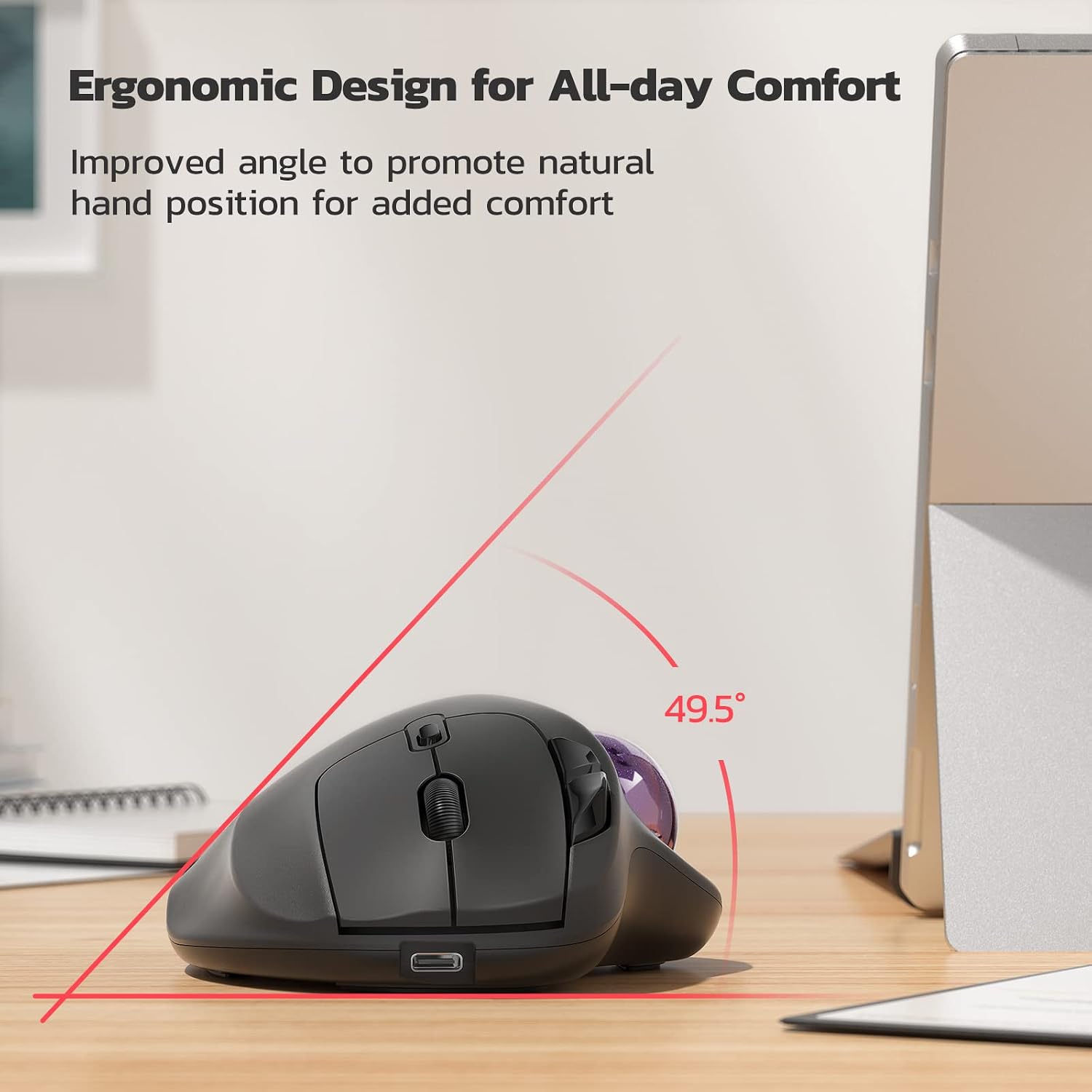
Ergonomic thumb control is the headline, and the shape is described as elegantly curved with ergonomic details. It also includes forward and back buttons.
However, there’s an important note: all buttons are not programmable. If you were hoping to remap controls for productivity workflows (for example, custom shortcuts or gesture-style behaviour), this may feel restrictive. It can still be usable day-to-day, but it won’t scratch the itch for people who want deep personalisation.
Rechargeable battery and charging limitations
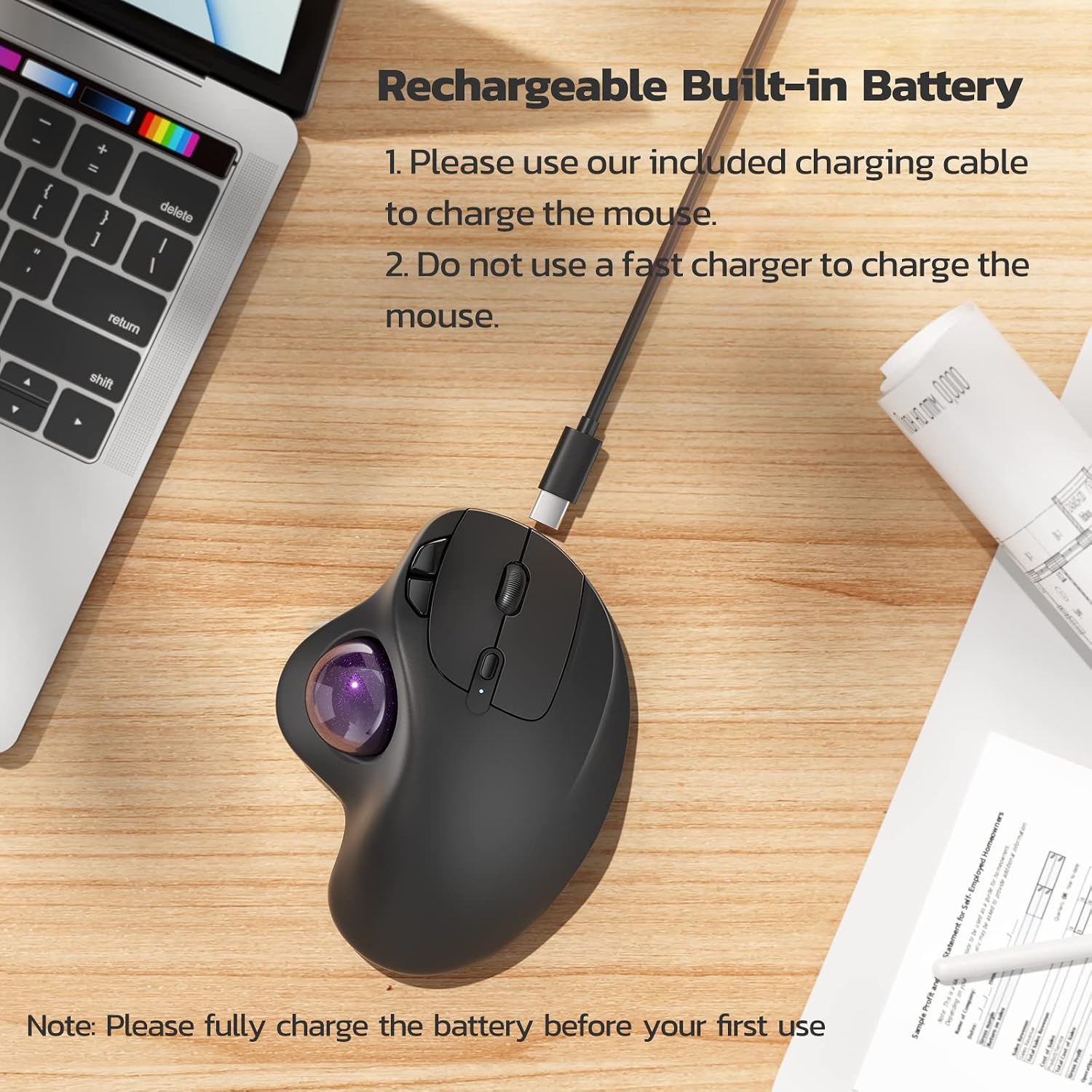
The M501 has a built-in rechargeable battery, so you’re meant to avoid changing dry batteries. The note is fairly clear: fully charge before first use.
There are also charging guidance details you’ll want to follow. It says to use the included charging cable, and it advises against using a fast charger. Instead, it suggests charging via a computer USB port or a 5V charger.
That’s not a deal-breaker, but it does mean your charging habits matter a bit more than with some devices that tolerate higher-output chargers.
Tech specs
- Type: Wireless trackball mouse
- Name: Nulea M501
- Connection: Bluetooth or USB receiver
- Device support: Up to 3 devices
- Battery: Built-in rechargeable (dry-battery replacement style)
- DPI: Adjustable
- Buttons: 6 button high performance layout (all buttons not programmable)
- Compatibility mentioned: PC, laptop, Mac, Windows
Final verdict
It’s a solid pick if you want a wireless ergonomic trackball mouse with thumb-led control, plus the convenience of switching between up to three devices using Bluetooth or a USB receiver. It’s especially worth considering if you work in tight spaces, prefer staying in one position while navigating, or you’re trying to reduce strain from constant hand movement.
It may not be the best choice if you specifically need fully programmable buttons or advanced customisation. Also, if you’re expecting highly detailed sensor/DPI performance specs, the information provided here is more about the overall experience than precise technical depth.
If you like the sound of “stay put, move the trackball”, the M501 fits that philosophy. If you need extensive remapping or lots of software-driven control, you may want to look for a more custom-focused trackball alternative.
Mini FAQ
Is it easy to switch between devices?
Yes. The mouse is designed to connect up to 3 devices via Bluetooth or USB receiver, and you switch between them using a button on the bottom.
Does it use rechargeable power?
Yes, it has a built-in rechargeable battery. The notes say to fully charge before first use.
Can the buttons be programmed?
No. The description explicitly notes that all buttons are not programmable.
What charging should I use?
Use the included charging cable. It also advises against fast chargers and suggests charging from a computer USB port or a 5V charger.
What kind of user is it aimed at?
It’s aimed at everyday users on PC/laptop/Mac with Windows mentioned, especially if you want ergonomic thumb control and smoother cursor placement in cramped setups.