

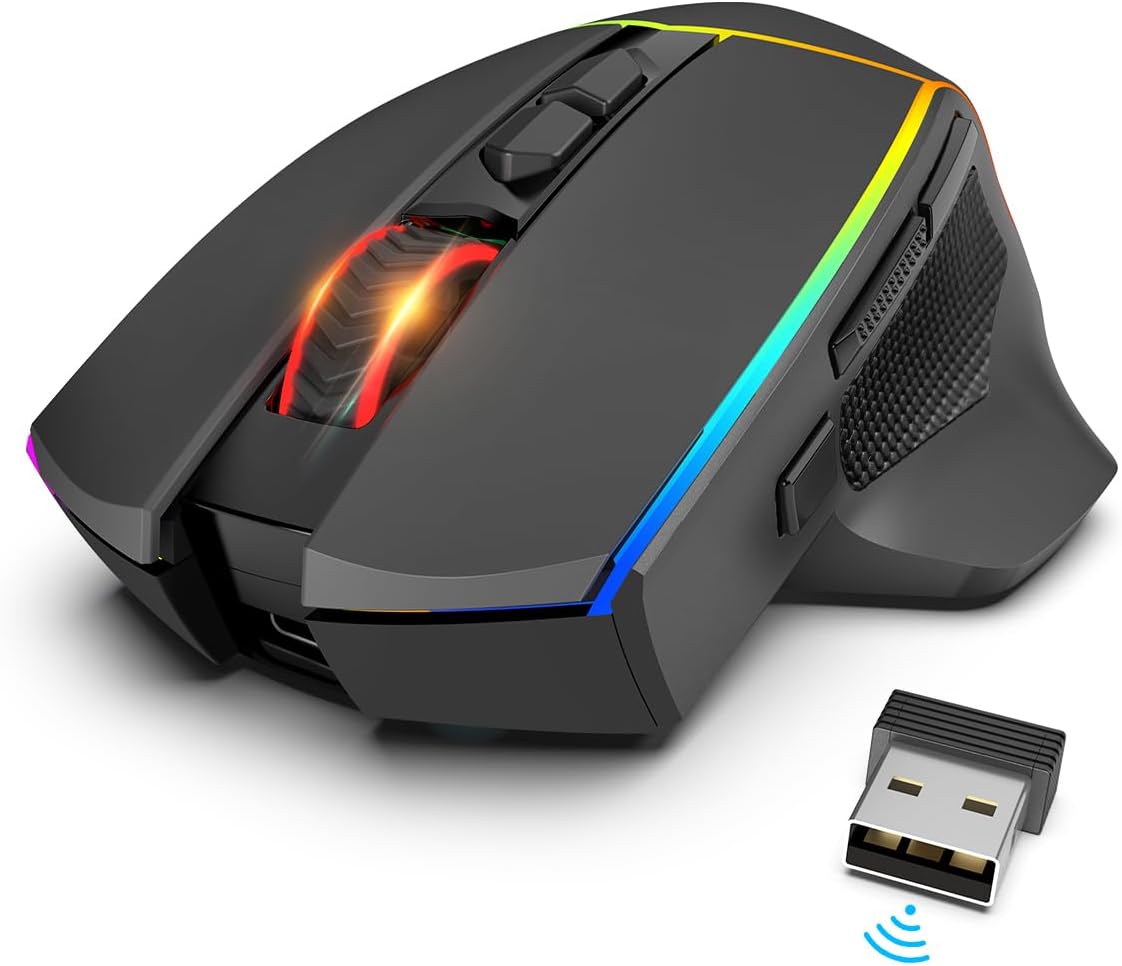
Redragon M814 Wireless Gaming Mouse: Tri-Mode Precision and Programmable Customisation
Product description
What this is and what it aims to solve
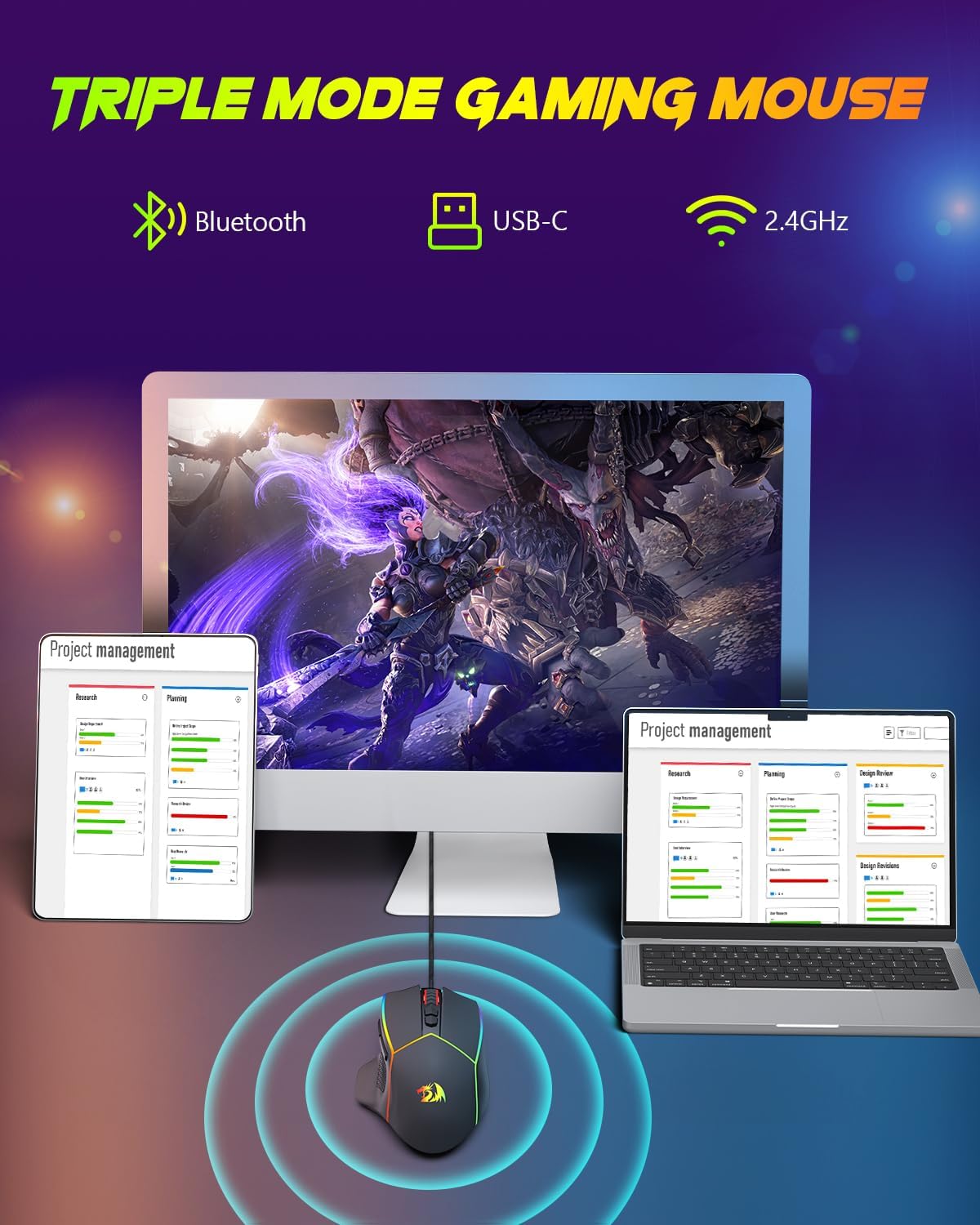
The Redragon M814 is a wireless gaming mouse that offers three connectivity modes—Bluetooth, 2.4G wireless, and wired USB-C—so you can switch between devices and operating systems without fuss. It’s designed to suit gaming sessions on a laptop, PC, or tablet, and can double up for work tasks when you’re on the move. The goal is simple: keep latency low, offer reliable cross‑device control, and provide customisation that suits varied preferences.
How it performs on paper
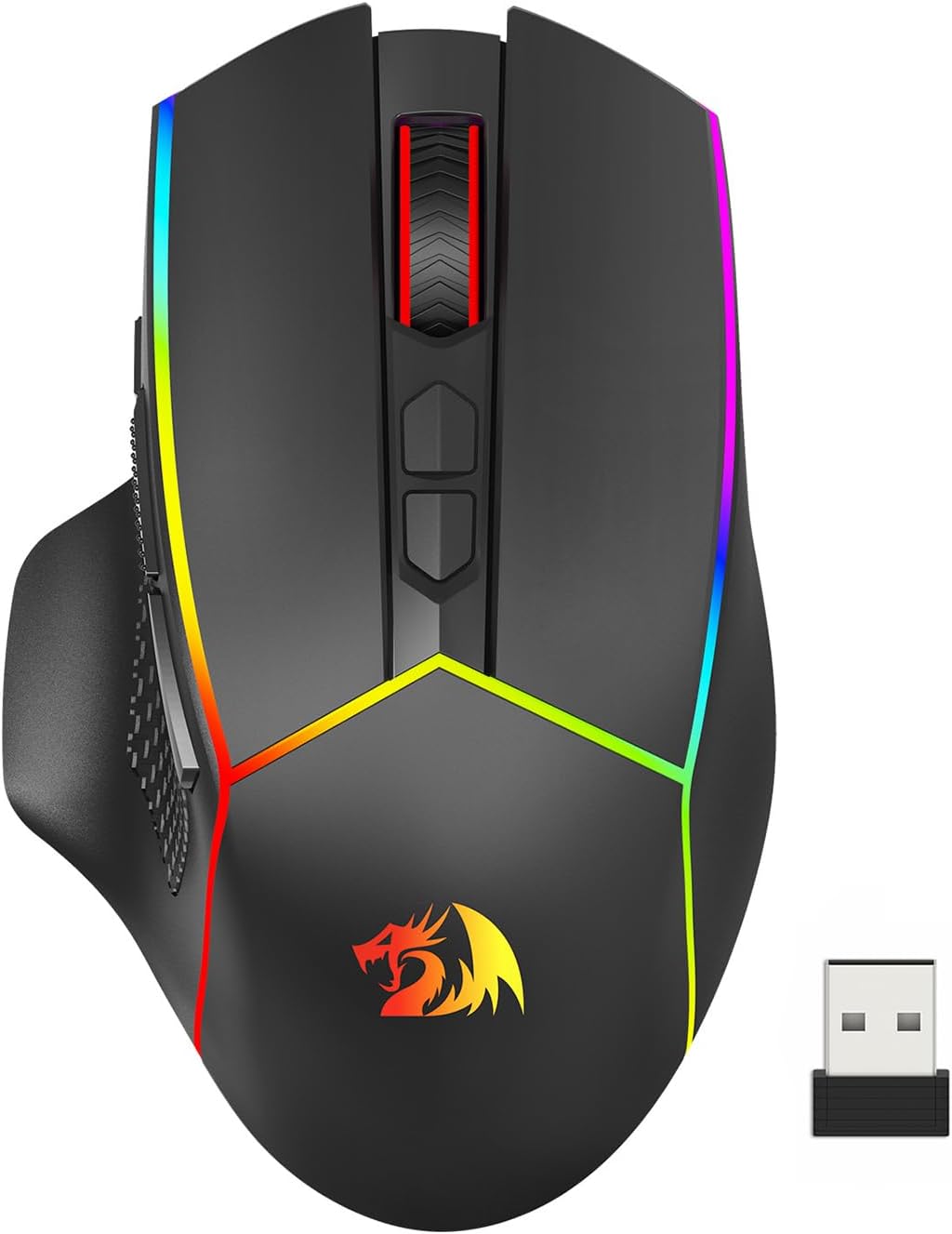
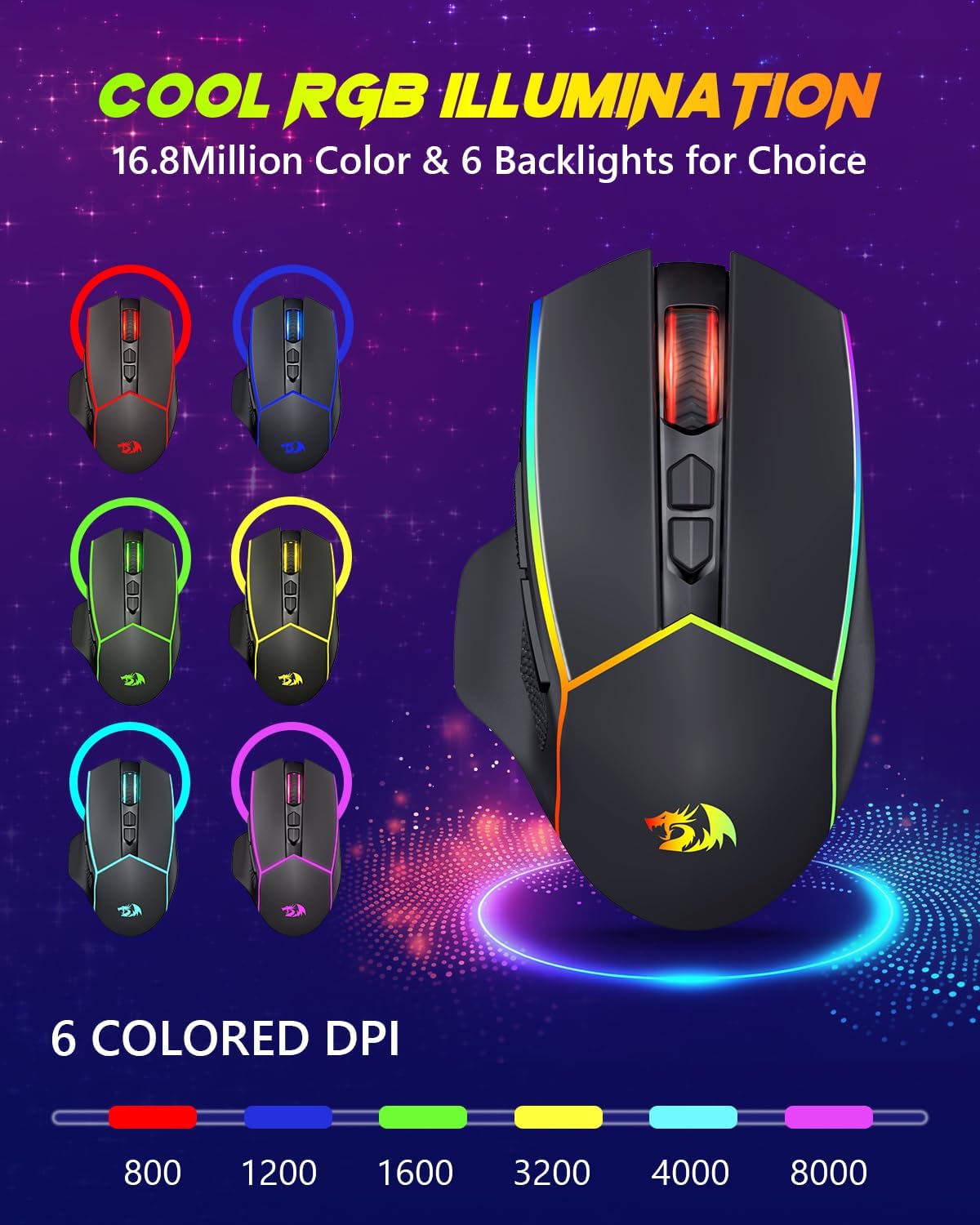
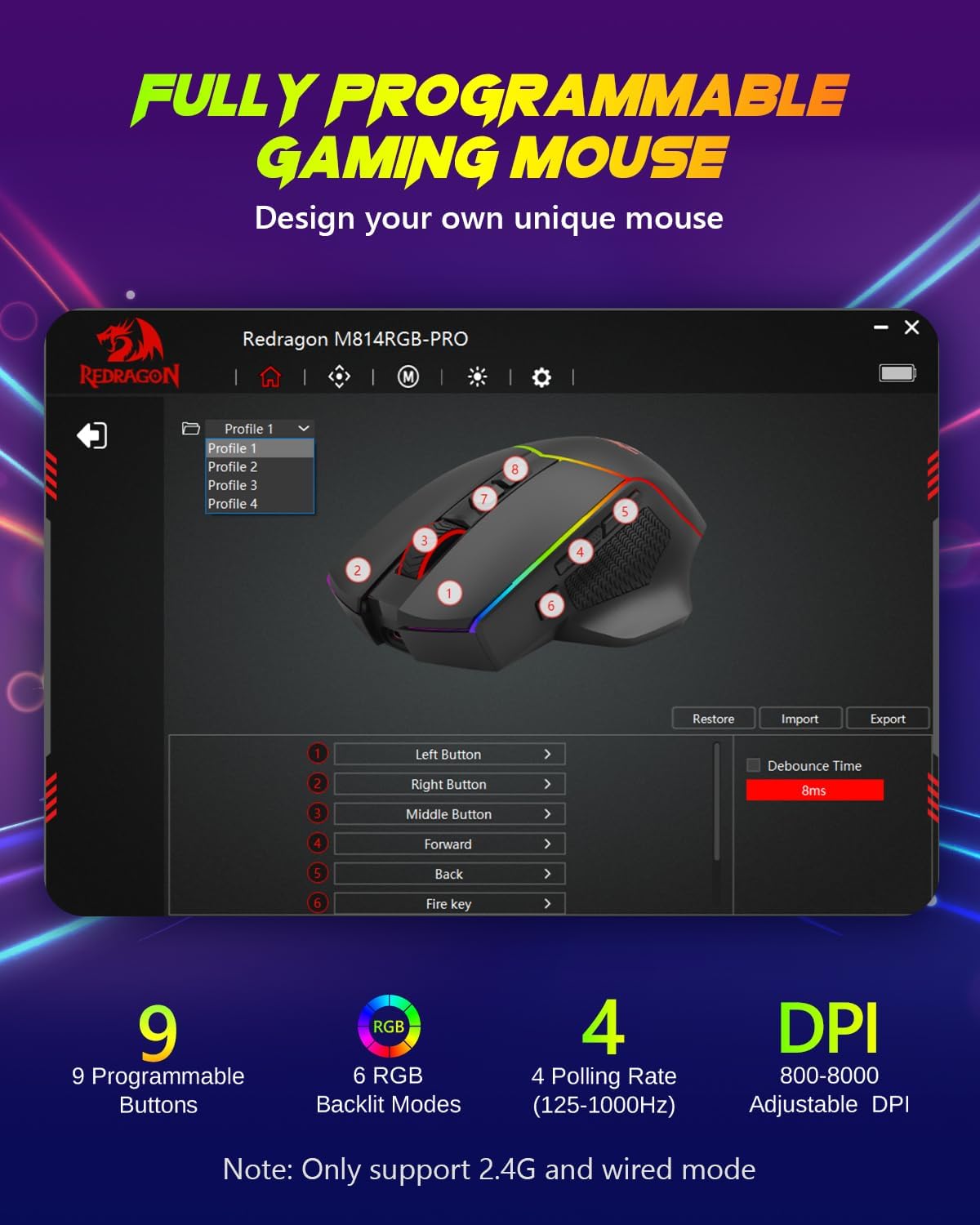
On the matter of precision, the M814 provides a DPI range from 800 to 8000, giving you flexibility from gentle cursor movement to high-speed tracking. You can tailor accuracy to different games or work tasks. There are four polling rate options (125Hz, 250Hz, 500Hz, 1000Hz) so you can prioritise responsiveness for fast FPS moments or extend battery life when you’re not playing competitively. All buttons are fully programmable via the driver, with macro editing and RGB backlighting that supports a broad colour spectrum.
What stands out in everyday use
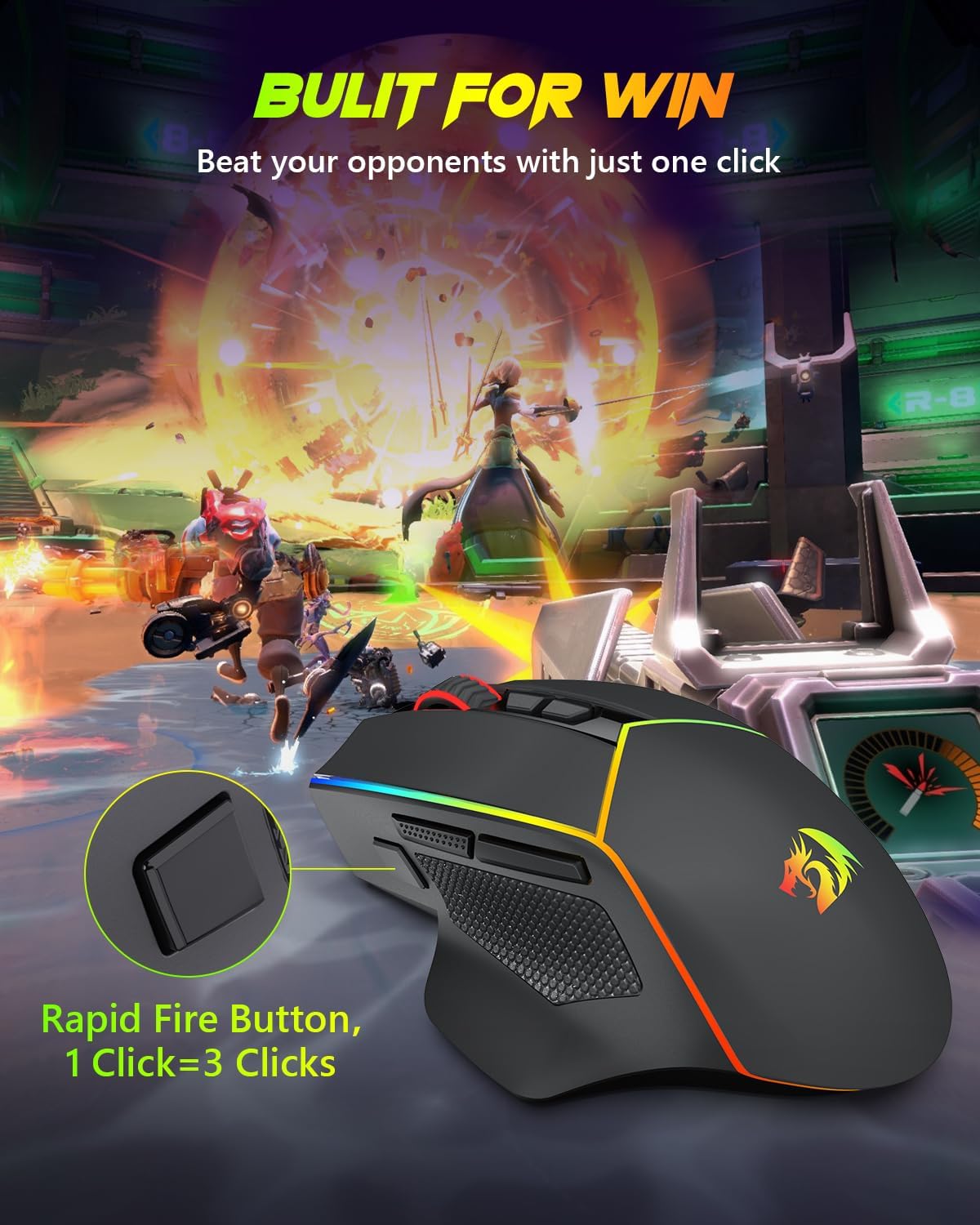
The ergonomic design is intended to suit prolonged sessions, while the “fire button” (one click equals three) can be handy for rapid actions during intense gameplay. The RGB illumination has six preset effects, letting you personalise the look to match your setup or mood. Importantly, you can use the mouse while it’s charging, which helps when you’re tethered to a desk or using a laptop where battery life is a concern.
The best matches for this mouse
If you prioritise cross‑device flexibility, the tri‑mode connectivity makes this a practical option for mixed setups—home PC, laptop on the move, or a tablet/phone in a meeting where you need a dependable point of control. The fully programmable aspect is useful for players who want custom button layouts or macros, especially in genres that reward quick, repetitive actions.
Where it may fall short
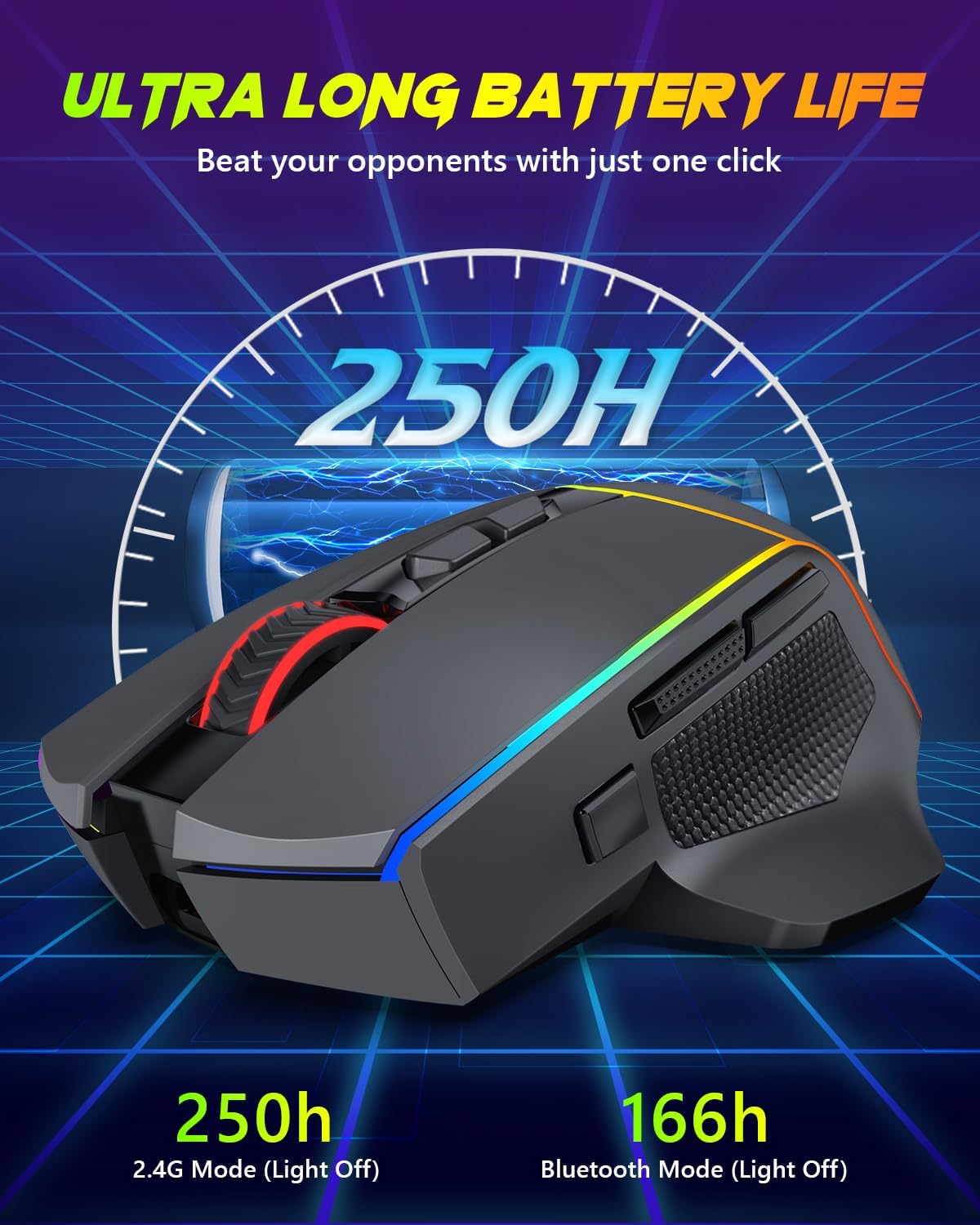
No product is flawless at a glance. The M814’s power life is contingent on RGB usage and connectivity, if you frequently play with full RGB and on high DPI, expect to recharge more often. While the 8000 DPI is generous, some users may prefer higher polling rates or additional features not listed here. It’s also worth noting that macro functionality depends on the driver, so updates or compatibility with your system could affect how you set up profiles.
Who should consider it
It makes sense for gamers who want a single mouse for multiple devices and a reasonable level of customisation without moving into specialist hardware. It also suits users who value a practical, rechargeable wireless option with the option to work in a wired mode while charging.
Who might want to look elsewhere
If you’re after ultra‑lightweight mice, extreme DPI beyond 8000, or a model with built‑in wireless charging, this model may not be the best fit. Those who prefer a fixed one‑device setup with fewer configuration steps might also find options that feel more plug‑and‑play.
What to check before buying
- Confirm your primary workflow and whether you’ll be switching often between devices, ensure the BT/2.4G/Wired setup aligns with your hardware.
- Decide how much you value programmable buttons and macros, and whether you’ll use driver software regularly.
- Consider how often you’ll game with RGB lighting on, as this impacts battery life when using wireless modes.
- Check if your usual gaming surfaces are compatible with the sensor performance at different DPI settings.
Practical usage example
Imagine you’re gaming on a laptop during a train ride, then switching to a desktop at home. With tri‑mode connectivity, you can stay on the same mouse, quickly pairing to each device without fiddling with adapters. The ability to customise DPI and macros means you can tailor sensitivity for precise headshots in a shooter, while mapping complex routines for strategy titles.
Quick comparison of approaches
If you mostly game on one system, a wired mouse or single‑mode wireless option could be simpler and lighter on battery. If you need versatility across devices and the chance to set up personalised macros, the M814’s blend of programmability, DPI range, and multiple connectivity modes offers a balanced middle ground.
Is it worth it?
Final verdict: Worth considering if you need a versatile, rechargeable wireless mouse that works across multiple devices and you value programmable controls. It won’t be the lightest or the most feature‑dense option in its price band, but it provides sensible flexibility for a mixed‑device setup and reasonable battery life when used with RGB off.
FAQ
- Can the M814 connect via Bluetooth, 2.4G, and USB-C simultaneously? It supports three modes and can switch between them, but you use one mode at a time depending on the device.
- How adjustable is the DPI and how does that affect gaming? DPI ranges from 800 to 8000, with 4 polling rate options to balance responsiveness and power use.
- Is macro editing supported on all systems? Macro editing is supported via the driver, availability may depend on driver compatibility with your OS.