

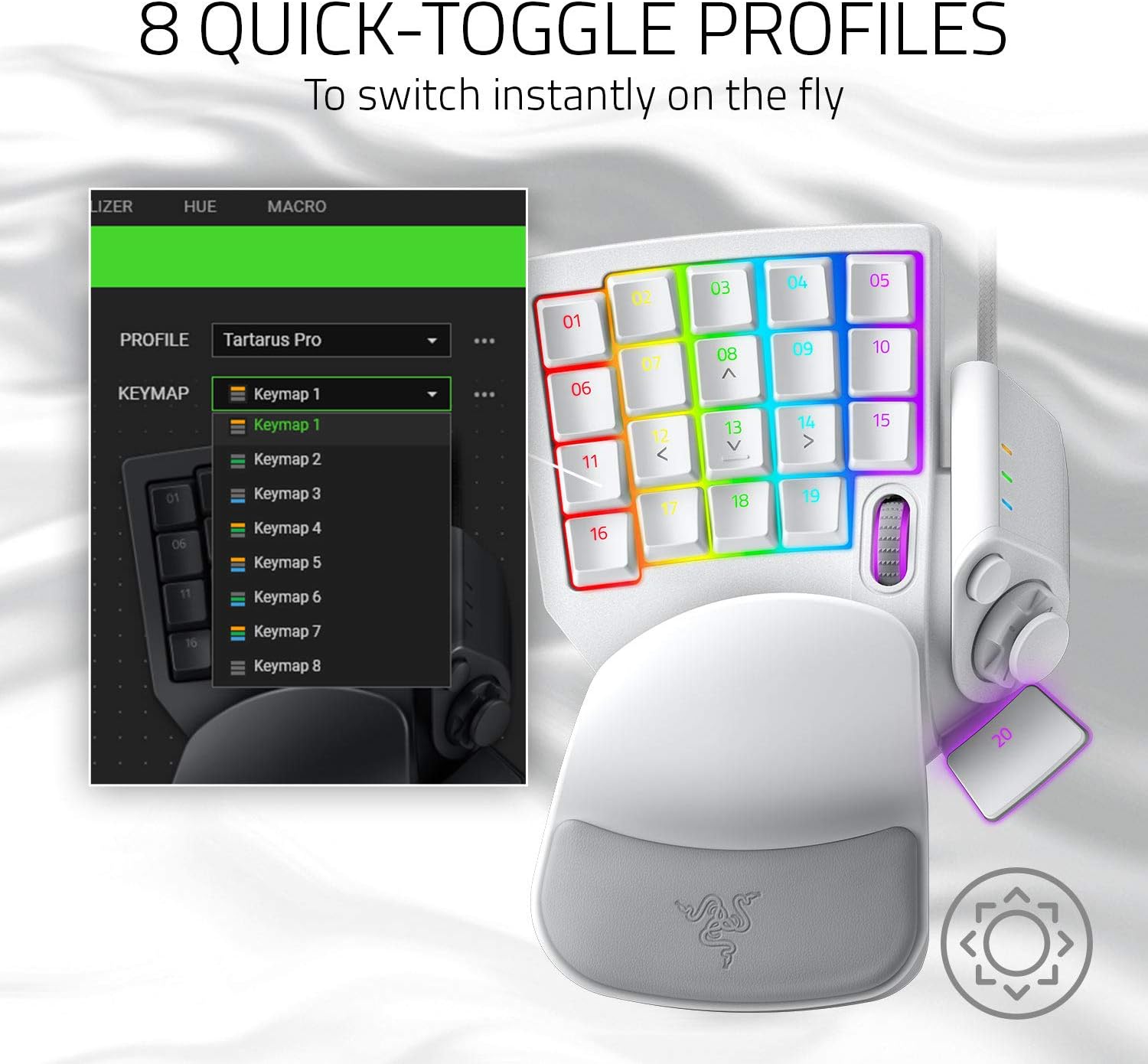
Razer Tartarus Pro gaming keypad with Rapid-Trigger analogue-optical buttons and 32 programmable keys
Product description
The essentials
If you play on PC and you’re tired of reaching for the keyboard just to strafe, dodge or manage abilities, a gaming keypad can make day-to-day movement feel far more natural. The Razer Tartarus Pro is built around that idea, but it leans into a more advanced approach than many basic keypads: it uses analogue-optical switches with Rapid-Trigger behaviour, and it’s designed for players who want finer control than “press once, get one output”.
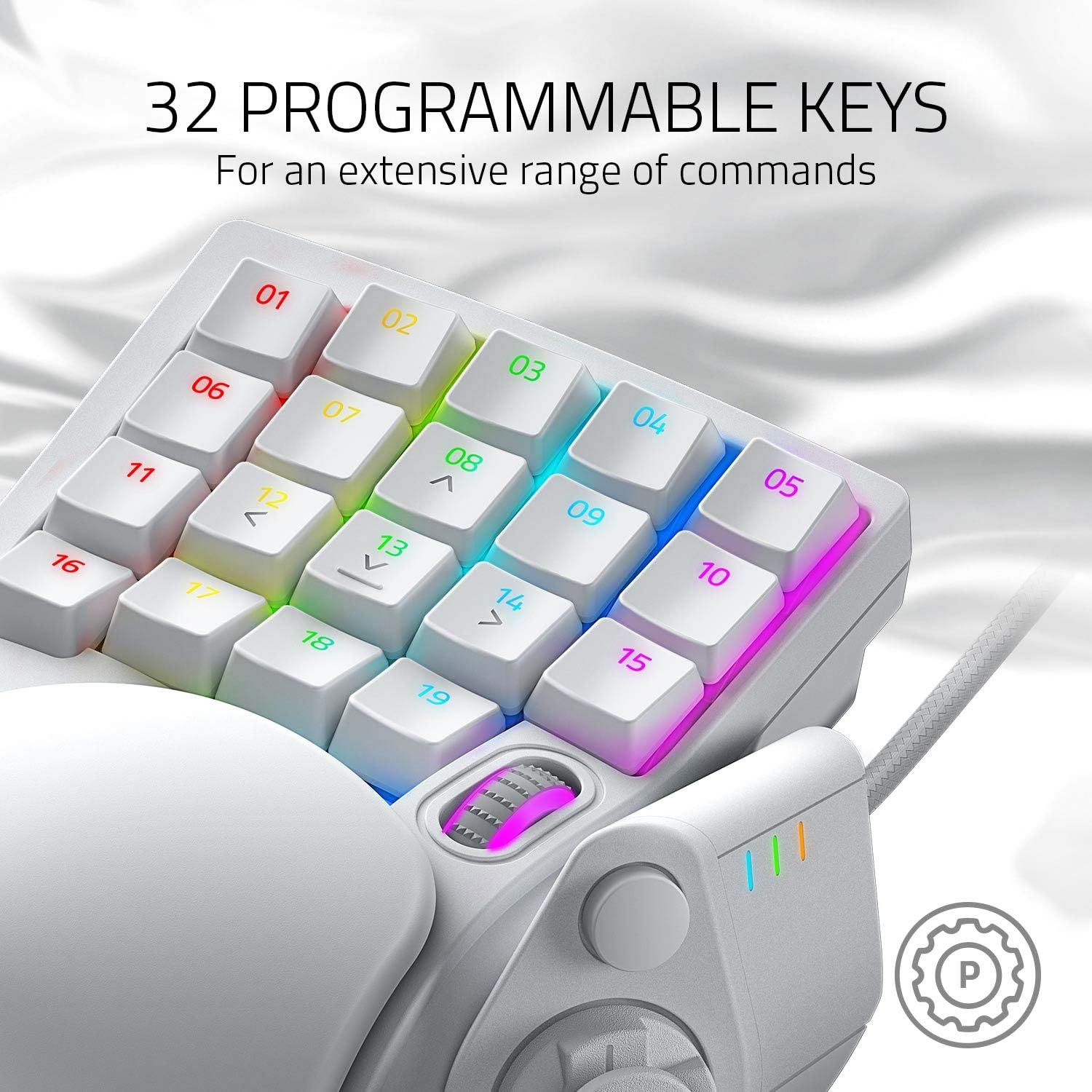
On paper, it’s aimed at people who spend a lot of time in first- and third-person games (where faster repeat actions for movement can matter) and those who like mapping movement, combat and utility commands onto a compact layout. It also supports a fairly deep configuration setup with 32 programmable keys, 8 profiles, and the ability to store macros.
That said, it’s not the kind of device you’ll automatically love if you just want a few extra binds. The extra control features are powerful, but they also come with a learning curve—especially if you’re new to analogue-style input scaling.
Key takeaways
The biggest differentiator here is the combination of Rapid-Trigger mode and analogue-optical scaling.
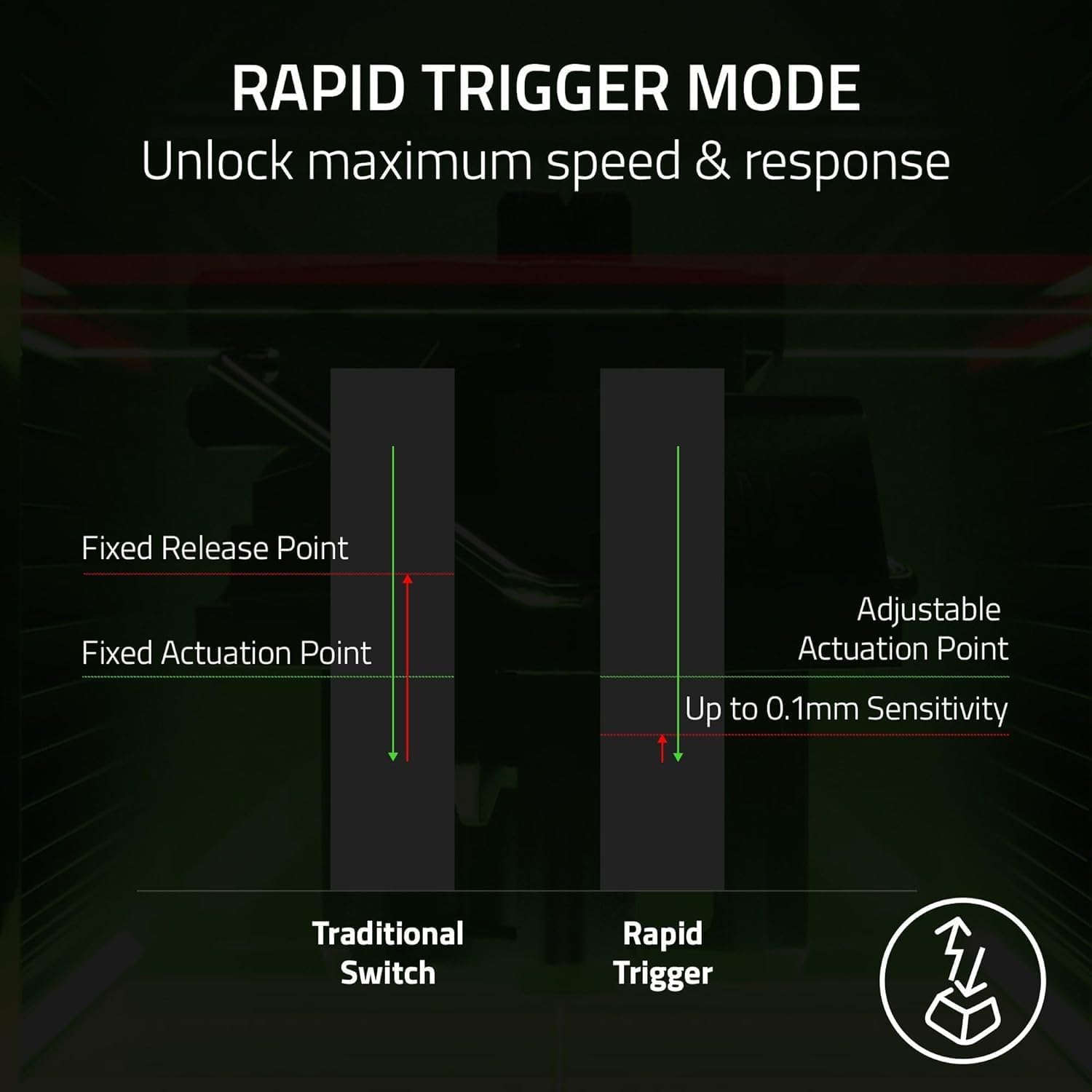
Rapid-Trigger is described as a mode that lets you release and repeatedly press keys at a faster rate than standard keyboards, with a reset at the slightest lift of a finger. In practical terms, it’s the sort of behaviour you’d be looking for when you want quick tap-like inputs for movement actions—think rapid strafing or repeated pressing patterns during fights.
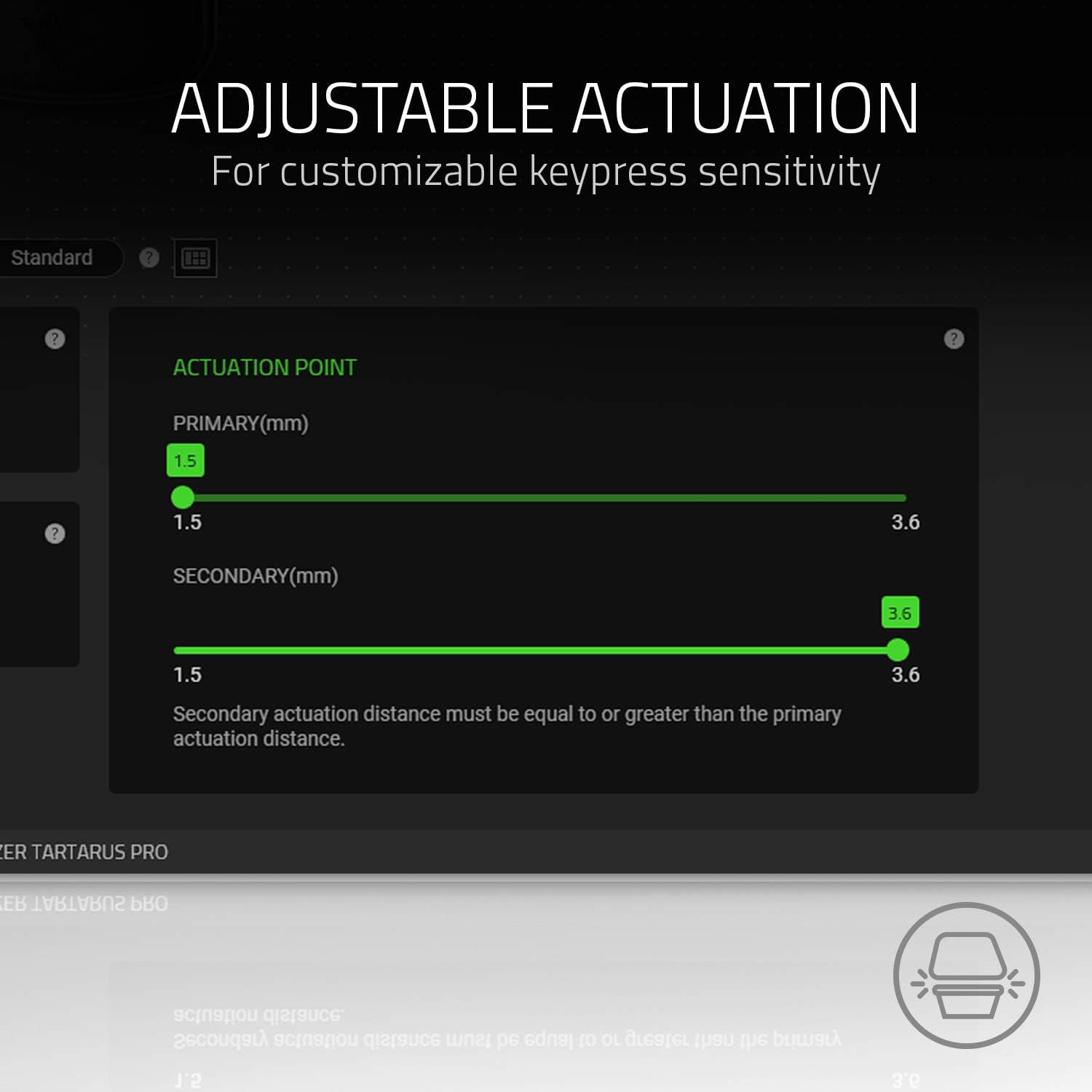
Then there’s Adjustable Actuation, which lets you set how far a press needs to travel (listed as 1.5 to 3.6 mm) so the keys can feel more sensitive or more deliberate depending on your playstyle. If you’ve ever felt that keyboard keys either fire too easily or demand too much movement, this is the feature that targets that exact frustration.
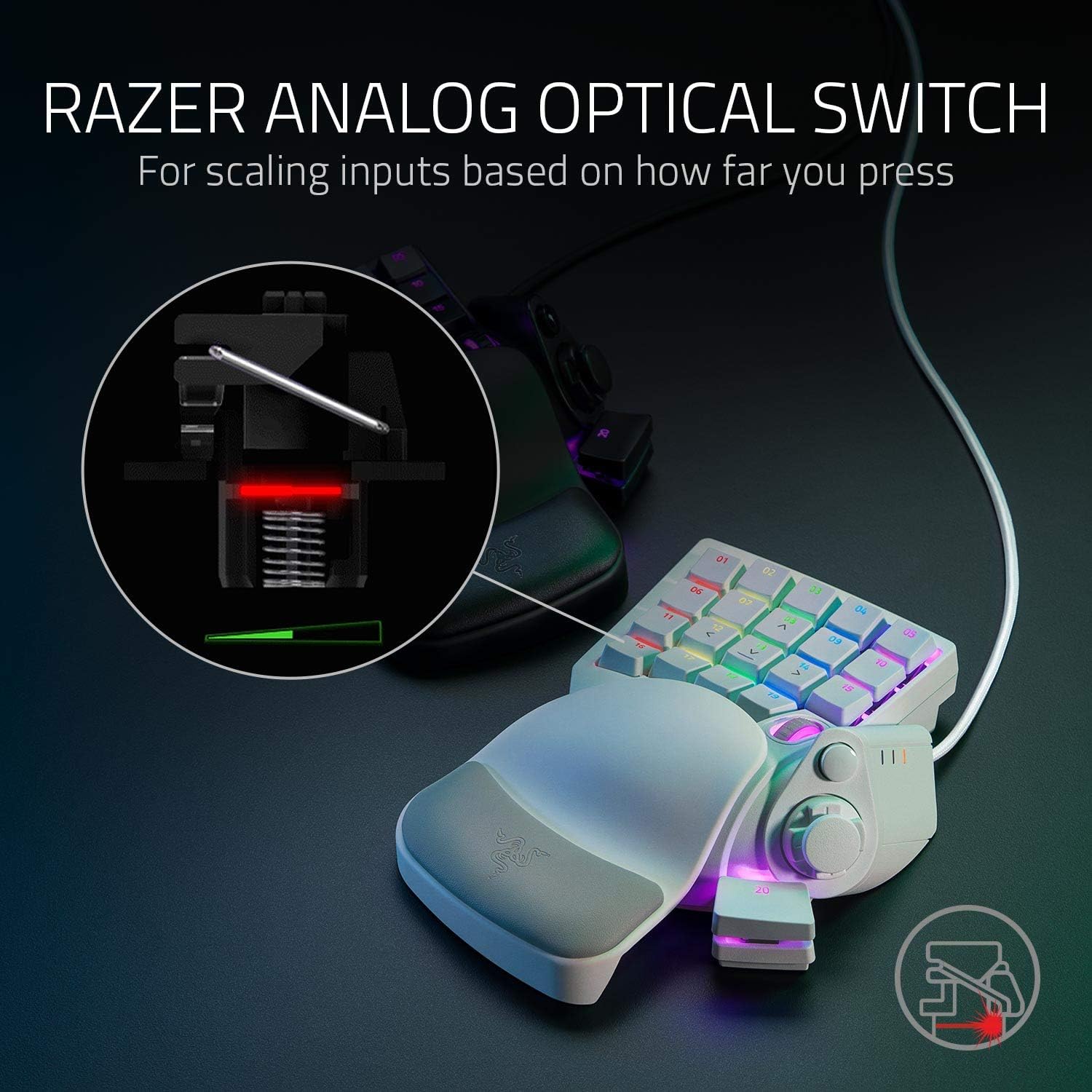
Finally, the analogue-optical switch approach supports scaling inputs based on how far you press. Instead of just one input per keystroke, these switches can register different levels. That opens the door to more controller-like control thinking—similar in spirit to thumbstick-style nuance—though it will only feel worthwhile if your game and your own mappings take advantage of that extra range.
What you’ll notice day to day
Where the Tartarus Pro stands out is in the way it’s set up for quick command access and repeated actions.
- Speed-focused movement input (Rapid-Trigger): If your gaming relies on tight, repeated key presses, the “reset on slight lift” idea is built to reduce delay compared with physical key repeat behaviour on a typical keyboard. It’s especially positioned as useful for movement in first- and third-person games.
- Custom sensitivity (Adjustable Actuation): Being able to tune actuation distance matters if you play in long sessions and you want consistent feel without accidental misfires.
- Analogue-style control (scaling inputs): In theory, you get deeper control because the same keystroke can produce scaling levels. That can be great when you want a variable response rather than a binary on/off.
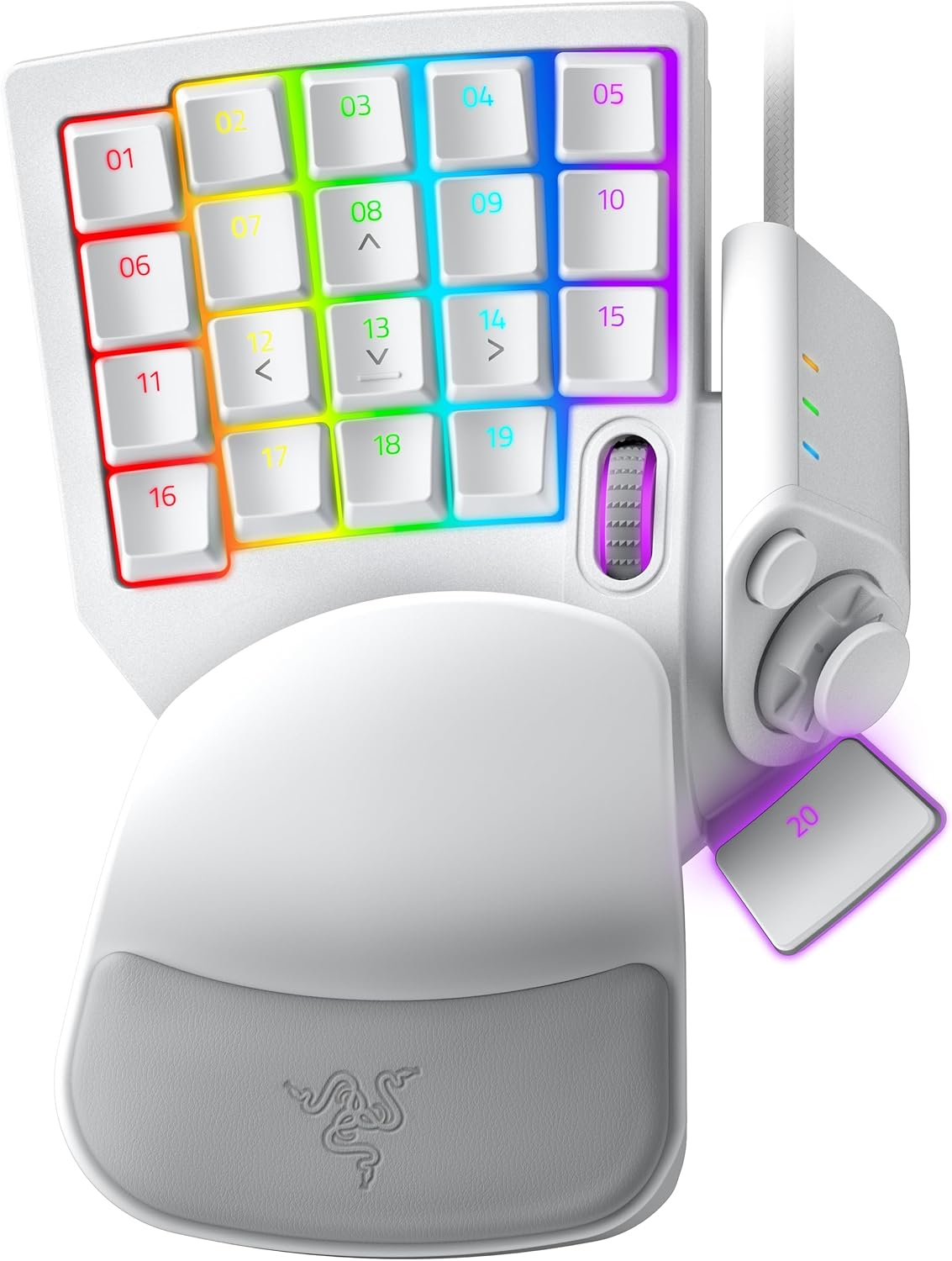
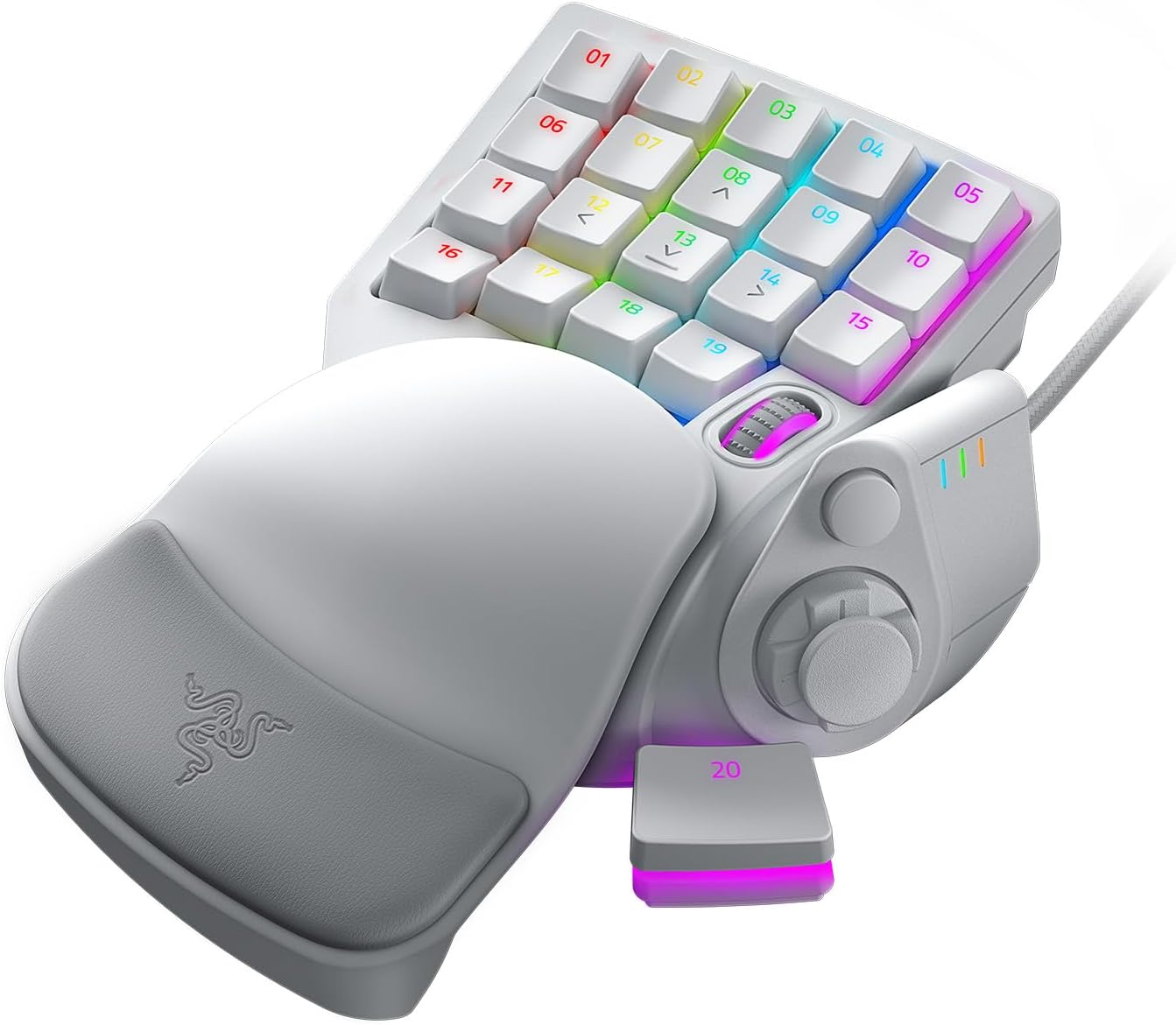
The rest of the device is fairly straightforward but still practical: 32 programmable keys, plus an 8-way directional thumbpad that can be assigned for navigation or additional commands. If you like having everything within easy reach, this kind of layout can reduce keyboard swapping mid-match.
One more detail that’s easy to overlook: Dual-Step Actuation can bind two functions per key—one on a partial keystroke and another on a full keystroke. That’s a neat way to squeeze extra utility out of the same physical key area.
Tech specs
- Type: Gaming keypad / gamepad-style keypad
- Number of programmable keys: 32
- Rapid-Trigger mode: Release and repeatedly press keys faster than standard keyboards, reset at the slightest finger lift
- Adjustable Actuation range: 1.5 to 3.6 mm
- Switch type: Razer Analog Optical Switch
- Analogue input behaviour: Registers scaling levels based on how far you press
- Profiles: 8 quick-toggle profiles
- Thumbpad: 8-way directional thumbpad
- Macro support: Unlimited macro length and profile storage
- Dual-Step Actuation: Two functions per key (partial and full keystroke)
Where it shines (and where it doesn’t)
It’s a strong match if you’re the type of player who already thinks in keybinds and profiles, and you want more than a basic row of extra buttons. The ability to switch between 8 profiles quickly is useful when you’re changing games, roles, or loadouts and don’t want to redo mappings.
It can also make sense if you’re experimenting with more nuanced inputs. The analogue optical switching and scaling idea is a clear attempt to go beyond simple digital presses, and Dual-Step Actuation gives you another layer to assign two actions to one key.
However, it may not be the best choice if you only need a handful of extra commands or you’re not planning to set up macros and multiple profiles. In those cases, this keypad can feel like overkill—less about convenience and more about configuration.
Also, if your main goal is purely “faster key repeats” for movement, you’ll want to be comfortable setting up and tuning actuation and Rapid-Trigger behaviour. If you prefer plug-and-play simplicity, you may find the options a bit much.
Compatibility & requirements
The product listing provided focuses on features and controls, but it doesn’t include platform compatibility details. Before purchase, it’s worth checking the listing for what systems it supports (and whether any companion software or drivers are required), especially if you want the analogue features and profile/macros to work as intended.
Final verdict
When it makes sense
Buy the Razer Tartarus Pro if you want a PC gaming keypad that goes beyond “more buttons”, with Rapid-Trigger for faster repeat behaviour, adjustable actuation to dial in sensitivity, and analogue optical controls that can register scaling levels based on press depth. It fits players who use multiple profiles, care about movement input feel, and are willing to spend a little time setting it up.
It might not suit you if
Skip it if you’re after a simple, budget-friendly key remap for occasional use, or if you don’t want to tune actuation and learn how the analogue and dual-step behaviours translate into your game. It can end up feeling like a lot of features you won’t fully use.
Mini FAQ
Does Rapid-Trigger reset when I lift my finger slightly?
The description says it resets keys at the slightest lift of a finger, which is meant to support quicker repeated pressing than standard keyboards.
Can I adjust how sensitive the keys feel?
Yes. Adjustable Actuation is listed as 1.5 to 3.6 mm, so you can change how far a press needs to travel.
What does analogue-optical mean in practice?
Instead of only registering a single input per keystroke, the analogue optical switches can register scaling levels depending on how far you press.
How many profiles can I store?
It’s listed as 8 quick-toggle profiles, plus unlimited macro length and profile storage.
Is it good for movement in FPS games?
The feature description explicitly positions Rapid-Trigger as especially useful for movement in first- and third-person games.