

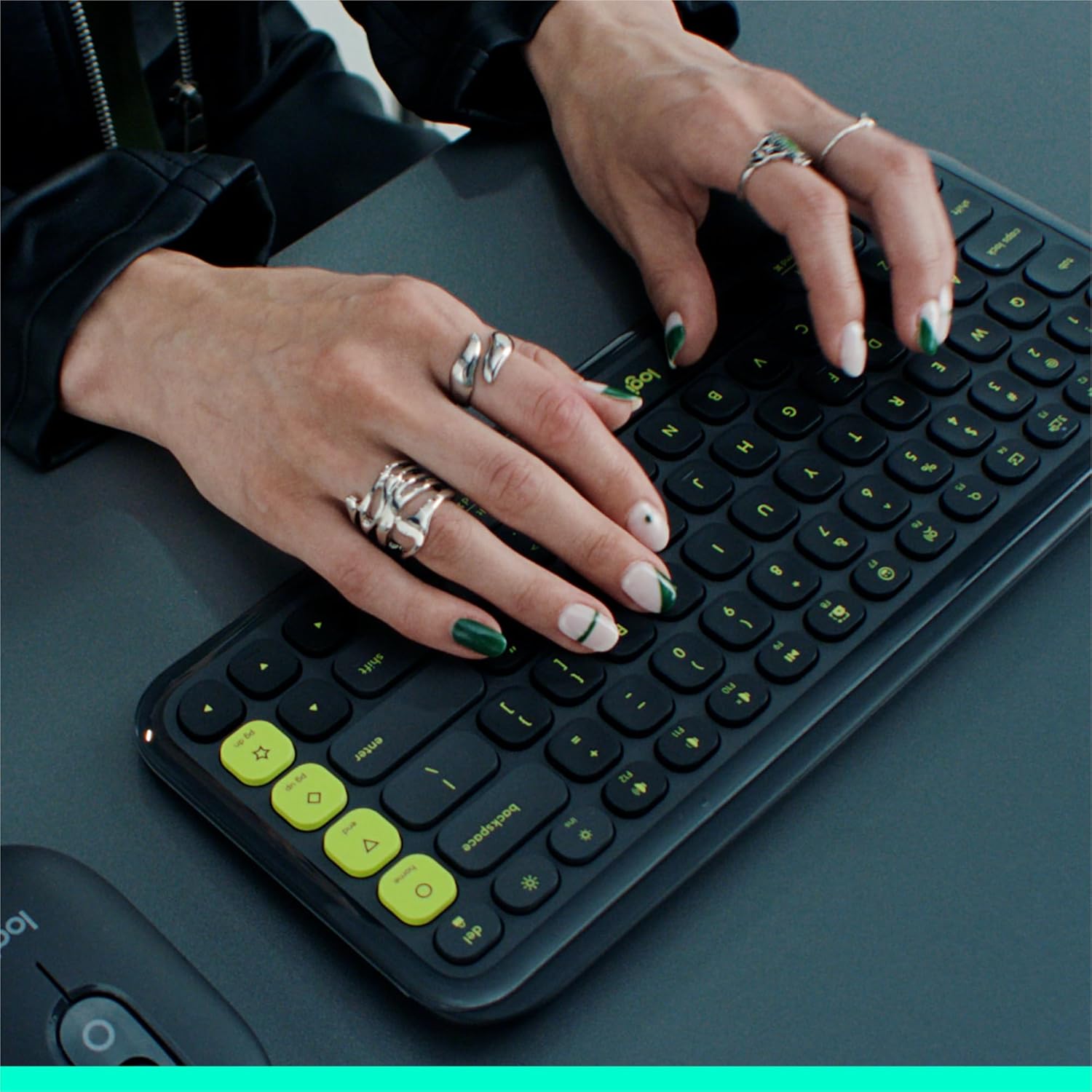
Logitech POP ICON KEYS Wireless Bluetooth Keyboard (QWERTY UK, Rose) with Programmable Action Keys
Product description
Quick overview for everyday buyers
If you want a wireless Bluetooth keyboard that feels friendly for daily typing (not cramped or clicky), the Logitech POP ICON KEYS is designed to sit in your workspace and actually get used. It’s compact, with low-profile keys that are contoured for comfortable, familiar “laptop-like” typing, plus a bold, colourful look with a detailed transparent frame.
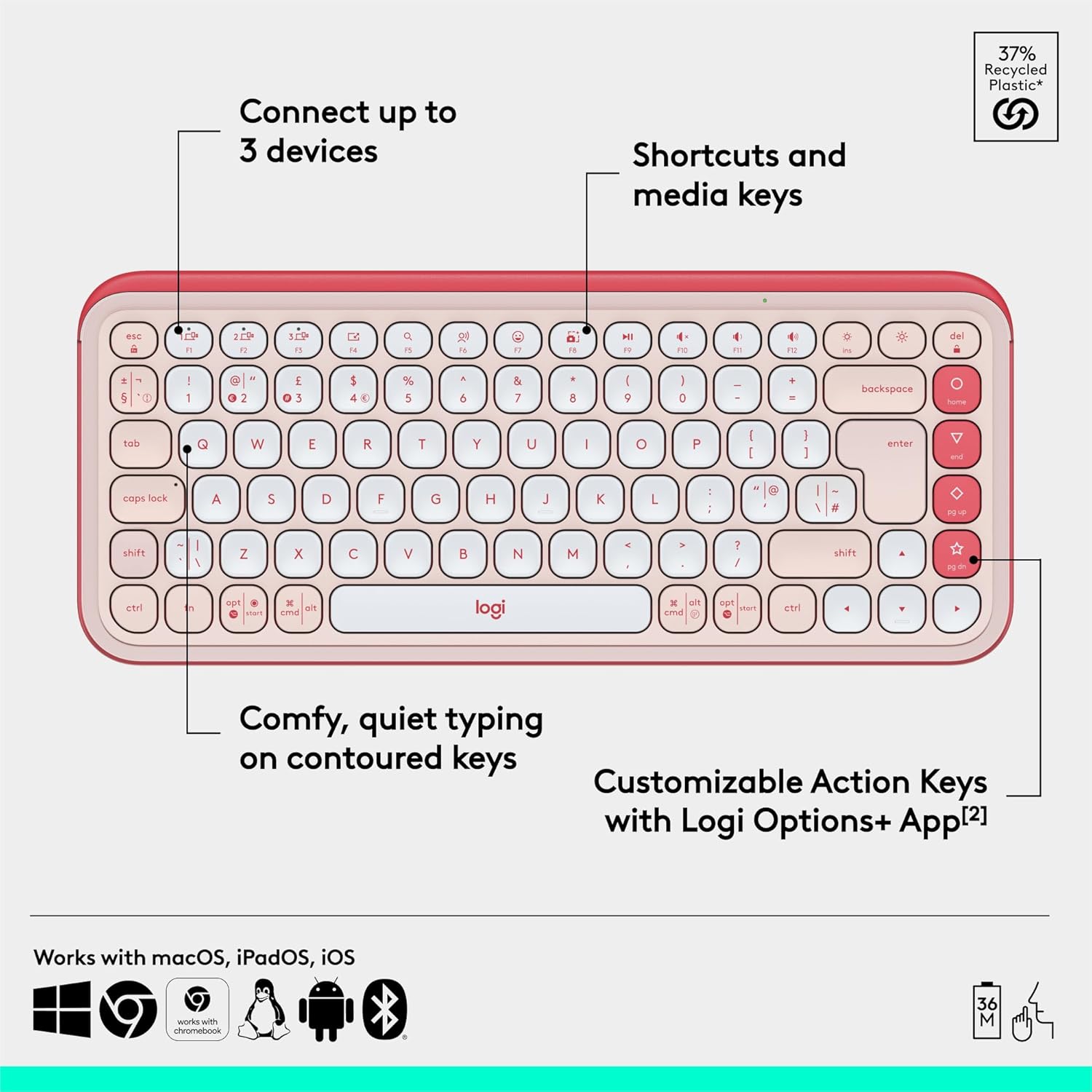
What makes it stand out on paper is the combination of Action Keys for shortcuts and an Easy-Switch button for hopping between up to three devices. That’s a practical feature if you regularly move between a laptop for work, a tablet for notes or media, and a second device for messages or entertainment.
One note before you get too excited: the keyboard is aimed at convenience and smooth day-to-day use, not people who need specialised keys or heavy-duty professional ergonomics. If that’s your priority, you may want to compare against more feature-dense options.
What to know: the “POPs” that matter
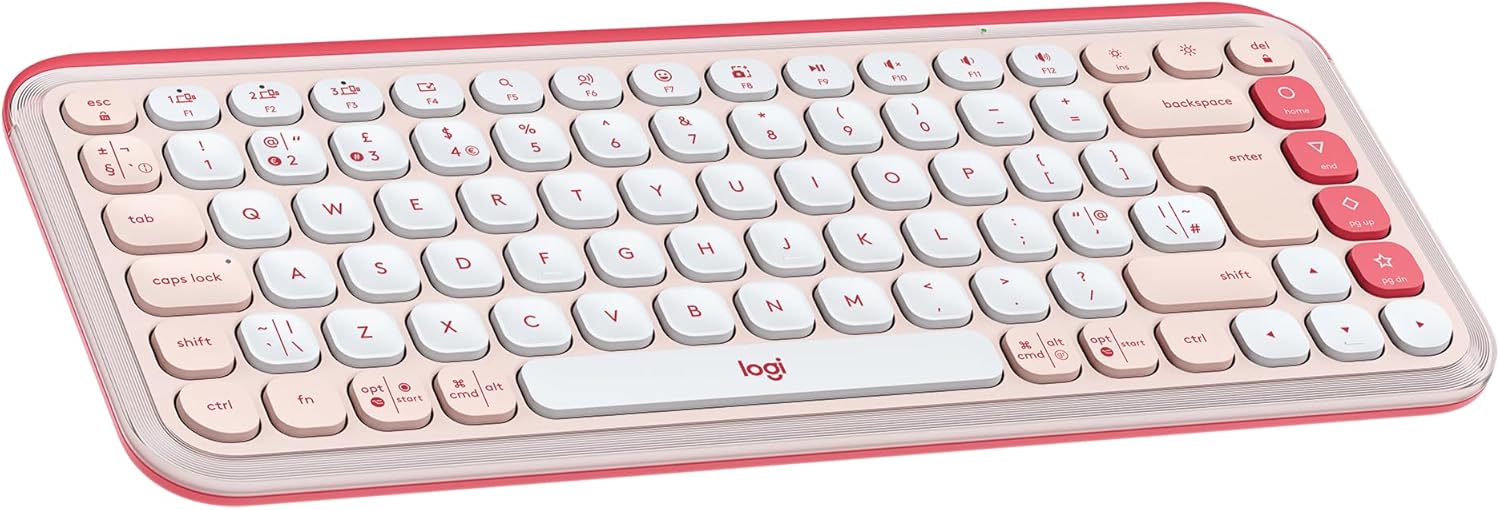
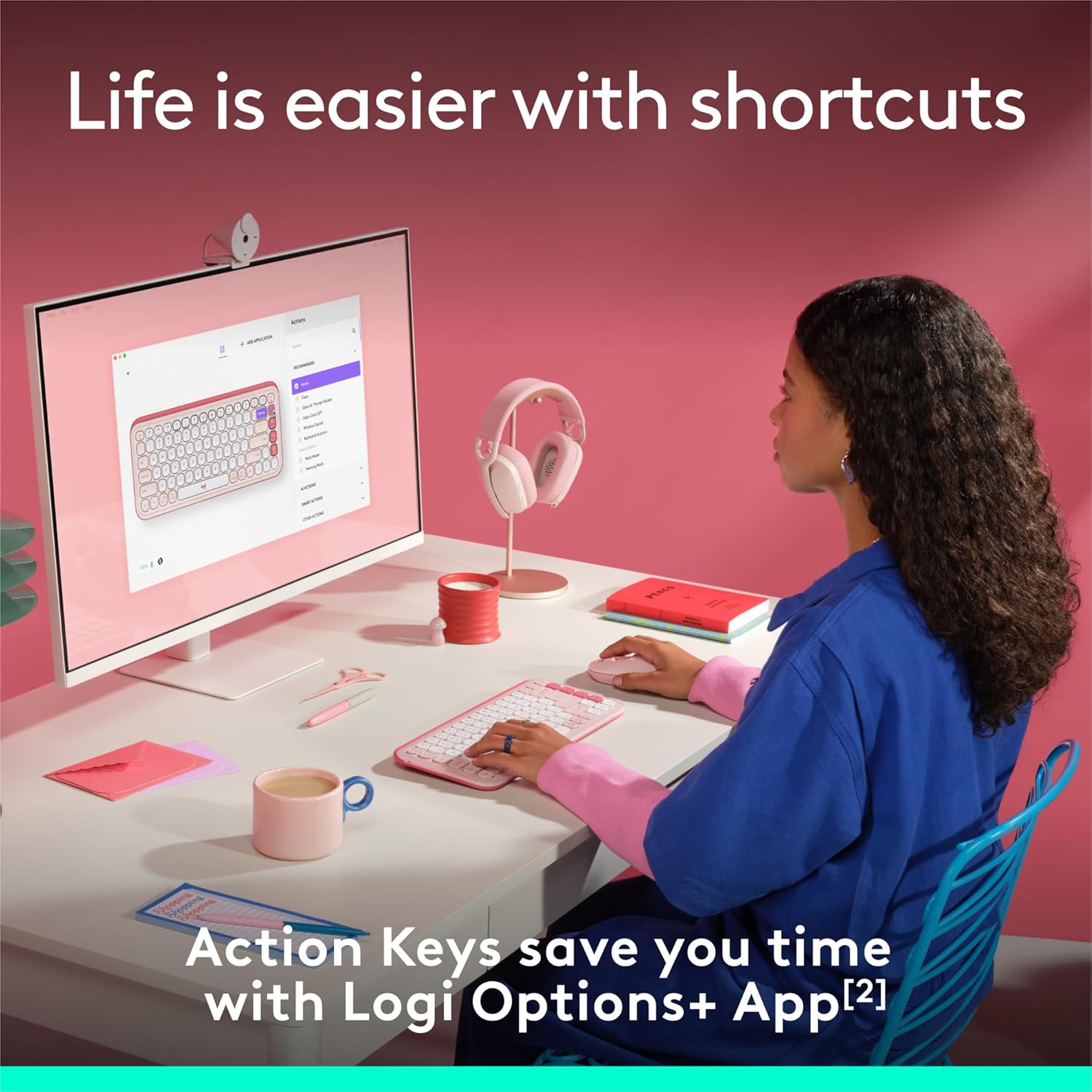
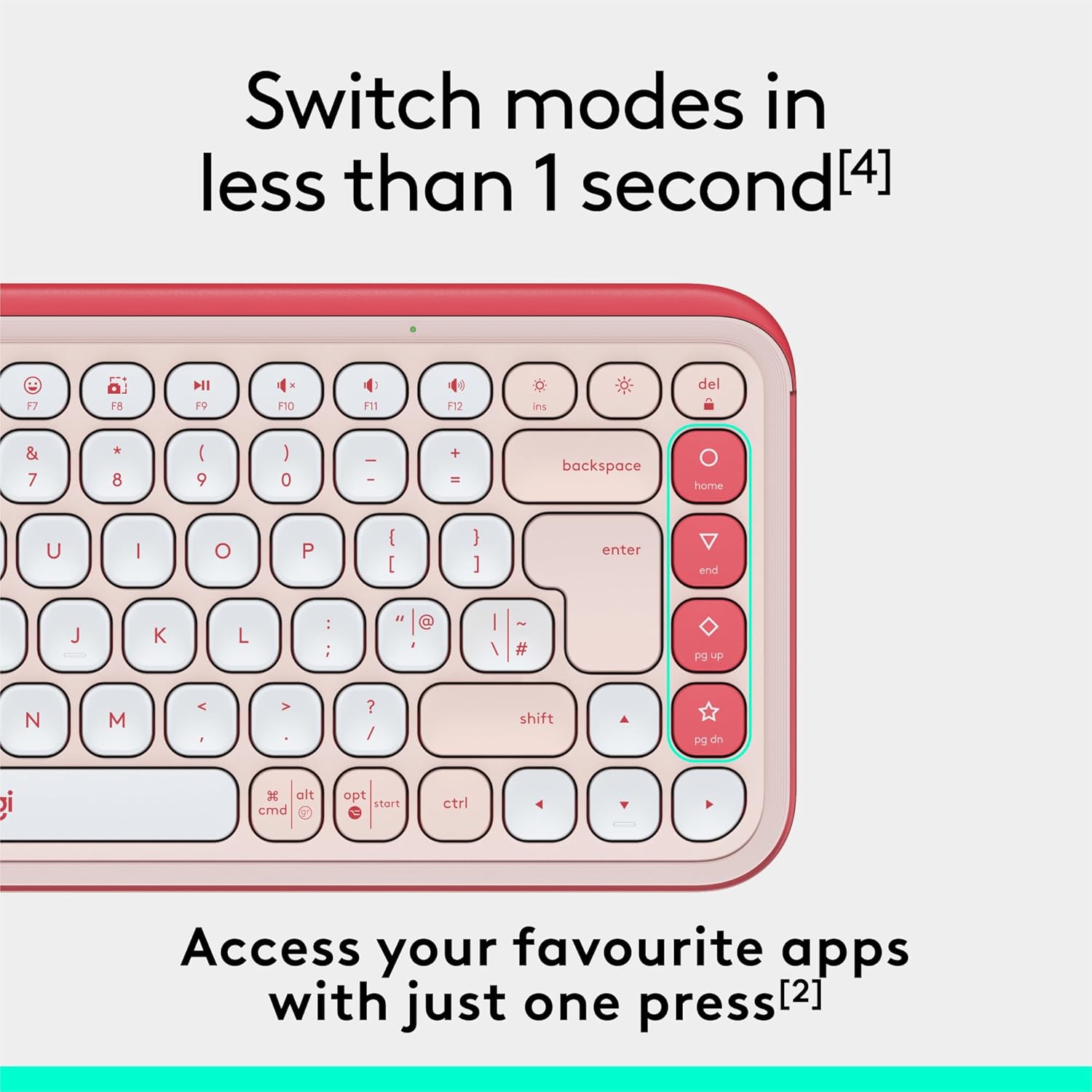
The POP ICON KEYS is built around quick interaction. The Action Keys are meant for shortcuts and custom actions, and the idea is that you can trigger tasks without hunting through menus. Logitech also positions it as an easy way to access AI tools via the Action Keys and Logi Options+ app “in less than 1 second” (as stated in the product description).
The three-device workflow
Easy-Switch lets you connect via Bluetooth to up to three wireless devices and swap between them with a press of the button. This is particularly useful if you split your time between different operating systems in the same day. The description states compatibility across Windows, macOS, iPadOS, iOS, and ChromeOS.
For example, you could type in a document on your PC, switch to your tablet to draft a quick message or comment, and then hop to your laptop again without re-pairing.
Comfort that’s meant to be noticeable
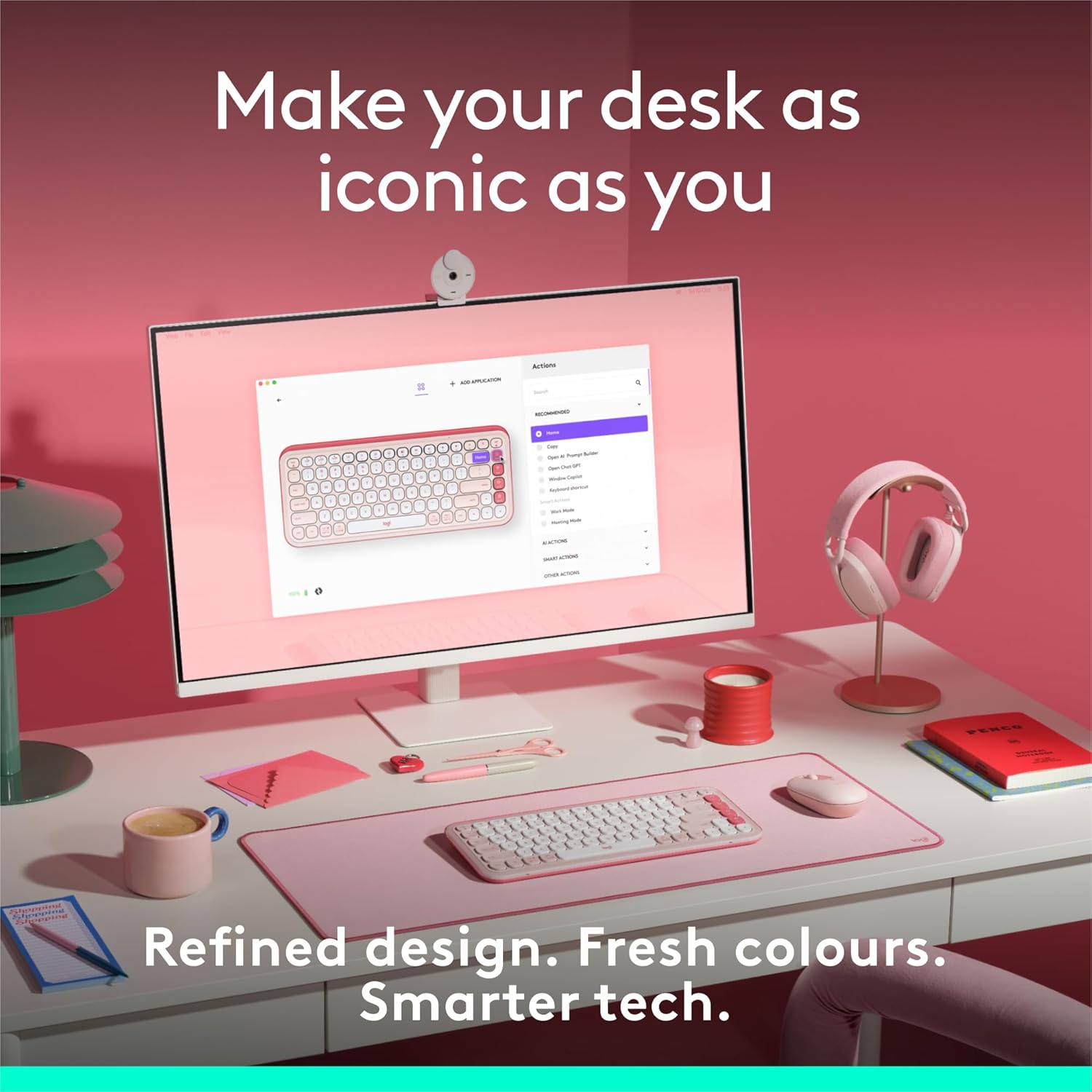
Typing comfort is the other big theme here: contoured, low-profile keys that fit your fingers, described as comfortable, quiet, and laptop-like. In real purchase terms, this is the sort of keyboard you choose when you expect to spend hours typing and you don’t want it to feel “off” after the first day.
Tech specs (only what’s stated)
- Type: Wireless Bluetooth keyboard
- Layout: QWERTY UK English layout
- Size/format: Compact keyboard (exact dimensions not provided)
- Connection: Bluetooth, connect to up to 3 devices with Easy-Switch
- Battery life: 3-year battery life (per the product description)
- Power: Power-saving auto-sleep mode
- Batteries included: 2 AAA batteries included
- Materials: Plastic parts include between 37% and 70% recycled plastic depending on colour
- Packaging: Packaging (including product wrap) from FSC-certified forests and other controlled sources
Key features you’ll actually use day to day
This keyboard’s value is strongest when your routine involves multiple devices and you like shortcuts.
Action Keys for faster moments: If you routinely switch between “work” and “break” type tasks, the description highlights quick access to modes such as Netflix and Spotify, and says you can also reach your AI tools quickly through the app. Whether you’ll use every preset or prefer custom actions is up to you, but the intent is clear: less clicking around.
Easy switching beats re-pairing: With up to three devices connected, it’s less hassle to jump between a laptop, tablet, and another computer or mobile device. It’s not perfect for everyone—if you mostly use one device and never want to swap, you may not fully benefit from the extra switching convenience.
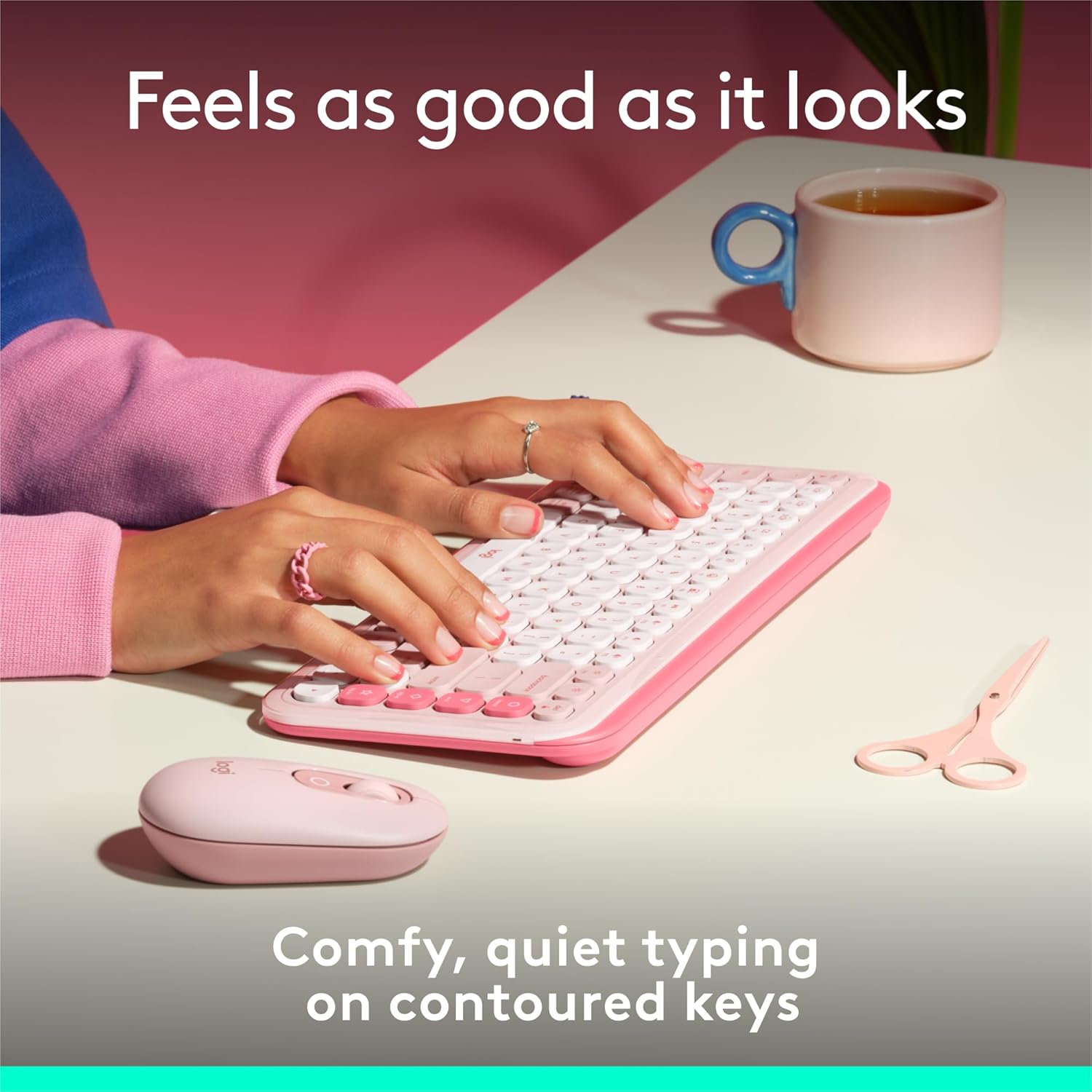
A design that isn’t trying to disappear: The bold aesthetic and transparent frame are part of the appeal. If you prefer a neutral, minimalist look, the rose colour and “express yourself” styling may be a bit more personality than you want.
What stands out (and where you should be cautious)
Why it’s a good fit
It makes sense if you want a compact wireless keyboard with comfortable, contoured keys, plus shortcut-focused Action Keys and one-button switching across up to three devices.
You may like it if you’re the kind of person who keeps a laptop on the desk but also uses a tablet for media, notes, or casual browsing—and you don’t want two separate keyboards cluttering your setup.
A limitation worth noting
Keep in mind that the convenience features lean heavily on the Logi Options+ app for customisation and the AI access mention. If you don’t want to use companion software, you might feel like you’re missing some of the keyboard’s most interesting “shortcut” potential.
Also, because the information provided frames this as compact and laptop-like rather than fully ergonomic, it might not satisfy anyone who needs a more specialised, workstation-grade layout.
Care & maintenance and what to check before buying
This is a straightforward Bluetooth keyboard, but before you commit, it’s worth checking a couple of practical points.
First, confirm the QWERTY UK layout suits you. Second, think about whether your setup really needs the up-to-three-device Easy-Switch approach. If you only use a single computer, you may want to compare value against simpler wireless keyboards.
On the everyday care side, you’re mainly dealing with regular cleaning: keep the keys free from crumbs and dust so the low-profile keycaps keep feeling consistent.
Mini FAQ
How many devices can I connect at once?
The description states you can connect via Bluetooth to up to three devices and switch between them with the Easy-Switch button.
Are the Action Keys programmable?
Yes. The product description describes them as customisable Action Keys, with the Logi Options+ app mentioned for shortcut and AI tool access.
What battery life does it offer?
It’s stated to have a 3-year battery life, plus a power-saving auto-sleep mode. Two AAA batteries are included.
Is it suitable for iPad or iPhone setups?
The description says it connects to devices including iPadOS and iOS, and you can switch across up to three connected devices.
Is it quiet?
The keyboard is described as quiet, with contoured low-profile keys intended to feel comfortable for typing.
When it makes sense
Buy the Logitech POP ICON KEYS if you want a comfortable, compact QWERTY UK wireless Bluetooth keyboard with easy switching between up to three devices and programmable Action Keys for shortcuts.
Skip it if you only use one device most of the time, or if you’d rather avoid companion software like Logi Options+ (because the most interesting shortcut/AI flow appears tied to that setup). For multi-device households and desk setups where you bounce between work and downtime, it’s the kind of keyboard that earns its space rather than just looking pretty on day one.