

Razer Ornata V3 X Low Profile Gaming Keyboard (UK QWERTY, Silent Membrane, UV-Coated Keycaps) – Black
Product description
The essentials
The Razer Ornata V3 X is a low-profile gaming keyboard aimed at people who want a more comfortable typing and gaming feel without the sharper “desk punch” that can come from traditional, higher keycaps. It leans into slimmer keys, shorter switches and a natural hand position so you can use it for longer sessions with less hand strain (on paper, anyway). It’s also built around quieter keystrokes thanks to silent membrane switches, which should make a noticeable difference if you game late or work in a shared space.
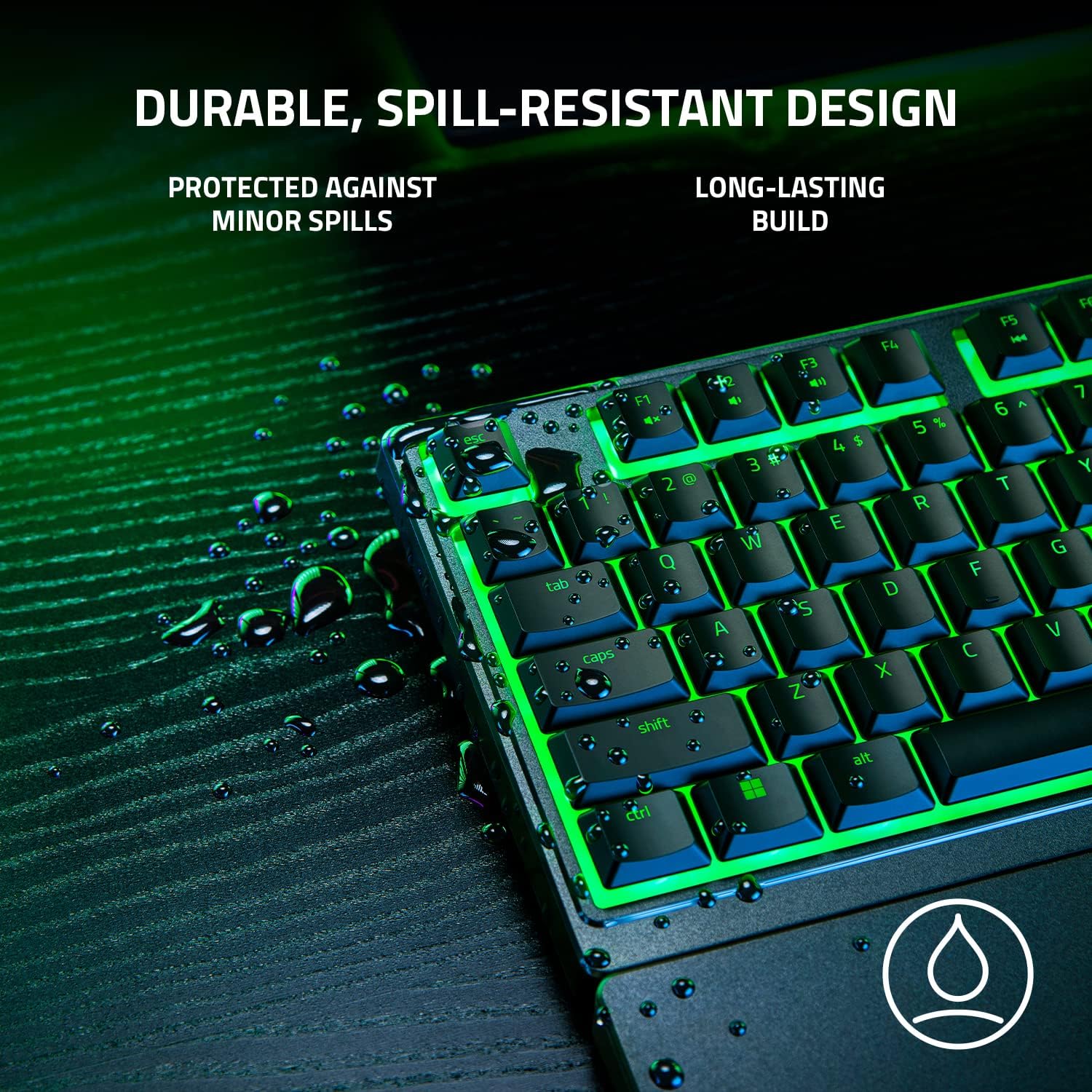
One thing that stands out is the combination of comfort and durability-focused touches. UV-coated keycaps are described as more resistant to fading and scratching from regular use, while the spill-resistant design is there to reduce stress if you get caught with a small “oops” during gaming or typing.
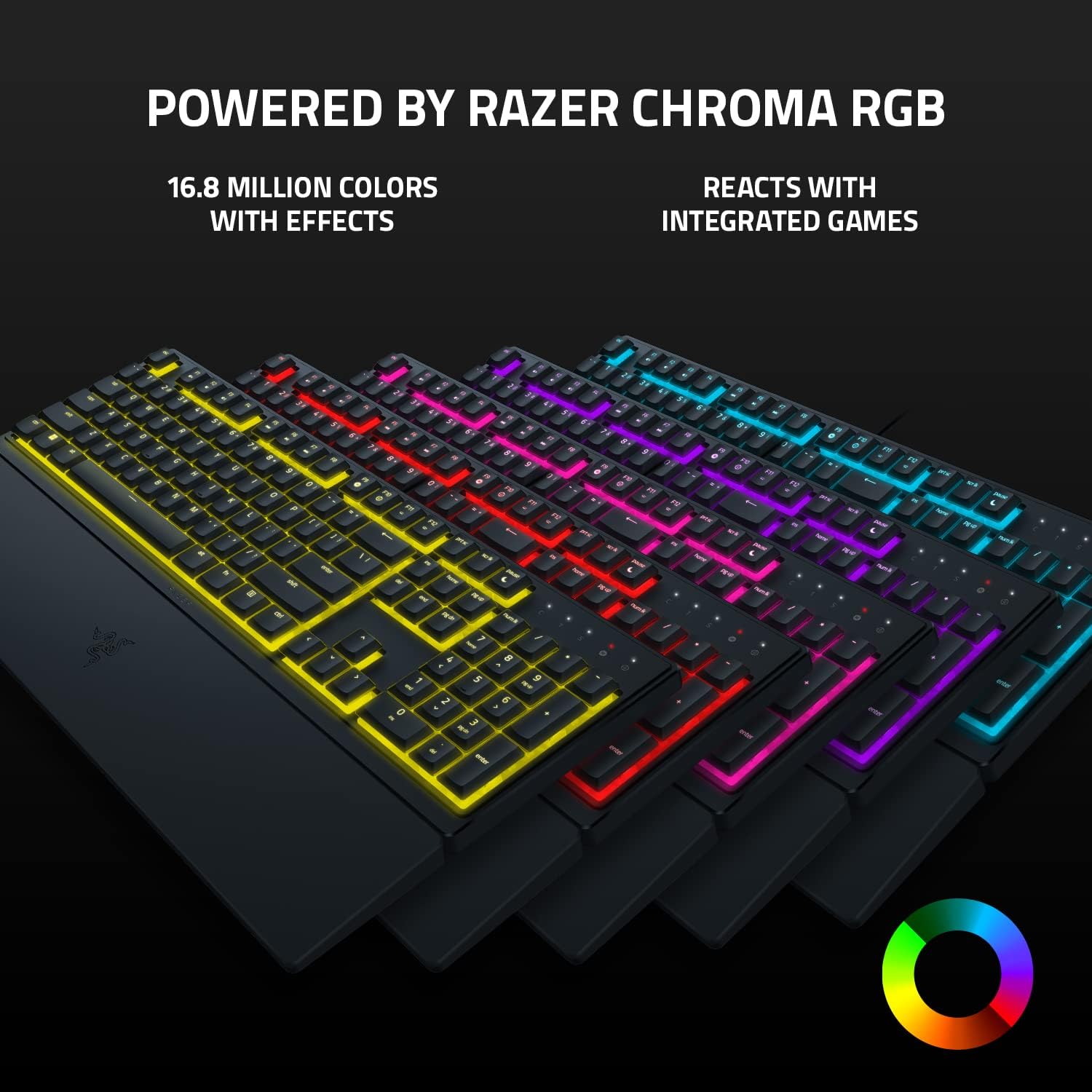
And then there’s lighting. With Razer Chroma RGB, you get 16.8 million colours and a range of effects, so you can keep it subtle for everyday use or go more visual for gaming.
Key features that affect real use
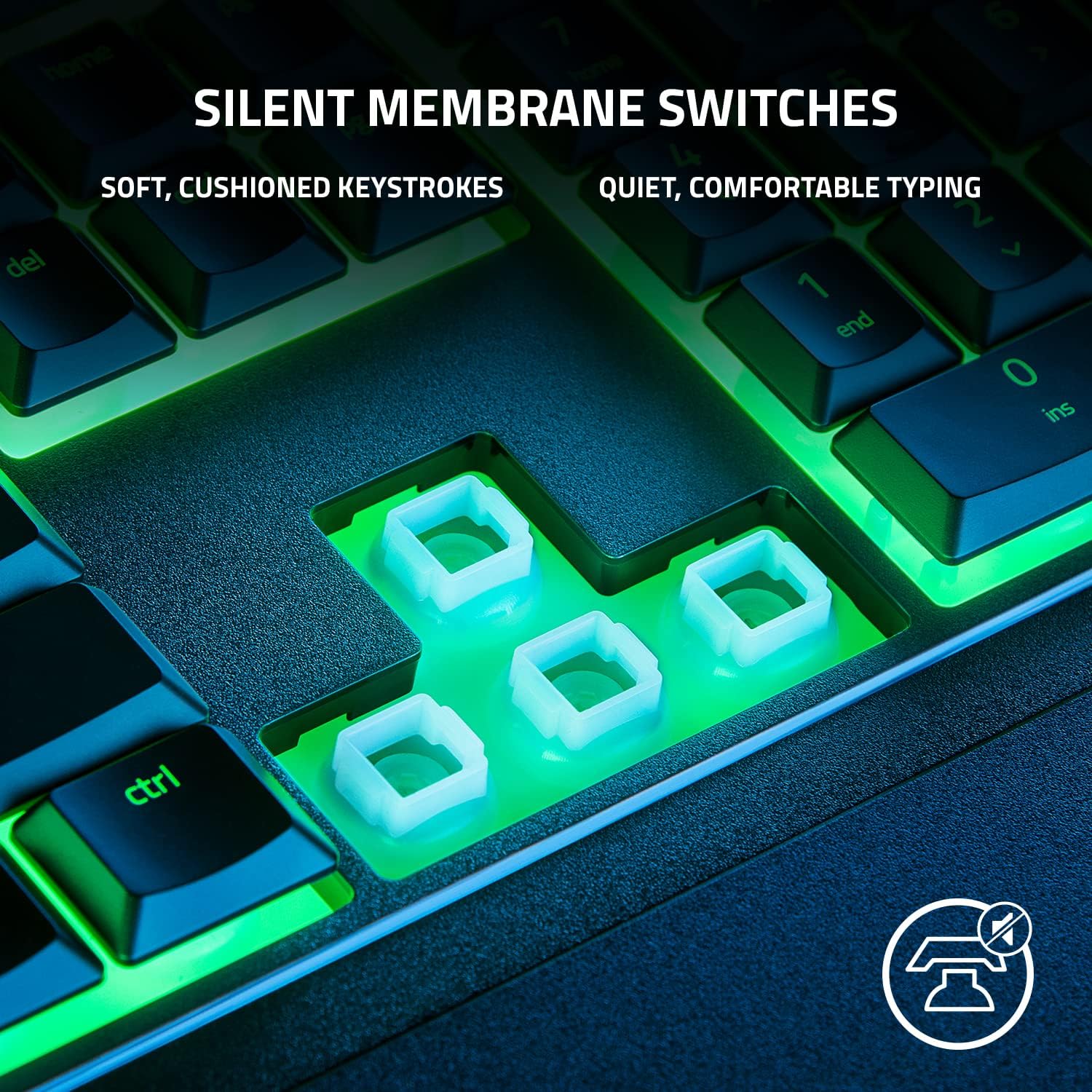
Silent membrane switches are the headline for many buyers. They’re designed for softer, cushioned keypresses, so the keyboard can feel less aggressive than clicky mechanical alternatives. If you care about reduced noise as much as responsiveness, this is the sort of design that tends to make daily use feel calmer.
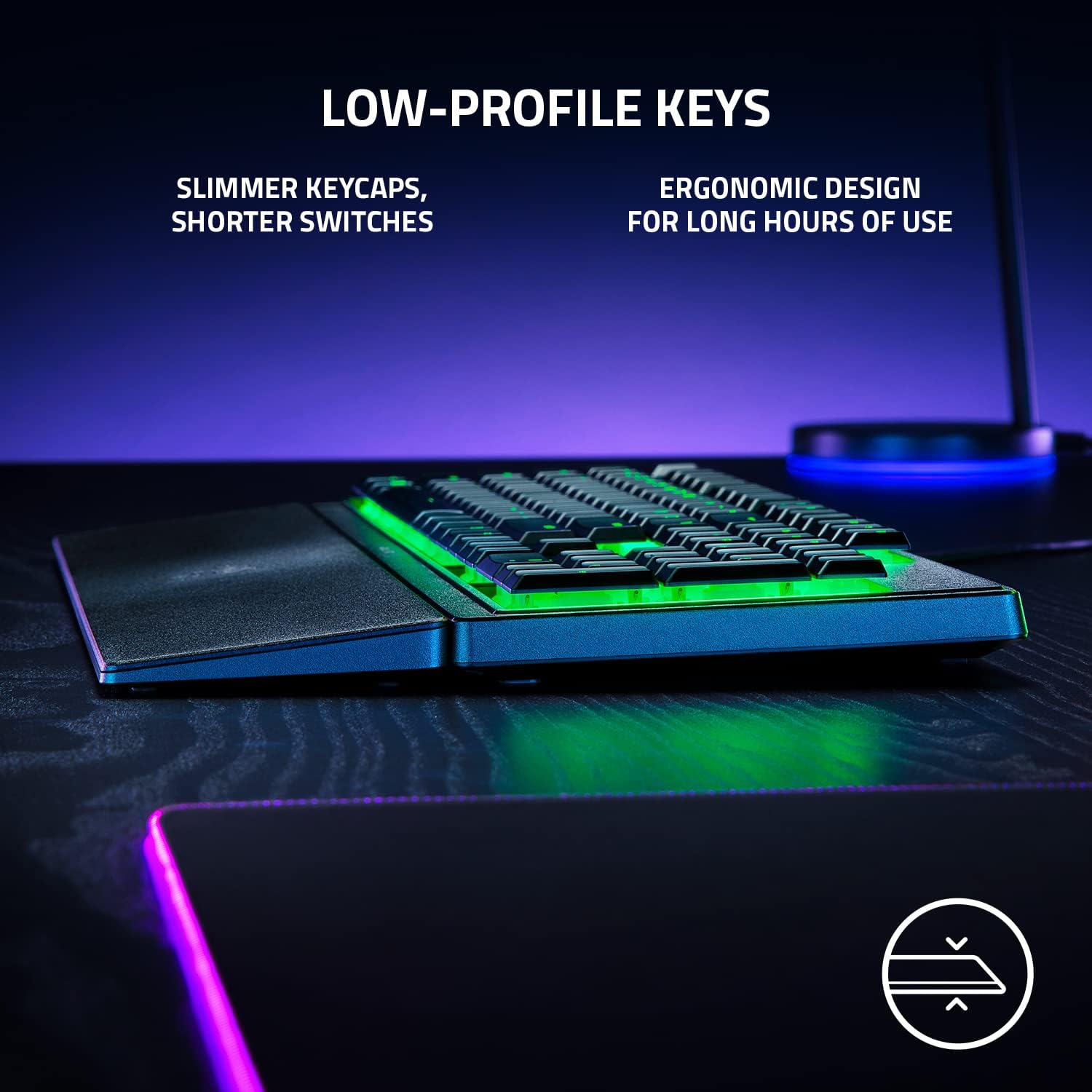
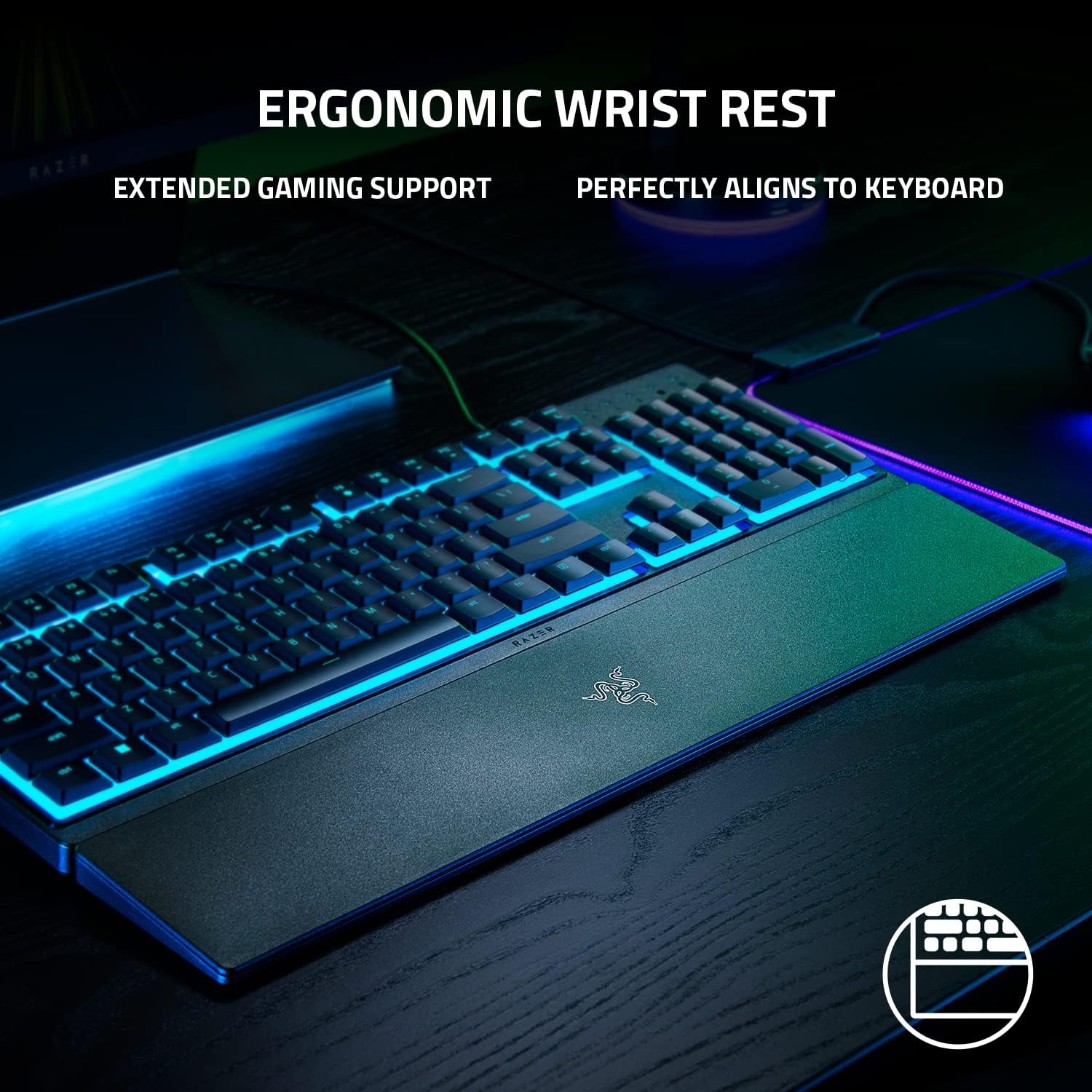
Low-profile keys are another practical angle. Because the keycaps and switches are shorter, your wrists and hands can sit in a more natural position over time. The included ergonomic wrist rest is aligned to the keyboard, so you’re not guessing where your hands should rest between matches or during long writing sessions.
UV-coated keycaps add a more “lived-in” benefit: the aim is to protect the legends from fading and reduce wear and tear you’d expect when keys get hammered day after day.
What you’ll notice in the room (and what you might not love)
In day-to-day use, the most obvious difference is the overall feel: softer keystrokes and a less bulky, lower silhouette. For gaming and typing, it’s designed to keep your hands comfortably positioned rather than forcing a high wrist angle.
That said, low-profile and silent membrane designs can be a deal-breaker for people who specifically want the crisp, tactile feedback associated with more traditional switch types. This keyboard is built around comfort and quiet, so if your priority is “maximum feedback” rather than “reduced sound and fatigue”, you may find it sits more in the mid-ground.
Also, the spill-resistant claim is framed as protection from minor spills. It’s not presented as waterproofing, so you’d still want to treat drinks as drinks, not as a test of resilience.
Tech summary
- Type: Gaming keyboard with silent membrane switches
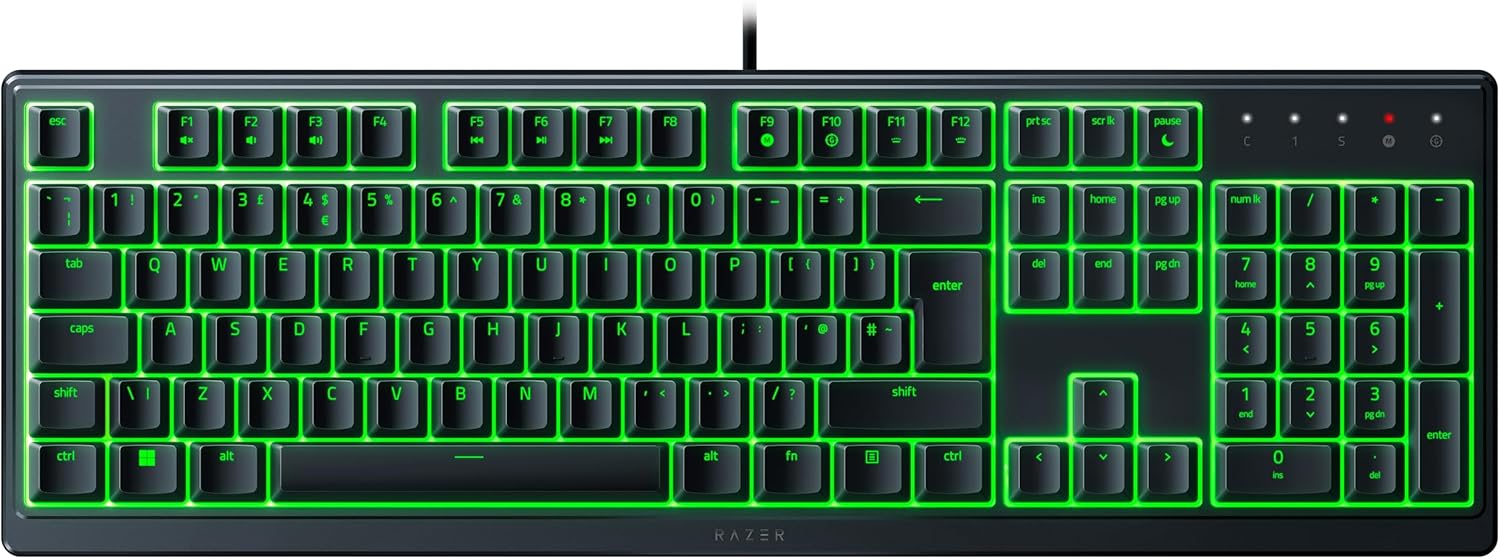
- Layout: QWERTY UK
- Keycap finish: UV-coated keycaps for improved fade and scratch resistance
- Design: Durable, spill-resistant design for minor spills
- Wrist support: Ergonomic wrist rest aligned to the keyboard
- Lighting: Razer Chroma RGB (customisable lighting with 16.8 million colours)
Where it makes sense
It’s a solid pick if you want a quieter keyboard for gaming and typing, and you value comfort during long sessions. The ergonomic wrist rest, low-profile keys and silent membrane switches all point in the same direction: less strain, less noise, more “use it for hours” practical comfort.
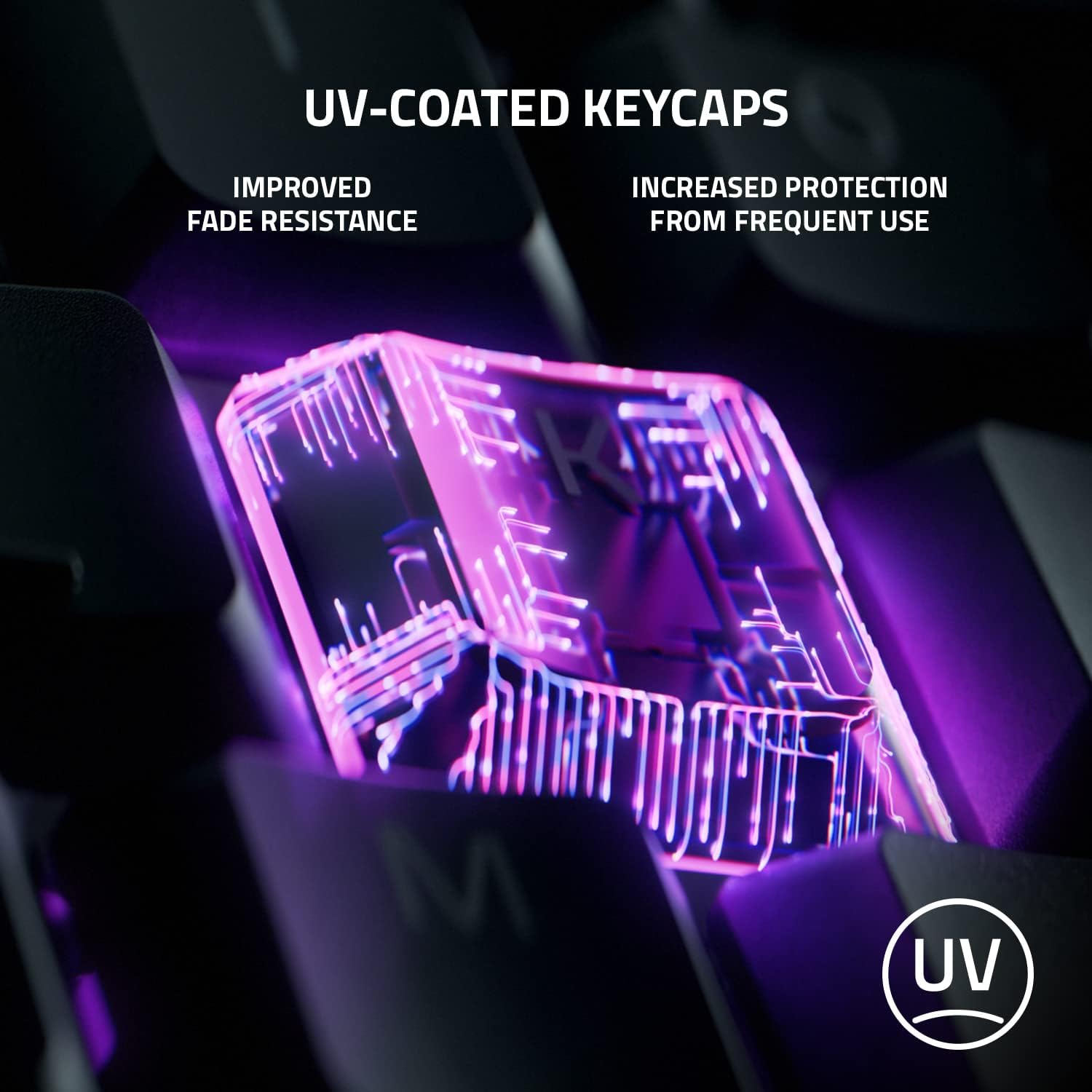
It also makes sense if you’re concerned about keycap legends fading or showing wear. On paper, the UV coating is meant to stand up better to frequent use compared with regular keycaps.
You might also like the Chroma RGB angle if you enjoy custom lighting effects for your setup, including dynamic lighting for Chroma-integrated games.
Is it worth it?
Buy the Razer Ornata V3 X if comfort-first gaming and quieter typing are your priorities. The silent membrane switches, low-profile design and wrist rest are clearly chosen to reduce hand strain, while the UV-coated keycaps and spill-resistant design are meant to help it cope with real-life use.
Skip it if you’re specifically chasing the sharp, high-feedback feel of other switch styles, or if you expect “spill-resistant” to cover anything beyond minor accidents. As ever, your preference for key feel matters more than the lighting or the silhouette—this one is tuned for a smoother, quieter experience.
Mini FAQ
How quiet is it compared with typical gaming keyboards?
It uses silent membrane switches designed for soft, cushioned keystrokes, so it should feel noticeably quieter than louder alternatives. Exact noise levels aren’t given here, but the intent is clearly reduced sound.
Is it suitable for long typing sessions?
The low-profile keys and included ergonomic wrist rest are meant to support more natural hand positioning for longer use with little strain, so it’s designed with extended sessions in mind.
Does the UV coating really protect keycaps?
The UV coating is described as improving fade and scratch resistance, which should help the legends stay clearer for longer under frequent use.
What does spill-resistant mean in practice?
The description focuses on assurance for minor spills. It’s best treated as protection from small accidents, not as a guarantee for major liquid exposure.
Does it work with UK QWERTY layouts?
Yes—this version is listed as QWERTY UK layout (Black).