

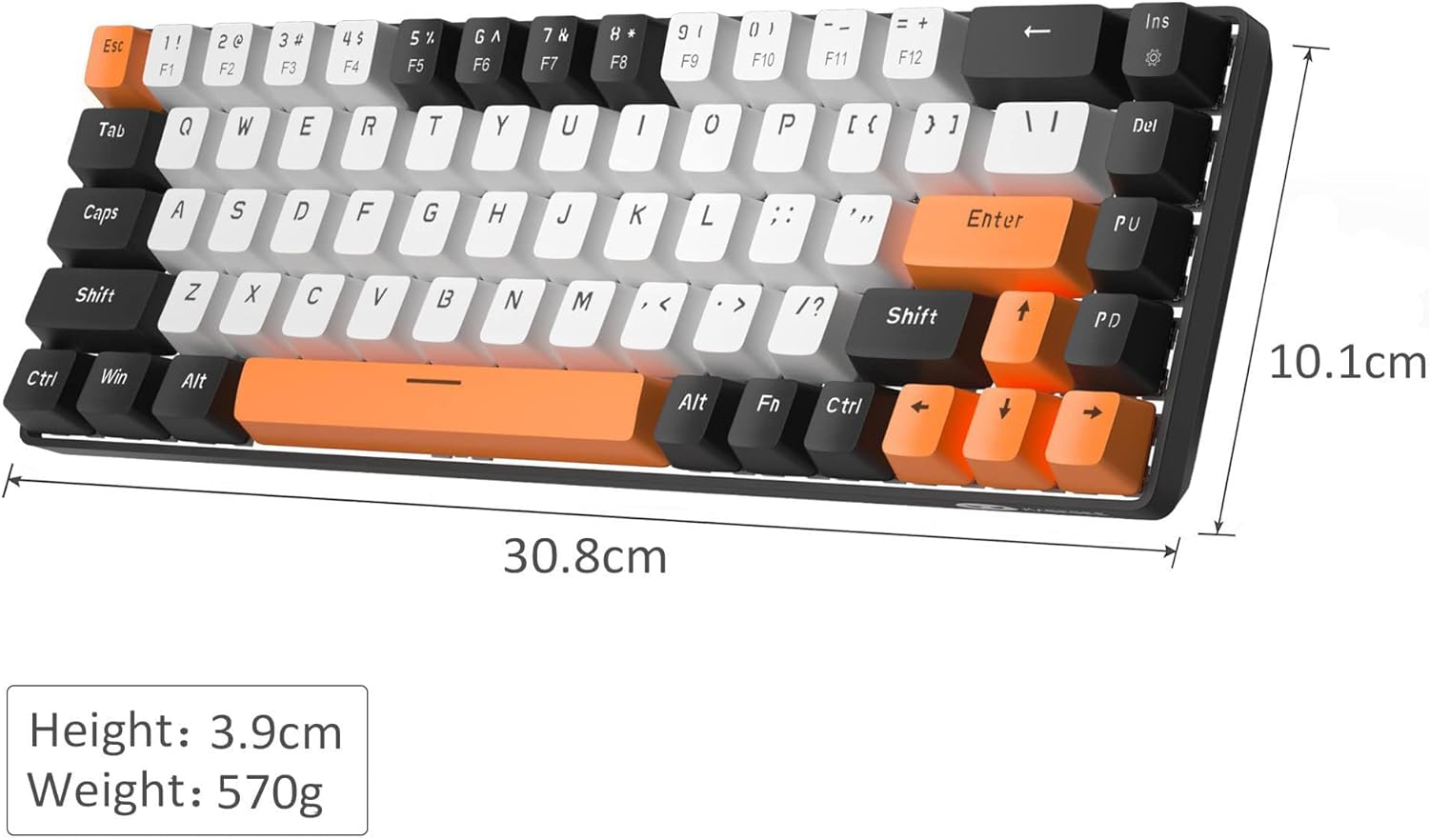
MageGee Portable 60% Gaming Mechanical Keyboard (MK-Box) – Ice Blue LED Backlit, Red Switch, 68-Key Wired
Product description
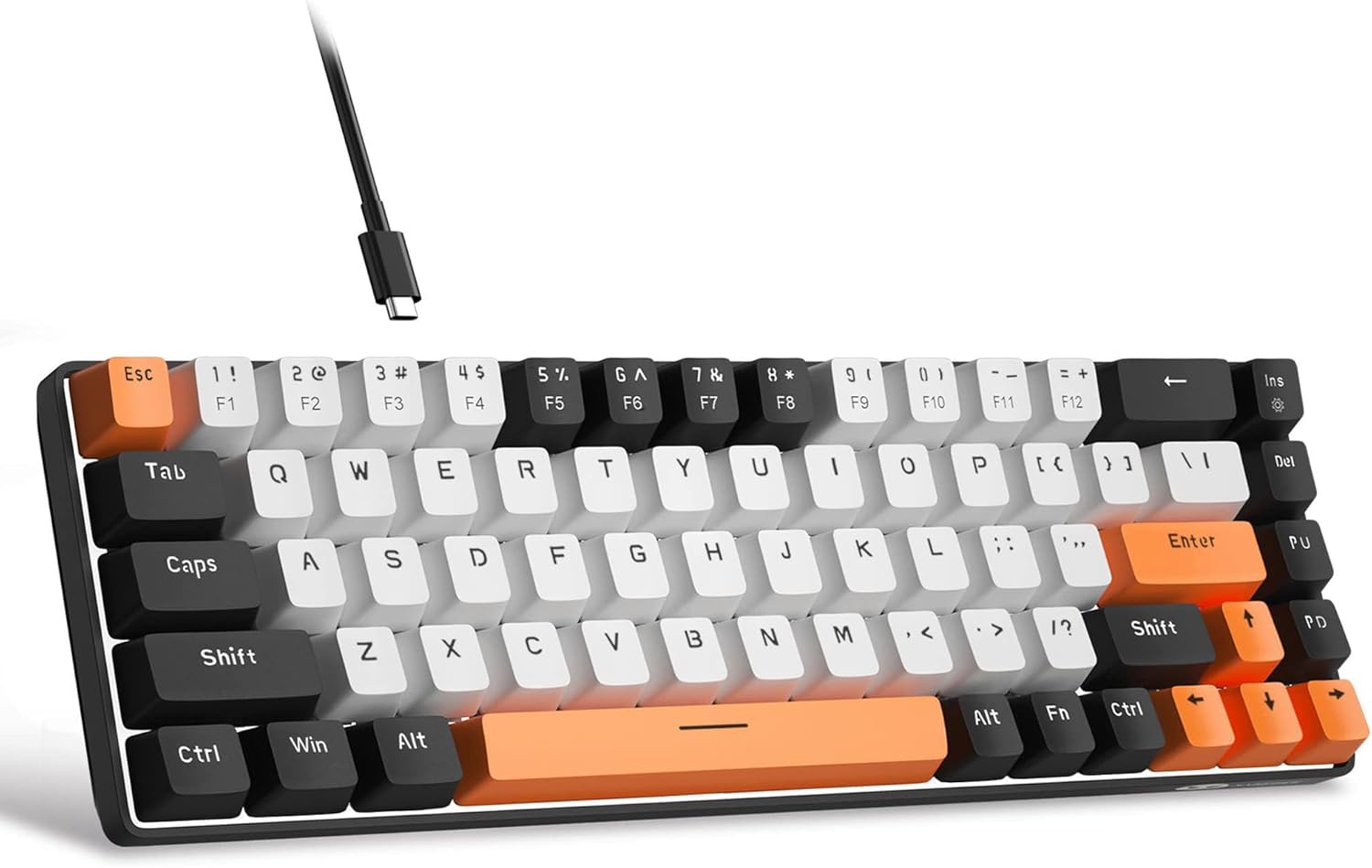
If you’re trying to squeeze more desk space out of a laptop setup, a compact 60% style keyboard can feel like a small upgrade that actually changes your day-to-day. The MageGee Portable MK-Box goes for a 68-key layout, so you get a tidy, portable feel without totally giving up the keys many people still rely on for work and light gaming.
That said, “portable” and “mechanical” don’t automatically mean it suits everyone. The red switches are designed around a smooth, linear action rather than a tactile bump, and you’ll want to be comfortable with the switch feel if you game or type for long stretches.
What it is and why people buy it
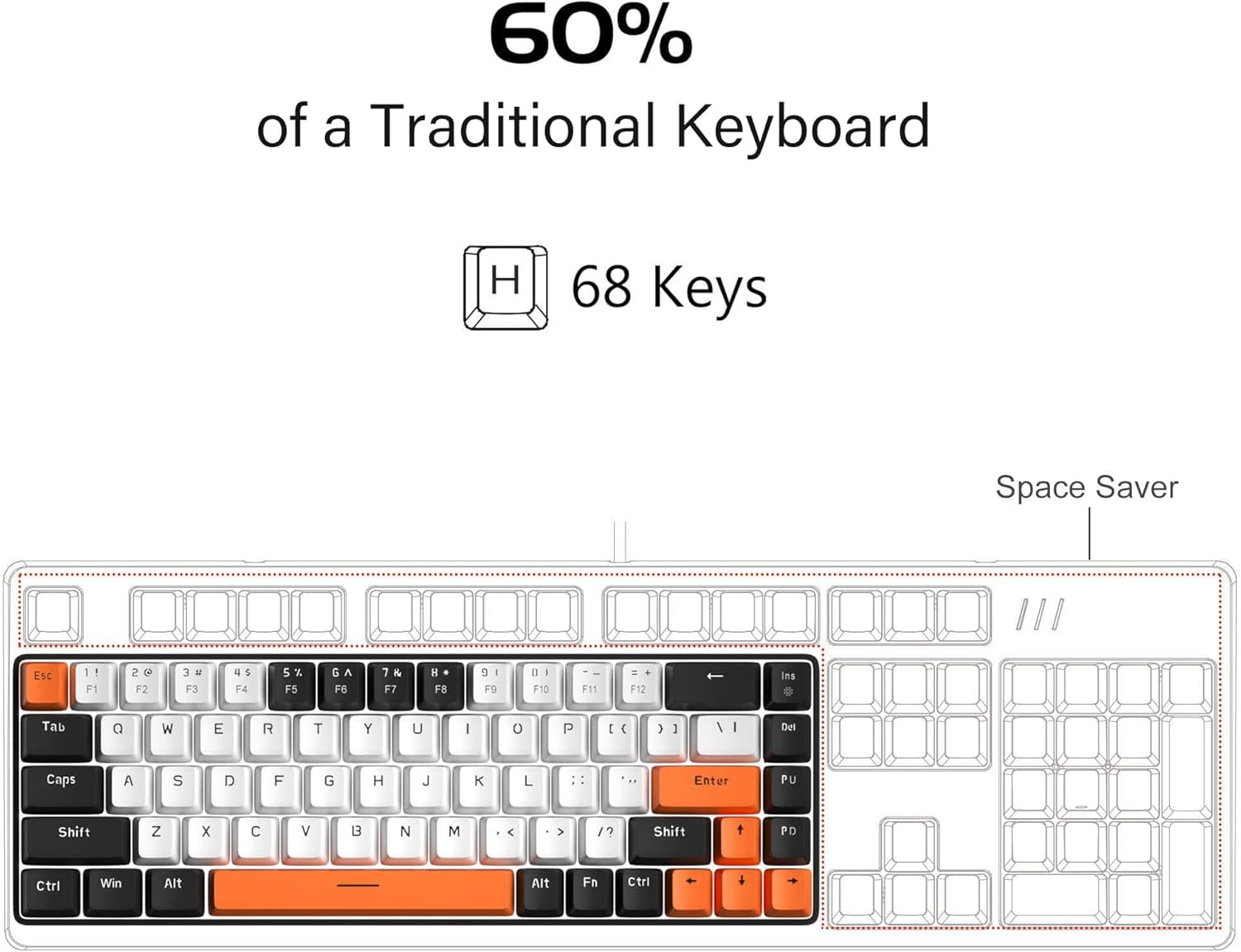
The MageGee MK-Box is a wired mechanical keyboard with a compact 60% inspired layout. It’s built around 68 keys, which matters because a lot of compact boards drop keys that are useful in everyday workflows. Here, the design keeps separate arrow keys and the function keys you need, while still saving space compared with a full-size keyboard.
On paper, it’s aimed at people who want one keyboard for more than one job: typing at your desk, taking it with you to a different room, or using it with a laptop where a full-size board just feels excessive. A common scenario is setting up a laptop workstation at home: you connect the detachable USB cable, tap your preferred backlight setting, and get a more “proper” mechanical feel without clogging your limited space.
The essentials: layout, switches and backlighting
The key story here is the combination of a 68-key compact layout and red mechanical switches.
The red switch approach is described as linear and smooth, with fast action and minimal resistance. That’s typically the sort of switch feel people like for quick repeated keystrokes and less of a “stop-start” tactile emphasis. If you prefer a tactile bump for accuracy and feedback, you may find red switches a bit too understated.
For visibility and mood, it uses a classic blue LED backlight with multiple effects. The product description states it supports 15 backlight modes, and you can control lighting with Fn combinations (including Fn + Ins, and Fn + the arrow keys for speed and brightness). In other words, it’s not just “on/off”, you can adjust the look without needing extra software.
What stands out in everyday use
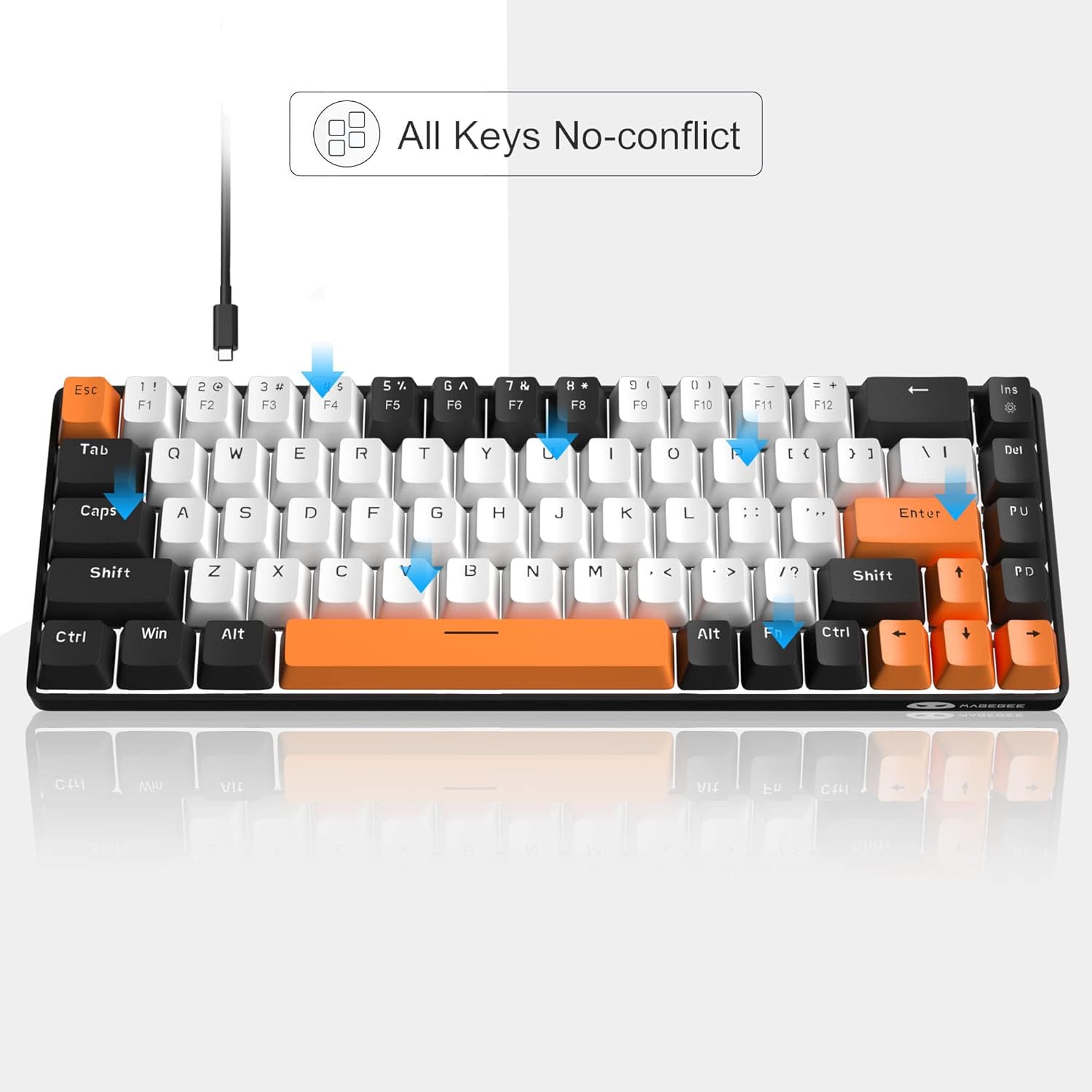
This board is built for practicality as much as style. The description highlights full anti-ghosting across all 68 keys, which is the kind of feature you’ll appreciate when you’re gaming or doing fast typing where multiple keys might be pressed at once.
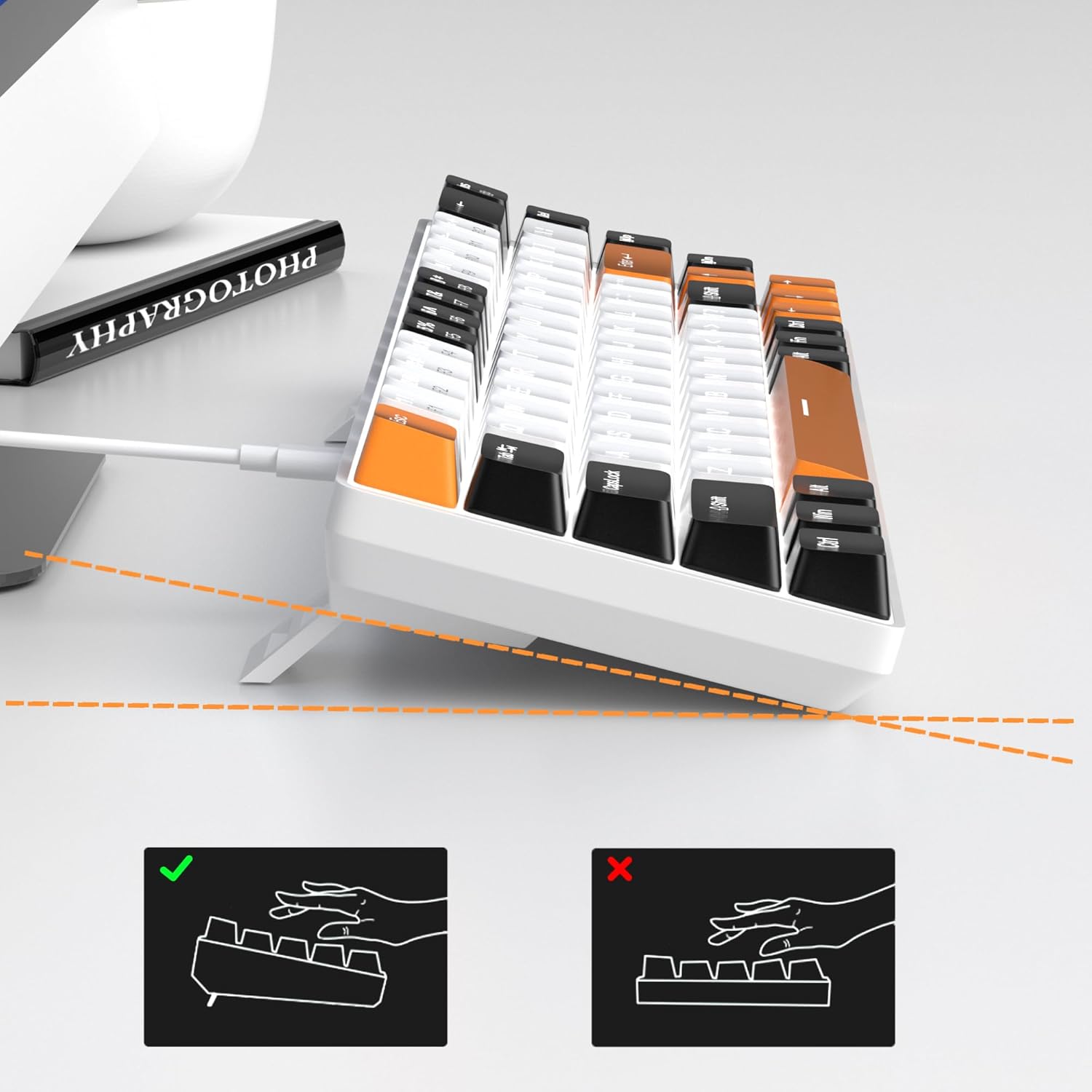
It’s also designed with a detachable USB cable, which helps if you transport the keyboard between rooms or take it to a secondary setup. The adjustable double kickstand feet give you control over typing angle, and the double kickstand approach suggests it’s meant to be more than just flat-lying on a desk.
One detail worth noting is the keycap construction described as ergonomic suspension and double-colour injection. In the real world, double-shot/double-colour keycaps are generally about keeping legends clearer over time—although the description doesn’t go deeper than that, so it’s more about the intended design than a promised lifespan.
Worth noting: where it may fall short
It’s not perfect for everyone. Two realistic limitations to consider:
First, it’s a compact layout (60% style with 68 keys). Even with separate arrow keys and the function row included, some users still want a full navigation cluster or dedicated numpad. If your workflow depends heavily on a numpad or specific full-size spacing habits, you may feel slightly constrained.
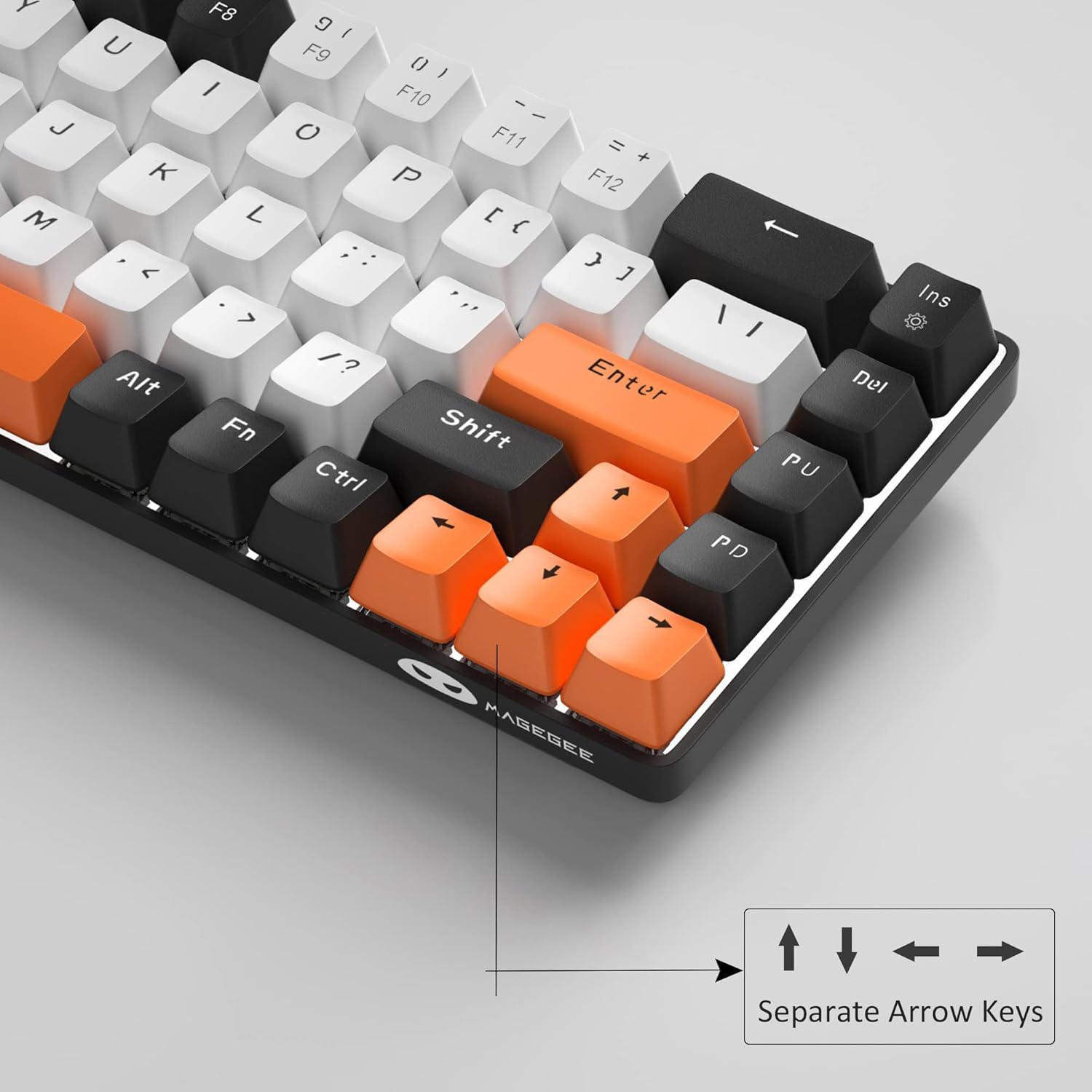
Second, the red switch feel is described as smooth and linear without a tactile bump. If you like that “bump” feedback when typing or you’re sensitive to switch noise/sensation, you might not love how it behaves for your particular preferences.
Compatibility and setup (the “plug and play” angle)
The MK-Box uses a USB 2.0 connector and is described as compatible with Windows (2000, XP, ME, Vista, 7, 8), Linux, and Mac, with plug and play and no drivers or software required. That’s a helpful promise for people who don’t want to tinker.
It’s also a wired keyboard, so it’s best suited to setups where you’re happy working near your laptop’s USB port or with a short-to-medium cable reach. For travel, the detachable cable can make packing easier, but it’s still not a wireless keyboard.
Who it suits best (and who should skip it)
It makes sense if you want a compact mechanical keyboard that keeps the function keys and separate arrow keys, while offering anti-ghosting across all 68 keys and a configurable blue LED backlight. It’s also a decent fit if you’re building a simple laptop desk station for work and occasional gaming, and you value a clean, space-saving footprint.
It might not be the best match if you want a tactile/bump switch feel, need a numpad, or you specifically prefer wireless convenience.
Final verdict
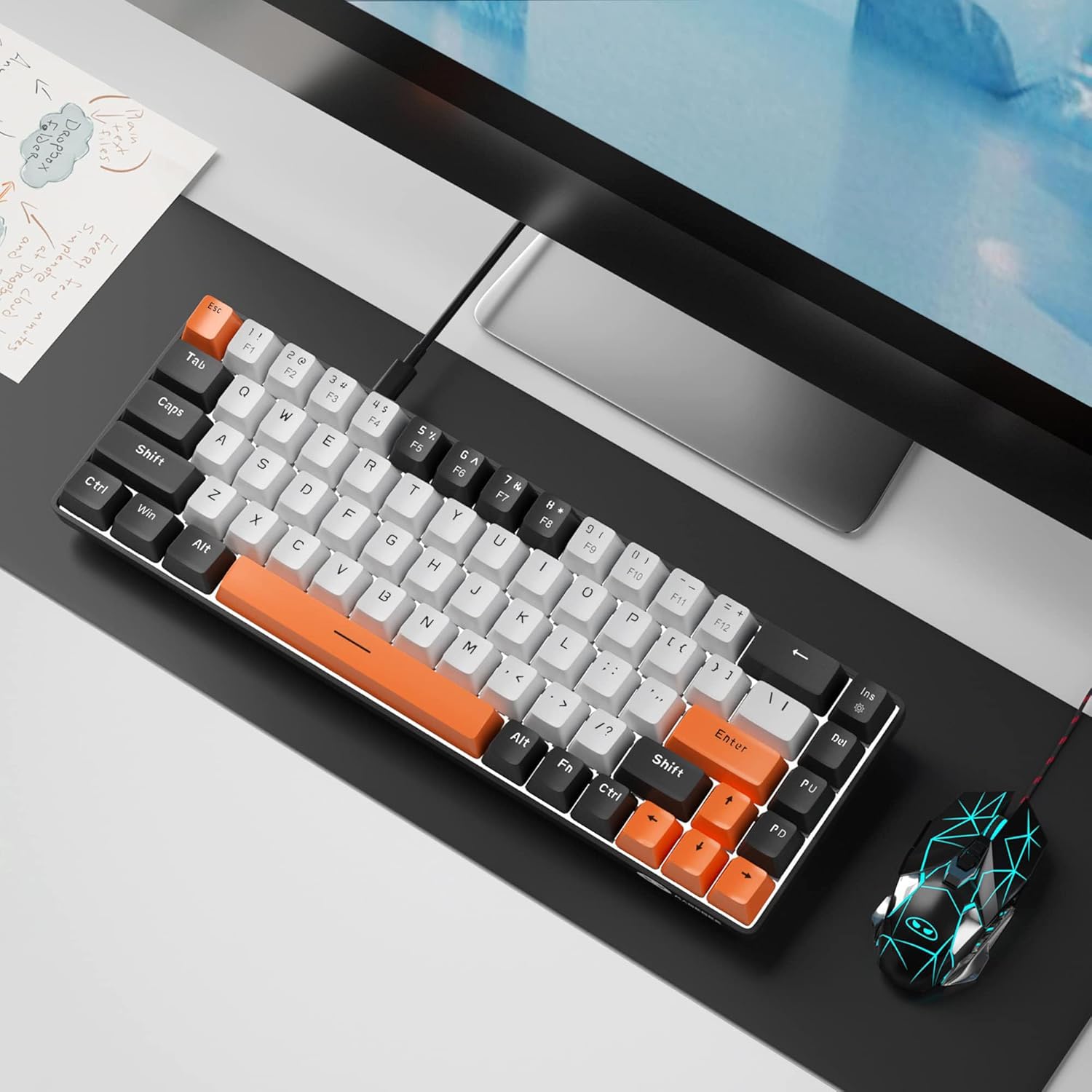
This MageGee Portable 60% Gaming Mechanical Keyboard (MK-Box) looks like a practical compact board for people who want mechanical feel, anti-ghosting, and plenty of key lighting control in a 68-key layout. The red switches and blue backlight are clearly the direction, and the wired, plug-and-play setup keeps it straightforward.
If you can live without a full-size layout and you’re happy with a smooth linear switch, it’s worth considering. If you’re chasing a tactile typing experience, heavy spreadsheet work with a numpad, or wireless freedom, you may want to look elsewhere.
Mini FAQ
Can you customise the keyboard lighting?
Yes. The description says it supports 15 backlight modes and offers Fn-based controls for switching effects, plus Fn + left/right for speed and Fn + up/down for brightness.
Does it need software or drivers?
No. It’s described as plug and play with no drivers or software required.
Is it anti-ghosting?
The product states full anti-ghosting for all 68 keys, with no conflict between keys.
Is it compatible with Mac and Linux?
According to the description, it supports Windows (including older versions listed), Linux and Mac via USB 2.0 plug and play.