

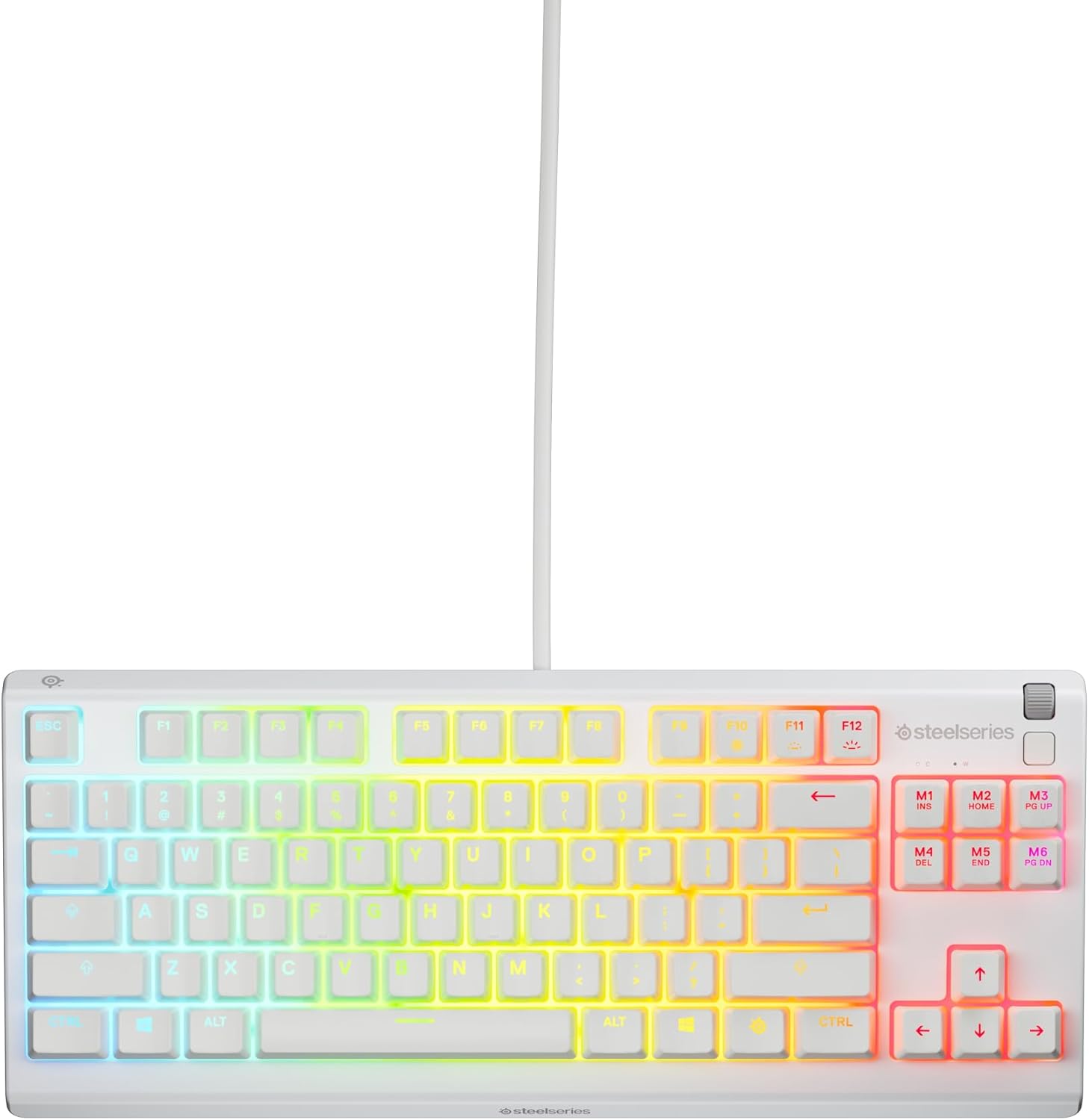
SteelSeries Apex 3 TKL (Tenkeyless) Gaming Keyboard — Silent Switches, 8-Zone RGB, IP32 (American QWERTY), White
Product description
What it is and why people buy it
The SteelSeries Apex 3 TKL is a gaming keyboard in a tenkeyless (TKL) layout, meaning it ditches the number pad to keep the desk feel more open. On paper, that matters: a compact footprint can make mouse positioning easier and reduce the “clutter” around your main play area.
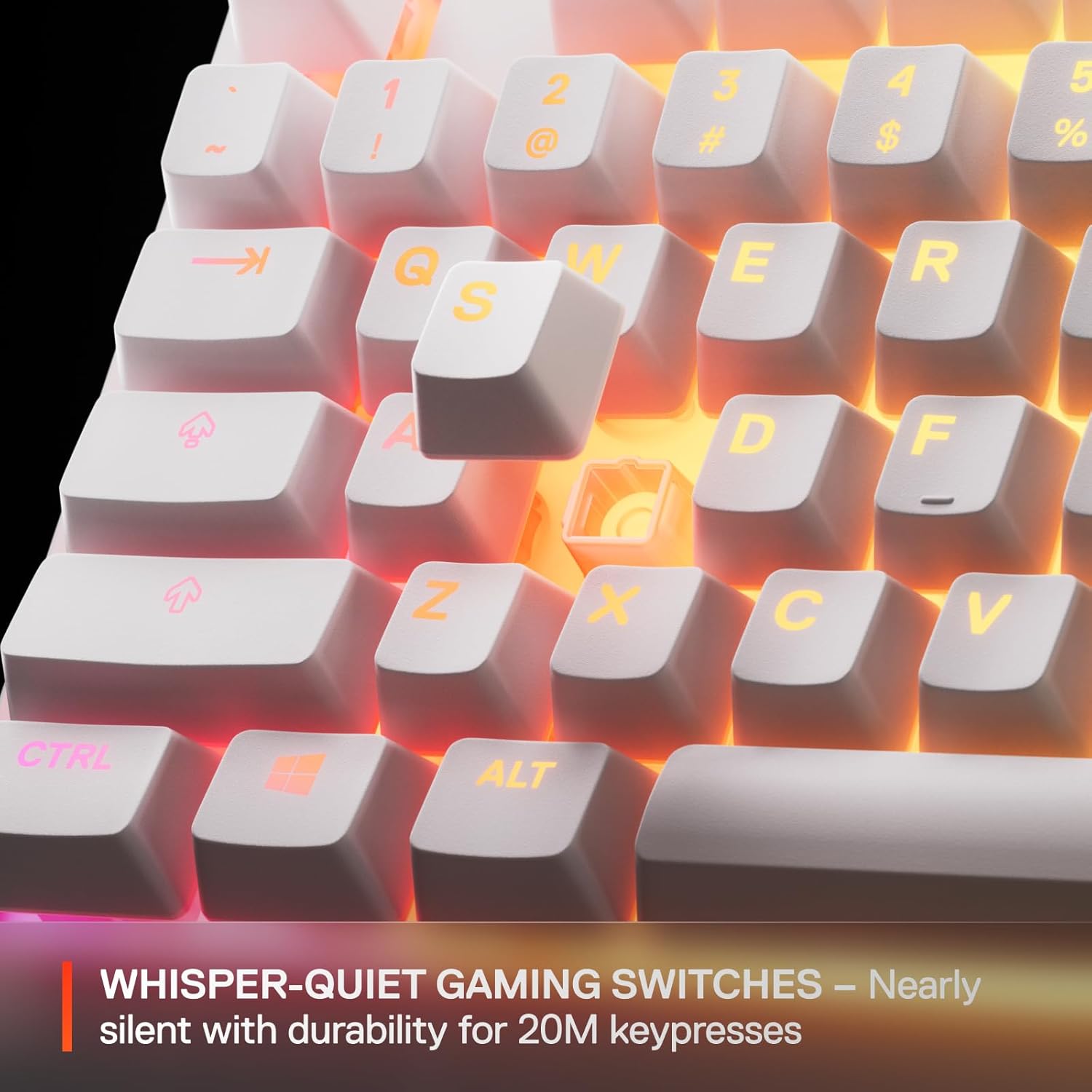
It’s also aimed at people who want to game without feeling like they’re running a room-filling typing soundtrack. The switches are described as “whisper-quiet” and the keypresses are said to be low-friction, with a stated lifespan of 20 million keypresses. Add 8-zone RGB lighting and you’ve got a keyboard that’s designed to look good and stay usable day to day, not just during matches.
The essentials: what you’ll notice in daily use
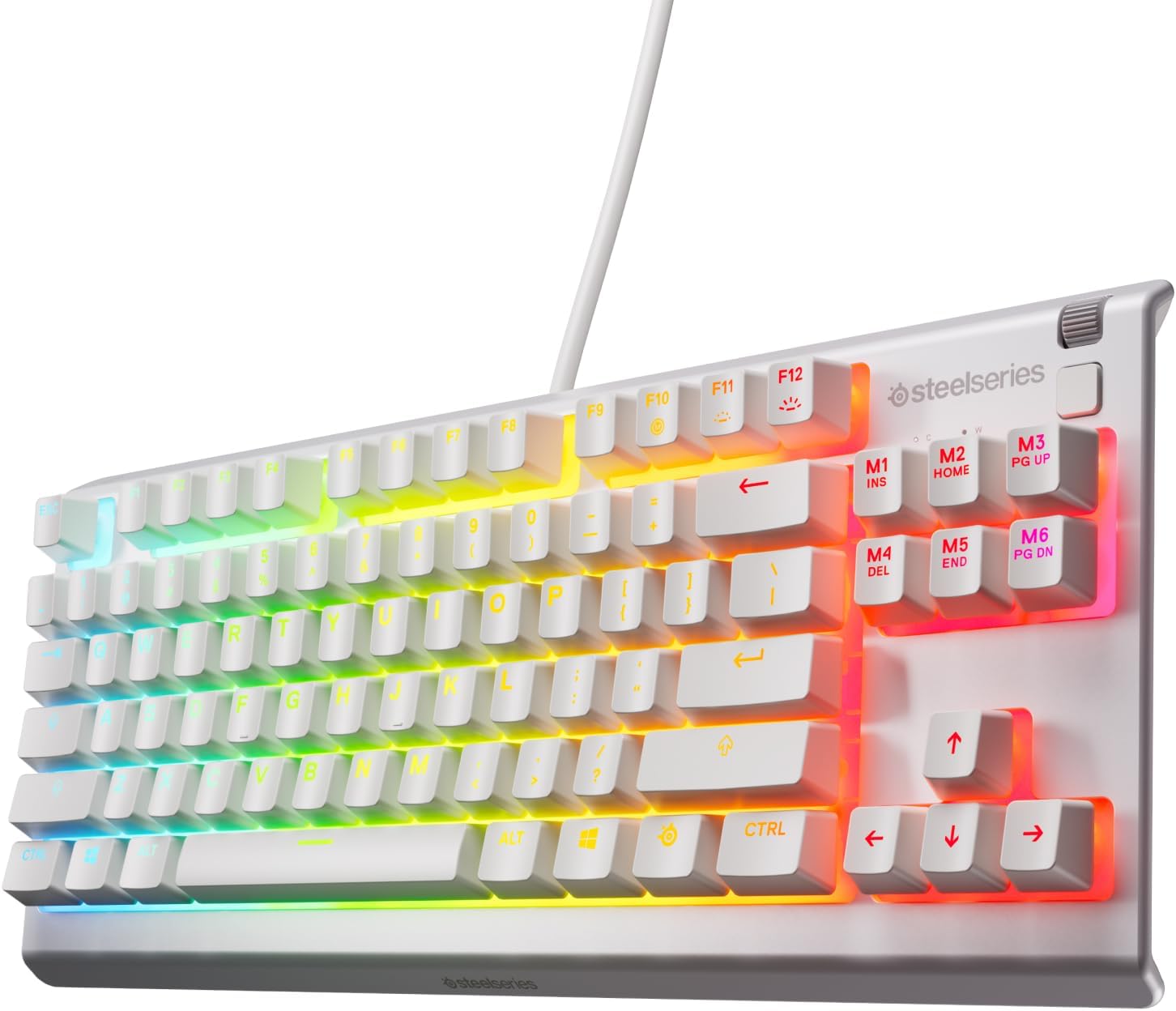
Apex 3 TKL’s big day-to-day draw is the TKL format. If you’re used to full-size boards, you’ll feel the immediate change: more space for your mouse arm, less reaching around the numpad area, and a slightly more “esports-style” layout. It’s a practical choice for desks where space is tight, shared setups, or anyone who prefers a cleaner playing grid.
The second thing is sound. “Silent gaming switches” is the headline, and if you’re gaming late or in a household where noise matters, it’s exactly the sort of feature you end up appreciating more than you expect. That said, “nearly silent” can still mean audible key travel depending on your surroundings, so it may not fully suit people who are extremely sensitive to any click or vibration.
Key features that matter (and where they can fall short)
The keyboard is described as anti-ghosting, which is the sort of underlying feature that helps when you’re doing fast combinations—so you don’t have to think about whether every key registers correctly.
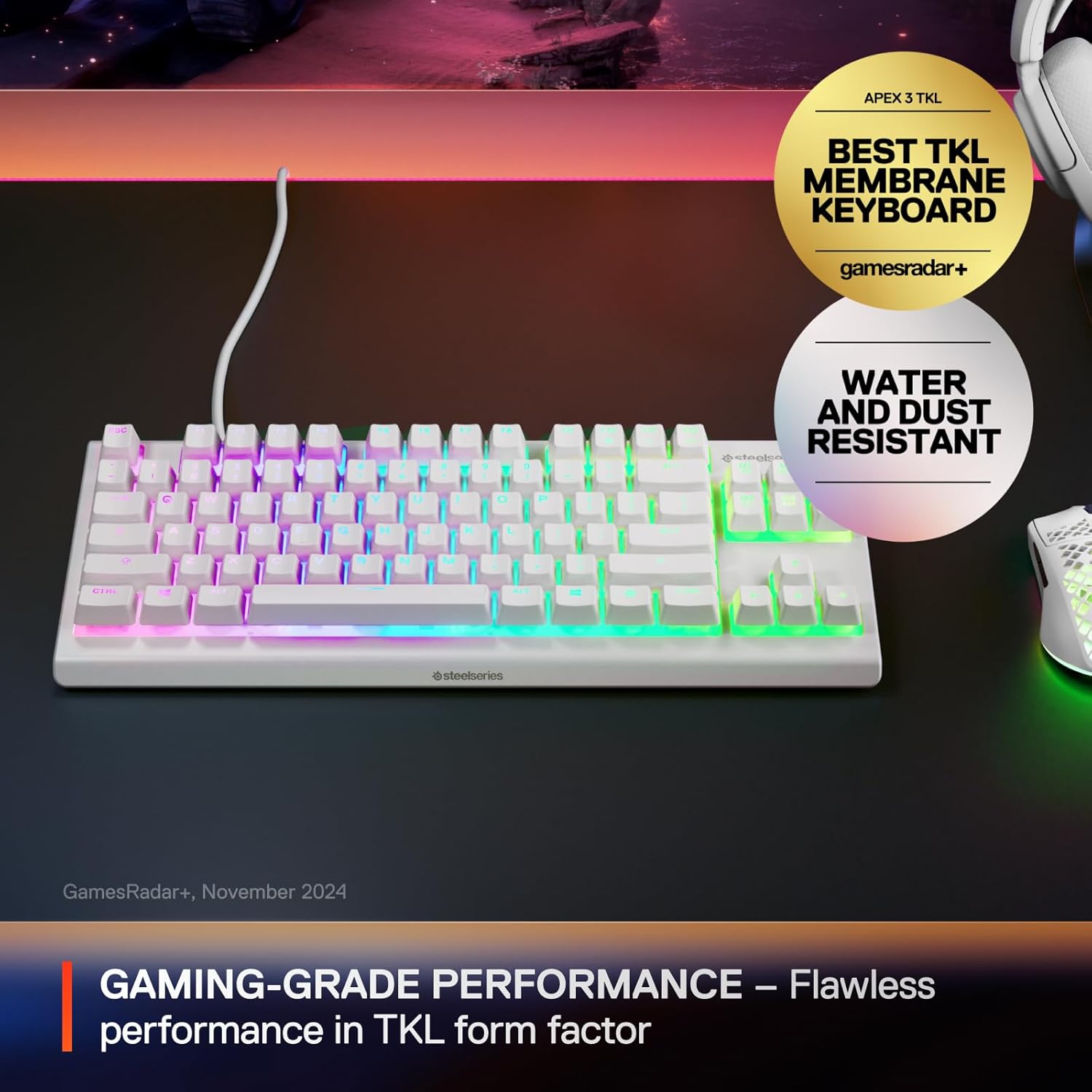
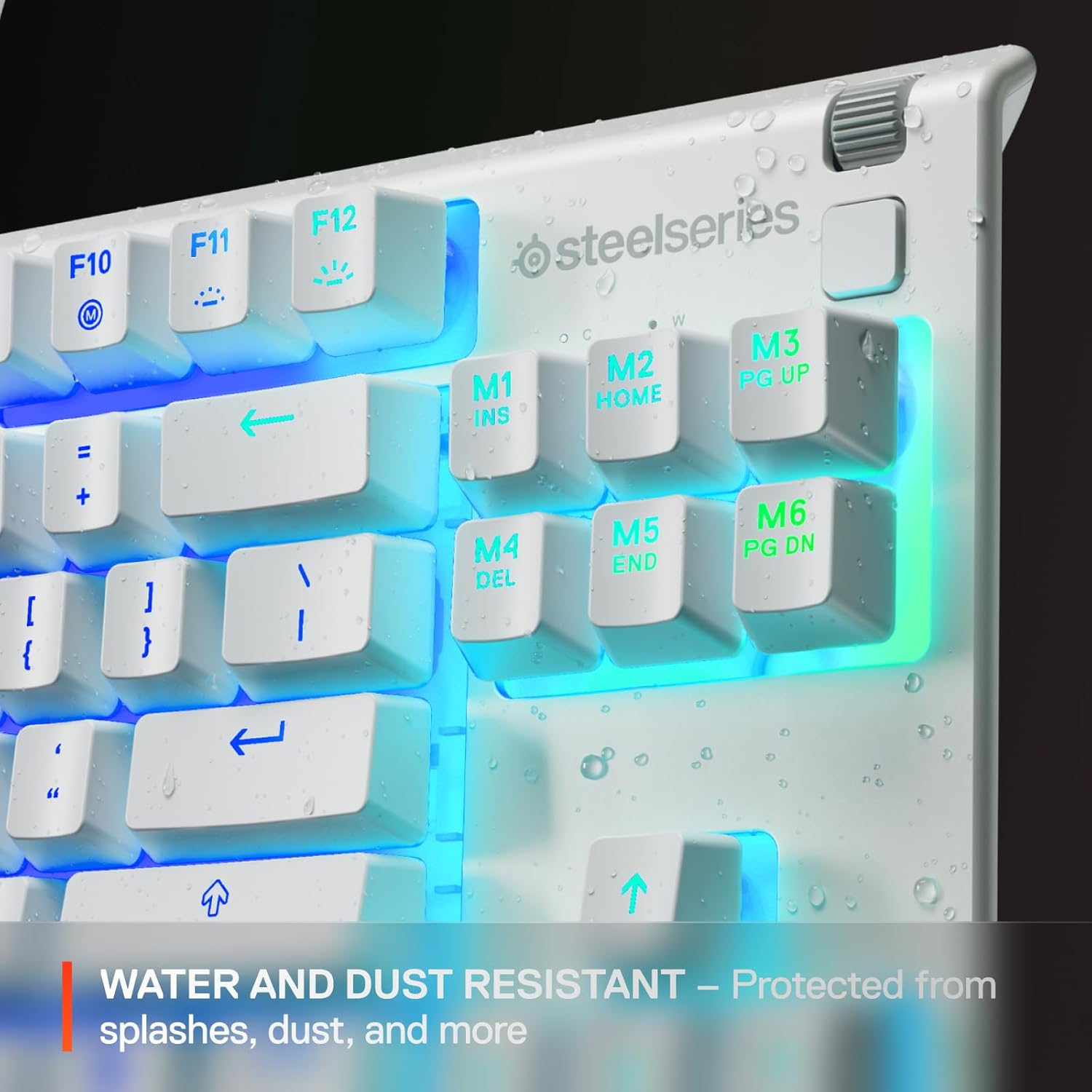
It’s also rated IP32 for water and dust resistance, positioned as extra protection against splashes and dust. That’s useful for real life: drinks happen, and dust is hard to avoid in a typical home setup. However, an IP rating doesn’t turn a keyboard into a “spill-proof” device. You should still avoid soaking it and treat IP32 as reassurance for accidents, not an invitation to be careless.
RGB is handled via 8-zone illumination. More zones can mean more granular effects on some boards, so if you’re very picky about lighting choreography, you may find this a little more “straightforward” than higher-end lighting systems. Still, for most users it should deliver a clear, gaming-friendly look without getting in the way.
Tech summary (from the provided details)
Tech specs
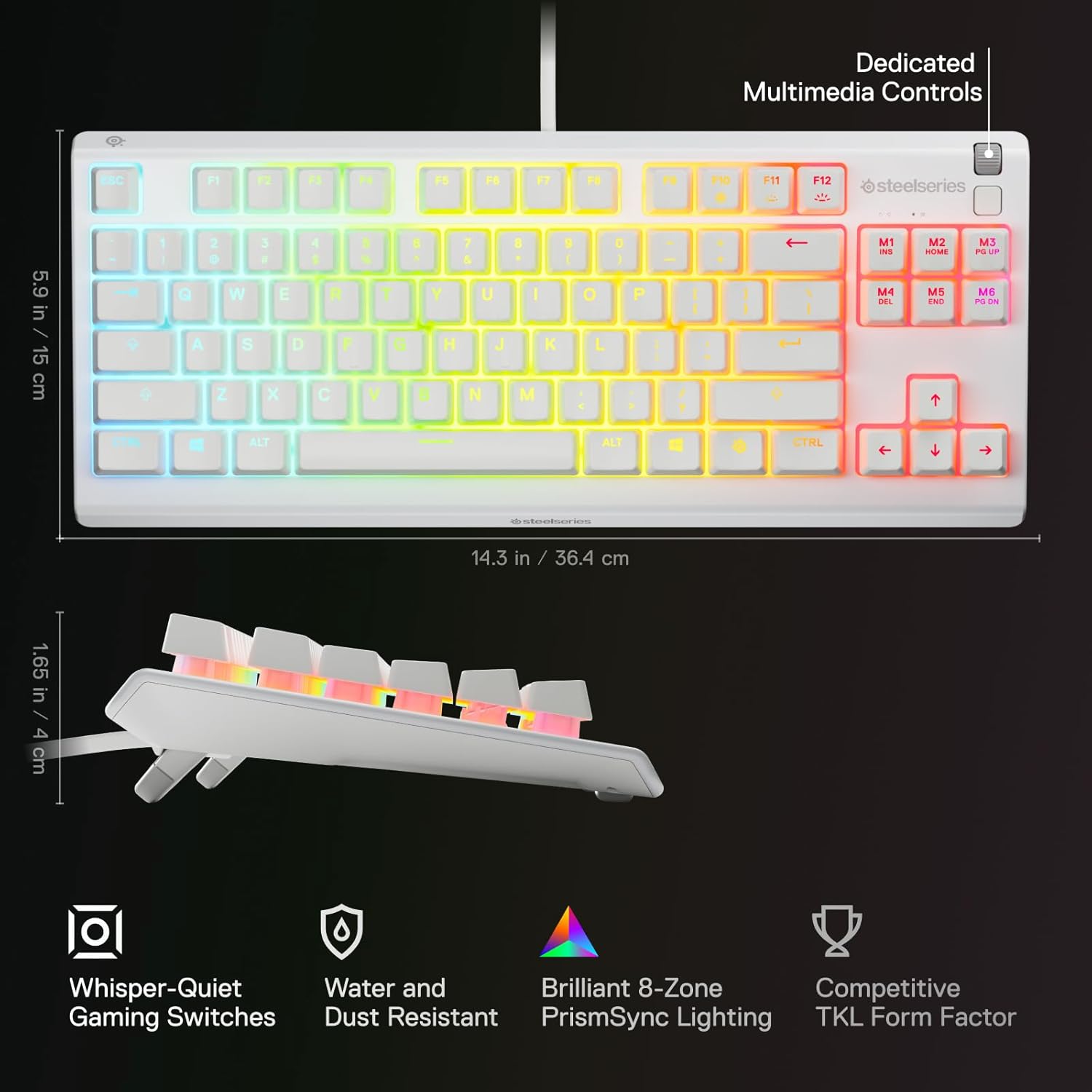
- Type: Gaming keyboard (Tenkeyless / TKL compact form factor)
- Layout: American QWERTY
- Switch character: Whisper-quiet / nearly silent gaming switches
- RGB lighting: 8-zone illumination
- Resistance: IP32 water & dust resistant
- Colour: White
Who it’s for, and who should look elsewhere
It makes sense if you want a compact gaming keyboard that prioritises quieter keypresses and practical desk layout. It’s also a reasonable pick if you like having RGB effects, but you’d rather spend your attention on gameplay than on complex lighting customisation.
It might not be the best match if you specifically need a number pad (for spreadsheets, data entry, or number-heavy workflows). Also, if you’re after the most expressive, highly customisable lighting experience, 8-zone RGB may feel like it’s focusing on the essentials rather than pushing into “enthusiast-only” territory.
Buying checklist before you commit
Before purchasing, double-check that the American QWERTY layout suits your region and what you expect on the keys. Next, think about your desk layout: TKL is a space-saver, but it’s a very intentional change from full-size. Finally, consider the IP32 rating as “extra protection for everyday mishaps” rather than a guarantee for major liquid incidents.
As a quick example of how that compact design helps: if you run a low-sensitivity game and keep your mouse close to the centre, freeing up the area where the numpad would be can make small flicks feel more comfortable. It’s not a magic upgrade, but it can remove friction from muscle memory.
Is it worth it?
Worth buying if you’re after a TKL gaming keyboard with anti-ghosting, whisper-quiet switches, and IP32 water/dust resistance—especially if noise and desk space are real considerations for you.
You may want to skip it if you need a number pad, or if you’re chasing the deepest RGB lighting control. It’s not built around maximum bells and whistles, it’s built around the things you notice while playing and living with the keyboard.
Mini FAQ
Does the IP32 rating mean it’s safe for spills?
It’s described as water and dust resistant for splashes and dust, but it’s still sensible to treat it as everyday protection rather than spill-proof.
Is it actually quiet for late-night gaming?
The switches are described as nearly silent / whisper-quiet, so it’s designed to reduce noise. That said, you’ll still hear some input depending on your environment.
Will the TKL layout feel strange if I’m used to full-size?
It will likely feel different at first, but the payoff is more desk space and easier mouse positioning.
Is the keyboard suitable for fast key combinations?
The description includes anti-ghosting, which is meant to help ensure your key combinations register during gaming.