

GravaStar Mercury K1 Pro 75% Wireless Mechanical Gaming Keyboard (Kailh Speedy Mint Linear, Gasket, RGB)
Product description
What it is and who it suits
The GravaStar Mercury K1 Pro is a 75% wireless mechanical keyboard built with a compact 79-key layout, a sturdy aluminium alloy frame, and a gasket-mounted design aimed at a softer, more controlled typing feel. It’s the kind of board that makes sense if you want something less bulky than a full-size keyboard, but still prefer the “proper mechanical” experience rather than a mainstream membrane-style layout.
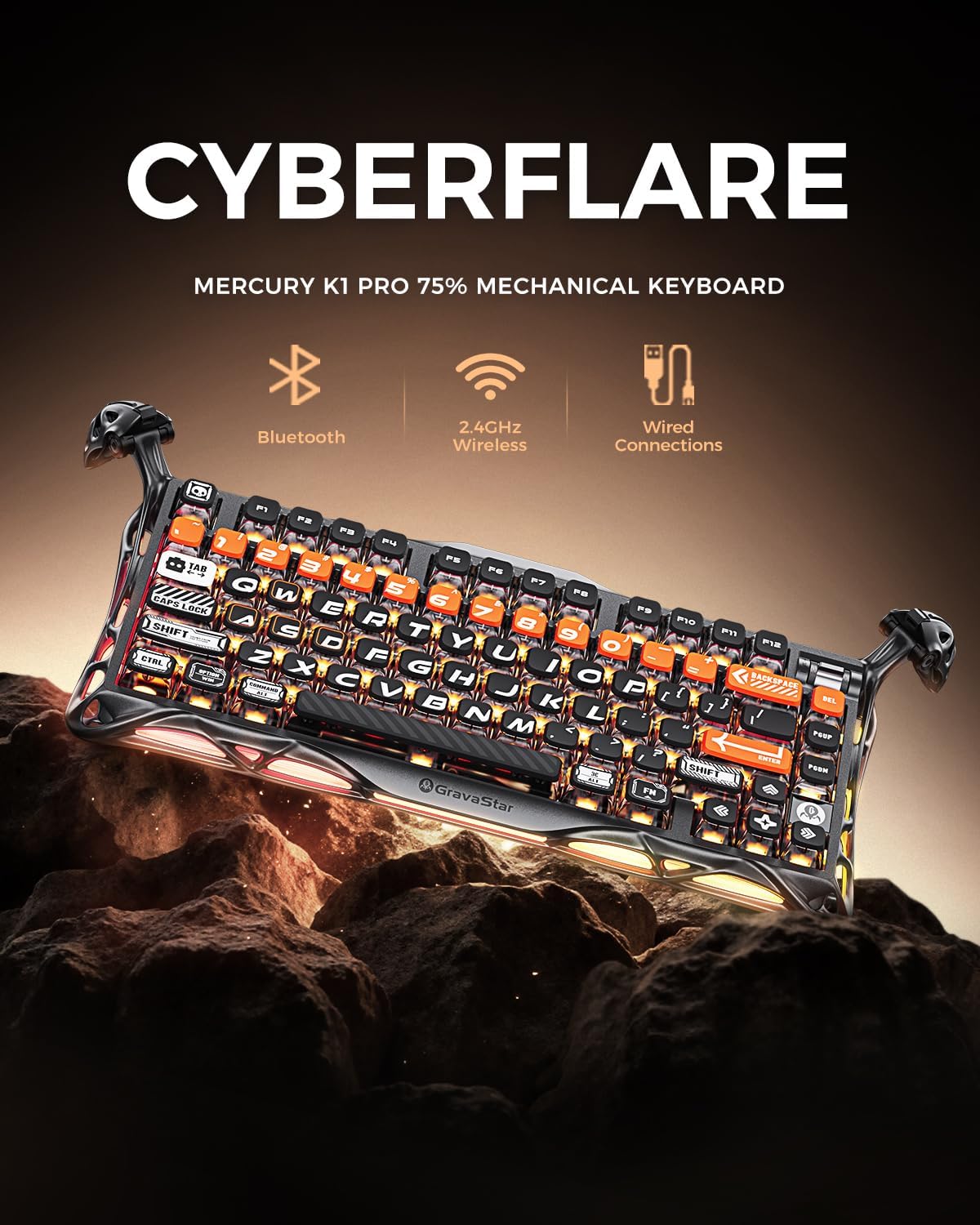
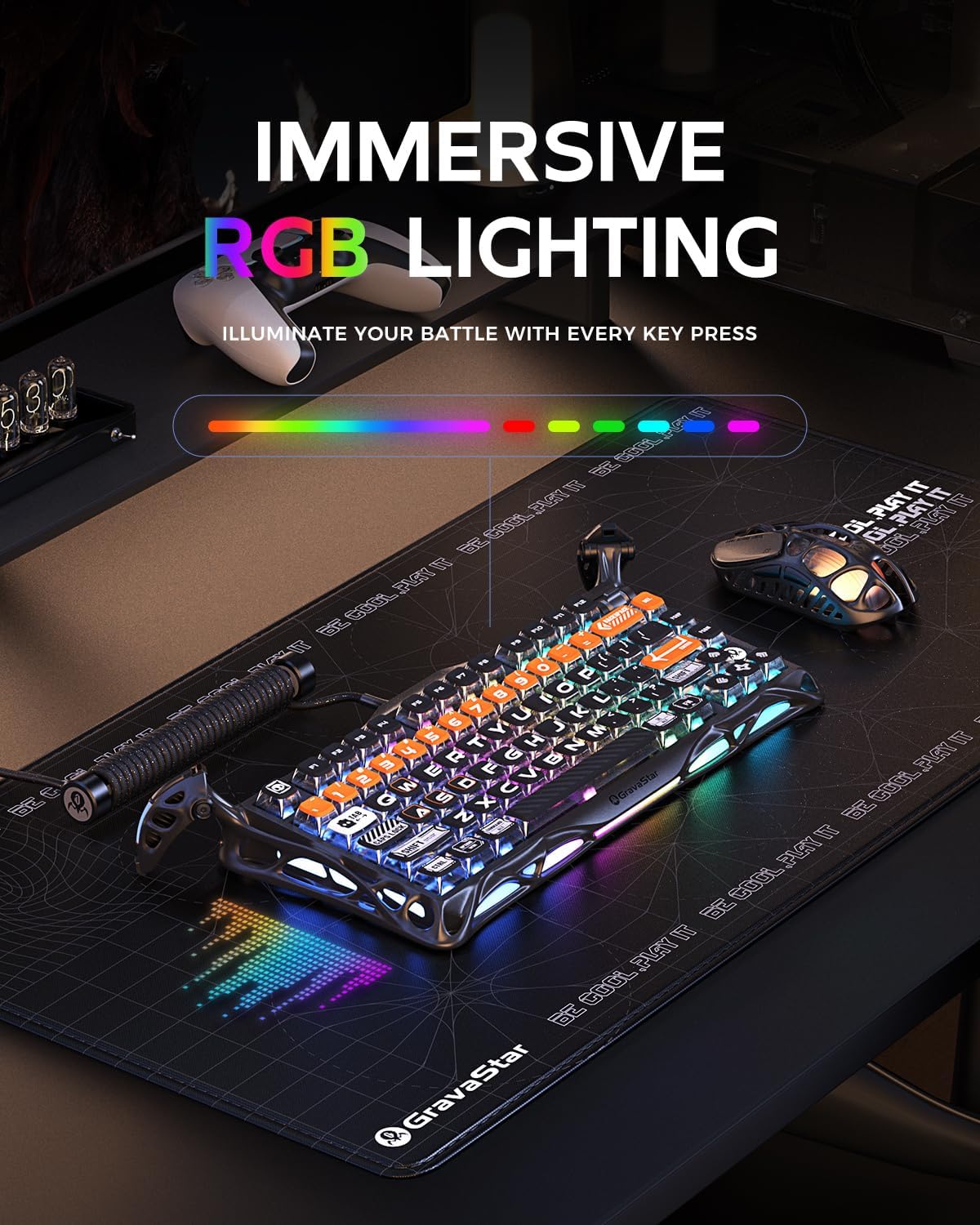
On paper, it’s also clearly pitched for gamers and heavy typists: it combines linear switches, dual RGB lighting, and tri-mode connectivity (wired, Bluetooth, and 2.4GHz). That mix matters because you’re not locked into one device or one desk setup.
Key takeaways for everyday use
The standout idea here is the gasket mounting. With an FR4 plate and 5 layers of sound-dampening foam, the keyboard is designed to feel more rounded and less harsh than a rigid mount. In real terms, that usually means a more “tolerant” sound profile for long sessions, plus a less pingy response when you’re hammering keys in games or typing documents.
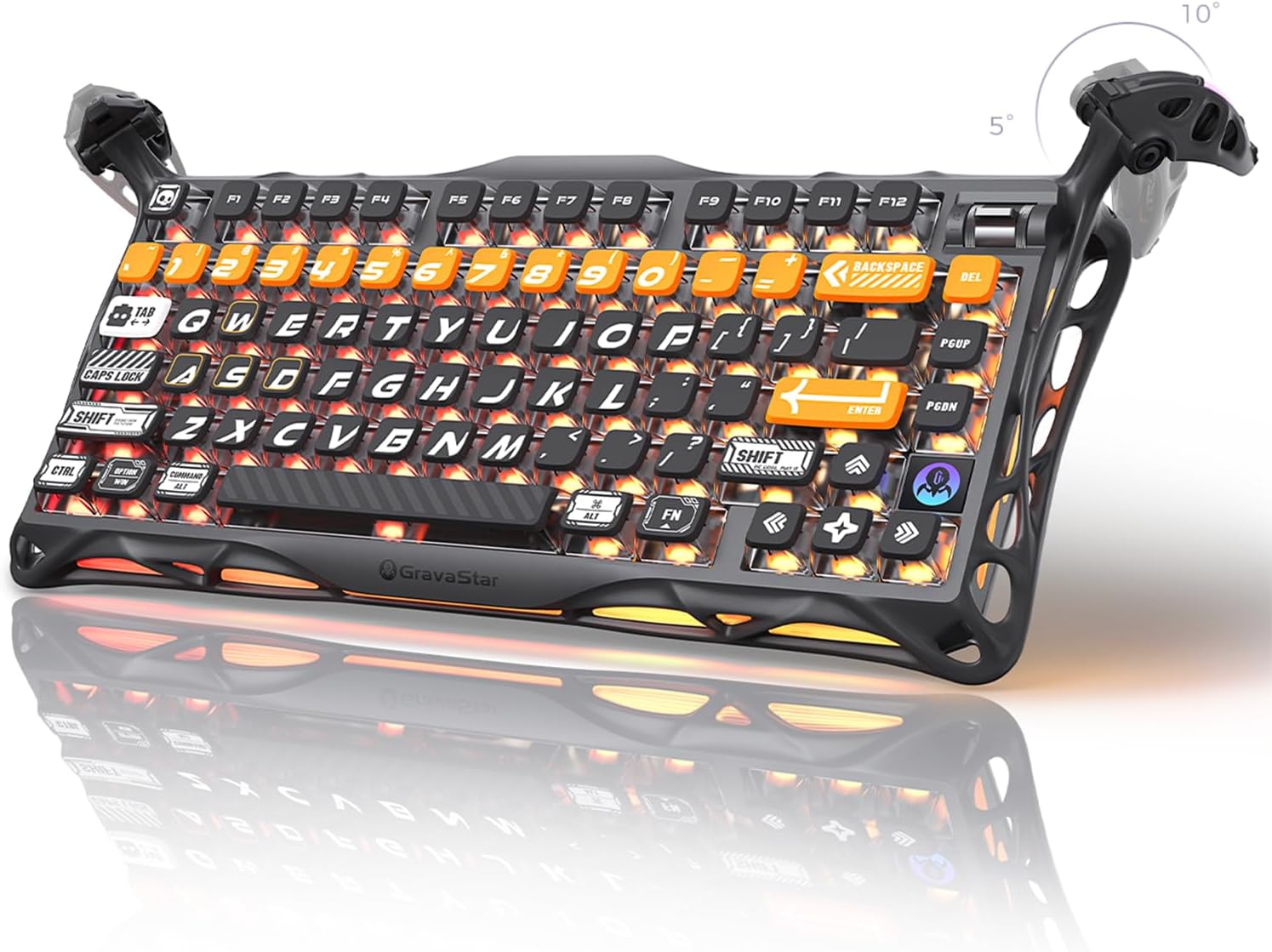
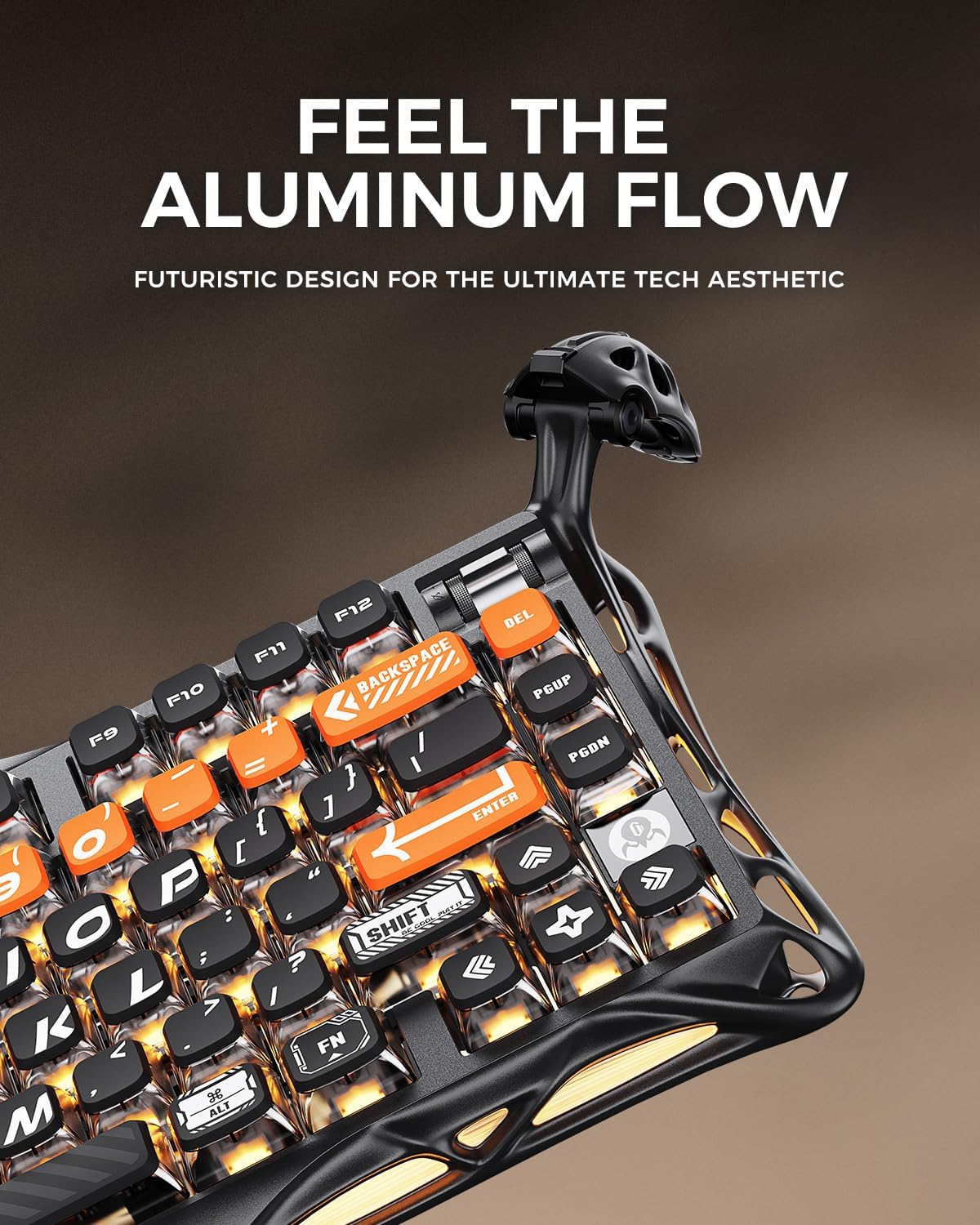
The 75% layout also helps if desk space is a bit tight. You get the essentials plus a programmable control knob, but you’re not dealing with the entire number pad block. The skeletal-style frame is another practical angle rather than just aesthetics: the description says it helps stabilise every keystroke, which is exactly the sort of thing you notice when you’re mid-game and you don’t want flex.
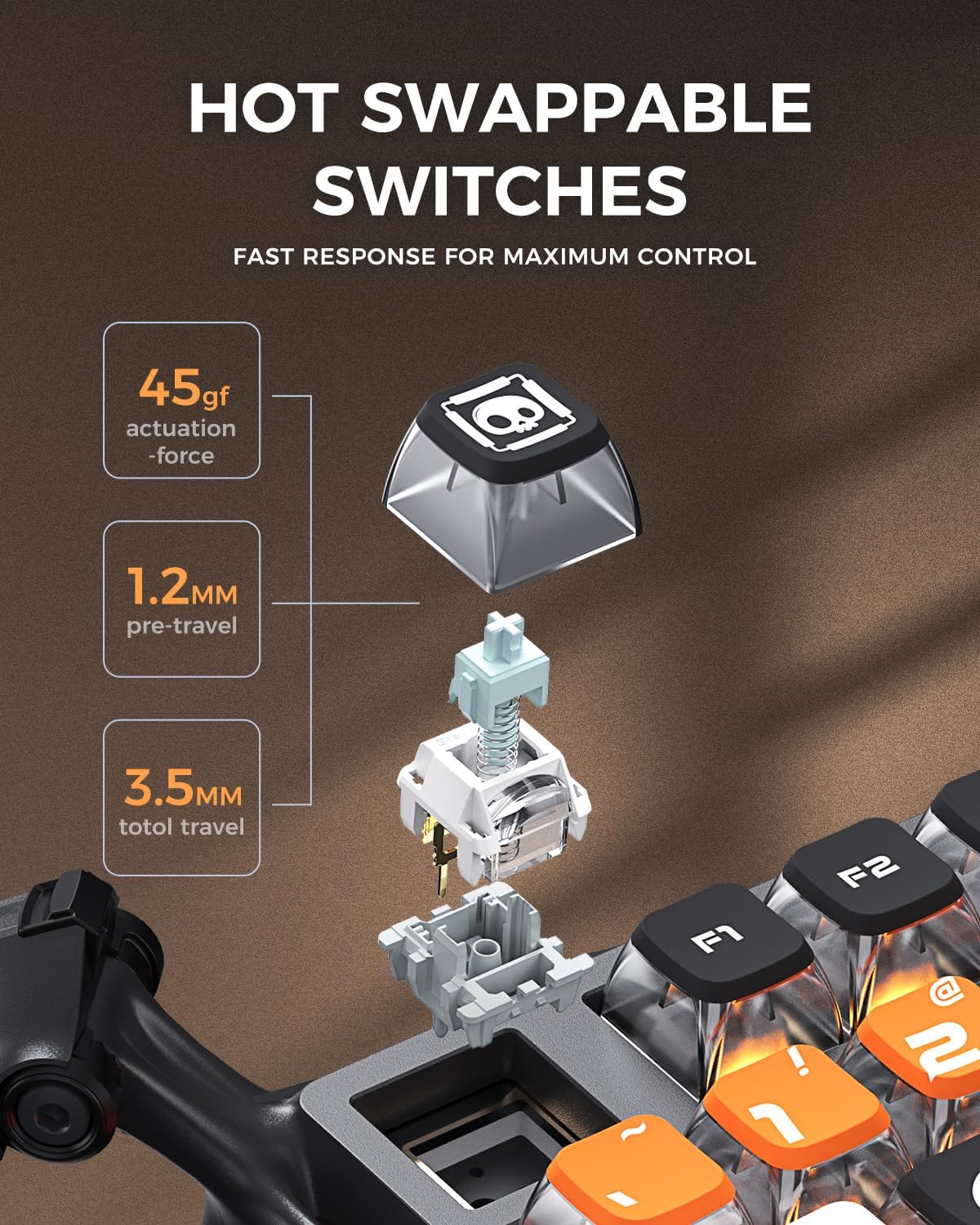
There’s also an intentional gaming orientation in the switch choice. The custom Kailh Speedy Mint Linear switches use a linear approach (no tactile bump), with a stated 45gf actuation force and 1.2mm pre-travel. If you like fast, smooth keypresses, linear switches tend to be the kind of switch you keep reaching for.
Tech specs that matter (without the fluff)

- Type: Mechanical gaming keyboard (75% layout)
- Key switches: Kailh Speedy Mint Linear (linear)
- Actuation force: 45gf
- Pre-travel: 1.2mm
- Switch lifespan: 70 million keystrokes
- Mounting: Gasket-mounted with FR4 plate and 5 layers of sound-dampening foam
- Wireless connectivity: Wired, Bluetooth, and 2.4GHz wireless (tri-mode)
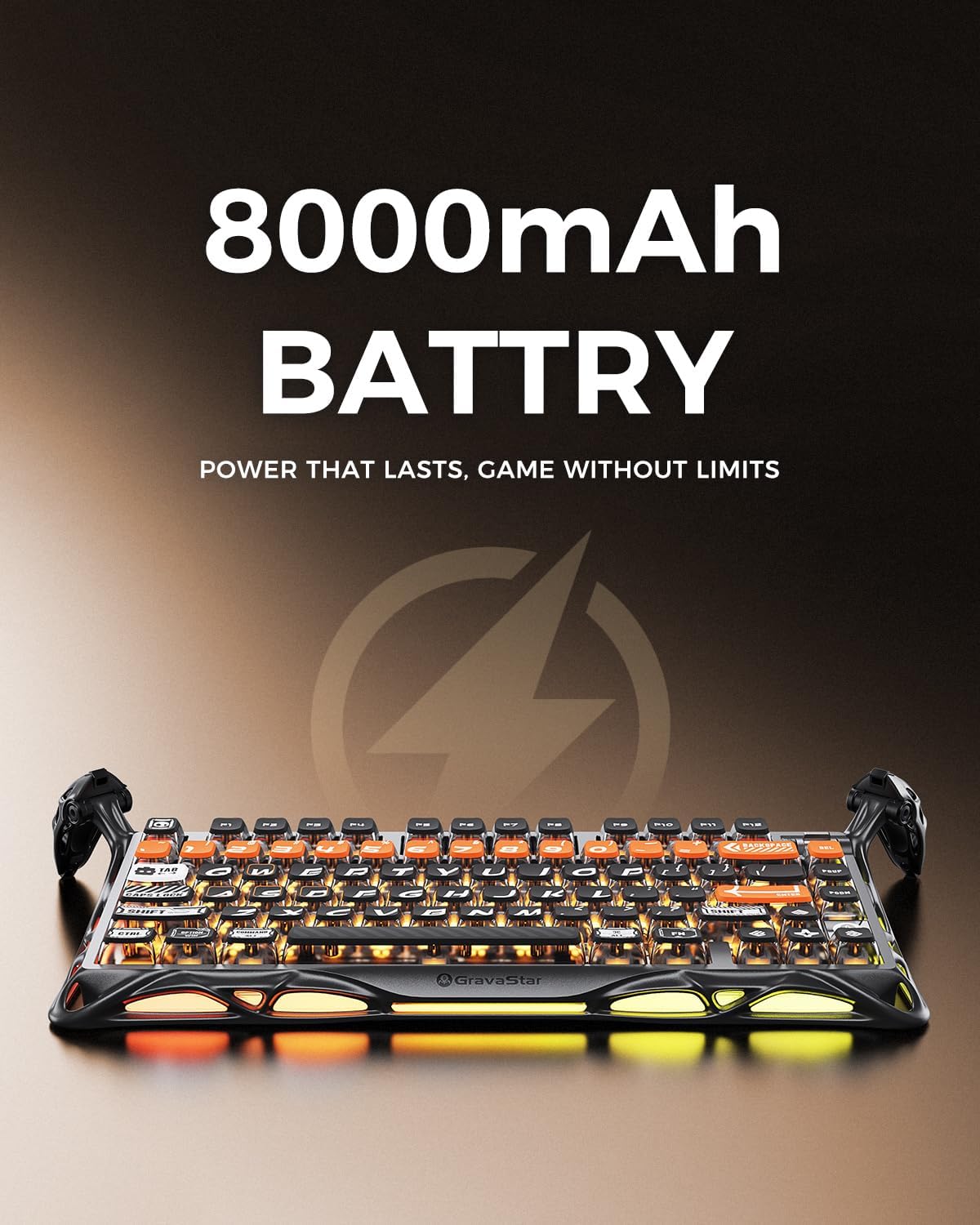
- Battery: 8000mAh rechargeable battery
- RGB lighting: Dual independent RGB systems, 16.8 million colours, 13 lighting modes
- Keycaps: Pudding PBT (dye-sublimation art)
- Backlight direction: South-facing backlit keys
- Included control: Programmable control knob
Worth noting that some specs can be a little “marketing dense”, so it’s still worth checking what those settings give you in practice (especially RGB behaviour and how easy pairing feels), even though the core features look strong.
Where it shines
This keyboard seems like a good match if you care about a few specific things:
- A compact, desk-friendly layout: 75% with 79 keys makes it feel more modern and less cluttered than larger boards.
- A softer typing sound/feel: gasket mounting plus multiple layers of foam is a clear attempt to improve day-to-day comfort.
- Wireless flexibility: tri-mode connectivity means you can move between gaming on PC and casual use on a laptop without swapping keyboards.
- Linear switch smoothness: with the stated actuation and pre-travel, it’s positioned for responsive gaming and straightforward typing.
The RGB setup is also more than “nice to have” here. Dual independent RGB lighting plus south-facing backlighting is aimed at maintaining visibility on the keycaps, and the pudding PBT style is often chosen specifically because it looks good under light.
What you may want to think twice about
It may not be the best choice if you’re expecting a keyboard that suits every switch preference. Since these are linear switches, you’ll miss tactile feedback if that’s what you like for gaming rhythm or for typing accuracy.
You should also consider how “custom” your expectation is around the stabilisation and the sound. Gasket designs can be brilliant, but results still depend on your typing style and what you consider acceptable noise. The board is clearly aiming for a toned-down profile, but it’s not guaranteed to replace a fully high-end sound-focused build if you’re extremely picky.
Finally, the description mentions hot-swap and a gasket-mounted setup, but it doesn’t give switch compatibility details. If you’re buying specifically to swap in lots of different switches later, you’ll want to double-check compatibility before committing.
Mini FAQ
Is it good for gaming and typing?
The Mercury K1 Pro is built around linear switches, a compact gaming-friendly layout, RGB visibility, and tri-mode connectivity. That combination suggests it’s meant to handle both gaming and everyday typing, but whether it feels right for you will mainly come down to whether you prefer linear switches.
What does tri-mode connectivity mean in practice?
It means you can use it in three ways: wired, Bluetooth, or 2.4GHz wireless. If you switch between a desktop PC and a laptop, or you want a wireless feel without always using Bluetooth, that’s a practical advantage.
How does the battery fit into the buying decision?
The stated 8000mAh rechargeable battery is positioned for long sessions. The keyboard also supports different connectivity modes, so battery experience will depend on how you use it (for example, wired vs wireless), but at least the intent is clear.
Does south-facing RGB affect how the keys look?
The description specifically mentions south-facing backlit keys, which is relevant for visibility under RGB. If you’re sensitive to how lighting passes through keycaps, it’s worth considering as part of the setup.
Is it a desk-space win?
Yes, the 75% layout with 79 keys is designed to free up room while still keeping a compact, functional set of controls—including a programmable knob.
Should you buy it?
It makes sense if you want a compact 75% mechanical keyboard with a gasket-mounted feel, linear “smooth” switches, and the convenience of tri-mode wireless. The dual RGB plus pudding PBT keycaps also fit people who want the keyboard to look good as much as it types.
You may want to skip it if you prefer tactile switches, if you’re planning to experiment heavily with unknown hot-swap compatibility, or if you’re after a very specific sound signature that you already know you’ll only get from other switch/mount combinations.