

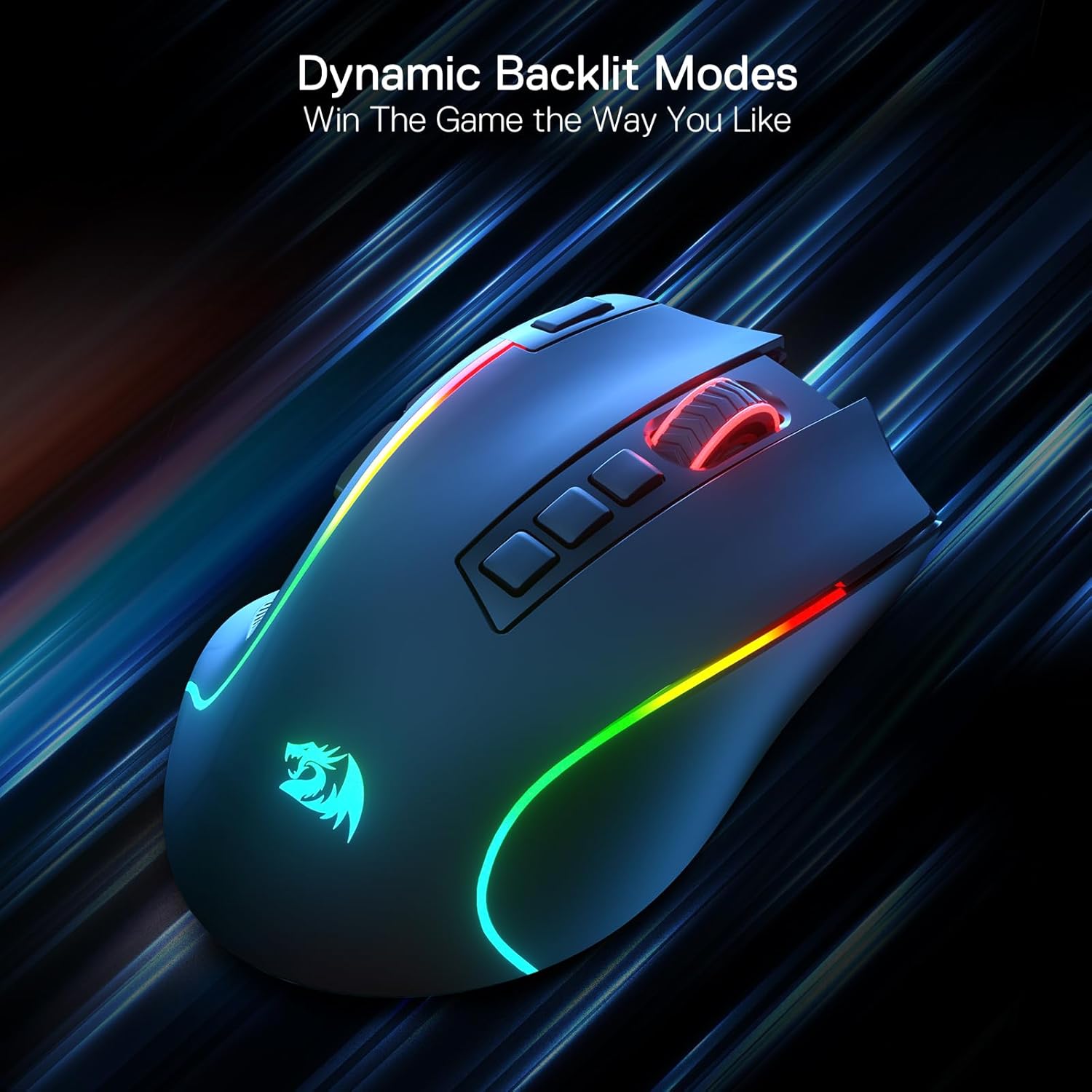
Redragon M612 PRO RGB Gaming Mouse (wired/wireless) with 8000 DPI, 9 programmable buttons
Product description
What it is and what you’re buying it for
The Redragon M612 PRO is a gaming mouse that’s designed to work both wired and wirelessly, aiming at lower-latency, “snappy” control while you play. On paper, it ticks the boxes most people look for in an all-round gaming mouse: multiple DPI settings (including a high end), a set of programmable buttons, and RGB lighting with several backlight modes.
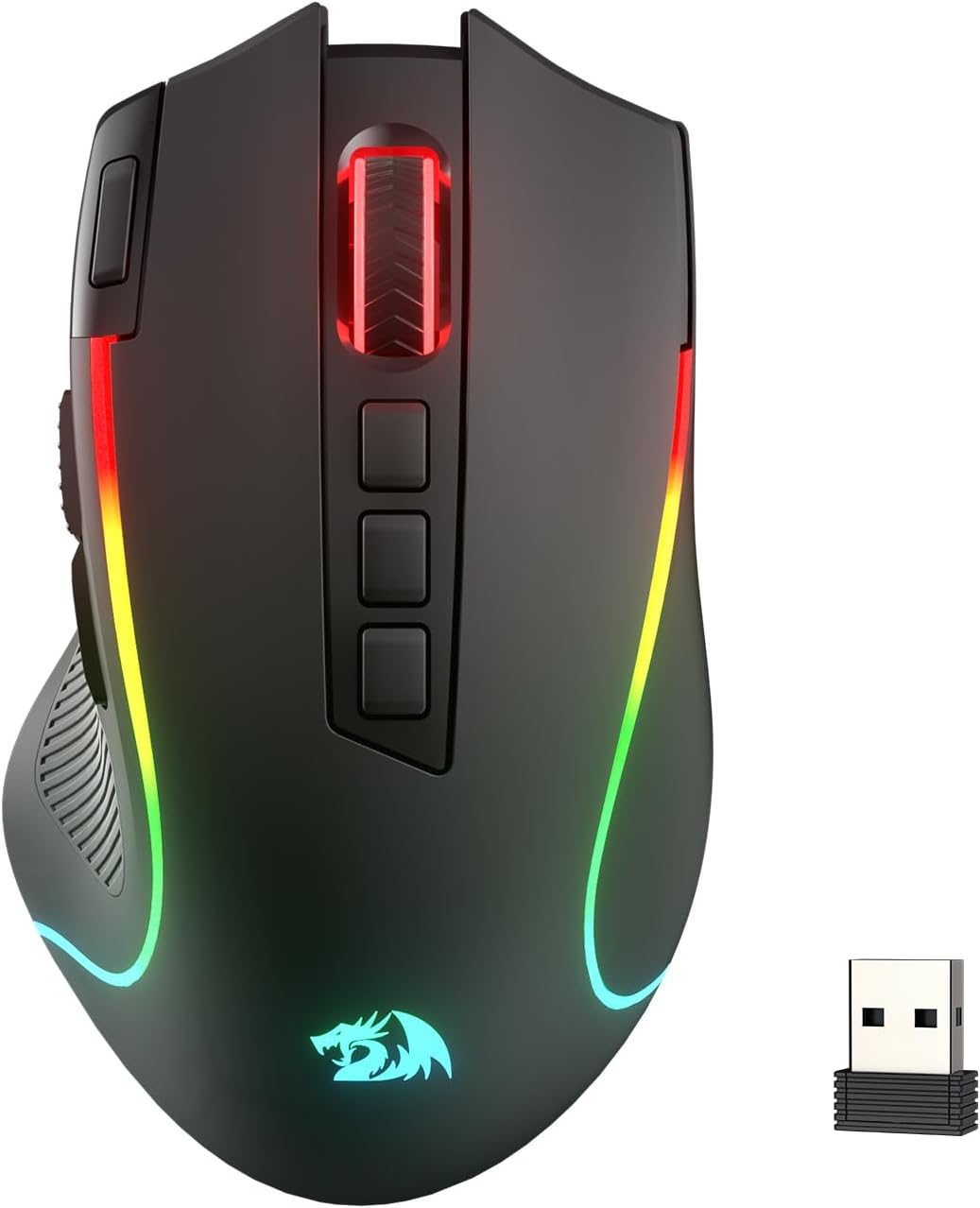
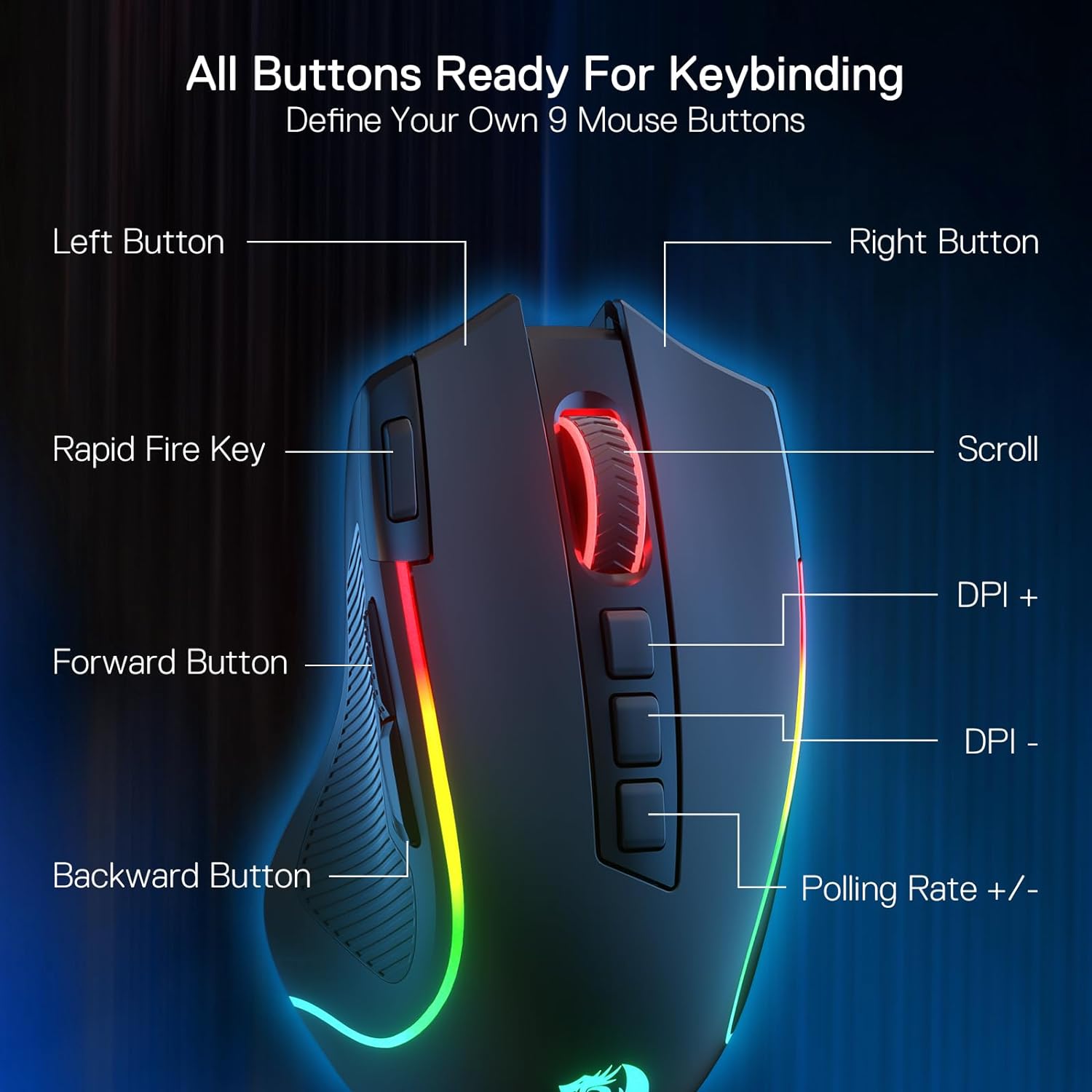
It’s also clearly built with reassignable controls in mind. With 9 programmable buttons, plus a rapid-fire button and two side macro buttons, it suits anyone who likes to set up their controls for different genres—or even for work when you’re mapping shortcuts. The main comfort angle is the textured, skin-friendly frosted coating and a rubberised grip on the left side to improve control when your hands get warm during longer sessions.
That said, it’s not perfect for everyone. If you expect top-tier “precision” in a high-end, ultra-competitive sense, you may find this sits more in the enthusiast/value tier than the absolute best-in-class bracket—mainly because the description doesn’t give the kind of detailed performance proof you’d look for when chasing competitive edges.
Key takeaways for real-world use
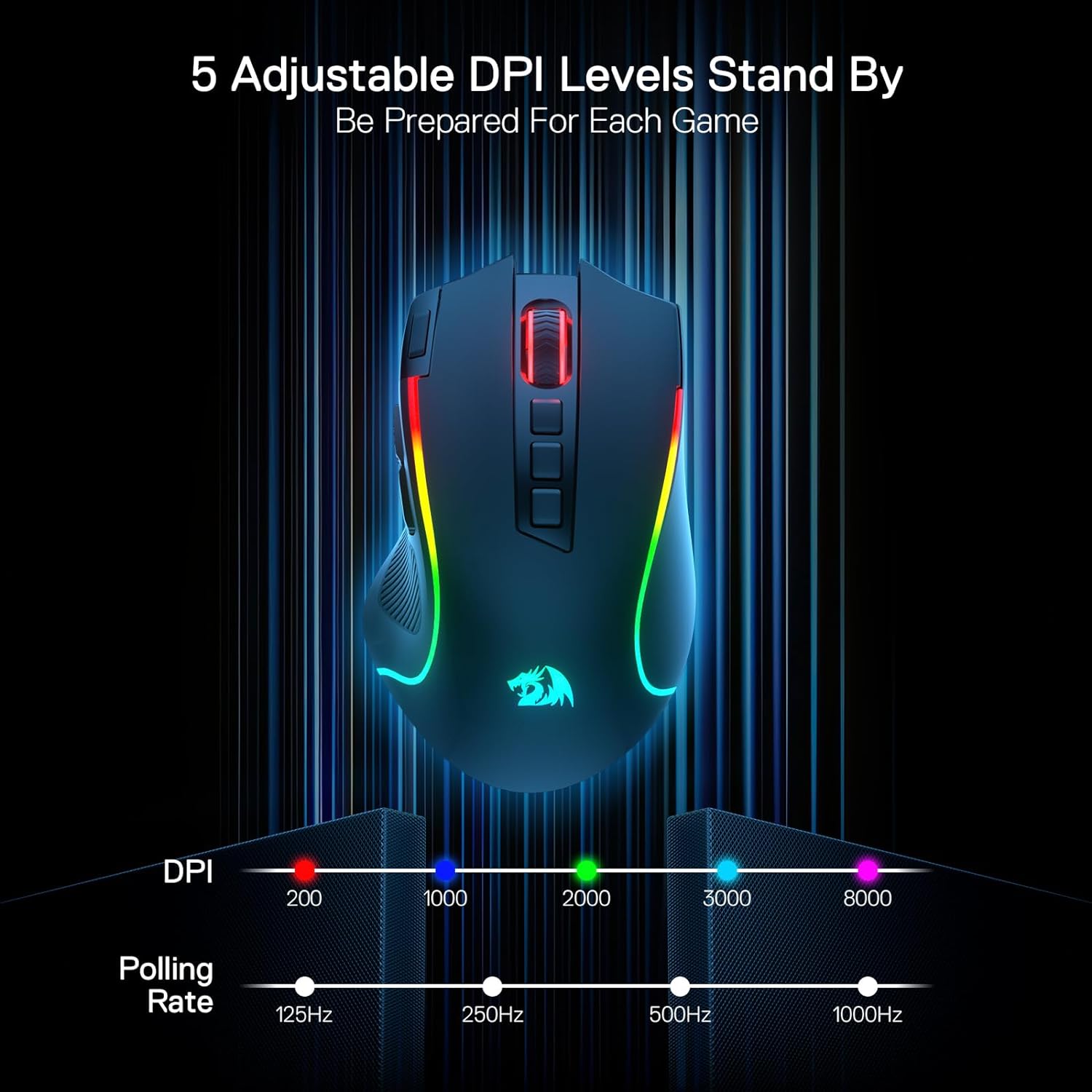
Where the M612 PRO is most convincing is in everyday handling and flexibility. You can switch DPI between different game needs thanks to redefinable DPI levels, with a default range called out as 500/1000/2000/3000/8000. If you want dedicated steps between 500 and 8000 processed via software, that’s also part of the pitch.
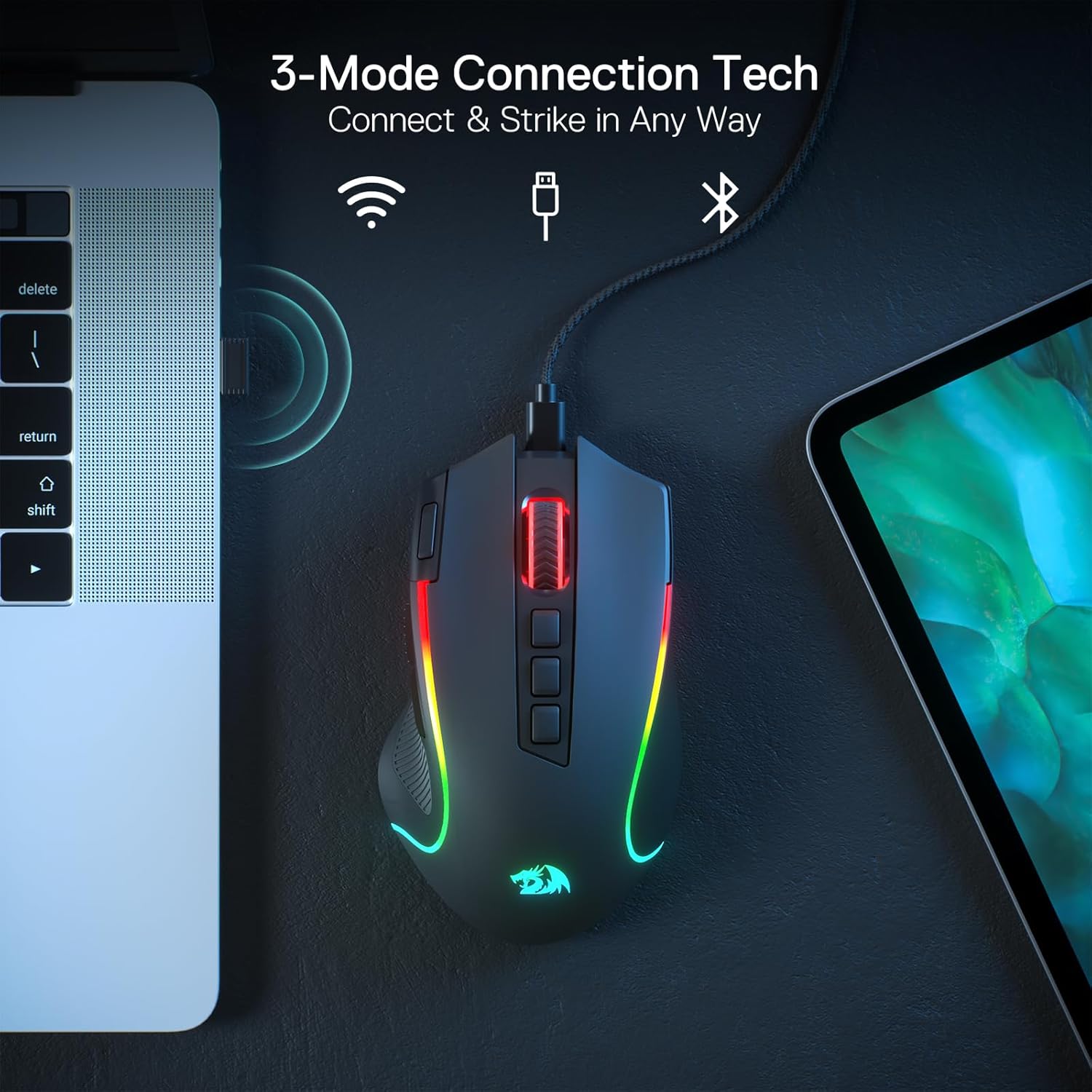
Connectivity matters too. The mouse is described as having 3 connection modes, using Bluetooth and a 2.4G receiver (which is typically what people choose when they want wireless without sacrificing feel). In practice, this gives you a straightforward way to match the mouse to your setup—laptop with Bluetooth, a PC using the receiver, or a wired session when you just want everything to be stable.
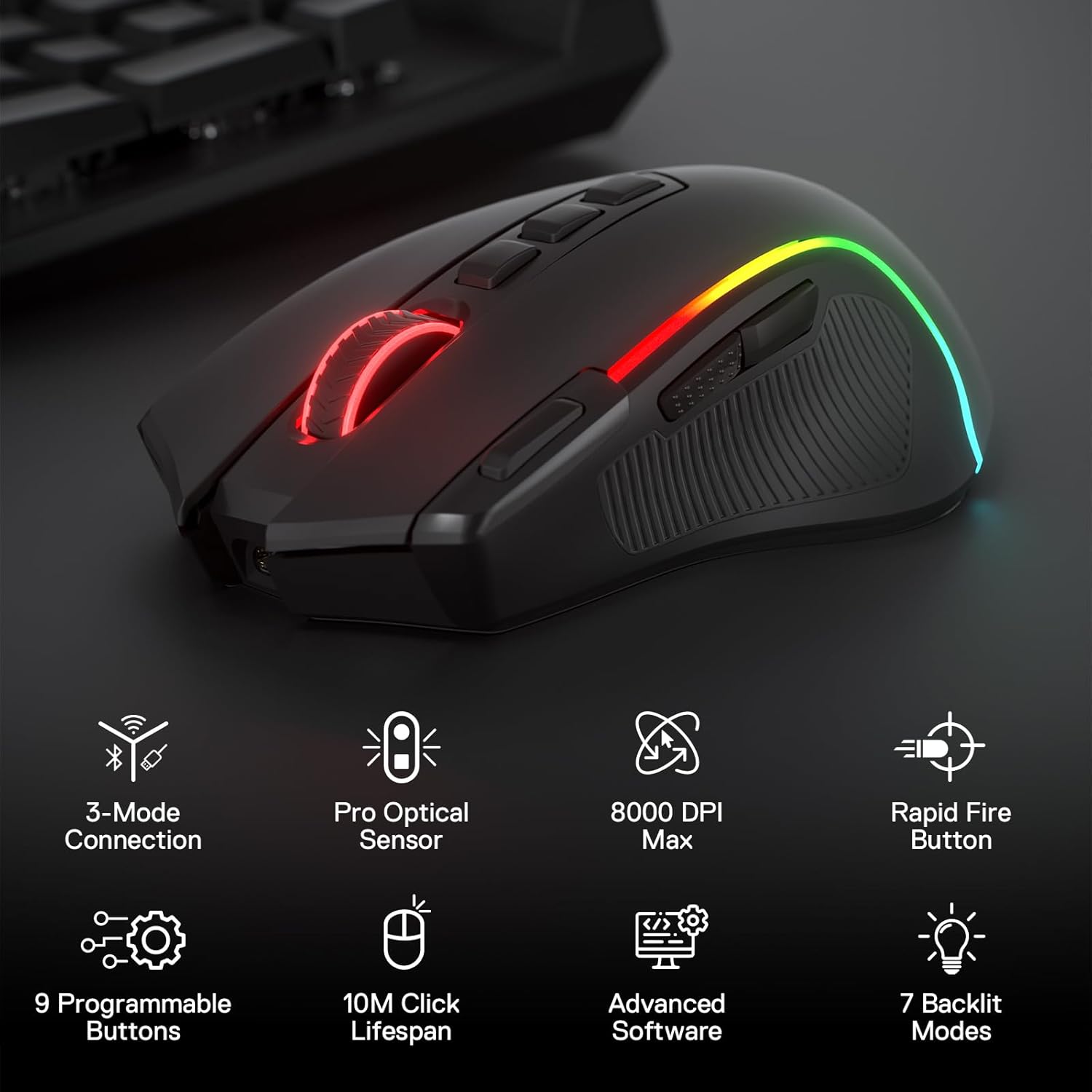
And if you care about custom buttons, this is one of its main selling points: all 9 programmable buttons are editable with keybinds for whatever you’re doing. A good micro-example: set rapid fire for a shooter’s specific action, then map the two side macro buttons to your common actions (like weapon swap or ability shortcuts) so you’re not reaching awkwardly during fast movement.
There’s also RGB backlighting with 7 modes. It’s more about atmosphere and quick personalisation than gameplay advantage, but it can make the setup feel more “yours” if you like that.
What stands out (and where it might not)
What you’ll notice day to day is the grip design. The frosted coating is described as fingerprint-free tactility, and the left side rubber texture is meant to increase friction—both are the sort of details that can genuinely improve control if you tend to sweat or if you play for longer stretches.
The ergonomic, claw-grip friendly shape is another part of the comfort story. If you naturally claw-grip (or want something that lets you keep a stable hand position without feeling bulky), the design intent makes sense.
However, you may want to think twice if you prefer a different grip style, or if you’re very sensitive to the exact shape and weight distribution. The description leans towards claw-grip, so flat palm or fingertip-focused users might not find it as comfortable.
Also, while the mouse promises a “purest and preciser” experience via 2.4G and Bluetooth, you don’t get enough specifics in the provided info to confirm how it performs against higher-end competitive mice. In other words: it’s a strong feature list, but not a performance guarantee.
Tech summary (so you can judge compatibility with your setup)
The essentials
This model is an optical gaming mouse with 8000 DPI support and a configurable DPI system. It offers 5 DPI levels with a default set of 500/1000/2000/3000/8000, and it also mentions demand for processing DPI options between 500–8000 via software.
On the controls side, it includes 9 programmable buttons, featuring a rapid fire button plus two side macro buttons. For connectivity, it supports Bluetooth and a 2.4G receiver, and it’s described as offering 3 connection tech modes overall.
Lighting is covered with 7 backlit RGB modes, and the mouse is paired with software that supports DIY keybinds.
Who it’s for
You’ll likely be happiest with the Redragon M612 PRO if you want a wired/wireless gaming mouse that keeps things practical: multiple DPI steps, plenty of programmable buttons, and a grip-focused shell that’s meant to feel comfortable for long sessions.

It also makes sense if you enjoy tinkering with keybinds—because the mouse is explicitly positioned as being reassignable, with rapid fire and side macros. If you bounce between games with different pacing (for example, one that benefits from lower DPI precision and another where higher sensitivity helps tracking), having configurable DPI levels is the type of convenience that actually shows up in muscle memory.
Who should avoid it
It might not be your best match if you’re chasing a competition-focused mouse with a more “pro-verified” performance story, because the provided information focuses on feature set rather than deep technical validation. You may also want to skip it if your grip isn’t claw-based, since the design is described in that direction.
Finally, if you don’t care about reassignable buttons, DPI switching, or RGB lighting, there are simpler wired options that may feel better value.
Is it worth it?
Buy the Redragon M612 PRO if you want a flexible wired/wireless gaming mouse with 8000 DPI support, a default multi-level DPI setup (500/1000/2000/3000/8000), 9 programmable buttons, and software-supported DIY keybinds. It’s especially a sensible pick for people who like mapping rapid fire and side macros, and for anyone who values a textured, sweat-friendlier grip.
Don’t buy it if you need a grip style that clearly isn’t claw-based, or if you’re demanding detailed performance specs beyond the feature list. It’s more of a feature-rich, comfort-leaning value choice than a fully “no-compromise” competitive benchmark, so it may feel like overkill if you won’t use the programmable buttons and wireless modes.