

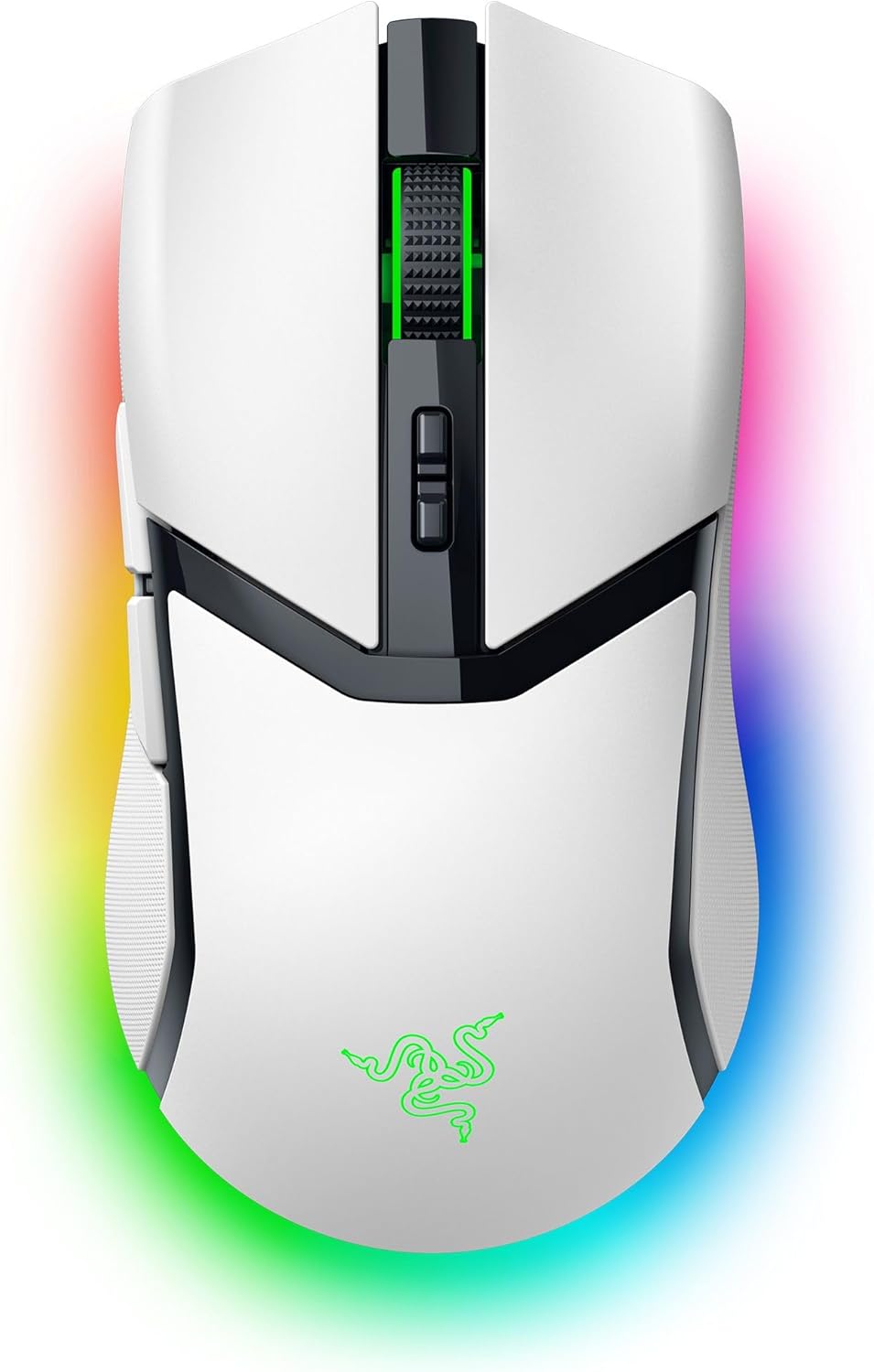
Razer Cobra Pro wireless gaming mouse (white) with RGB, 30K DPI optical sensor and 8K Hz HyperSpeed
Product description
If you want a wireless gaming mouse that feels responsive but doesn’t force you into a single way of playing, the Razer Cobra Pro is built around that idea. On paper it bundles optical precision (up to 30K DPI), a high-refresh wireless approach (8K Hz support), and a macro-ready layout (10 customisable buttons), plus Razer Chroma RGB with 11 zones.
The tricky part is that some of the “best” performance details come with conditions—mainly the need for the right dock or adapter for full 8K Hz wireless. So, it’s worth deciding first whether you’ll actually use those extras, or whether normal wireless performance will be plenty for your games.
The essentials (what it’s for)
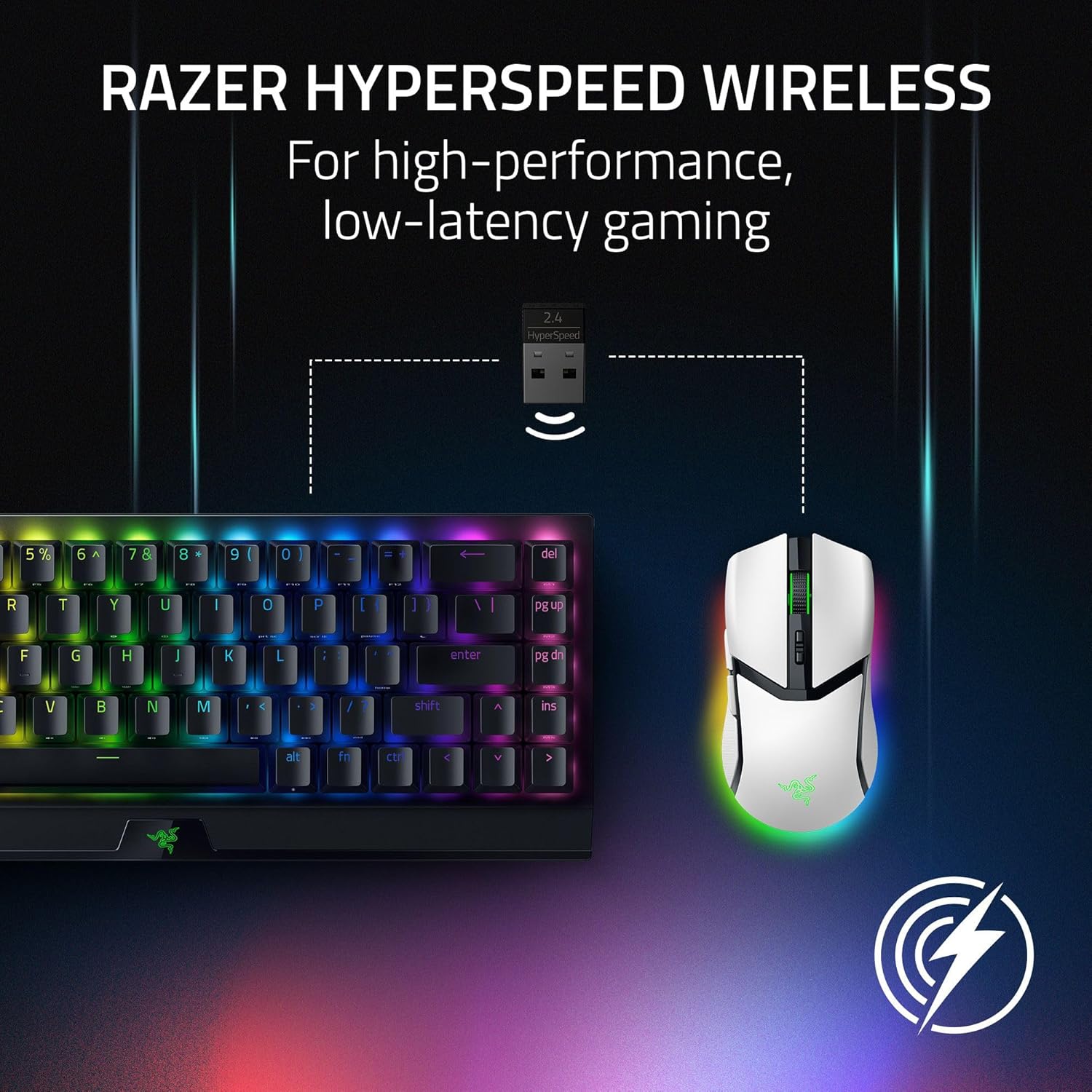
This is a wireless gaming mouse aimed at players who care about precision, responsiveness and custom control. It’s designed to suit a range of setups thanks to its connectivity options: Bluetooth, USB-C, and HyperSpeed wireless.
The control side is handled with 10 customisable buttons, advanced macros, and 5 integrated profiles. That means you can store key commands and switch between setups without relying entirely on a PC every time you sit down.
A quick, practical example: if you play one game where you want quick weapon/ability swaps and another where you need more complex command sequences, the integrated profiles are meant to let you shift between those command layouts without having to reconfigure everything from scratch.
Where it shines in day-to-day use
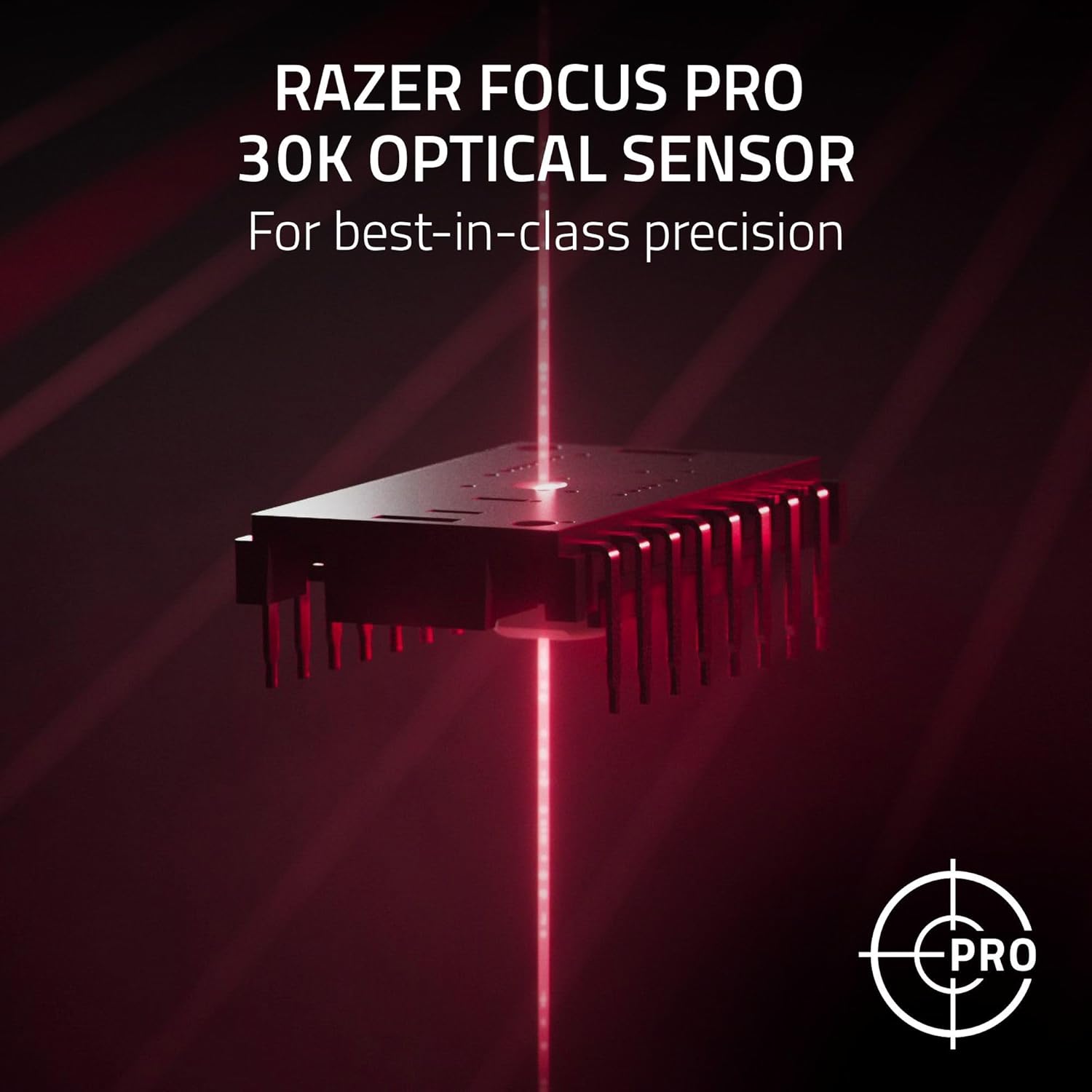
The standout theme is “tight control”. The Focus Pro optical sensor (30K DPI) is pitched for precise tracking on a variety of surfaces, including glass. If your mouse mat setup includes smooth or glass-like surfaces, this kind of spec positioning is one of the reasons people look at a higher-end optical sensor in the first place.
On responsiveness, HyperSpeed wireless is described as “latency-free gaming” with maximum performance. And while marketing phrases are marketing phrases, it’s still a meaningful direction: a higher sampling rate (8K Hz) is supported when you use the Razer Mouse Dock Pro or the Razer HyperPolling wireless adapter (both sold separately).

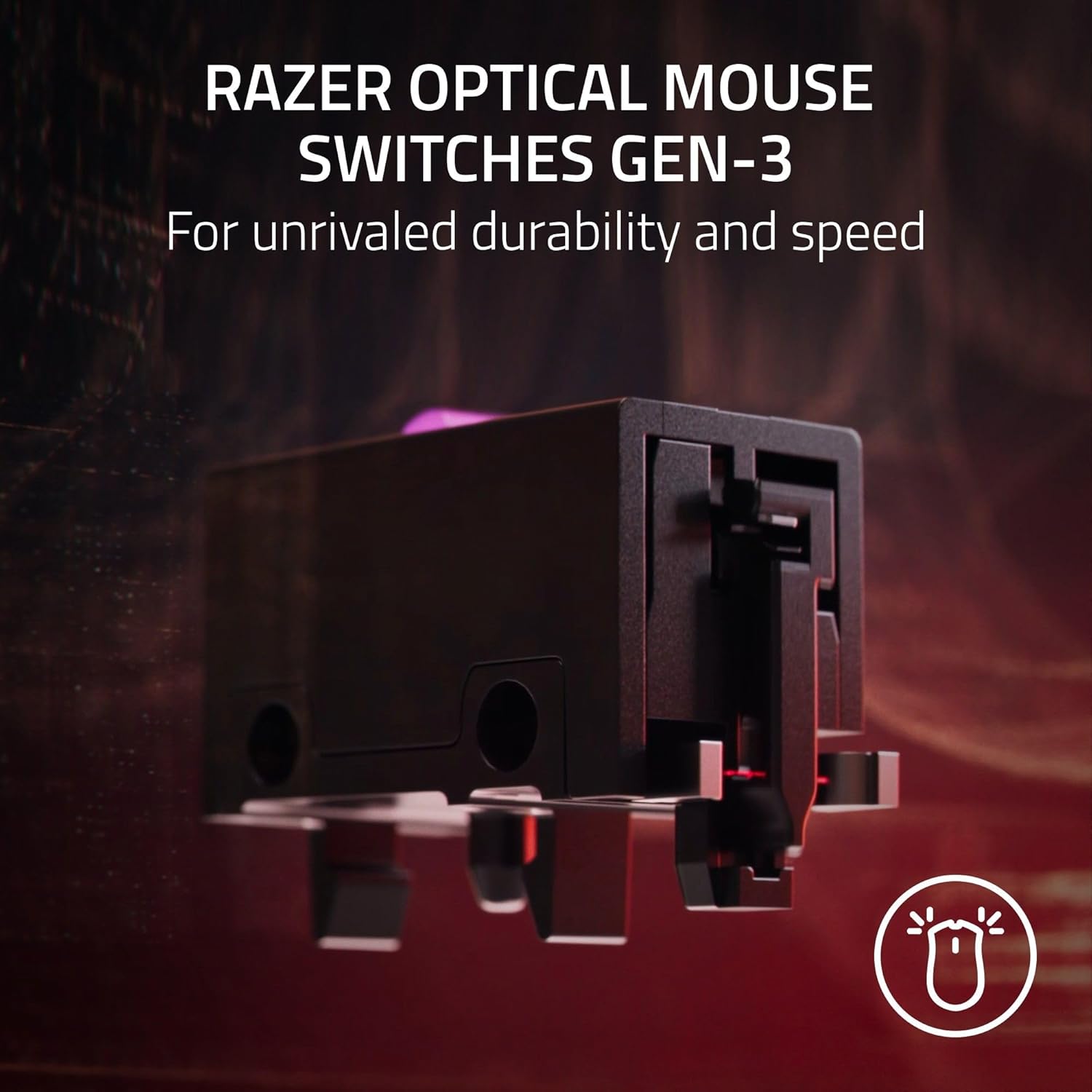
Then there’s the switch design: Razer 3rd Generation Optical Mouse Switches. The figures given—90 million clicks lifespan and a trigger time of 0.2 ms—are the sort of specs you typically see on mice that are targeting reliability under heavy use. If you tend to click rapidly, or you simply prefer consistent input, that’s the part that matters most.
What you’ll notice on the RGB side
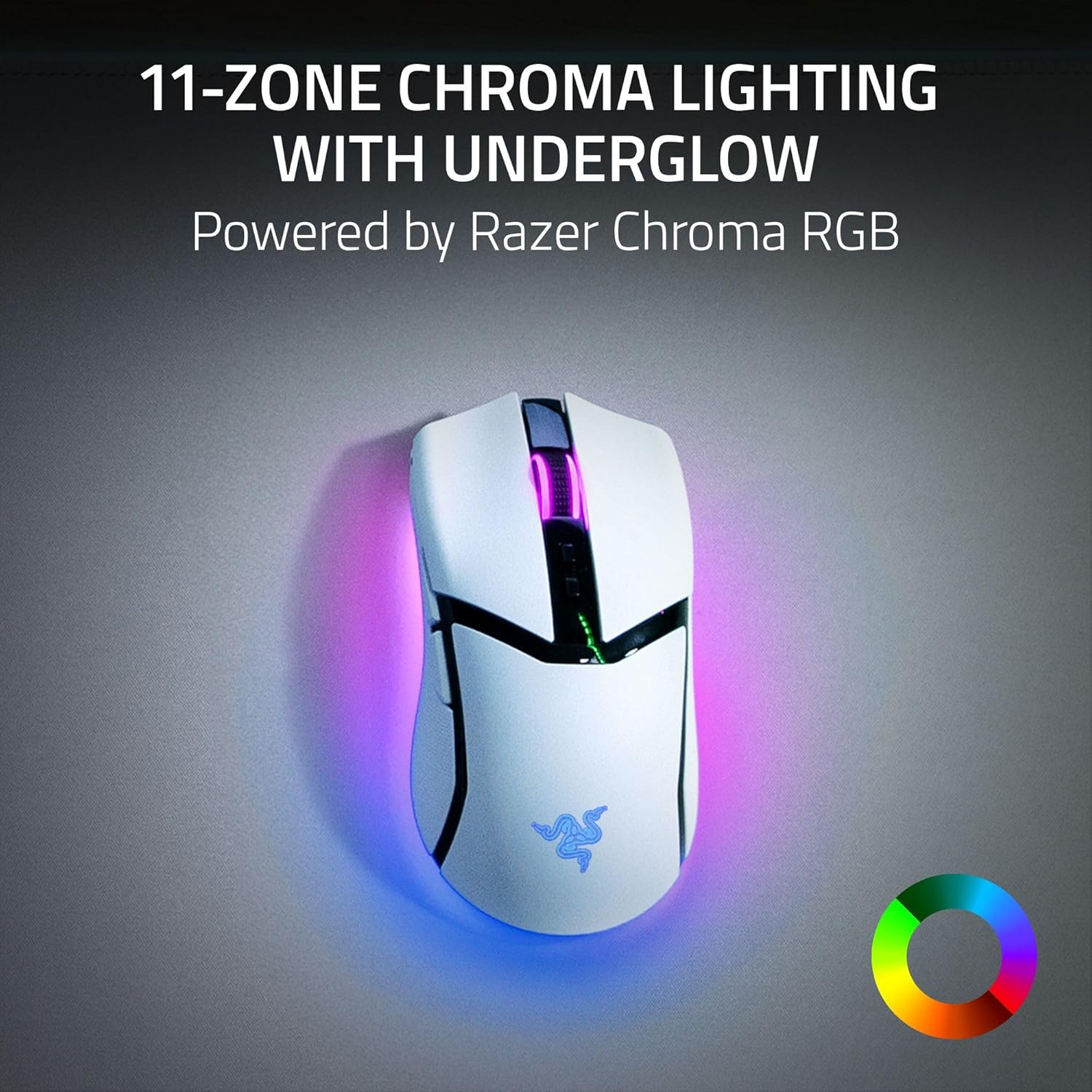
The RGB isn’t just a single strip either. Lighting is powered by Razer Chroma RGB with 11 zones, and you can customise each zone using 16.8 million colours and “countless” effects.
There’s also underbody lighting mentioned, and the dynamic layer via Razer Chroma support (lighting that can respond to hundreds of games). If you don’t care about RGB immersion, you may never fully use this. But if lighting is part of your desk setup, this is one of the more feature-led ways to get it.
Tech overview (key specifications to consider)
- Type: Wireless gaming mouse with RGB
- Sensor name: Razer Focus Pro optical sensor
- Maximum DPI: 30K DPI
- Customisable buttons: 10
- Integrated profiles: 5
- Polling / wireless feature: HyperSpeed wireless with 8K Hz support (requires Razer Mouse Dock Pro or Razer HyperPolling wireless adapter, both sold separately)
- Connectivity: Bluetooth, USB-C, and wireless charging options mentioned
- Battery life: up to 100 hours with Razer HyperSpeed, up to 170 hours via Bluetooth (as stated)
- Charging: USB-C, Razer Mouse Dock Pro, or Razer wireless charging puck (both sold separately)
- Optical switch lifespan: 90 million clicks
- Trigger time: 0.2 ms
- Lighting: Razer Chroma RGB with 11 zones and underbody lighting

Setup & software reality check (a small but important nuance)
The mouse is supported by the Razer Synapse app, which is also where you’ll look to optimise accuracy. The listing also specifically calls out a Windows setting: you may want to disable “Improve pointer accuracy” in Windows mouse settings for better results.
This is one of those “it’s not broken, but it can be better” moments. If you leave that feature on, some users find the cursor motion feels less predictable for gaming. It’s not a deal-breaker, but it’s definitely something to check if you’re buying for competitive precision.
Who it suits—and who should look elsewhere
It’s a solid pick if you want a wireless mouse that’s clearly aimed at gaming performance, with enough button control for macros and profiles, plus sensor features that are marketed to work on different surfaces.
It may not be a great match if you’re mainly after a simple, budget-friendly wireless mouse and won’t use the software, profiles, or the higher-end 8K Hz setup requirements. The “8K Hz” promise is conditional in this listing, and you don’t want to pay for features you’ll never activate.
It’s also worth remembering that RGB-heavy mice aren’t everyone’s taste. If you prefer minimal lighting, this model’s Chroma-focused design means the aesthetic side is very much part of the package.
When it makes sense (buying verdict)
Buy the Razer Cobra Pro if you like the idea of optical sensor precision, you want 10 customisable buttons with multiple built-in profiles, and you’re comfortable doing a bit of setup work (including checking Windows pointer settings and using Synapse for optimisation). It’s especially sensible if you’re the kind of player who benefits from faster-feeling inputs and wants reliability backed by the stated optical switch lifespan.
You may want to skip it if you only need basic wireless control, you don’t plan to use the dock/adapter for 8K Hz wireless, or you’d rather not spend time tuning your pointer experience. In that scenario, it could feel more “feature-heavy” than necessary.
Mini FAQ
Does this mouse work via Bluetooth as well as wireless?
Yes. The listing states Bluetooth support, along with HyperSpeed wireless and USB-C.
What’s needed to reach 8K Hz wireless?
The listing says 8K Hz sampling requires the Razer Mouse Dock Pro or the Razer HyperPolling wireless adapter, which are sold separately.
How long does the battery last?
It’s stated as up to 100 hours with Razer HyperSpeed, or up to 170 hours via Bluetooth.
Is there built-in button setup, or do you need software?
You get 5 integrated profiles for command setups, but the Razer Synapse app is also mentioned for optimising performance.
Can the RGB lighting be customised?
Yes. It’s described as Razer Chroma RGB with 11 zones, 16.8 million colour customisation per zone, and game-responsive effects when supported.