

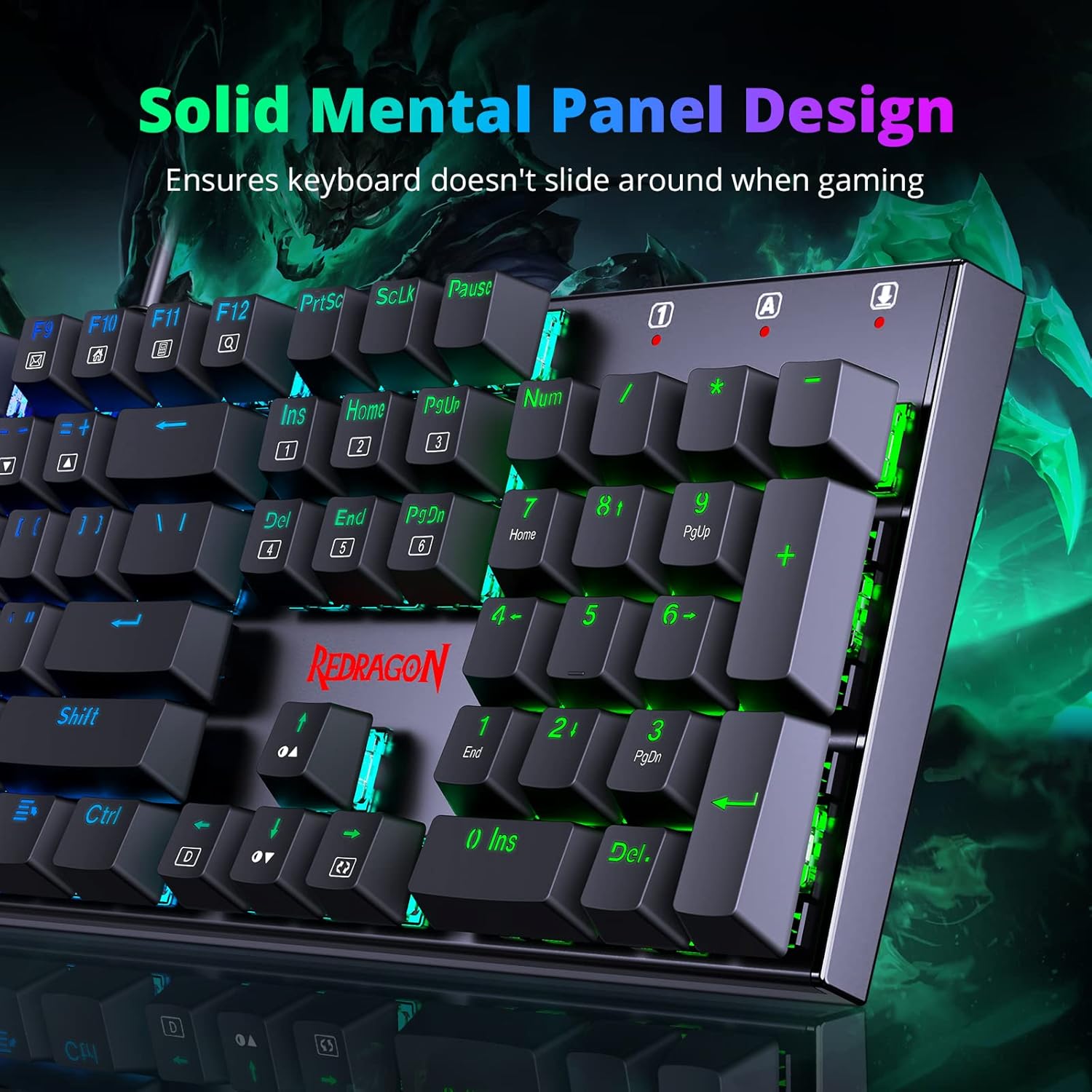
Redragon Mechanical Gaming Keyboard (UK Layout) with 105 Programmable Keys, Red Switches & RGB
Product description
The essentials for a day-to-day buyer
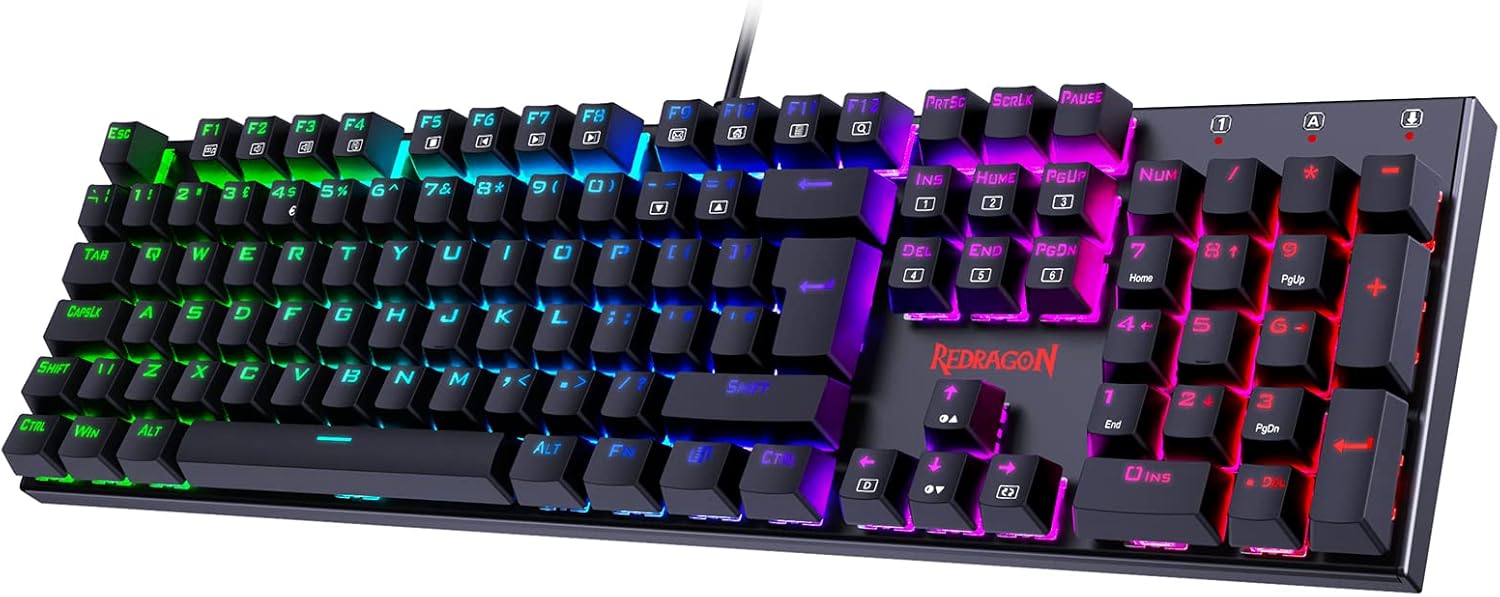
If you’re looking for a mechanical keyboard that can switch between gaming and normal typing, this Redragon board is built around that exact idea. It’s a full-size option with 105 programmable keys, red switches, hot-swap mechanical keycaps, and RGB lighting with multiple effects. On paper, it’s the sort of keyboard you buy when you want one device for PC gaming, work, and general typing without needing to fiddle constantly.
That said, it’s not a premium “endgame” board in the sense that the description doesn’t claim flagship features like advanced per-key lighting customisation, higher-end materials, or studio-grade audio—so if you’re chasing the best feel and build you can get, you may find it sits more in the mid-range bracket. For most people using it at home or in an office, though, the focus on responsiveness, anti-ghosting, and practical comfort is the right direction.
Where it stands out in use
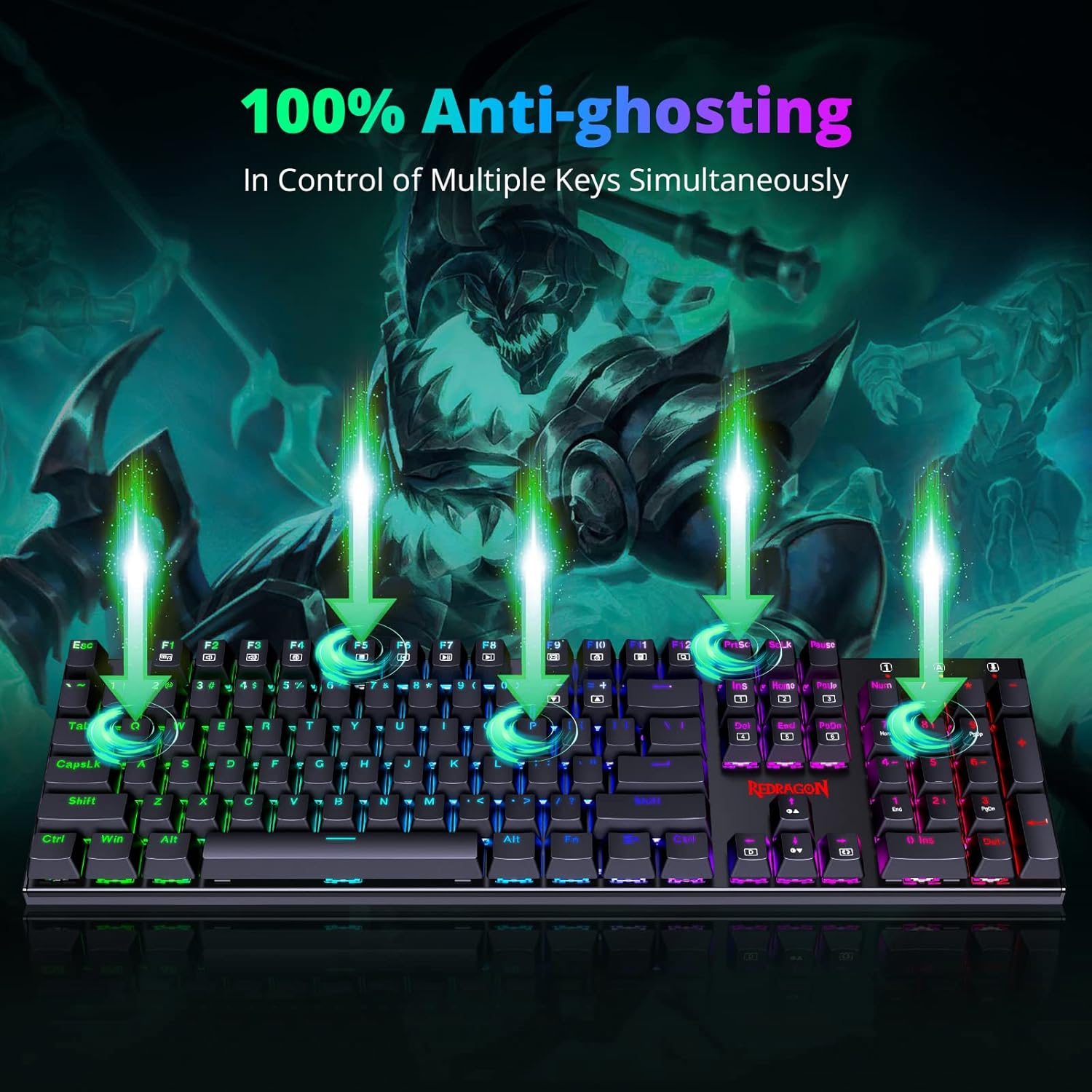
The headline features here are fairly tangible when you’re actually using the keyboard. Full anti-ghosting is designed so each key press is reliably detected, which matters most when you’re doing fast movement inputs or quick key combinations. If you’ve ever had a key combo partially ignored on cheaper boards, this is the area where this kind of design tries to avoid that.
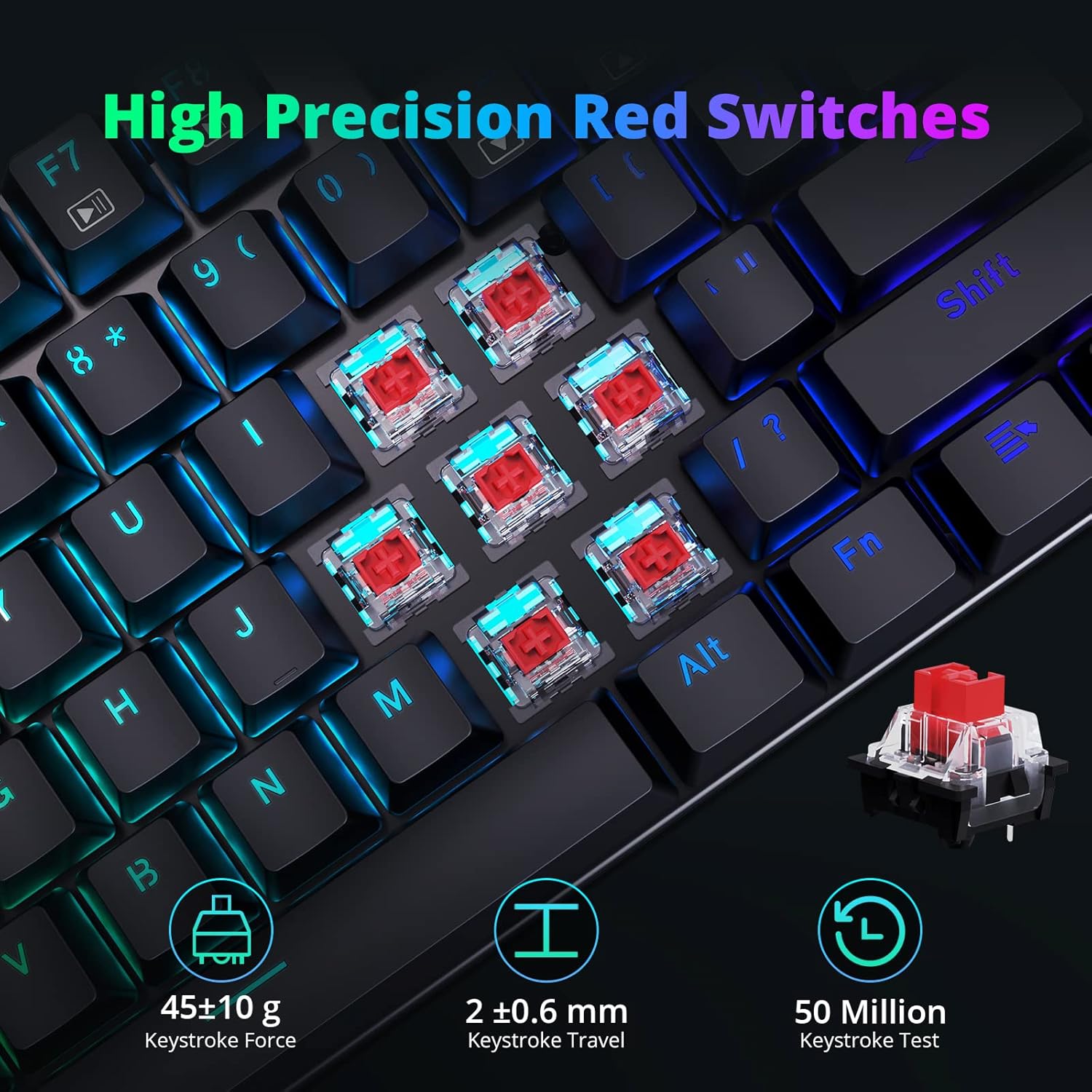
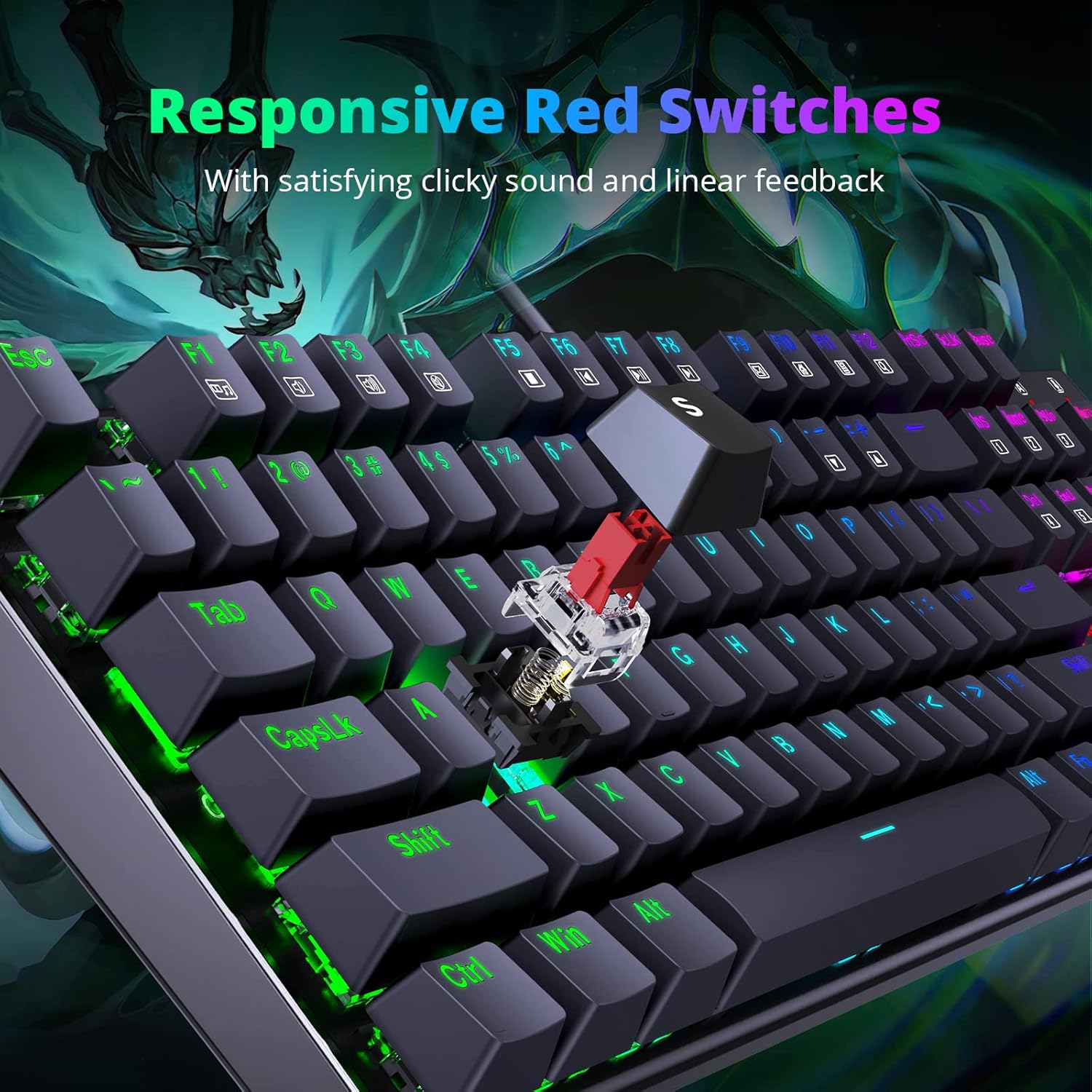
Then there’s the switch feel and responsiveness angle. The board uses red switches and a hot-swap Mechanical keycaps structure, described as giving each key its own independent micro switch. Whether you love that “direct” sensation or not comes down to personal preference, but it’s at least aimed at quicker response and consistent tactile feedback for gaming, typing, and everyday tasks.
A small but practical bonus is that the box includes 4 spare switches as a gift (per the description). Not every keyboard in this category offers that.
What the RGB and lighting controls really offer
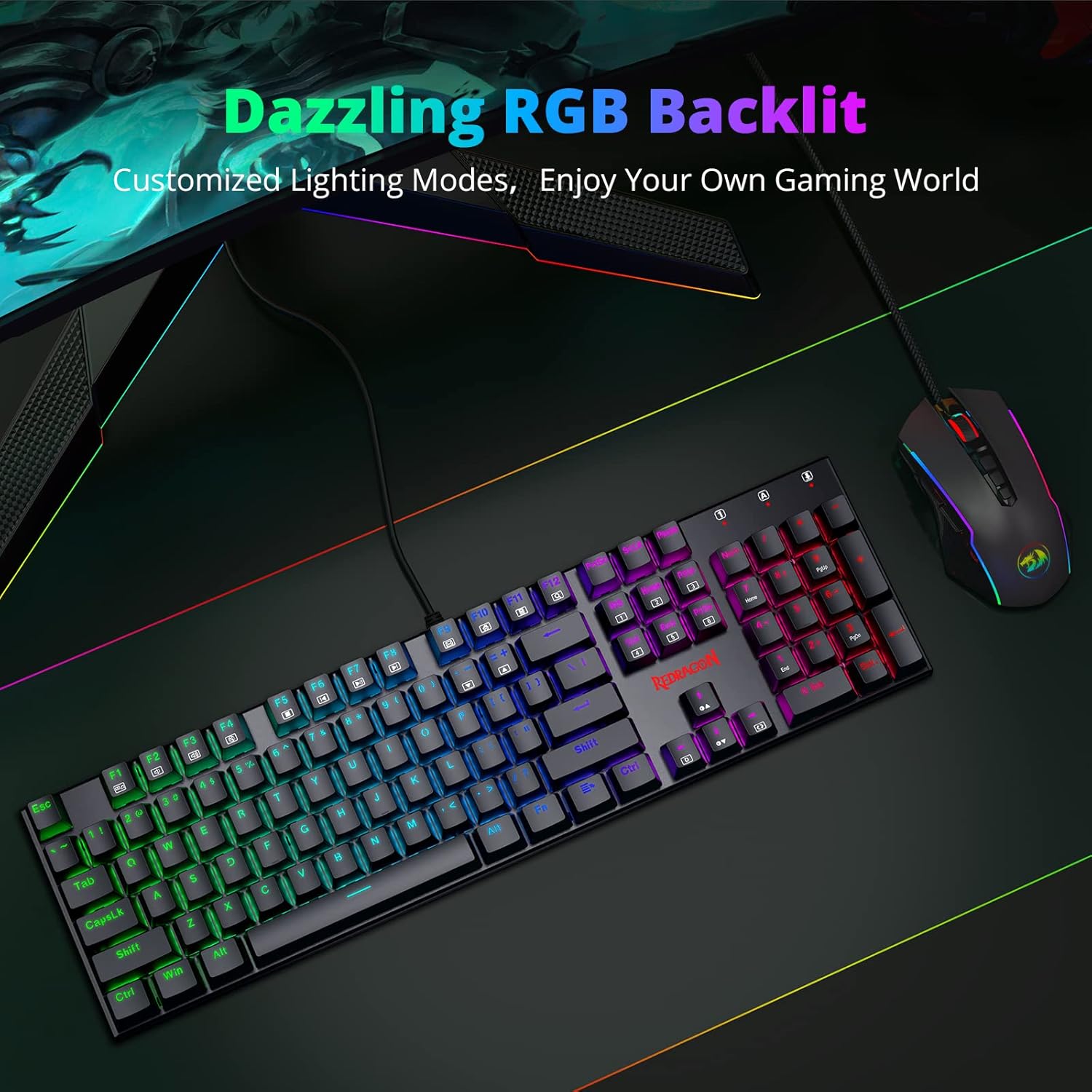
RGB isn’t just decoration here. The keyboard includes 18 customised backlight effects, plus 4 adjustable brightness and speed settings. In real-world terms, that means you can tone it down for an office environment, or ramp it up for gaming sessions.
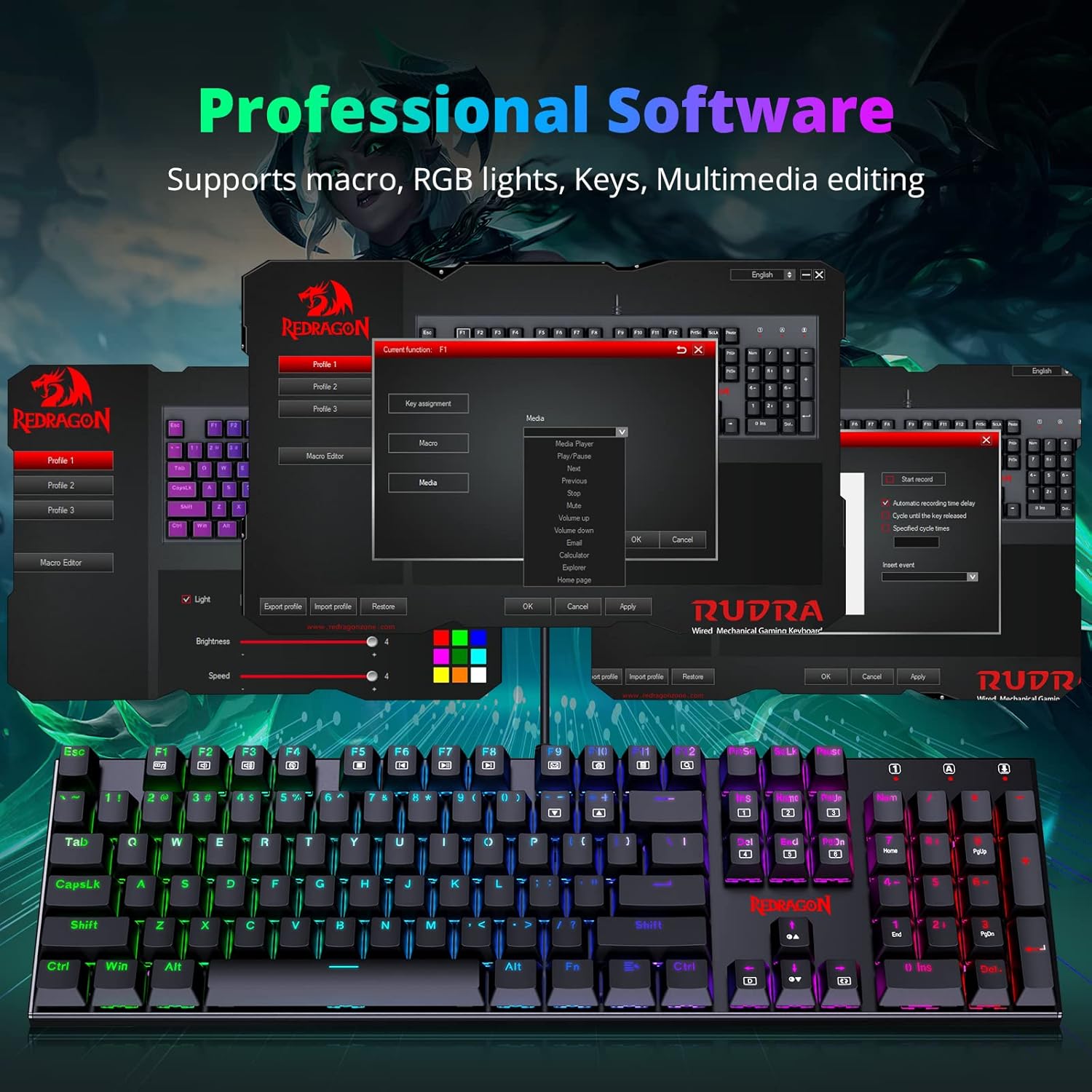
There’s also driver support mentioned as available on Redragon’s website, which is relevant because lighting modes and profiles tend to work better when you can actually manage them. Still, take note: the description doesn’t specify whether you get fully granular control per key beyond macro/key/light editing, so if you’re expecting highly detailed custom lighting at the same level as more complex boards, you might feel it’s limited.
The macro and programming side: good for switching tasks
The fully programmable angle is one of the stronger reasons to consider this keyboard. The description mentions macro, key, and light editing, plus the ability to update profiles for different gaming purposes.
That matters for buyers who do more than one thing. For example, you could set one profile for a shooter or MMO setup, then switch to a work profile where frequently used shortcuts are mapped to your preferred keys. It’s not a guarantee of perfect workflow for every game or app—you’ll still need to create and test the mappings—but the feature set suggests it’s designed for people who like control.
Comfort and layout: the part people notice after 1–2 weeks
Comfort is often where budget mechanical keyboards can disappoint, but this one includes a 7-degree tilt and an Arc layout. It also uses suspended keys, which is meant to provide a more comfortable typing and gaming experience.
For day-to-day use, that translates to less “flat, straight” wrist alignment when you’re typing, and a slightly more ergonomic feel than a basic straight-board design. It won’t replace a proper posture setup, but it can be a noticeable improvement if you spend hours on a PC.
Key things to double-check before buying
A few practical points are worth verifying, because the description doesn’t give everything you might want to know.
- UK layout expectations: The product is described as “UK Layout”, which is helpful, but it’s still worth confirming the exact key legends you’ll see so it matches your needs.
- System support wording: It states compatibility with computers and laptops, including PCs, Macs, Mac OS X, Windows XP, Windows VISTA, Windows, and more. That’s broad, but if you’re on a very specific modern setup, it’s worth checking whether the driver and profiles you want behave as expected.
- Switch choice: The board uses red switches. Red switches are often chosen for lighter actuation and a quieter-ish experience compared with clicky or heavy tactile options, but they’re not for everyone.
Pros
What stands out, and where it may fall short
What you’ll likely like
- 18 RGB backlight effects with brightness and speed adjustments, so you can tune the mood.
- Full anti-ghosting focused on getting every press registered—useful for gaming and fast typing.
- Hot-swap mechanical keycaps structure, giving you flexibility compared with soldered designs.
- 105 programmable keys, with macro/key/light editing and profiles.
- Comfort features: 7-degree tilt, Arc layout, and suspended keys.
- Includes 4 spare switches (as stated), which is a nice practical touch.
The reasonable limitations to keep in mind
- If you’re expecting ultra-deep custom lighting control or the most premium materials, the description doesn’t point to that level—so it may feel more “value-focused” than “top-tier enthusiast”.
- The compatibility statement is broad, but it doesn’t spell out details for every platform version. If you rely heavily on the driver for programming, do a quick check for your specific device/OS.
Who it suits best
It makes sense if you’re the sort of person who wants one keyboard for gaming and office/typing, and you’d rather spend time configuring profiles and macros than replacing a board later. It also suits typists, writers, programmers, and general PC users who value reliable key detection and a comfortable layout.
It might not be the best choice if you’re chasing the highest-end build feel, extremely advanced per-key lighting customisation, or you only want a basic keyboard with no need for programming.
Buying verdict
A solid pick if you want a mechanical keyboard that covers both gaming and everyday work, with full anti-ghosting, programmable keys, and RGB modes you can adjust for different settings. It’s especially convincing if you like the idea of hot-swapping keycaps and setting up profiles for different tasks.
You may want to skip it if you’re specifically after the most premium enthusiast experience or if you need very specific details about software behaviour on your exact system—those aren’t covered in the description. As always, double-check the UK layout you’ll get and whether the driver/profile features match how you plan to use the keyboard.
Quick FAQs
Can I customise lighting modes and create profiles?
The description says the keyboard offers customised lighting effects and allows macro, key, and light editing, with profiles updated for different gaming purposes. A driver is also mentioned as available on Redragon’s website.
Is it good for fast key combinations?
It’s described as having 100% anti-ghosting, with each key controlled by an independent switch to help ensure every touch translates into the game.
Are the keycaps hot-swappable?
Yes—hot-swap mechanical keycaps structure is mentioned, and you’re also given 4 spare switches as a gift.
Is it suitable for office work as well as gaming?
The description explicitly frames it for both gaming and office use, and the lighting has adjustable brightness/speed, which is useful when you want it calmer for work.
Does it work with Windows and Mac?
The description lists broad compatibility with Windows and also Macs (including Mac OS X), so it’s designed to work across different setups. The exact behaviour can still depend on your system and driver use, so it’s worth checking before you commit.