

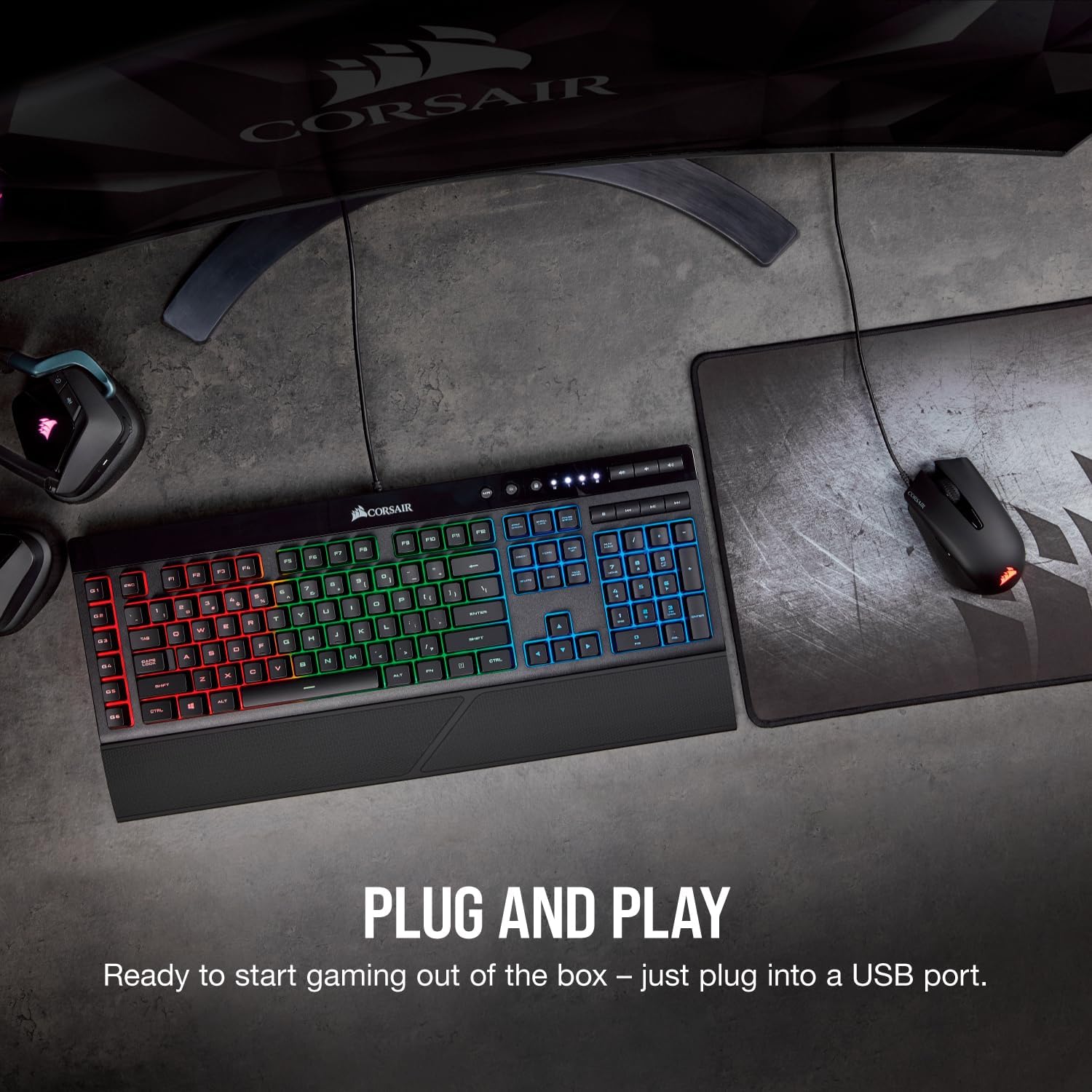
Corsair Harpoon RGB Pro gaming mouse (optical, 12,000 DPI) — lightweight FPS/MOBA control
Product description
The essentials
If you’re after a gaming mouse that doesn’t feel like a brick after an hour or two, the Corsair Harpoon RGB Pro is built around low weight and easy setup. It’s aimed at FPS and MOBA players who want confident control rather than fiddly configuration before you can start playing.
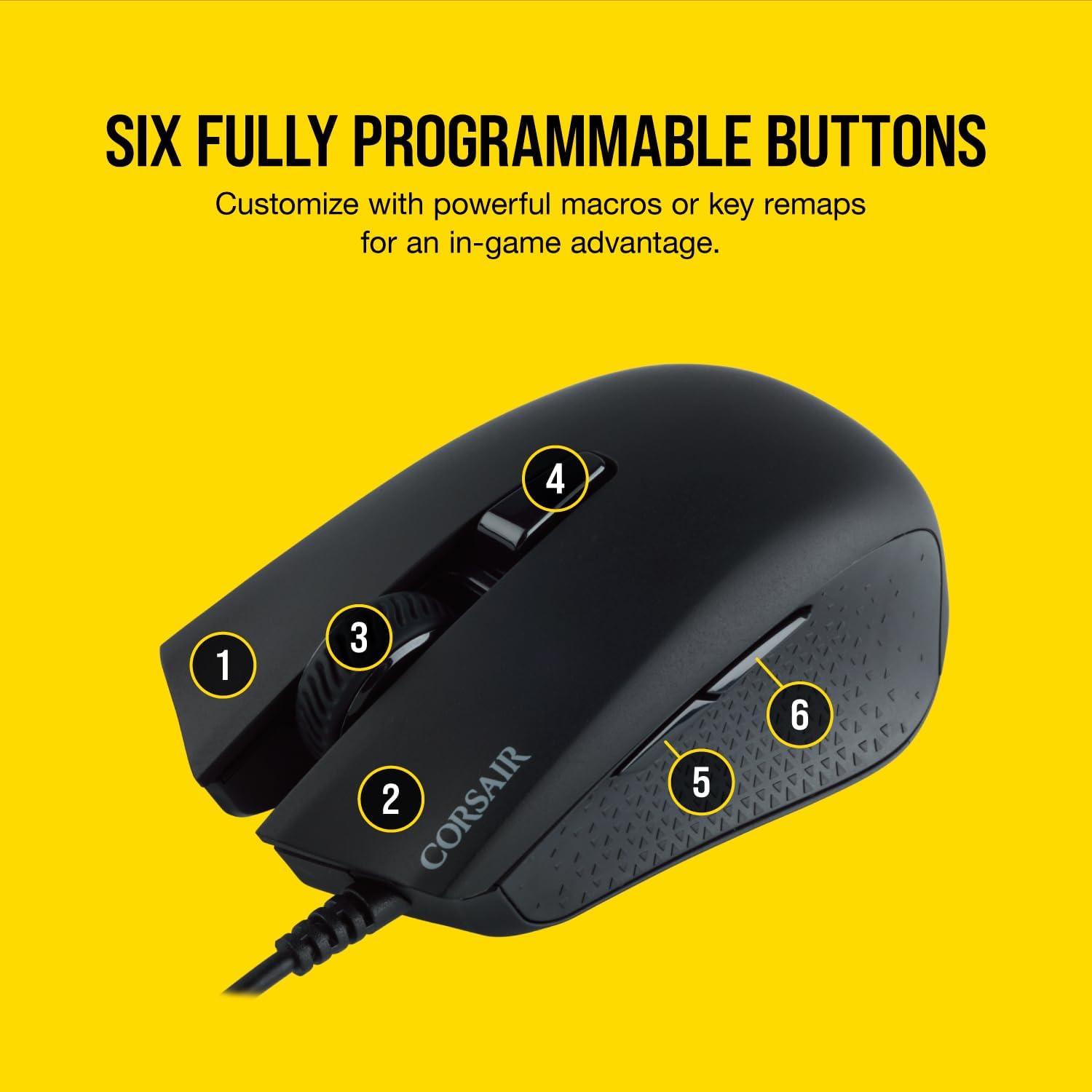
On paper it ticks a few practical boxes: a lightweight build, a contoured shape with rubber side grips, and an optical sensor rated for 12,000 DPI. There are also six fully programmable buttons, which is where a lot of day-to-day usefulness comes from—especially if you like to remap actions or set up macros for abilities, comms, or quick inventory moves.
Key features that matter in real use
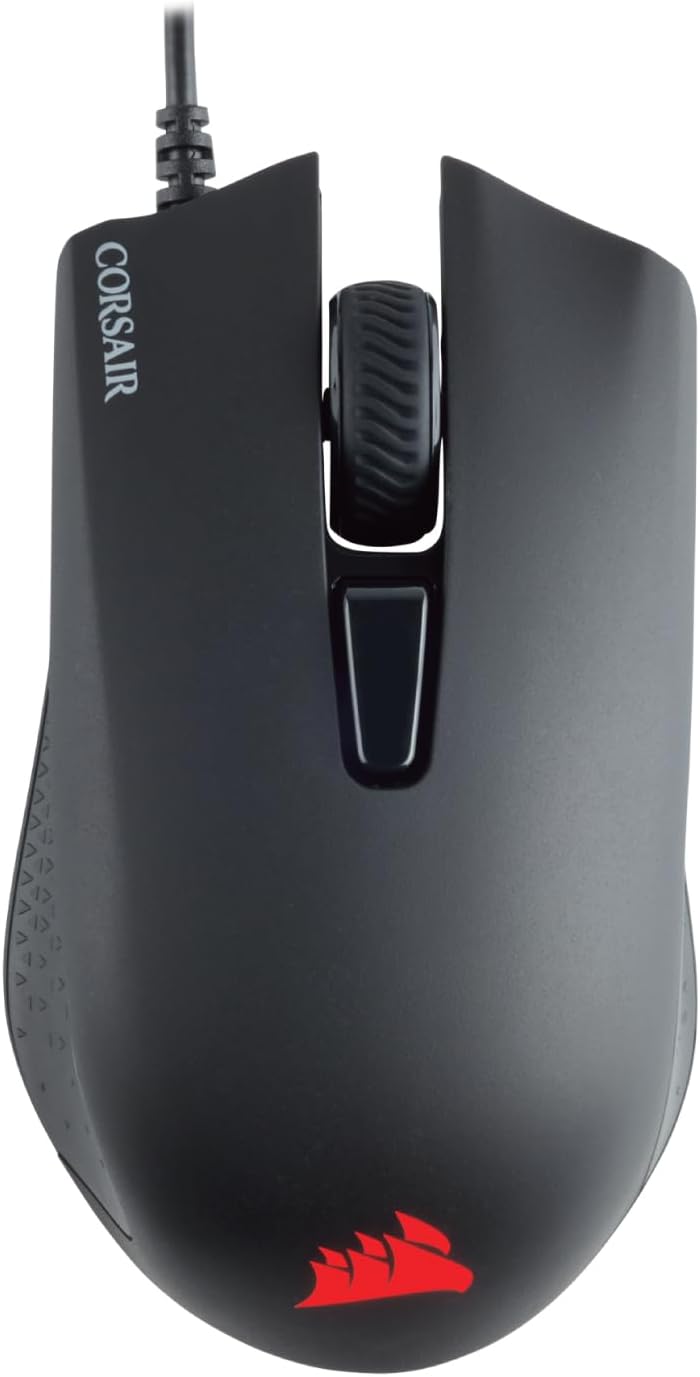
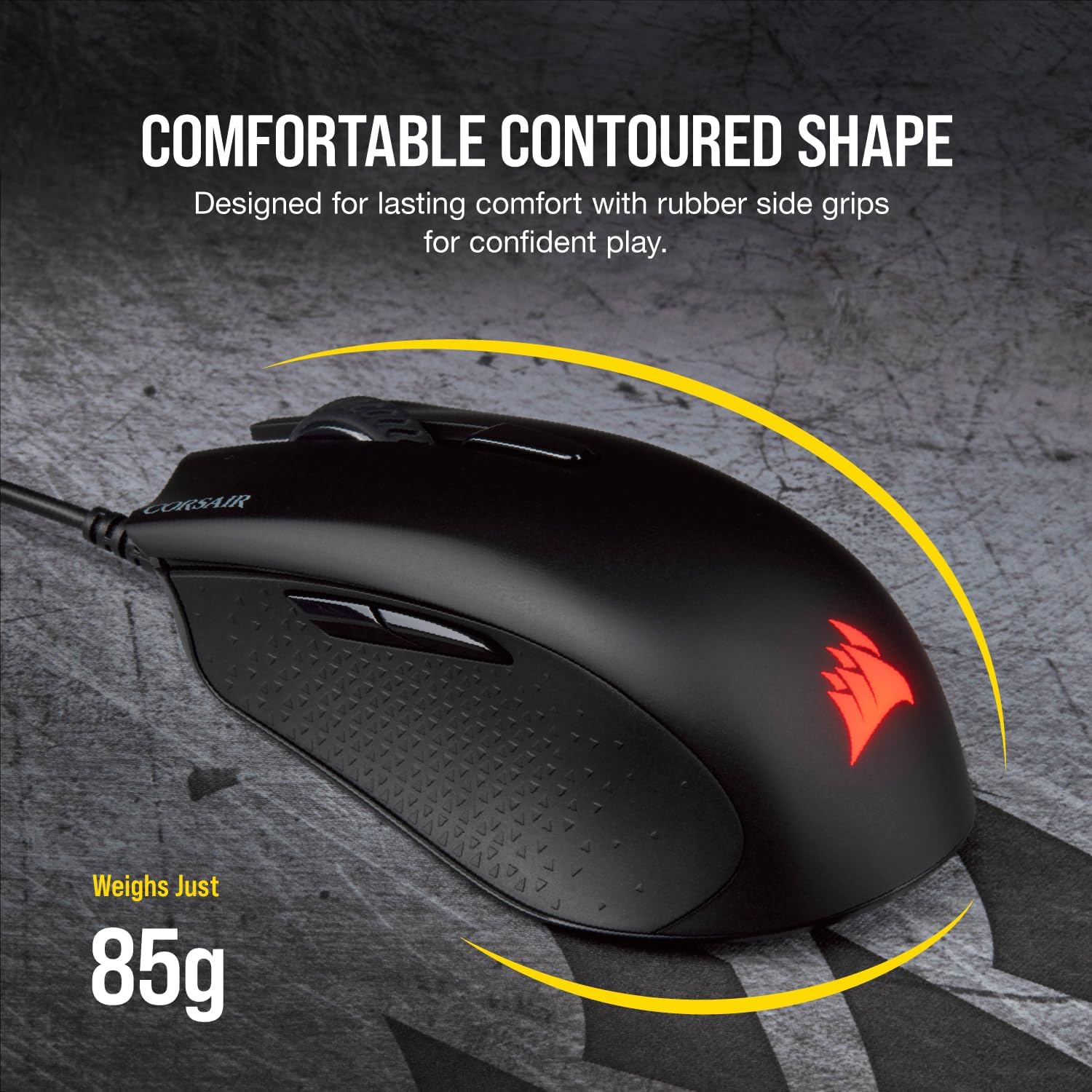
Weight is the headline here. At 85g, it’s the sort of mouse that can make longer sessions feel more manageable, particularly if you prefer faster, more wrist-and-finger-friendly movement. It’s not a subtle benefit either: lighter mice tend to reduce the “drag” you feel when you’re doing repeated flicks, tracking, or high-frequency micro-adjustments.
The shape also looks designed for staying comfortable under pressure. The contoured profile and rubber side grips are there for a more secure hold—helpful if you sweat a bit during matches, or if you switch grips while aiming.
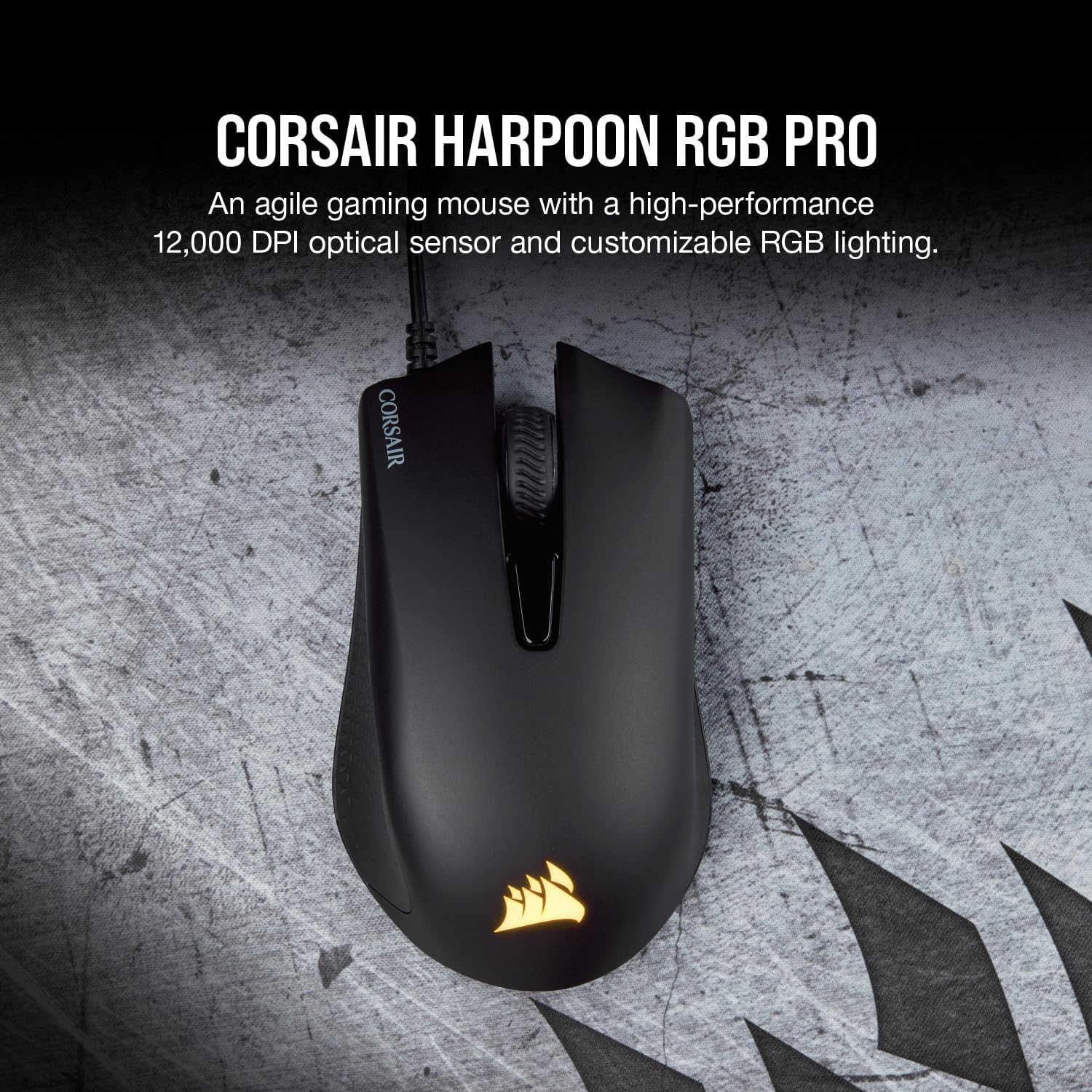
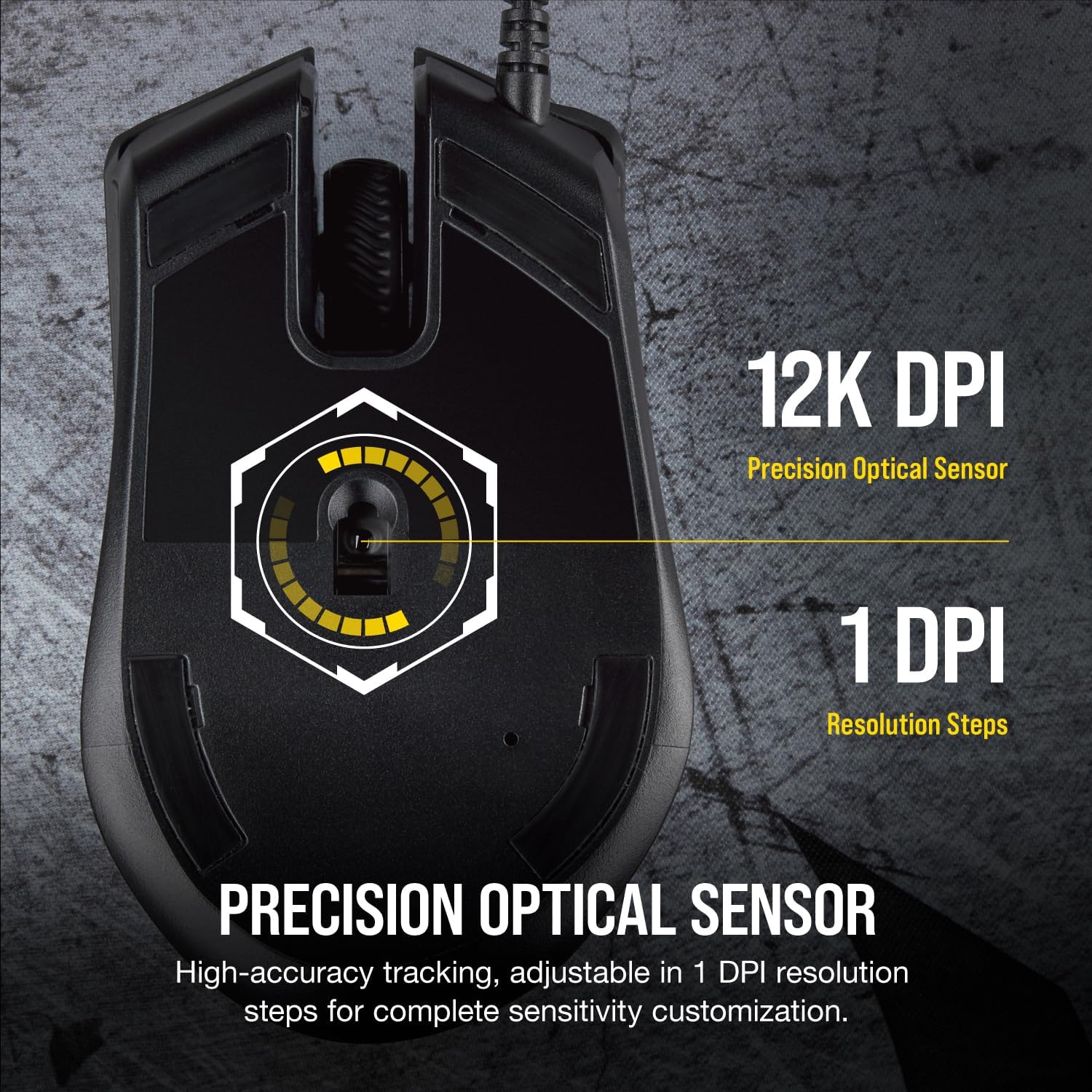
Then there’s the sensor and responsiveness angle. The 12,000 DPI optical sensor is positioned for accurate tracking and precise control. Whether that’s “enough” depends on how you play—some people stay at lower sensitivity and just want consistency, others like to tweak for different game types. DPI alone doesn’t automatically make someone a better aimer, but having a sensor rated at this level gives you room to dial in your settings.
RGB lighting and custom buttons: the everyday upside
The backlit RGB LED isn’t essential for performance, but it can be a nice extra if you want your setup to look cohesive. More importantly, the Harpoon RGB Pro gives you six fully programmable buttons. That’s a sensible middle ground: enough to create meaningful in-game shortcuts without turning the mouse into a fully loaded command centre.
In practical terms, this is the kind of mouse where you can set something immediately useful after unboxing. For example, you could assign one button to crouch and another to a frequently used ability (common in MOBAs), while remapping side buttons to reload and interact in an FPS. If you enjoy macros, the ability to create more complex custom macros is there—just keep expectations realistic: macros are only as good as the way you plan to use them.
What to watch before you buy
It may not suit you if you need lots of extra controls. Six programmable buttons can be plenty for many players, but if your playstyle relies on more bindable inputs, you might find yourself wanting a bigger button layout.
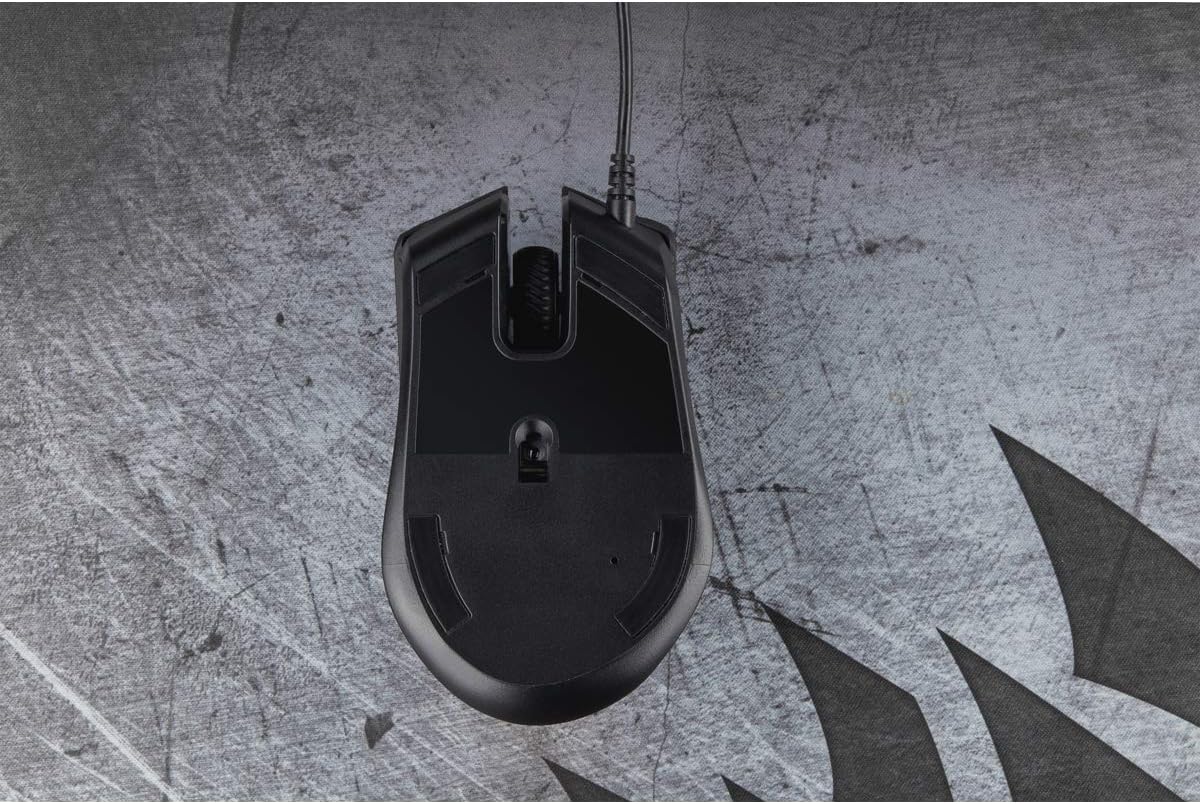
Also, while the setup is described as “plug-and-play”, that doesn’t mean you’ll be fully optimised straight away. You’ll still need to decide your sensitivity and button mapping for your own comfort. And even with a high DPI sensor, how “precise” it feels is influenced by your settings and the surface you play on—so it’s worth matching the mouse to a decent mouse mat.
Finally, RGB is optional in the grand scheme of things. If you’d rather spend more effort on performance than lighting, don’t expect the colours to be a buying factor.
Who it’s for (and who should skip it)
It makes sense if you want a lightweight FPS/MOBA mouse with a secure grip and enough programmability to streamline your actions. If you’re the kind of player who values comfortable long sessions and quick changes to button layouts, this is likely to feel like a straightforward upgrade from more basic office-style mice.
It’s less of a match if you want a mouse packed with many more buttons, or if you’re chasing something extremely specific beyond the basics (like highly advanced features that often come with higher-end gear). This one sits more in the “get playing quickly and keep it comfortable” camp than the “max out every performance detail” camp.
Final verdict
So, should you buy it?
You should consider the Corsair Harpoon RGB Pro if you like the idea of a lightweight mouse around 85g, want contoured comfort with rubber side grips, and plan to use its six fully programmable buttons for remaps or macros in FPS/MOBA games.
You might want to skip it if you need more than six useful binds, or if you’re expecting plug-and-play to remove the need for any personal tuning.
Quick overview FAQ
Is this mouse suitable for FPS and MOBA games?
It’s explicitly described as an FPS/MOBA gaming mouse, with six programmable buttons and an optical sensor intended for accurate tracking.
How hard is the setup?
The product description says it’s easy plug-and-play: you plug it into a USB port and start.
Does the RGB affect performance?
The backlit RGB LED is part of the design, but the performance claims focus on tracking (12,000 DPI) and control rather than lighting.
Will it be comfortable for longer sessions?
The lightweight 85g build and rubber side grips are intended to help with comfort during extended play.