

Acer Nitro XF240YW3 23.8" Full HD IPS Monitor — 240Hz, FreeSync
Price evolution
Product description
What it is
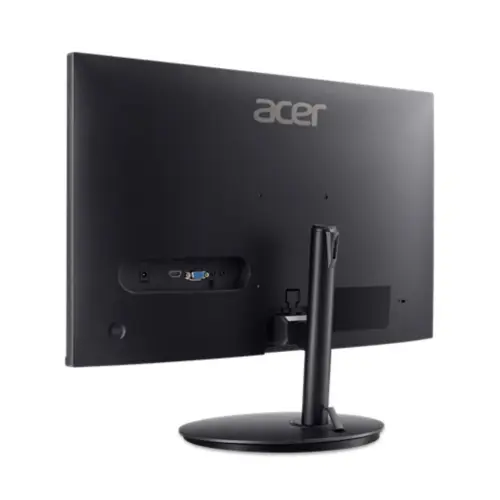
The Acer Nitro XF240YW3 is a 23.8-inch Full HD gaming monitor with an IPS panel, marketed to deliver fast refresh and responsive gameplay without pushing into the high-end price bracket. On paper, it blends a 240 Hz refresh rate with AMD FreeSync Premium and HDR Ready (HDR 10) support to appeal to fast-paced titles and general multimedia use. The panel’s wide viewing angles (178° x 178°) and typical brightness of 250 cd/m² are positioned to offer comfortable daytime visibility and decent colour performance for its class.
Who it’s for
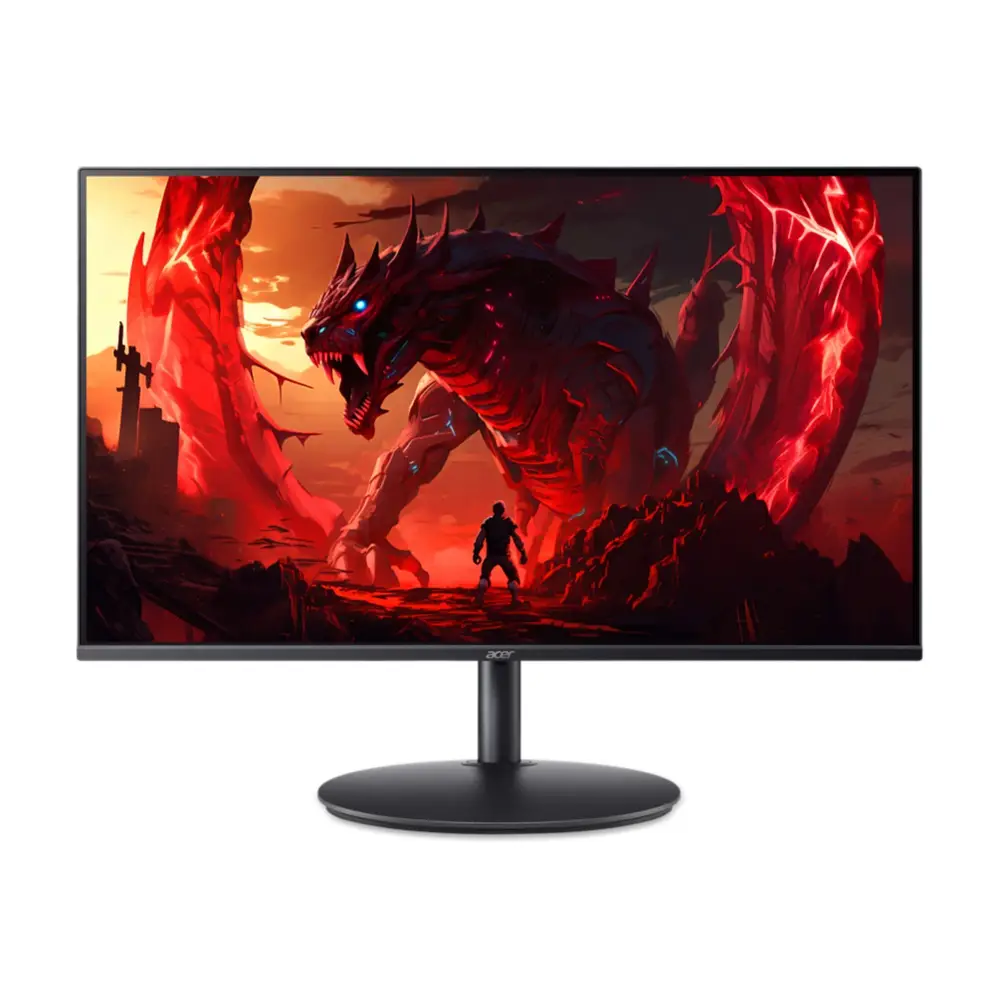
If you prioritise smoother motion for competitive titles, and you want a monitor that doesn’t demand a premium price, the XF240YW3 could be worth considering. It’s suited to gamers who value high refresh rates, a responsive feel, and a practical screen size for desktop setups. It may also appeal to those who want a future-proofed entry into higher-end gaming displays without moving into 27" or 32" formats.
Performance at a glance
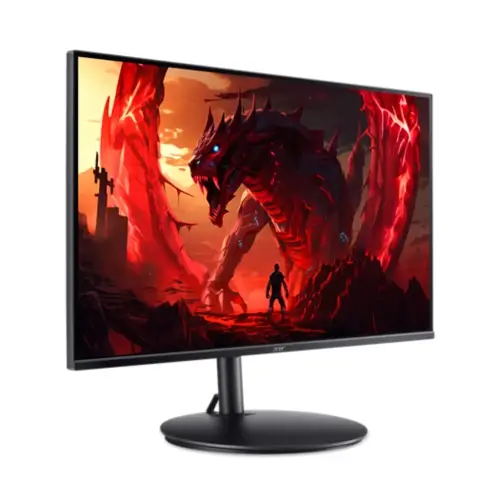
The main talking points are the 240 Hz refresh rate and the 0.50 ms GTG response time, which imply very short AI-to-display latency and reduced motion blur in fast scenes. The IPS panel offers broad viewing angles and stable colours, although the brightness level of 250 cd/m² means HDR may be more of a soft enhancement than a dramatic leap in brightness. FreeSync Premium helps with tear-free gameplay, while the HDR Ready label suggests compatibility with HDR content when used with compatible sources and settings.
What stands out
- High refresh rate in a compact 24" form factor, which can feel more responsive than larger, slower panels in similar price ranges.
- IPS with wide viewing angles, contributing to consistent image quality from multiple seating positions.
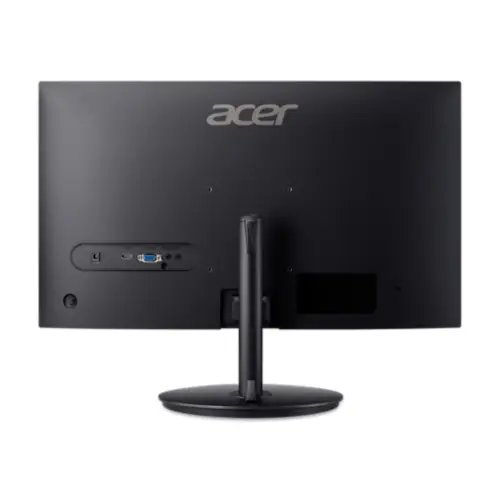
- Flexible input options: DisplayPort and two HDMI ports cover common PC and console scenarios.
Where it may fall short
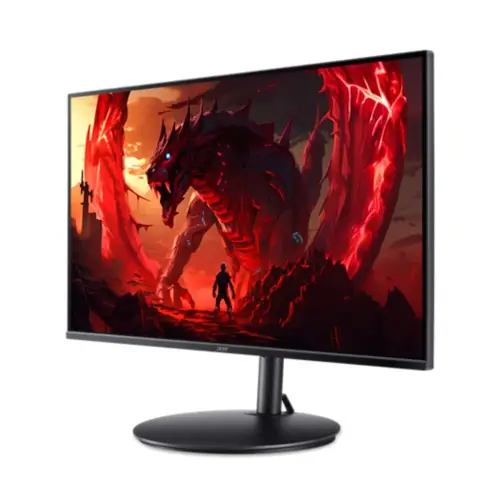
- Brightness is modest for true HDR impact, so the HDR experience may be limited compared with brighter HDR displays.
- The market for 240 Hz panels in this size is competitive, buyers might see incremental gains in motion clarity but should temper expectations if upgrading from a typical 144 Hz display.
- It isn’t marketed with advanced stand features or niche gaming extras, if you need built-in USB hubs, RGB lighting, or a cinema-like stand, you may look elsewhere.
What to check before buying
- Ensure your GPU can sustain high refresh rates in the titles you play, 240 Hz is most beneficial when you can maintain high frame rates.
- Consider your room lighting, since brightness is around 250 cd/m², glare control and viewing distance will influence perceived image quality.
- Confirm your preferred inputs (DP vs HDMI) are compatible with your PC or console setup, especially if you plan to game at 240 Hz.
Practical usage scenario
Imagine a fast-paced shooter where every frame counts. Sitting at your desk, you notice how motion feels smoother and translate to snappier aiming feedback. The IPS panel gives you stable colour and decent viewing angles while you adjust to the screen’s size, making it a sensible choice for a compact desk setup without sacrificing gaming cadence.
Comparison in use
If you’re weighing options between a mainstream 144 Hz monitor and this 240 Hz option, the main decision point is whether you’ll regularly push frame rates high enough to notice the difference in real games. For casual or single-player titles, the benefits may be subtler, for competitive titles, the higher refresh can translate to more fluid visuals and quicker reactions, albeit with the caveat that you’ll need capable hardware to sustain 240 Hz.
Final verdict
Final verdict: a sensible value-for-money choice for UK-based gamers who want a compact 24" gaming monitor with aggressive motion handling and solid colour consistency, without paying a premium for top-tier features. It’s not the strongest HDR performer, and it won’t replace dedicated calibration gear, but if you prioritise speed and a reasonable screen size, it makes sense.
FAQ
- What kind of games benefit most from 240 Hz? Fast-paced competitive titles where high frame rates can translate to smoother motion and improved reaction times.
- Is HDR noticeable on this panel? HDR support is present, but brightness is modest, so the HDR impact is limited compared with brighter HDR displays.
- Do I need a powerful GPU? Yes, to maintain 240 Hz in demanding titles, you’ll likely want a capable graphics card, especially at 1080p with high settings.