

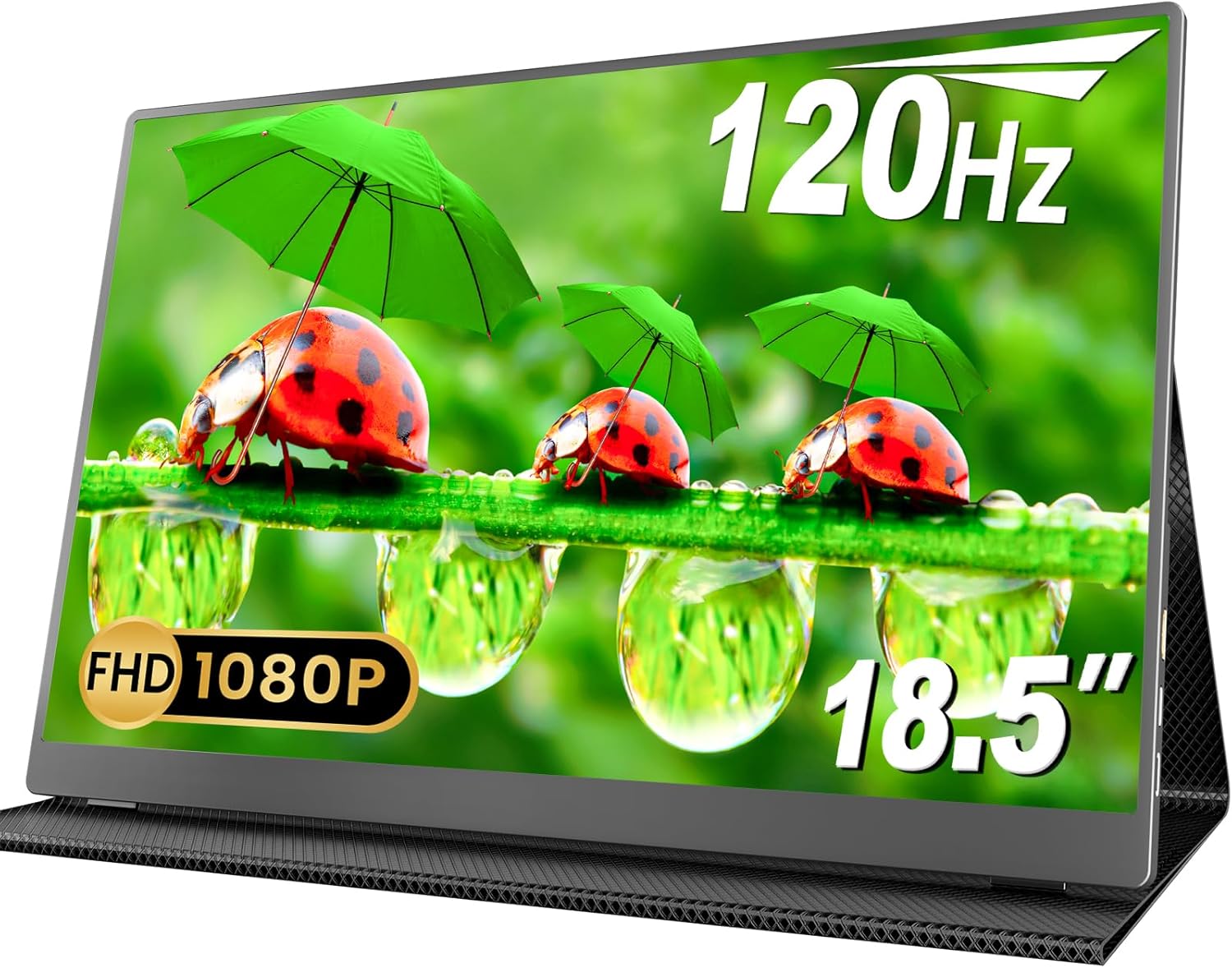
MOMODS 18.5-inch Portable Monitor (120Hz, 1080P FHD, USB-C & Mini HDMI) with Smart Cover and VESA support
Product description
At a glance
If you regularly split your attention between apps, tabs, or media, a portable second screen can make daily work feel a bit less chaotic. The MOMODS 18.5-inch Portable Monitor is designed for exactly that: as a travel-friendly extra display you can plug in and use alongside a laptop or other devices.
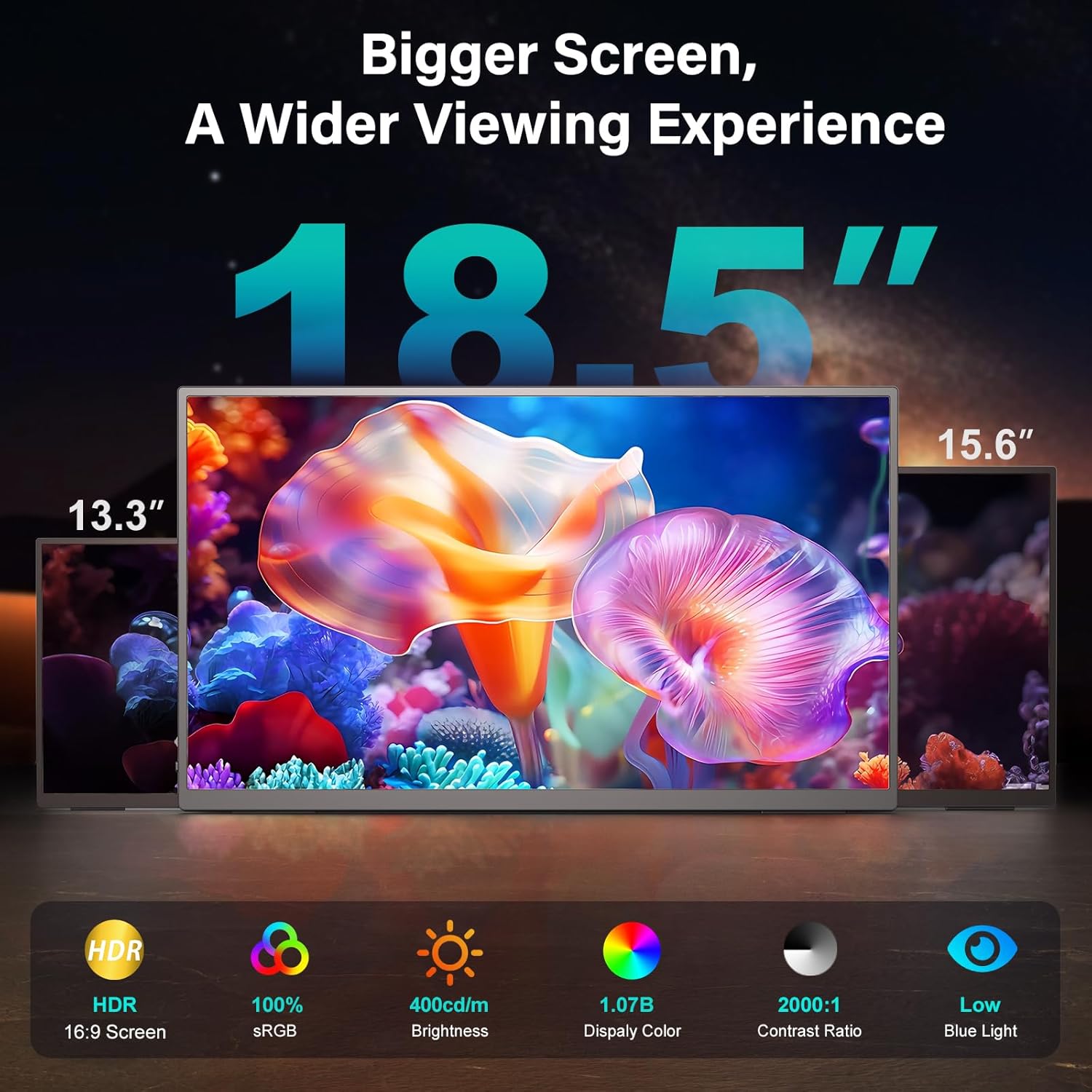
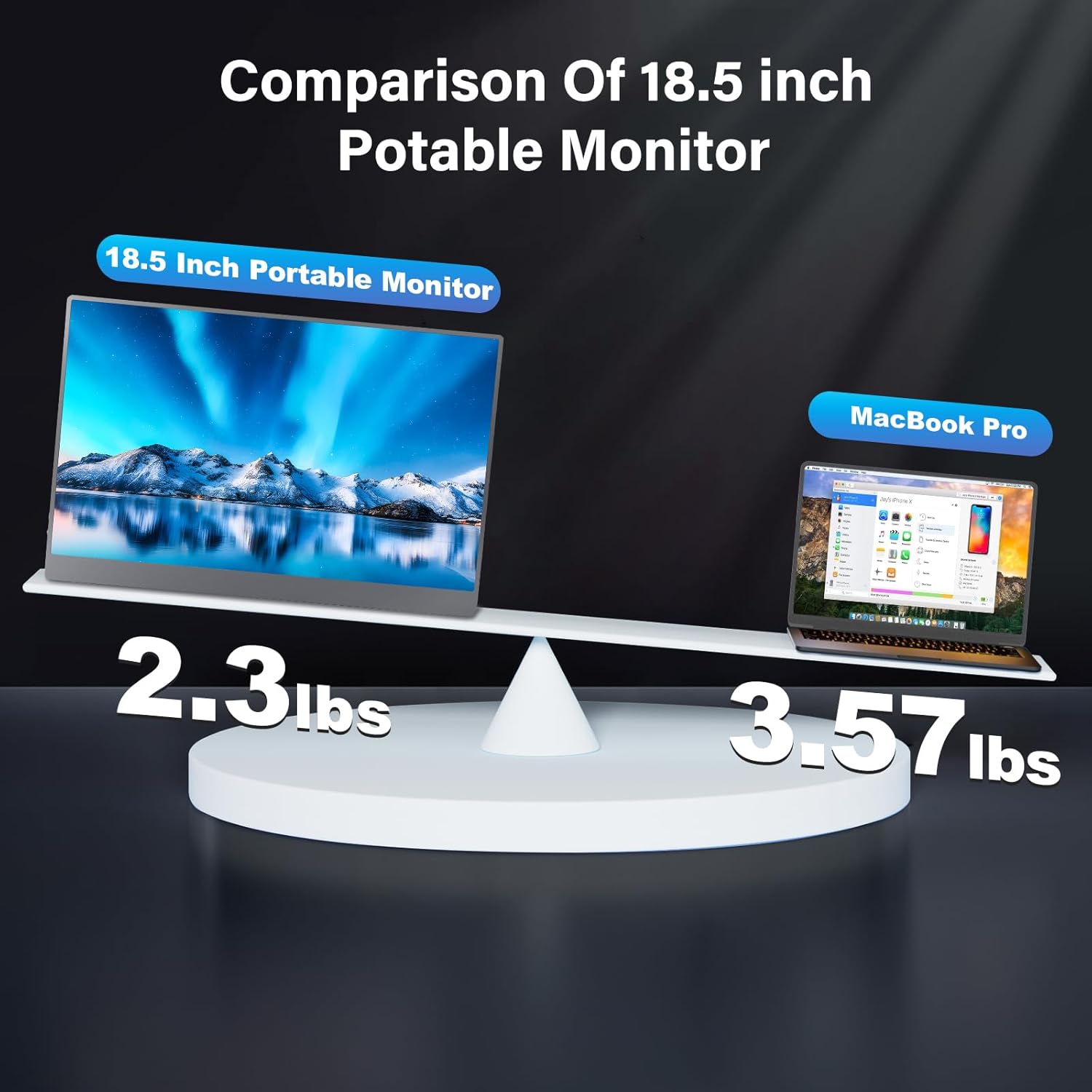
On paper it ticks several practical boxes at once—an 18.5-inch screen (larger than many travel monitors), a 120Hz refresh rate aimed at smoother visuals, and multiple connection options (two USB-C ports plus a Mini HDMI). It also includes stereo speakers and a “smart cover” that’s meant to protect the display while you’re on the move. Still, it’s not a perfect fit for everyone, if your priority is deep colour accuracy workflows, or a fully “pro” monitor experience, it may feel more like a capable mobile companion than a workstation replacement.
The essentials
This is a portable second screen monitor built around simple, everyday use: extending your desktop, mirroring the main screen, or switching into a second-screen mode. The key value here is flexibility—especially if you’re working away from home, studying in different rooms, or you just want a larger, more comfortable view than a smaller portable panel.
A nice detail is that it supports portrait or landscape orientation “as needed”, which can matter if you read long documents, browse images, or arrange controls vertically. It also uses a blue light filter function, which can be reassuring for longer sessions where you’re staring at a screen.
For a concrete example, imagine you’re on your laptop in a café. You connect the portable monitor, switch to extended mode, drag your spreadsheet or document to the second screen, and keep your messaging or web research on the laptop screen. Even if the environment isn’t perfect, having dedicated space for each task usually makes multitasking feel more manageable.
What stands out in use
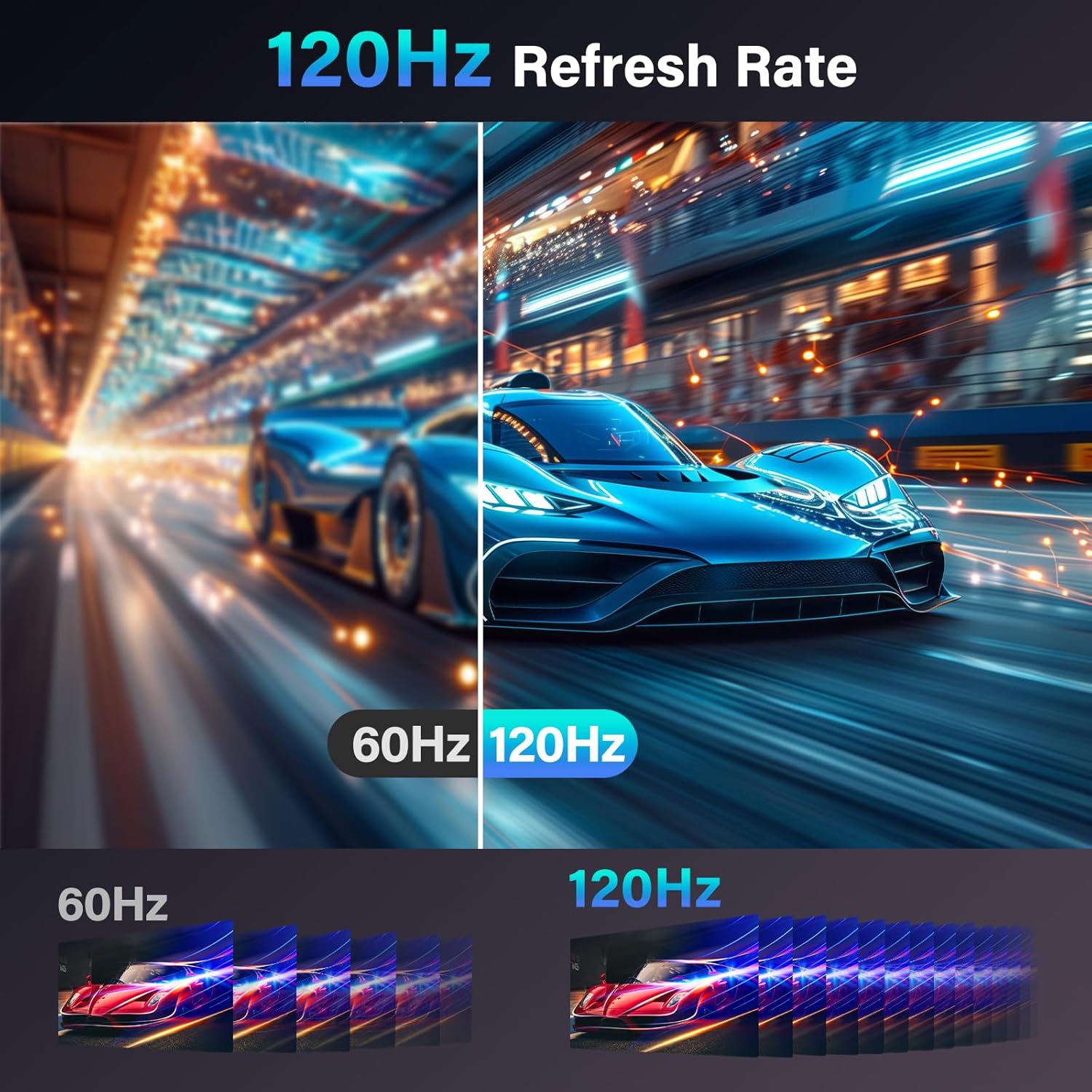
The headline performance spec is the 120Hz refresh rate, which is positioned to reduce input lag and deliver smoother visuals. The base description also mentions a 2.00 millisecond response time and HDR-like experience language, plus 400 nits brightness for visibility.
That said, remember that “HDR experience” and gaming smoothness are heavily dependent on the source device, the content you’re showing, and how the monitor handles processing in real life. It may satisfy casual gaming or quick interactive tasks, but if you’re trying to extract every last ounce from competitive play, you might find more enthusiast-focused displays elsewhere.
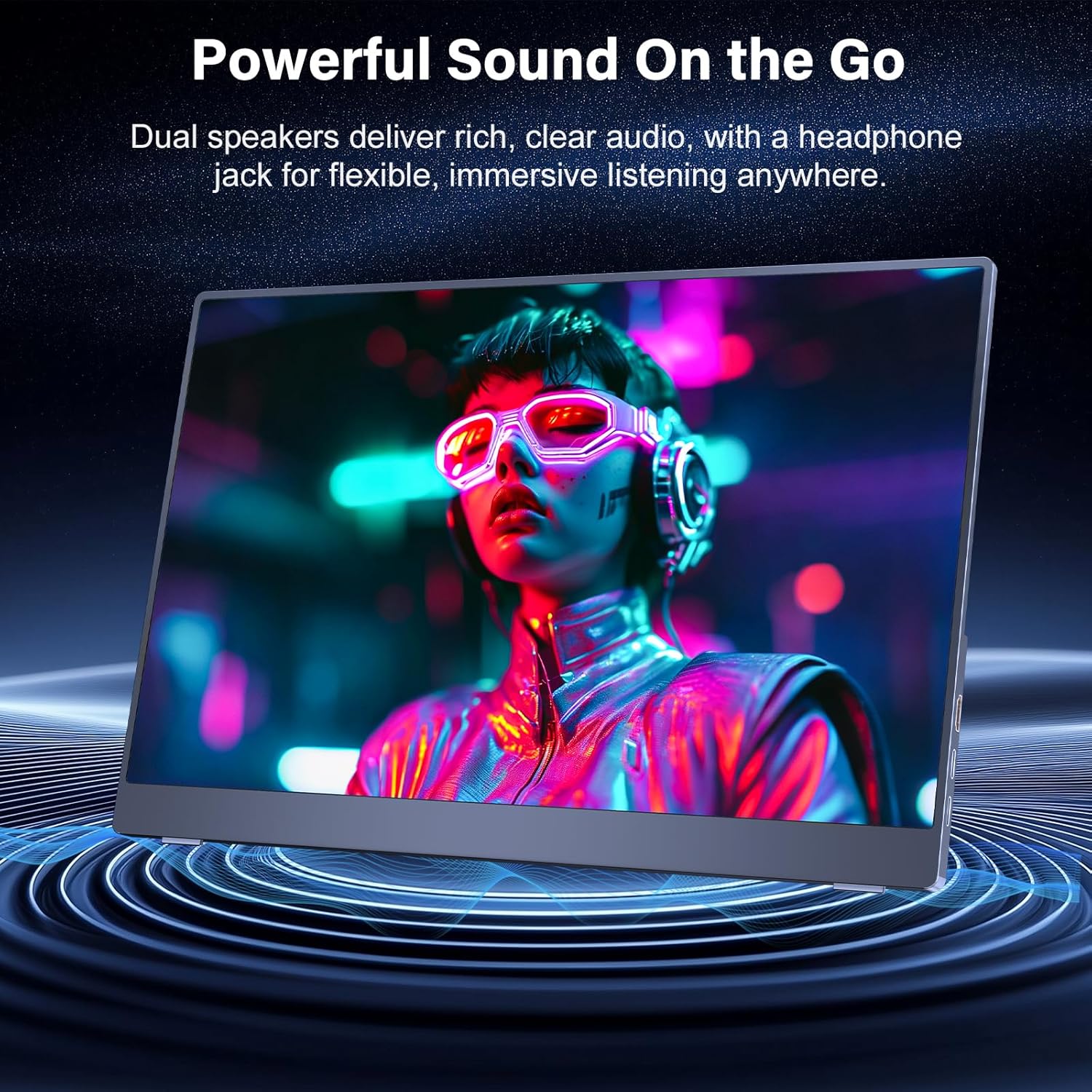
Where it likely feels more convincing is video, browsing photos, and general multitasking. With two built-in stereo speakers, you can also avoid extra audio hardware for movies and music—handy for travel.
Connectivity and display modes
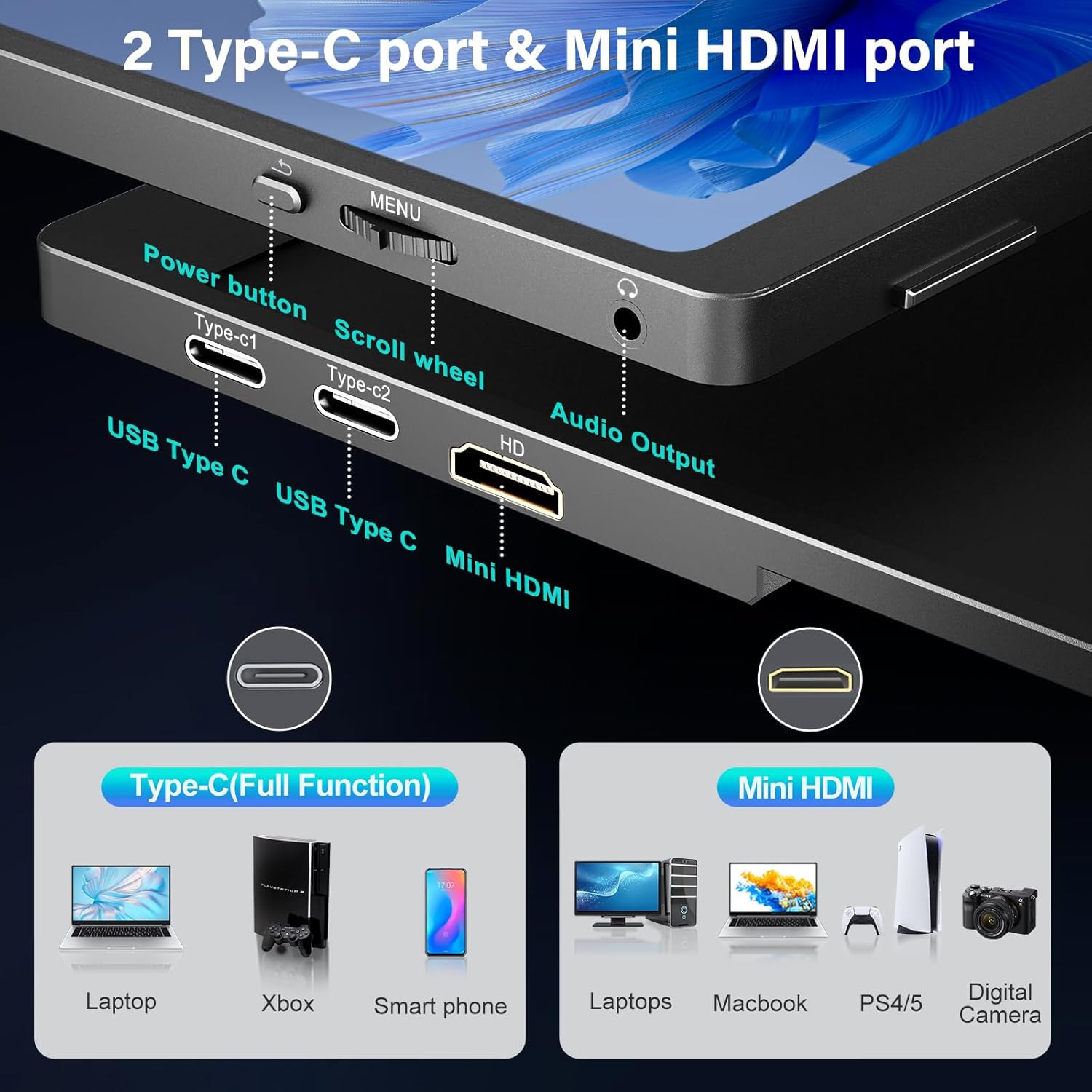
MOMODS includes two USB-C ports plus a Mini HDMI port, intended to make setup straightforward. The promise is “plug and play” with no setup required, which matters if you’re not keen on fiddling with cables and settings every time you change location.
It also supports multiple display modes in one: mirror mode, extended mode, and second screen mode. In practice, extended mode is usually the one people stick with for productivity, while mirror mode can be convenient for showing something to others (presentations, shared visuals) without rearranging your workspace.
Worth noting: the description says it can connect to a range of devices including PCs, Macs, laptops, smartphones, and gaming consoles, but it doesn’t list specific models. So it’s sensible to double-check your device’s video output compatibility before you rely on it for a particular setup.
Design, protection and mounting
The monitor comes with a magnetic case described as both protection and support. That’s a practical addition if you plan to carry it regularly—portable screens live or die by how safely they can travel.
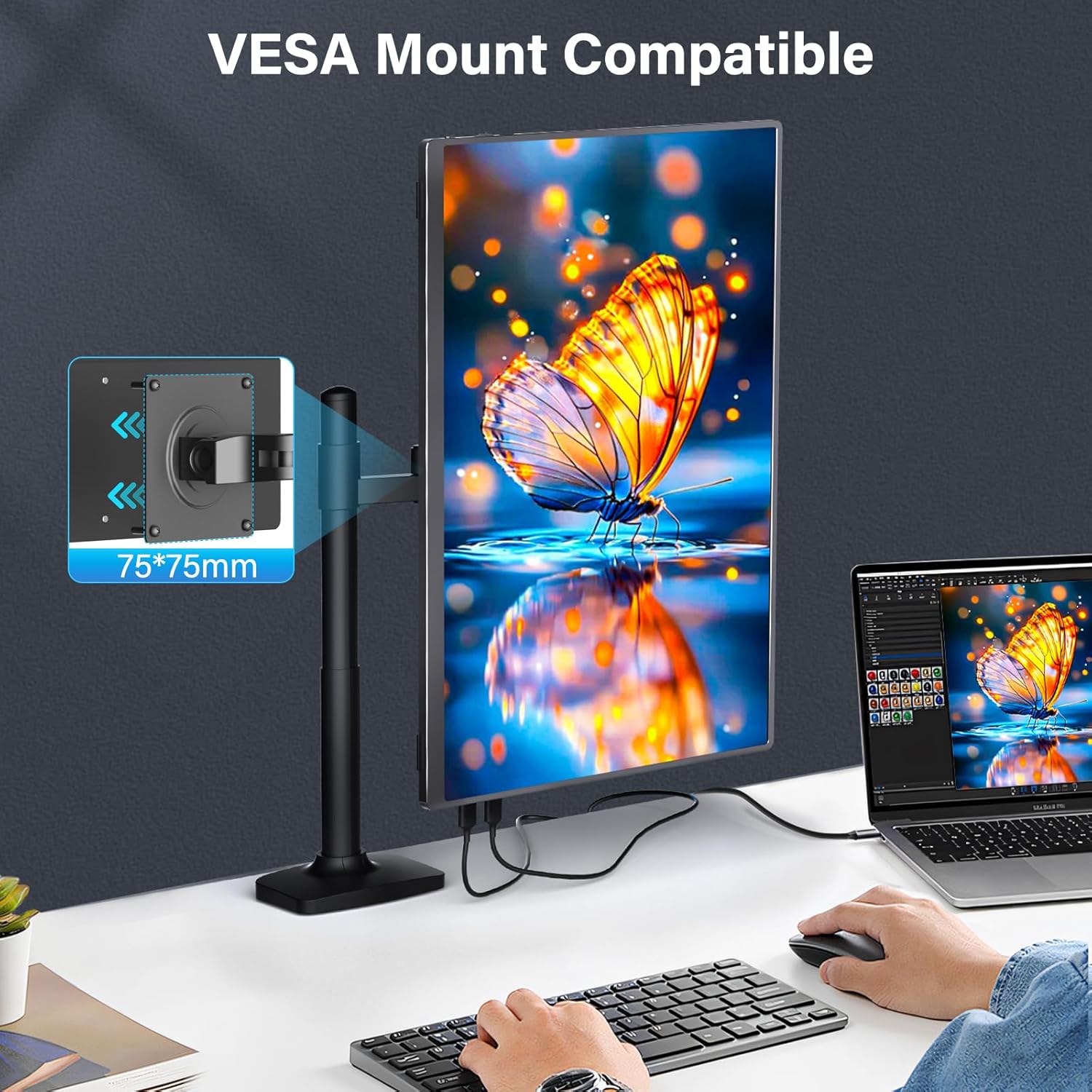
On the back, there’s a 75 x 75 mm VESA mounting hole, which opens up the option of using it with a VESA bracket or stand. If you already have a compatible arm or bracket, this is a genuine plus because it can turn “travel monitor” into a more settled desk companion.
The trade-off is that VESA mounting options are only as good as your existing setup, and the description doesn’t mention included stands or brackets—so you may need your own mounting solution if you want a more fixed, ergonomic arrangement.
Key takeaways
It’s a solid value-oriented portable second screen if you want a bigger 18.5-inch panel for travel and everyday multitasking, and you’re comfortable with the idea that built-in speakers are there for convenience rather than audiophile-level output.
It may not be the best choice if you’re chasing a premium colour-critical workflow, or if you need guaranteed compatibility with a specific device model where video output can be picky. As with any portable display, it can also feel a bit “middle of the road” compared with larger desktop monitors—mainly because the form factor and mobility constraints usually limit how fully it can compete on pure desktop performance.
Tech specs
- Name: MOMODS 18.5 Inch Portable Monitor
- Type: Portable monitor / second screen display
- Display size: 18.5 inch
- Resolution / format: 1080P FHD
- Refresh rate: 120Hz
- Response time: 2.00 ms
- Brightness: 400 nits
- Colour: 100% sRGB (as stated in the product description)
- Inputs: two USB-C ports and a Mini HDMI port
- Display modes: mirror mode, extended mode, second screen mode
- Orientation: portrait or landscape
- Speakers: two built-in stereo speakers
- VESA compatibility: 75 x 75 mm mounting hole
Who it’s for (and who should skip it)
You’ll like this monitor if you’re building a portable workspace: regular desk-to-travel use, a need for extra screen space, and you value quick connections via USB-C and Mini HDMI. It also suits people who watch movies on the go and don’t always want to carry extra speakers.
You may want to skip it if you require guaranteed support with a very specific device or workflow (the description doesn’t spell out device-by-device compatibility). You might also avoid it if you want a dedicated high-end desktop display experience, where larger monitors and more advanced calibration details usually matter more.
Is it worth it?
Worth considering if you need a travel second screen that’s larger than many smaller portable monitors, offers 120Hz smoothness, and gives you practical connection options for common devices. The smart cover and VESA mounting support make it more flexible than a basic “throw it in a bag” display.
Skip it if your buying decision depends on highly specific device compatibility you can’t verify from the information provided, or if you expect the kind of performance and setup you’d get from a full-size desktop monitor.
Mini FAQ
Will it work as an extended display?
The product description says it supports extended mode, alongside mirror mode and second screen mode.
What connections does it use?
It includes two USB-C ports and a Mini HDMI port.
Can it be mounted on a stand?
Yes, it’s VESA compatible with a 75 x 75 mm mounting hole.
Does it include speakers?
Yes, there are two built-in stereo speakers.
Does it help with screen comfort?
The description states it includes a blue light filter function.