

KTC H34S18S 34-inch Curved Ultrawide UWQHD Gaming Monitor (3440 x 1440, 180Hz, VA, HDR10)
Product description
What you’re getting (and why ultrawide matters)
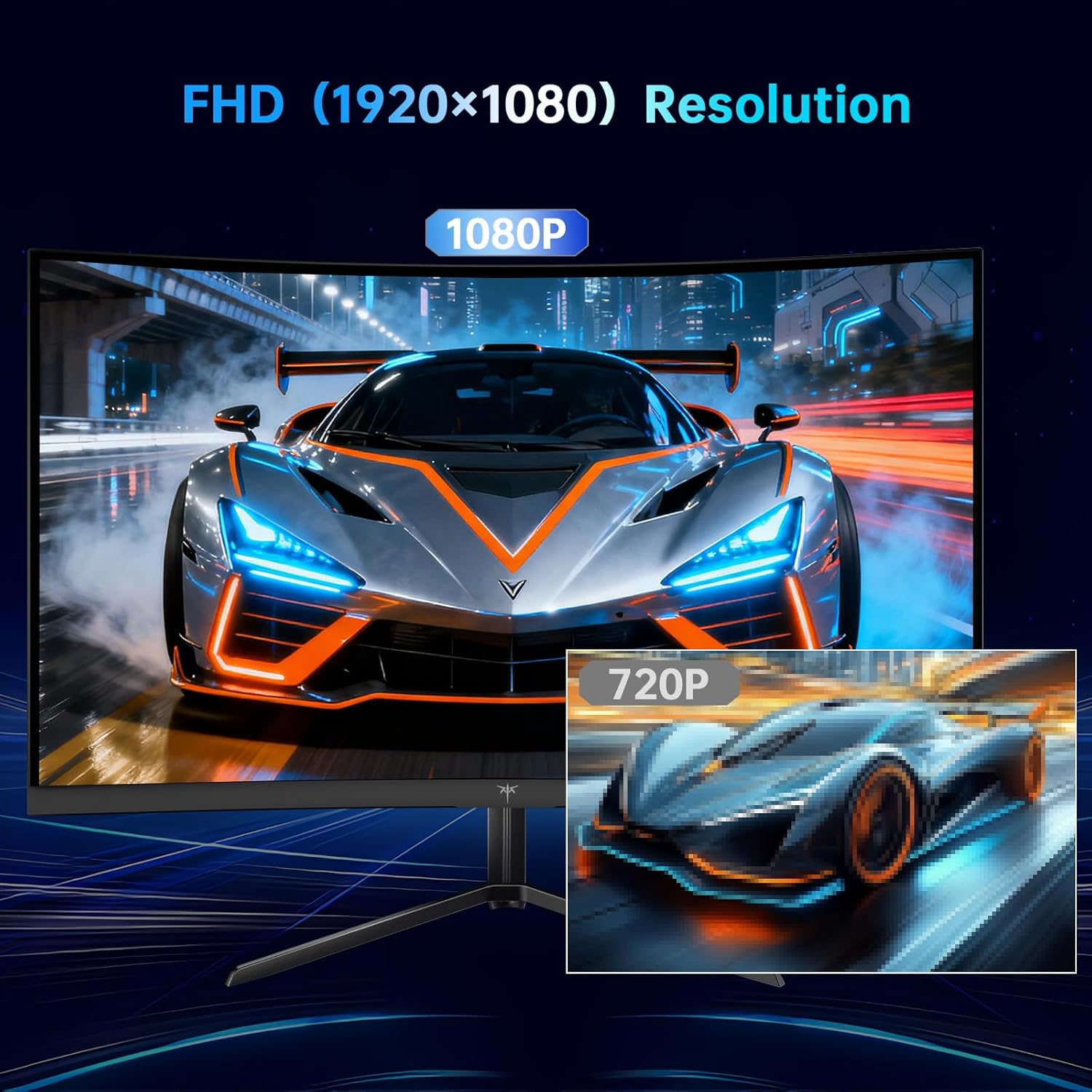
A 34-inch curved ultrawide is the sort of upgrade that changes how games and media “sit” on your desk. With a UWQHD resolution of 3440 x 1440 and a native 21:9 format, the KTC H34S18S is built for a wider field of view and more horizontal workspace than a standard 16:9 panel. The 1500R curved VA screen is also positioned as the centrepiece for a more immersive look—handy for AAA gaming setups, but also for films and everyday multitasking where you want less letterboxing and more screen real estate.
On paper, this is a clear attempt at a gaming-first spec: 180Hz refresh rate, 1ms (MPRT) response time, and Adaptive Sync to help keep the image steadier when frame rates fluctuate. It’s not trying to be a premium colour specialist either, the promise here is smoother motion and a “cinema-like” viewing angle feel rather than something strictly pro-grade.
Key takeaways for gaming smoothness and motion
If you play fast-paced titles, the headline numbers will be the first thing you look at. This monitor targets that with:
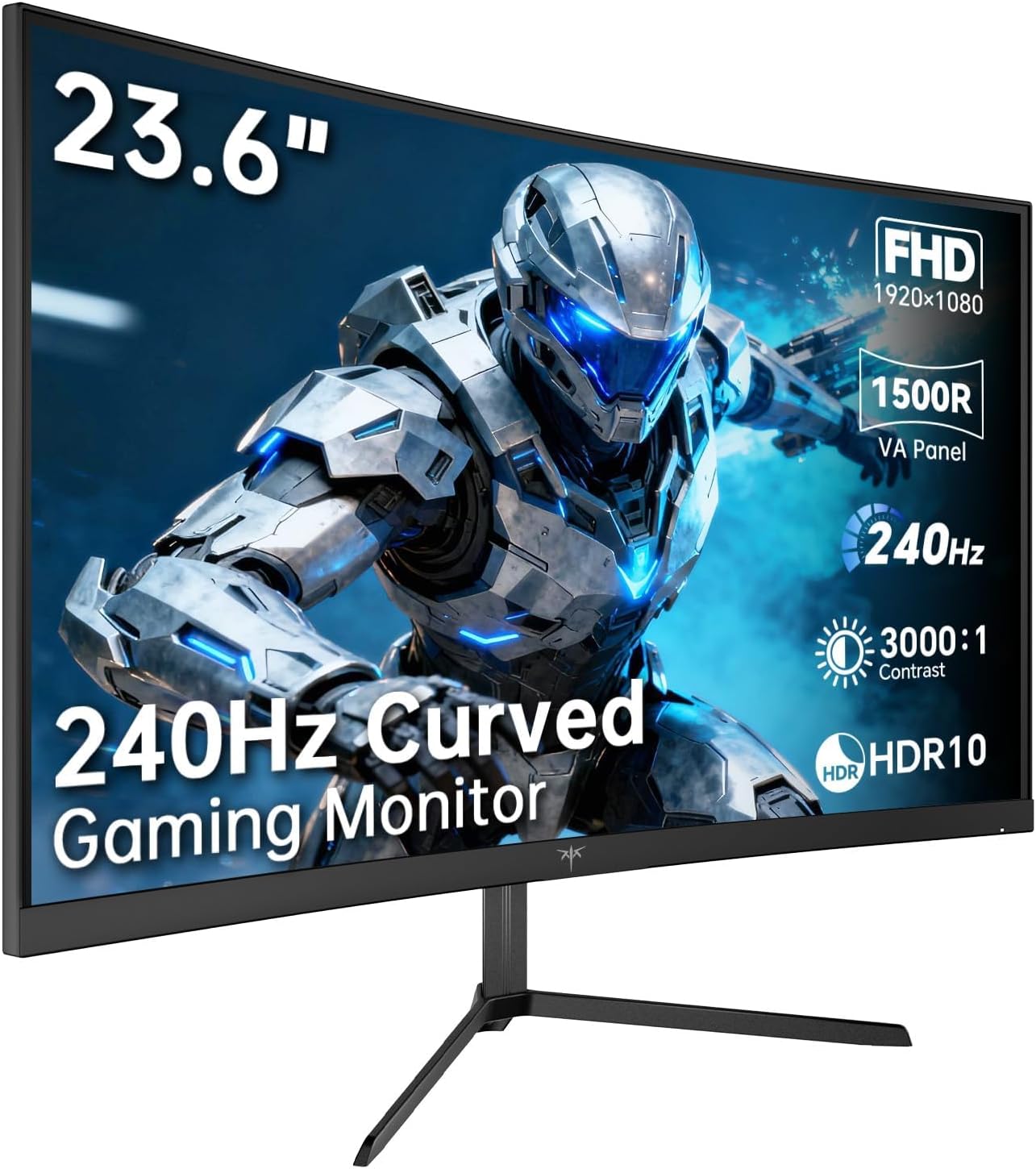
- Up to 180Hz via the DP 1.4 connections
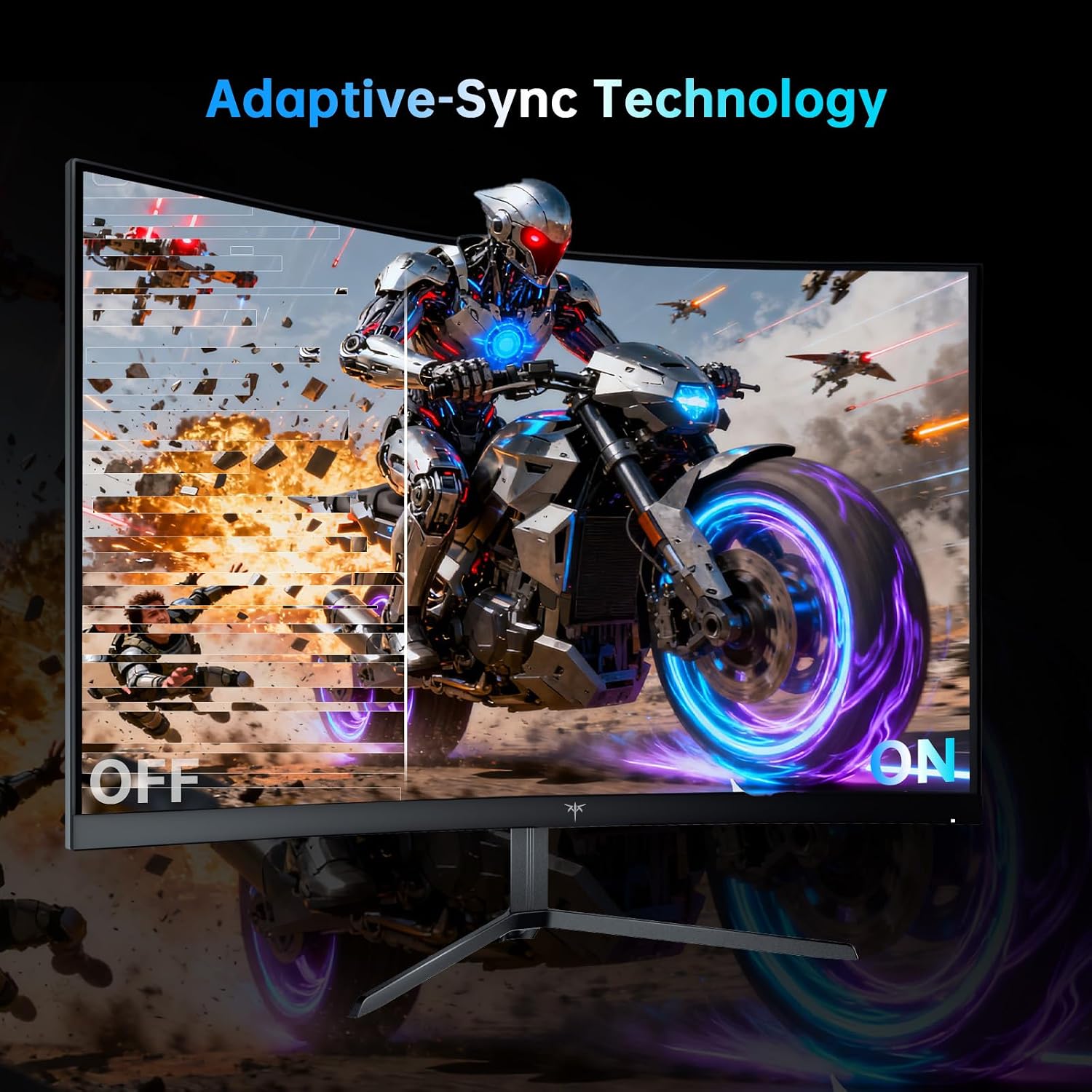
- Adaptive Sync support to help reduce tearing and shading during gameplay
- A VA panel with 1500R curvature intended to keep the image more comfortable to view from your usual sitting position
There’s a small catch to consider: HDMI is split by refresh capability in the spec (HDMI 2.0 at 100Hz, while DP 1.4 is the one associated with 180Hz). So if your priority is maximum refresh, you’ll likely want to use DP for your gaming PC. If you’re mostly using a console or a device that lands on HDMI, the monitor still makes sense—but you’re not buying it specifically for the top refresh figure through HDMI.
Display experience: HDR10 and the curved VA panel
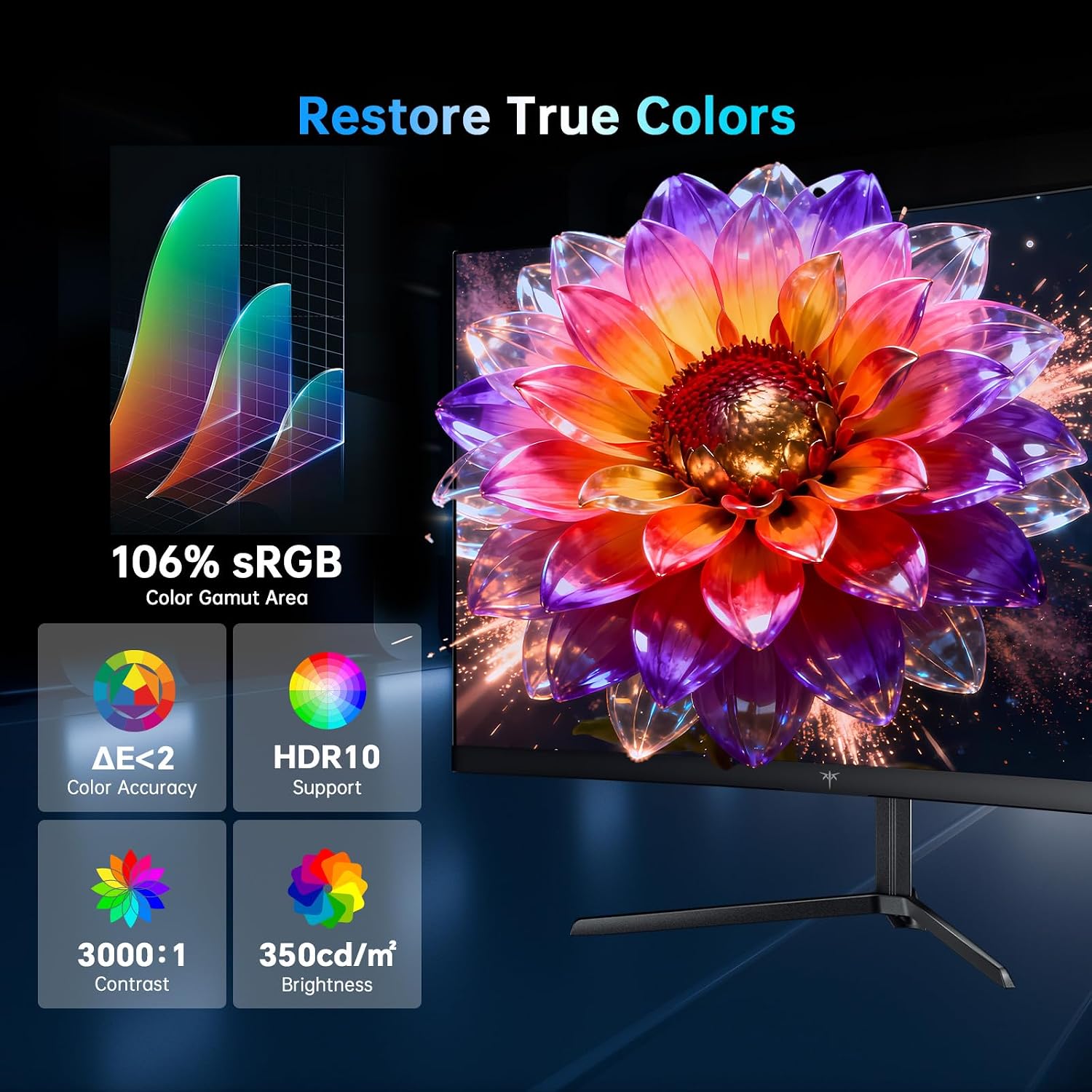
The KTC’s HDR10 support and the stated brightness level of 300cd/m² plus a 4000:1 contrast ratio are meant to give you that extra pop in highlights compared with plain SDR viewing. In real use, HDR on monitors in this class often comes down to how it’s tuned and what content you watch, but the inclusion of HDR10 at least gives you a “switch” to use when supported.
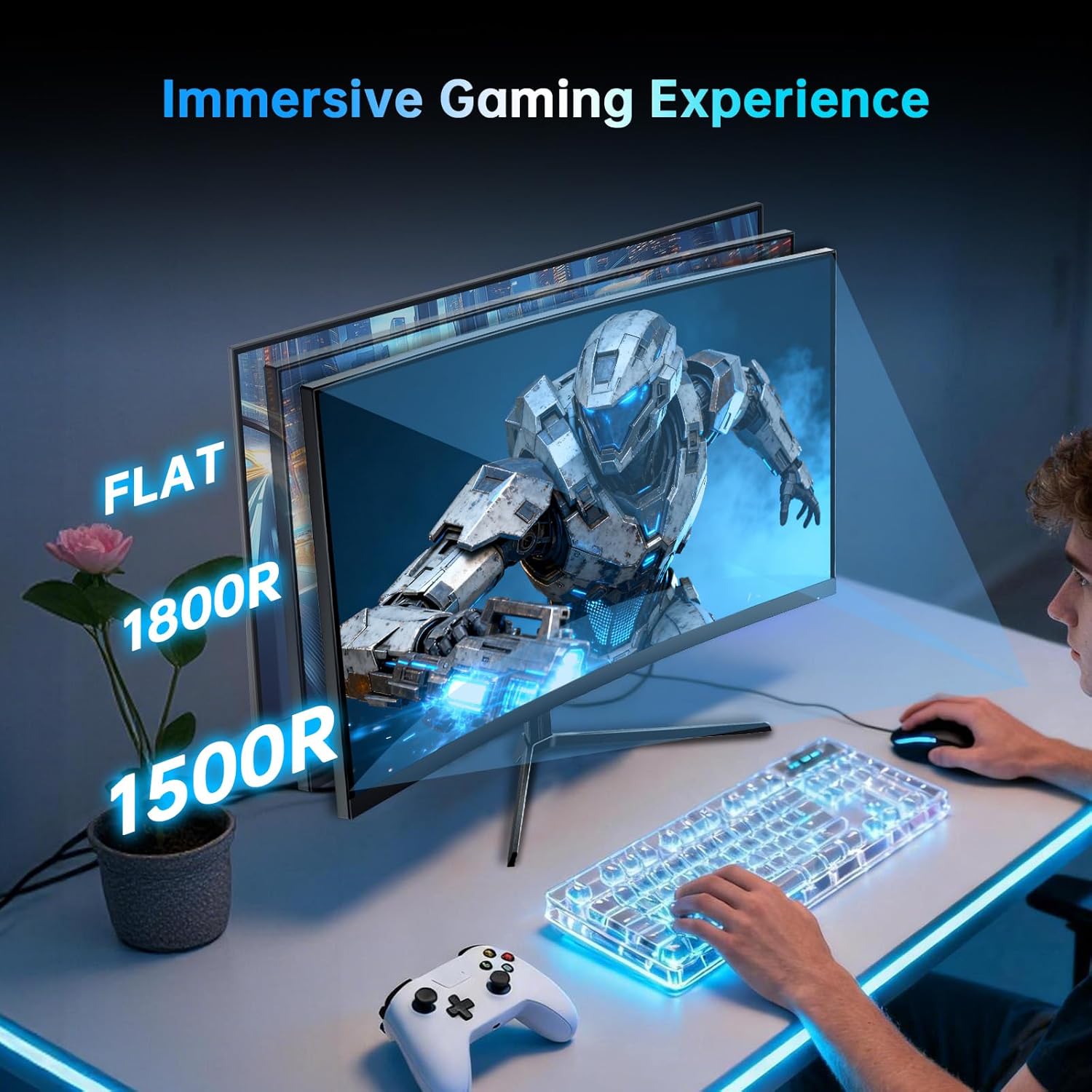
The 1500R curvature is also doing practical work. The idea is that straight lines feel less harsh at the edges and the screen can feel more wraparound. That’s great for desk setups where you sit fairly centred. If you tend to sit far off-centre, the curve might be a little less flattering.
Ports and connection options (useful if you switch devices)
One of the more practical reasons to consider this model is the variety of video inputs. The monitor is specified with 4 video output ports: 2 x DP 1.4 and 2 x HDMI 2.0. The spec also notes two connection lead items included in the box: 1 x DP1.4 cable and 1 x HDMI 2.1 cable.
In everyday terms, that makes it easier to keep a gaming PC connected on DP while using HDMI for a laptop or a console. It’s not uncommon to want quick switching without constantly swapping cables, and this layout is designed for that.
Comfort and long-session viewing
There’s also an “eye care” angle here. The monitor uses blue light filtering and flicker elimination technology to keep your eyes feeling more comfortable during long hours.
This won’t magically make screen time painless for everyone—personal sensitivity varies—but if you’re the sort of person who games late or works at a desk for hours, it’s a sensible inclusion. It’s also more relevant than chasing gimmicks, because you’ll actually notice whether your eyes feel strained after a session.
Flexible base and mounting: where it fits on your desk
The included stand is adjustable, with tilt (-5° to 20°) and horizontal rotation (20°), plus centre axis rotation (5°). It’s also described as height-adjustable, which matters more than people realise when you’re trying to match monitor height to your chair.
If you’d rather mount it, it supports VESA 100 x 100. That’s a good sign for cleaner desk setups or when you want to move it into a more ergonomic viewing position.
Pros and cons to weigh before buying
Strengths
- 34-inch 21:9 UWQHD format for a wider gaming and media experience
- Up to 180Hz refresh rate, with Adaptive Sync for smoother gameplay
- Curved 1500R VA panel aimed at immersion and comfortable viewing
- Multiple ports (DP and HDMI) plus included cables for easier device switching
- Eye care features (blue light filtering and flicker elimination)
What to be careful about
- If you want the full 180Hz, the spec points you towards DP rather than HDMI (HDMI is listed up to 100Hz)
- HDR10 is included, but real-world results depend heavily on content and how your settings are dialled in—don’t expect it to replace a dedicated HDR-focused setup
- VA panels can suit many people very well, but if you’re extremely sensitive to viewing-angle behaviour, it’s worth thinking about your typical seating position (you’ll want to stay fairly centred)
Who it suits (and who might want to look elsewhere)
It makes sense if you want an ultrawide that’s aimed squarely at gaming smoothness and an immersive desk feel, without jumping into the top end of the market. The combo of 3440 x 1440, a 1500R curve, and high refresh feels aligned with FPS and sports-style gameplay where responsiveness matters.
It may not be a great match if you only ever connect via HDMI and you specifically care about the highest refresh figure. It also might not suit you if you sit off to the side regularly and rely on the whole screen at extreme angles—curvature helps when you’re centred, but you don’t always get the same experience everywhere.
Mini FAQ
Is it good for fast FPS gaming?
The spec is built for it: 180Hz refresh rate (via the DP 1.4 route) plus Adaptive Sync and a stated 1ms (MPRT) response time. Just remember that HDMI is listed to a lower maximum refresh, so connection choice matters.
What’s the advantage of 21:9 on a 34-inch screen?
21:9 ultrawide tends to give you more horizontal space for games, timelines, and multitasking compared with a 16:9 monitor. In titles that support ultrawide, the field of view can feel more natural.
Does it include cables in the box?
Yes. The description states the package includes 1 x DP1.4 cable and 1 x HDMI 2.1 cable.
Should I care about the eye care features?
If you game or work for long stretches, blue light filtering and flicker elimination are worth having on the spec sheet. They’re not a guarantee that your eyes won’t feel tired, but they can help.
Can I mount it on a wall?
The monitor supports VESA 100 x 100 wall mounting, which is useful if you want to remove the desk footprint.
When it makes sense
Buy the KTC H34S18S if you want a 34-inch curved ultrawide that prioritises smooth gaming (up to 180Hz on DP) and a wider 21:9 workspace for both games and movies. It’s particularly attractive if you’re the kind of user who switches between a PC/laptop and another device and wants the port options to do that without constant unplugging.
Avoid it if you mainly plan to run everything through HDMI and care about hitting the highest refresh figure, or if you typically sit significantly off-centre. In those cases, you may end up trading away the monitor’s main selling point for your setup.