

Gawfolk 27 inch IPS Gaming Monitor review: Dual-Mode 4K UHD at 180Hz and FHD at 360Hz
Reviews
Product description
What this monitor is and what it’s for
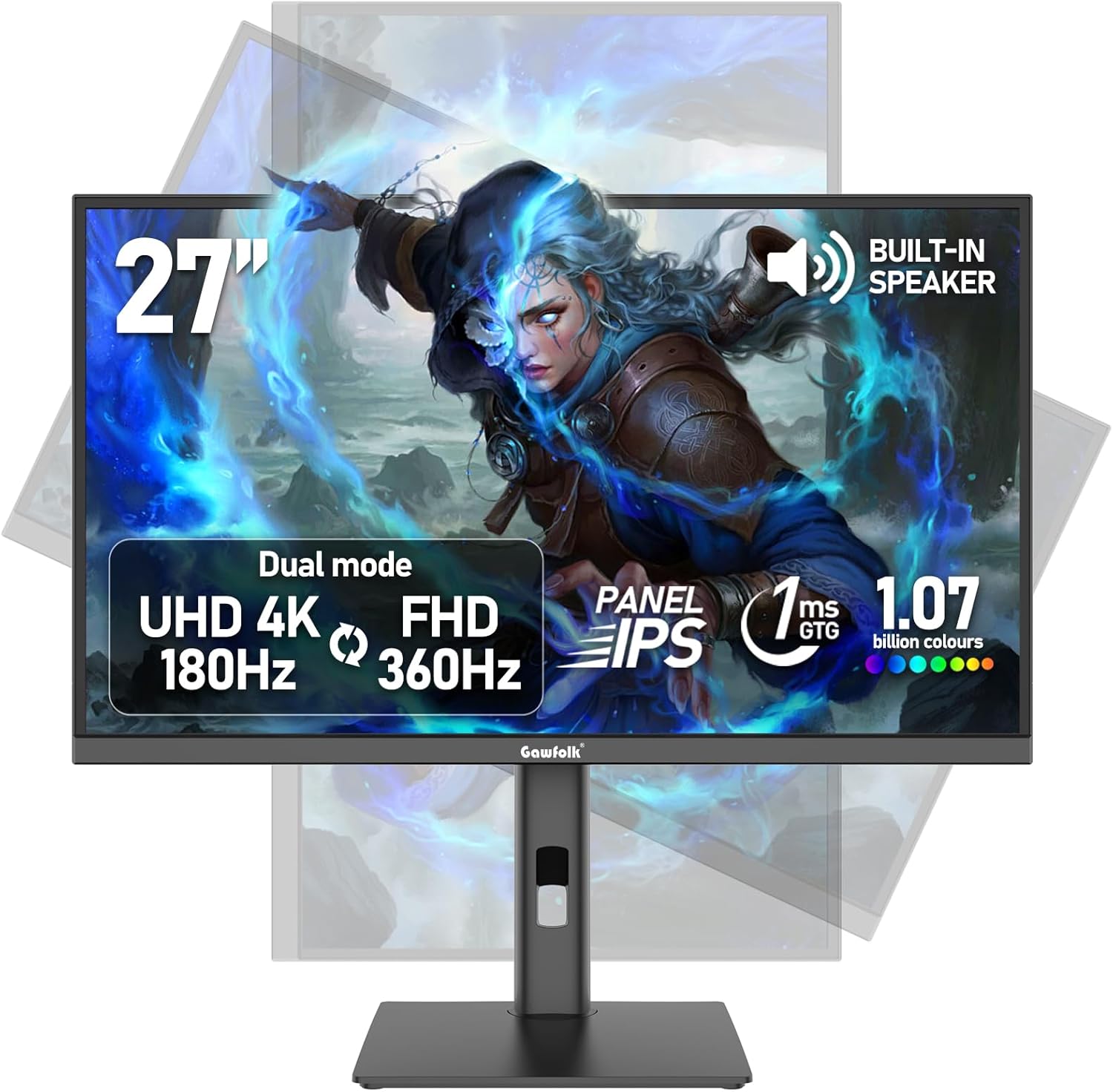
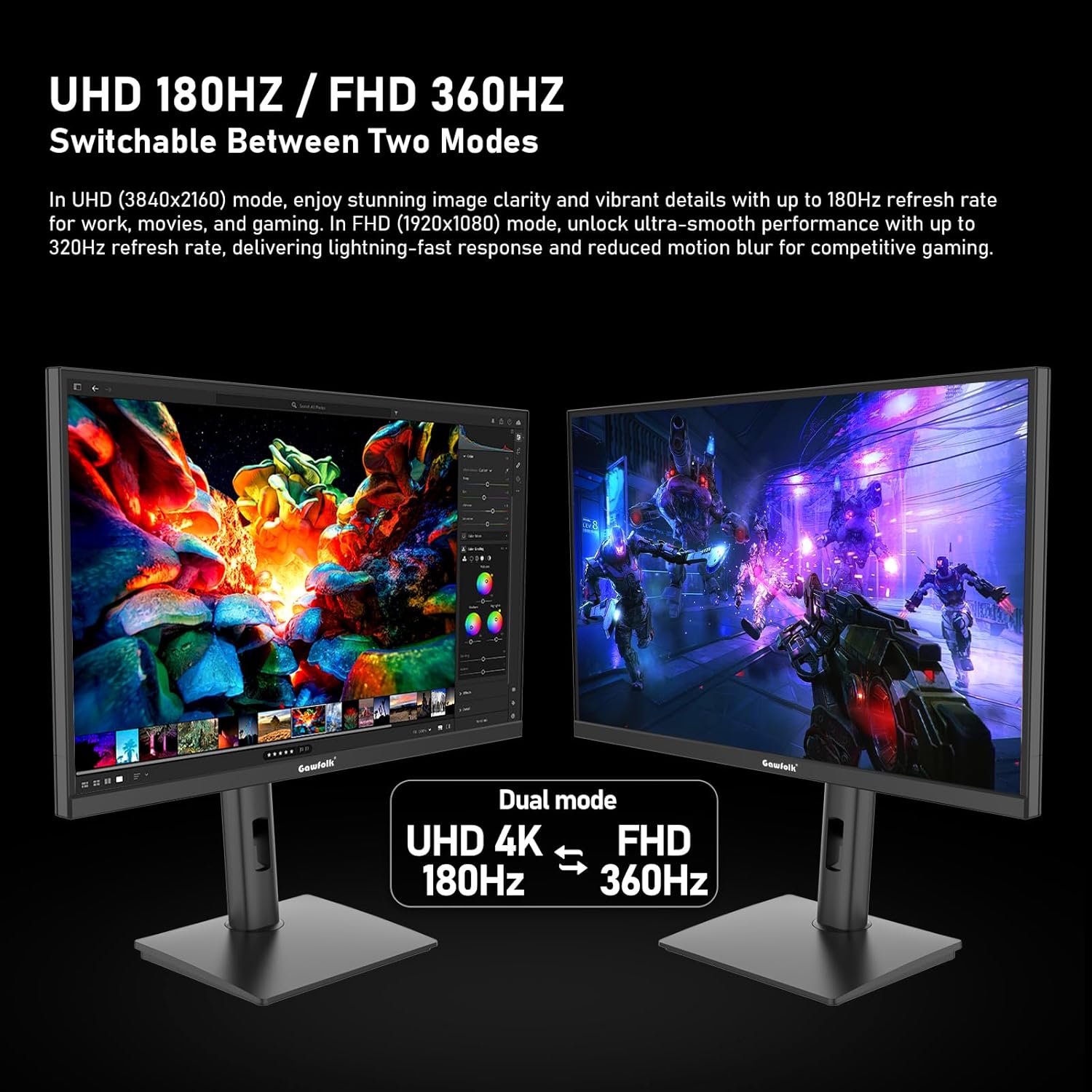
The Gawfolk 27 inch IPS Gaming Monitor is designed to cover both high-definition cinematic visuals and ultra-fast competitive gaming. Its two display modes—4K UHD at 180Hz and FHD at 360Hz—mean you can switch between immersive detail for movies or content creation and blistering motion for shooters or MOBAs. If you’re after a display that can double as a creator screen and a competitive gaming panel, this model aims to strike that balance.
How it performs on colour and clarity
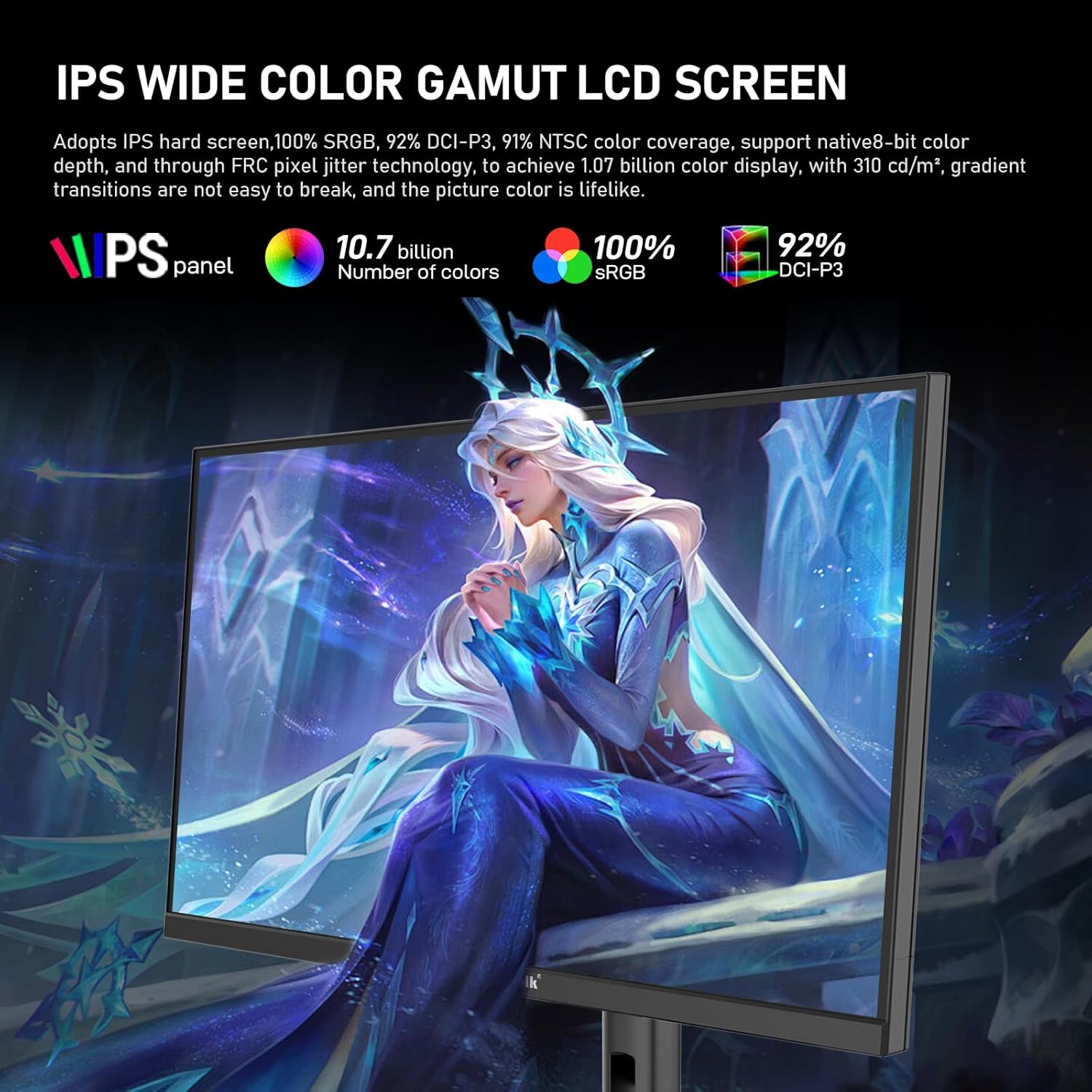
In terms of colour, it supports 10.7 billion colours via 8bit+FRC with a 100% sRGB gamut. On paper that translates to smoother colour transitions and more vibrant, natural-looking images, which can help with photo or video work as well as daily media viewing. The IPS panel is a common choice for wide viewing angles and steady colour accuracy, though how this translates in real-world use will depend on panel quality and calibration out of the box.
Motion, syncing and connectivity
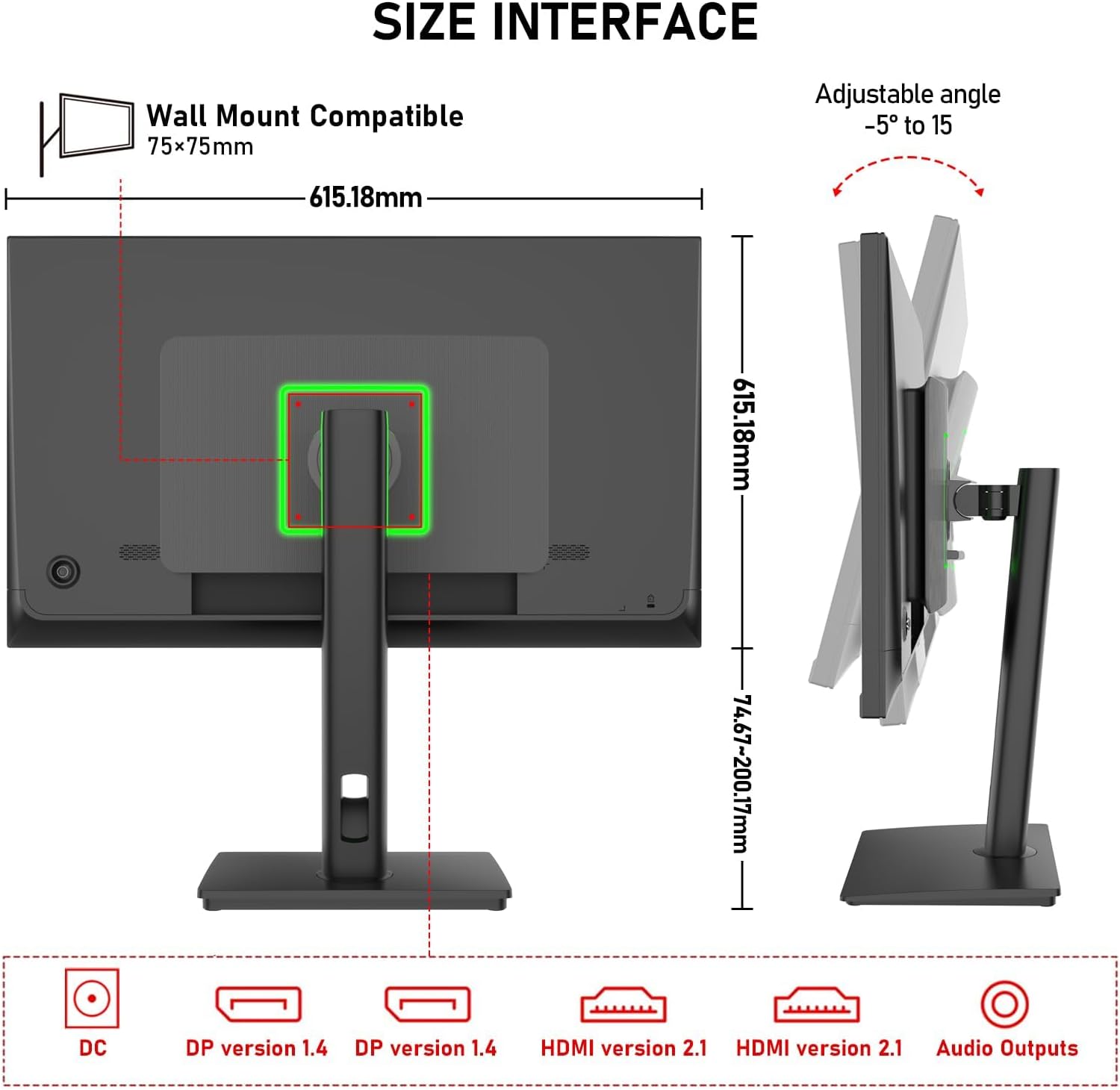
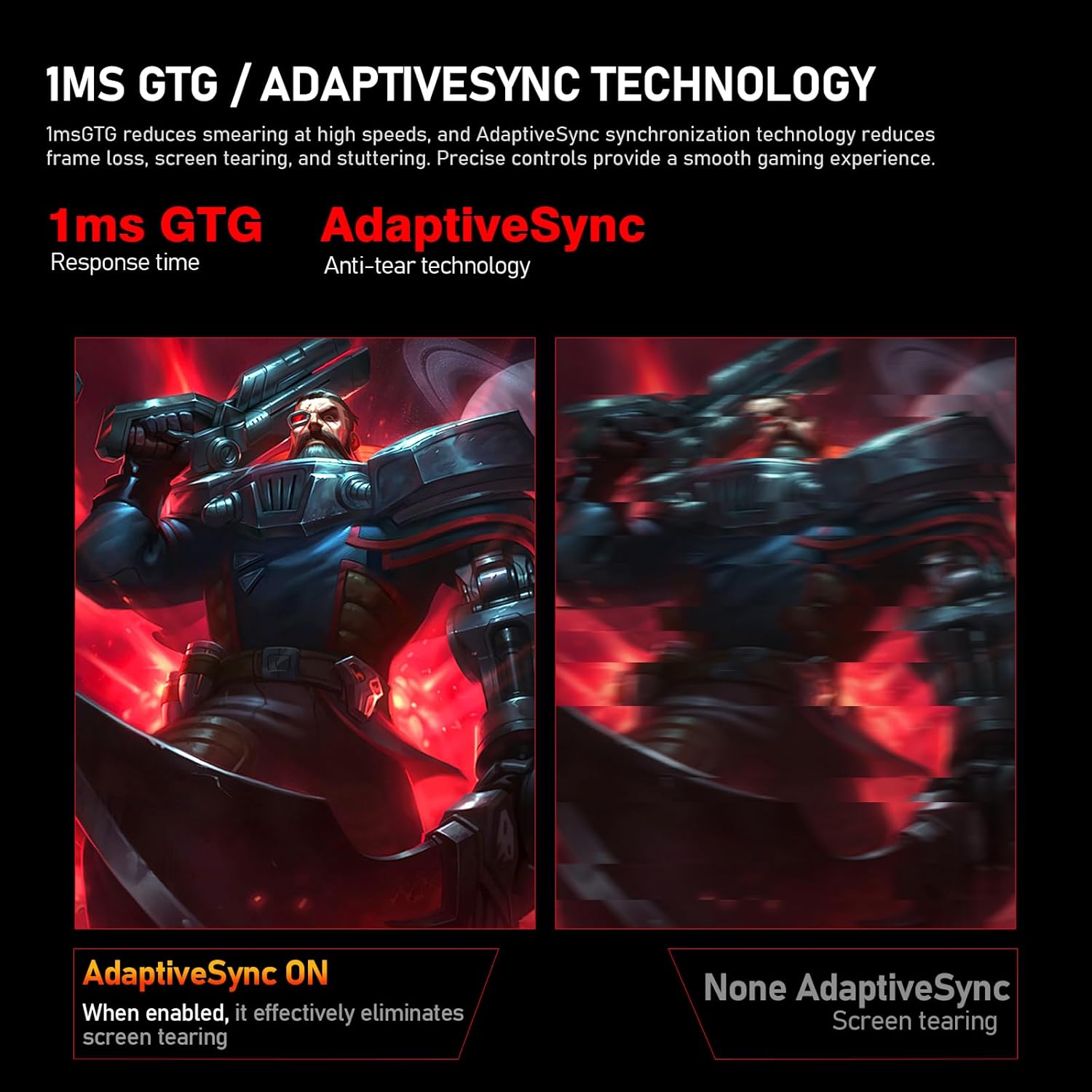
Adaptive Sync is included to help reduce tearing and stutter, which matters if you play fast-paced titles or stream content with rapid scenes. The monitor offers multiple high-bandwidth connections: two HDMI 2.1 ports and two DP 1.4 ports, enabling you to connect a PC and other devices without fuss and to support higher refresh rates at appropriate resolutions.
Ergonomics and eye comfort
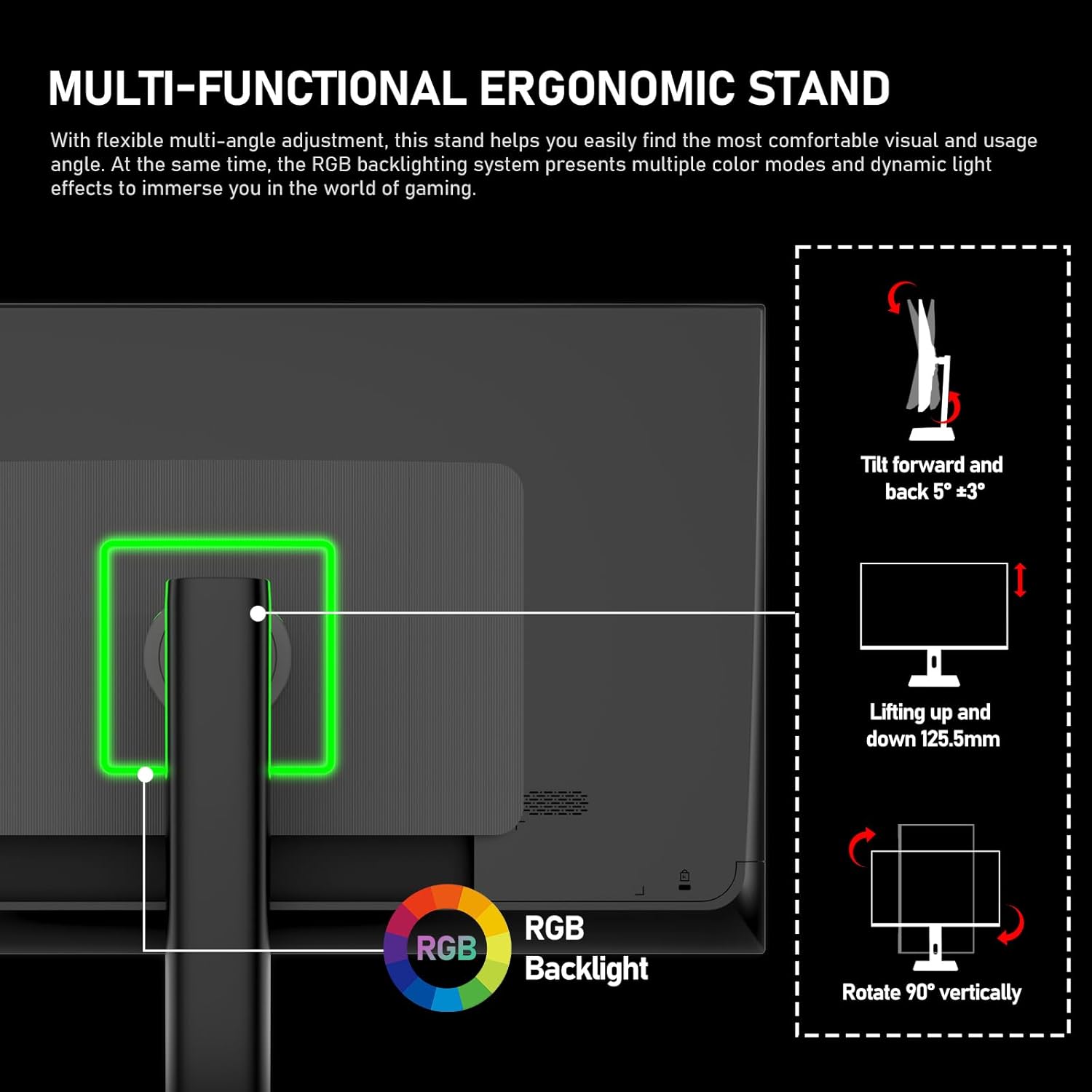
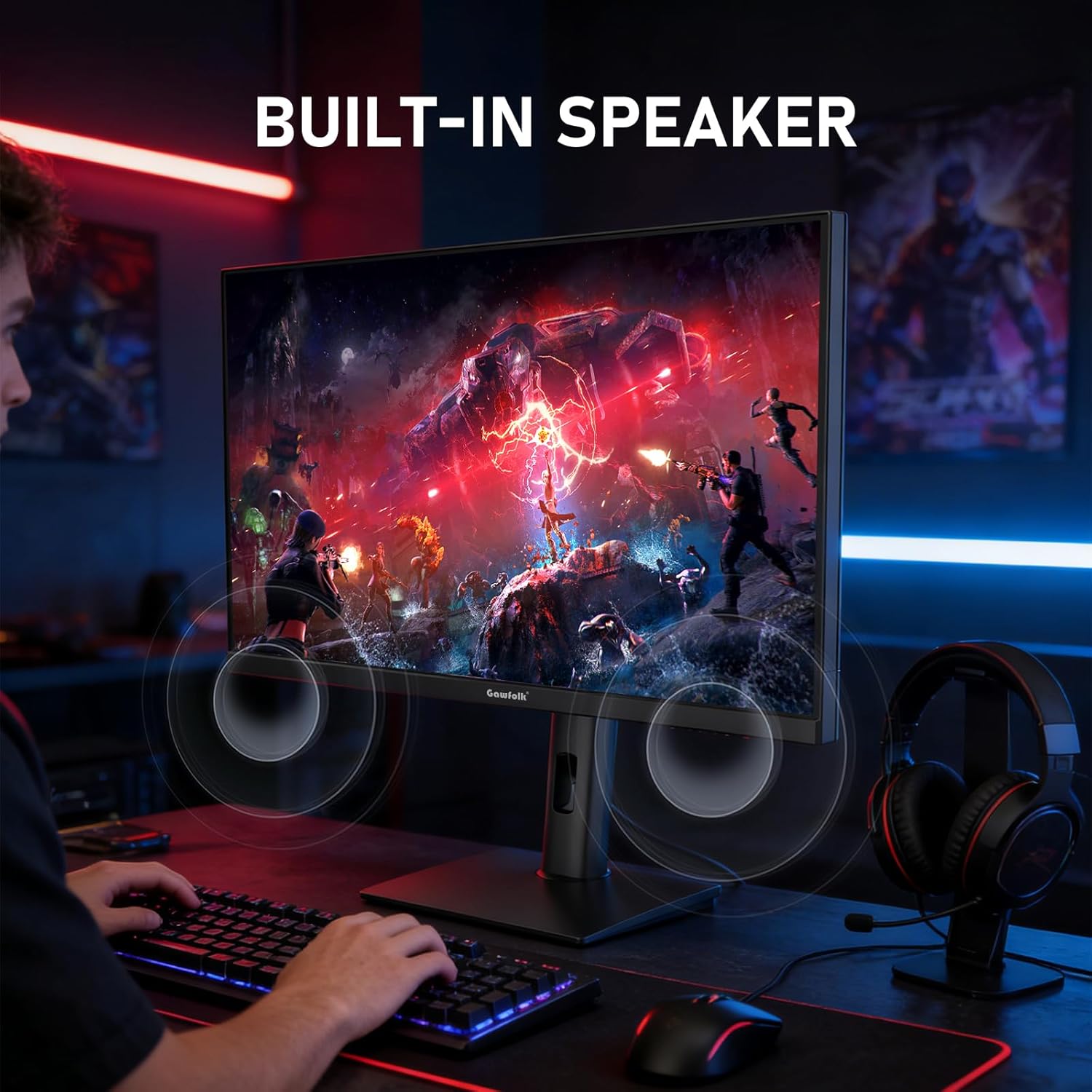
The stand is height adjustable and allows rotation for personalised positioning, which can help reduce fatigue during long sessions. Built-in speakers add convenience, though for serious gaming audio a dedicated sound solution will usually be preferred. The screen also includes eye-care features such as low blue light and flicker-free technology, which can ease eye strain during extended use.
Practical notes and what to watch for
The RGB ambient lighting at the back can help set the mood of a gaming setup, but it’s not a core performance feature. If you prioritise colour-critical work, you’ll want to compare how the 4K mode looks out of the box and consider calibration. While the dual-mode approach is attractive, you may notice the highest 4K 180Hz performance demands a capable GPU and proper configuration to achieve stable frame rates in demanding titles.
Who this is for and who it isn’t the best for
If you want a single screen that doubles as a creator-friendly workspace and a high-refresh gaming panel, this model is worth considering. It’s more compelling for those who value both sharp 4K visual fidelity and ultra-smooth motion in competitive games. However, if you primarily need pro-level colour accuracy for print work or expect top-tier uniformity straight from the factory, you should check calibration options or look for reviews of real-world colour performance. It may be less ideal for those on a strict budget who don’t require dual-mode functionality.
What to review before buying
- Ensure your PC or console can utilise HDMI 2.1 or DP1.4 at the target refresh rate and resolution.
- Consider how you’ll use the 4K mode: for fast action, the FHD 360Hz mode may be more practical if you prioritise motion.
- Check the on-screen display and any bundled software for calibration options to achieve the best colour accuracy for your needs.
- Think about audio needs: built-in speakers are convenient, but external speakers or headphones usually offer better sound for gaming and media.
How this compares to other setups
This monitor sits between mid-range and higher-end displays by offering both ultra-high 4K detail and extreme FHD refresh rates. If you primarily need a high-refresh gaming panel, many models focus on one mode, if you want to edit photos or video and also game, this dual-mode approach can reduce the number of devices you need. The value hinges on how often you switch between content creation and competitive gaming, and whether the provided colour performance matches your expectations after calibration.
Decision time: Is it worth it?
Is it worth it? Worth considering if you want a multi-role display that can handle both 4K gaming and fast-motion gameplay with forgiving ergonomics. You’ll gain versatile connectivity and integrated eye care, but it may not replace a specialised monitor for critical colour work or require careful setup to realise its best potential.
Quick FAQ
- How does the 4K 180Hz mode differ from the FHD 360Hz mode? The 4K mode prioritises visual detail, while the FHD mode prioritises motion and responsiveness.
- Do the built-in speakers replace external audio? They’re convenient for basic use, but external audio will typically deliver better sound quality.
- Do I need a powerful GPU to run 4K at 180Hz? Achieving that target depends on the game and system, you’ll likely require a capable GPU and appropriate settings to hit high refresh rates at 4K.
- Can I use this monitor for photo or video editing? The 100% sRGB and 10.7 billion colour capability suggest good potential for colour work, subject to calibration and real-world panel performance.
- What about eye comfort during long sessions? The monitor includes low blue light and flicker-free technology to help reduce fatigue during extended use.