

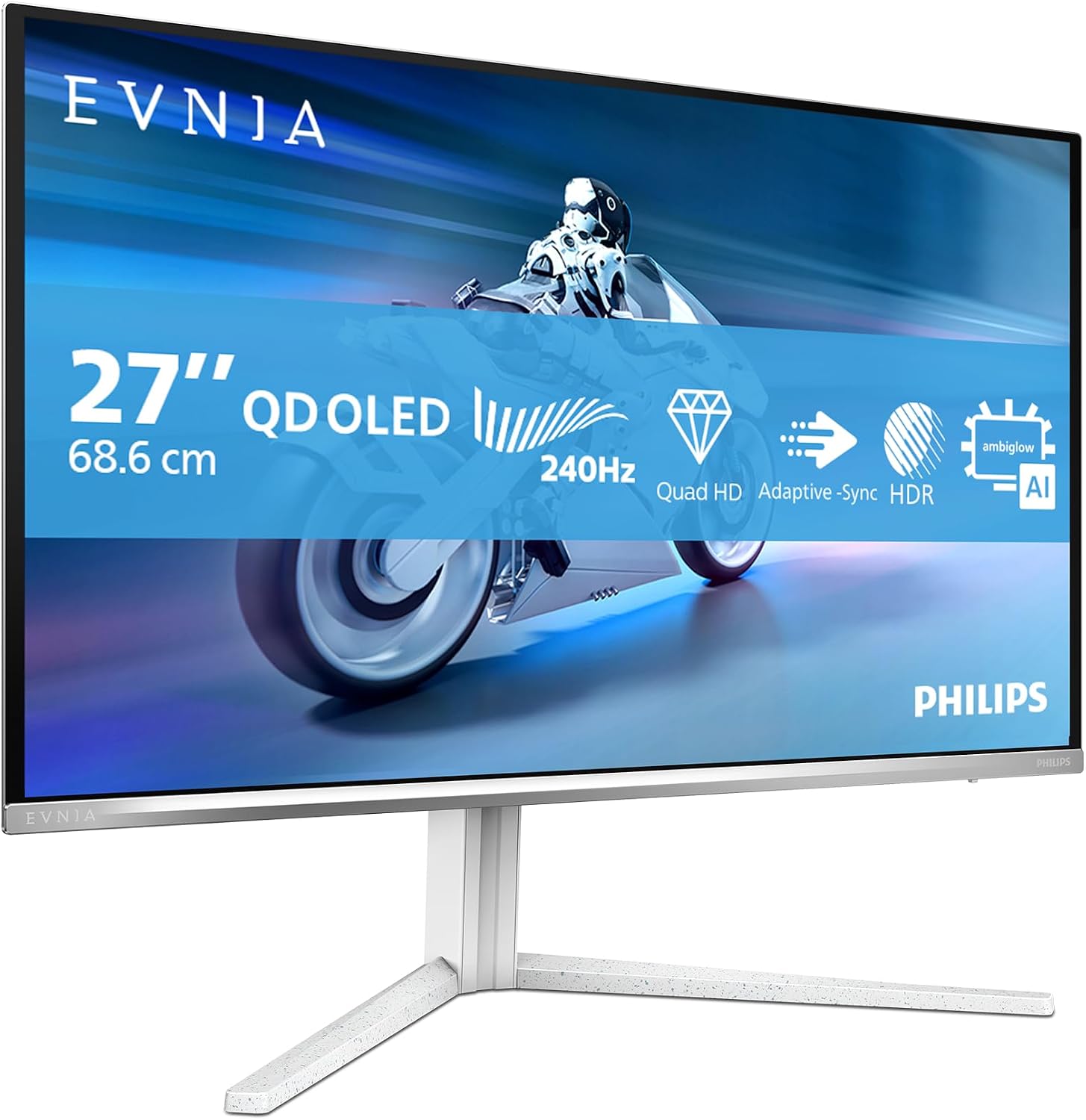
Philips Evnia 27M2N8500-27 Inch OLED Gaming Monitor review
Product description
What it is and what it asks to do
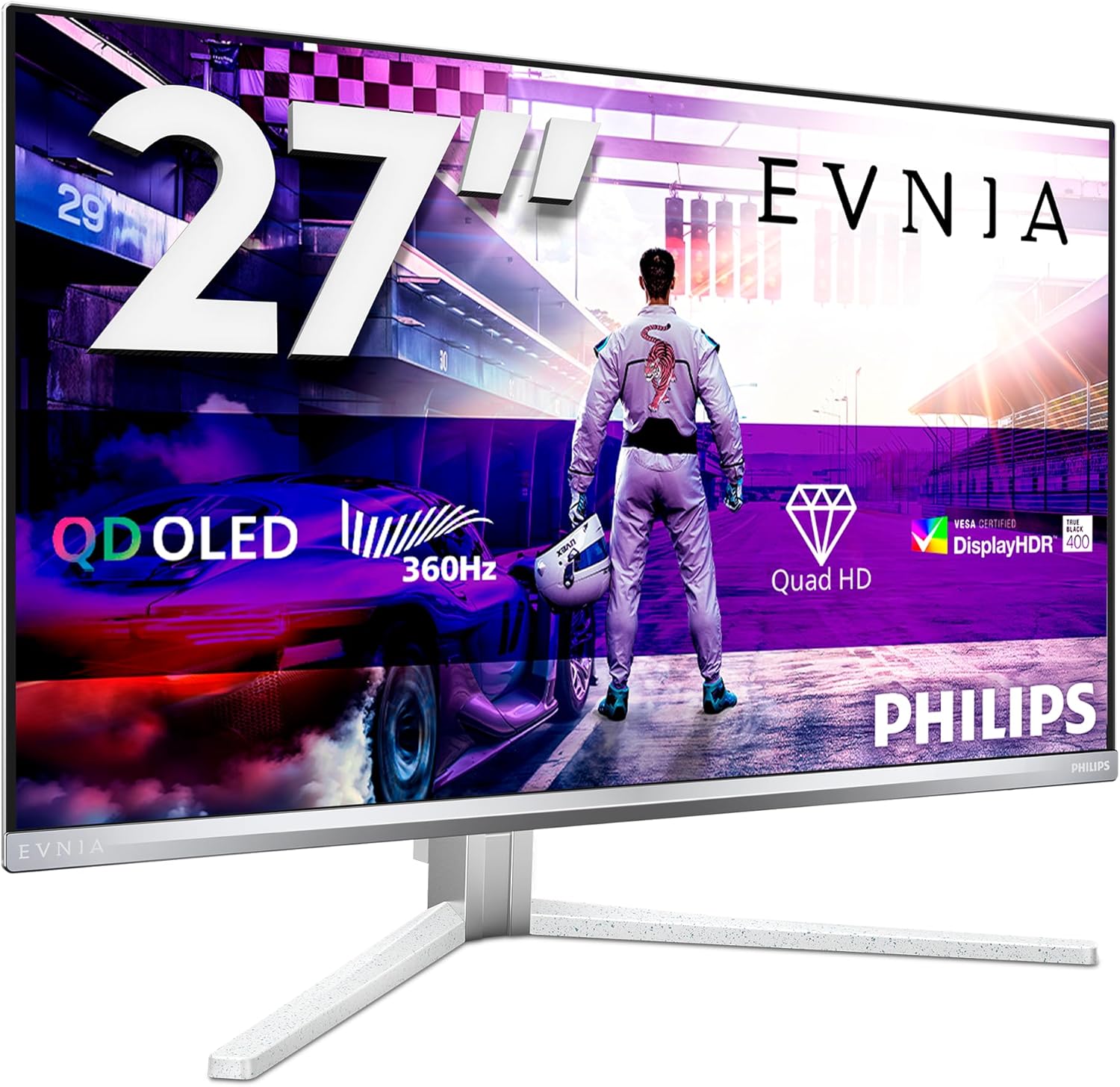
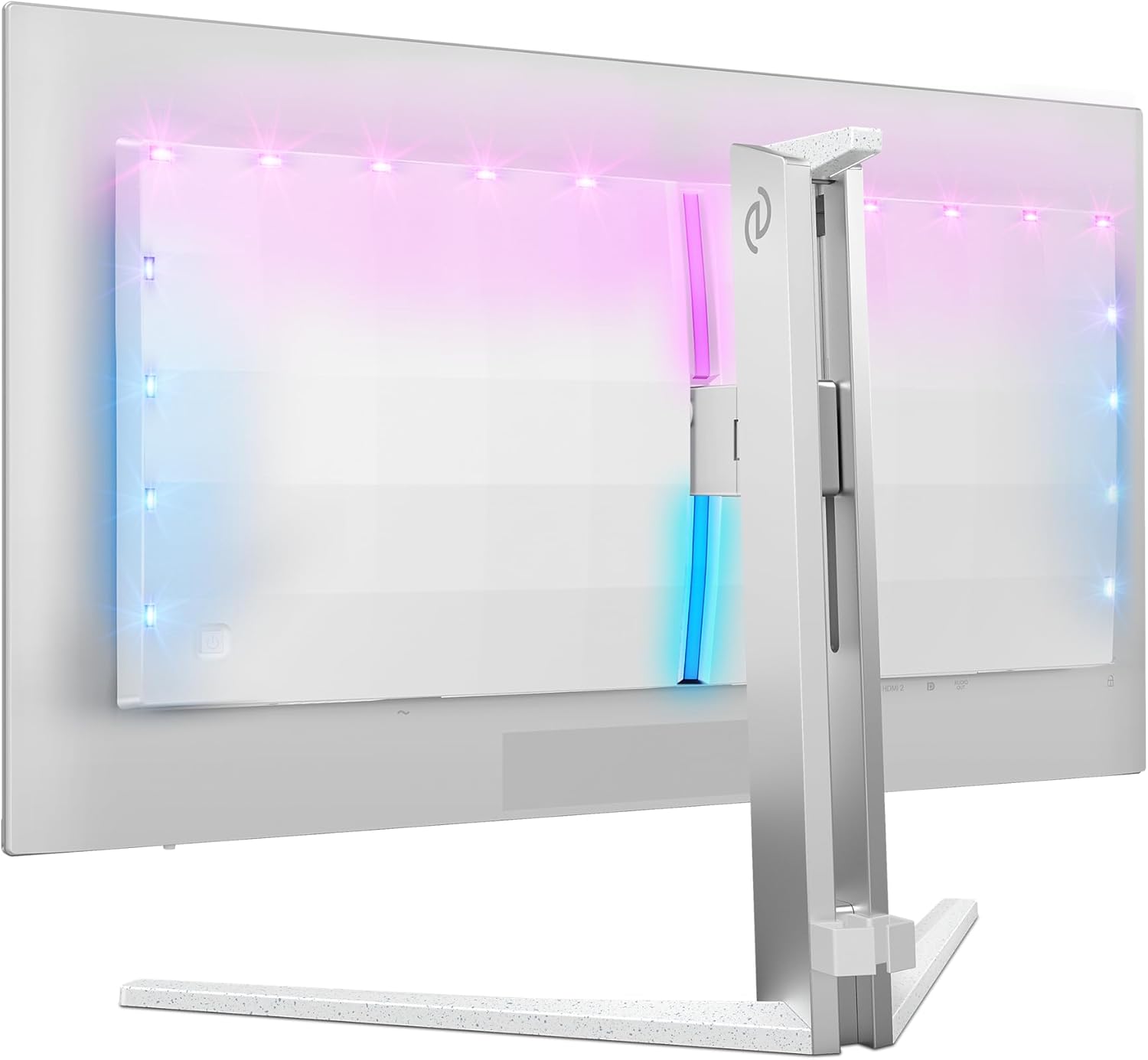
The Philips Evnia 27M2N8500 is a 27-inch OLED gaming monitor designed to deliver fast motion and immersive visuals. It targets gamers who value quick response, high refresh rates and vivid contrast, all in a clean white chassis. On paper, the combination of OLED panel technology, a 360 Hz refresh rate and a 0.03 ms response time is meant to minimise motion blur and input lag, which can be helpful for fast-paced titles. It also includes DisplayHDR TrueBlack 400 for deeper shadows and Ambiglow lighting to enhance ambience. Whether this translates to real-world gains depends on usage, but the setup aims to offer a more responsive, cinema-like experience for compatible games and content.
Who it’s for
This monitor is best suited to competitive PC gamers who prioritise speed and pixel-level contrast. If you play fast shooters, racing sims or fighting games where timing matters, the 360 Hz panel could matter more than the resolution alone. It may also appeal to enthusiasts who want a standout design and the ambience that Ambiglow provides for the mid-range to high-end tier of gaming setups. If you primarily game at 1440p and want the best possible motion clarity, this model aligns with that goal.
Strengths and notable trade-offs
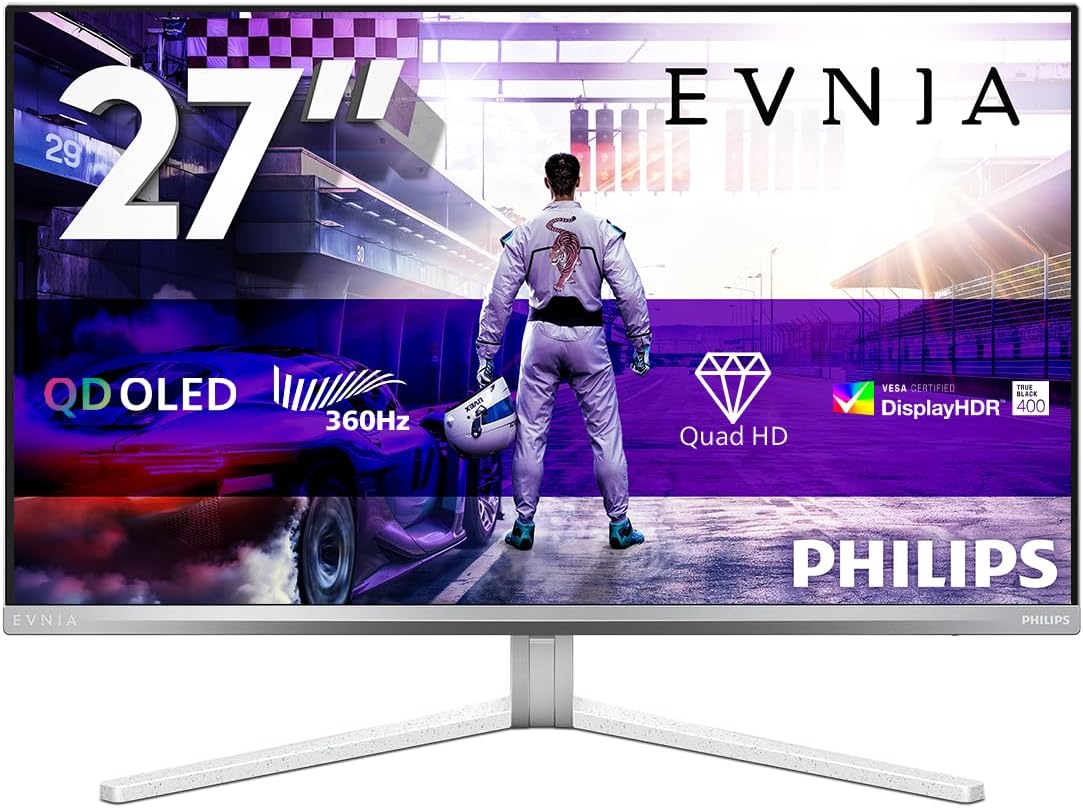
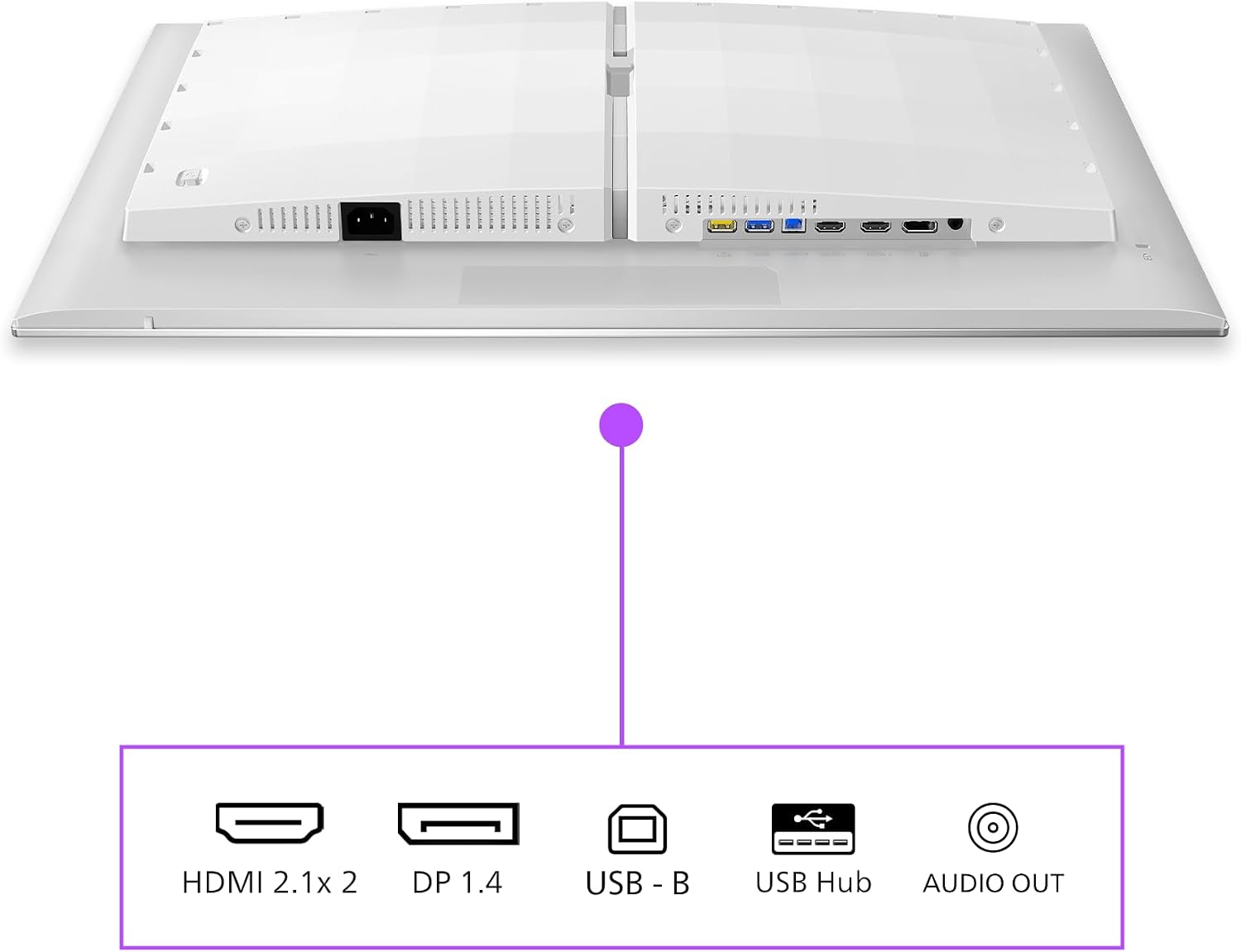
On the positive side, the core strength lies in speed and contrast. OLED yields true blacks and a distinctive image depth, while the 0.03 ms latency and 360 Hz refresh rate address fast action without the usual blur. DisplayHDR TrueBlack 400 helps with shadow detail in darker scenes, which can be a treat in narrative-driven games and certain AAA titles. Ambiglow adds a visual flare that can make gaming feel more immersive, especially in a dim room. The inclusion of FreeSync and G-Sync compatibility broadens compatibility with a wide range of GPUs, and the HDMI 2.1 and DP 1.4 connections offer modern bandwidth for high-end GPUs.
On the flip side, OLED panels can be susceptible to image retention under certain patterns, and long-term burn-in risk is a consideration for static UI elements if used heavily in a single scene. 360 Hz is exceptionally fast on paper, but the practical benefit may be most noticeable in select competitive titles rather than everyday use. Also, OLED brightness in HDR modes may not match some high-end LCD monitors in all scenarios, and the true-world value depends on how much you prioritise speed over other factors like colour accuracy, peak brightness or viewing angles.
What to look for before buying
- Ensure your computer can push high frame rates at 1440p with your chosen games to take advantage of 360 Hz.
- Consider room lighting: Ambiglow can enhance immersion in a dark environment but may be less noticeable in bright rooms.
- Check panel longevity factors and any maintenance considerations for OLED, including potential burn-in risks with static HUDs or UI elements.
- Verify the audio/video chain: with HDMI 2.1 and DP 1.4, ensure your GPU and output devices are compatible and that you’ve allocated bandwidth for features like HDR if you use them.
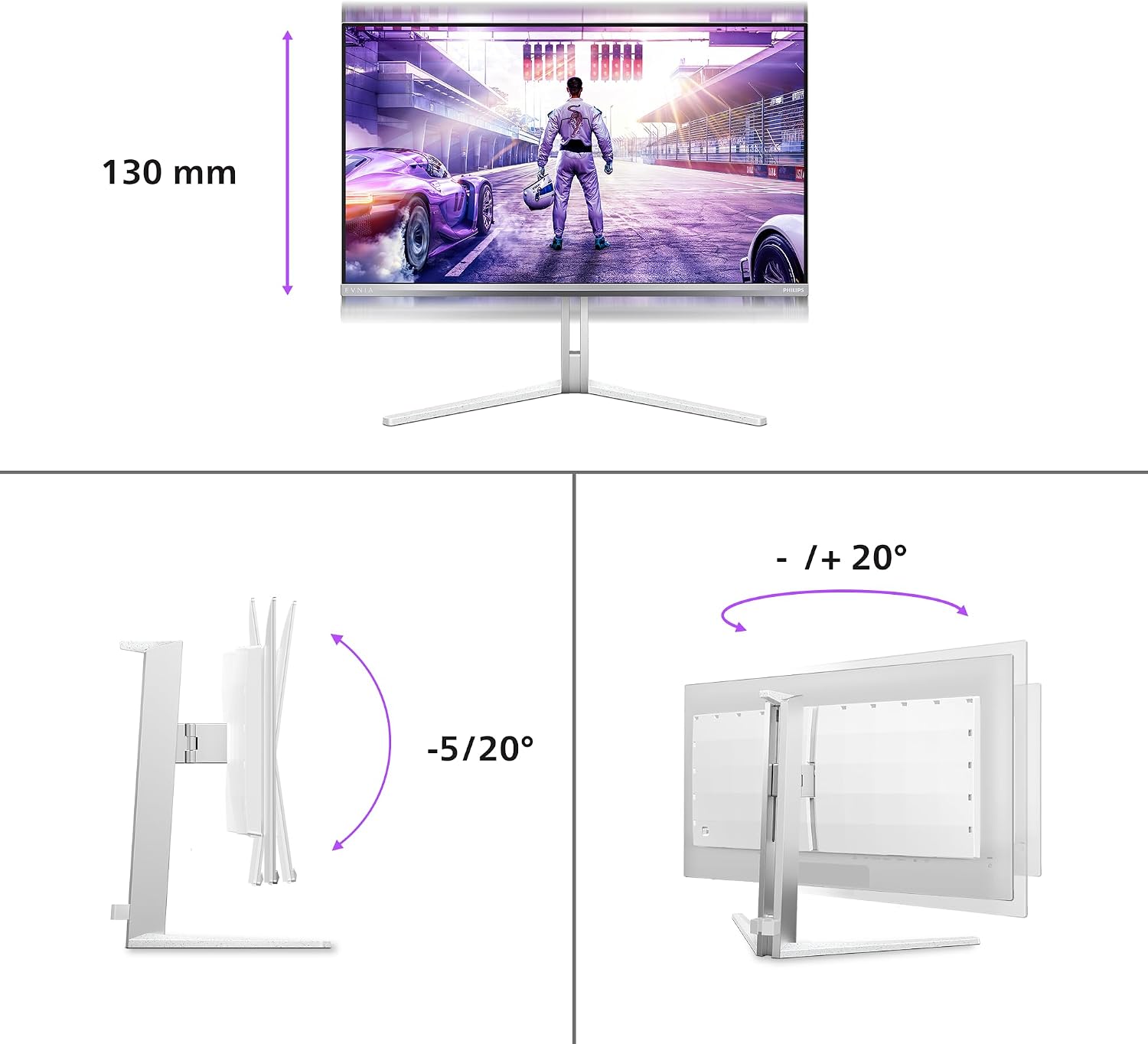
- Think about the size and ergonomics: 27 inches is a common sweet spot for desktop gaming, but ensure your desk setup and viewing distance match the experience you want.
How it compares to general alternatives
If you’re weighing this against more conventional 144 Hz or 240 Hz gaming monitors, the Evo’s OLED panel promises stronger contrast and faster motion handling on paper. For those who prioritise a balance between speed, depth of colour, and ambience, this model can be a compelling option. If you prefer higher brightness or less risk of burn-in in long sessions with static interfaces, a high-refresh LCD with local dimming might be a more conservative choice. The decision often comes down to how much you value the OLED’s unique contrast and the 360 Hz potential versus the possible drawbacks of OLED in sustained, mixed-use scenarios.
Practical use case you can picture
Imagine a fast-paced shooter where enemies pop from the darkness and you track movement with minimal blur. You’re playing at high frame rates, the game replies instantly to your inputs, and Ambiglow subtly echoes the on-screen action, creating a more immersive room mood without shouting about it. It’s not about flashy marketing, it’s about a quick, decisive feel during tense skirmishes.
Final buying considerations (Should you buy it?)
- It makes sense if you want a premium gaming monitor with blistering motion performance and striking image depth, provided your PC can sustain high frame rates.
- You may want to skip it if you’re primarily after maximum peak brightness, long-term burn-in concerns, or if your typical gaming habits involve static UI elements in a lot of titles.
- This panel suits a gaming-focused setup where the room can be dimmed for Ambiglow effects and where a wide connection set (HDMI 2.1, DP 1.4, USB hub) aligns with your hardware ecosystem.
- If you value general versatility, colour accuracy for non-gaming tasks, or bright, daylight viewing, consider whether the OLED characteristics align with those expectations.
Technical snapshot (brief)
- Display: OLED, 2K (2560x1440), 27 inch
- Refresh: 360 Hz, Response: 0.03 ms
- HDR: DisplayHDR TrueBlack 400
- Synchronisation: FreeSync, G-Sync compatible
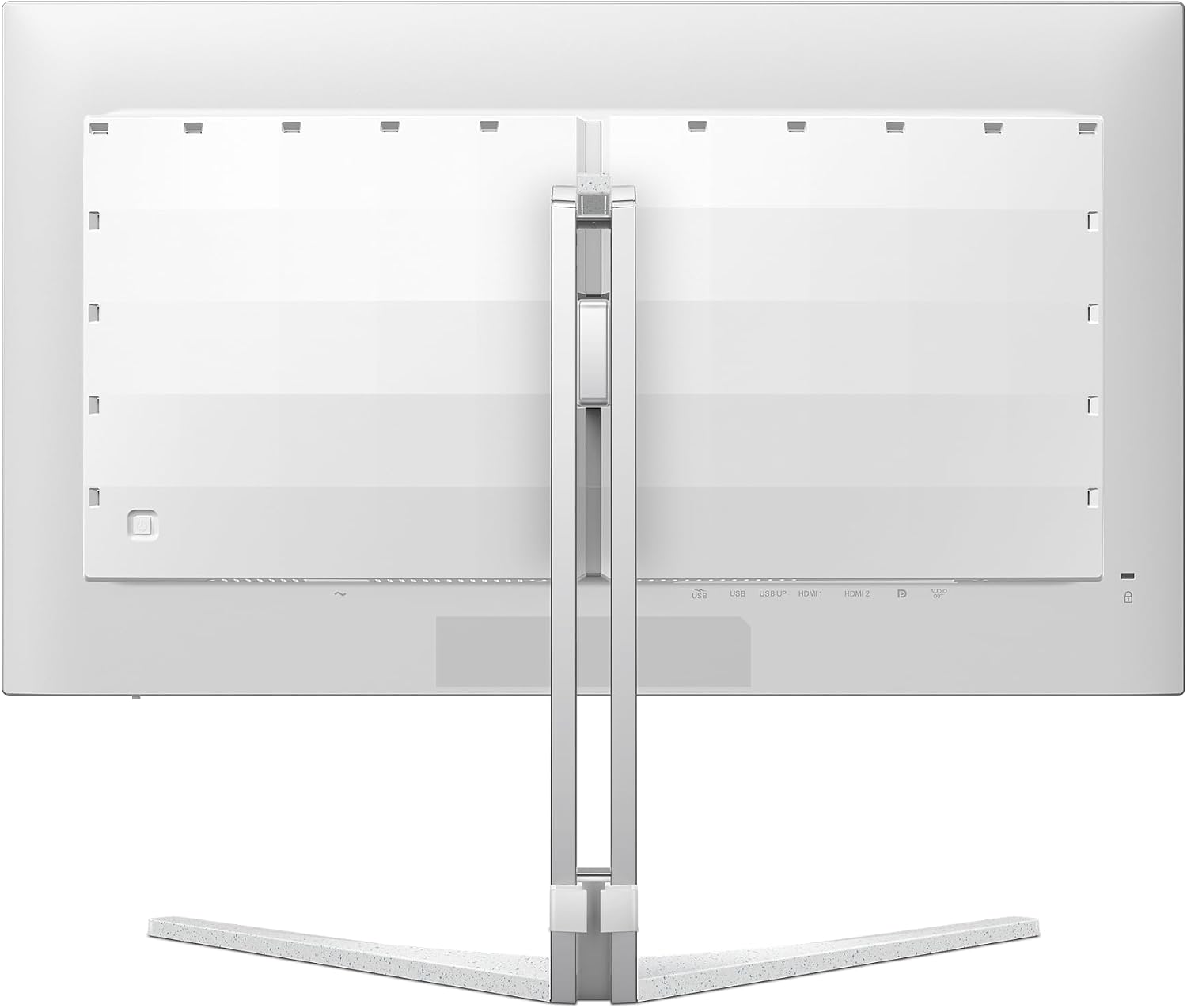
- Connectivity: 2x HDMI 2.1, 1x DisplayPort 1.4, USB hub
- Ambient: Ambiglow, eye-friendly modes like LowBlue and flicker-free
- Colour and design: White chassis with characteristic Evnia styling
FAQ (quick answers)
Q: Do I need a high-end GPU to benefit from 360 Hz at 1440p? A: Yes, to fully utilise 360 Hz, you’ll want modern GPUs capable of pushing very high frame rates in your favourite titles. Q: Is burn-in a concern with OLED for gaming? A: Burn-in is a consideration, use features like variable UI placement and screen savers to minimise static elements in long sessions. Q: Can I use this monitor for creative work besides gaming? A: It can handle general tasks and media viewing, but if you require peak colour accuracy for professional work, verify colour profiles and calibration none the less.
Decision time
Is it worth it? If you prioritise speed, contrast and a high-refresh experience in 1440p, the Philips Evnia 27M2N8500 offers a compelling balance for a dedicated gaming setup. It isn’t a universal upgrade for every scenario, but for the right use case, it makes sense to consider.