




LG UltraGear 32GS85Q 32-inch gaming monitor
Product description
This 32-inch LG UltraGear monitor brings fluid motion and vivid colour for focused gaming sessions, making fast-paced play feel more responsive and visually accurate. If you want reduced motion blur and more faithful hues for modern titles the 180Hz refresh rate and Nano IPS panel help deliver a smoother image with quick frame updates, while HDR10 and wide DCI-P3 coverage aim to reproduce developer intent. For everyday gaming and streaming it doubles as a roomy desktop display with a slim three‑sided bezel that keeps distractions low.
Key takeaways

The UltraGear 32GS85Q pairs a high refresh rate with a fast response to reduce ghosting and judder. You get adaptive sync support for fewer tears and less stutter, and the panel’s colour range helps with richer in‑game tones and brighter highlights. If you prefer ultra‑fast motion for competitive play the 180Hz setting matters, and if you favour visual fidelity HDR10 and DCI‑P3 98% bring a more cinematic palette.

Technical details
- Name: LG UltraGear 32GS85Q
- Size: 32 inch
- Resolution: 1440p
- Refresh rate: 180Hz
- Response time: 1ms Response Time
- Panel: IPS
- Compatibility: NVIDIA G‑Sync compatible, AMD FreeSync
Where it shines
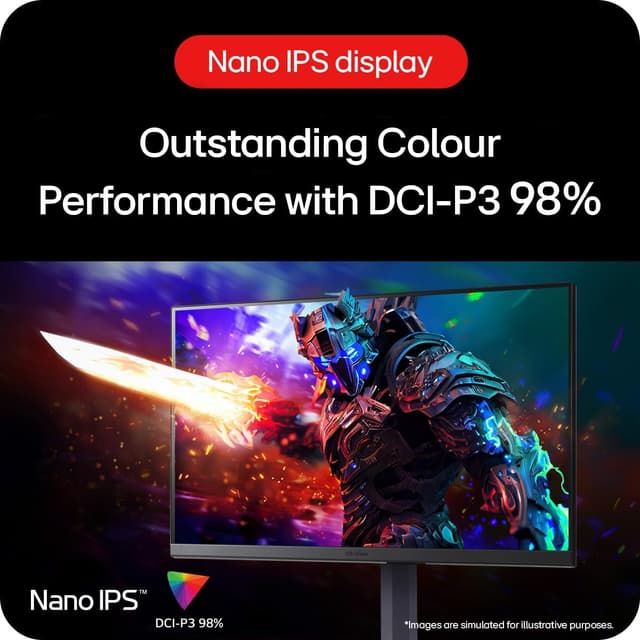

Colours and motion are the strengths here, especially in titles that benefit from rapid updates and accurate reproduction. The slim bezels aid immersive setups and the tilt adjustment lets you find a comfortable angle for longer sessions. Adaptive sync reduces visible tearing, so scenes with sudden camera moves look cleaner.
Who it’s for
It suits you if you value smooth competitive performance and more faithful colour for single player and creative work. You’ll like it if you play fast multiplayer games and also edit screenshots or stream content occasionally. You may want to skip it if desk space is limited or if you need a higher resolution than 1440p for photo work.
Care & maintenance
Keep the screen dust free and avoid abrasive cleaners to maintain the panel finish. Use a soft, lint‑free cloth and manufacturer‑recommended cleaning fluid for best results.