

Minifire curved 120Hz monitor, 27 inch
Product description
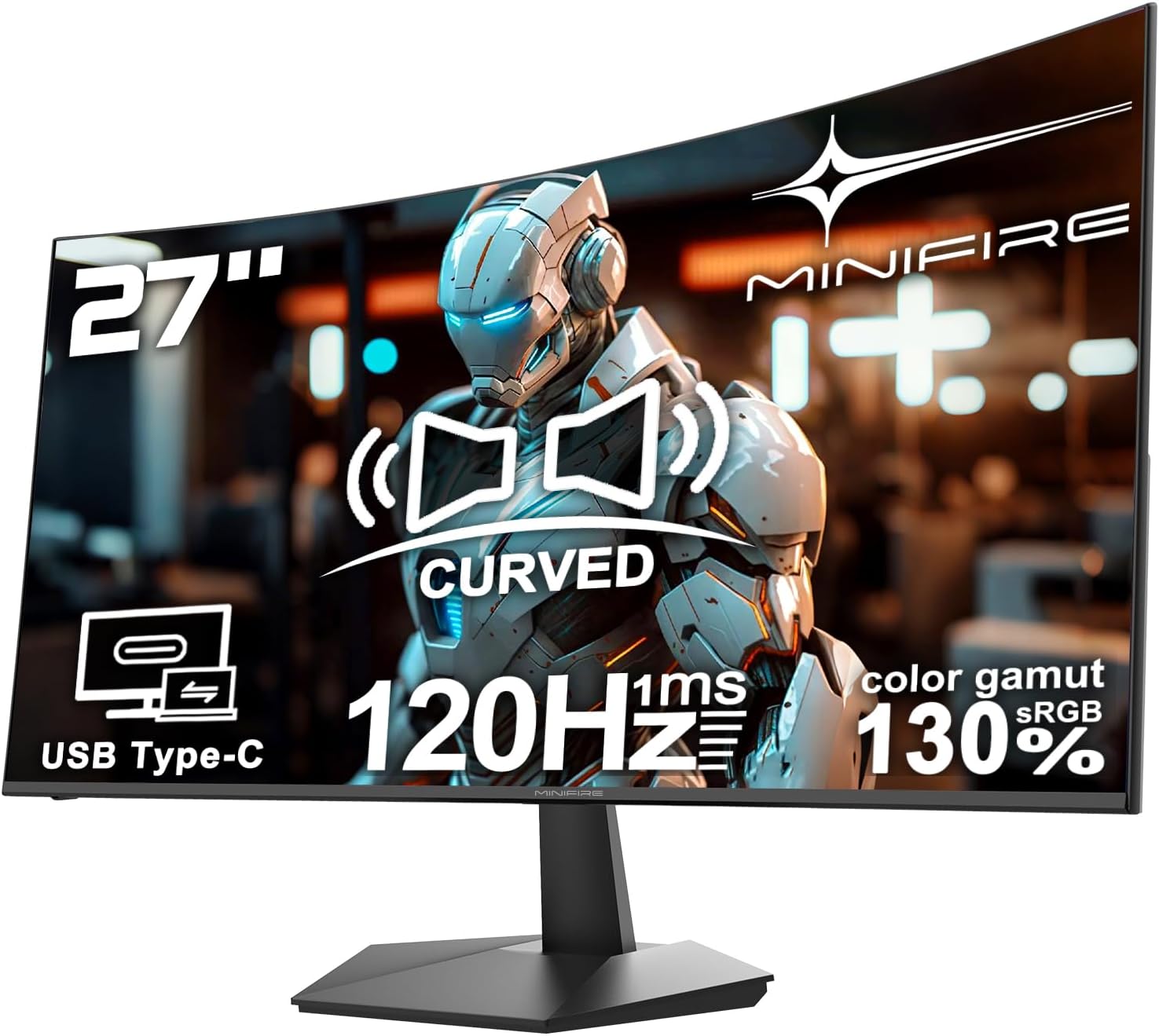
If smooth scrolling, clear text, and comfortable office viewing matter, the Minifire 27 inch 120Hz curved monitor can fit the bill. Its 1500R curve is designed to create a more immersive feel for work and everyday multimedia, while the 120Hz refresh rate helps keep motion looking fluid during scrolling and video playback. Built in speakers and USB Type-C connectivity add convenience if you want fewer cables on your desk 😊.
The model MF27C1 also focuses on practical presentation and viewing quality. With HDR enhancement support, anti glare handling, and an eye care approach that includes FlickerFree and Lowblue Mode, it’s built around the realities of office hours rather than spec sheet drama. If you run business presentations, handle design style tasks, or simply want a more comfortable FHD screen for daily use, this is a solid, straightforward option to consider.
Key features
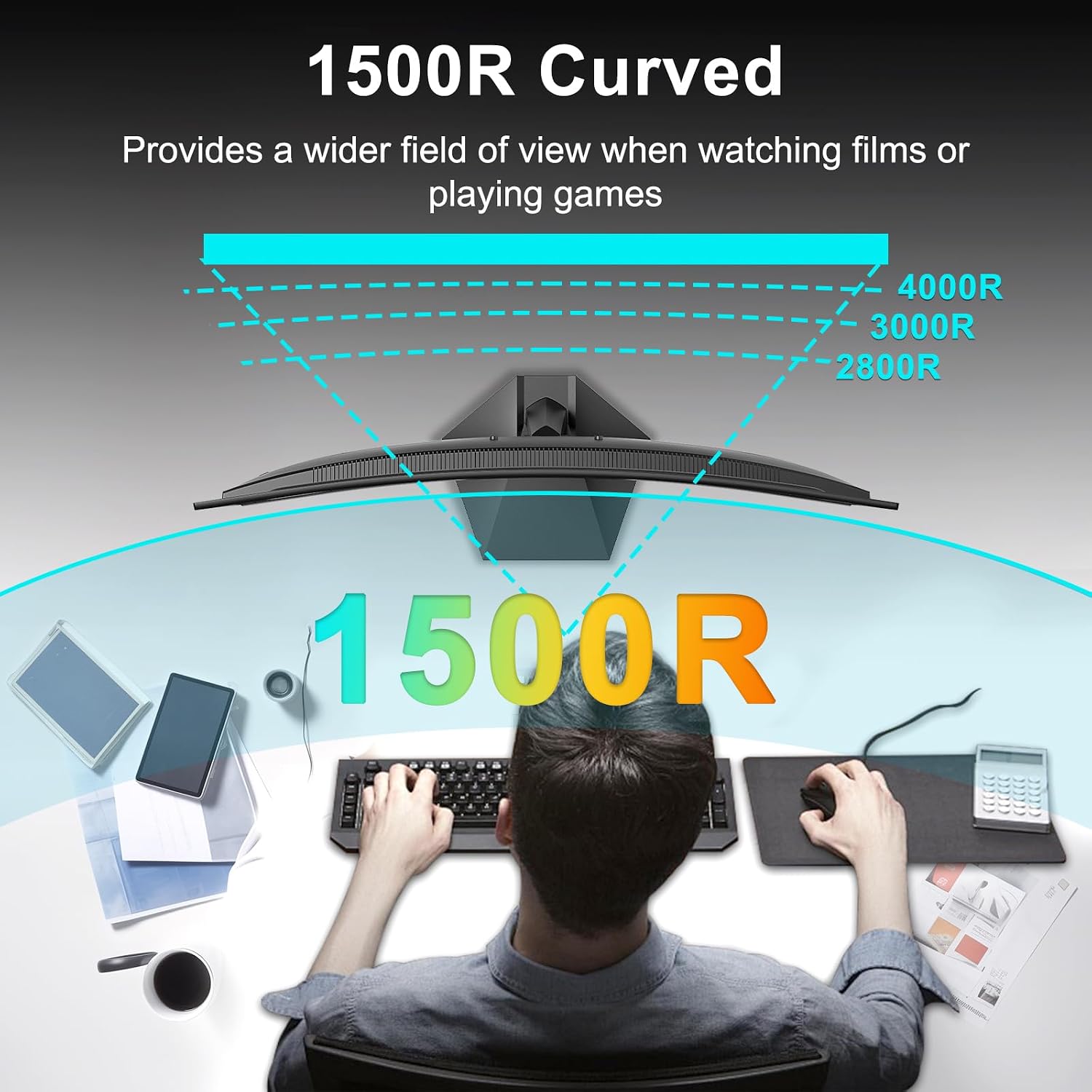
The 27 inch curved display offers a 1500R curvature that aims to wrap your viewing more naturally, which can feel helpful when you are working for long stretches. HDR enhancement support is intended to bring improved contrast and clarity for business presentations and multimedia content 📽️. For everyday office tasks, the combination of curved geometry and a clear image helps reduce the sense of looking at a flat panel from an angle.
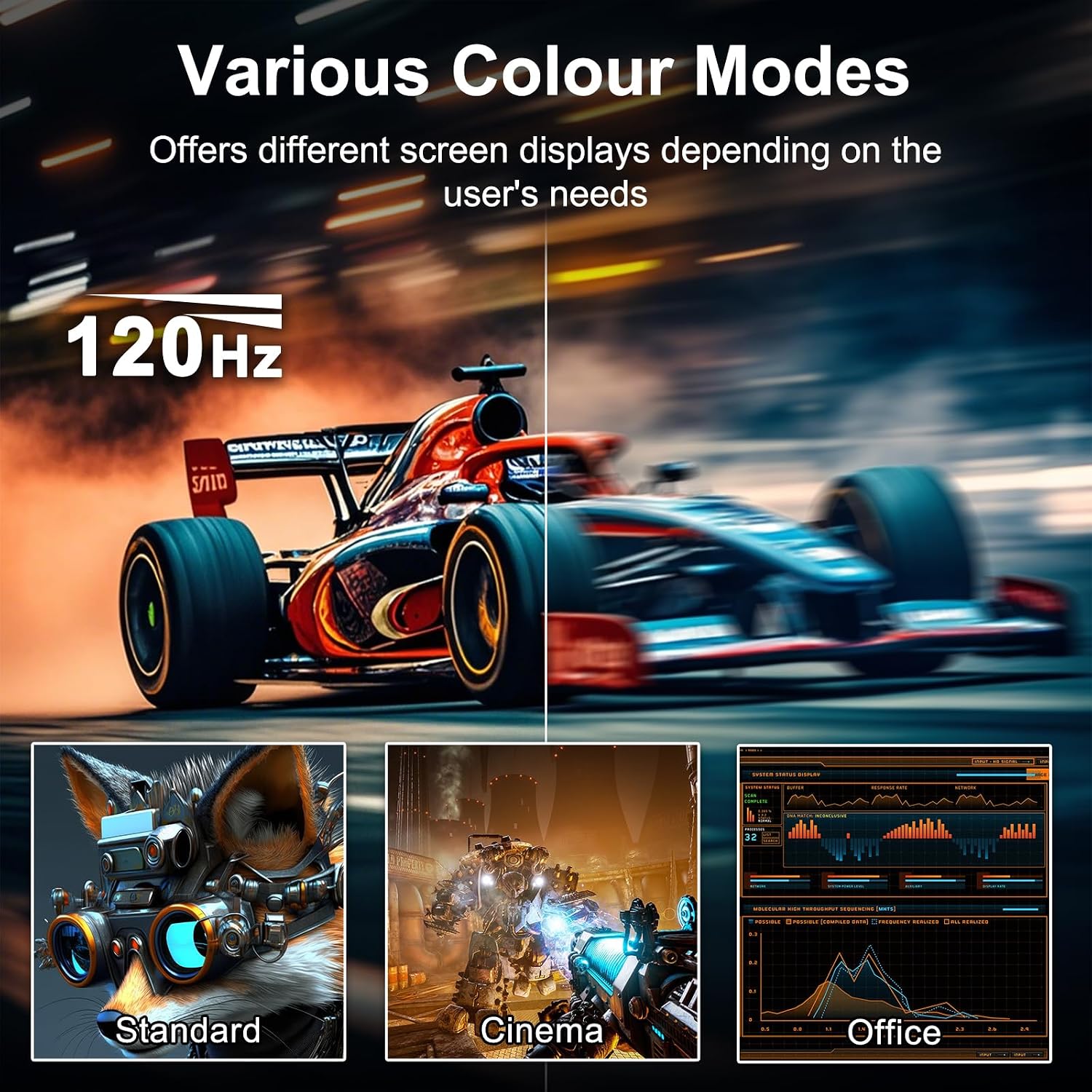
Smooth performance is a key theme here. The monitor supports a 120Hz refresh rate with a 1ms MPRT response, which can help reduce motion blur for scrolling through documents and for more seamless video playback. When you are moving between spreadsheets, reports, and online content, that responsiveness can make the screen feel more lively.
Image quality is supported by a 4000:1 contrast ratio paired with an anti glare coating. This is useful in real office lighting conditions, where reflections can quickly turn an otherwise sharp display into a frustrating one. It also helps text definition stay clearer, which is a practical advantage for day to day work.
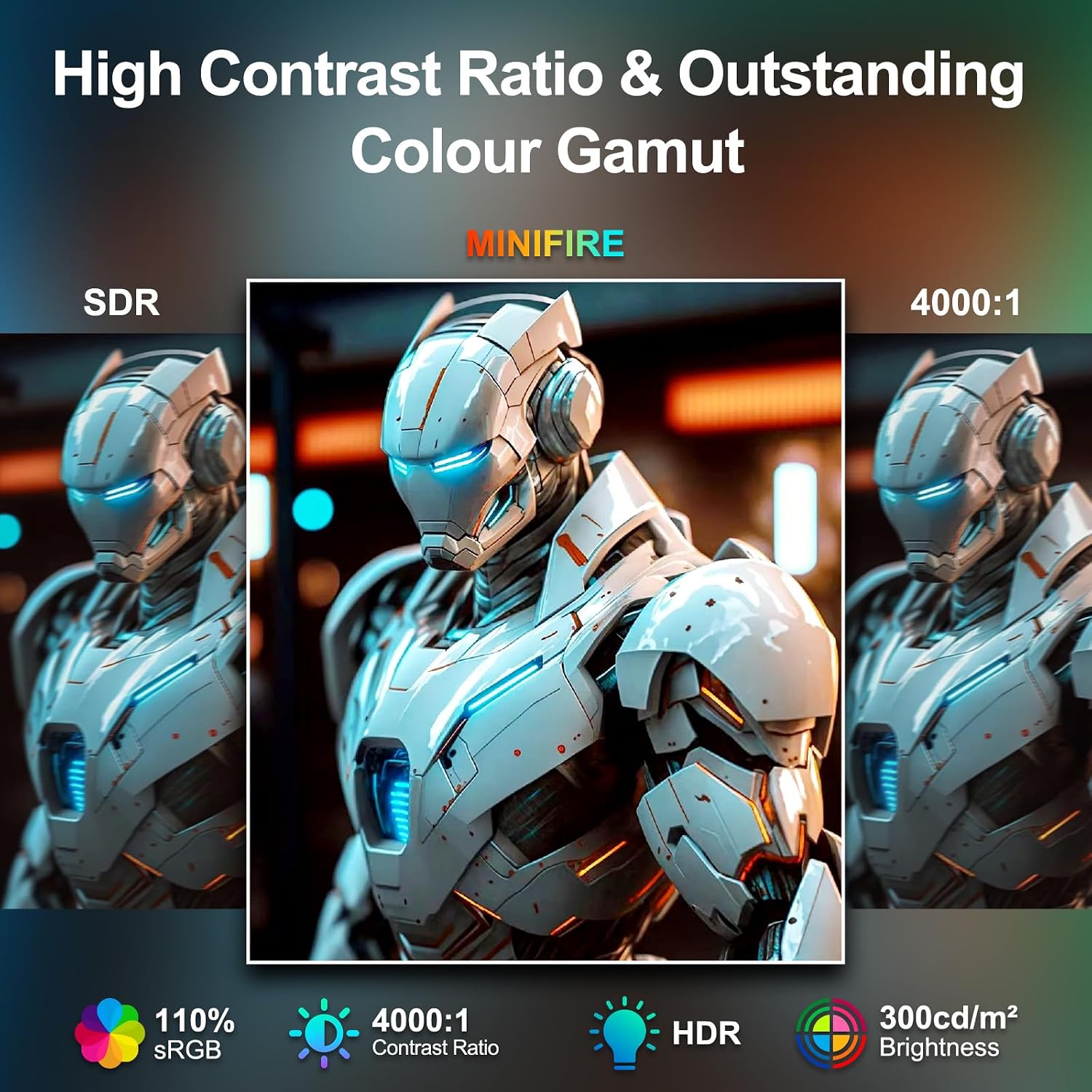
Connectivity is designed for office simplicity. A single cable USB Type-C connection is included for a streamlined setup, and it is described as supporting 110 percent sRGB colour coverage. That matters for design work where accurate colour reproduction and consistent visuals can make your workflow smoother 🎨.
Tech specs
- Name: Minifire 27 Inch 120Hz Curved Monitor, USB Type-C Port, Built in Speaker, Eye-Care for Business/Office, FHD 1080p PC Screen, VESA 100x100, FlickerFree, Lowblue Mode, Anti Glare, HDMI Port (MF27C1)
- Type: Curved monitor
- Display size: 27 inch
- Refresh rate: 120Hz
- Response time: 1ms MPRT
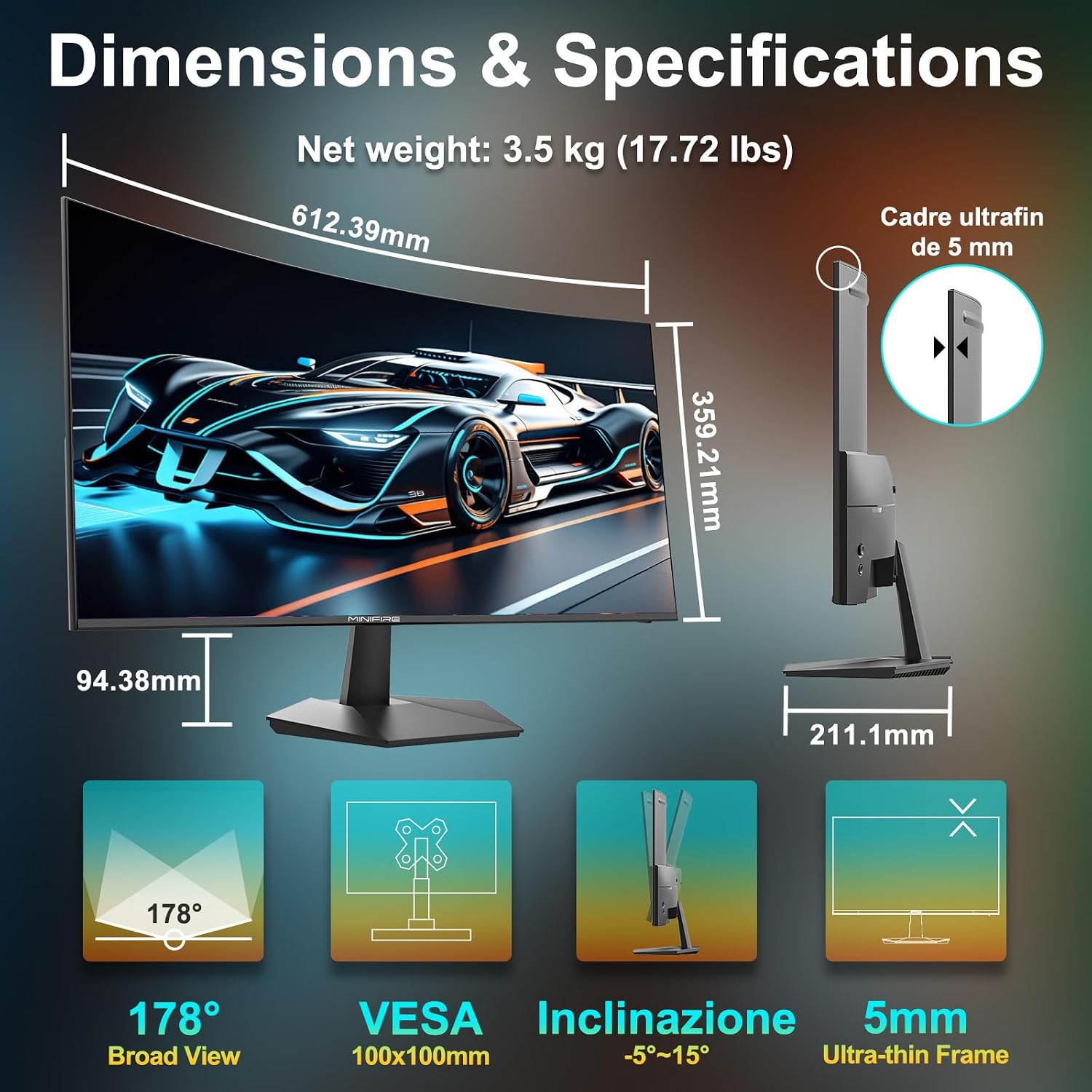
- VESA: 100x100
Why it’s worth it
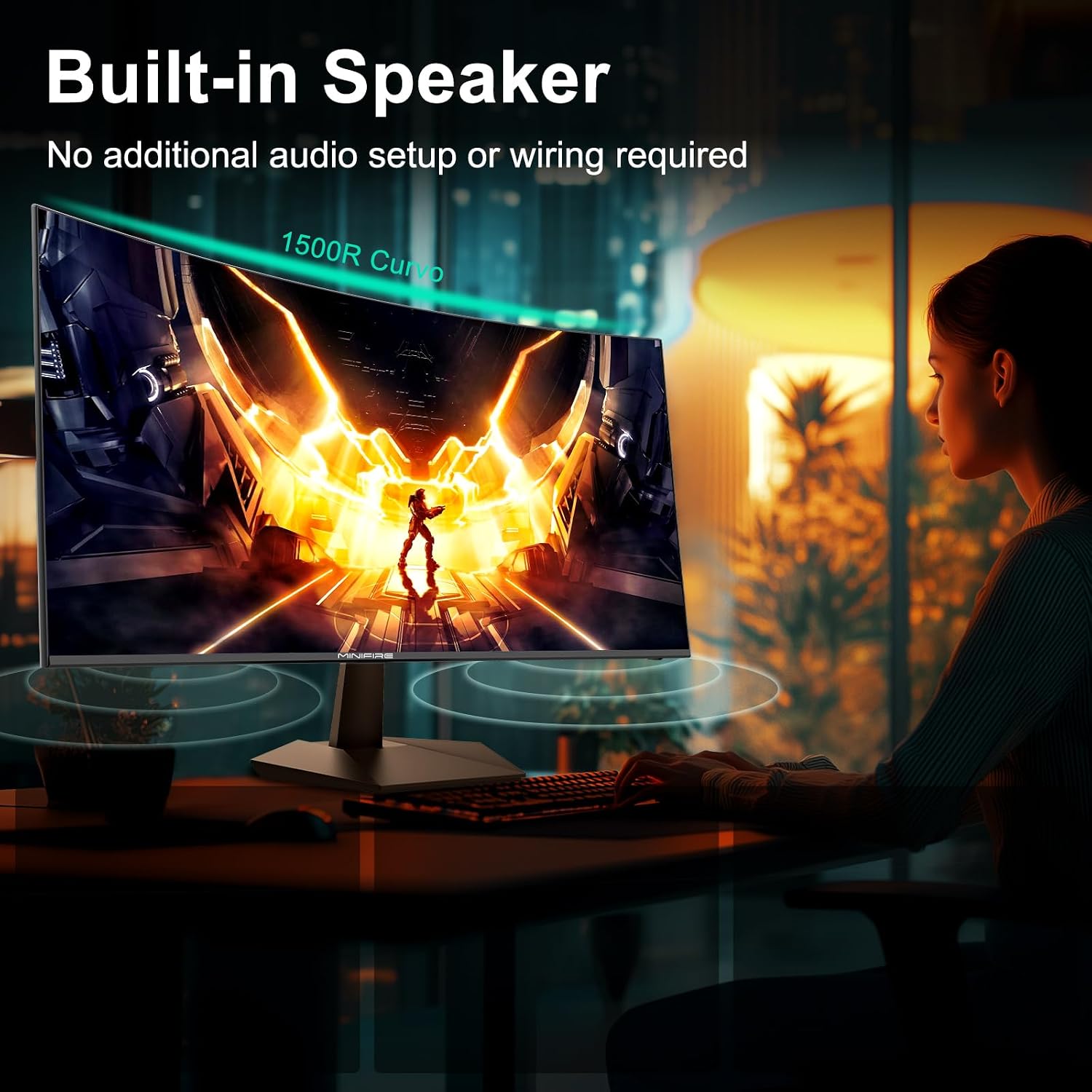
You’ll like this monitor if you want a cleaner desk setup and more comfortable long viewing in an office environment. The built in speakers remove the need for external audio devices when you are taking calls, watching training clips, or listening to background content during work hours. That can be especially handy when space is limited or you just prefer a simpler setup.
It also makes sense if you regularly switch between productivity tasks and multimedia. The 1500R curvature is meant to create a more immersive viewing experience, while HDR enhancement support aims to strengthen contrast and clarity for presentations and media. Meanwhile, the higher refresh rate with 1ms MPRT response is there to support smoother movement for scrolling and video.
It may not be a great match if your priority is highly specialised colour critical grading, because the information provided focuses on 110 percent sRGB coverage rather than factory calibration details. Still, for business use, office work, and general creative tasks, the combination of anti glare, eye care features, and colour coverage support should feel well aligned with practical day to day needs.
A further advantage is flexibility for your workspace. The VESA 100x100 mounting support gives you options for an ergonomic setup, which can help with positioning and comfort over time. If you care about reducing strain and keeping your screen where you want it, that’s a valuable inclusion for office users.