

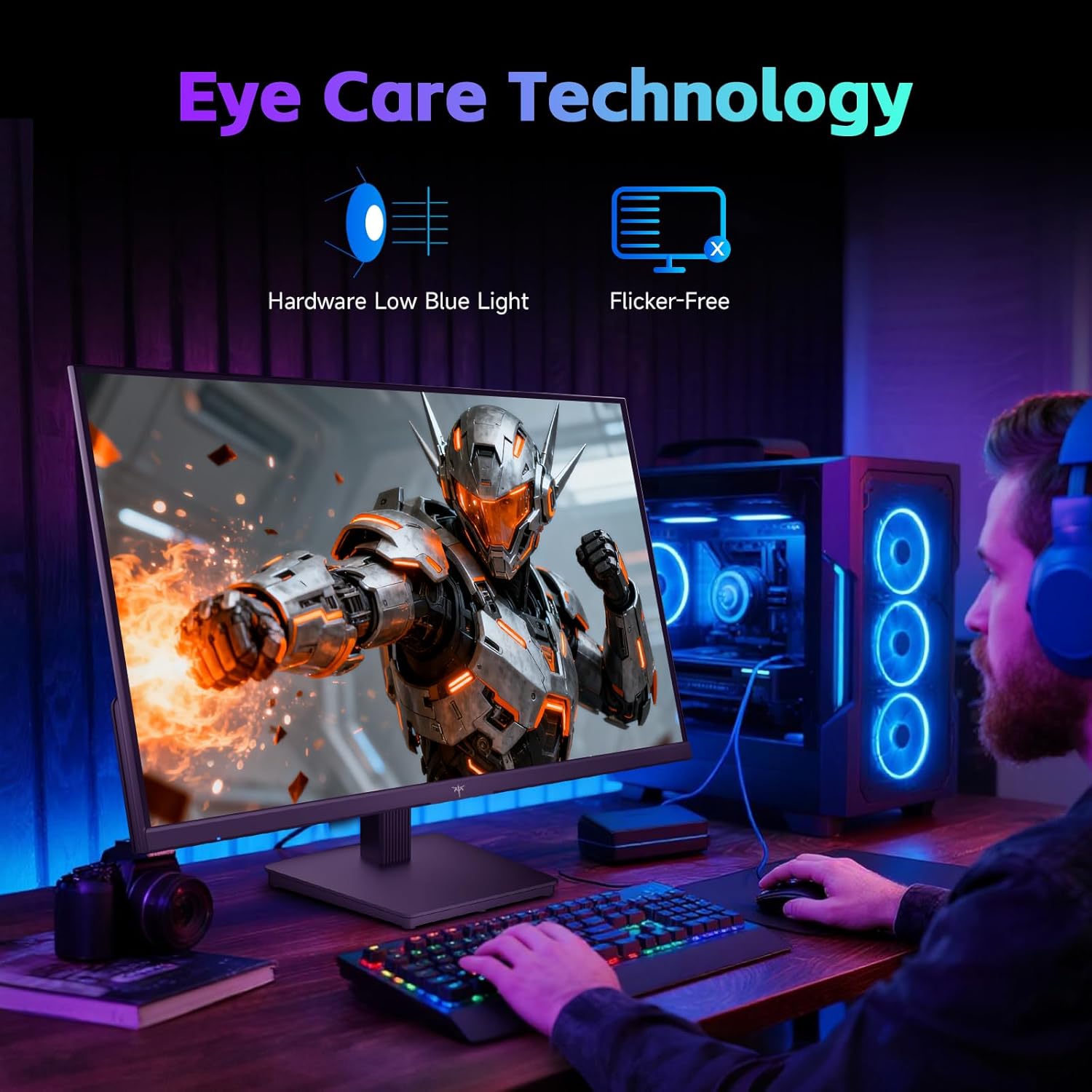
KTC Gaming Monitor (FHD up to 144Hz) with IPS panel, Adaptive Sync and anti-blue light
Product description
The essentials for work and gaming
If you’re shopping for a monitor that can handle both “proper work” and “a bit of gaming”, the KTC Gaming Monitor is aimed squarely at that middle ground. On paper, it brings an IPS panel for steadier colours and wider viewing angles, plus a high refresh rate mode (listed as 144Hz / 120Hz) and support for Adaptive Sync. Add anti-blue-light hardware and Flicker Free, and the idea is clear: fewer eye-strain complaints during longer sessions.
That said, no spec sheet tells the whole story. Some features depend on how you set things up (cable choice, refresh rate mode, and the type of content you watch). So it’s worth reading this as “what you’re likely to get” rather than a guarantee that it will feel exactly the same as a higher-end display.
What stands out in day-to-day use
The IPS panel is the backbone here. IPS is typically chosen when colour and viewing angle matter, because it helps keep colours and brightness from shifting as you move around. That’s useful for photo editing, design work, and even casual gaming where you want the image to look consistent.
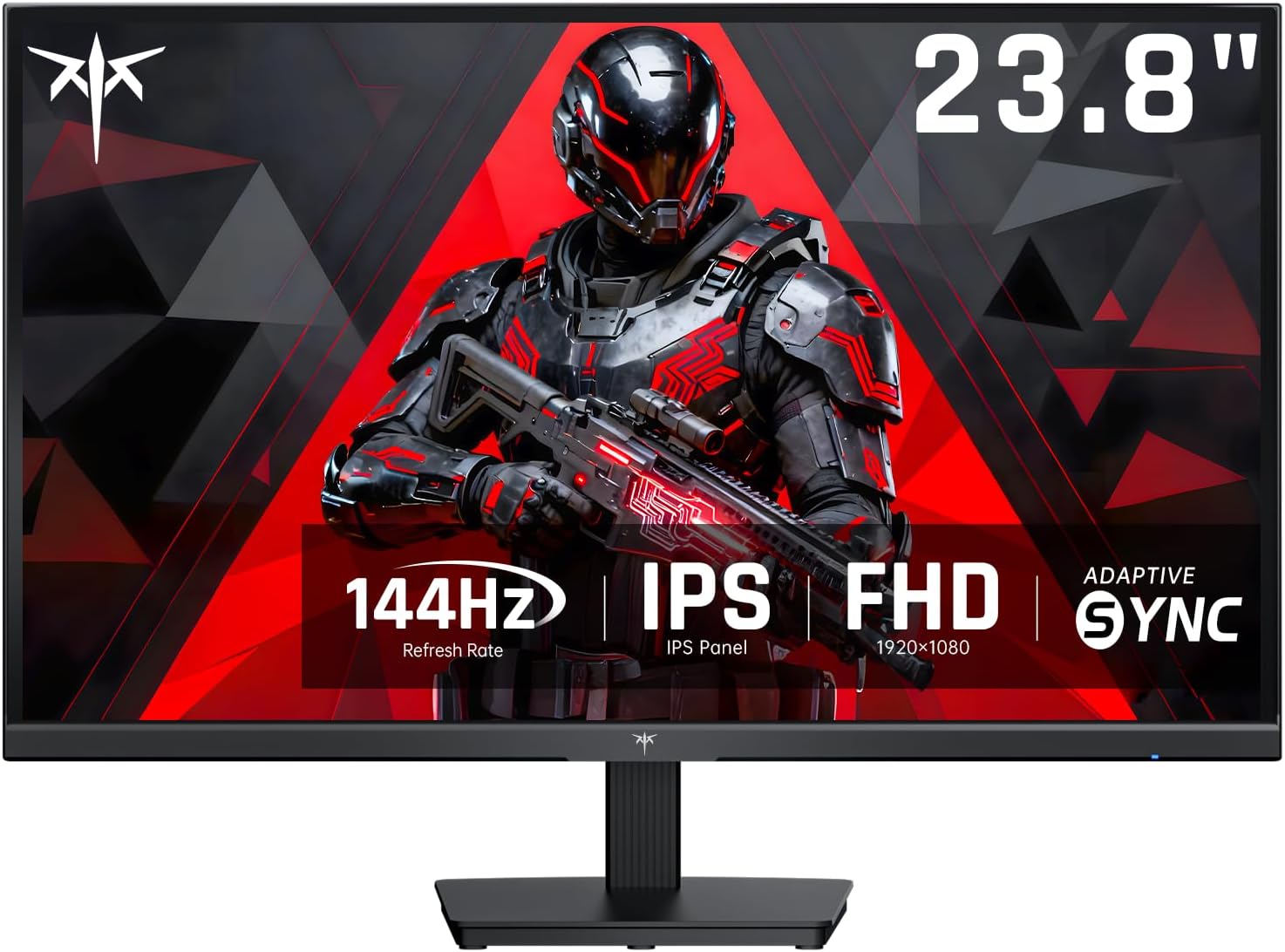
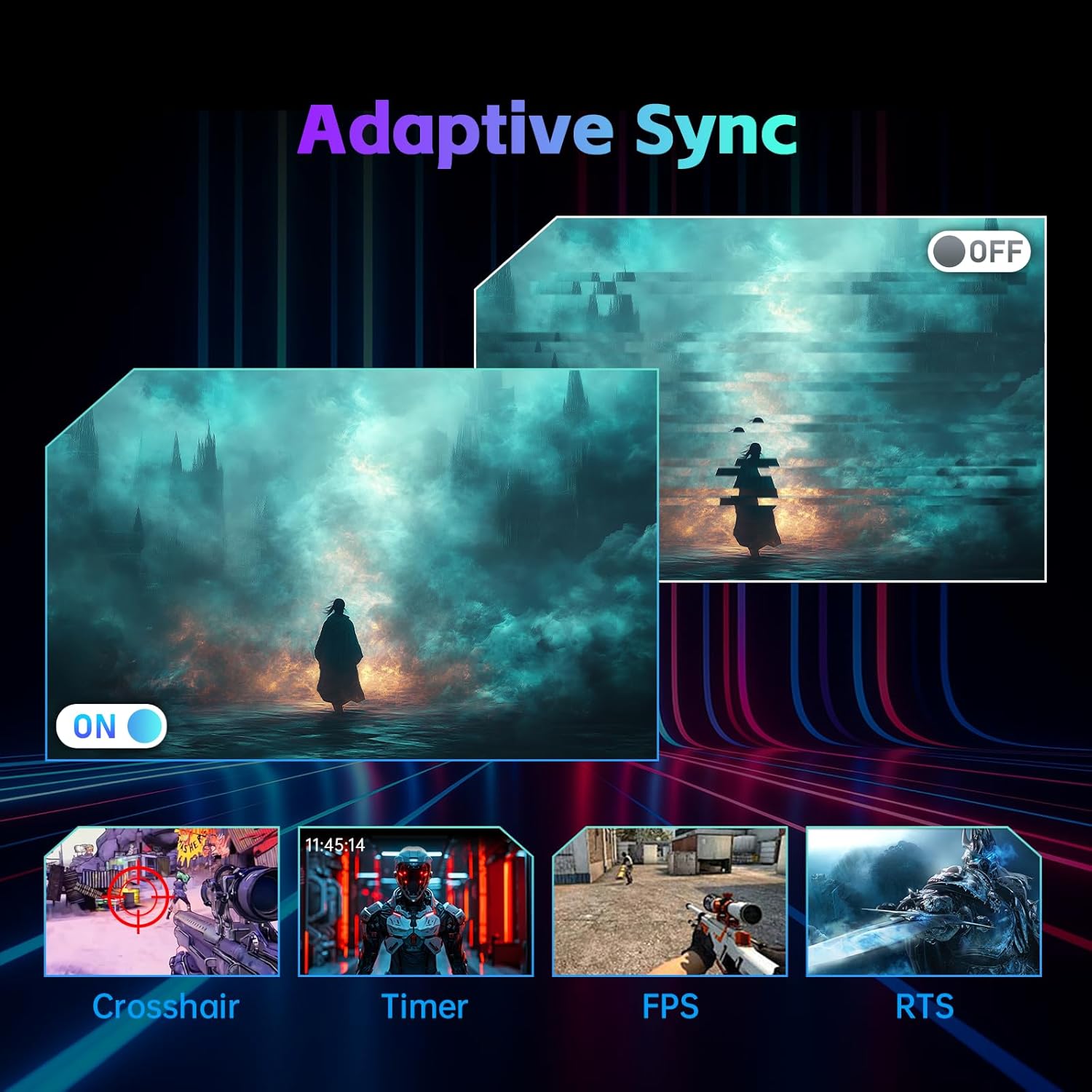
On the gaming side, the monitor is positioned for smoother motion with Adaptive Sync, designed to reduce tearing. It also includes Flicker Free, which is meant to make sustained use more comfortable, particularly if you’re sensitive to flicker. Response is listed as 5ms MPRT, which is one of the numbers people look for when they care about motion clarity.
Here’s a practical example: imagine you’re editing images for an hour, then you switch to a fast shooter. The IPS panel’s consistent look helps you stay confident in what you’re seeing, while Adaptive Sync and the higher refresh rate should make motion feel less juddery compared with basic 60Hz screens.
Colour performance (and what the numbers suggest)
The display’s colour credentials are fairly specific. It’s claimed to cover 99% sRGB and 95% DCI-P3, with ΔE < 2, plus brightness listed at 300 cd/㎡. In plain terms, that suggests the monitor is targeting accurate, predictable colour rather than just “it looks nice”.
For most people, 99% sRGB is the more immediately relevant figure for everyday creative work (web content, general design, and standard photo viewing). If you do broader colour-critical work that goes beyond sRGB, the 95% DCI-P3 claim is at least a promising sign.
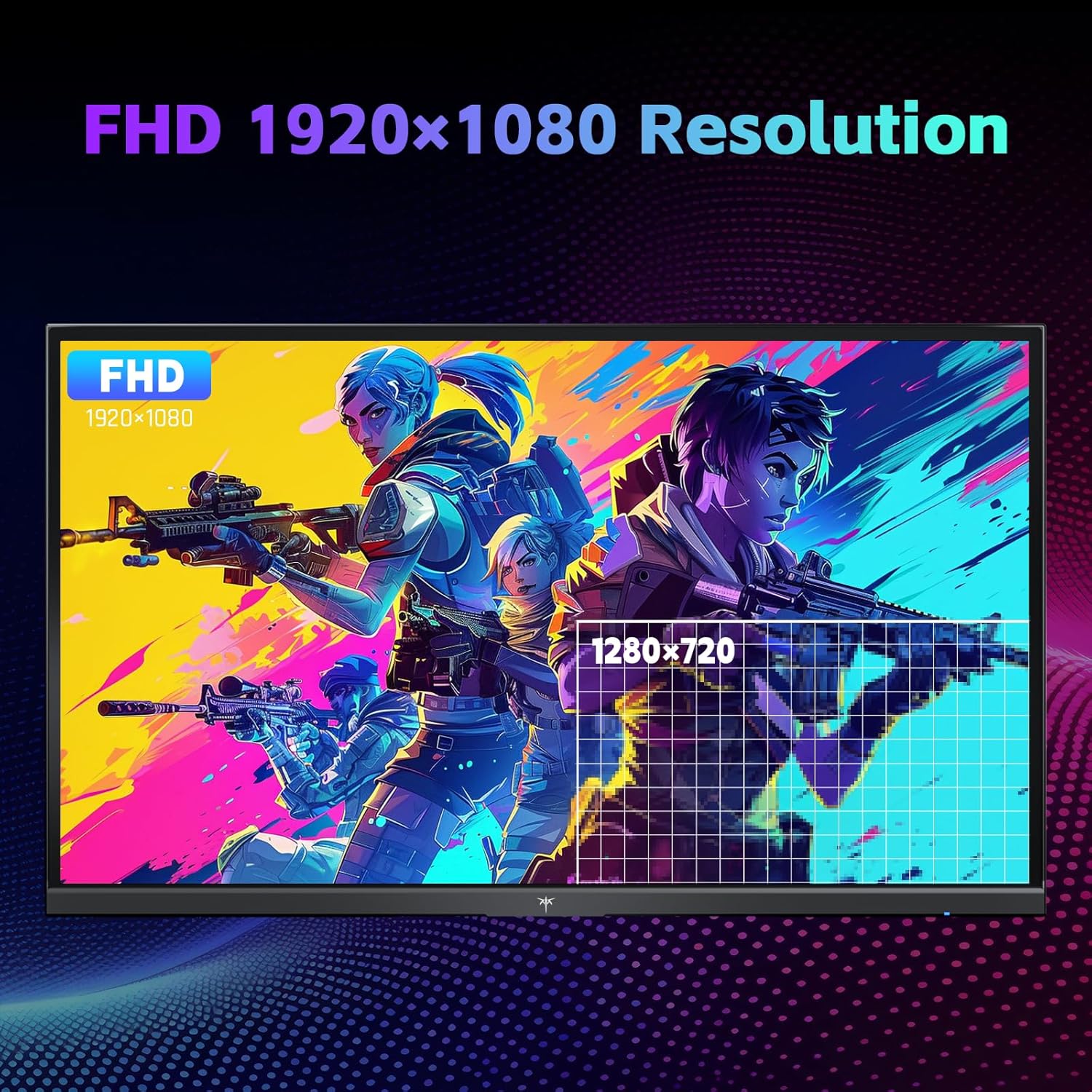
Worth noting though: accuracy can still depend on lighting in your room and how profiles are handled on your device. Also, “FHD” means 1080p—great for smooth gameplay and desk-friendly use, but it’s not the same as higher-resolution clarity.
Gaming and motion features to look for
This monitor is marketed with Enhanced Gaming Performance, including a response time as low as 5ms (MPRT) and support for Flicker Free and Adaptive Sync. If screen tearing is something you’ve noticed on other setups, Adaptive Sync is one of the more sensible features to prioritise.
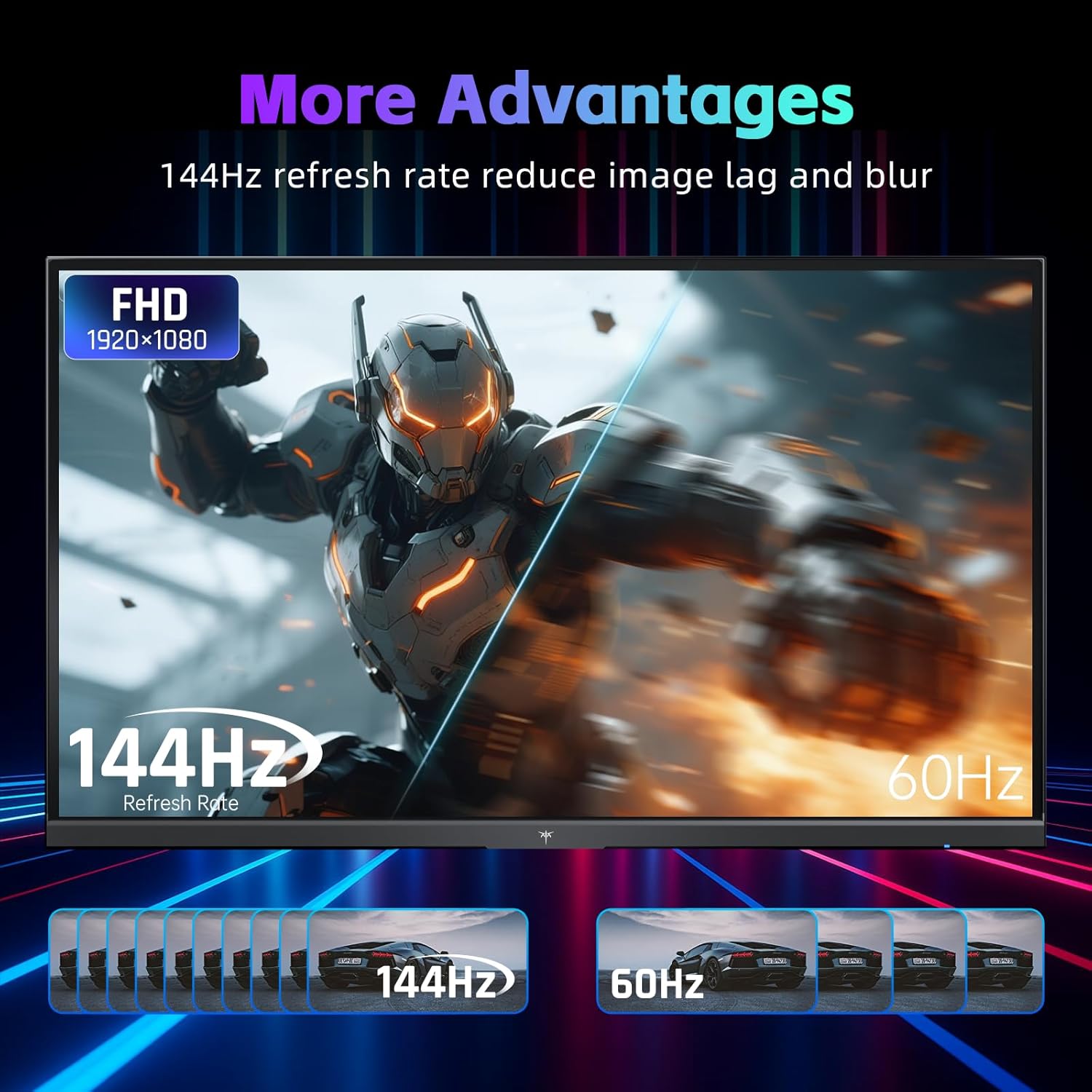
Still, take a slightly cautious view on refresh rate expectations. The spec states 144Hz / 120Hz rather than just one fixed number, so you’ll want to make sure you’re running the mode you actually care about via the right input and settings.
Eye comfort features you’ll notice on long sessions
There’s a hardware anti-blue light component and DC Dimming mentioned, both aimed at reducing eye fatigue. Pair that with Flicker Free and you’ve got a clear “comfort first” theme.
It’s not that these features magically eliminate tired eyes for everyone. But if you regularly game or work for hours, it’s a sign the manufacturer has at least tried to address comfort rather than focusing purely on speed.
Connections and setup convenience

For connectivity, it’s listed with 1 HDMI, 1 DP and a headphone jack. That’s a straightforward arrangement that should cover typical PC/laptop setups. It also includes tilt adjustment from -5° to 15°, which helps you find a more comfortable viewing angle and reduces the need to hunch over your desk.
If you’re buying for a shared workstation, the combination of HDMI and DP is generally handy because you’re not boxed into one single port.
Tech specs at a glance
- IPS panel
- 1080p (FHD)
- 144Hz / 120Hz refresh rate
- Adaptive Sync support
- Flicker Free and hardware anti-blue light
- Colour coverage: 99% sRGB and 95% DCI-P3
- Colour accuracy claim: ΔE < 2
- Brightness: 300 cd/㎡
- Response time: 5ms MPRT
- Contrast ratio: 1500:1
- 1 HDMI, 1 DP, and headphone jack
- Tilt adjustment: -5° to 15°
Mini FAQ
Is this monitor more for gaming or for design work?
It leans toward “both”. The IPS panel and colour coverage claims point to creative-friendly viewing, while the high refresh rate and Adaptive Sync target smoother gaming.

Will 144Hz make a big difference compared with 60Hz?
If your games (and your setup) can actually run at those higher frame rates, the motion typically feels smoother. If not, you may not feel the benefit as much.
Does hardware anti-blue light and DC dimming replace taking breaks?
No—think of these as comfort helpers, not a substitute for good habits. If you’re sensitive to screen strain, they’re still worth considering.
What ports does it have?
It’s listed with 1 HDMI, 1 DP, plus a headphone jack.
When it makes sense
Is it worth it?
Buy the KTC Gaming Monitor if you want an FHD IPS screen that’s designed to cover the essentials: smooth-ish gaming with Adaptive Sync and a high refresh rate, plus colour-focused viewing with 99% sRGB and 95% DCI-P3 claims, all while aiming to reduce eye fatigue with Flicker Free, hardware anti-blue light and DC dimming.
You may want to skip it if you specifically need ultra-high resolution for crisp text, or if you expect absolute top-tier colour work with zero dependency on calibration and setup. It also might not suit you if you’re likely to struggle to run the higher refresh rate modes consistently.
For the kind of buyer who bounces between spreadsheets or design tasks and fast games, it reads like a sensible value-for-money direction—just keep an eye on your settings so you actually get the performance modes you’re paying for.