


Grazz 14 inch IPS laptop screen extender
Product description
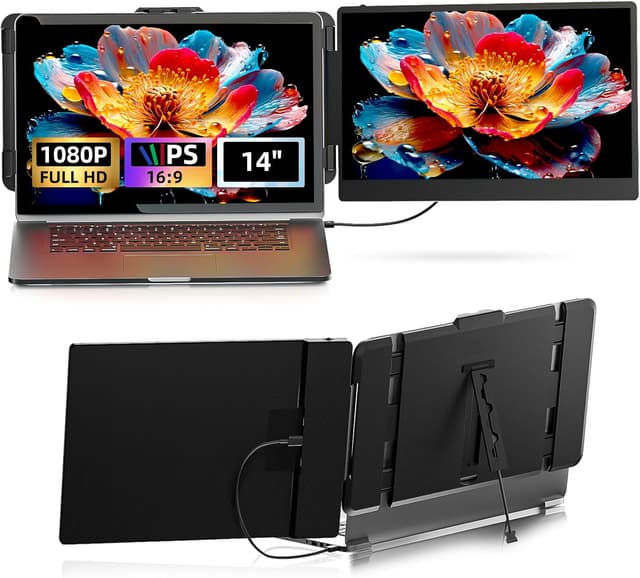
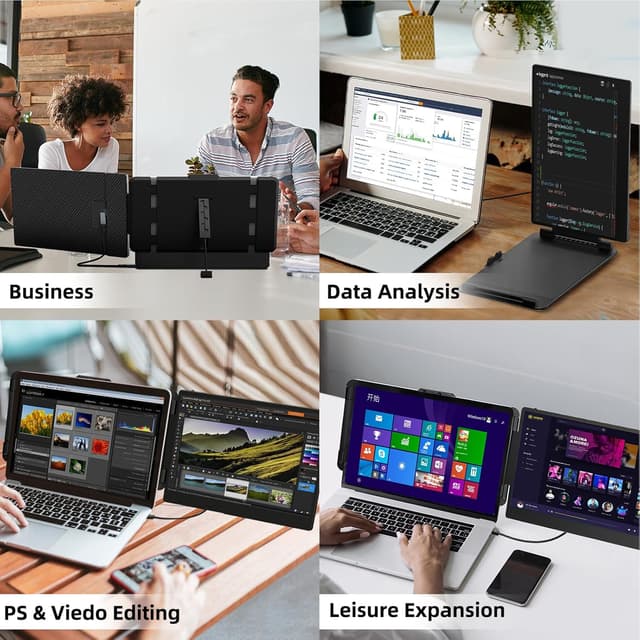
A portable laptop screen extender can be the difference between squeezing everything onto one display and getting proper, comfortable multitasking done. The Grazz 14 inch IPS FHD 1080P monitor adds a second screen so you can spread work across two displays for everyday productivity, video calls, coding or even relaxed gaming. It is also designed to travel easily, with a slim profile and a protective sleeve included. ✅
If you want extended viewing without complicated upgrades, this model offers a straightforward setup with the right cable for your device. It relies on a video capable USB-C port or an HDMI port on your laptop or tablet, and then gives you flexible display modes like extended, mirror and portrait. That makes it practical for home office set ups, frequent travellers and anyone who regularly switches between desk work and on the go sessions.
Key features
This 14 inch portable monitor is built around an IPS panel with Full HD 1080P resolution for clear visuals when you split your tasks across two screens. According to the manufacturer, it provides 300 nits brightness and a 1000:1 contrast ratio, which helps keep content readable across typical work environments. The IPS technology also supports wide viewing angles, so the image stays comfortable even when you are not looking straight on 🙂.

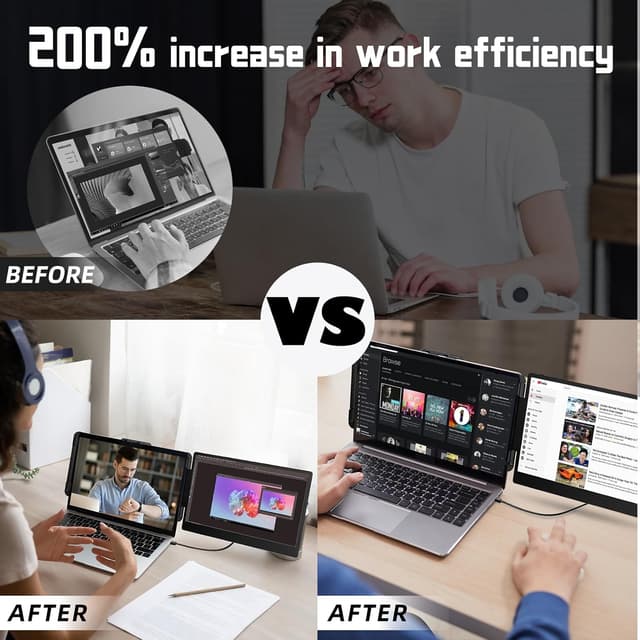
The screen extender is designed for dual screen workflows, where you can run two windows side by side instead of constantly switching tabs. The original listing states that it can boost efficiency by 200% through dual screen multitasking, which is a helpful target when you are handling spreadsheets, documents and chat apps at the same time. You can also use it for video calls, coding and gaming, depending on your setup and software.
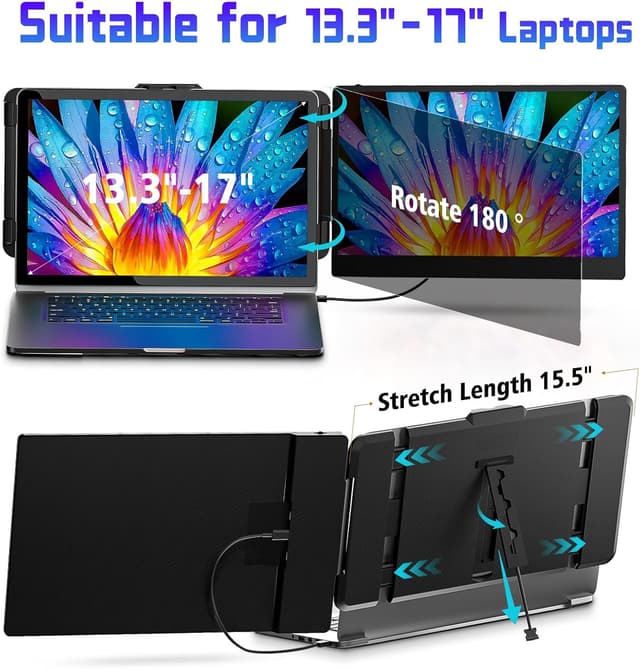
For travel, the monitor is described as very slim at 0.3 inch and weighing 1.46 lbs, so it fits more easily into a backpack alongside your laptop. A protective sleeve is included to help reduce the risk of scuffs during transit. There is also a foldable stand with adjustable viewing modes, including rotation up to 180° so you can shift between portrait and landscape as needed.
There is a note worth knowing about power when using HDMI. HDMI connections require simultaneous USB-A to USB-C power connection, so plan on using the included cable in that scenario.
Tech specs
- Name: Grazz Laptop Screen Extender Monitor
- Type: Portable monitor for extended dual display
- Size: 14 inch
- Display: IPS FHD 1080P
- Resolution: 1920×1080
- Brightness: 300 nits
- Contrast ratio: 1000:1
What’s included & setup

The listing highlights universal compatibility and a simple connection approach, using the right port on your device. It supports one full featured USB-C connection or an HDMI connection, with video output required for proper display. For the main connections, the package includes essential cables, including USB-C to USB-C, USB-A to USB-C and HDMI to USB-C.
Set up is typically straightforward if your laptop or tablet has video enabled USB-C or an HDMI port. The manufacturer recommends checking your device first because adapters may be required for some devices. If you are using HDMI, remember the limitation that HDMI connections need the simultaneous USB-A to USB-C power connection, so you are not just plugging in video.
Display behaviour includes multiple viewing modes. You can use Extended mode to run a true second screen, Mirror mode to duplicate what is on your laptop screen, or Portrait mode when rotating for vertical layouts. The stand is foldable, which makes it easier to position at work, presentations or a temporary desk setup.
Compatibility is described as broad in the listing, covering Windows, Mac, Linux, laptops, tablets and even gaming consoles, though you still need the right video capable connection. Pre shipment testing is mentioned by the brand, and a 12 month manufacturer warranty is included for added peace of mind for day to day use. If you are unsure about compatibility, you can verify whether your port supports video output before you buy.
Worth noting for buyers
It makes sense if you regularly work away from a fixed desk and want an easy way to add screen space without a bulky monitor. It is also a solid pick if you prefer extended desktop multitasking for spreadsheets, email and reference materials, as the extended mode is built for that style of workflow. You will likely appreciate the travel friendly design for commuting, business trips and remote work sessions.
It may not suit you if your device does not have a video enabled USB-C port or an HDMI port that supports the required connection behaviour. Notably, if you rely on HDMI you must use the included USB-A to USB-C power connection at the same time. Before purchase, it helps to confirm your laptop or tablet ports, so your first setup goes smoothly and you get straight into dual screen productivity. It is a practical addition for anyone who wants more screen real estate on demand, while keeping the footprint manageable on the move.