

KTC 27-inch 1440P QHD IPS monitor with 100Hz, Adaptive Sync and HDR10
Product description
The essentials
If you’re shopping for a 27-inch desk monitor and want sharper than Full HD without jumping straight to higher-end territory, this KTC 27-inch 1440P QHD IPS model is built for that sweet spot. On paper it brings a 100Hz QHD refresh rate, IPS panel character, and features that matter for both work and casual gaming—Adaptive Sync to help smooth out motion, plus HDR10 and an anti-blue light approach for long sessions.
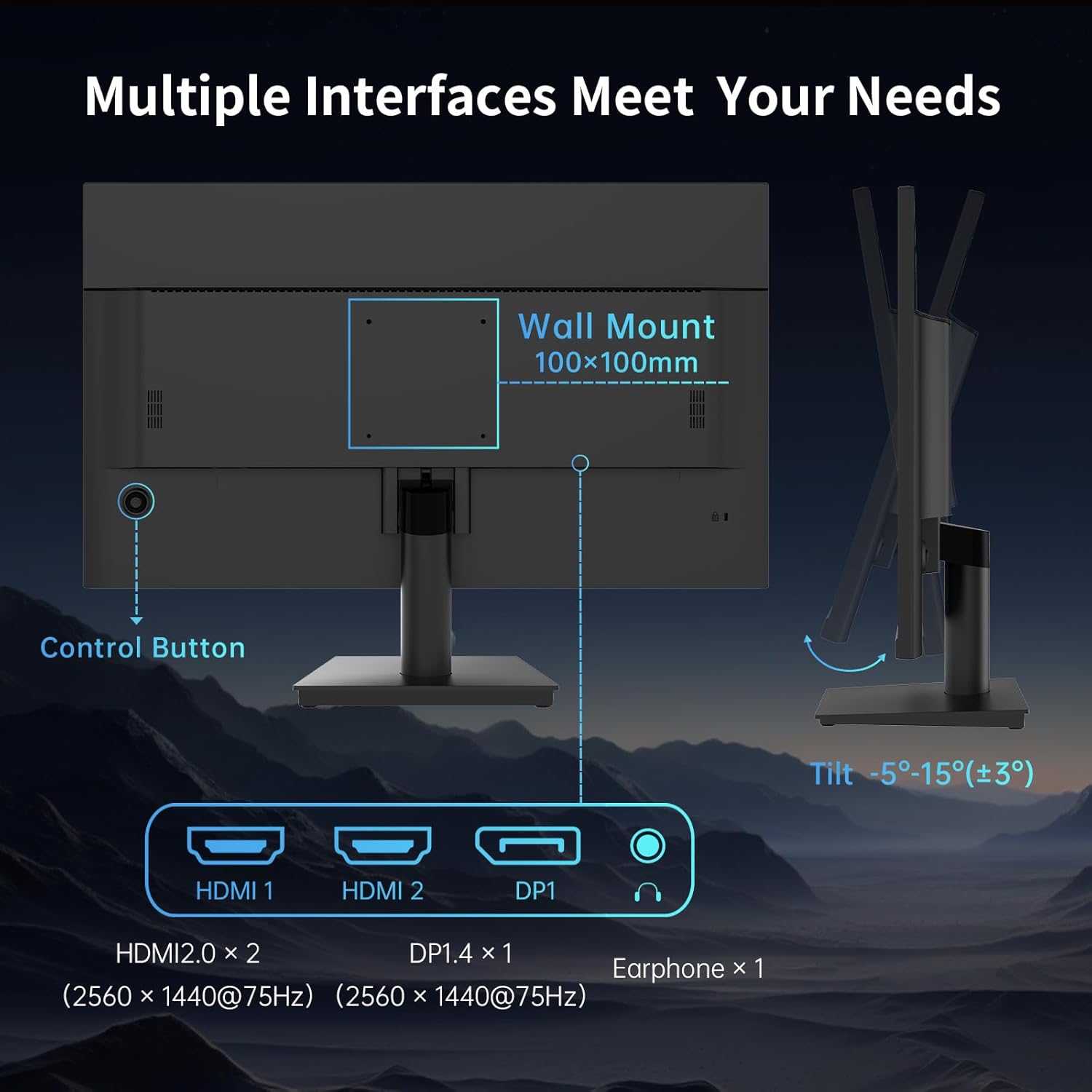
It’s also one of those monitors that’s trying to be practical rather than flashy: thin bezels, a sensible tilt range (-5° to 15°), and VESA 100x100 wall/arm mounting support. Still, it’s worth keeping expectations realistic—some of the most demanding gamers may look elsewhere if they’re chasing the highest refresh rates or top-tier motion handling beyond what’s stated here.
Key features and what they mean in day-to-day use
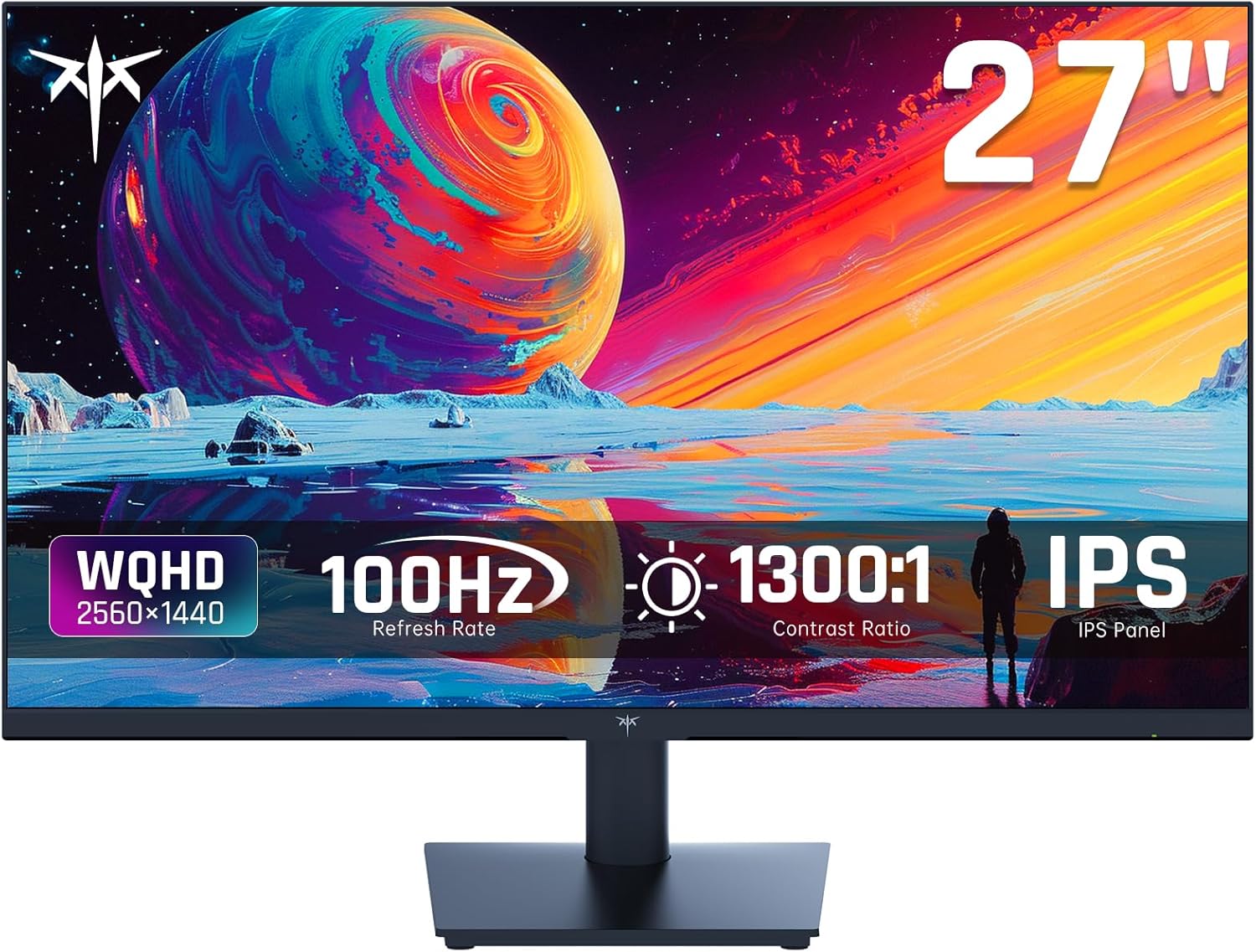
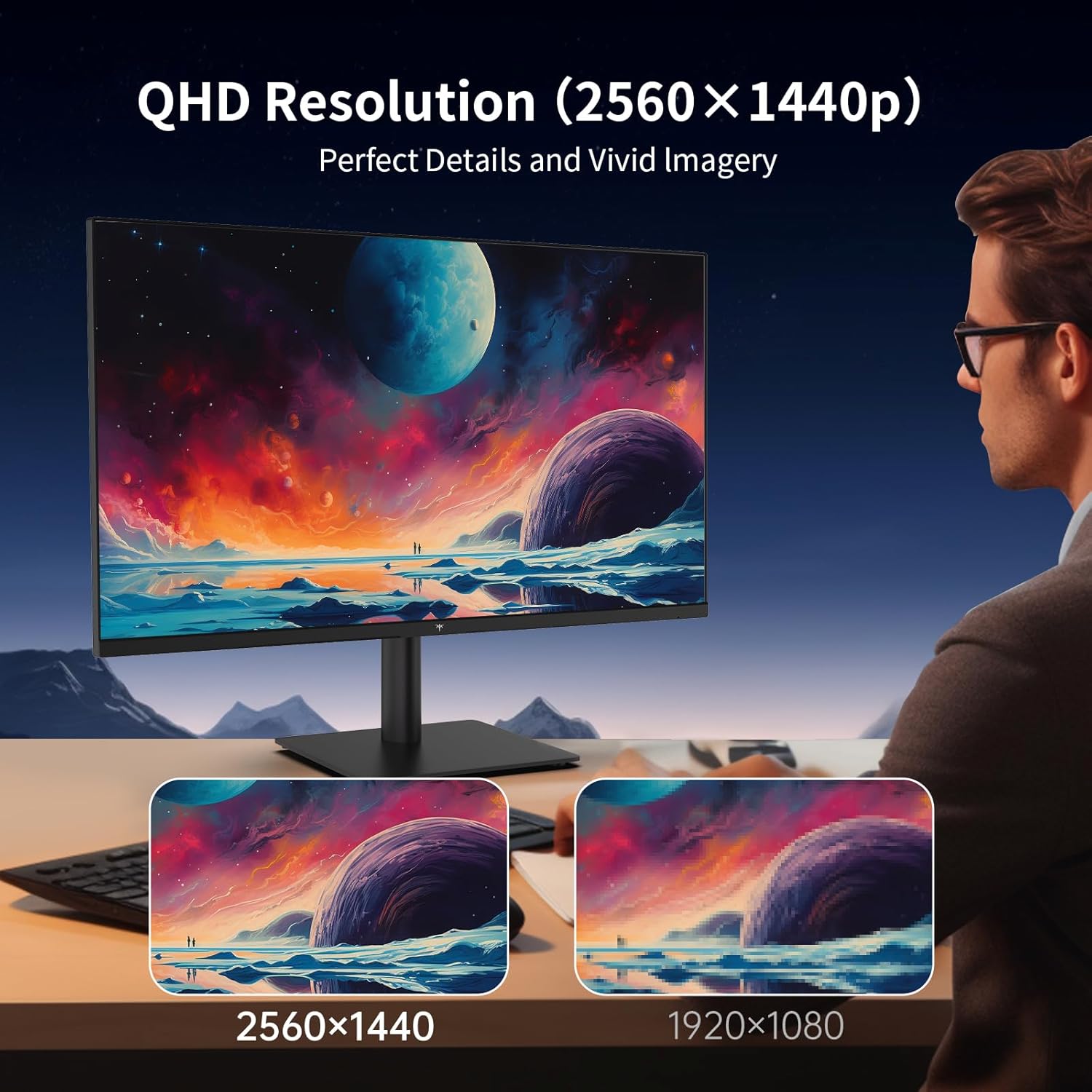
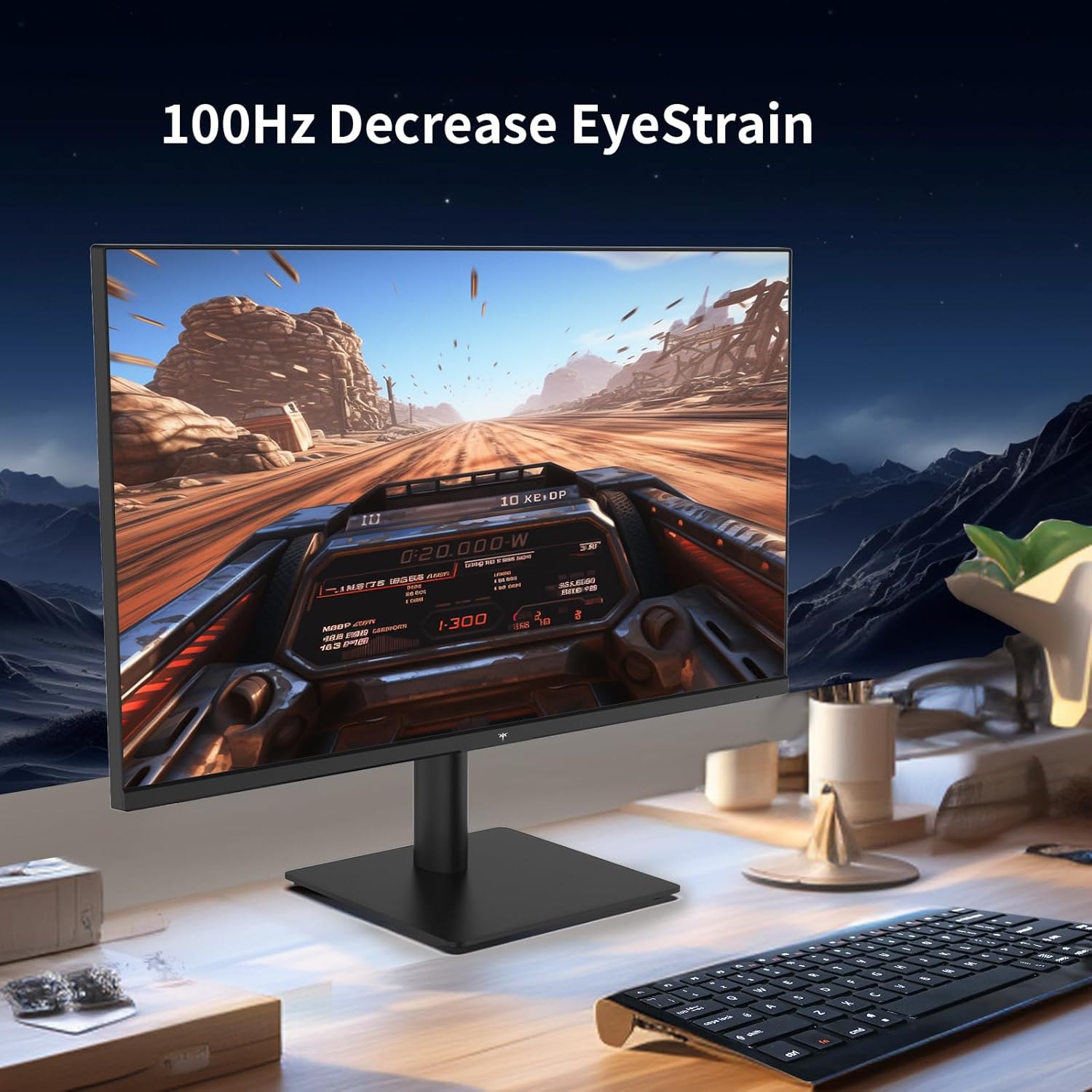
The headline specs are easy to remember: 1440P (QHD) at 100Hz, IPS, and a claimed 5ms MPRT response figure. In everyday use that typically translates to more room for windows and clearer text than standard 1080p on a 27-inch screen. For office work, spreadsheets and documents look less cramped, and for browsing or creative tasks, the QHD detail helps you avoid the “everything feels a bit soft” feeling you get on lower resolutions.
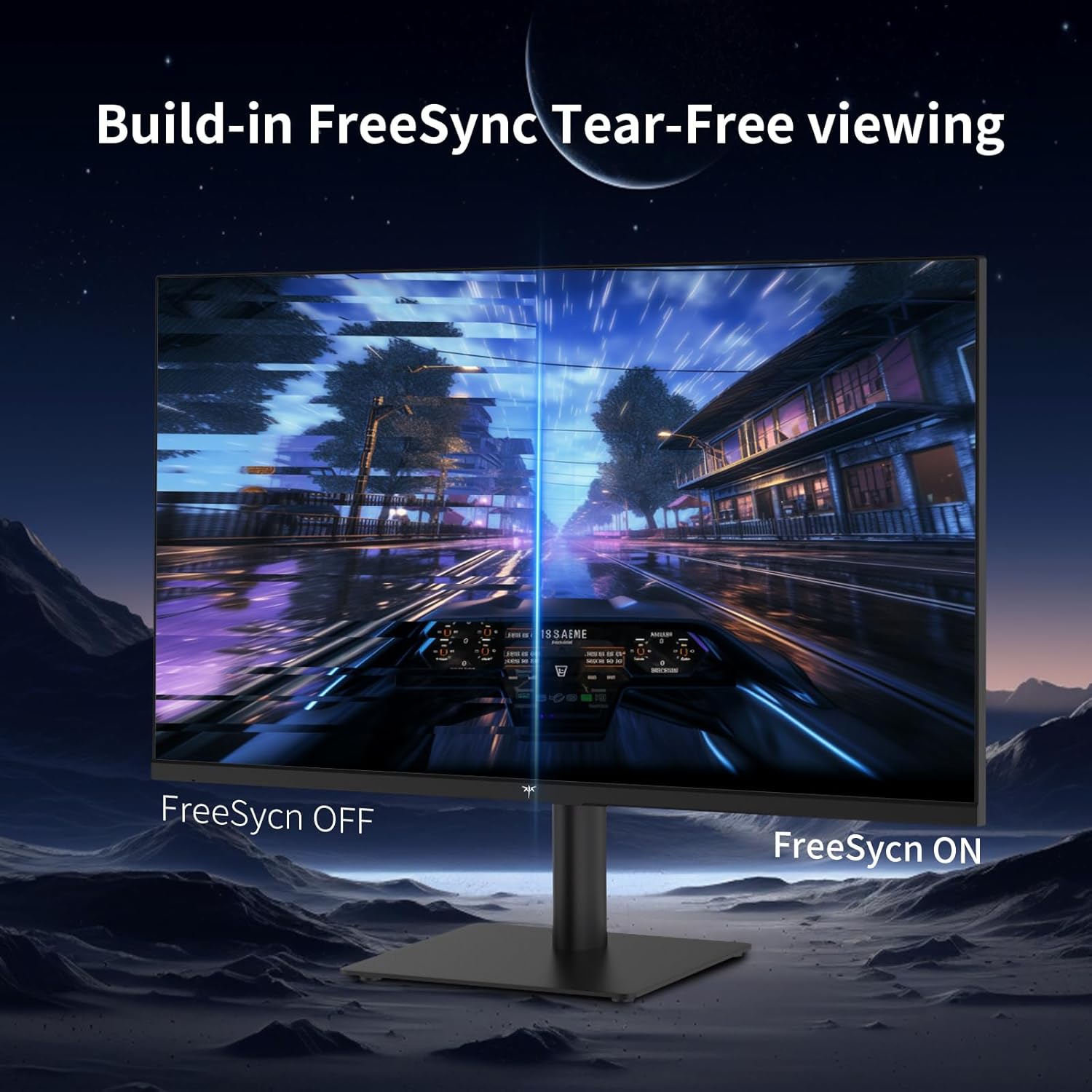
For gaming, the presence of Adaptive Sync is the practical bit. Without it, you’re more likely to notice tearing or stutter when frame rates don’t perfectly match the refresh rate. With Adaptive Sync on board, it’s aimed at smoother “works and play” use—especially for casual sessions where you want the experience to feel consistent rather than perfect.
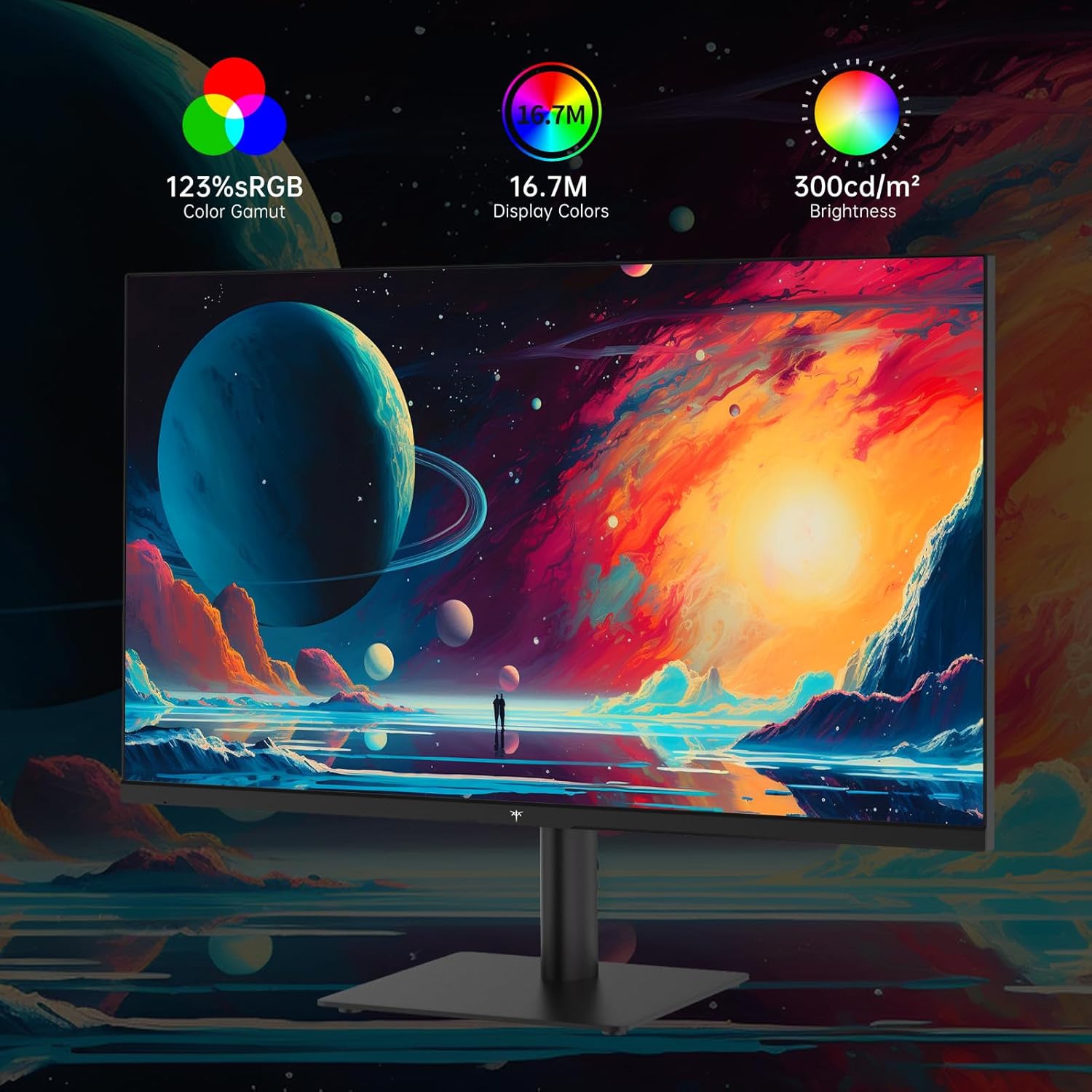
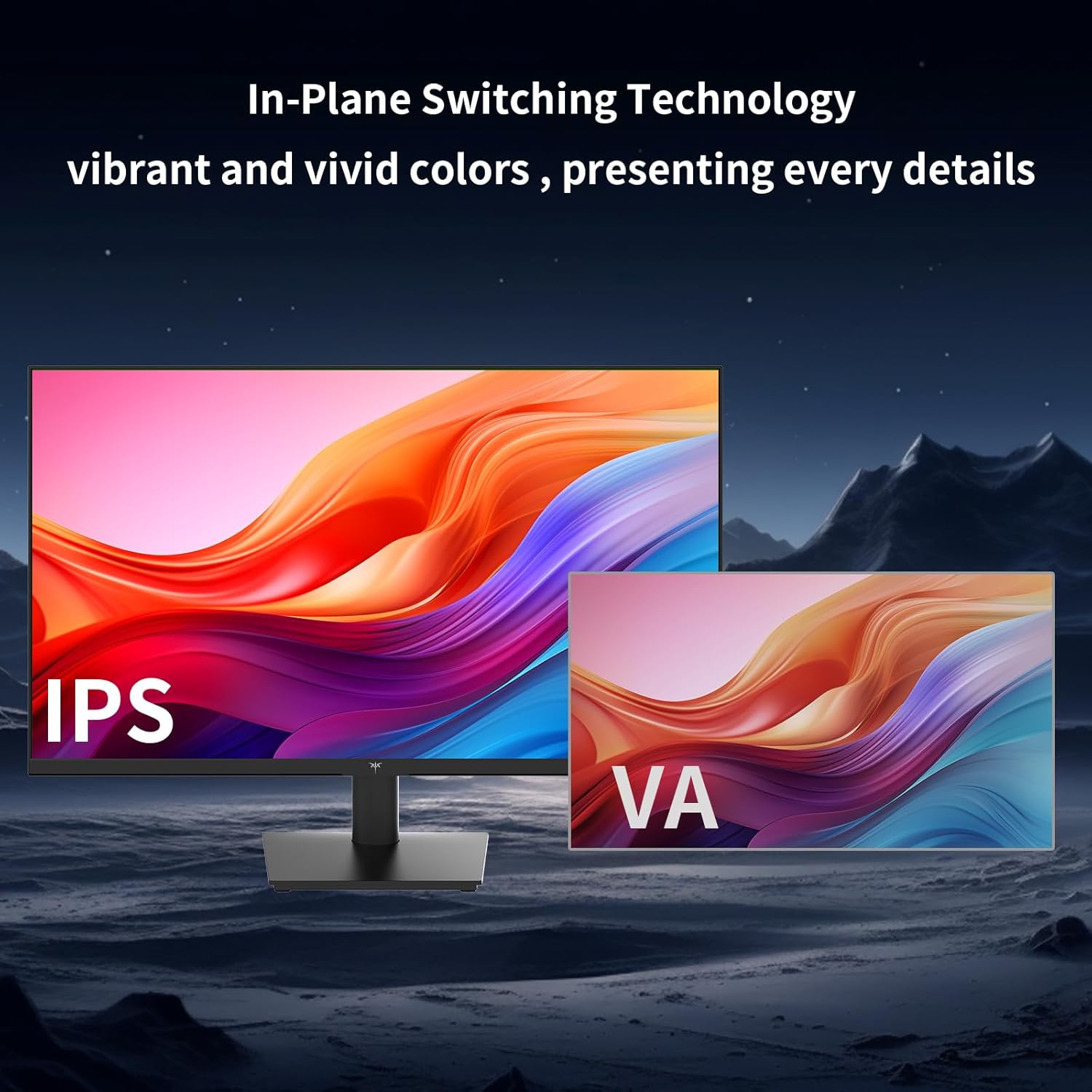
And for image tone, the monitor claims 116% sRGB and 95% DCI-P3 coverage, paired with HDR10 support and up to 300 nits brightness. That’s a decent brief for natural-looking colour and everyday HDR-style content, but it’s still a monitor you’ll want to evaluate based on your room lighting and expectations of HDR (because HDR results can vary quite a bit depending on the display’s full performance, not just the format support).
Colour, HDR and the anti-blue light angle
Colour coverage is one of the areas where this KTC is trying to stand out: 116% sRGB and 95% DCI-P3 coverage on an IPS panel suggests it’s aimed at users who care about how images and UI colours look, not just the raw resolution. If you spend time editing photos, reviewing design work, or simply want more pleasing colour reproduction for streaming, it’s the kind of spec list that usually makes sense.
The anti-blue light feature is another “long-session” touch. If you tend to work late, it may help with comfort when you’re staring at a screen for hours. That said, it’s not a magic fix for eye strain—lighting, breaks, and screen brightness still matter. So it’s better seen as a supportive feature, not a guarantee.
Connectivity and mounting: where it gets practical
This is a monitor that doesn’t force you into a single cable situation. It includes 2 HDMI ports, 1 DisplayPort (DP), and a headphone jack. If you’ve got a laptop docking setup plus a desktop, or you switch between devices, those ports make it easier to live with day-to-day.
Mounting is also straightforward: VESA 100x100 support lets you use a wall mount or an arm if you already have one. The included tilt adjustment (-5° to 15°) won’t replace a fully height-adjustable stand, but it should cover basic ergonomics for most desks—especially if you position it at an appropriate height.
Tech specs
- Type: IPS PC monitor
- Display size: 27 inch
- Resolution: 1440P (QHD)
- Refresh rate: 100Hz
- Adaptive Sync: Yes
- HDR format: HDR10
- Brightness: 300 nits
- Colour coverage: 116% sRGB, 95% DCI-P3
- Response time: 5ms MPRT
- Panel/optics: Ultra thin bezels (as stated)
- Eye care: Anti-blue light
- Connectivity: 2 HDMI, 1 DP, headphone jack
- VESA mounting: 100x100mm
- Tilt: -5° to 15°
Who it suits (and who should think twice)
It’s a solid pick if you want a 27-inch QHD monitor that aims to cover both work tasks and casual gaming in one setup. The 100Hz refresh rate and Adaptive Sync look relevant if you play games occasionally and like smoother scrolling and motion. The colour coverage claims also suggest it’s not purely a “text and spreadsheet” monitor.
It may not be a great match if you’re chasing the smoothest competitive gaming experience above what’s stated here, or if you know you need advanced ergonomics beyond tilt (for example, height and pivot adjustments, though those aren’t mentioned). Also, if you’re very sensitive to eye comfort, you might still need to rely on brightness settings and breaks—anti-blue light is helpful, but it’s not the only factor.
Final verdict: Should you buy it?
If your priority is a 27-inch 1440P IPS monitor that can do everyday office work well, offer a smoother feel with 100Hz, and handle “casual gaming” with Adaptive Sync, the KTC ticks enough of the right boxes to be worth considering. It also brings a practical port selection (2 HDMI, DP, headphone jack) and VESA 100x100 mounting, which tends to matter once you start using a desk arm or swapping devices.
But if your top concern is top-end HDR performance, competitive gaming motion at the highest end, or highly adjustable ergonomics, you may find other monitors better aligned with those needs. In short: it makes sense for many mixed-use setups, as long as you keep expectations tied to the specs given here.
Mini FAQ
Is this monitor good for text clarity on a 27-inch screen?
On paper, 1440P QHD at 27 inches is a sensible step up from 1080p for sharper text and more workspace, especially for spreadsheets and document work.
Does Adaptive Sync help with gaming?
It’s designed to reduce tearing and smooth the experience when frame rates don’t match the refresh rate exactly, so it’s relevant for mixed work-and-play use.
Can I mount it on a VESA arm?
Yes, it supports VESA 100x100 mounting.
What connections does it include?
It includes 2 HDMI ports, 1 DisplayPort (DP), and a headphone jack.