


Wired PC Gaming Mouse with High Precision Sensor and 7 Programmable Buttons
Product description
Introduction
If you’re shopping for a wired gaming mouse that balances everyday office use with gaming sessions, this model from ONIKUMA offers a feature set that leans into performance without overhype. It uses a PMW3389 sensor for what’s described as esports‑level accuracy, a 4‑speed DPI switch (1200/2400/3600) for quick on‑the‑fly adjustments, and a programmable 7‑key layout designed to access commands, macros and shortcuts with ease. The device also features RGB lighting that reacts to game rhythm, helping to set a focused atmosphere without distracting from the screen.
What it is and what it solves
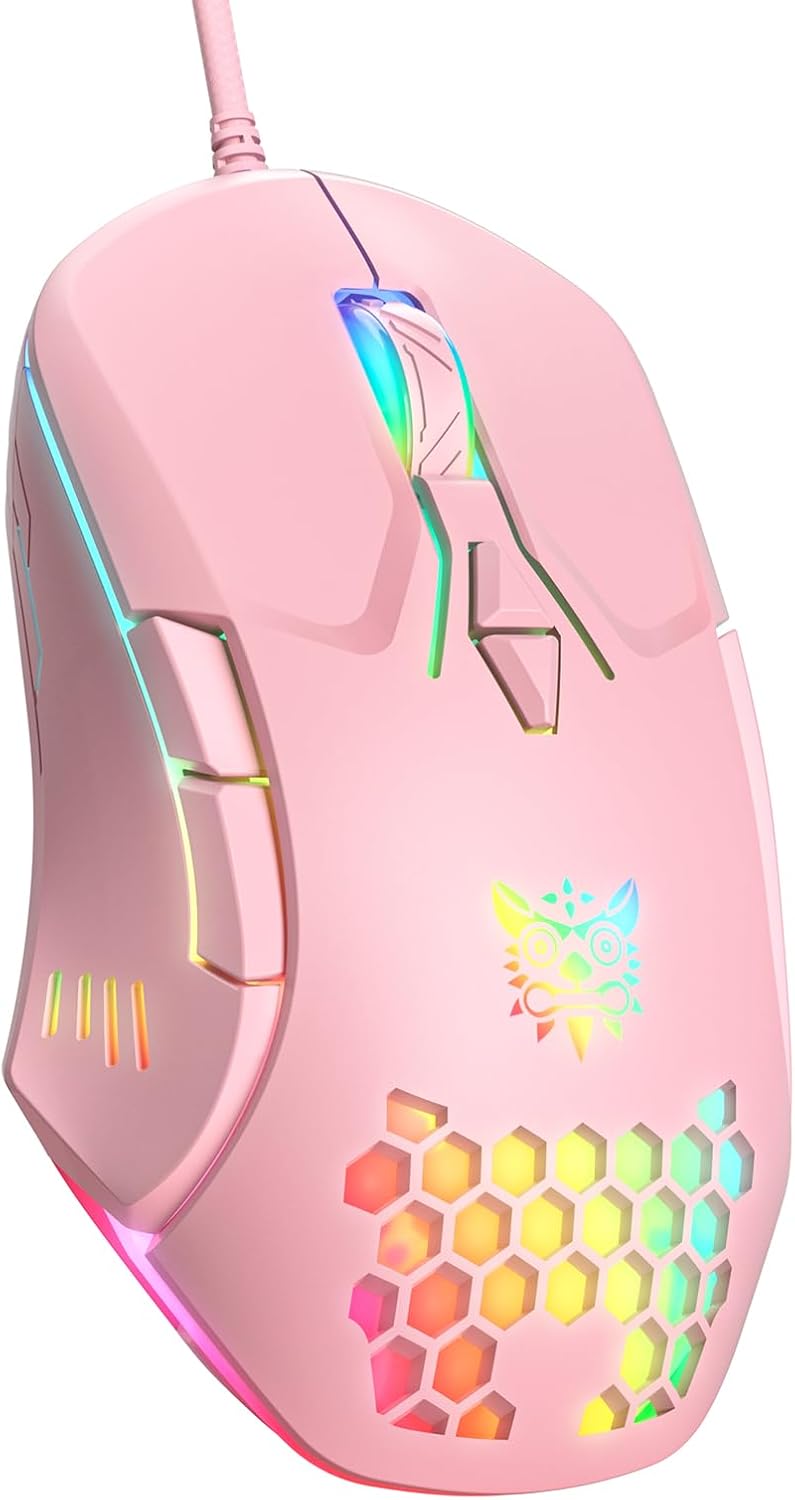
This is a wired PC gaming mouse intended to work across Windows, macOS and Linux. It aims to combine reliable tracking, customisable inputs and ergonomic comfort in a single device. For players who juggle work tasks and late‑night matches, the value proposition is clear: a single mouse that can handle precise aiming in fast games and offer convenient macro options for productivity shortcuts.
How it performs in practice
On the sensor front, the PMW3389 promises precise trajectory tracking with a tactile sense of control during fast moments. The DPI settings provide a straightforward way to match sensitivity to your style, 1200 DPI is a common baseline for both precision tasks and gaming, while 2400 and 3600 DPI offer higher sensitivity for quicker sweeps or higher‑resolution screens. The FPS and MOBA modes claim specific acceleration and anti‑shake behaviours, though you should treat those modes as helpful presets rather than guarantees of peak performance across every title.

Design and comfort
The mouse is designed around an ergonomic palm grip with a textured, skin‑friendly coating and a ‘dragon ridge’ curve described as comfortable over extended sessions. The surface uses a frosted texture, and there is a nano‑texture touch on the thumb area’s extra button to improve blind operation accuracy. For long gaming or work sessions, the claimed 72‑hour lab polish on the palm rest hints at a surface feel that sustains comfort, but real‑world comfort will depend on your hand size and grip style.
Features that matter
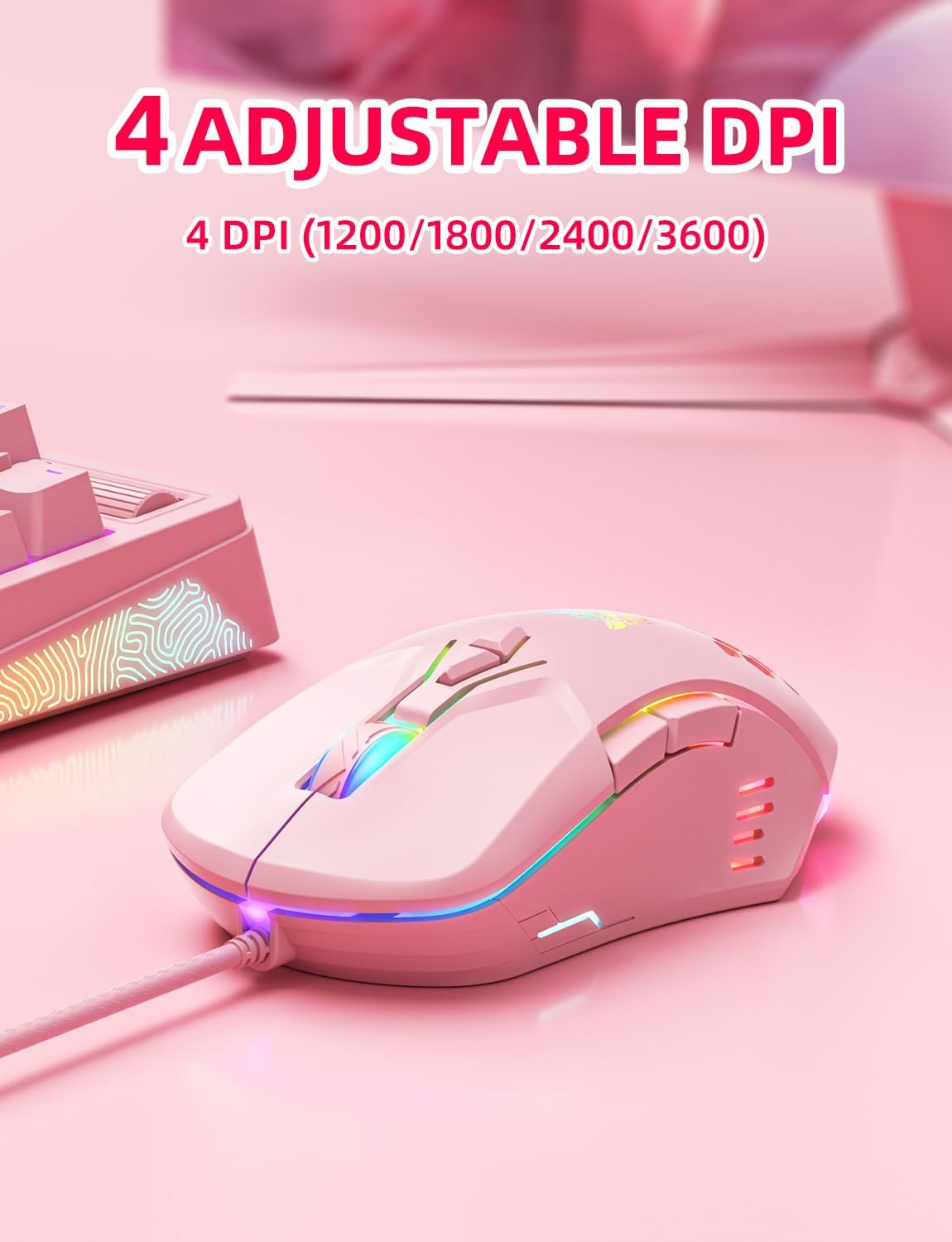
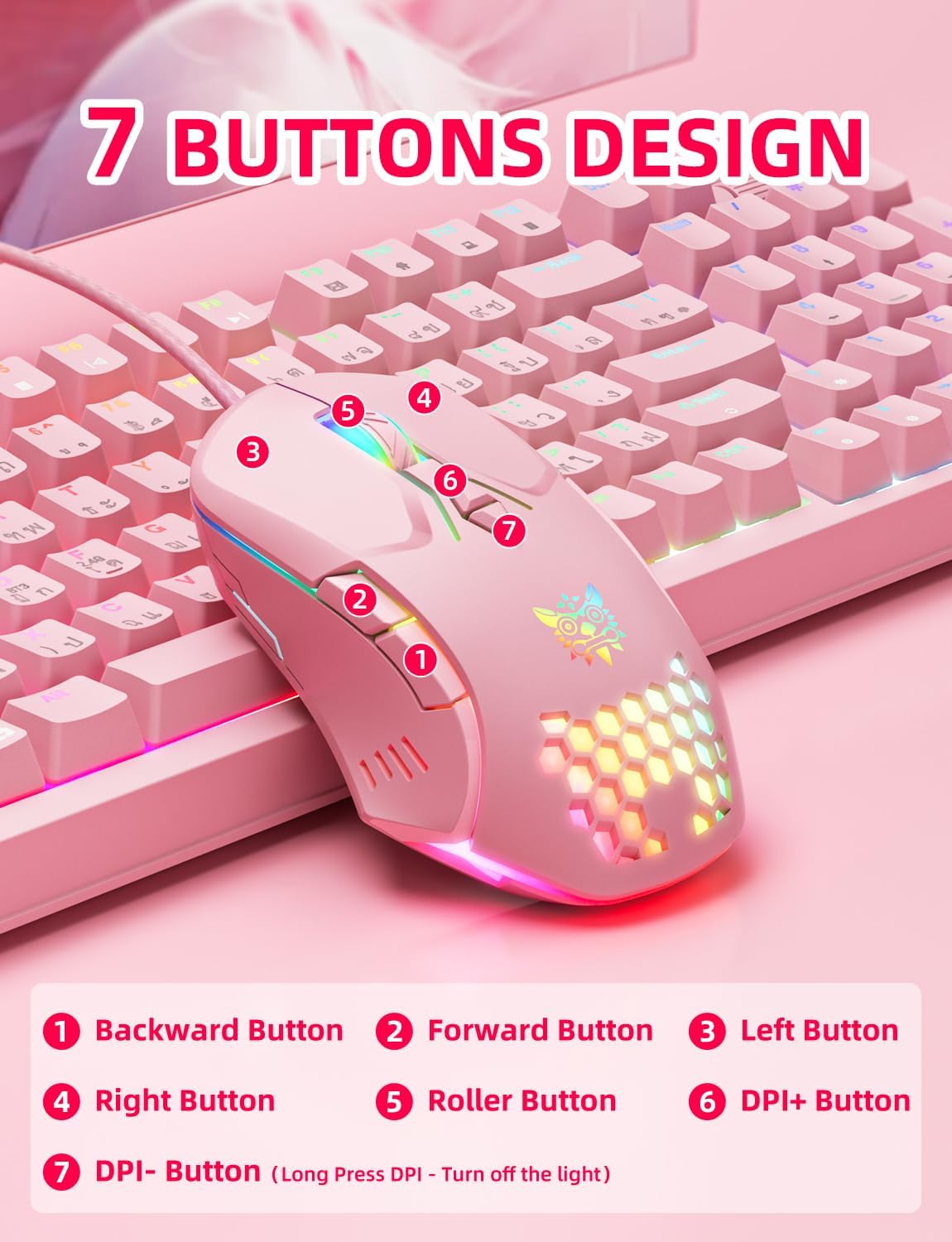
Aesthetically, the RGB lighting is reactive to in‑game rhythm, creating atmosphere without being overpowering. Functionally, you get seven programmable buttons with a claimed 20 million clicks life. The 0.3 ms trigger response is ambitious for a wired mouse, though actual latency will vary by USB controller and system load. The device is ready to plug in and work across major desktop environments thanks to broad OS recognition, but macros and advanced reassignments may require software compatibility checks on non‑Windows platforms.
Compatibility and setup
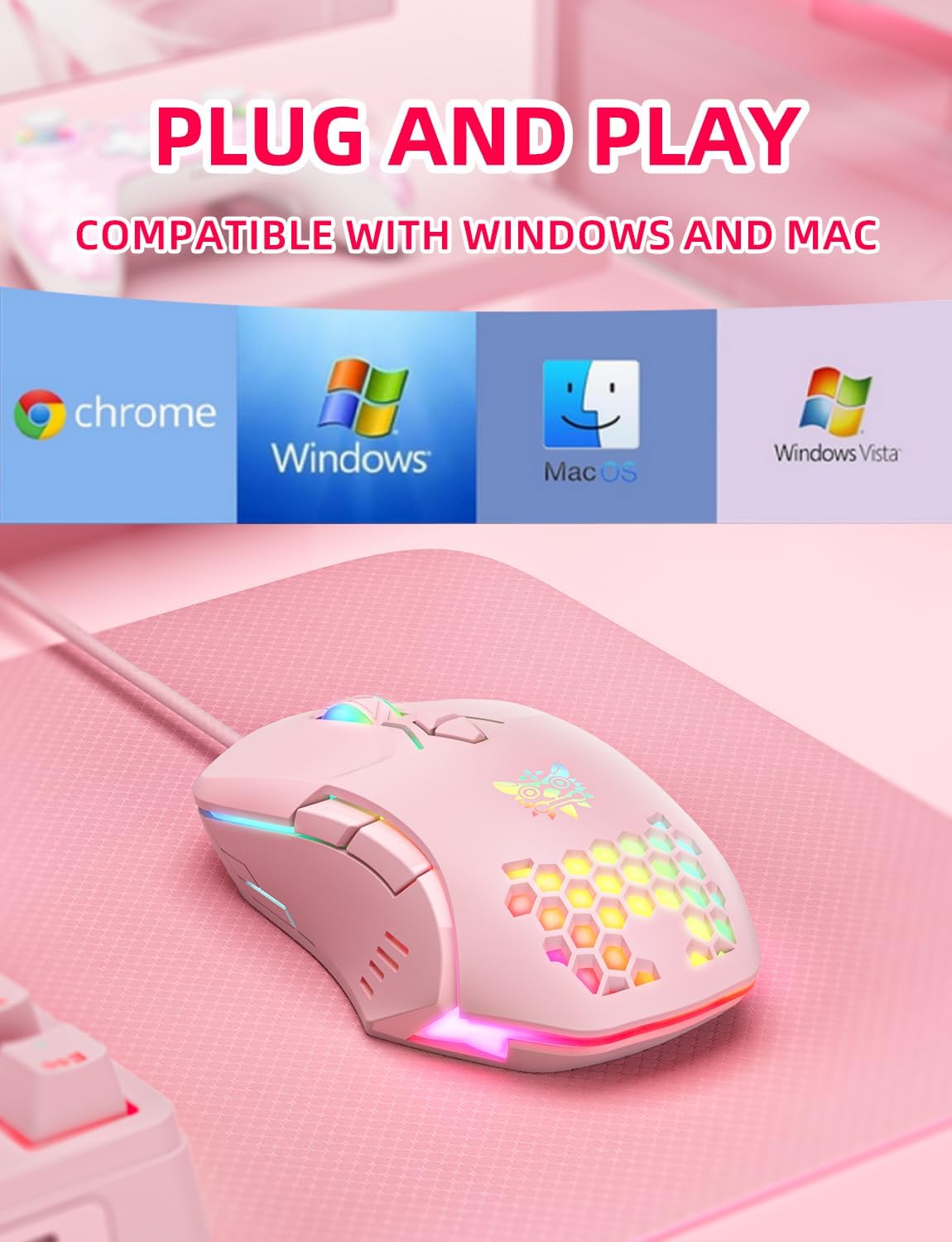
The mouse is described as plug‑and‑play with automatic recognition for Windows, macOS and Linux. This broad support is useful if you have a mixed computer setup or swap between devices. Note that the RGB lighting can be toggled or dimmed by holding the DPI button, and restarting a connected device may reset the DPI to 1200. If you rely heavily on macros, you’ll want to verify how those mappings persist across machines and how easily they can be reconfigured after a system update.
What to check before you buy
- Confirm your primary use case: gaming, work, or a mix. If you prioritise precise cursor placement in FPS titles, test the feel and tracking the DPI presets offer.
- Consider your grip and hand size. The ergonomic claim is helpful, but there’s no substitute for trying a palm‑prominent shape if you have a small or very large hand.
- Check macro needs. If you depend on complex tooling for work or hotkeys for certain games, ensure the 7 keys allow a comfortable, efficient layout for your workflows.
- Compatibility with Linux and Chrome OS environments can vary in practice, ensure essential features behave as expected on your setup.
How this compares to basic alternatives

If you’re choosing between a simple office mouse and a gaming‑focused model like this, the differentiators are the sensor accuracy, the programmable keys and the RGB ambience. For casual play or productivity that doesn’t require intense macro use, a basic wired mouse may suffice. If you want adjustable DPI on the fly and a designed ergonomic shape, this model sits in the mid‑tier spectrum—offering dedicated gaming features without entering premium price brackets.
Practical use example
Imagine finishing a work email batch, then switching to a quick FPS match. You press the DPI switch to a mid setting for precision aiming, while a thumb button triggers a utility macro to switch profiles. The RGB lighting shifts with the game rhythm, helping you stay immersed without needing extra lighting accessories.
FAQ (where information allows)
- Does the DPI setting change persist across reboots? It’s indicated that DPI resets to 1200 on restart, so you may want to reselect your preferred profile after reconnecting.
- Are macros keyboard‑level programmable? The device offers macro access via its 7 buttons, but effectiveness depends on platform support and any accompanying software.
- Is it comfortable for long sessions? The palm‑friendly contour and textured coating are described as helping, but comfort is subjective and depends on grip style.
Final decision
Is it worth it? Worth considering if you want a wired mouse with a sensor that targets precise tracking, a compact macro layout and RGB ambience in a single package. It suits mixed usage—gaming and office tasks—where straightforward plug‑and‑play setup matters and you’re comfortable fine‑tuning DPI and macros as needed. It might not be the best pick if you require advanced software control on Linux or if you need a broader, more granular macro system for complex workflows.
Quick wrap‑up
This wired gaming mouse offers a balanced package: esports‑style sensor, practical DPI options, seven programmable buttons and ergonomic design. It’s a pragmatic choice for users who value responsive input and flexible shortcuts without venturing into high‑end price bands. If you prioritise simplicity and dependable performance across OS platforms, it’s a reasonable option to add to your shortlist.
How to use it day to day
In daily use, you’ll likely switch through the DPI presets as tasks demand—1200 for detailed work, 2400 or 3600 for quicker mouse movements in games—and rely on the seven programmable buttons for frequently used actions, keeping your main keyboard free for typing and navigation.