

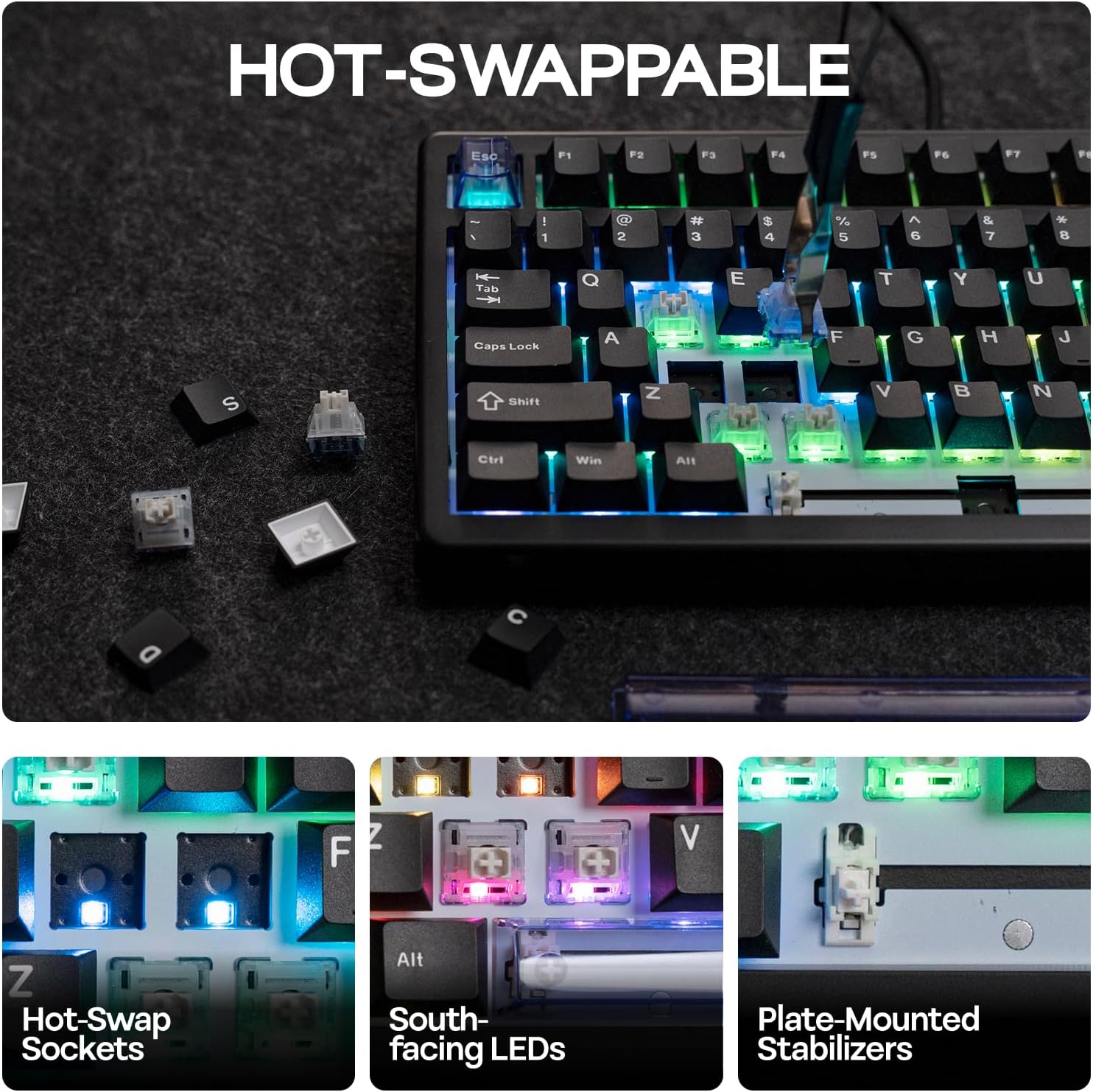
EPOMAKER HE80 Hall Effect Gaming Keyboard with 8K Polling and 32K Scan
Reviews
Price
Product description
What is the EPOMAKER HE80?
The EPOMAKER HE80 is a 75% wired mechanical keyboard designed to maximise desk space while still giving you essential navigation keys. It uses Hall Effect switches described as magnetic and offers features aimed at fast, precise gaming and efficient work. The unit ships with 82 lubed keys, a create-for-gaming layout, and a white chassis with a magnetic linear switch option.
Who is it for?
If you value compact form without sacrificing function, this board targets gamers and power users who want quick key response, customisable lighting, and high polling/scan rates. It’s also suitable for macOS and Windows users who benefit from a programmable keyboard with macro support and per‑key backlighting.
How it feels in use
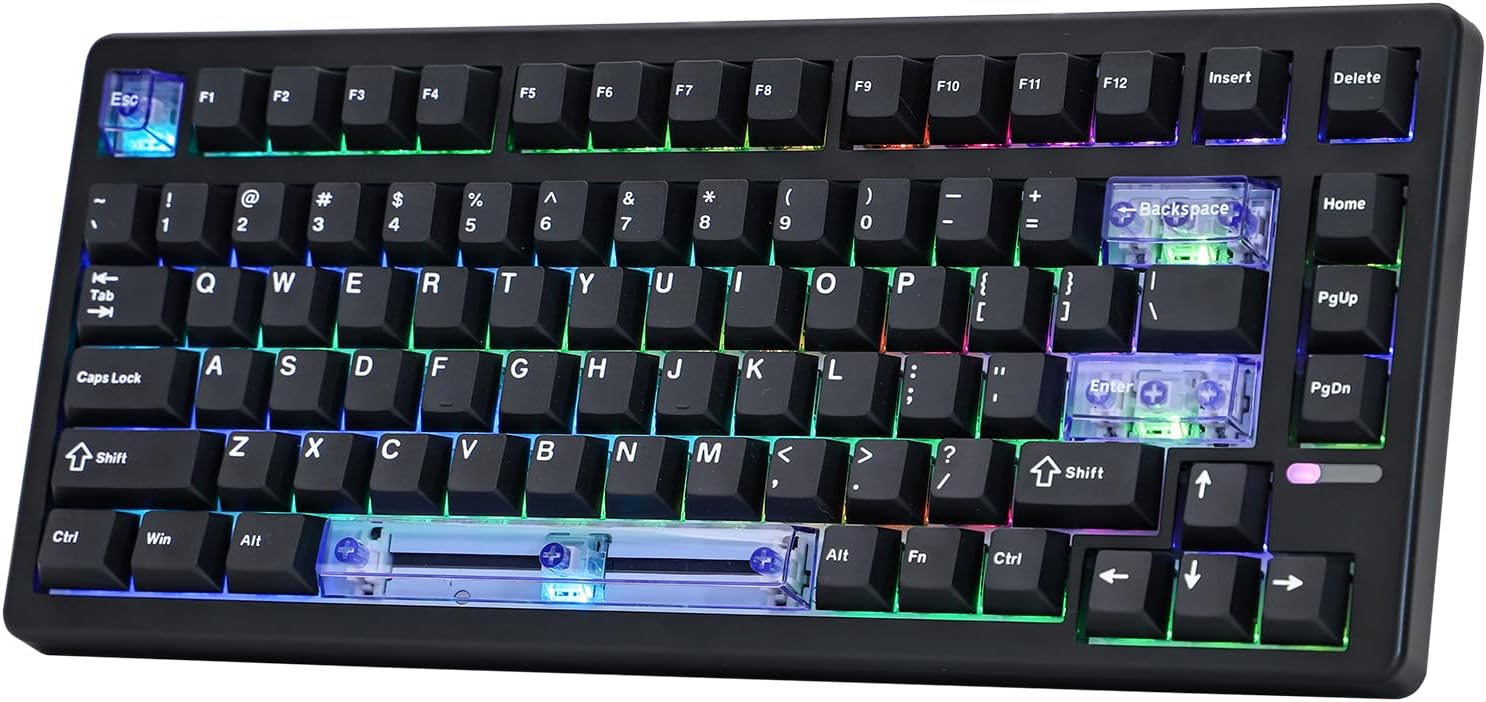
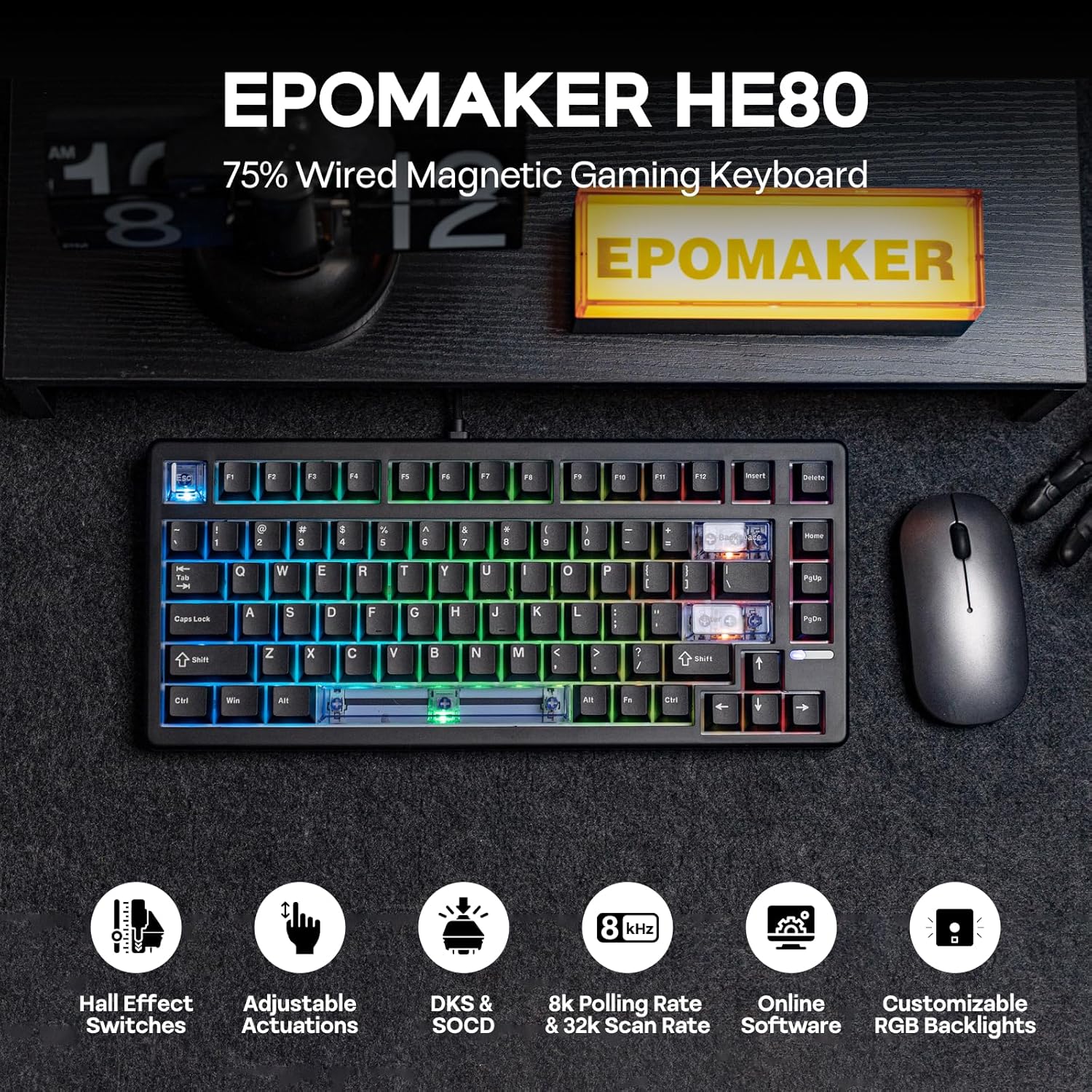
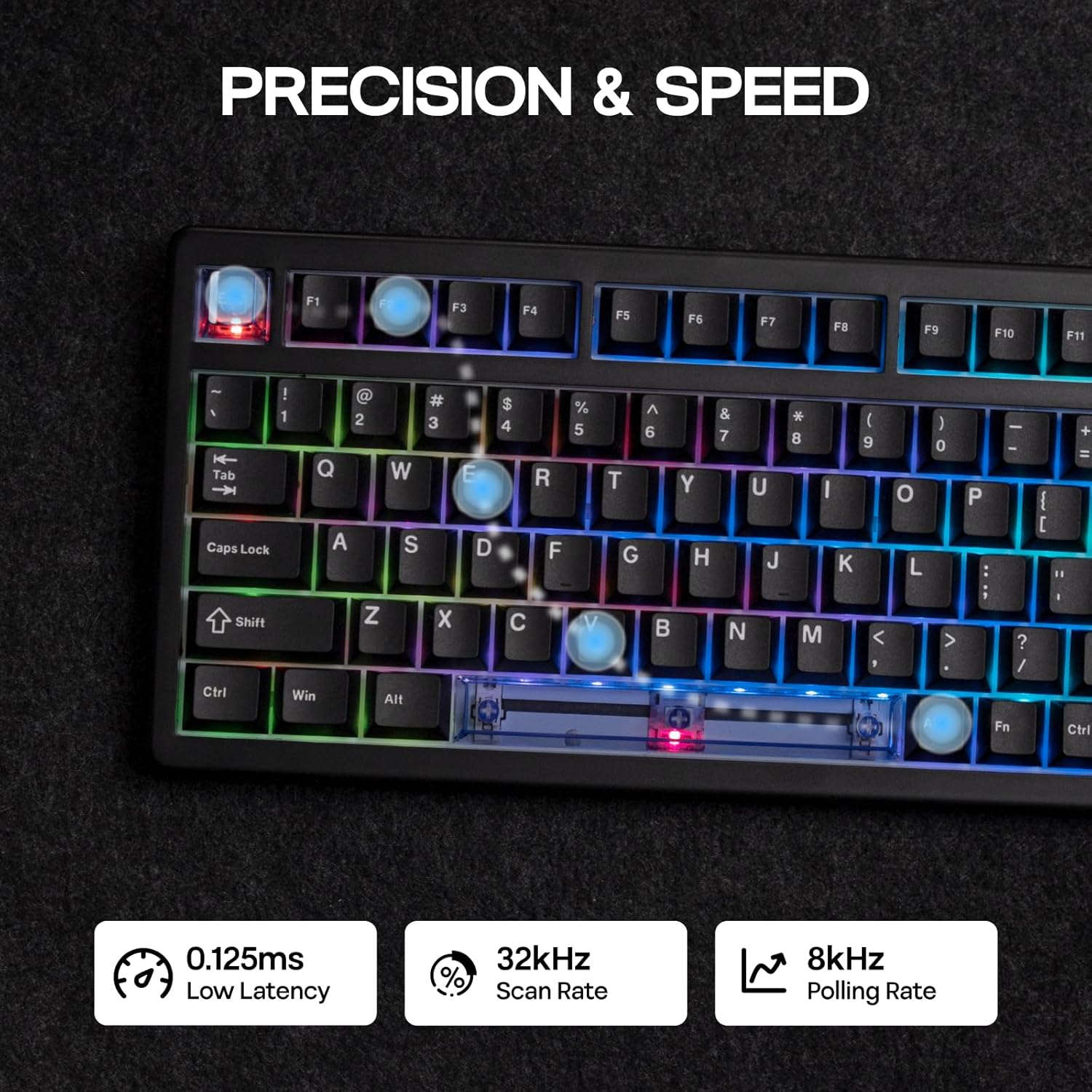
On paper, the HE80 promises very low latency thanks to Hall Effect switches, with actuation travel and end travel adjustable to 0.01 mm. The claim of 8k polling and 32K scan rate suggests extremely frequent key state sampling, which should translate to razor‑sharp input timing in busy game scenarios. The layout includes arrow keys and function keys in a compact form, which helps keep mouse movement unrestricted during play.
What stands out
- Fast, contactless triggering: Hall Effect switches reduce physical wear and potentially latency compared with traditional mechanical switches.
- Highly adjustable actuation: Travel can be tuned in fine steps, enabling a personalised response for fast actions or more deliberate keystrokes.
- High refresh performance on paper: 8k polling and 32K scan rate indicate a focus on responsiveness for demanding games.
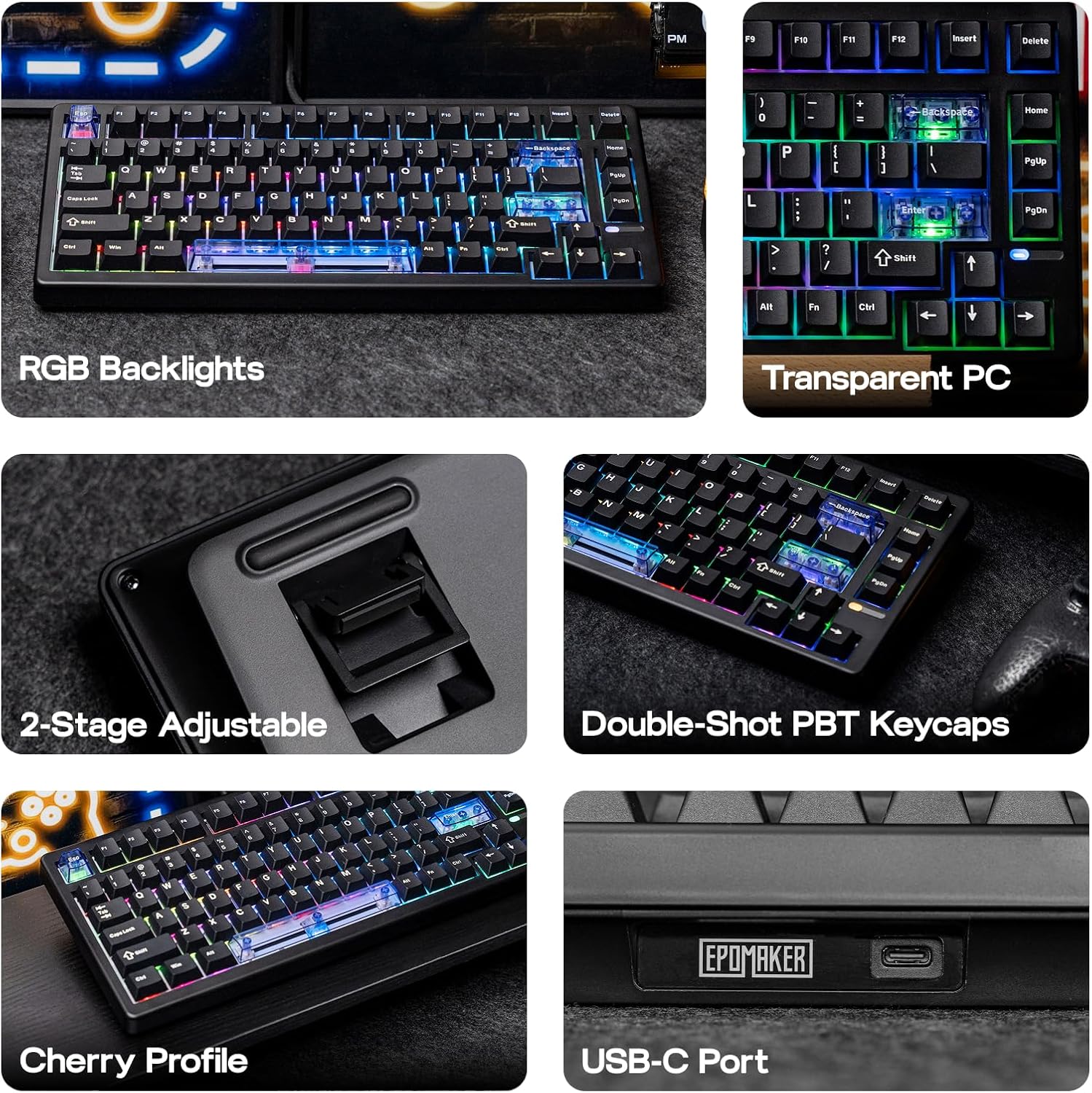
- Dynamic lighting: Programmable RGB backlight with multiple effects lets you customise aesthetics and key visibility in low light.
- Robust keycaps: Double‑Shot PBT keycaps should resist shine and wear, preserving legibility over time.
What may give you pause
- Real‑world latency vs. conventional 1k polling can depend on implementation details and drivers, while the specs look fast, actual in‑game performance depends on how well the system utilises the Hall Effect hardware.
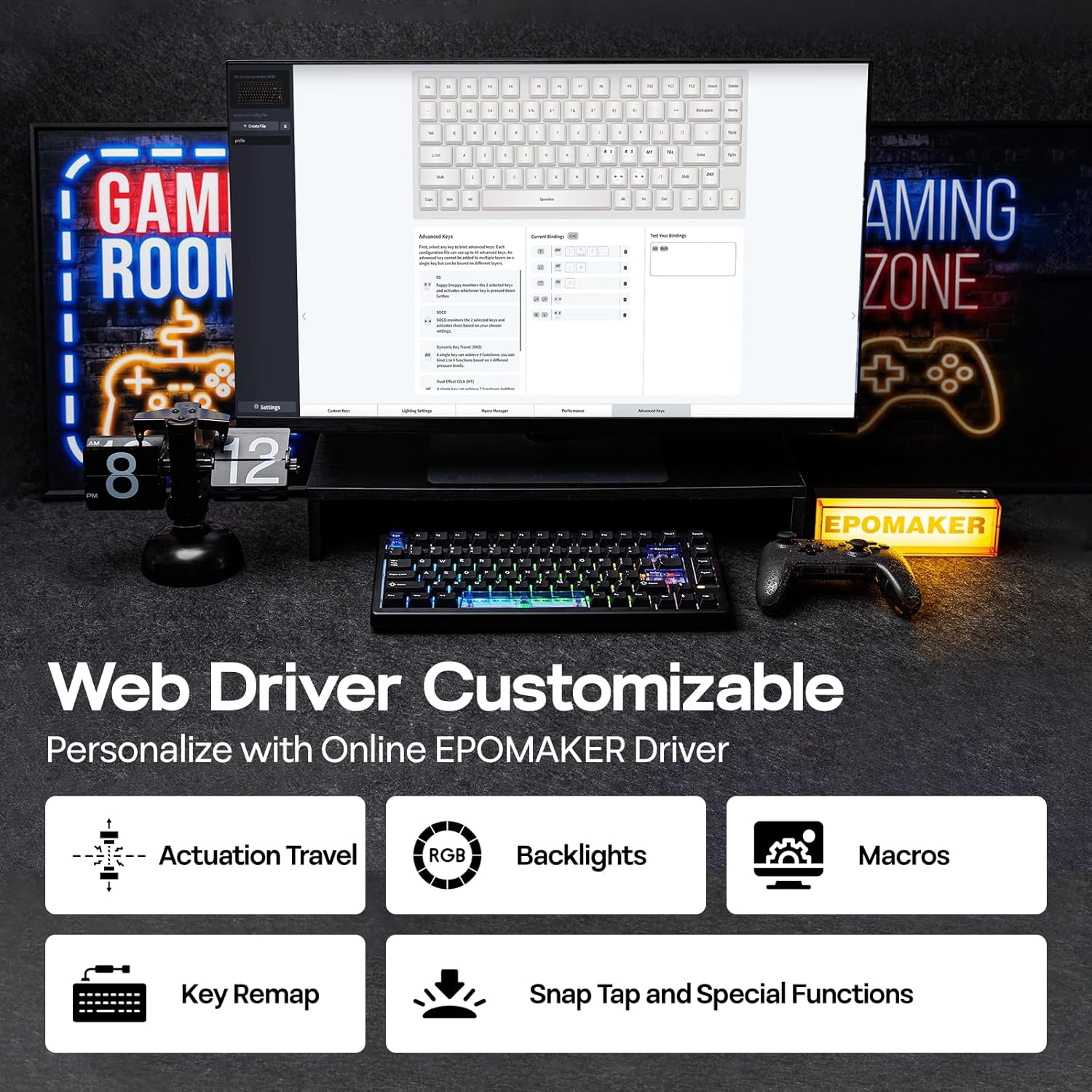
- Software reliance: The driver is described as Chrome‑based, if you favour offline/macOS usage, ensure you’re comfortable with a browser‑based configuration workflow.
- Cleaning and maintenance: As with many high‑spec keyboards, keeping the magnetic switches dust‑free can demand occasional care to maintain smooth travel.
Pros
- Compact 75% footprint with full arrow and function keys.
- Pressing at micro‑steps (0.01 mm) may translate to precise control in fast games.
- Magnetic (Hall) switches with low apparent latency.
- Customisable per‑key RGB lighting and macro capabilities.
- Durable PBT keycaps and a clean white aesthetic.
Cons
- The claimed performance relies on the software and firmware integration, practical results can vary by setup.
- The Chrome‑based driver may feel less native on some systems or in environments where browser performance varies.
- Not the simplest option for users who prefer plug‑and‑play without any software configuration.
How to decide if it’s for you
If you prioritise desk space, tactile precision, and customisable lighting for a dedicated gaming rig or Mac/PC workstation, this keyboard offers a compelling package on paper. It’s likely most appealing to someone who values rapid, programmable actions and enjoys tailoring lighting effects. If you mainly need a straightforward, low‑maintenance keyboard and value a plug‑and‑play experience, you might find the extra setup a little more than you want.
What to check before buying
- Compatibility with your OS and whether you’re comfortable with the driver interface for macros and lighting.
- Your preference for a 75% layout versus a larger or more minimal form factor.
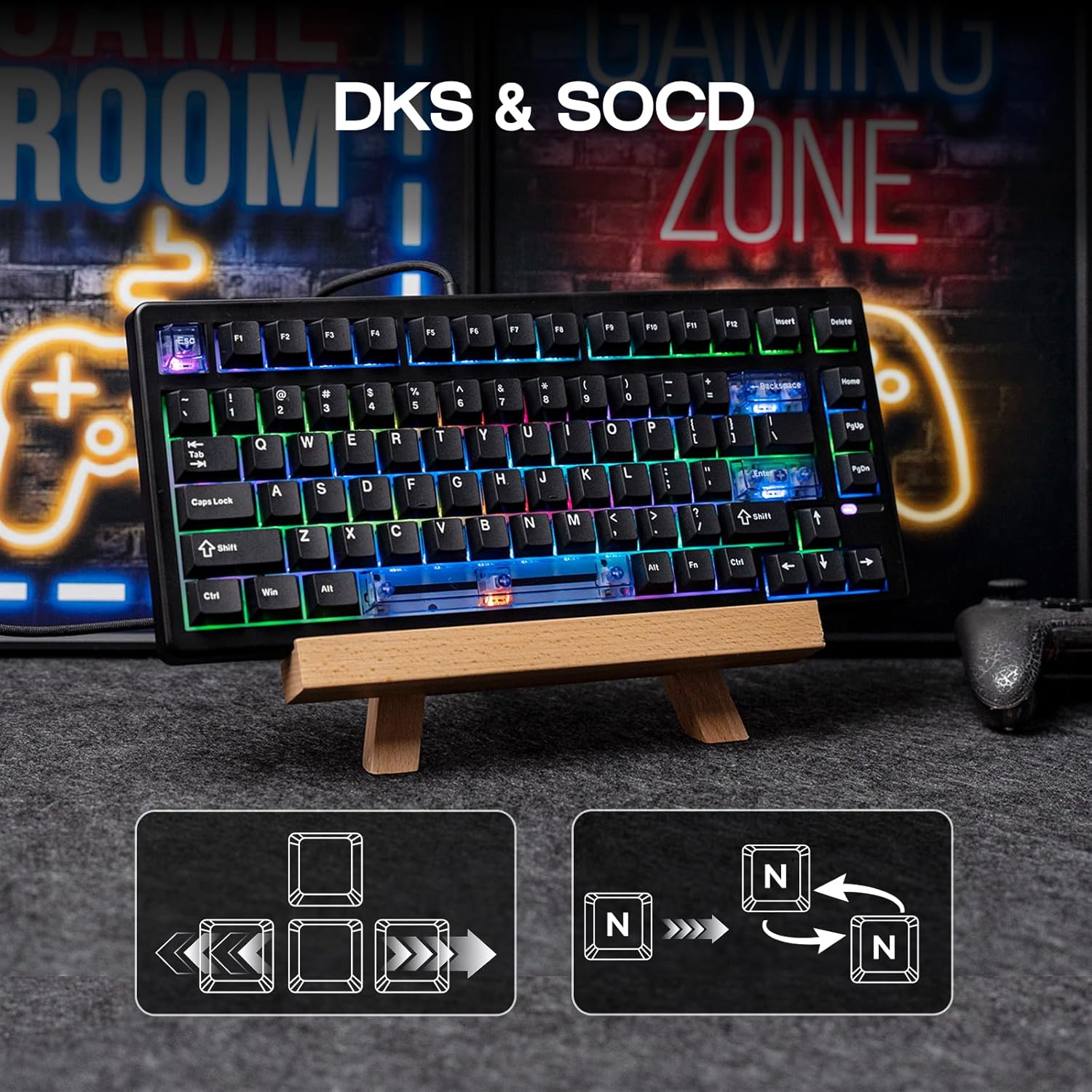
- Whether you need SOCD or DKS features in your gaming workflow and how you intend to program actuation travel.
- The type of keycaps you prefer and whether the included double‑shot PBT caps suit your typing style.
Practical use case
Imagine a fast‑paced FPS where you need quick strafe and dash, alongside precise aiming. The HE80’s fine travel adjustability could help you tailor trigger points so that you activate commands exactly when you intend, not a fraction sooner or later. The per‑key backlighting can help you locate critical keys in a dim room, while the compact footprint keeps your mouse space ample for quick flicks.
How it compares to alternative approaches
In this category, you’re weighing compact layouts with high‑end actuation against more traditional boards. If you favour maximum desk space and tactile, near‑zero dead zones, the HE80 presents a different value proposition than standard 60% or full‑size keyboards. It sits in the middle of space efficiency and feature depth, which makes it a good fit for enthusiasts who want programmable options without a bulky chassis.
Buying decision
Should you buy it?
Worth considering if you want a compact, highly programmable keyboard with fast input timing and strong backlit customisation.
When it makes sense to buy
When you play fast‑paced titles and need reliable keystroke registration, plus a compact layout that leaves room for mouse movement.
When you might want to skip
If you prefer a straightforward, out‑of‑the‑box experience with minimal setup or you’re not planning to use the software features, a simpler keyboard could suit you better.
Who it’s for
Gamers who value precision, macro capability, and a space‑saving design, plus users who enjoy personalised backlighting tailored to their workflow.
Who should avoid
Those who prioritise absolute plug‑and‑play simplicity or who work primarily on non‑gaming tasks that don’t benefit from programmable features.
FAQ
- What is the benefit of Hall Effect switches? They offer contactless triggering and potential for very fine actuation adjustments, which can improve precision in rapid sequences.
- Do I need the Chrome‑based driver to use the keyboard? The product description mentions a Chrome‑based driver, you may need it to fully access macros, actuation travel settings, and lighting presets.
- Is the keyboard suitable for Mac users? The description notes compatibility with Mac along with Windows, check whether the driver supports macOS features you rely on.
Final note
If you prioritise a compact footprint, nuanced actuation, and programmable lighting, the EPOMAKER HE80 offers an ambitious feature set. It isn’t a universal solution for every setup, but for desks where space is tight and precision matters, it could be a strong contender. You’ll want to factor in the software workflow and how much you value the high polling/scan specs in real‑world play.