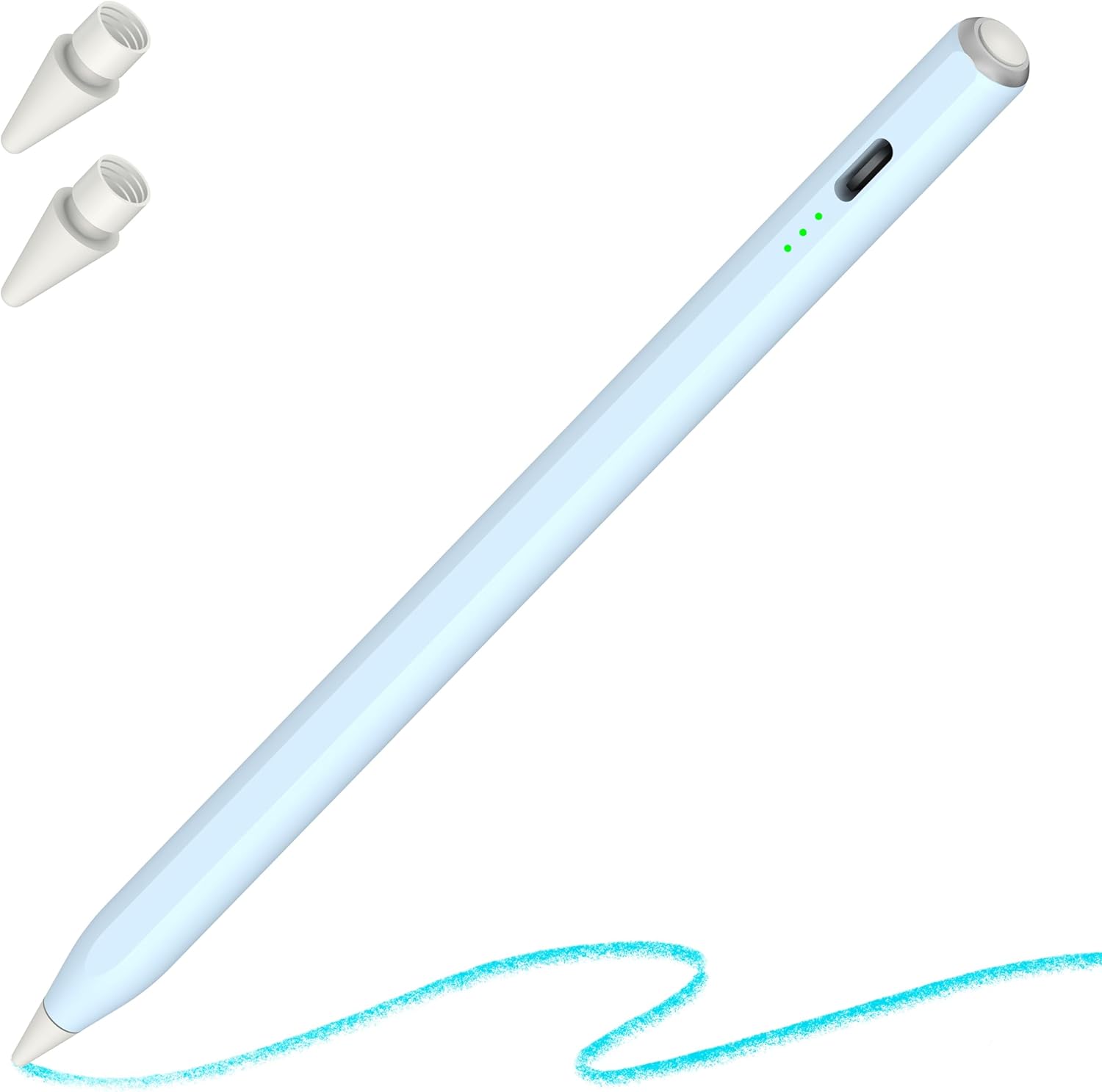
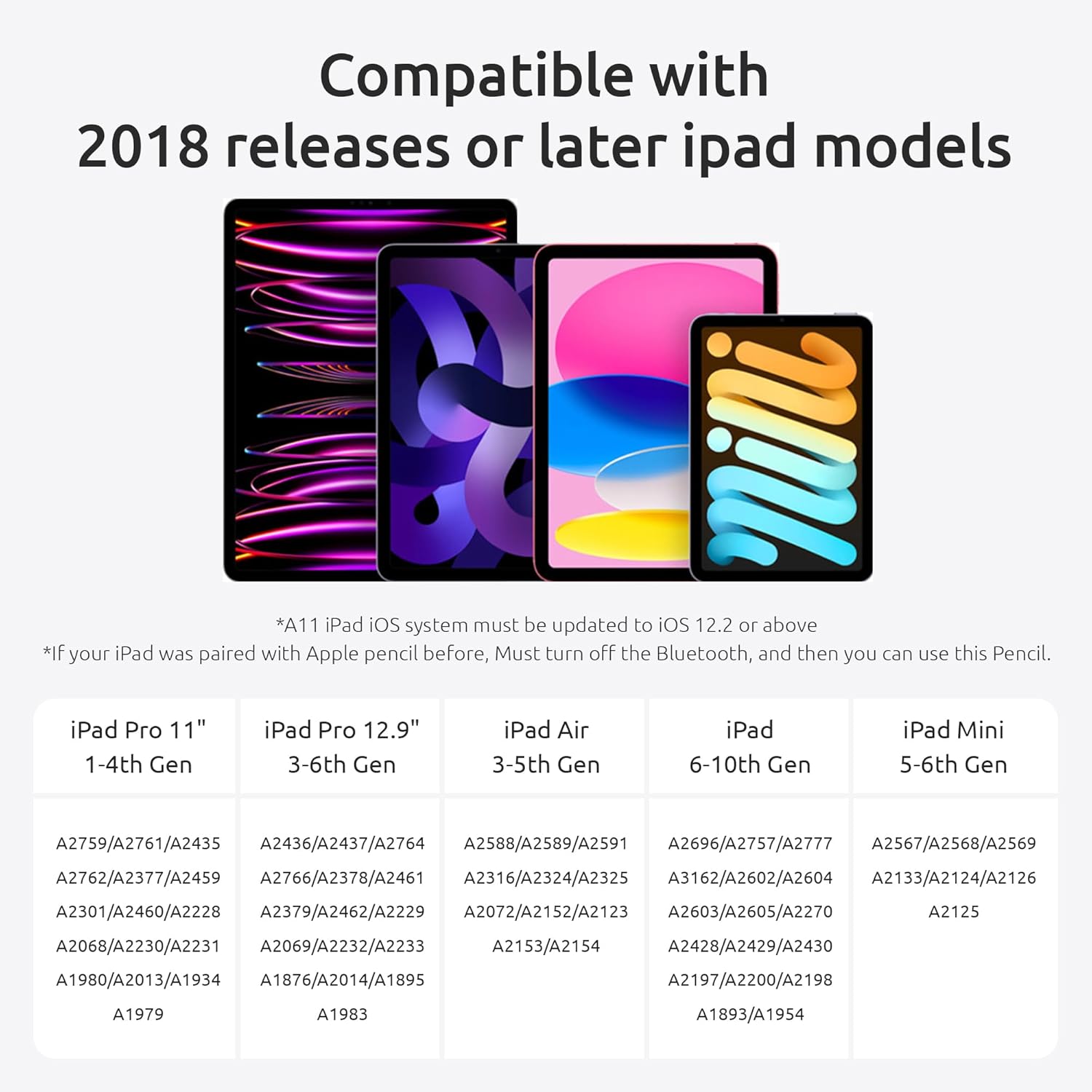
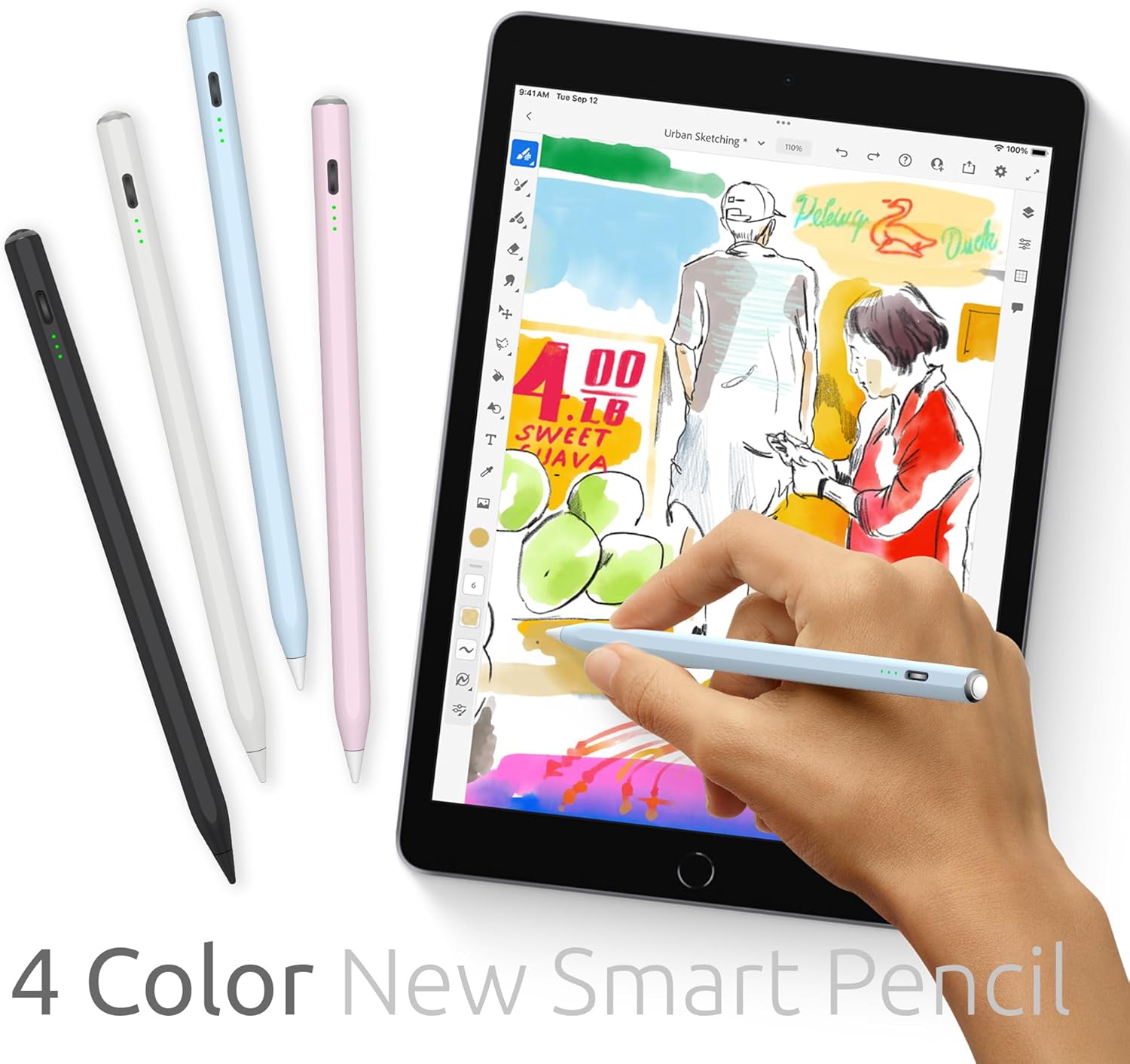
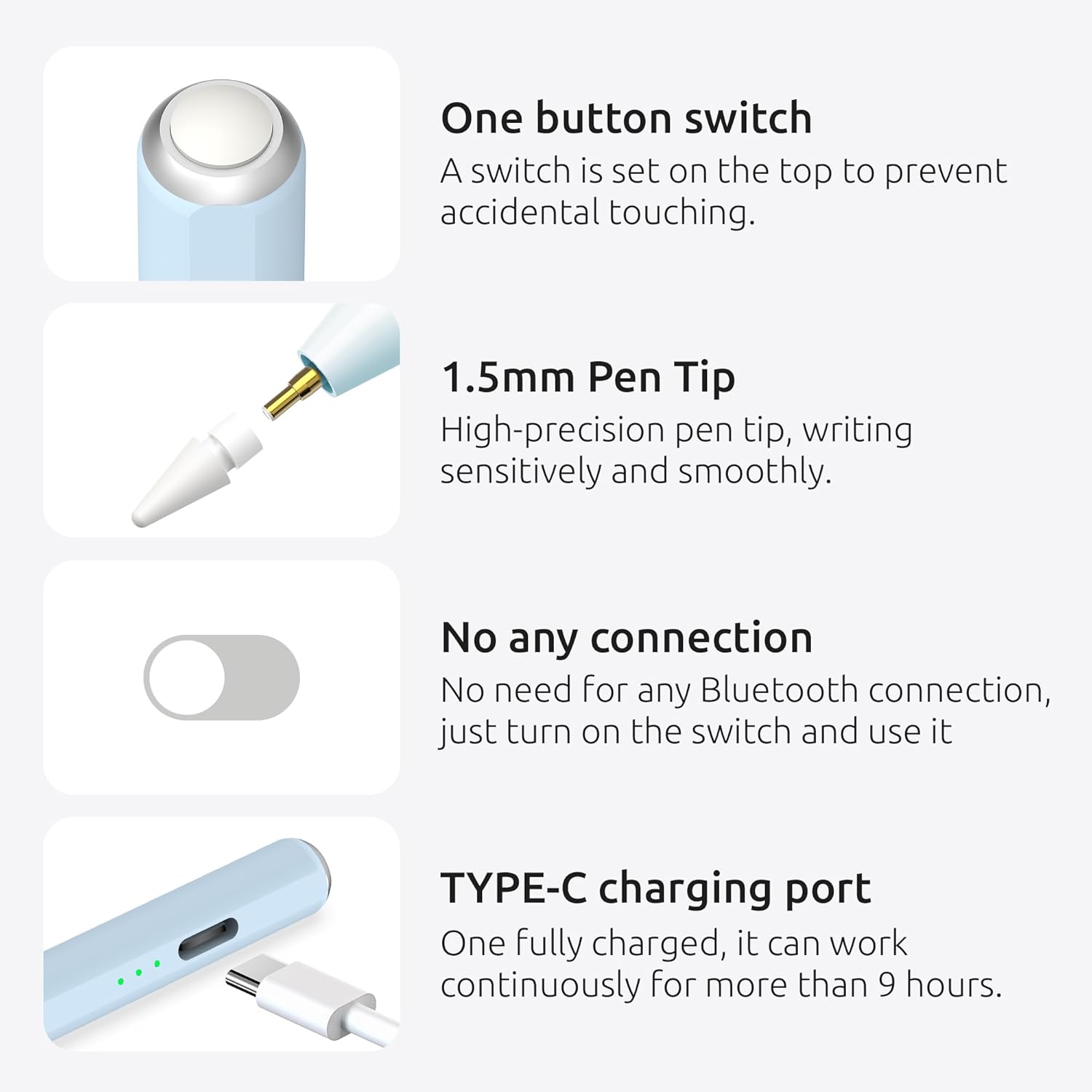
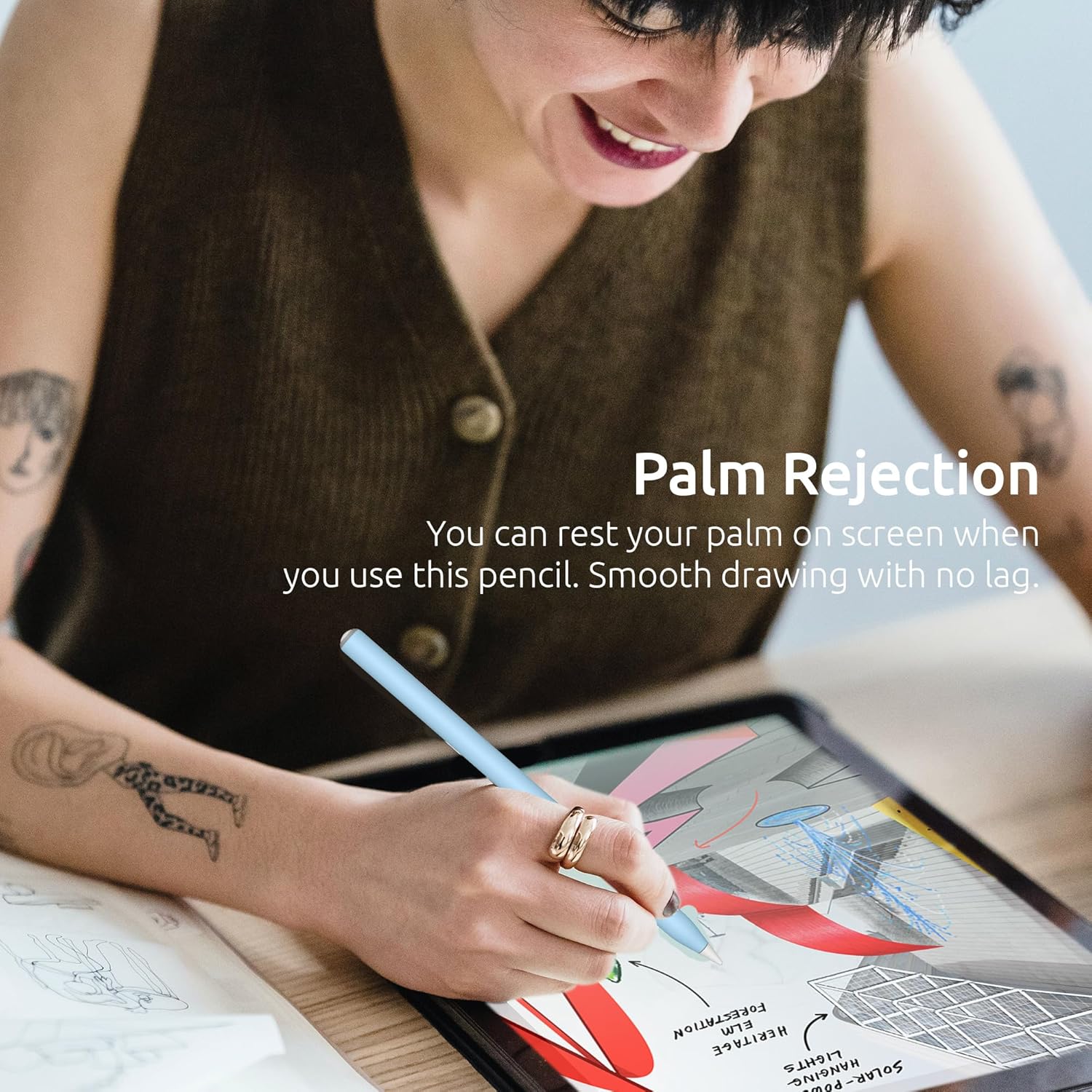
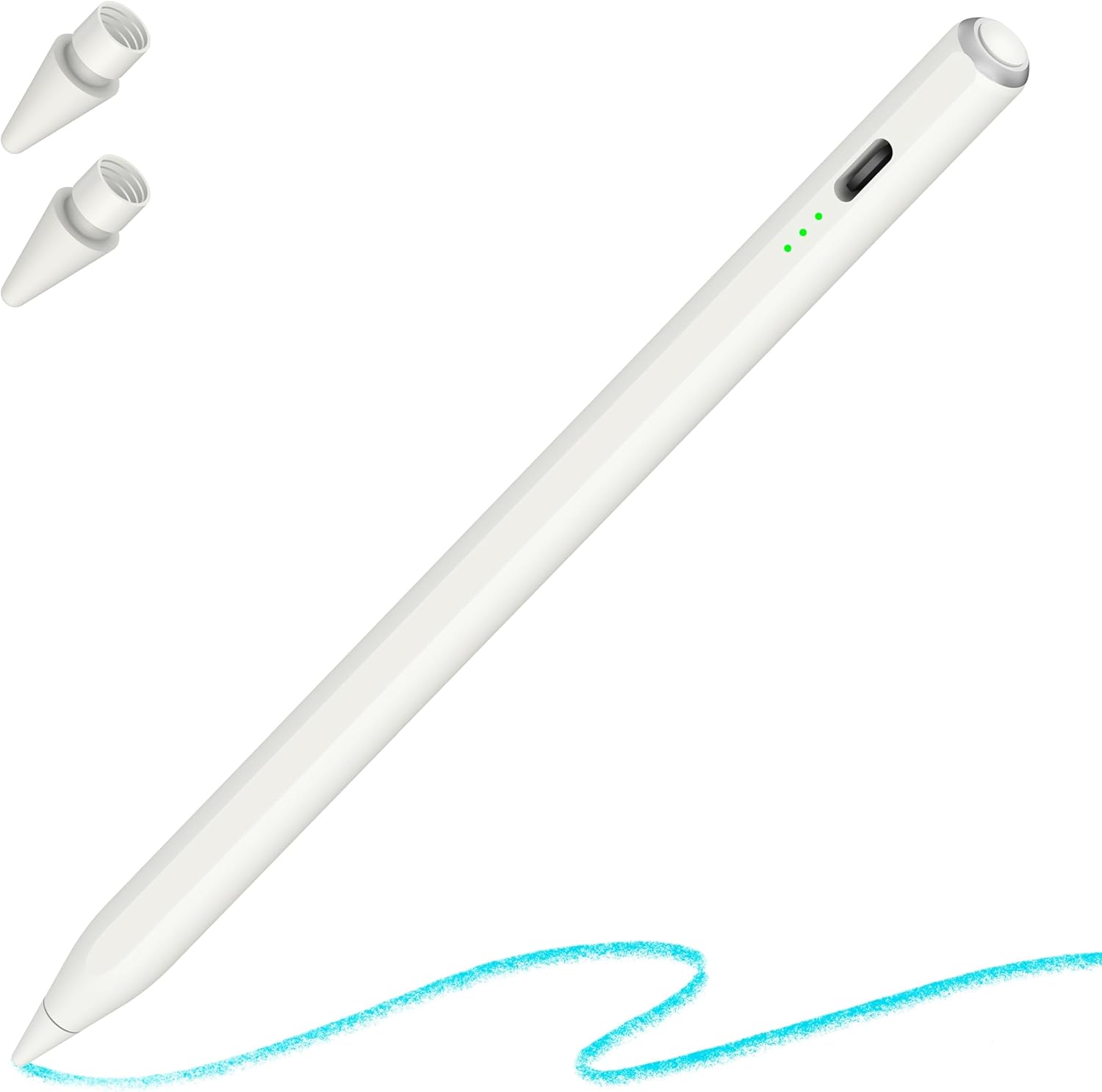
What it is and what it solves\nIf you’re looking for a practical alternative to the Apple Pencil, this stylus pen offers a simple, wireless experience for drawing and writing on iPad devices. It works without Bluetooth, which means fewer setup steps and fewer things that can go wrong when you just want to sketch or take notes.\n\n## Compatibility and setup on paper terms\nThe pen is designed to work with a wide range of iPad models released from 2018 onward. On the back of your iPad, check the model code starting with Axxxx to confirm compatibility. This can help you avoid surprises if you’re juggling several devices at home or in a shared workspace.\n\n## Palm rejection and tilt drawing\nA significant practical benefit is palm rejection, so resting your hand on the screen won’t disrupt your writing or drawing. Tilt sensitivity lets you vary line width and shading by changing the angle of the stylus, enabling more expressive sketches or nuanced notes. The nib is described as soft and aimed at reducing noise, which helps when you want a smooth, quiet drawing experience.\n\n## Battery life and power use\nPower is straightforward: turn the pen on and off with a click, and it will automatically switch off after about five minutes of inactivity to conserve battery. This makes it handy for quick bursts of note‑taking between meetings or while travelling.\n\n## What you get and value for money\nIn the box you receive the stylus plus two replacement nibs, which is useful if you use the pen frequently. It’s pitched as a good alternative to the original Apple Pencil, particularly if price is a concern or you want a device that works with more iPad versions.\n\n## Pros and practical limits\nWhat stands out is the broad compatibility and ease of use—no Bluetooth pairing, just plug in and go. On the downside, the description doesn’t detail pressure sensitivity or advanced features beyond palm rejection and tilt. If you’re after a premium, highly precise drawing tool, this may feel more mid‑range rather than a direct premium substitute.\n\n## Who it’s for\nIt suits students, hobbyists, and professionals who value a straightforward, compatible stylus for note‑taking, sketching, or annotating documents across multiple iPad models, without the need for Bluetooth pairing or an extra charging setup. It’s less compelling if you require sophisticated pressure sensitivity or integration with specific apps that rely on advanced stylus features.\n\n## Before you buy: key checks\n- Confirm your iPad model code begins with Axxxx on the back.\n- Decide whether you prefer a simple, no‑fuss stylus over a feature‑rich pen.\n- Consider how often you’ll replace nibs and whether the two included nibs meet your usage patterns.\n\n## Practical use case\nImagine jotting notes during a long lecture: you pop the pen on, write directly on the screen, and your hand rests naturally without mis‑scribbles thanks to palm rejection. If you need a quick doodle or shadowing effect, tilt the pen to vary line width, then tuck it away when you’re done.\n\n## What to compare with (in your mind)\nCompare to a basic stylus that requires Bluetooth or a dedicated app for full functionality. This option emphasises simplicity and broad compatibility, rather than pushing feature‑heavy drawing modes.\n\n## FAQ\n- Is this compatible with iPad Pro and iPad mini? Yes, it’s described to work with a wide range of iPad models post‑2018, but always check the Axxxx model code to be sure.\n- Do I need Bluetooth to use it? No, it works directly without Bluetooth pairing.\n- How do I save battery? It automatically powers down after five minutes of inactivity.\n- What if the nib wears out? The package includes two replacement nibs for convenience.\n- Does it have pressure sensitivity? The description mentions tilt and palm rejection but does not confirm pressure sensitivity. If pressure sensitivity is important to you, this is a detail to verify before purchasing.\n\n## Decision point: Should you buy it?\nWorth considering if you want a straightforward, broadly compatible stylus with tilt support and palm rejection, at a price point that’s likely more accessible than some alternatives. It may be less ideal if you require advanced pressure control or guaranteed compatibility with every single iPad model.